Customer Ratings & Reviews
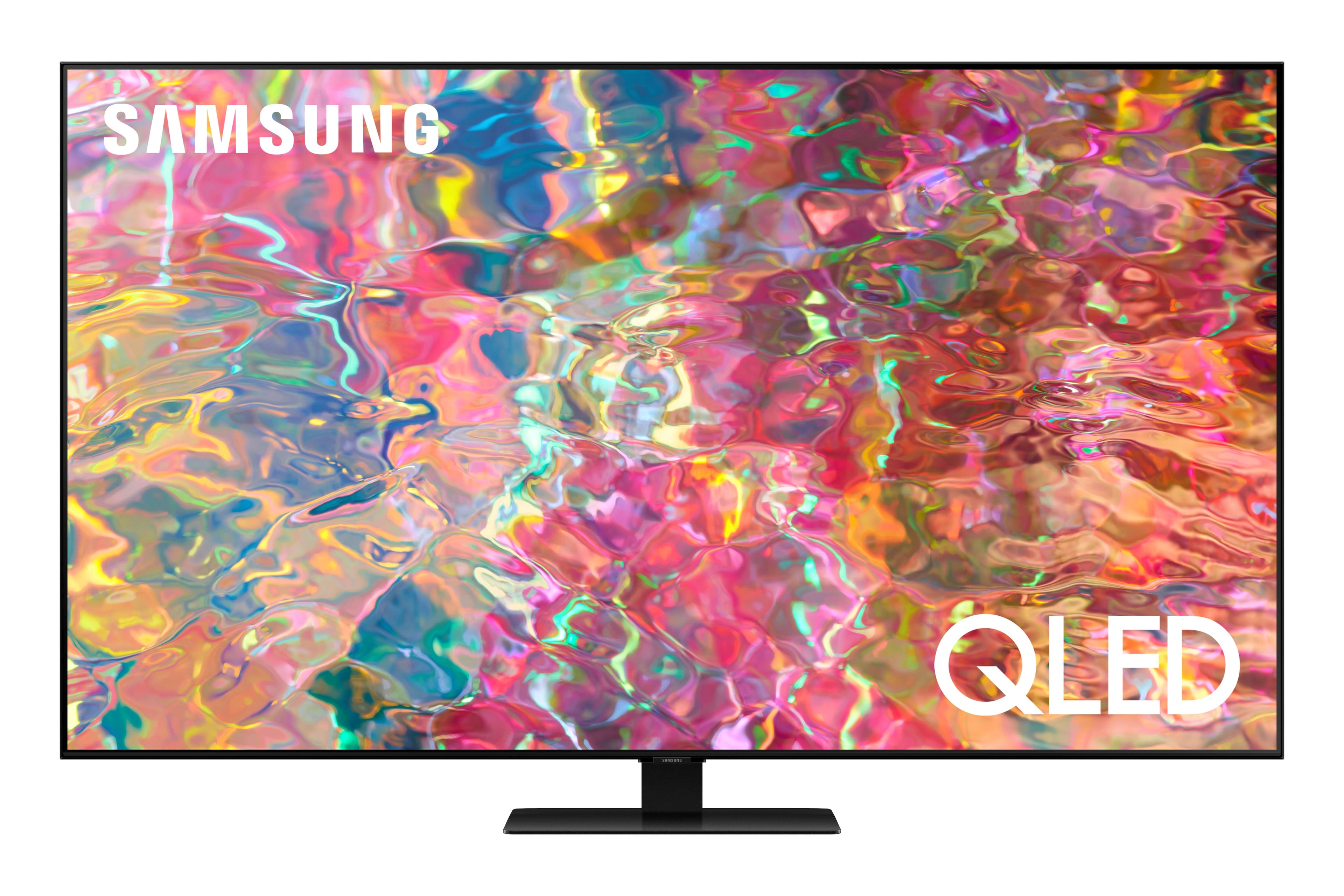
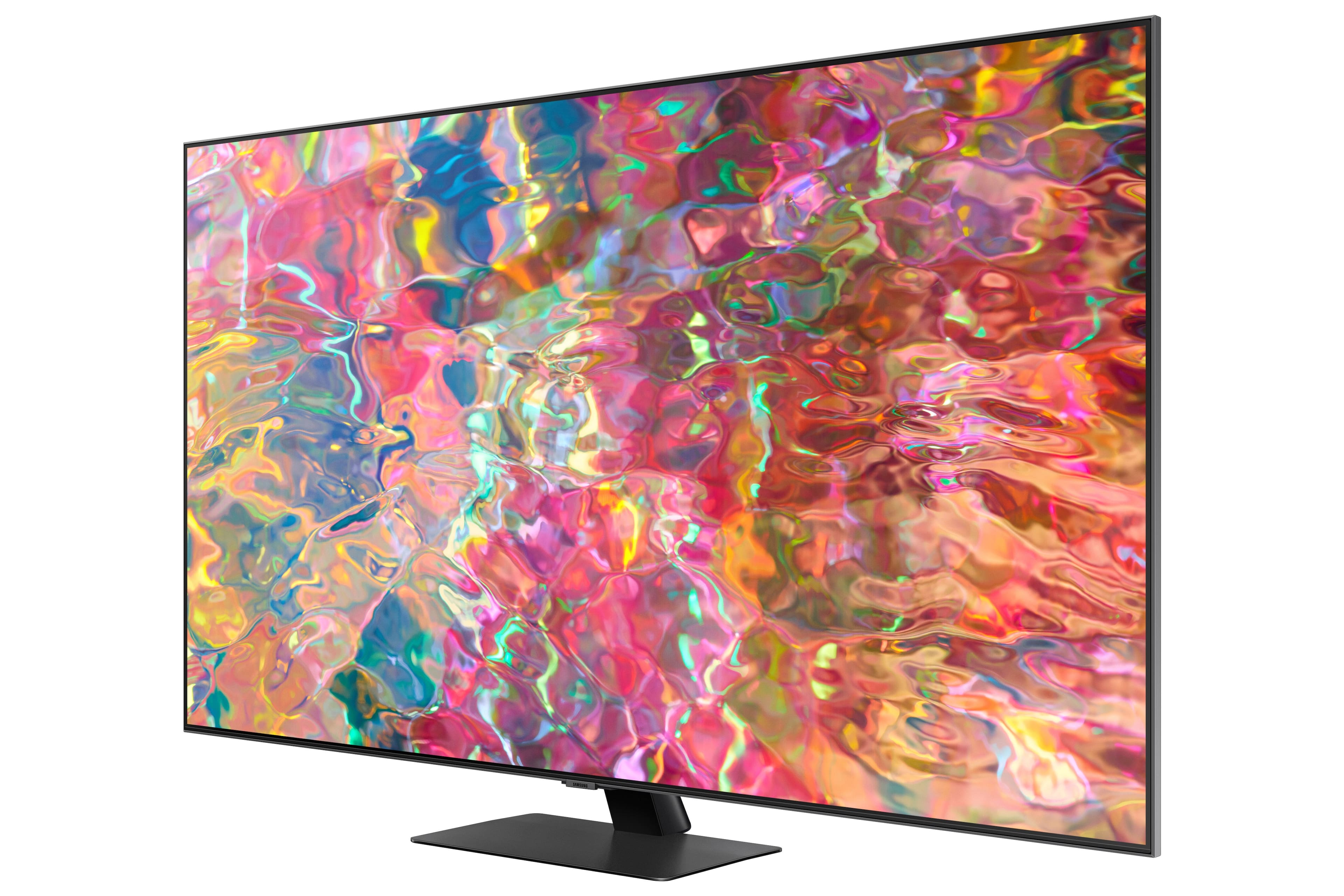
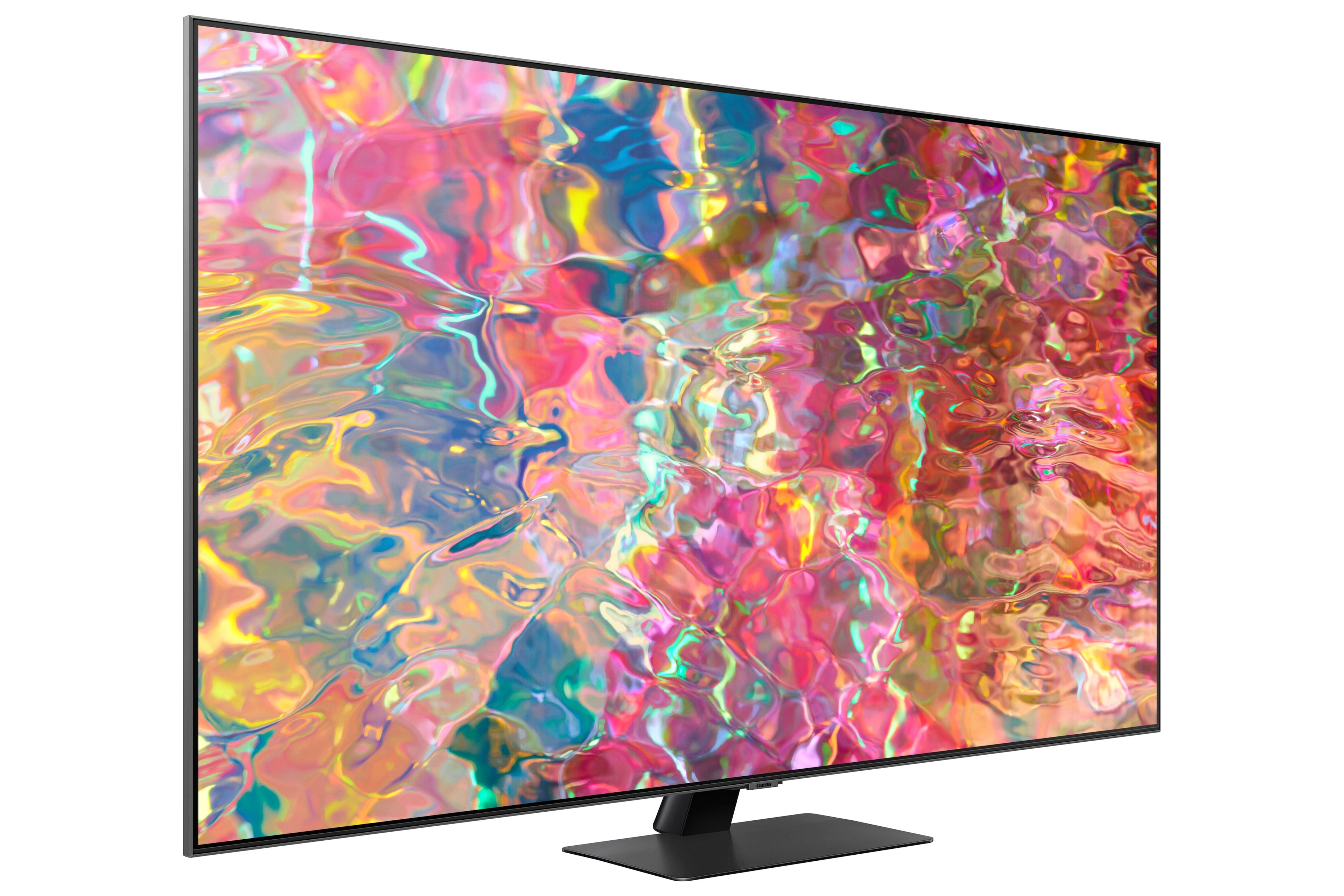
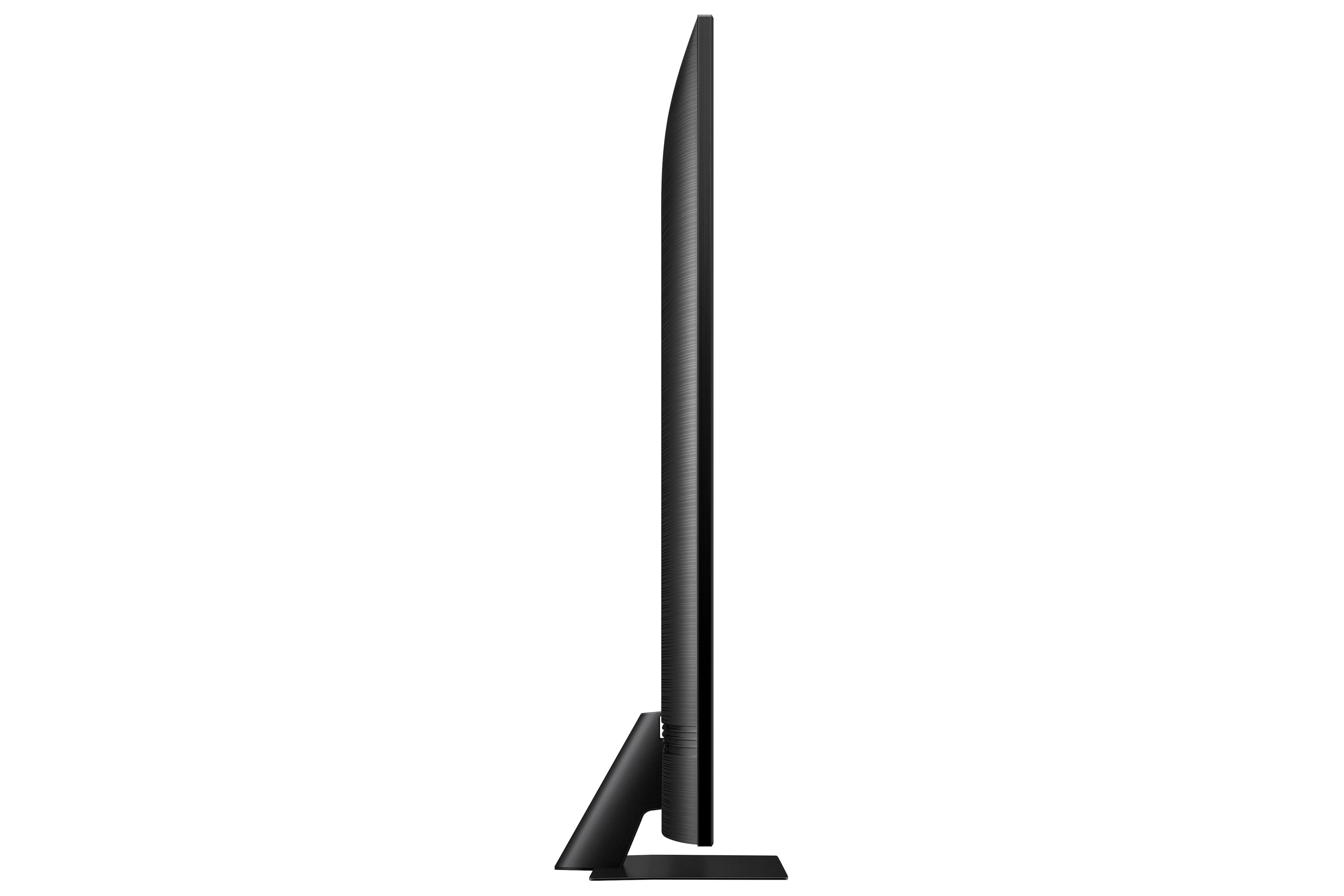

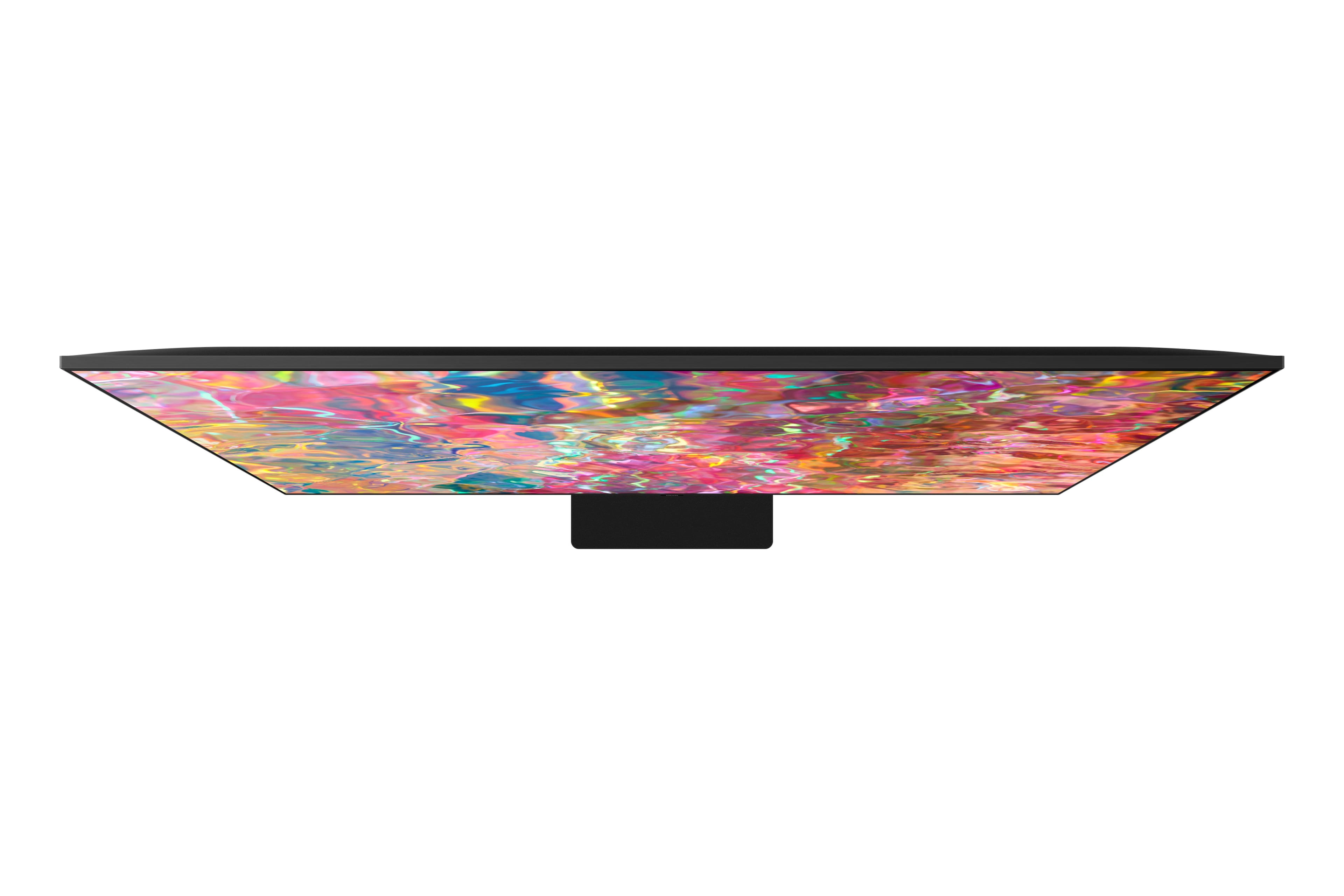
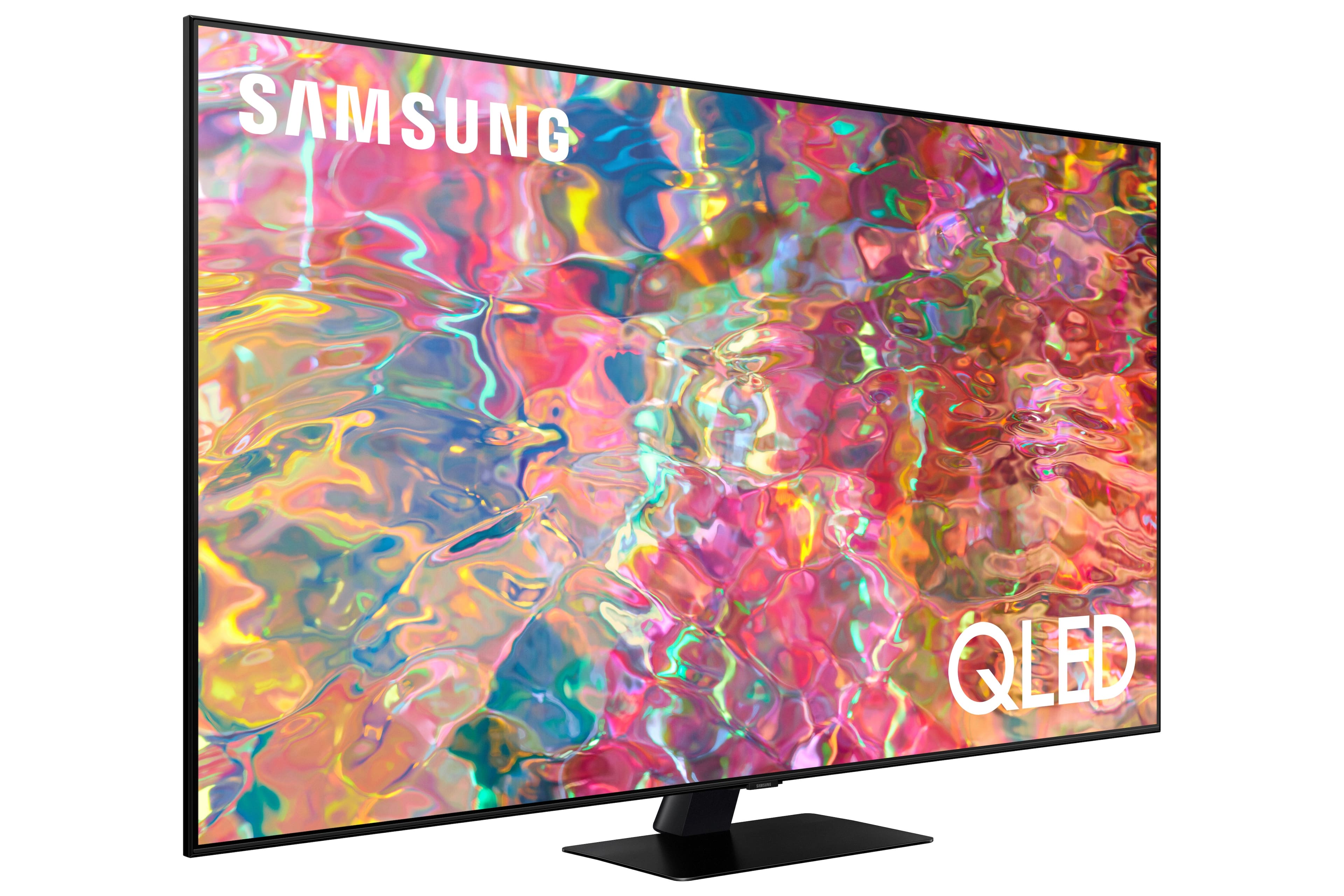
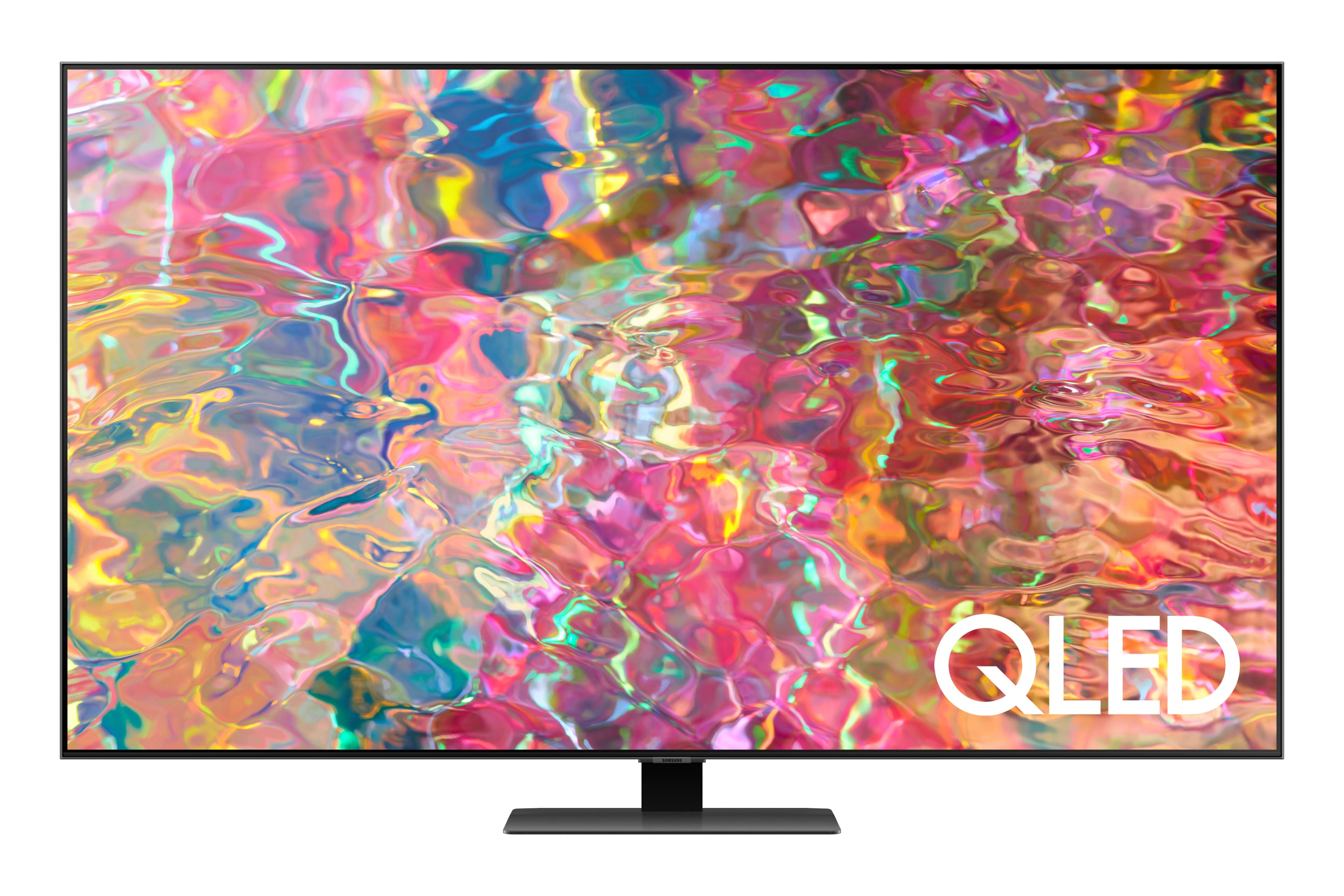
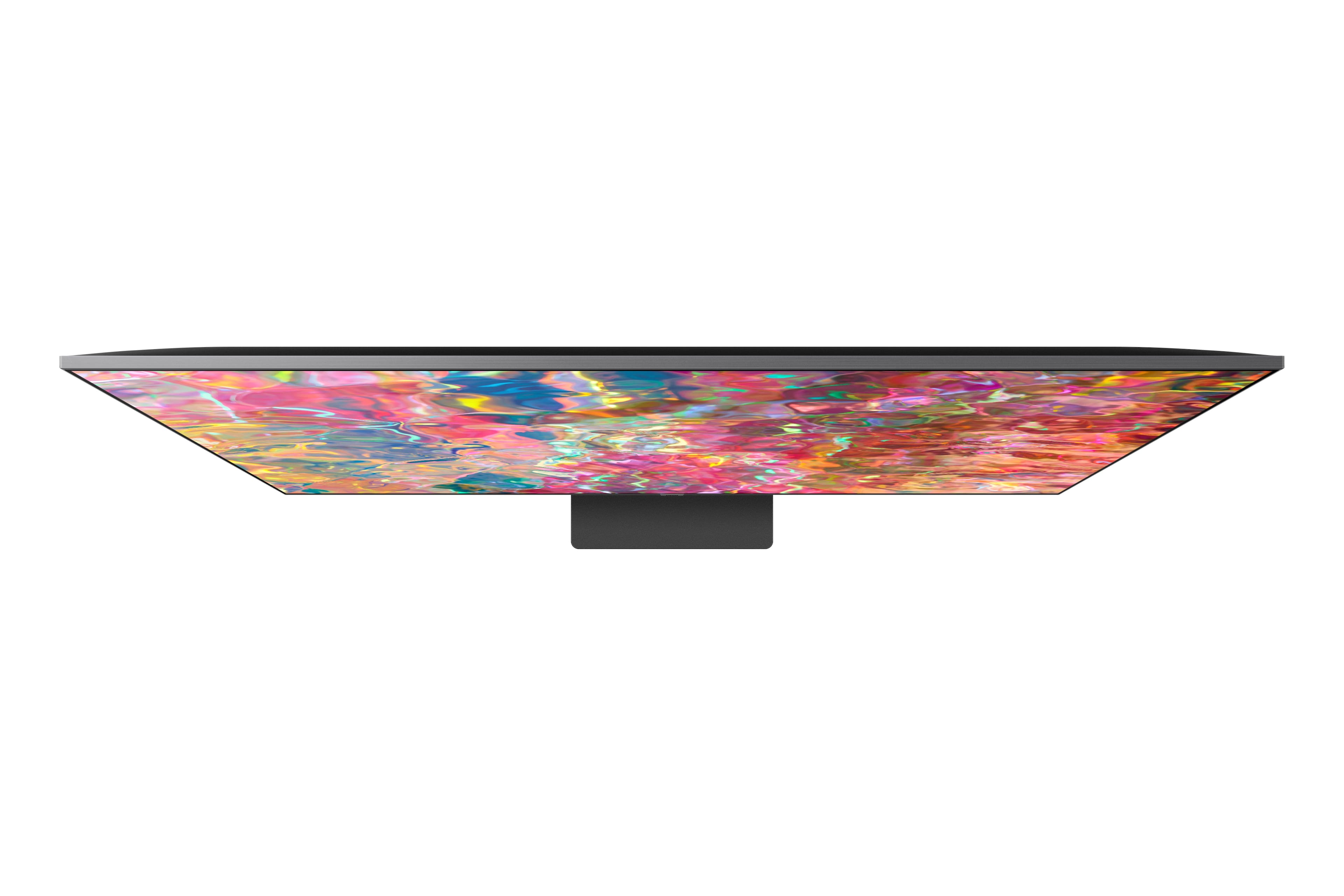
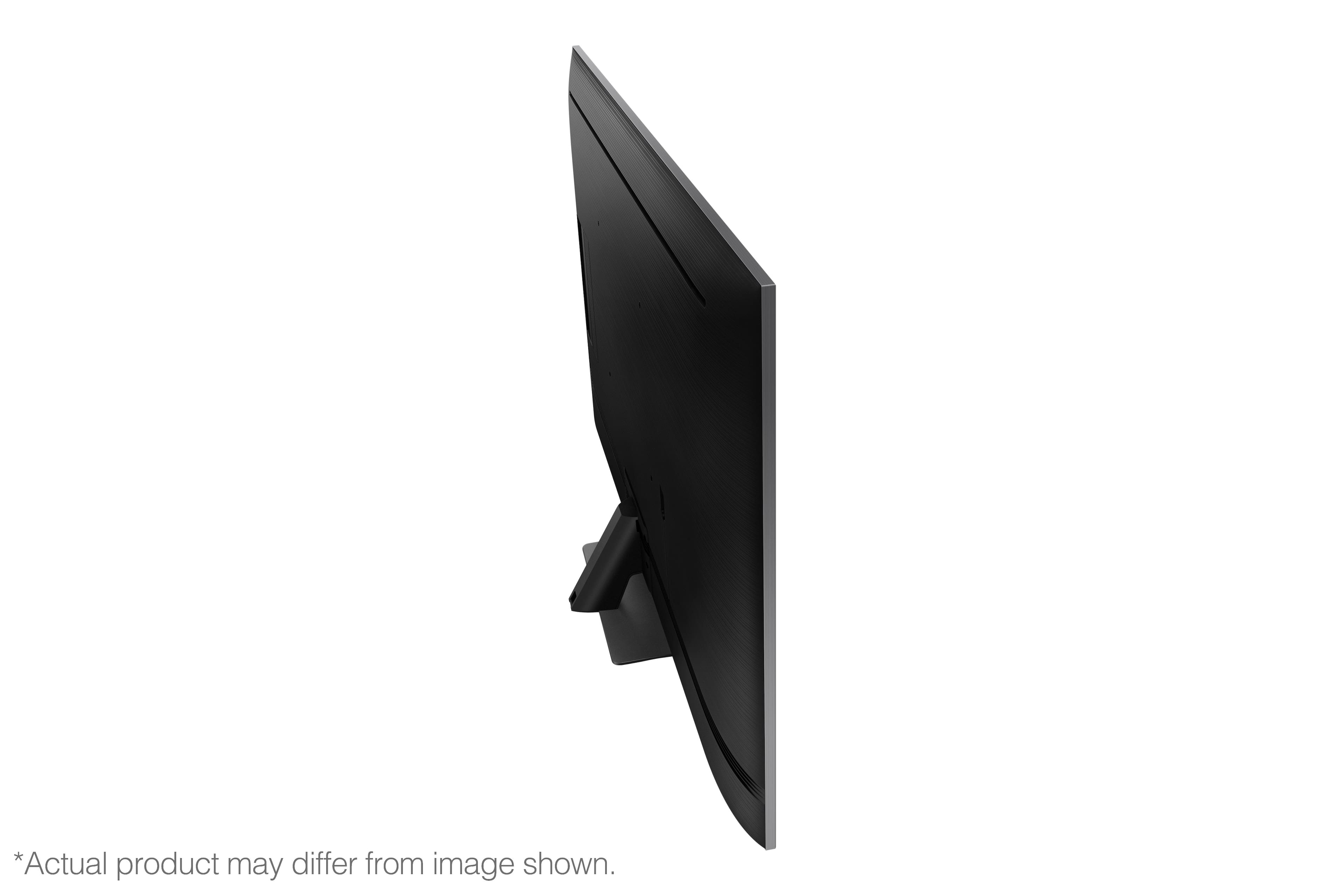
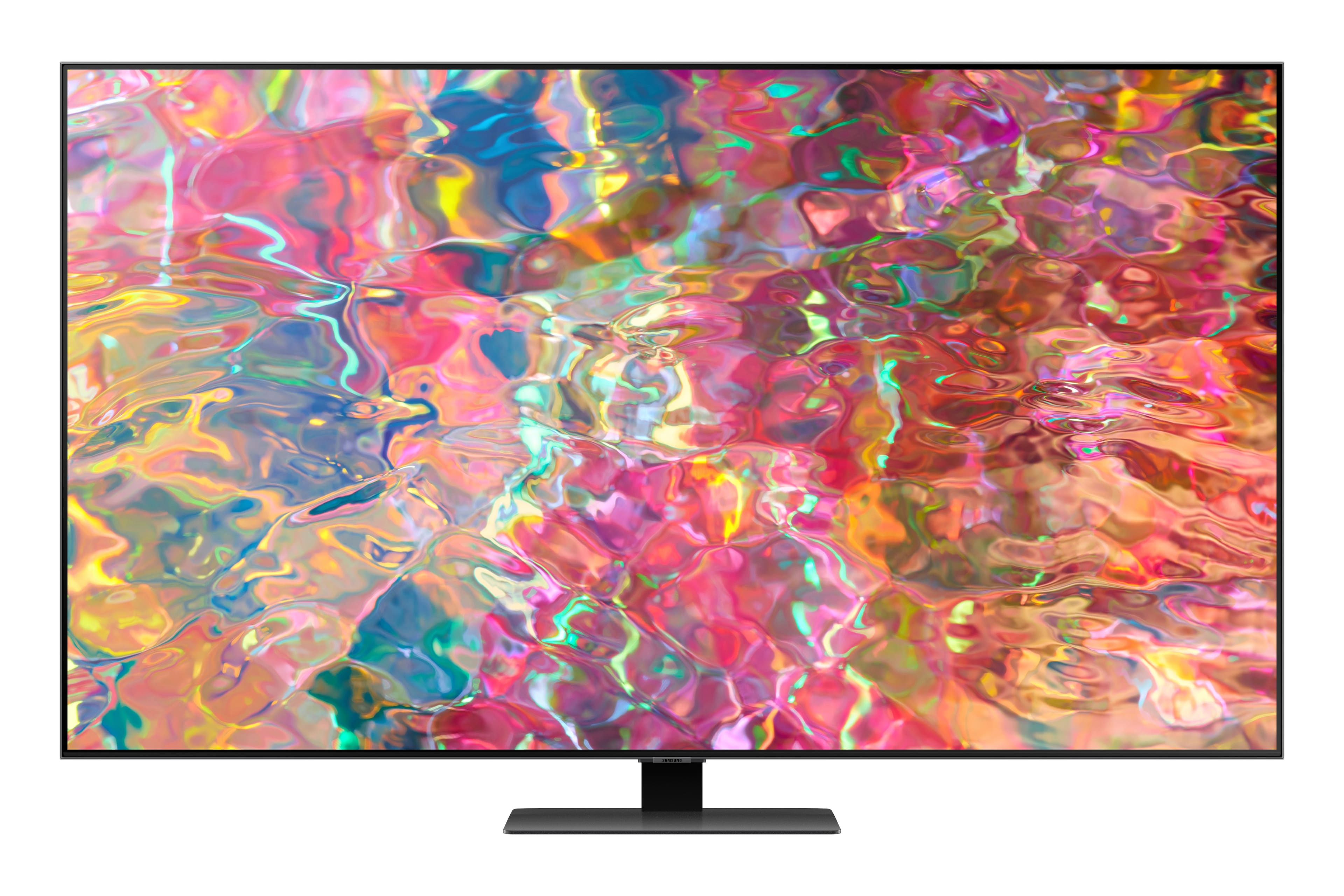
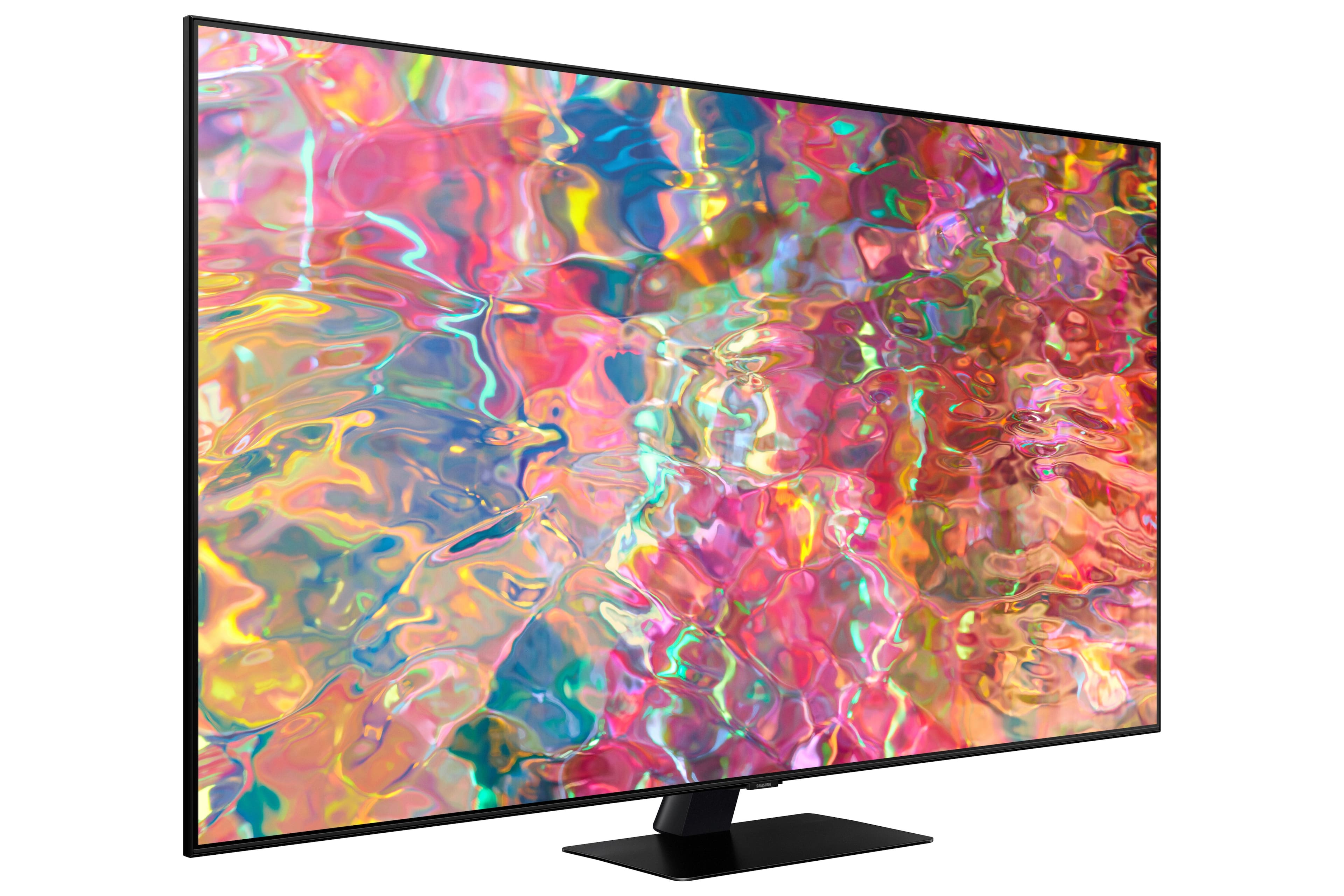
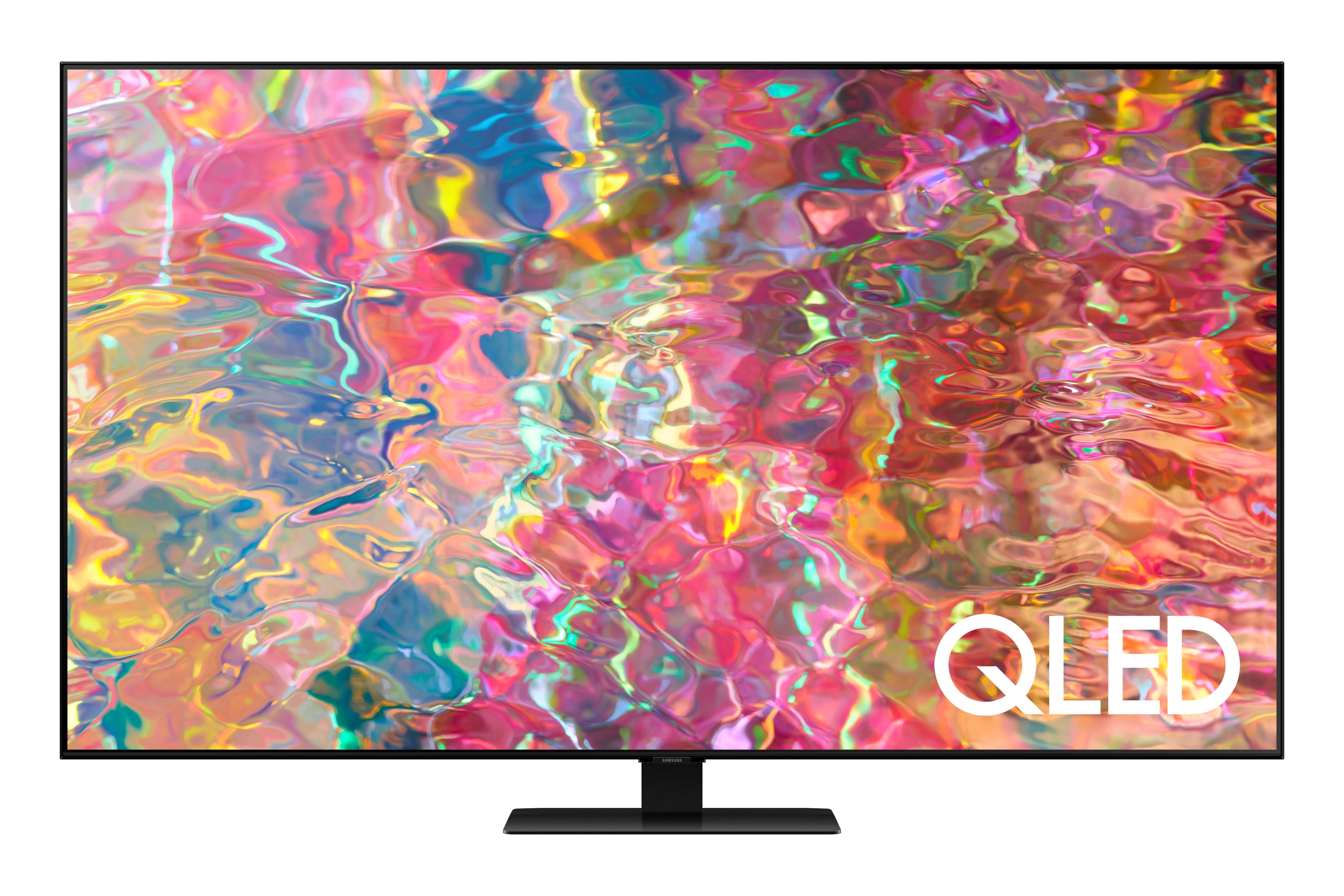











- Model:
- QN65Q80BAFXZA
- SKU:
- 6503080
Rating by feature
- Picture Quality
Rating 4.8 out of 5 stars
- Sound Quality
Rating 4.6 out of 5 stars
- Brightness
Rating 4.8 out of 5 stars
Customers are saying
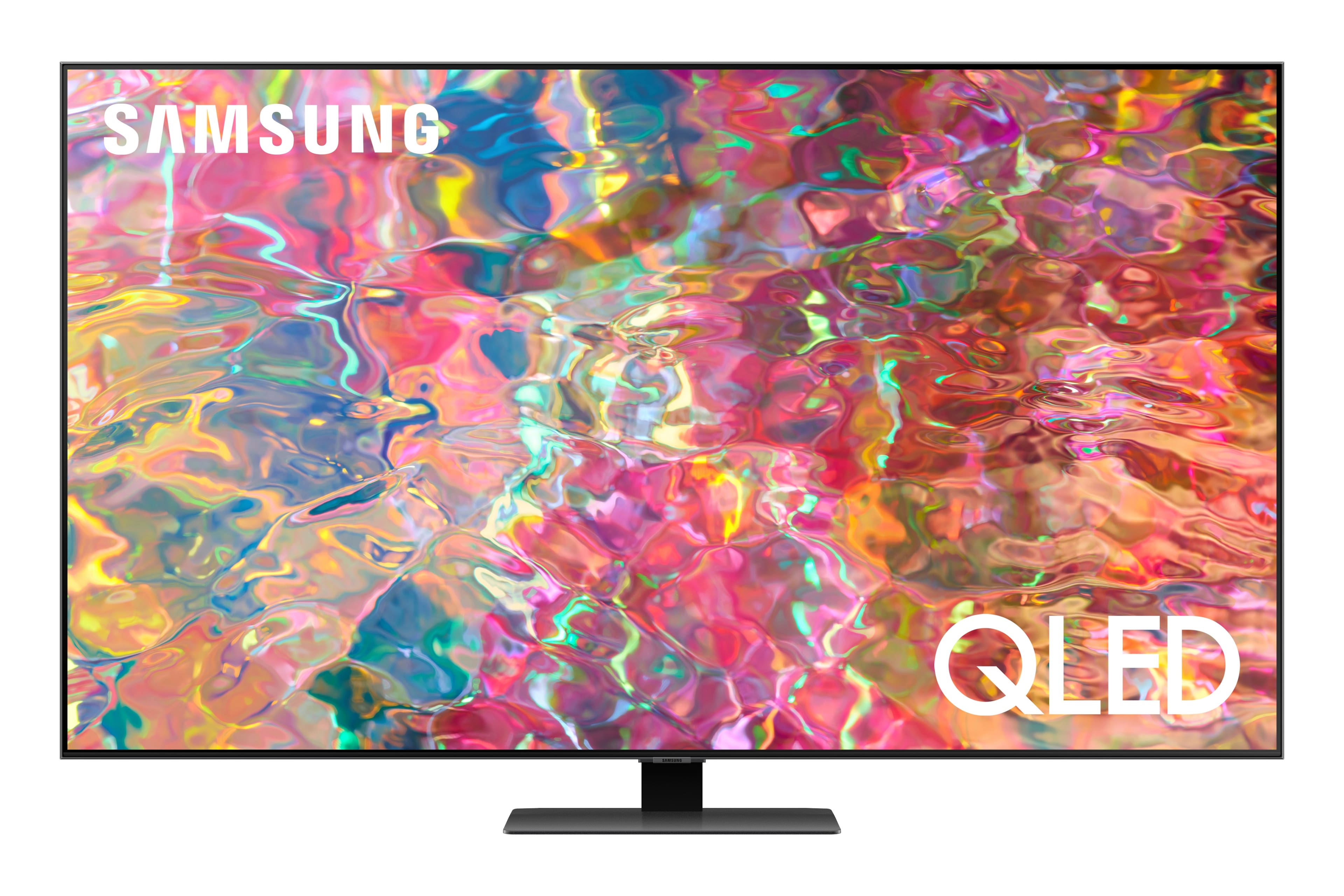
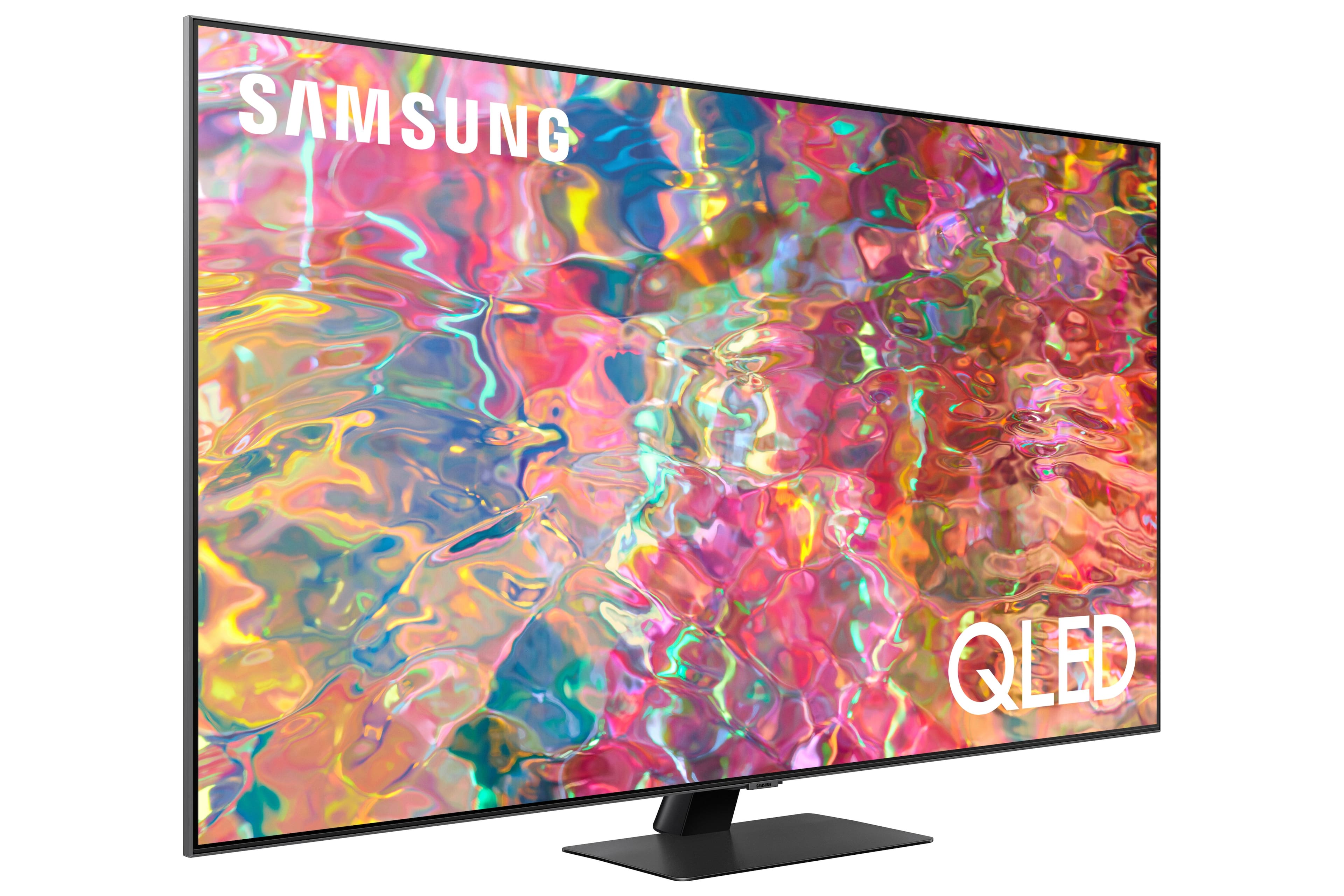
Customers love the 65” Class Q80B QLED 4K Smart Tizen TV for its stunning picture quality, easy setup, and immersive sound. They rave about the vibrant colors, sharp clarity, and excellent gaming experience. While some find the remote control to be a bit tricky to use, the overall consensus is that this TV offers great value for its price.
This summary was generated by AI based on customer reviews.
Super crisp
||Posted . Owned for 1 week when reviewed.This reviewer received promo considerations or sweepstakes entry for writing a review.Got this upgrade specifically for the ps5 120 fps capabilities. 10/10
I would recommend this to a friendSamsung Q80 65"
||Posted . Owned for 3 weeks when reviewed.This reviewer received promo considerations or sweepstakes entry for writing a review.Installation service was spot on. Very nice thank you very much.
I would recommend this to a friendGreat TV
||Posted . Owned for 1 month when reviewed.This reviewer received promo considerations or sweepstakes entry for writing a review.Sound quality could be better but overall i like this product.
I would recommend this to a friendInstall of TV over FP with stone
||Posted . Owned for 3 weeks when reviewed.This reviewer received promo considerations or sweepstakes entry for writing a review.Awesome job by the Best Buy installers! Clean, proficient and professional.
I would recommend this to a friendAwesome
||Posted .This reviewer received promo considerations or sweepstakes entry for writing a review.Highly recommend this awesome tv to purchase for any room you need
I would recommend this to a friend- Cons mentioned:Glare
Bad tv with multiple issues
||Posted . Owned for 3 weeks when reviewed.This reviewer received promo considerations or sweepstakes entry for writing a review.My roommate and I each purchased the same tv on a black friday deal and as soon as I mounted it and set it up i noticed that the brightness would flicker from dim to bright like a camera auto focusing every time whatever I was watching changed overall brightness from scene to scene. Then it wouldn't recognize my samsung soundbar that was hooked up via optical cable. Switched it to blutooth same problem. Have to turn it off and on a few times till the magic happens. Also it randomly turns on my ps5 when switching apps. Asked my roommate if he was experiencing any of these issues and he said his is great, best tv ever. I guess i just got a lemon.
No, I would not recommend this to a friendBrand response from Samsung
Posted .FrankD,
We appreciate you sharing your experience with Samsung's Q80B TV. For optimal connectivity and performance, we ask that you please ensure your unit is running the latest firmware version. You can check this by going to: Home > Menu > Settings > Support > Software Update.
You may also want to further optimize performance with the self-diagnostic tool, which checks memory, frees up unused cached memory, and closes background apps. Go to: Home > Menu > Settings > Support > Device Care > Start Device Care
Additionally, to improve the fluctuating brightness you're seeing, please disable some of the TV's energy efficiency functions, as these will automatically adjust your picture and may cause your screen to appear brighter or darker than preferred.
Check to see if Contrast Enhancer has been enabled. This setting automatically adjusts your TV's brightness so the difference between bright and dark areas is not excessive. Go to: Home > Menu > Settings > All Settings > Picture > Expert Settings > Contrast Enhancer
If Contrast Enhancer hasn’t been enabled, please see if Brightness Optimization, Brightness Reduction, or Motion Lighting have been enabled and disable them.
- Menu > Settings > All Settings > General & Privacy > Power and Energy Saving > turn off Brightness Optimization, Brightness Reduction, and Motion Lighting
I hope these tips help. Should you need further assistance, please call us at 1-800-SAMSUNG, 8AM - 12AM EST, 7 days a week. Our LiveChat agents are also available by clicking on the ‘Support’ link on our website.
~ Samsung Specialist
A Not-So-Smart TV
||Posted . Owned for 1 month when reviewed.This reviewer received promo considerations or sweepstakes entry for writing a review.Information provided is minimal. Pairing with a high-end soundbar (yes, a Samsung soundbar, and connected through HDMI ARC) has been problematic, in that voices are perpetually out of sync. Help from Samsung has been well... primitive. Picture is just OK. Built-in Samsung functions are annoying.
No, I would not recommend this to a friendBrand response from Samsung
Posted .BillPhysicist,
I’m sorry you’re experiencing trouble connecting your Q80B TV to your soundbar. Please be sure you are using a high-speed HDMI cable with Ethernet Channel (sometimes called HDMI HEC cable). Also be sure to enable HDMI-eARC in the Expert Settings menu. Lastly, please also verify that you are running the latest firmware. You can check to see what software version your TV is using and if there is an available update through the settings on your TV. Go to: Menu > Settings > Support > Software Update.
If you’re hearing an audio delay across all sources/channels with your soundbar connected to your TV, you can access the Audio Delay settings to increase the audio delay. Go to: Menu > Settings > All Settings > Sound > Expert Settings > Digital Output Audio Delay
Our 2022 TVs have an audio Pass-Through feature, which allows the audio signal to be sent out unprocessed to an external soundbar or receiver connected to the TV. The external device then processes the audio, thereby eliminating the added step of processing by the TV, which adds delay.
On your TV, go to: Menu > Settings > All Settings > Sound > Expert Settings > Digital Audio Output Format > Pass-Through
Additionally, there are image adjustments you can make to optimize your picture to suit your preferences. Your TV has several Picture Modes to choose from allowing you to enjoy content in optimal conditions. Go to Home > Menu > Settings > All Settings > Picture > Picture Mode
You can also go to: Menu > Settings > Picture > Expert Settings > Contrast Enhancer to manually fine tune your image.
To assist in learning the various functions, please know you can download the Q80B TV's User Manual, e-Manual, Remote Control Leaflet, and Quick Setup Guide on Samsung's website under Support > Manuals & Software > TVs & Home Theater. You can select the Q80B TV under QLED 4K TVs > B Model Lineup to download the guides you would like. The e-Manual is also embedded into the TV itself under Menu > Settings > Support > Open e-Manual.
If you need more help, Samsung is here for you. You can reach us at 1-800-SAMSUNG, 8AM - 12AM EST, 7 days a week. Our LiveChat agents are also available by clicking on the ‘Support’ link on our website.
~ Samsung Specialist
Phil
||Posted . Owned for 3 weeks when reviewed.This reviewer received promo considerations or sweepstakes entry for writing a review.TV worked great. Has a lot of feature I didn't know were available.
I would recommend this to a friendQTV
||Posted . Owned for 1 month when reviewed.This reviewer received promo considerations or sweepstakes entry for writing a review.A great deal for a great tv. Been looking best bang for the buck
I would recommend this to a friendTv
||Posted . Owned for 3 weeks when reviewed.This reviewer received promo considerations or sweepstakes entry for writing a review.I love my new tv!! It does have a mind of its own some times lol
I would recommend this to a friendHard to set up
||Posted . Owned for 1 week when reviewed.This reviewer received promo considerations or sweepstakes entry for writing a review.I found it very hard to set up. I have had 19-12 Samsung tvs in a row and this one broke the streak of easier and easier set up
No, I would not recommend this to a friendBrand response from Samsung
Posted .ChristopherB,
We appreciate you sharing your setup experience with us. If you’re experiencing specific issues which caused you to give your Q80B TV a 2-star rating, please know Samsung Customer Support is here to help.
You can reach us at 1-800-SAMSUNG, 8AM - 12AM EST, 7 days a week. Our LiveChat agents are also available by clicking on the ‘Support’ link on our website.
We hope to hear from you.
~ Samsung Specialist
loved
||Posted . Owned for 1 month when reviewed.This reviewer received promo considerations or sweepstakes entry for writing a review.I love the TV its great exelent I recommend to some body
I would recommend this to a friendLove it!!!
||Posted . Owned for 3 weeks when reviewed.This reviewer received promo considerations or sweepstakes entry for writing a review.Great tv !!!Very happy with my purchase! Highly recommend!!!
I would recommend this to a friendgreat tv
||Posted . Owned for 3 weeks when reviewed.This reviewer received promo considerations or sweepstakes entry for writing a review.great tv, free Samsung tv plus is a bonus! would recommend
I would recommend this to a friendTina
||Posted . Owned for 1 month when reviewed.This reviewer received promo considerations or sweepstakes entry for writing a review.I really love this tv. I rate it 5 star for the great quality.
I would recommend this to a friendGood
||Posted . Owned for 1 week when reviewed.This reviewer received promo considerations or sweepstakes entry for writing a review.Pretty darn good. Bright enough for my daughter's room.
I would recommend this to a friendThumbs up
||Posted . Owned for 3 weeks when reviewed.This reviewer received promo considerations or sweepstakes entry for writing a review.As always Samsung is the most trusted brand of TV for me.
I would recommend this to a friendBigger is better
||Posted . Owned for 1 month when reviewed.This reviewer received promo considerations or sweepstakes entry for writing a review.Great job installing a huge tv. No problem reading the guide now
I would recommend this to a friendTv
||Posted . Owned for 3 weeks when reviewed.This reviewer received promo considerations or sweepstakes entry for writing a review.I love it !!!!!!!!!!!!!!!!!!!!!!!!!!!!!!!!!!!!!!!!!
I would recommend this to a friendLove our new 65" Samsung TV!
||Posted . Owned for 1 week when reviewed.This reviewer received promo considerations or sweepstakes entry for writing a review.Great Samsung 65" TV & Tech install Jefet & Ronnie!
I would recommend this to a friend