Customer Ratings & Reviews
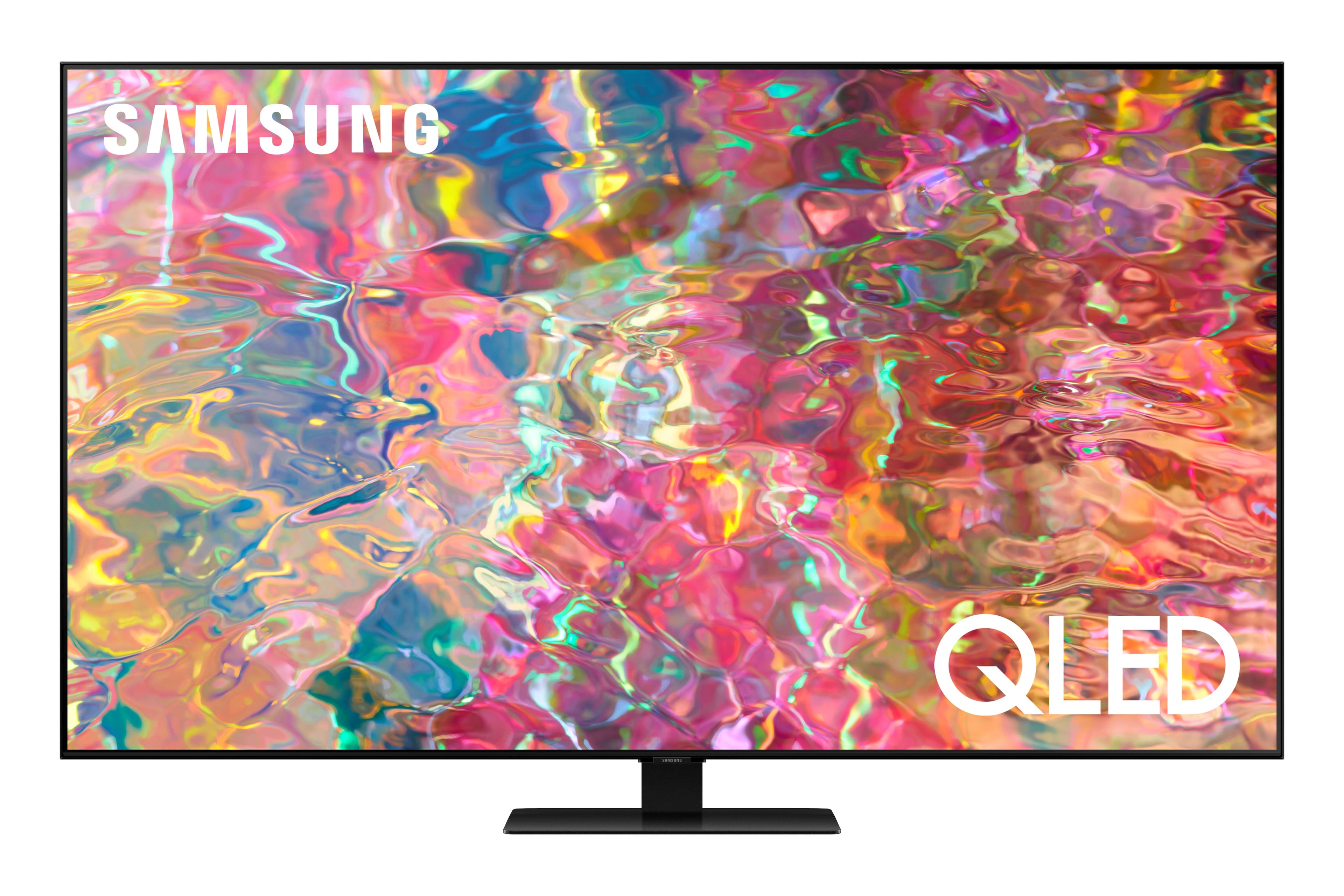
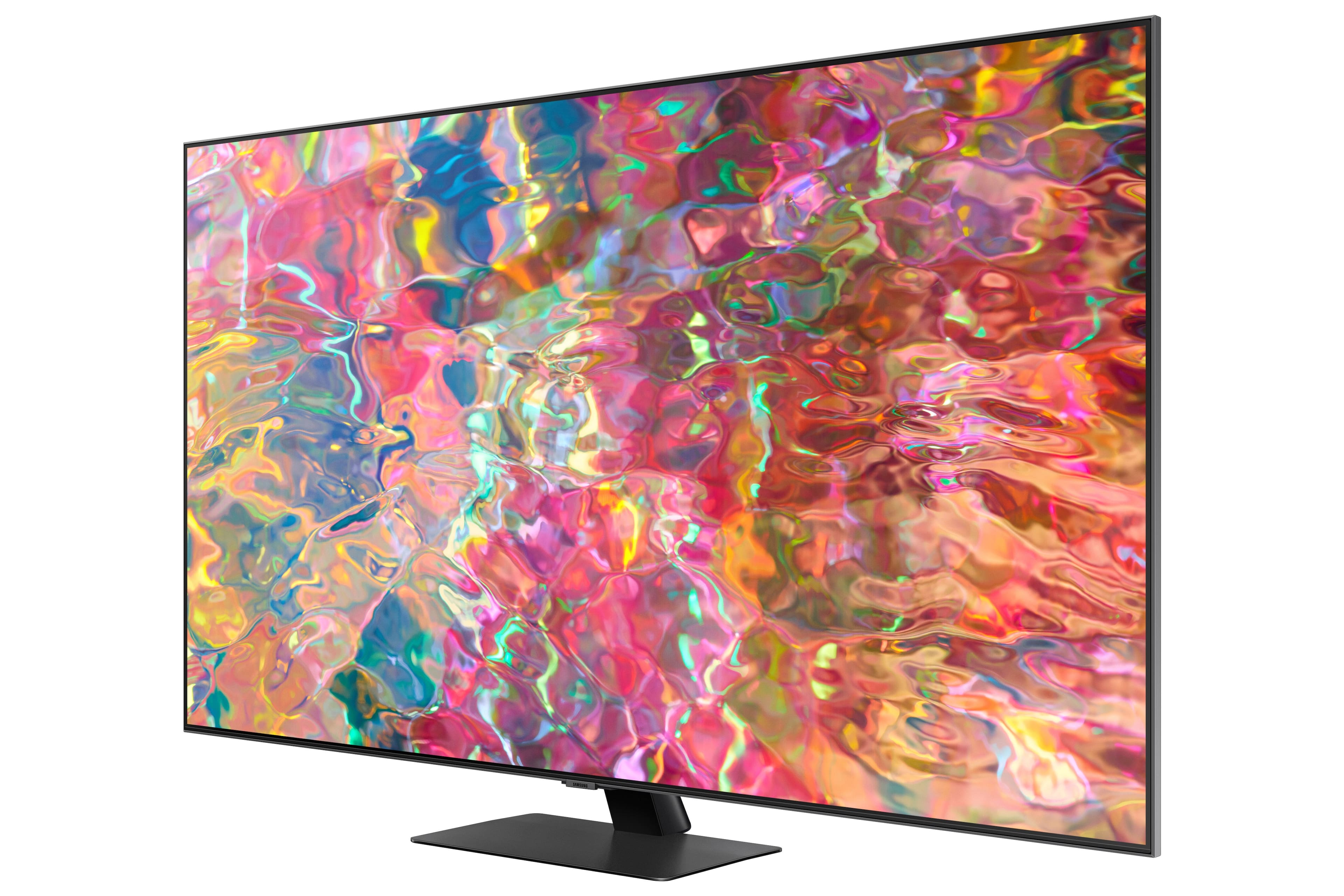
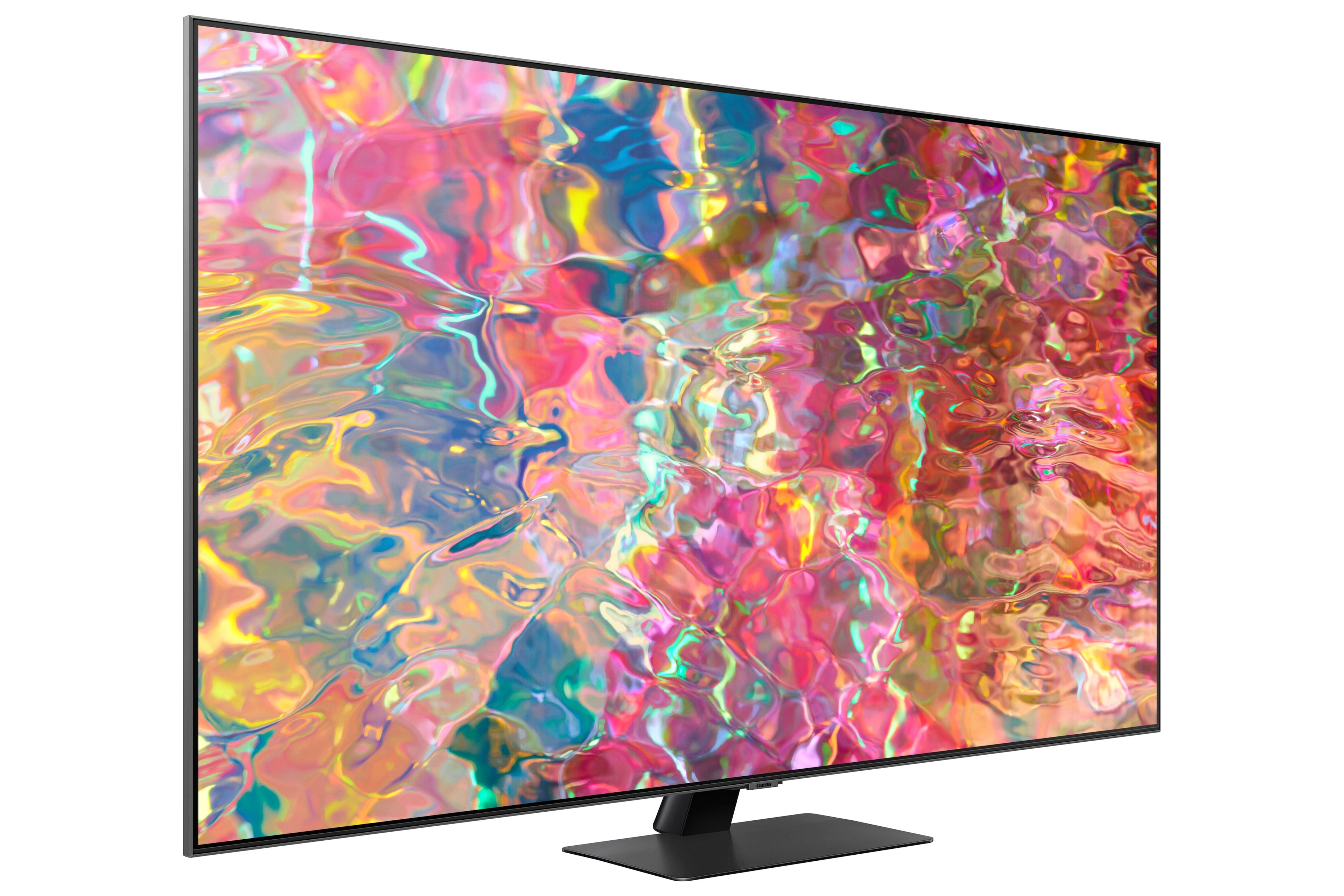
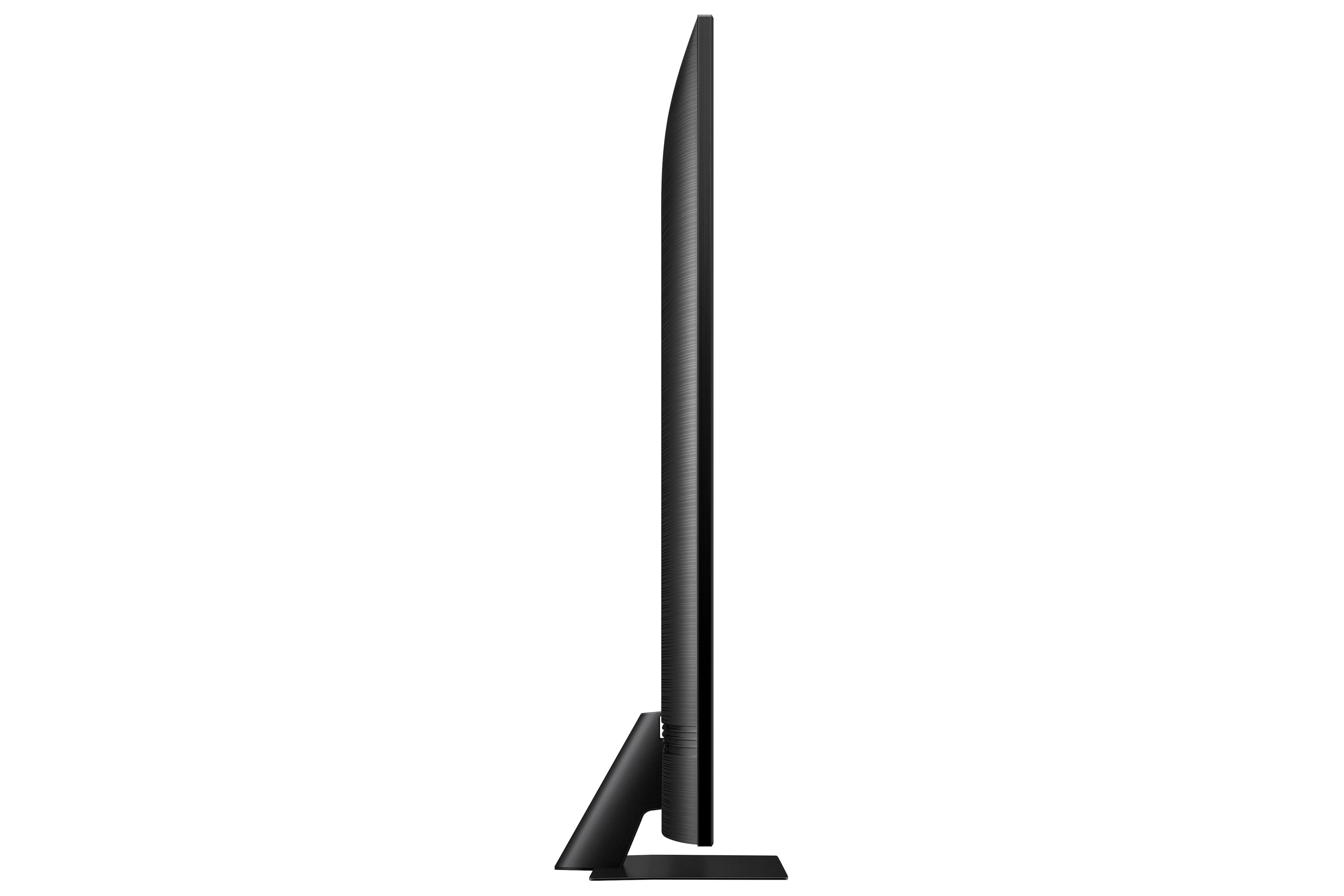

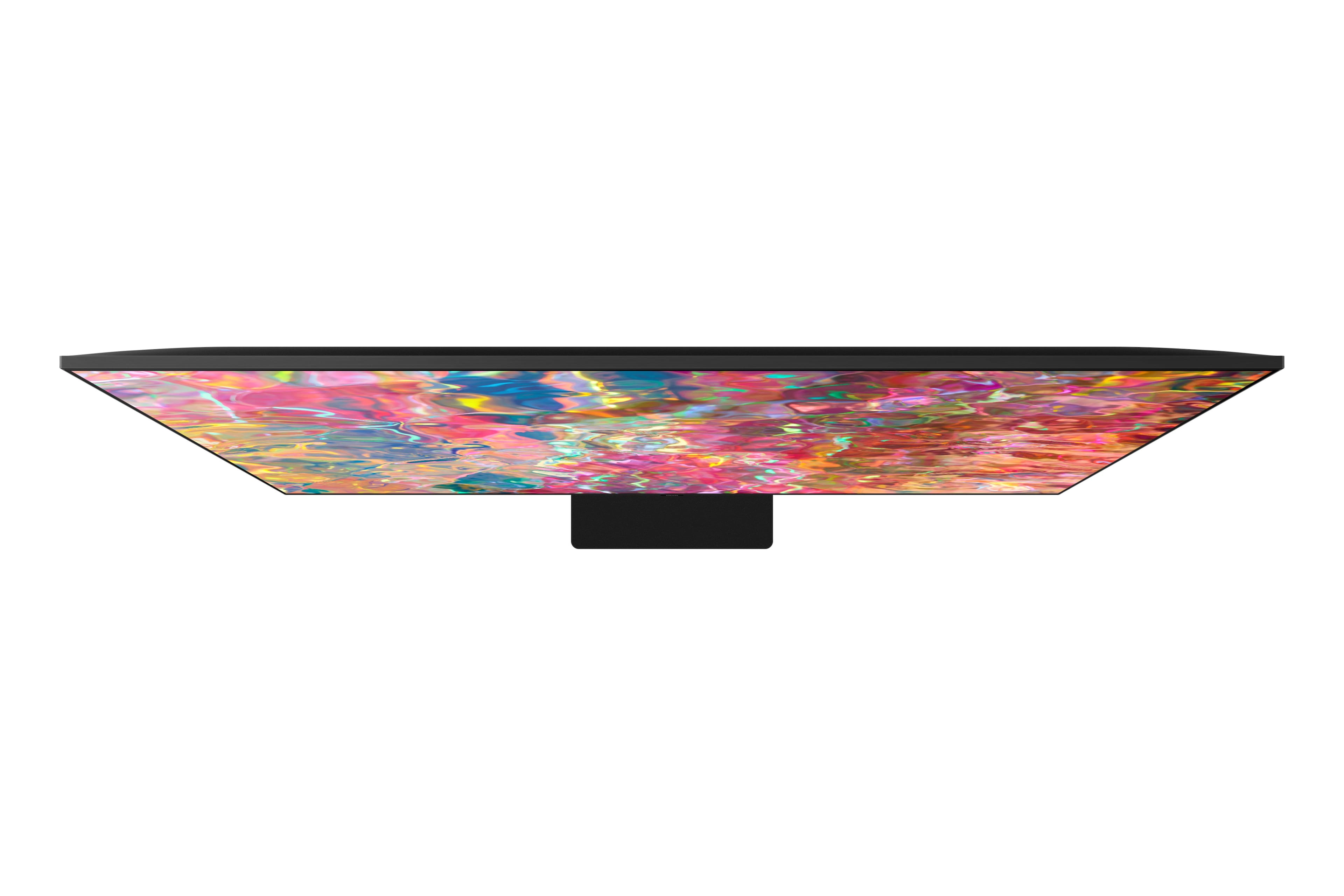
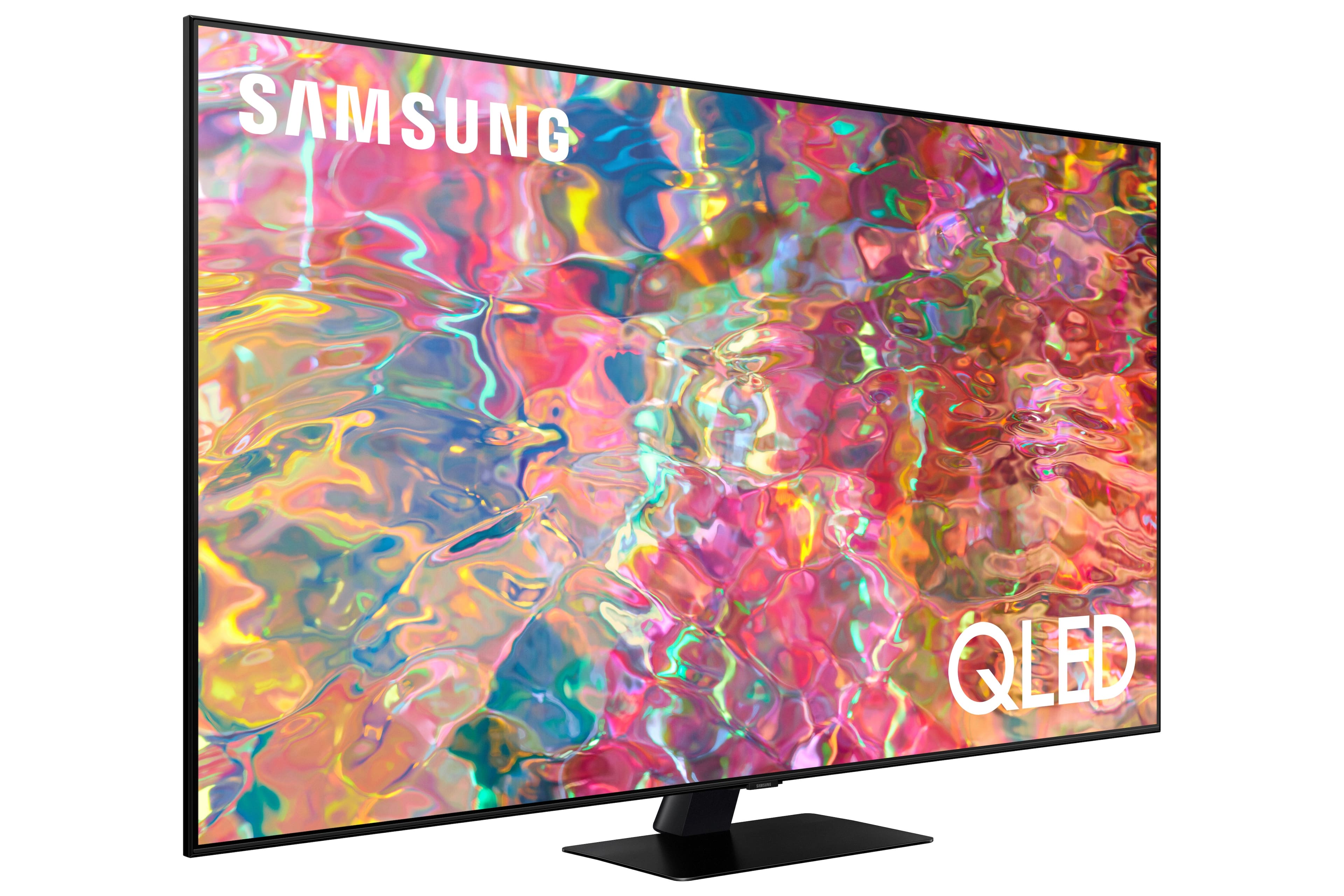
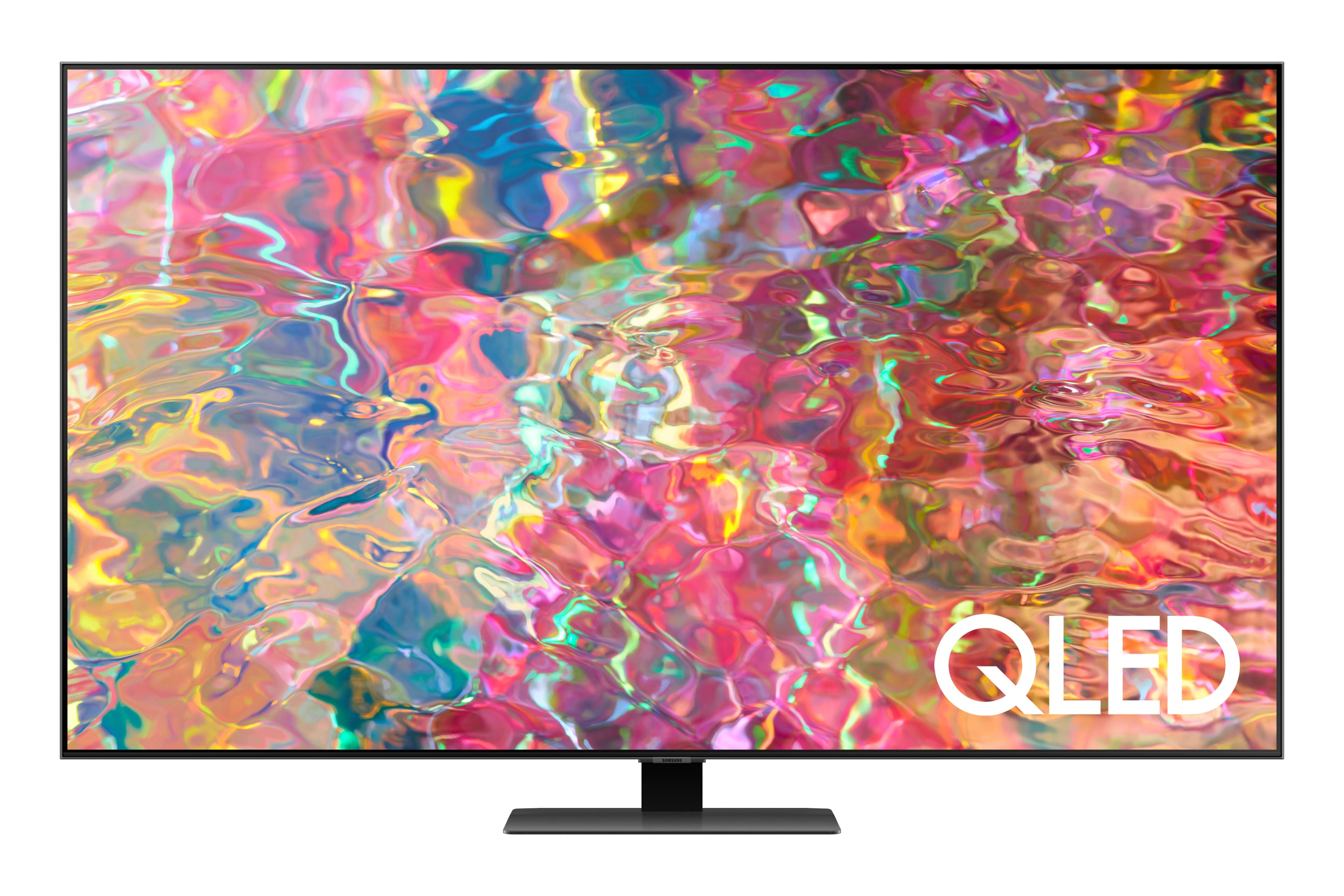
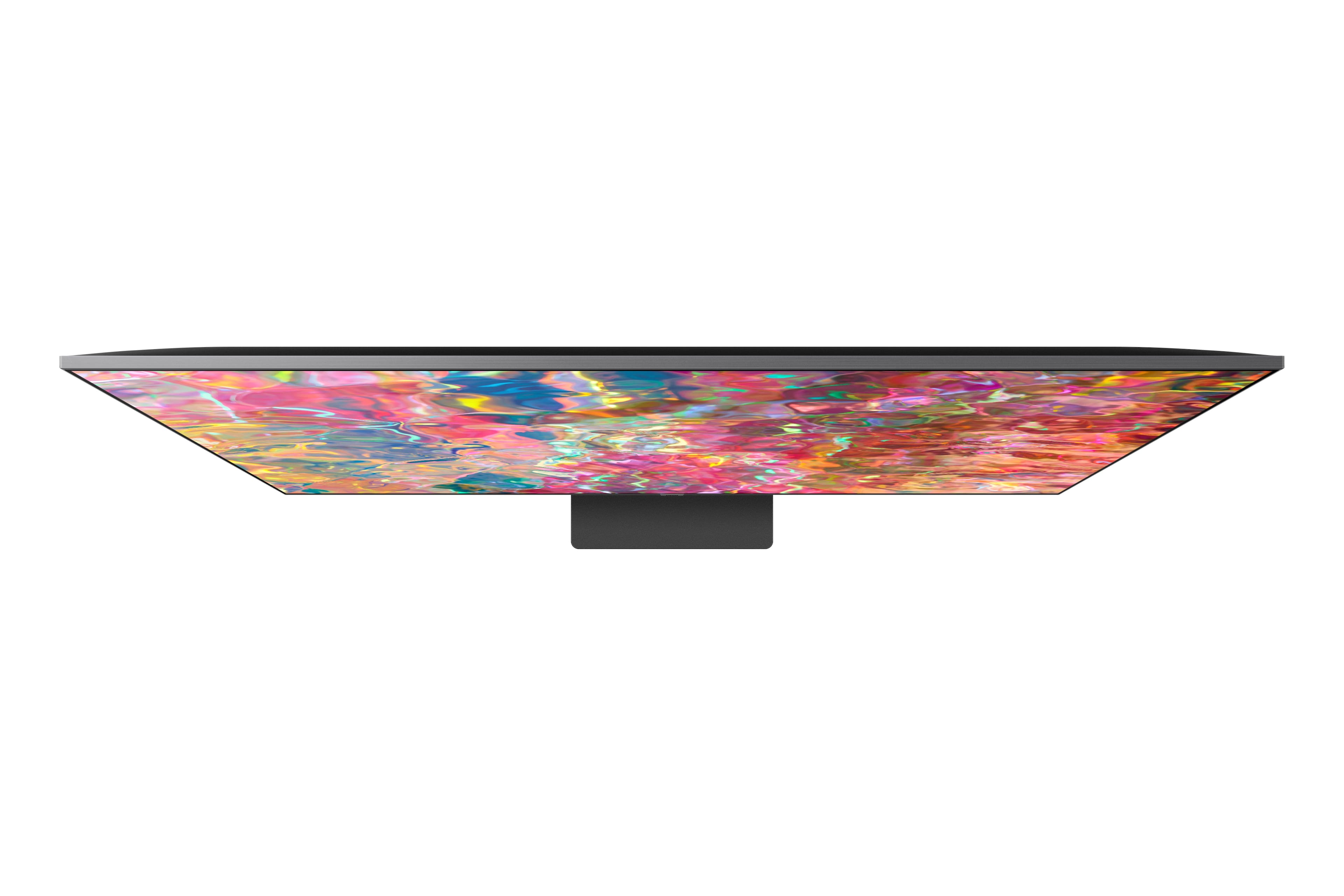
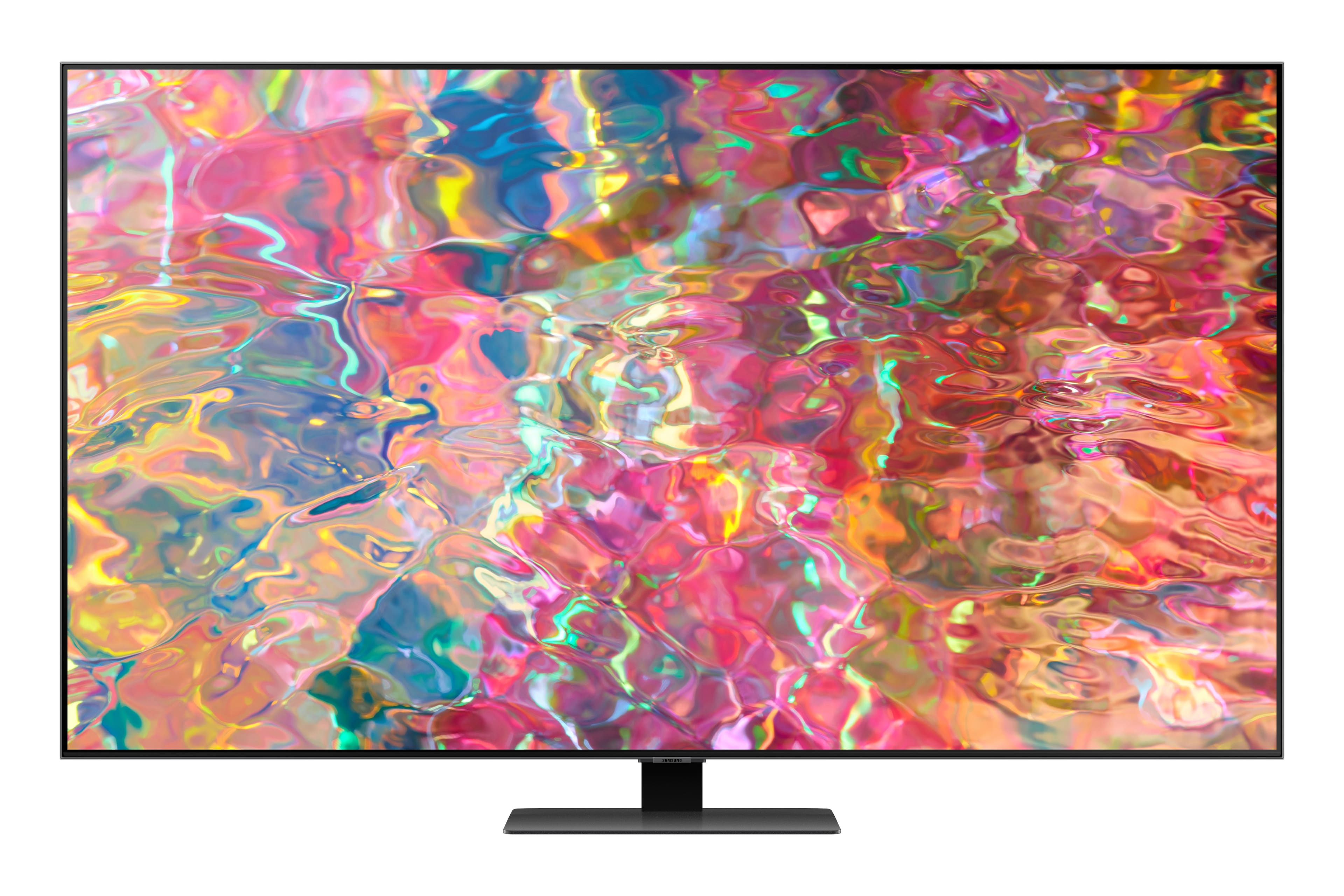
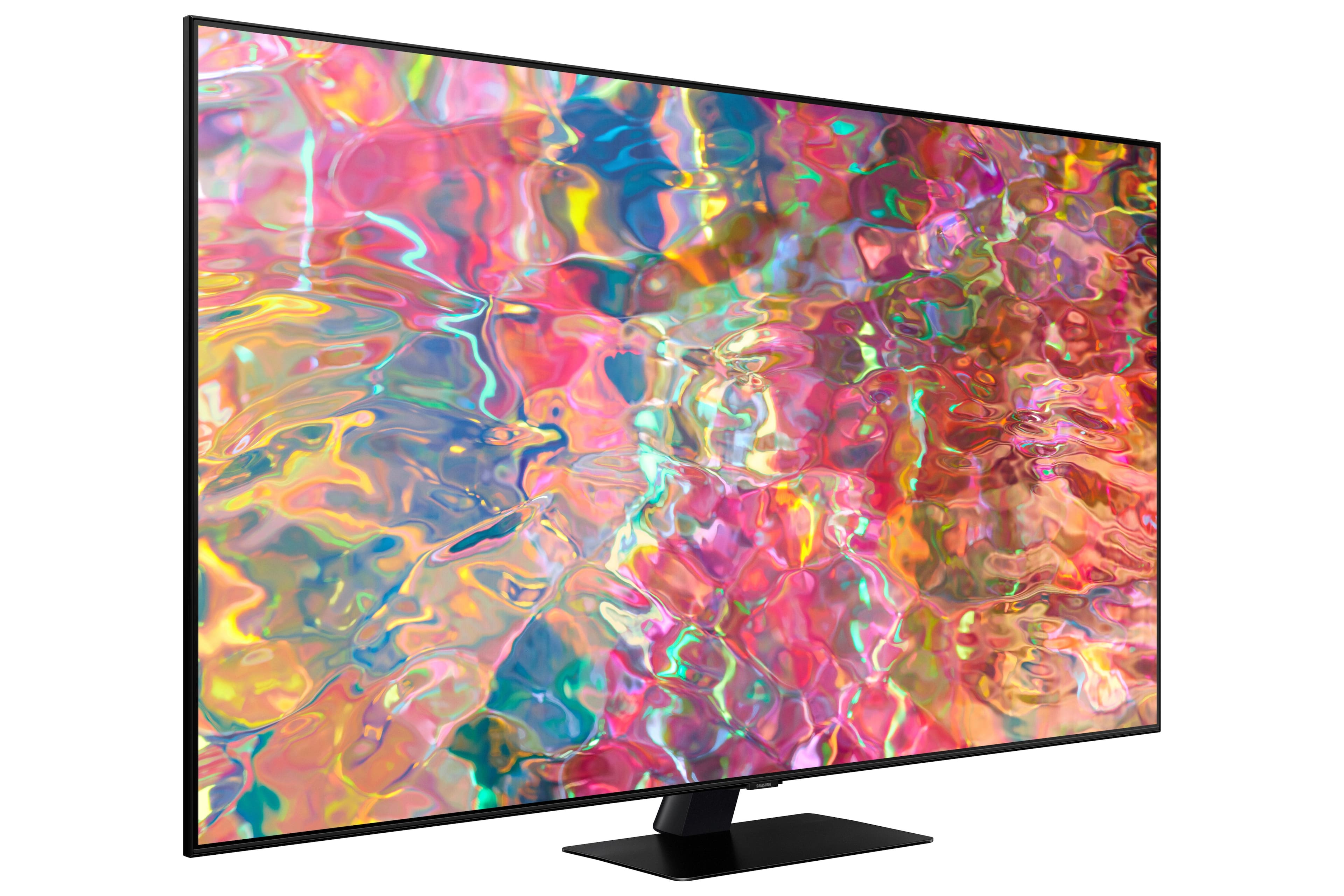
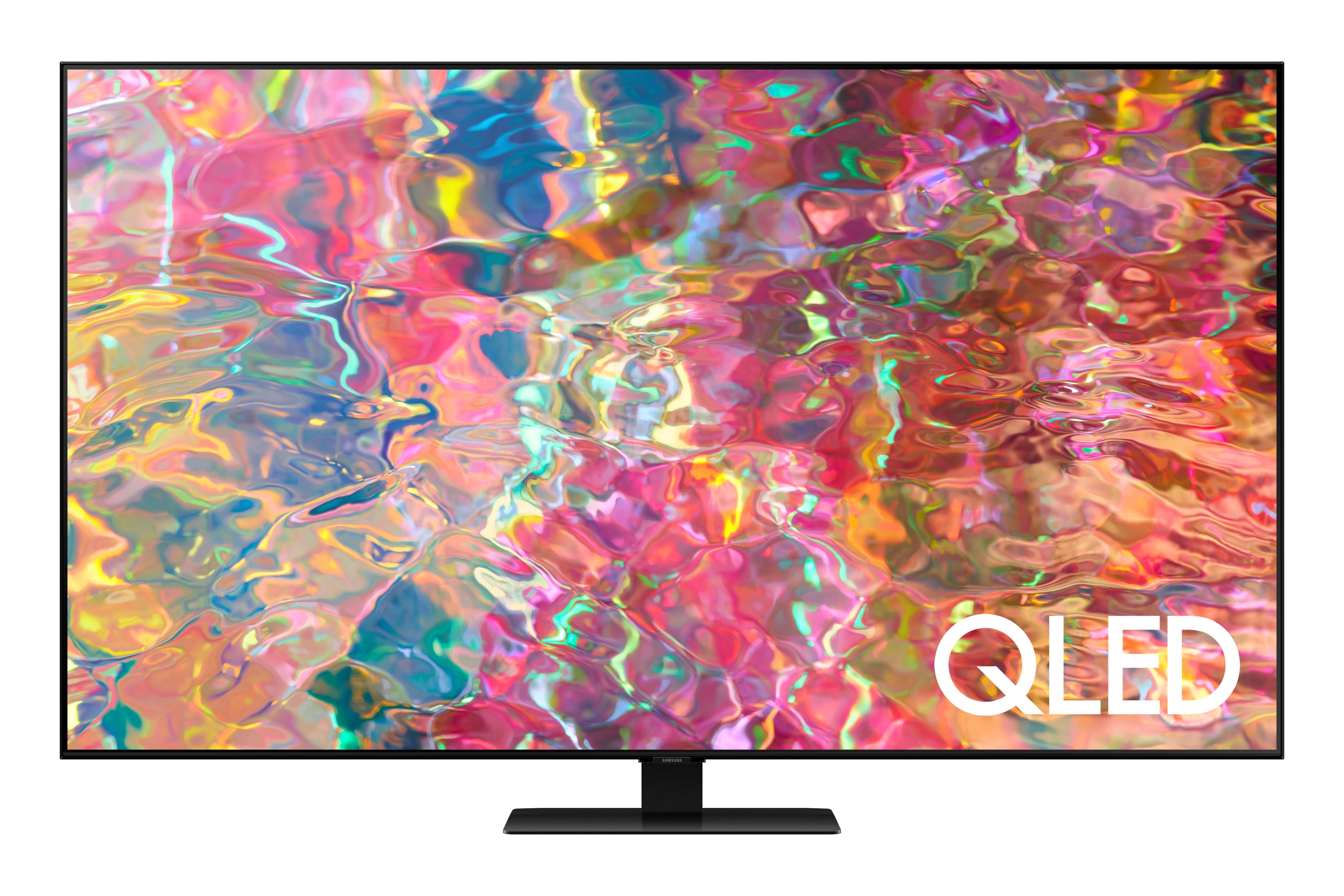
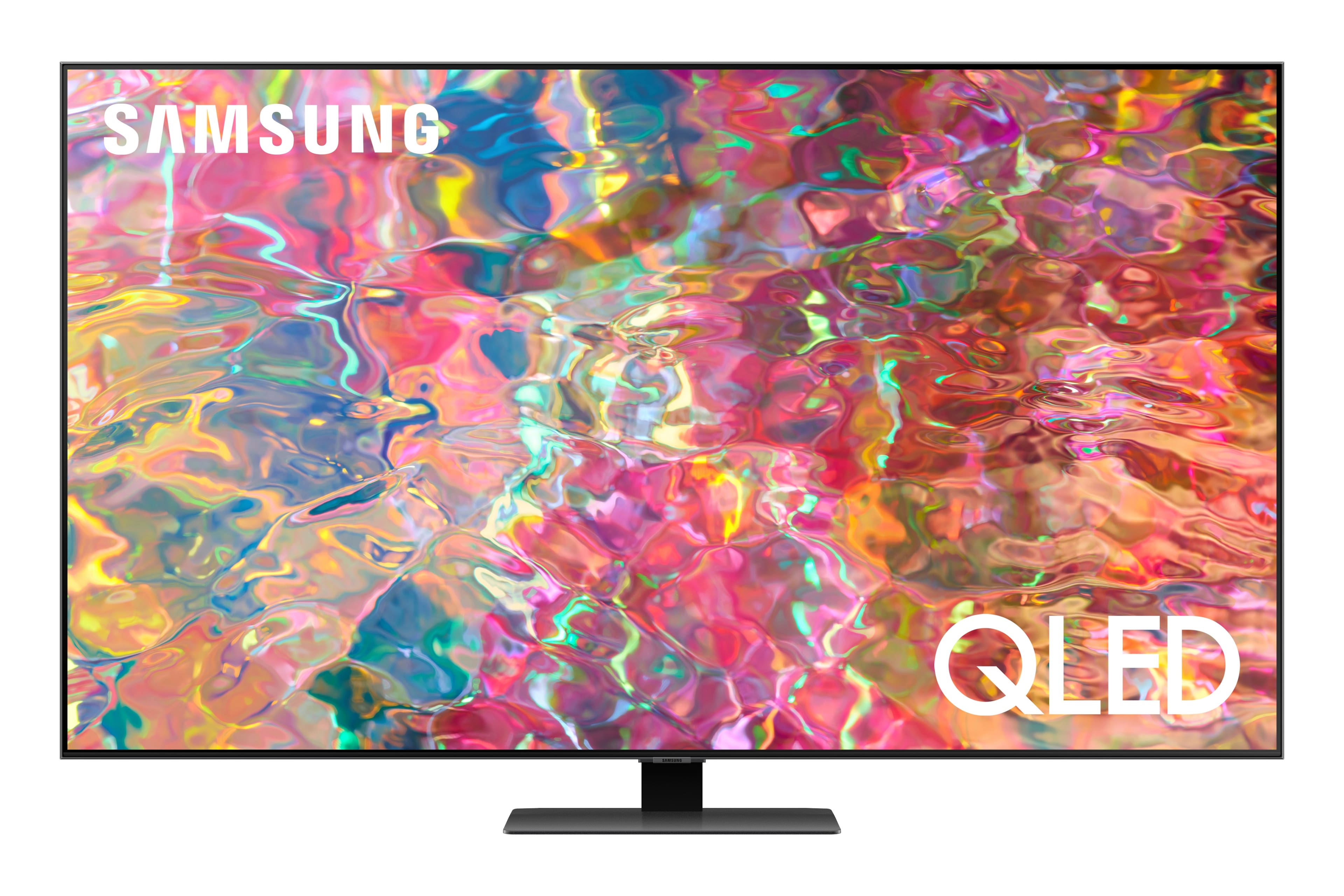
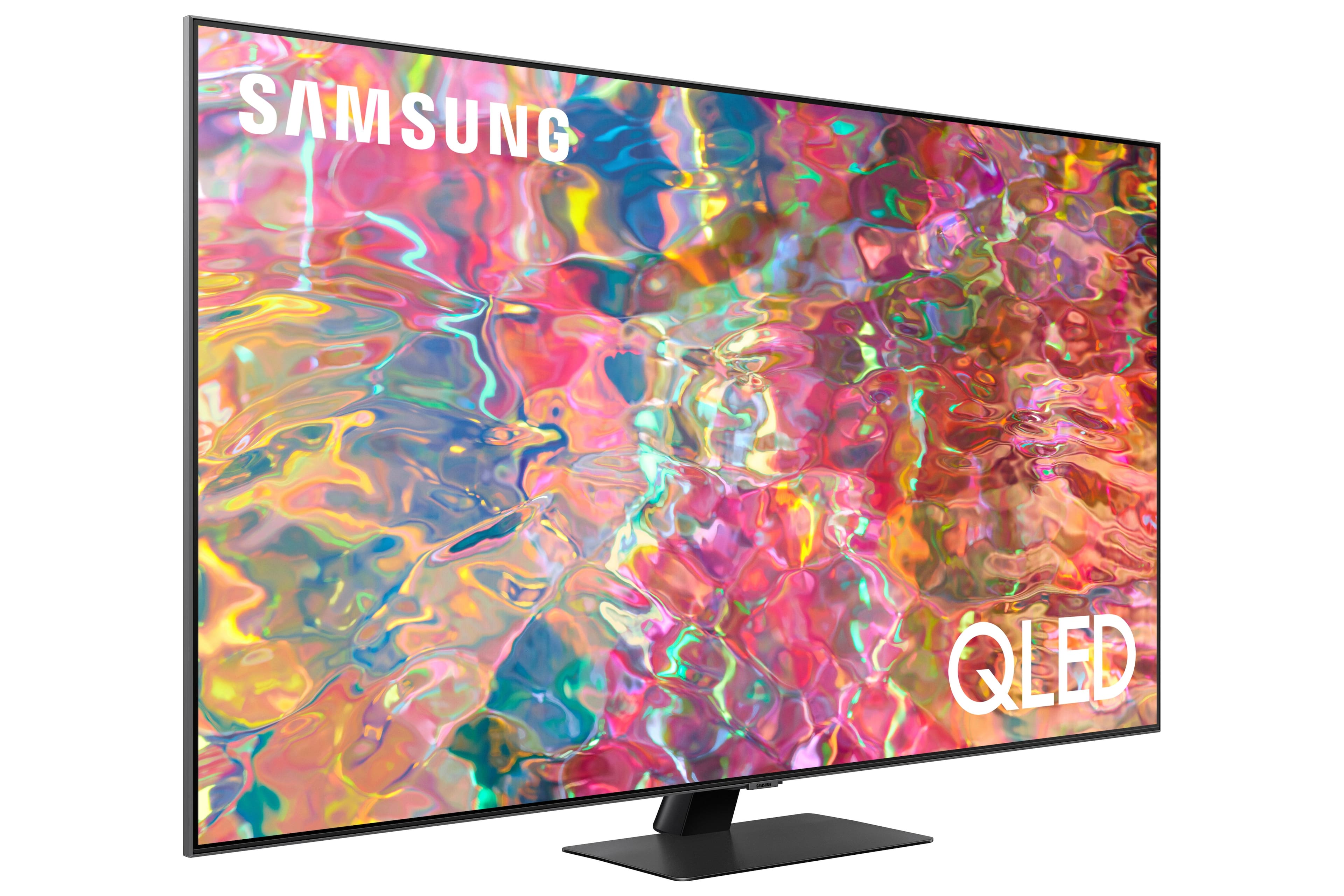











- Model:
- QN65Q80BAFXZA
- SKU:
- 6503080
Rating by feature
- Picture Quality
Rating 4.8 out of 5 stars
- Sound Quality
Rating 4.6 out of 5 stars
- Brightness
Rating 4.8 out of 5 stars
Customers are saying
Customers love the 65” Class Q80B QLED 4K Smart Tizen TV for its stunning picture quality, easy setup, and immersive sound. They rave about the vibrant colors, sharp clarity, and excellent gaming experience. While some find the remote control to be a bit tricky to use, the overall consensus is that this TV offers great value for its price.
This summary was generated by AI based on customer reviews.
Samsung's t v's rock
Posted .This reviewer received promo considerations or sweepstakes entry for writing a review.Samsung is easily the best and I enjoy all the products. This t v is incredible i'm so glad I got it
I would recommend this to a friend- Pros mentioned:Ease of use, Picture quality
Excellent
Posted .This reviewer received promo considerations or sweepstakes entry for writing a review.Excellent picture and sound, easy set up. Instructions for remote could be better
I would recommend this to a friend Samsung Review
Posted .This reviewer received promo considerations or sweepstakes entry for writing a review.Timely and outstanding delivery. No issues at all with delivery.
I would recommend this to a friendGreat picture, great sound.
Posted .This reviewer received promo considerations or sweepstakes entry for writing a review.This is my third Samsung TV from Best Buy, and the best so far!
I would recommend this to a friend- Pros mentioned:Picture quality
Great Picture
Posted .This reviewer received promo considerations or sweepstakes entry for writing a review.Love this TV and all its features. perfect size and easy to assemble
I would recommend this to a friend - Pros mentioned:Color
Samsung 65” TV
Posted .This reviewer received promo considerations or sweepstakes entry for writing a review.Fantastic color, love the tv. Highly recommend it.
I would recommend this to a friend Can't believe it!
Posted .This reviewer received promo considerations or sweepstakes entry for writing a review.This has been a nightmare, and not from Best Buy. They have been amazing!!! The screen in this TV is terrible. 1. Looked like a sharpie inside the glass, returned, rebought, 2 screen was a another screen issue. BEST BUY IS AWESOME !!!! Great customer services!!!! LOVE THEM!!!
No, I would not recommend this to a friendOverall works great and has good image
Posted .This reviewer received promo considerations or sweepstakes entry for writing a review.I found the operating system a bit slow, would expect something faster given the category of this tv. Also something that annoys me sometimes is the fact that the tv keeps reverting the picture size setting I choose from “On”, under “Fit to screen”, to “Auto”.
I would recommend this to a friendBrand response from Samsung
Posted .Hi Will,
We appreciate your feedback on the OS response time, and for optimal performance, we ask that you please ensure you've got the latest firmware version installed on your Q80B TV. You can check this by going to: Home > Menu > Settings > Support > Software Update.
You may also want to further optimize performance with the self-diagnostic tool, which checks memory, frees up unused cached memory, and closes background apps. Go to: Home > Menu > Settings > Support > Device Care > Start Device Care
Please give us the opportunity to gather additional information from you to further assist with the picture size issue you're experiencing. You can reach us at 1-800-SAMSUNG, 8AM - 12AM EST, 7 days a week. Our LiveChat agents are also available by clicking on the ‘Support’ link on our website.
~ Samsung Specialist
Satisfied
Posted .This reviewer received promo considerations or sweepstakes entry for writing a review.Satisfied with the TV. Did not get an owners manual on or a good explanation of the features
I would recommend this to a friendBrand response from Samsung
Posted .GoodTV,
We appreciate you sharing your thoughts on Samsung's Q80B TV. To further assist you in learning the various features, functions, and settings of your TV and remote, you can download the Q80B TV's User Manual, e-Manual, Remote Control Leaflet, and Quick Setup Guide on Samsung's website under ‘Support’ (top right corner) > Manuals & Software > TVs & Home Theater. From there, you can select the Q80B TV under QLED 4K TVs > B Model Lineup to download the guides you would like. The e-Manual is also embedded into the TV itself under Menu > Settings > Support > Open e-Manual.
If you need more help, Samsung is here for you. Please call us at 1-800-SAMSUNG, 8AM - 12AM EST, 7 days a week. Our LiveChat agents are also available by clicking on the ‘Support’ link on our website.
~ Samsung Specialist
Excellent Delivery service
Posted .This reviewer received promo considerations or sweepstakes entry for writing a review.set up and delivery was wonderful!!! Best workers ever
I would recommend this to a friendTop Salesman
Posted .This reviewer received promo considerations or sweepstakes entry for writing a review.Salesman knew his products well, so my own selection was easy
I would recommend this to a friendHorrible
Posted .This reviewer received promo considerations or sweepstakes entry for writing a review.The Web OS operating system is horrible, tv has connection issues, will never buy a Samsung again
No, I would not recommend this to a friendSave your money
Posted .This reviewer received promo considerations or sweepstakes entry for writing a review.This tv stopped working after 15 months (warranty exp) Red light won’t come on. I’m out of $1500!!!!! I do NOT recommend. Samsung you should stand behind your products
No, I would not recommend this to a friendMr. Earl King
Posted .This reviewer received promo considerations or sweepstakes entry for writing a review.TV was fine! However, when I tried to attach the pedestal to the tv it fell over into ehe coffee table and broke the screen. It’s junk now! I was sick! There needs to be better instructions on how to attach the pedestal to the tv!
I would recommend this to a friendBrand response from Samsung
Posted .user667634,
It’s unfortunate to hear your Q80B TV sustained damage during the installation process. Please know our warranty covers manufacturing defects in materials and workmanship encountered in normal, noncommercial use of this product, and does not apply to damage incurred during shipment, delivery and /or installation.
You can read more about our warranty here: https://www.samsung.com/us/support/service/warranty/QN65Q80BAFXZA
For further questions or concerns, please contact Samsung Customer Support at 1-800-SAMSUNG, 8AM - 12AM EST, 7 days a week. Our LiveChat agents are also available by clicking on the ‘Support’ link on our website.
~ Samsung Specialist
Need some help
Posted .This reviewer received promo considerations or sweepstakes entry for writing a review.Not a fan, keeps blinking and flashing when connected to Xbox. Called Best Buy for support I got zero, I purchased the warranty but apparently I’m out of range for a tech to troubleshoot. It a happy customer
No, I would not recommend this to a friendBrand response from Samsung
Posted .Hi,
It’s unfortunate to hear you’re experiencing issues with your Q80B TV. Please give us the opportunity to gather additional information from you so we can isolate this issue and provide steps towards a resolution. You can reach us at 1-800-SAMSUNG, 8AM - 12AM EST, 7 days a week. Or visit us on the Samsung website and click on the ‘Support’ link for:
1) LiveChat
2) Manuals, Software, & Warranty Info
~ Samsung Specialist