Customer Ratings & Reviews
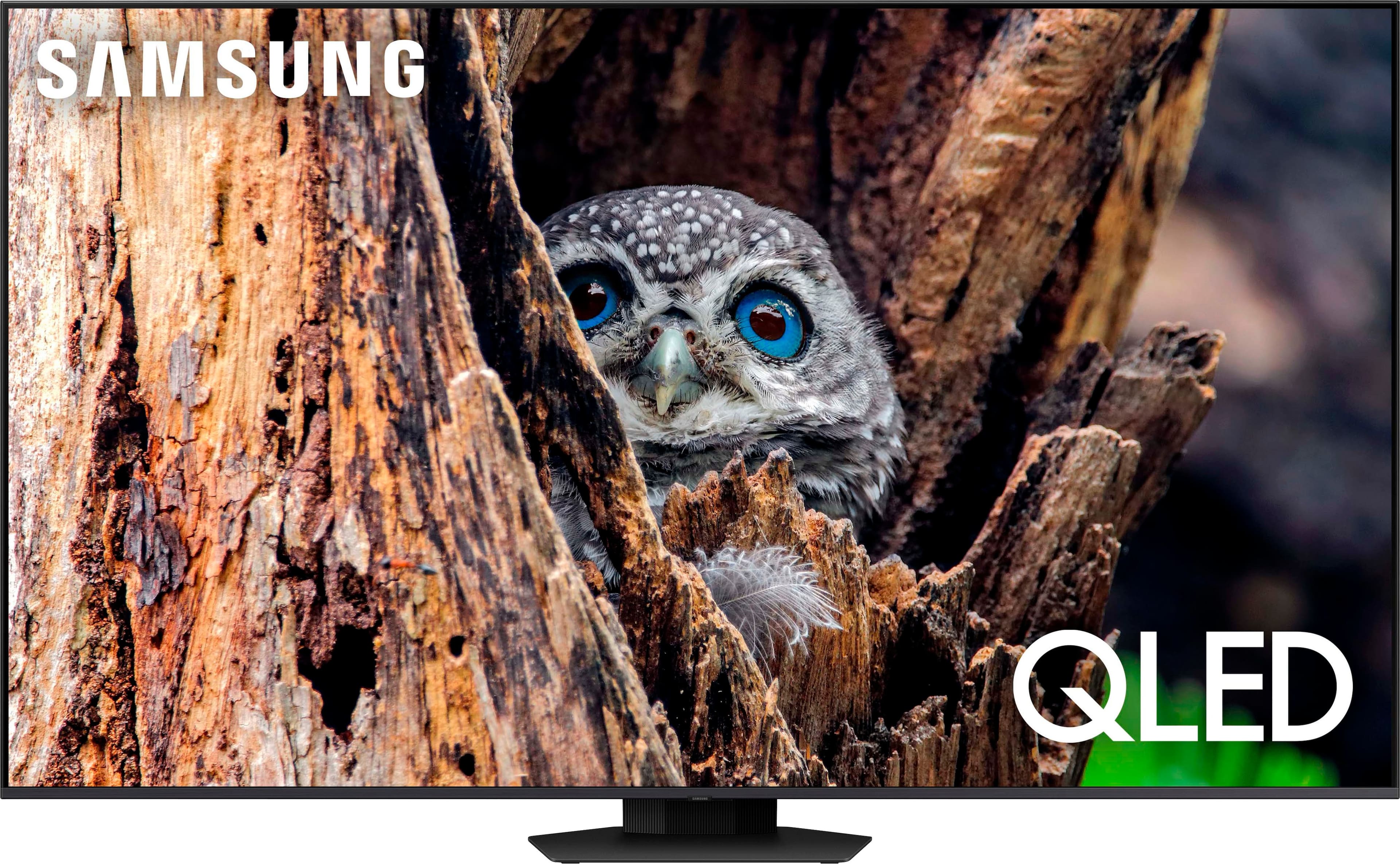
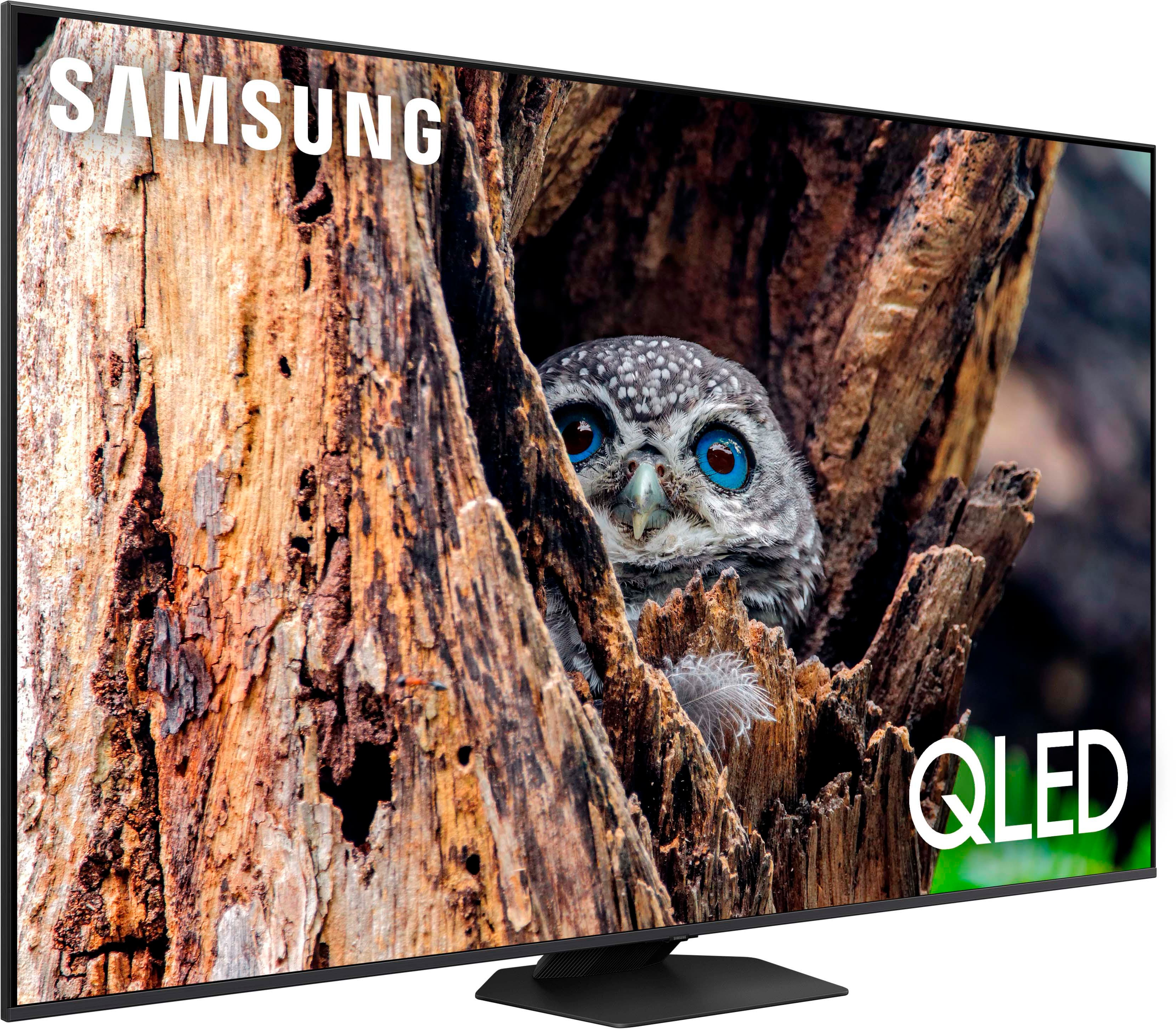
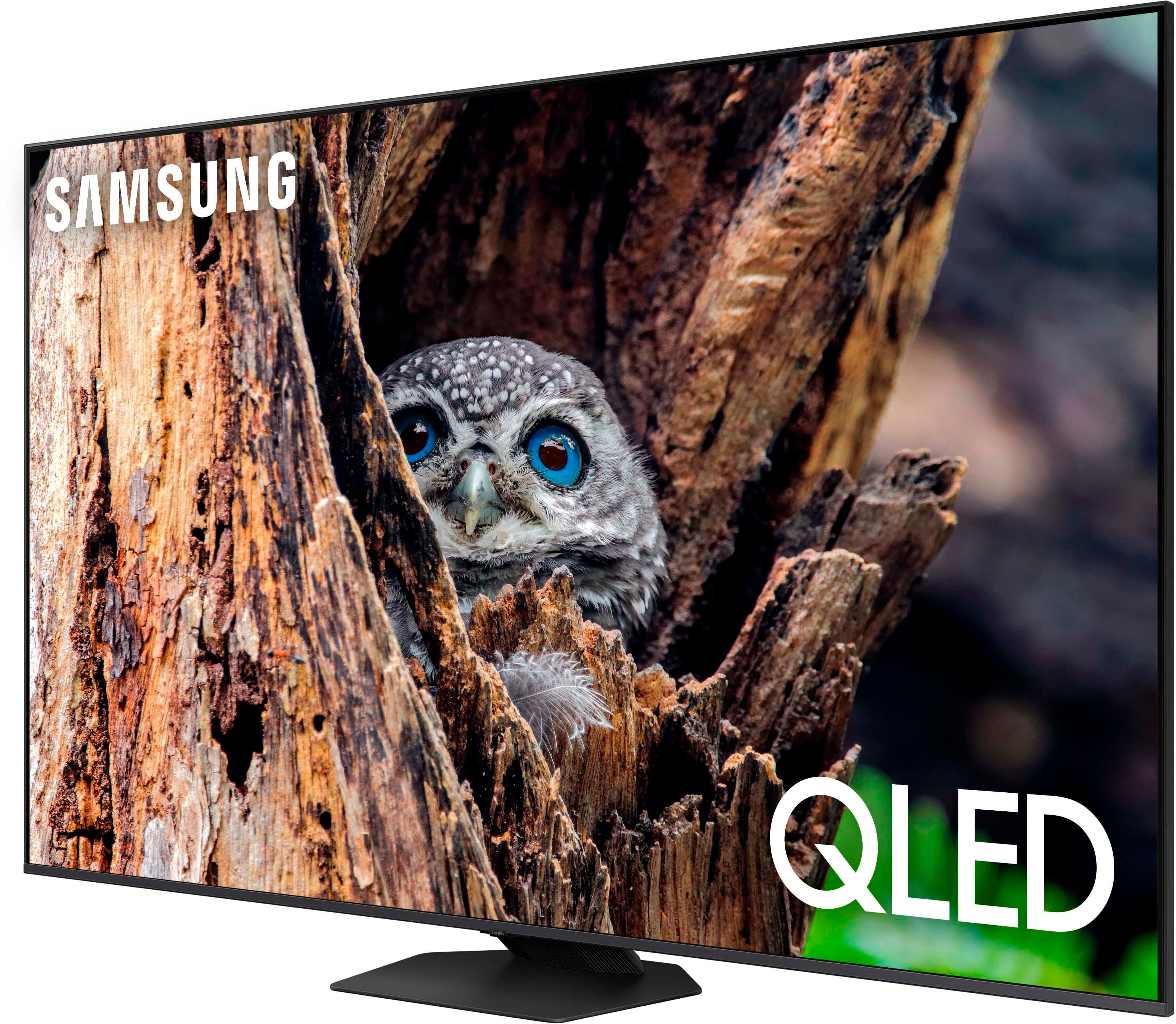
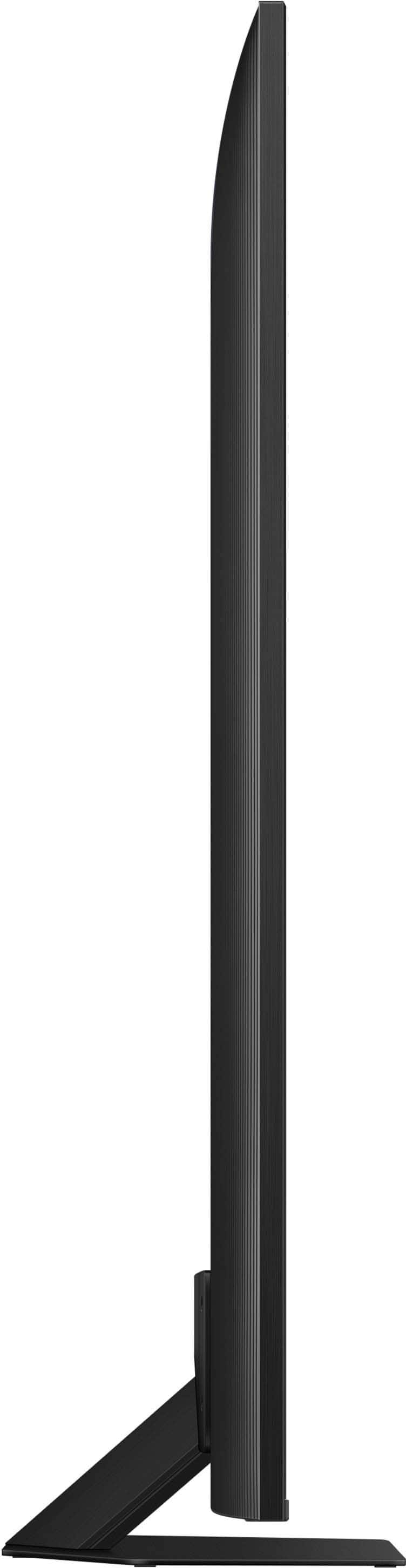




- Model:
- QN65Q80DAFXZA
- SKU:
- 10187622
Rating by feature
- Picture Quality
Rating 4.8 out of 5 stars
- Sound Quality
Rating 4.6 out of 5 stars
- Brightness
Rating 4.8 out of 5 stars
to a friend
Disappointed
||Posted . Owned for 2 months when reviewed.This reviewer received promo considerations or sweepstakes entry for writing a review.You need to be directly in front to get the best clarity. Viewing from the side is washed out.
No, I would not recommend this to a friendDisappointed
||Posted . Owned for 1 week when reviewed.This reviewer received promo considerations or sweepstakes entry for writing a review.Extremely disappointed with this TV. I had such high hopes with the excellent reviews. We purchased it on Black Friday and it worked perfectly for the first few hours. At the end of the first day with our TV, the sound started having issues, like it was switching settings. It sounded muffled with no bass like it was coming out of computer speakers. The only way to fix it was to do a hard power off or unplug it. I did a factory reset which fixed it for a couple days but then the problem returned. THEN about a week later, a very thin black line showed up going right through the middle of the screen. I was so disappointed because the picture quality is actually very good and the brightness. It was just problem after problem. I'm hoping either geek squad or the manufacturer warranty will send me a new TV for free, otherwise it's going back.
No, I would not recommend this to a friendBrand response from Samsung
Posted .Amber,
It’s unfortunate to hear of your experience with Samsung’s Q80D TV. Samsung is committed to providing the best possible product experience, quality, and value. We back this Samsung TV with a 1-year limited manufacturer's warranty, including authorized repair for manufacturer defect, if purchased brand-new directly from an authorized seller. You can enter your model number to review the full warranty details here: https://www.samsung.com/us/support/legal/LGL10000312/#standard-limited-warranty
Please give us the opportunity to assist you by contacting Samsung Customer Support at 1-800-SAMSUNG, 8AM - 12AM EST, 7 days a week. Our LiveChat agents are also available by clicking on the ‘Support’ link on our website.
~ Samsung Specialist
Great service and Product.
||Posted . Owned for 3 weeks when reviewed.This reviewer received promo considerations or sweepstakes entry for writing a review.Outstanding service and product. We love our new TV.
I would recommend this to a friendReally Disapointed
||Posted . Owned for 3 weeks when reviewed.This reviewer received promo considerations or sweepstakes entry for writing a review.I was looking forward to great TV purchasing this product. Spending $1150.00 was a very big debt considering our budget as we are 80 years old. The color is not consistant and the sound fluxuates up and down, but not all the time. I have not contacted Best Buy yet as we only purchased it last month. I hope Best Buy will replace the TV when contacted.
No, I would not recommend this to a friendBrand response from Samsung
Posted .LawrenceS,
I’m sorry to hear you’re not fully satisfied with the Q80D TV’s picture quality. If the color seems to fluctuate, please try disabling some of the TV's energy efficiency functions, as these will automatically adjust your picture and may cause your picture to appear brighter or darker than preferred. Go to: Home > Menu > Settings > All Settings > General & Privacy > Power and Energy Saving > turn off Brightness Optimization, Brightness Reduction, and Motion Lighting
You may also want to try adjusting image settings to improve your picture. Go to Home > Menu > Settings > All Settings > Picture > Picture Mode
1. Standard: Is the default mode suitable for general viewing environments
2. Dynamic: Makes the picture brighter and clearer in bright viewing environments
3. Eco: Provided to save energy
4. Movie: Suitable for watching TV or movies in a dark room
5. Filmmaker Mode: Provides source content just as the creators intended. If the image is defined as Filmmaker Mode, it’ll automatically switch to Filmmaker Mode while watching.
You can also customize the brightness level of your screen between 0 – 50 to your preference. Go to: Home > Menu > Settings > All Settings > Picture > Expert Settings
Please also make sure you’ve got the latest firmware version installed on your TV. You can check this by going to: Home > Menu > Settings > Support > Software Update > Update Now
I hope these tips help. Should you need further assistance, please call us at 1-800-SAMSUNG, 8AM - 12AM EST, 7 days a week. Or visit us on the Samsung website and click on the ‘Support’ link for:
• LiveChat
• Manuals, Software, & Warranty Info
~ Samsung Specialist
Enjoying TV
||Posted . Owned for 3 weeks when reviewed.This reviewer received promo considerations or sweepstakes entry for writing a review.Enjoying the TV, no issues with setting up or using.
I would recommend this to a friendSamsun QLED
||Posted . Owned for 2 weeks when reviewed.This reviewer received promo considerations or sweepstakes entry for writing a review.I like the QLED, however it doesn’t look as black as I thought it will be.
I would recommend this to a friendSamsung tv
||Posted . Owned for 1 month when reviewed.This reviewer received promo considerations or sweepstakes entry for writing a review.Very Happy with my 65 in samsung tv and solar remote.
I would recommend this to a friendTv
||Posted . Owned for 3 weeks when reviewed.This reviewer received promo considerations or sweepstakes entry for writing a review.Best purchase i got for my husband For his men cave
I would recommend this to a friendEither Tv is Laggy or its the remote
||Posted . Owned for less than 1 week when reviewed.This reviewer received promo considerations or sweepstakes entry for writing a review.As of friday 12-6 im having issues on the Tv i bought on monday..Either the smart remote is super laggy or its the television..and best buys chat is so slow to respond
No, I would not recommend this to a friendBrand response from Samsung
Posted .Elver,
We appreciate your feedback on the response time, and for optimal performance, we ask that you please ensure you've got the latest firmware version installed on your Q80D TV. You can check this by going to: Home > Menu > Settings > Support > Software Update.
You may also want to further optimize performance with the self-diagnostic tool, which checks memory, frees up unused cached memory, and closes background apps. Go to: Home > Menu > Settings > Support > Device Care > Start Device Care
You can also check the remote’s remaining battery by going to: Home > Menu > Settings > All Settings > General & Privacy > Power and Energy Saving > Available Remote Battery
I hope these tips help you enjoy your new product.
You can always contact us for further help at 1-800-SAMSUNG, 8AM - 12AM EST, 7 days a week. Our LiveChat agents are also available by clicking on the ‘Support’ link on our website.
~ Samsung Specialist
Mrs.
||Posted . Owned for 1 month when reviewed.This reviewer received promo considerations or sweepstakes entry for writing a review.There is a lot of pixelation, and, at times the sound does not merge with the person talking. Seconds delay. Picture not clear on some channels.
No, I would not recommend this to a friendBrand response from Samsung
Posted .IoanaG,
We appreciate your feedback on the lip sync issues you’re experiencing with your Q80D TV. This could possibly be a source issue, but if you’re hearing an audio delay across all sources/channels and you have a receiver, soundbar, or other speakers connected to your TV, you can access the Audio Delay settings to increase the audio delay. Go to: Menu > Settings > All Settings > Sound > Expert Settings > Digital Output Audio Delay
Our TVs have an audio Pass-Through feature, which allows the audio signal to be sent out unprocessed to an external soundbar or receiver connected to the TV. The external device then processes the audio, thereby eliminating the added step of processing by the TV, which adds delay.
On your TV, go to: Menu > Settings > All Settings > Sound > Expert Settings > Digital Audio Output Format > Pass-Through
Please also be sure you’re running the latest firmware. You can check to see what software version your TV is using and if there is an available update through the settings on your TV. Go to: Menu > Settings > Support > Software Update.
The TV will upscale as best as possible any content sent to it. The closer your content is to 4K, the better the image will look on the screen.
Here are some tips to help improve the picture clarity:
1) HDMI cables are recommended for optimal HD viewing.
2) If you have an analog cable box or satellite box, upgrade to a digital cable box or satellite box.
3) Change the output resolution of your devices, such as digital broadcast receiver, IPTV, and set-top box to UHD or HD.
4) You can further adjust your sharpness, brightness, contrast, color, and more by going to Menu > Settings > All Settings > Picture > Expert Settings
5) Choose a Picture Mode by going to Menu > Settings > All Settings > Picture > Picture Mode and choose from Dynamic, Movie, or Filmmaker Mode.
Should you ever have questions or need help with TV features, specs, or operation, we are here to help. You can reach us at 1-800-SAMSUNG, 8AM - 12AM EST, 7 days a week. Or visit us on the Samsung website and click on the ‘Support’ link for:
• LiveChat
• Manuals, Software, & Warranty Info
~ Samsung Specialist
Ok Tv, the price should be lower, Not very diff.
||Posted . Owned for 2 weeks when reviewed.This reviewer received promo considerations or sweepstakes entry for writing a review.This tv has a few new added features; however, the quality of the picture doesn’t seem much better than the Samsung LED I purchased in 2020.
I would recommend this to a friendBrand response from Samsung
Posted .TechLove,
We appreciate your thoughts on the picture quality of Samsung’s Q80D TV. If the image you’re seeing isn’t to your liking, there are several picture settings you may want to adjust.
Go to Home > left direction button > Settings > All Settings > Picture > Picture Mode
...and select the mode that best fits your usage:
1. Standard: Is the default mode suitable for general viewing environments
2. Dynamic: Makes the picture brighter and clearer in bright viewing environments
3. Eco: Provided to save energy
4. Movie: Suitable for watching TV or movies in a dark room
5. Filmmaker Mode: Provides source content just as the creators intended. If the image is defined as Filmmaker Mode, it’ll automatically switch to Filmmaker Mode while watching.
You can also fine-tune your picture with expert settings such as brightness, contrast, sharpness and more (All Settings > Picture > Expert Settings).
For further assistance with settings adjustments, please contact Samsung Customer Support at 1-800-SAMSUNG, 8AM - 12AM EST, 7 days a week. Or visit us on the Samsung website and click on the ‘Support’ link for:
• LiveChat
• Manuals, Software, & Warranty Info
~ Samsung Specialist
New TV
||Posted . Owned for 3 weeks when reviewed.This reviewer received promo considerations or sweepstakes entry for writing a review.Difficult to adjust color settings to get right combination in our house. Hook up easy
I would recommend this to a friendBrand response from Samsung
Posted .nflbum,
Thank you for sharing your user experience with image adjustments. We'll be sure to pass your feedback along to our internal teams.
Should you ever have questions or need help, Samsung is here for you. Just give us a call at 1-800-SAMSUNG, 8AM - 12AM EST, 7 days a week. Our LiveChat agents are also available by clicking on the ‘Support’ link on our website.
~ Samsung Specialist
DONT BUY THIS TV
||Posted .This reviewer received promo considerations or sweepstakes entry for writing a review.ZERO STARS. Not to be cliche or anything but if i could give 0 stars i would. This TV is $1500 and DOES NOT WORK. We bought it on sale on Black Friday and it worked for one week. Came home from the hospital after having my baby and the audio was out, sounded like it was under water. We got it replaced with the exact same TV and the new one was so slow it was unusable. This TV costs way too much to be so faulty. I understand one bad egg but to have two in row is crazy for such a “top of the line” brand especially for something that is supposedly worth $1,500. We ultimately got a refund and got a different brand. This review is more so on Samsung and the TV and not bestbuy. The bestbuy workers have been great with helping us through all of this.
No, I would not recommend this to a friendBrand response from Samsung
Posted .Trinity,
It’s unfortunate to hear of the issues that have caused you to return your Q80D TV. Your experience is very important to us and will be shared with our product team.
Should you ever decide to give Samsung TVs another try and have questions or need help with settings, setup, or features, please know we’re here to help. Call us at 1-800-SAMSUNG, 8AM - 12AM EST, 7 days a week.
LiveChat with an agent as well as manuals, software, and warranty info can be found at the ‘Support’ link on our Samsung website.
~ Samsung Specialist
Washed out facial features.
||Posted . Owned for 3 weeks when reviewed.This reviewer received promo considerations or sweepstakes entry for writing a review.Attempted multiple adjustments in settings to bring vibrancy and accuracy to facial skin tones but unsuccessful. The 10 year old 65 inch Samsung TV I replaced (as software was outdated to log on to Netflix) had much superior color and skin tones. Very disappointed in quality of picture.
No, I would not recommend this to a friendBrand response from Samsung
Posted .RussW,
Thank you for sharing your thoughts on the picture quality of your Q80D TV. To ensure you’ve got the latest image quality updates, please confirm that your TV is up to date with the latest firmware version. You can check by going to: Home > Menu > Settings > Support > Software Update.
If the picture you’re seeing is still not to your liking after updating firmware, there are several picture settings you may want to try adjusting.
Go to Home > Menu > Settings > All Settings > Picture > Picture Mode
...and select the mode that best fits your usage:
1. Standard: Is the default mode suitable for general viewing environments
2. Dynamic: Makes the picture brighter and clearer in bright viewing environments
3. Eco: Provided to save energy
4. Movie: Suitable for watching TV or movies in a dark room
5. Filmmaker Mode: Provides source content just as the creators intended. If the image is defined as Filmmaker Mode, it’ll automatically switch to Filmmaker Mode while watching.
Intelligent Mode enables the TV to recognize and analyze the surroundings, noise, content, and your usage patterns to provide the best viewing experience. You can enable Intelligent Mode by going to Menu > Settings > All Settings > General & Privacy > Intelligent Mode Settings > Intelligent Mode.
You can also fine-tune your picture with expert settings such as brightness, contrast, sharpness and more (All Settings > Picture > Expert Settings).
For further assistance with settings adjustments, please contact Samsung Customer Support at 1-800-SAMSUNG, 8AM - 12AM EST, 7 days a week. Or visit us on the Samsung website and click on the ‘Support’ link for:
• LiveChat
• Manuals, Software, & Warranty Info
~ Samsung Specialist
Not a great experience
||Posted . Owned for 1 month when reviewed.This reviewer received promo considerations or sweepstakes entry for writing a review.Drove 2 hours to pick it up and lasted 15 minutes before it went dark. Several phone calls between Best Buy and Samsung and finally a repairman was sent out. Between time for repairman and part it was 3 weeks before I could watch my brand new but repaired TV.
No, I would not recommend this to a friendBrand response from Samsung
Posted .KeithP,
We appreciate you sharing your experience you went through to have your TV serviced, but I hope your TV is now performing as expected.
If there’s anything we can do to further improve your experience, please know we’re here to help. You can reach us at 1-800-SAMSUNG, 8AM - 12AM EST, 7 days a week. Or visit us on the Samsung website and click on the ‘Support’ link for:
• LiveChat
• Manuals, Software, & Warranty Info
~ Samsung Specialist
PIECE OF JUNK!
||Posted .This reviewer received promo considerations or sweepstakes entry for writing a review.DO NOT BUY SAMSUNG TV, buy LG, this TV is the biggest piece of crap. Never ever again! Never been more disappointed in a purchase!!!
No, I would not recommend this to a friendDefective
||Posted . Owned for less than 1 week when reviewed.This reviewer received promo considerations or sweepstakes entry for writing a review.After one month we had to have the television replaced due to a defect in the color pixels. Samsung is supposed to be one of the best in televisions so hopefully it was just a fluke that our TV had issues.
No, I would not recommend this to a friendBrand response from Samsung
Posted .Speaker,
We appreciate you sharing the issues you’ve initially experienced with Samsung’s Q80D TV. Thank you for your patience in having to deal with the inconvenience of an exchange.
Should you need help with your new unit, please contact Samsung Customer Support at 1-800-SAMSUNG, 8AM - 12AM EST, 7 days a week. Or visit us on the Samsung website and click on the ‘Support’ link for:
• LiveChat
• Manuals, Software, & Warranty Info
~ Samsung Specialist
DONT BUY FROM BEST BUY
||Posted . Owned for 1 month when reviewed.This reviewer received promo considerations or sweepstakes entry for writing a review.If i could leave 0 stars i would. Best buy is the worst company to buy products from. Purchased gift for my wifes birthday. When installed TV, display screen was completely damaged. Due to us openning gift after 30 days (on birthday) best buy would not take TV back. I spent almost $960 that was broken and Best Buy showed no sensitivity for my situation. Will never buy anything from this horrid company again. Look elsewhere for elswhere.
No, I would not recommend this to a friendBrand response from Samsung
Posted .DanieleV,
We appreciate you sharing your experience; however, we recommend you contact Best Buy directly for assistance in correcting this situation. We hope your issue is resolved in a timely manner.
You may also want to consider providing feedback directly to the Best Buy store where you made your purchase.
Should you have any questions or need help with your TV once your issue has been resolved, please reach Samsung Support at 1-800-SAMSUNG, 8AM - 12AM EST, 7 days a week. Our LiveChat agents are also available by clicking on the ‘Support’ link on our website.
~ Samsung Specialist
Mr
||Posted . Owned for 1 month when reviewed.This reviewer received promo considerations or sweepstakes entry for writing a review.Third party delivery/ installers damaged my receiver and after 30 days it was discovered that they did not report the issue but charged me anyway. And. Best Buy tried to charge me over $100 even though I had a Membership plan. Took me at least 12 calls to get service without charge during 20 days of a 2 year Warranty!
No, I would not recommend this to a friendBrand response from Samsung
Posted .SylvesterH,
We appreciate you sharing your experience; however, we recommend you contact Best Buy directly for assistance in correcting this situation. We hope your issue is resolved in a timely manner.
You may also want to consider providing feedback directly to the Best Buy store where you made your purchase.
Should you have any questions or need help with your TV once your issue has been resolved, please reach Samsung Support at 1-800-SAMSUNG, 8AM - 12AM EST, 7 days a week. Our LiveChat agents are also available by clicking on the ‘Support’ link on our website.
~ Samsung Specialist
Bad picture. Returned in one week.
||Posted . Owned for 3 weeks when reviewed.This reviewer received promo considerations or sweepstakes entry for writing a review.I purchased and have returned. The picture was bad and no adjustments would correct it. The picture was grainy and lacked vibrant color.
No, I would not recommend this to a friendBrand response from Samsung
Posted .Patrick,
It’s unfortunate to hear of the issues that have caused you to return your Q80D TV. Your experience is very important to us and will be shared with our product team.
Please know we’re always here to help, and we could’ve assisted in providing image adjustments to resolve any issues you were experiencing.
Should you ever decide to give Samsung TVs another try and have questions or need help with settings, setup, or features, please know we’re here to help. Call us at 1-800-SAMSUNG, 8AM - 12AM EST, 7 days a week.
LiveChat with an agent as well as manuals, software, and warranty info can be found at the ‘Support’ link on our Samsung website.
~ Samsung Specialist