Customer Ratings & Reviews
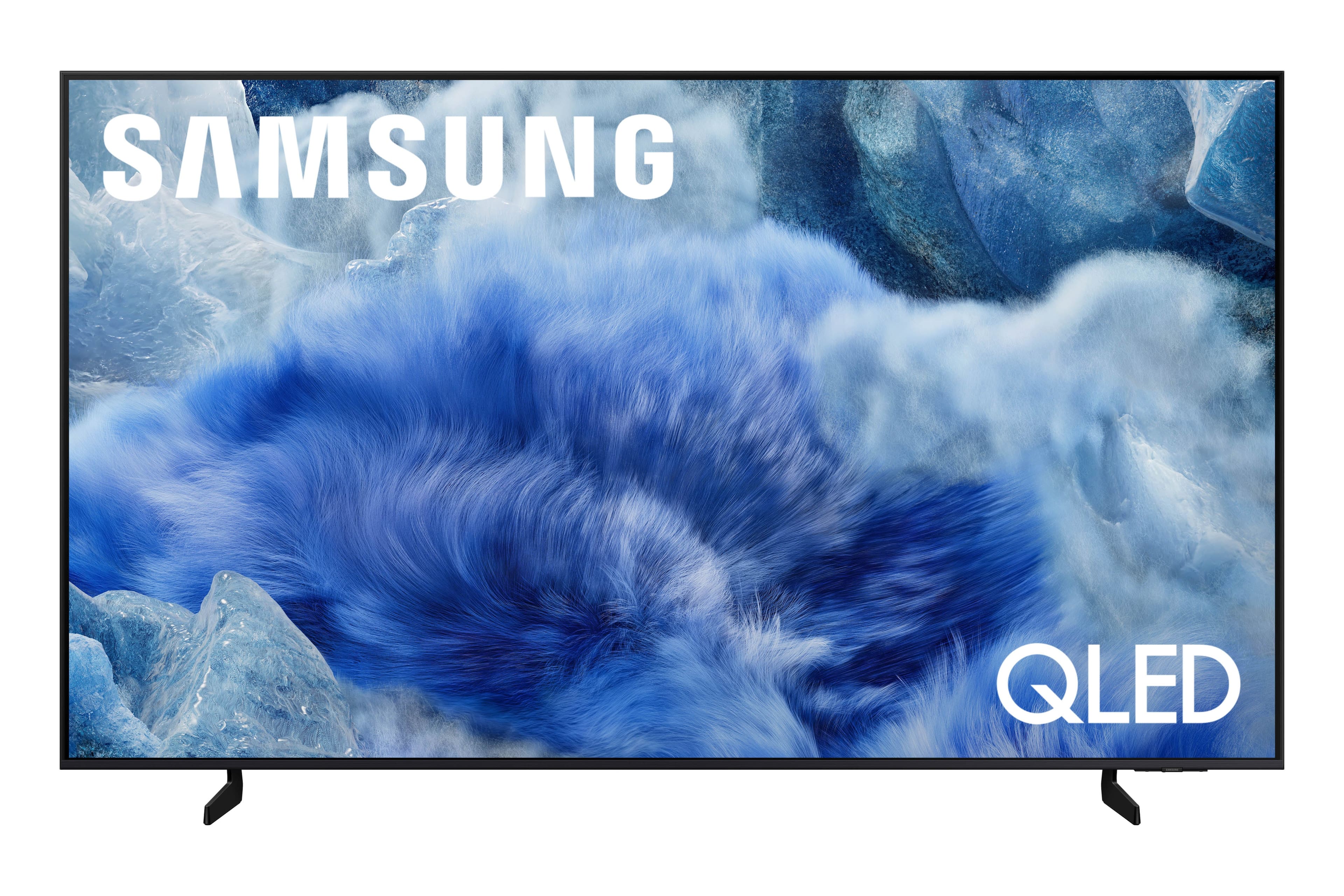
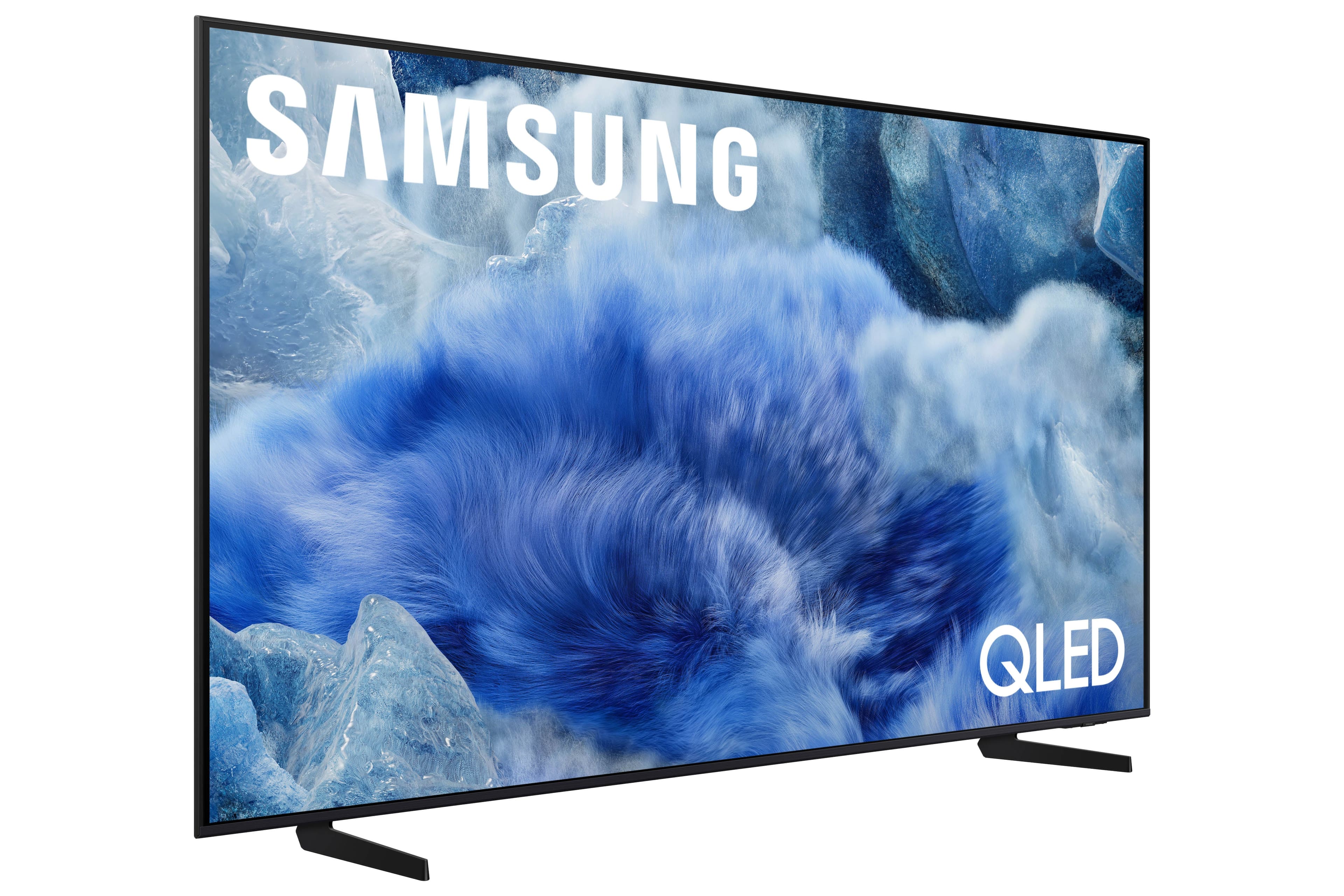
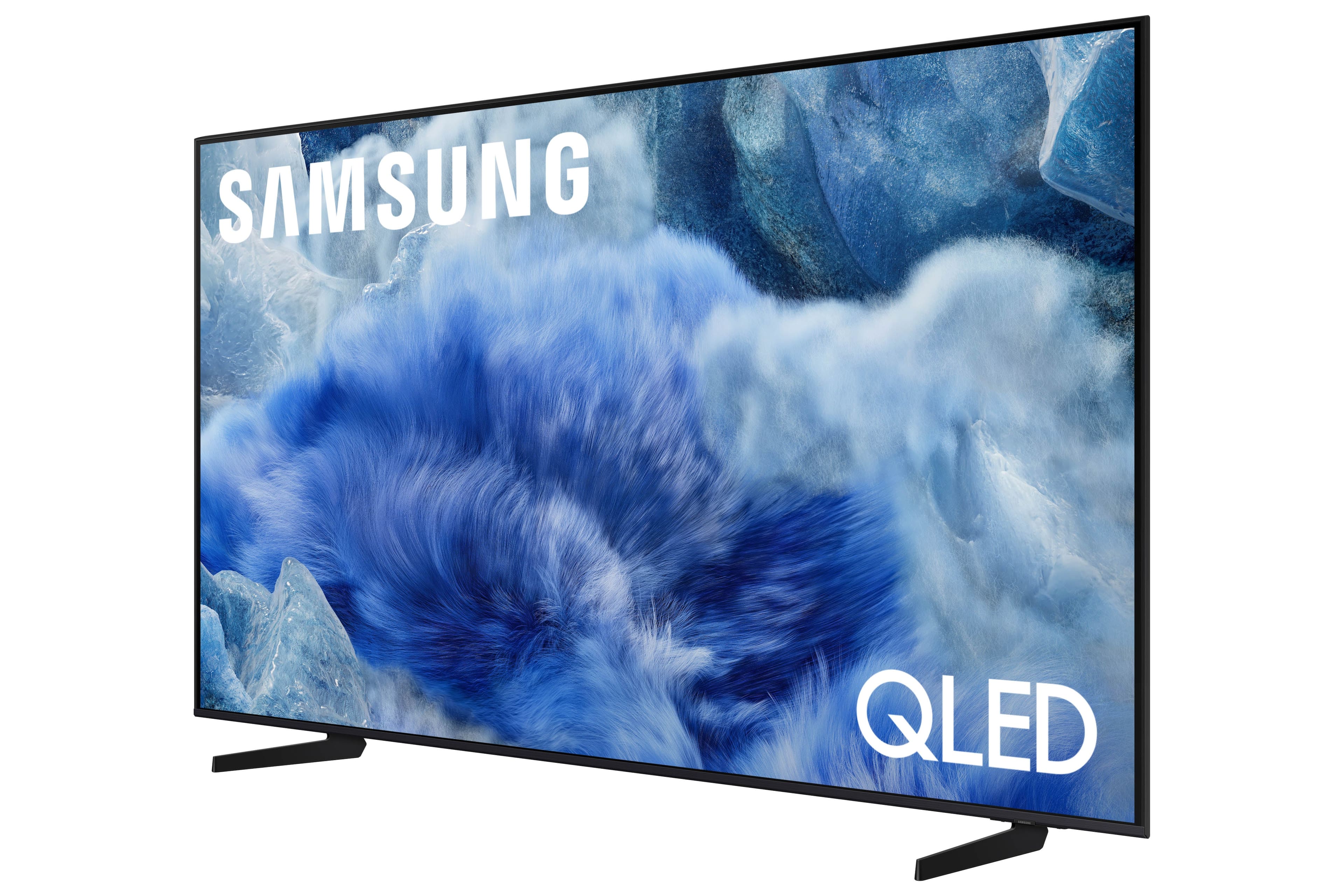

 100% Color Volume 100% Color Volume with Quantum Dot Over a billion colors that don't fade, even in the brightest scenes *QLED televisions can produce 100% Volume in the DCI-PS colorspace, the format most cinema screens and HDR movies for television.](https://pisces.bbystatic.com/image2/BestBuy_US/images/products/684f880e-f8dd-4c6c-91d9-5f55b1534a3c.jpg)







- Model:
- QN65Q8FAAFXZA
- SKU:
- 6617398
Rating by feature
- Picture Quality
Rating 4.8 out of 5 stars
- Sound Quality
Rating 4.6 out of 5 stars
- Brightness
Rating 4.8 out of 5 stars
Customers are saying
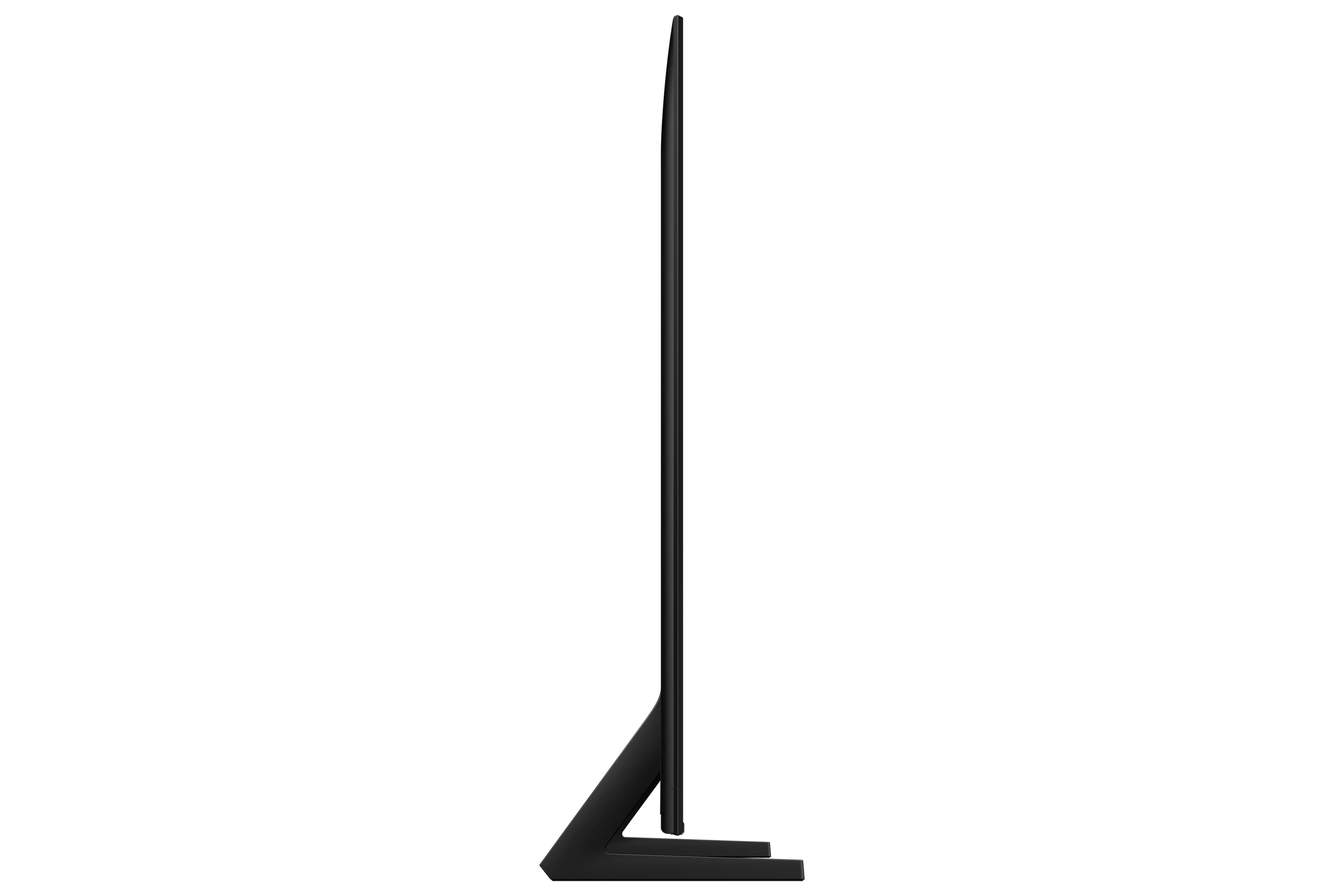
Customers consistently note the amazing picture quality of the 65” Class Q8F Series QLED 4K UHD SamsungVision AI Smart Tizen TV (2025). Users also find the setup to be easy and appreciate the intuitive user interface. The TV's slim design is another positive aspect mentioned by customers.
This summary was generated by AI based on customer reviews.
New tv
||Posted .This reviewer received promo considerations or sweepstakes entry for writing a review.Great picture, great size for our living room. I shopped around and I’m so glad this is what we settled on
I would recommend this to a friendGreat product
||Posted .This reviewer received promo considerations or sweepstakes entry for writing a review.Excellent product. Fit well on our wall and easy to set up.
I would recommend this to a friendawesome
||Posted . Owned for 3 weeks when reviewed.This reviewer received promo considerations or sweepstakes entry for writing a review.it's great and the service was very help full and many ways,.
I would recommend this to a friendGood service
||Posted . Owned for 1 month when reviewed.This reviewer received promo considerations or sweepstakes entry for writing a review.It’s a wonderful television I would recommend it to everyone
I would recommend this to a friendSamsung TV
||Posted . Owned for 2 weeks when reviewed.This reviewer received promo considerations or sweepstakes entry for writing a review.Great TV, Great picture, Great price. Well please with the ease of the purchase process.
I would recommend this to a friend- Pros mentioned:Picture quality
Beware if Best Buy
||Posted .This reviewer received promo considerations or sweepstakes entry for writing a review.This is not about the TV. The TV is great, exactly what I expected. This is about Best Buy’s false marketing practices that duped me out of $100, which, for me, is a lot. I purchased this on a clearly advertised early or pre Black Friday sale. A few days after the return period expired, they re-advertised it as part of an early Black Friday sale for $100 less. Online they have a stated exception for price adjustments after the return period if it was purchased as part of this type of early holiday sale. The agent, who was condescending and repeated herself without acknowledging that maybe there is a possibility that I am referencing another relevant policy wasted my time. I found her tone offensive. I think this is an unconscionable way to treat customers, especially when you bombard us with multiple sales and changing prices for the same items over weeks. The only thing that affords us confidence to buy is the belief that we will be treated fairly in these circumstances. I wasn’t. Shame on you for taking another $100 out of my pocket when everything is already ridiculously high priced.
I would recommend this to a friendBrand response from Samsung
Posted .LisaS,
Please know that you're leaving a review and 1-star rating for the Q8F TV, but we’re sorry to hear of your experience with Best Buy, nonetheless. You may want to consider providing your feedback directly to the Best Buy store where the purchase was made.
If you have questions about the TV itself, Samsung is here to help. You can reach us at 1-800-SAMSUNG, 8AM – 12AM EST, 7 days a week. LiveChat agents are also available by clicking the ‘Support’ link on our website.
~ Samsung Specialist
Q8F QLD
||Posted . Owned for 3 weeks when reviewed.This reviewer received promo considerations or sweepstakes entry for writing a review.very happy with quality of picture. price was amazing for what you get .
I would recommend this to a friendMy new TV
||Posted . Owned for 3 weeks when reviewed.This reviewer received promo considerations or sweepstakes entry for writing a review.purchase was easy with 12 months same as cash. Salesman was super helpful, and pick up was simple.
I would recommend this to a friendTV Mounting
||Posted .This reviewer received promo considerations or sweepstakes entry for writing a review.From the arrival of the team to the finished mounting, it was definitely a professional experience.
I would recommend this to a friend65" Samsung
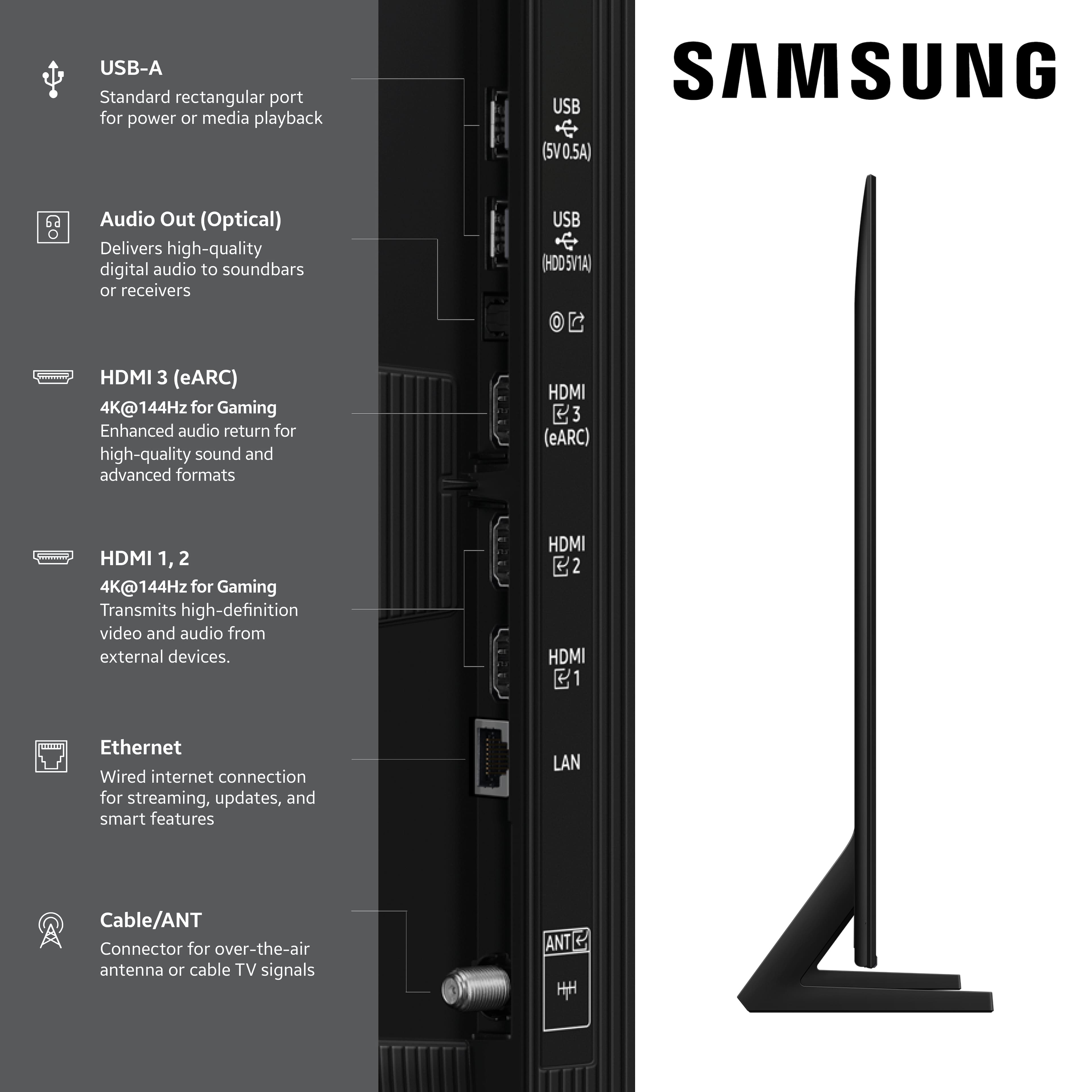
||Posted .This reviewer received promo considerations or sweepstakes entry for writing a review.Very happy with this TV. Has plenty of options and ports.
I would recommend this to a friendGood Samsung TV
||Posted .This reviewer received promo considerations or sweepstakes entry for writing a review.Good tv, good value on sale. clear picture and easy setup
I would recommend this to a friendNew TV purchase
||Posted .This reviewer received promo considerations or sweepstakes entry for writing a review.This is one of the best Samsung TVs on the market. Good color contrast and refresh rate.
I would recommend this to a friendSamsung TV
||Posted . Owned for 1 month when reviewed.This reviewer received promo considerations or sweepstakes entry for writing a review.Excellent service at the store! Setup was easy when we got it home.
I would recommend this to a friendAI picture quality control is average
||Posted . Owned for 1 month when reviewed.This reviewer received promo considerations or sweepstakes entry for writing a review.The picture quality is not as good as I anticipated. I'm using AI to adjust the picture quality and the people faces are harder than they should be. Other features are meeting expectations.
No, I would not recommend this to a friendBrand response from Samsung
Posted .Milt,
We appreciate your input on the picture quality of Samsung’s Q8F TV. If the image isn’t meeting your expectations, there are several adjustments you can make to improve your viewing experience.
First, please ensure your TV is running the latest firmware, as updates may include important picture quality enhancements. Go to: Home > Left directional button > Settings > Support > Software Update > Update Now
Then, select a Picture Mode that best fits your environment: Home > Home > left directional key > Settings > All Settings > Picture > Picture Mode
1. Standard – Default mode for general viewing
2. Dynamic – Brighter and clearer in well-lit rooms
3. Eco – Optimized for energy saving
4. Movie – Best for watching in dark environments
5. Filmmaker Mode – Preserves content exactly as intended by creators
You can also enhance your experience by enabling AI Mode, which automatically adjusts picture and sound based on your surroundings and usage patterns: Settings > All Settings > Advanced Features > AI Mode Settings > AI Mode
If these adjustments don’t improve your picture quality, feel free to contact Samsung Customer Support at 1-800-SAMSUNG, available 8AM – 12AM EST, 7 days a week. You can also LiveChat with an agent or find helpful guides by visiting the ‘Support’ section of our website.
~ Samsung Specialist
Check for app Support
||Posted . Owned for 1 month when reviewed.This reviewer received promo considerations or sweepstakes entry for writing a review.The TV was okay, but must check to see what apps Samsung supports.
I would recommend this to a friendSamsung tv
||Posted . Owned for 1 month when reviewed.This reviewer received promo considerations or sweepstakes entry for writing a review.Excellent purchase and installlation. Would refer to a friend.
I would recommend this to a friendGood Performance, Good Price
||Posted . Owned for 3 weeks when reviewed.This reviewer received promo considerations or sweepstakes entry for writing a review.We have purchased multiple Samsung TVs over the years. Zero problems.
I would recommend this to a friendtv is glitchy and freezes
||Posted .This reviewer received promo considerations or sweepstakes entry for writing a review.Really disappointed in this tv. It freezes often and we have to do cold start reboots to get streaming services to work. Samsung TV is a lot glitchier than Roku TV for local weather and tv stations
No, I would not recommend this to a friendBrand response from Samsung
Posted .KristinG,
We appreciate your feedback regarding response time. For optimal performance, please ensure your TV is running the latest firmware. You can check this by going to: Home > left directional key > Settings > Support > Software Update
To further optimize performance, try running Device Care, which checks memory, clears unused cached data, and closes background apps: Home > left directional key > Settings > Support > Device Care > Start Device Care
If issues continue, please reach Samsung Support at 1-800-SAMSUNG, available 8AM – 12AM EST, 7 days a week.
LiveChat is also available via the ‘Support’ link on our website.
~ Samsung Specialist
It's fine.
||Posted .This reviewer received promo considerations or sweepstakes entry for writing a review.It's fine. I thought it would be more a more impressive picture.
No, I would not recommend this to a friendBrand response from Samsung
Posted .We appreciate your input on the picture quality of Samsung’s Q8F TV. If the image isn’t meeting your expectations, there are several adjustments you can make to improve your viewing experience.
First, please ensure your TV is running the latest firmware, as updates may include important picture quality enhancements. Go to: Home > Left directional button > Settings > Support > Software Update > Update Now
Then, select a Picture Mode that best fits your environment: Home > Home > left directional key > Settings > All Settings > Picture > Picture Mode
1. Standard – Default mode for general viewing
2. Dynamic – Brighter and clearer in well-lit rooms
3. Eco – Optimized for energy saving
4. Movie – Best for watching in dark environments
5. Filmmaker Mode – Preserves content exactly as intended by creators
You can also enhance your experience by enabling AI Mode, which automatically adjusts picture and sound based on your surroundings and usage patterns: Settings > All Settings > Advanced Features > AI Mode Settings > AI Mode
If these adjustments don’t improve your picture quality, feel free to contact Samsung Customer Support at 1-800-SAMSUNG, available 8AM – 12AM EST, 7 days a week. You can also LiveChat with an agent or find helpful guides by visiting the ‘Support’ section of our website.
~ Samsung Specialist
Could be better
||Posted .This reviewer received promo considerations or sweepstakes entry for writing a review.Not bad for the price, you get what you pay for. I think the OS could be better but thats why I use a roku or a fire tv device.
I would recommend this to a friendBrand response from Samsung
Posted .McGlugger,
Thanks for sharing your thoughts on Samsung's Q8F. If there’s anything we can assist with, please don’t hesitate to call us at 1-800-SAMSUNG, available daily from 8AM - 12AM EST. You can also visit the Samsung website and click on ‘Support’ for:
• Live Chat
• Manuals, Software, & Warranty Info
~ Samsung Specialist