Customer Ratings & Reviews
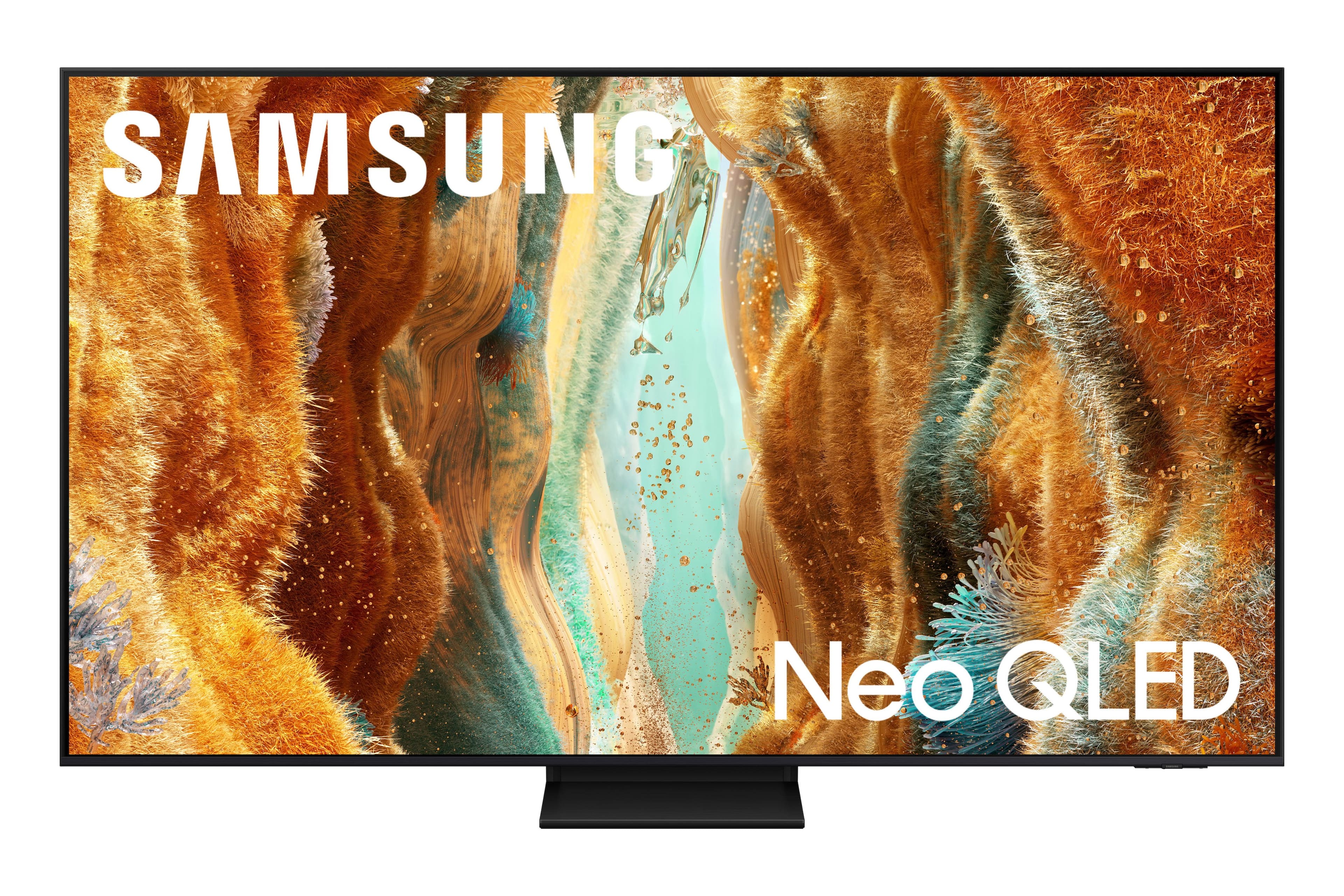

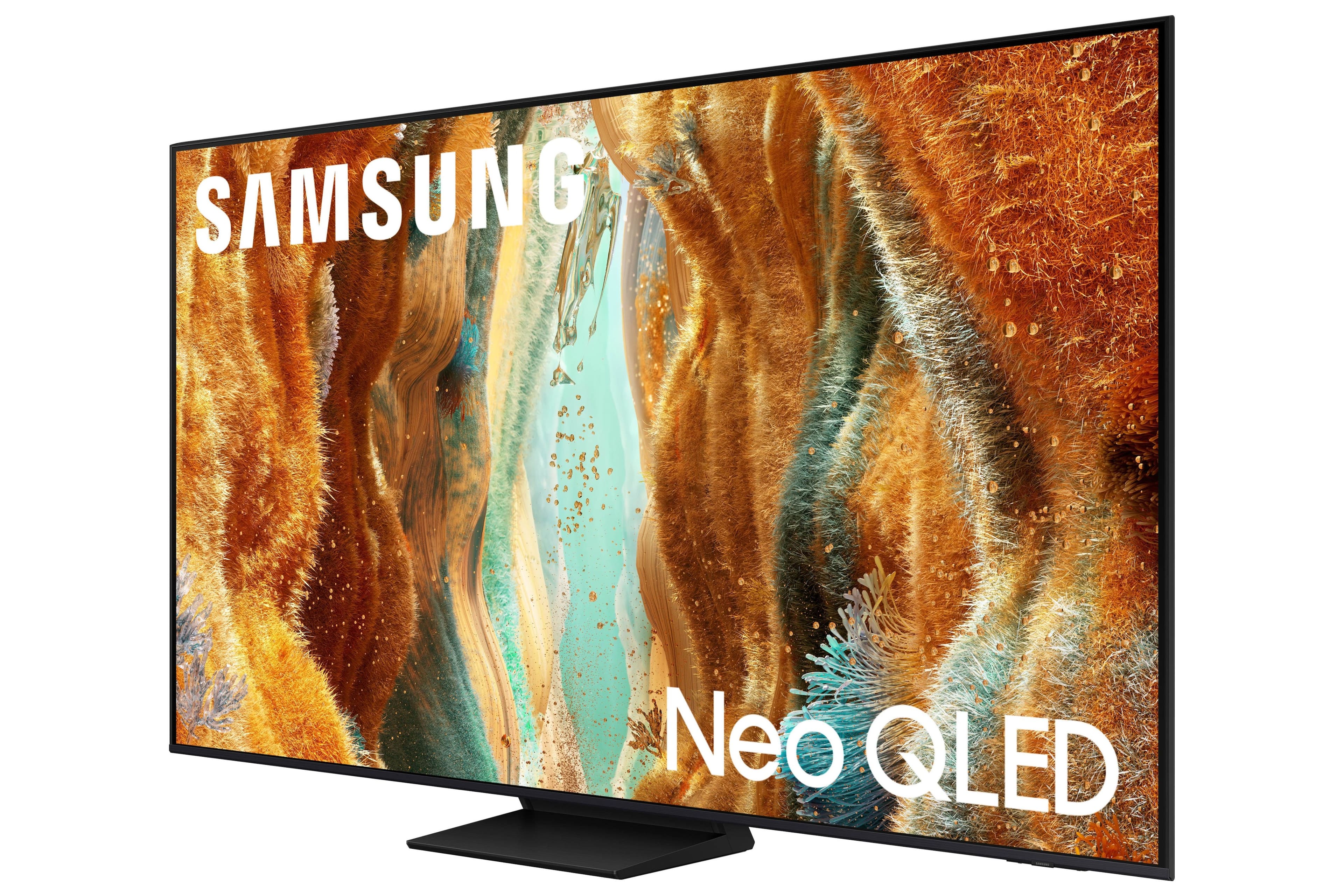
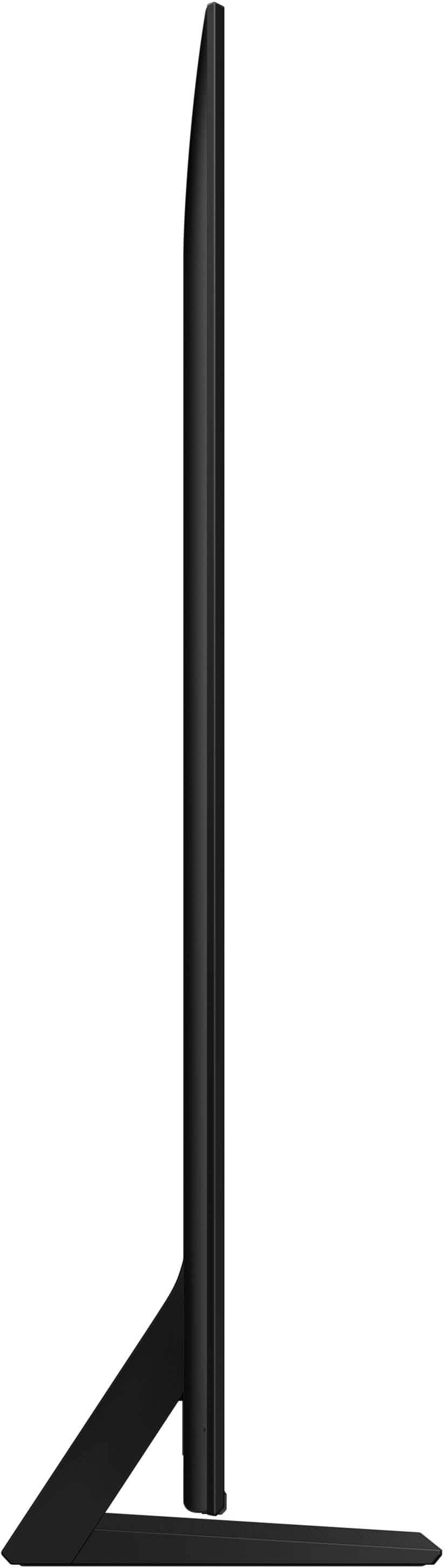
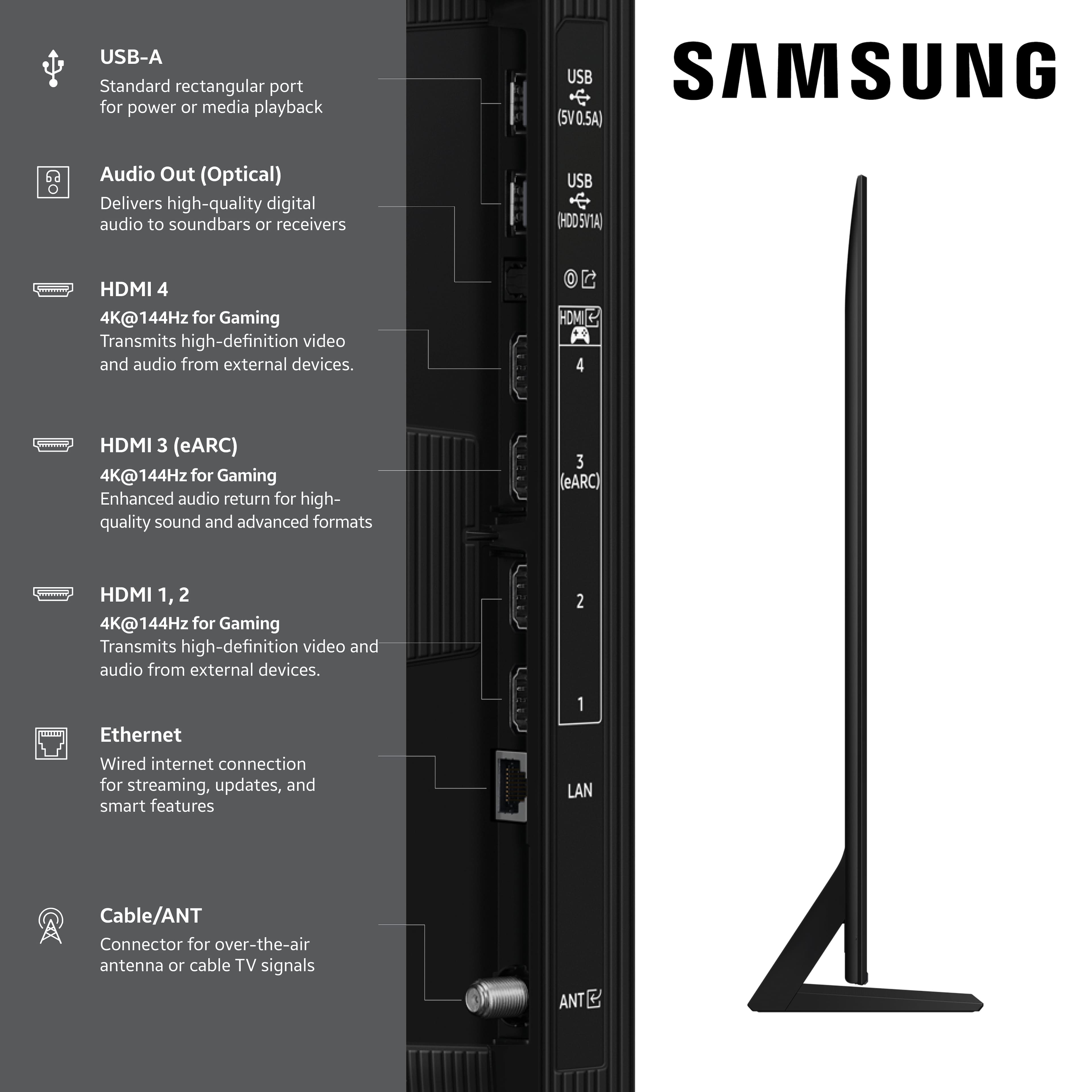






- Model:
- QN65QN70FAFXZA
- SKU:
- 10736085
Rating by feature
- Picture Quality
Rating 4.8 out of 5 stars
- Sound Quality
Rating 4.6 out of 5 stars
- Brightness
Rating 4.8 out of 5 stars
to a friend
New tv
||Posted . Owned for 2 weeks when reviewed.This reviewer received promo considerations or sweepstakes entry for writing a review.Very happy with this item it was more than I had planned spend but a good value
I would recommend this to a friendSamsung tv
||Posted . Owned for 3 weeks when reviewed.This reviewer received promo considerations or sweepstakes entry for writing a review.This TV has a great picture but would recommend either a sound bar or speaks.
I would recommend this to a friendSolar remote and tiny
||Posted .This reviewer received promo considerations or sweepstakes entry for writing a review.Good tv hate remote it’s solar no joke and to little .
No, I would not recommend this to a friendSamsung T.V
||Posted .This reviewer received promo considerations or sweepstakes entry for writing a review.All the products from best buy are very good quality products, thanks
I would recommend this to a friendSamsung TV
||Posted . Owned for 1 month when reviewed.This reviewer received promo considerations or sweepstakes entry for writing a review.Really enjoying the clarity of picture on this tv.
I would recommend this to a friendTV Review
||Posted .This reviewer received promo considerations or sweepstakes entry for writing a review.It's ok............................................
No, I would not recommend this to a friendBrand response from Samsung
Posted .Hi DoBetta,
Thanks for taking a moment to review Samsung’s QN70F TV. If you’re experiencing specific issues which caused you to give this a 3-star rating, please know Samsung Customer Support is here to help at1-800-SAMSUNG between 8AM - 12AM EST, any day of the week. You can also reach our LiveChat team by selecting the ‘Support’ link on our website.
~Samsung Advisor
Samsung tv
||Posted . Owned for 3 weeks when reviewed.This reviewer received promo considerations or sweepstakes entry for writing a review.Best tv yet out of all quality!!!!!!!!!!!!!!!!!!!!
I would recommend this to a friendMounting TV
||Posted . Owned for 1 month when reviewed.This reviewer received promo considerations or sweepstakes entry for writing a review.The TV is great and was easily installed on the old mounting brackets.
I would recommend this to a friendNot great
||Posted . Owned for 2 weeks when reviewed.This reviewer received promo considerations or sweepstakes entry for writing a review.This TV is very unimpressive. I have owned TVs that cost half as much as I paid for this one and seems to perform better. The volume goes up and down in its own and the overall picture quality is not what your works expect for the price point. I would not recommend this tv.
No, I would not recommend this to a friendBrand response from Samsung
Posted .Mbax,
We appreciate your feedback on the sound and picture quality of Samsung’s QN70F TV. If the image doesn’t quite match your preferences, there are several adjustments you can make to better suit your viewing environment and content type.
First, please ensure your TV is running the latest firmware, as updates may include important picture quality enhancements. Go to: Home > Left directional button > Settings > Support > Software Update > Update Now
To explore picture mode options, navigate to: Home > Left directional button > Settings > All Settings > Picture > Picture Mode. Options include:
• Standard – Ideal for general viewing
• Dynamic – Brighter and more vibrant for well-lit spaces
• Eco – Optimized for energy efficiency
• Movie – Best for viewing in low light
• Filmmaker Mode – Preserves the content creator’s intent and disables motion smoothing for supported content
You can further customize your image by going to: Settings > All Settings > Picture > Expert Settings, where you can adjust Brightness, Contrast, Color Tone, Sharpness, Contrast Enhancer and more.
Additionally, sudden changes in volume can often be related to audio settings or content differences between sources or apps.
Please try the following adjustments to help stabilize your TV's audio:
1. Enable Auto Volume. Go to: Settings > All Settings > Sound > Expert Settings > Auto Volume. This feature helps maintain a consistent volume level when switching channels or apps.
2. Change Sound Mode. Try a different sound mode to see if one offers a more stable output: Settings > All Settings > Sound > Sound Mode (We recommend Standard or Amplify for more even performance.)
3. Check External Devices. If you're using a soundbar, receiver, or other audio device, check that its volume leveling or dynamic range settings aren’t interfering with the TV’s audio.
If you’d like help finding the best picture or sound settings for your preferences, please don’t hesitate to contact Samsung Support at 1-800-SAMSUNG, available 8AM – 12AM EST, 7 days a week. You can also LiveChat with an agent or explore additional resources on our website by clicking the ‘Support’ link.
~ Samsung Specialist
Not as described - AVOID!
||Posted .This reviewer received promo considerations or sweepstakes entry for writing a review.I have had this TV for a month now, and will be returning it. I would not recommend this TV to anyone. The picture quality of this TV is poor to say the least. The colors are dull, and when a white screen comes on, especially for commercials, you better be wearing sunglasses for the it is extremely bright to the point of blinding which is quite annoying. If there is some type OF AI that is adjusting the color and brightness, I have not experienced it. I have reached out to Samsung Support for help in adjusting the color, but they are no help either. The only positive is all the extras it has in comparison to Google TV, but the main reason for buying a new TV, especially one at this price, is the picture quality, which this TV is seriously lacking!!
No, I would not recommend this to a friendBrand response from Samsung
Posted .RichardN,
We appreciate your input on the picture quality of Samsung’s QN70F TV. If the image isn’t meeting your expectations, there are several adjustments you can make to improve your viewing experience.
First, please ensure your TV is running the latest firmware, as updates may include important picture quality enhancements. Go to: Home > Left directional button > Settings > Support > Software Update > Update Now
Then, select a Picture Mode that best fits your environment: Home > Home > left directional key > Settings > All Settings > Picture > Picture Mode
1. Standard – Default mode for general viewing
2. Dynamic – Brighter and clearer in well-lit rooms
3. Eco – Optimized for energy saving
4. Movie – Best for watching in dark environments
5. Filmmaker Mode – Preserves content exactly as intended by creators
You can also enhance your experience by enabling AI Mode, which automatically adjusts picture and sound based on your surroundings and usage patterns: Settings > All Settings > Advanced Features > AI Mode Settings > AI Mode
If these adjustments don’t improve your picture quality, feel free to contact Samsung Customer Support at 1-800-SAMSUNG, available 8AM – 12AM EST, 7 days a week. You can also LiveChat with an agent or find helpful guides by visiting the ‘Support’ section of our website.
~ Samsung Specialist
Samsung - 65" QN70F
||Posted . Owned for 2 weeks when reviewed.This reviewer received promo considerations or sweepstakes entry for writing a review.The television is set up in an open plan interior design combining living area, kitchen and dining room. The kitten is located behind the living area. The window in the kitchen makes it very difficult to watch TV in the day time due to reflection.
No, I would not recommend this to a friendBrand response from Samsung
Posted .Hi,
Thank you for purchasing the Samsung QN70F TV and for sharing your feedback regarding screen reflections. Lighting conditions vary from room to room, and reflections may be more noticeable depending on placement and ambient light. For optimal glare control, we recommend positioning the TV to minimize direct light on the screen or consulting with a professional installer for best placement.
Samsung’s Glare Free technology, engineered to minimize reflections from ambient light, is available on the QN90F Neo QLED 4K and higher. Anti Reflection is also featured starting with the S85F OLED and up.
If you have any questions about features, specifications, or setup, we’re here to help – please contact Samsung Customer Support at 1-800-SAMSUNG, 8AM – 12AM EST, 7 days a week. LiveChat is also available via the ‘Support’ link on our website.
~ Samsung Specialist
Don’t buy if you care about UI lag.
||Posted . Owned for 1 month when reviewed.This reviewer received promo considerations or sweepstakes entry for writing a review.This tv has so much bloatware it’s insane. Slow to switch inputs, slow to move through menus, overall garbage. Stick with Vizio. Great picture, bad user interface.
No, I would not recommend this to a friendBrand response from Samsung
Posted .EddieG,
We appreciate your feedback regarding response time. For optimal performance, please ensure your TV is running the latest firmware. You can check this by going to: Home > left directional key > Settings > Support > Software Update
To further optimize performance, try running Device Care, which checks memory, clears unused cached data, and closes background apps: Home > left directional key > Settings > Support > Device Care > Start Device Care
If issues continue, please reach Samsung Support at 1-800-SAMSUNG, available 8AM – 12AM EST, 7 days a week.
LiveChat is also available via the ‘Support’ link on our website.
~ Samsung Specialist
Smasung QN70F Screen Blacks out 2-3 seconds often.
||Posted .This reviewer received promo considerations or sweepstakes entry for writing a review.The TV is a month old and the screen randomly blacks out for 2-3 seconds. It is a know problem. We have to soft boot it every few days. We have done diagnostics, spoke to Samsung tech support with out having the issued resolved or tv replaced.
No, I would not recommend this to a friendBrand response from Samsung
Posted .DavidS,
I’m sorry you have tried troubleshooting without success. Please contact Samsung Customer Support again so we can better understand your issue and provide further assistance specific to your usage scenario.
You can reach us at 1-800-SAMSUNG, available daily from 8AM - 12AM EST. You can also chat with a LiveChat agent by clicking the ‘Support’ link on our website for:
• Live Chat
• Manuals, Software, & Warranty Info
• Creating a Service ticket
~ Samsung Specialist
Backlight Issue
||Posted . Owned for 1 month when reviewed.This reviewer received promo considerations or sweepstakes entry for writing a review.After only 4 days, the backlight died on my unit. The 3 days I did get to use it, I had no issues with the tv. Definitely read reviews of any Samsung tv before purchase. Returned it for a 75" Sony Bravia 3. It's lasted longer than 4 days. So far, so good.
No, I would not recommend this to a friendBrand response from Samsung
Posted .ErikH,
We're sorry to hear that your experience with the QN70F TV led to a return. Your feedback matters to us and will be shared with our product team. If you decide to explore Samsung TVs again in the future, we’re always here to support you - whether it’s setup, features, or troubleshooting. Reach us anytime at 1-800-SAMSUNG (8AM – 12AM EST, 7 days a week), or visit the ‘Support’ section of our website for LiveChat, manuals, and more. ~ Samsung Specialist
Gods tv but has issues.
||Posted . Owned for less than 1 week when reviewed.This reviewer received promo considerations or sweepstakes entry for writing a review.Having to have the tv replaced because of a horizontal line in the screen. This is the second Samsung tv that I have had to do this. Other than that I like the Tv and the operating system. Samsung needs to fix the hard ware isssues that it knows it has.
No, I would not recommend this to a friendBrand response from Samsung
Posted .JasonC,
Thank you for sharing your experience with Samsung’s QN70F. If your TV is displaying lines on the screen, we recommend the following steps to help isolate the issue:
1. Check all input cable connections for any external devices (e.g., HDMI, streaming boxes, Blu-ray players)
2. Switch channels or inputs to see if the issue appears across all sources
3. Run a Picture Test to check for panel-related issues: Settings > Support > Device Care > Self Diagnosis > Picture Test
4. Perform a cold boot by holding the power button on your remote for about 10 seconds
5. Ensure your TV has the latest software installed: Settings > Support > Software Update
If the issue continues after these steps, the TV may require service. For further assistance, please contact Samsung Support at 1-800-SAMSUNG, 8AM – 12AM EST, 7 days a week. LiveChat and additional support resources are also available through the Support link on our website.
~ Samsung Specialist
Broken during shipping
||Posted .This reviewer received promo considerations or sweepstakes entry for writing a review.Not the TVs fault, but was broken when we took it out of the box. Disappointed as we drove over an hour to get it. It must have been dropped in shipping. Was hoping the store would discount another one for my time and mileage having to come back, but would not.
No, I would not recommend this to a friendBrand response from Samsung
Posted .RileyF,
We appreciate you sharing your delivery experience and are sorry to hear that your TV arrived damaged. For issues related to shipping or delivery, we recommend reaching out to Best Buy directly so they can assist in resolving the situation.
Once your issue is resolved, if you have any questions about setup, usage, or features, please don’t hesitate to contact Samsung Support at 1-800-SAMSUNG (8AM – 12AM EST, 7 days a week), or connect with a LiveChat agent via the ‘Support’ link on our website.
~ Samsung Specialist
No Show Geeks
||Posted . Owned for 1 week when reviewed.This reviewer received promo considerations or sweepstakes entry for writing a review.Horrible, horrible no return phone calls and no-show geek squad… Then they’re jacking us around on the refund… Said it takes two weeks… Had to call the credit card company… This company is not what it used to be and neither is the geek squad… They can’t even coordinate together… Horrible horrible experience… Since I have talked to two other people who have had the same experience we did.
No, I would not recommend this to a friendBrand response from Samsung
Posted .DebS,
Please know that you're leaving a review and 1-star rating for the 65" QN70F TV, but we’re sorry to hear of your experience with Best Buy, nonetheless. You may want to consider providing your feedback directly to the Best Buy store where the purchase was made.
If you have questions about the TV itself, Samsung is here to help. You can reach us at 1-800-SAMSUNG, 8AM – 12AM EST, 7 days a week. LiveChat agents are also available by clicking the ‘Support’ link on our website.
~ Samsung Specialist
Need help
||Posted .This reviewer received promo considerations or sweepstakes entry for writing a review.Beautiful tv but still not working. Tried various setup and just not working.
No, I would not recommend this to a friendBrand response from Samsung
Posted .EnigmaGenius7,
We're sorry to hear this. So we can understand the issues you’re experiencing and provide you with troubleshooting assistance, please reach out to Samsung Customer Support at 1-800-SAMSUNG, available daily from 8AM - 12AM EST. You can also chat with a LiveChat agent by clicking the ‘Support’ link on our website for:
• Live Chat
• Manuals, Software, & Warranty Info
• Creating a Service ticket
~ Samsung Specialist
Not great
||Posted . Owned for 3 months when reviewed.This reviewer received promo considerations or sweepstakes entry for writing a review.Price was aggressive but two months in and its not really working as well as day one. Furthermore, yhe newer tvs out now have dropped to compete with this price point.
No, I would not recommend this to a friendBrand response from Samsung
Posted .Mjordan,
Thanks for sharing your experience with your TV. To help us better understand the issues you’re experiencing and provide troubleshooting assistance, please contact Samsung Customer Support at 1-800-SAMSUNG, available daily from 8AM - 12AM EST. You can also chat with a LiveChat agent by clicking the ‘Support’ link on our website for:
• Live Chat
• Manuals, Software, & Warranty Info
• Creating a Service ticket
~ Samsung Specialist
Television issue
||Posted .This reviewer received promo considerations or sweepstakes entry for writing a review.I had to return this television. The color went gray a couple of times.
No, I would not recommend this to a friendBrand response from Samsung
Posted .Lisad,
We're sorry to hear that your experience with the QN70F TV led to a return. Your feedback matters to us and will be shared with our product team.
If you decide to explore Samsung TVs again in the future, we’re always here to support you - whether it’s setup, features, or troubleshooting. Reach us anytime at 1-800-SAMSUNG (8AM – 12AM EST, 7 days a week), or visit the ‘Support’ section of our website for LiveChat, manuals, and more.
~ Samsung Specialist