Customer Ratings & Reviews
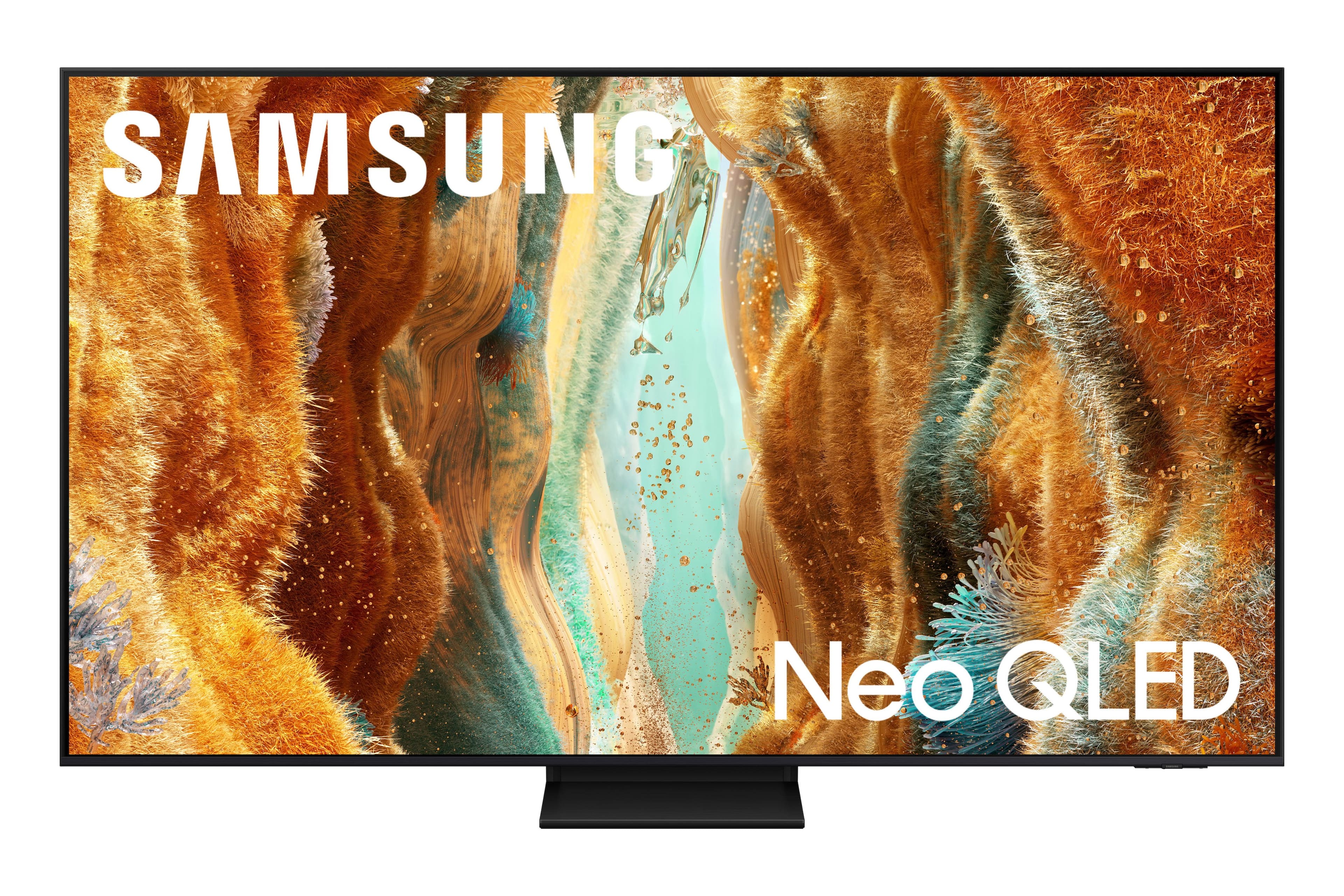

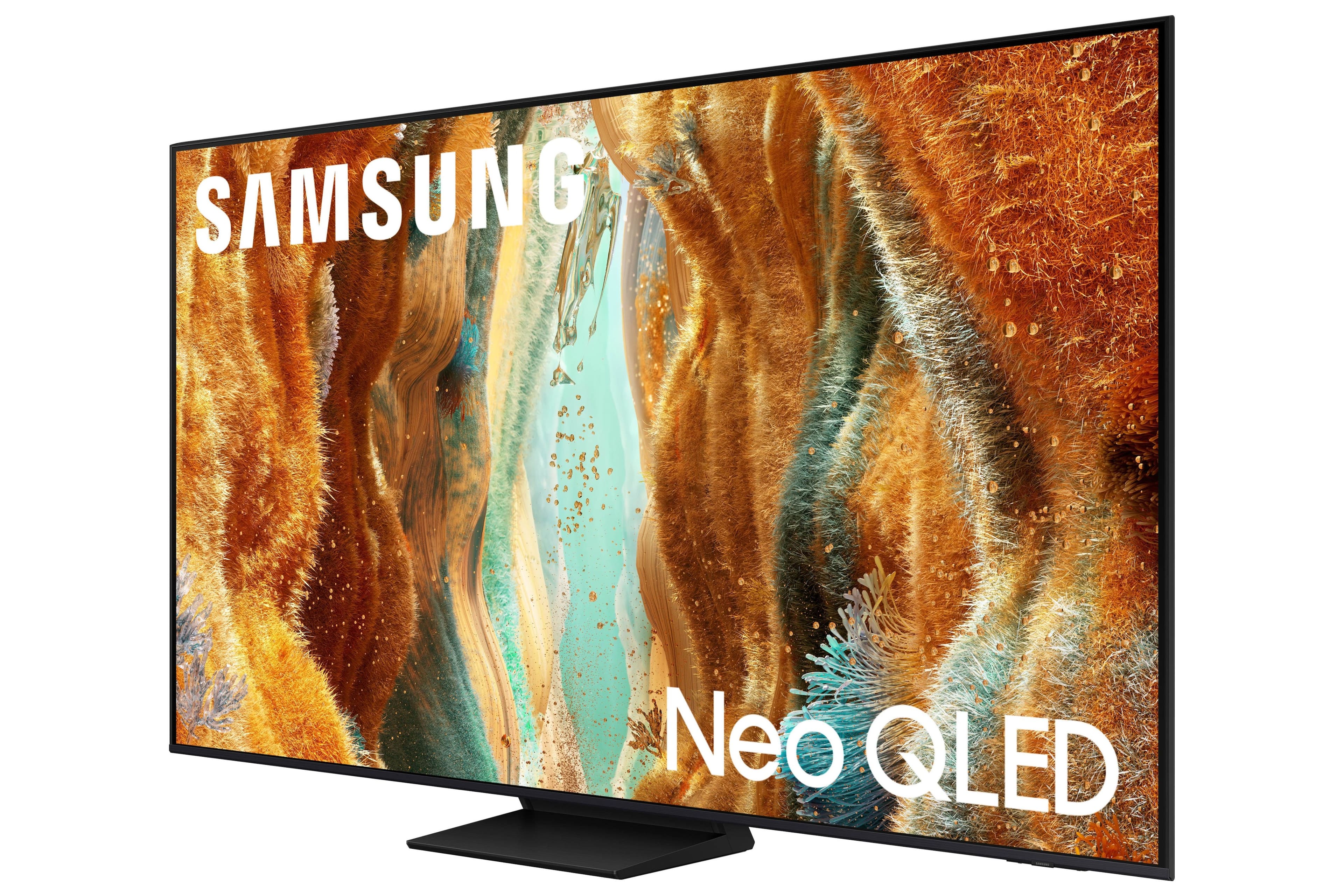
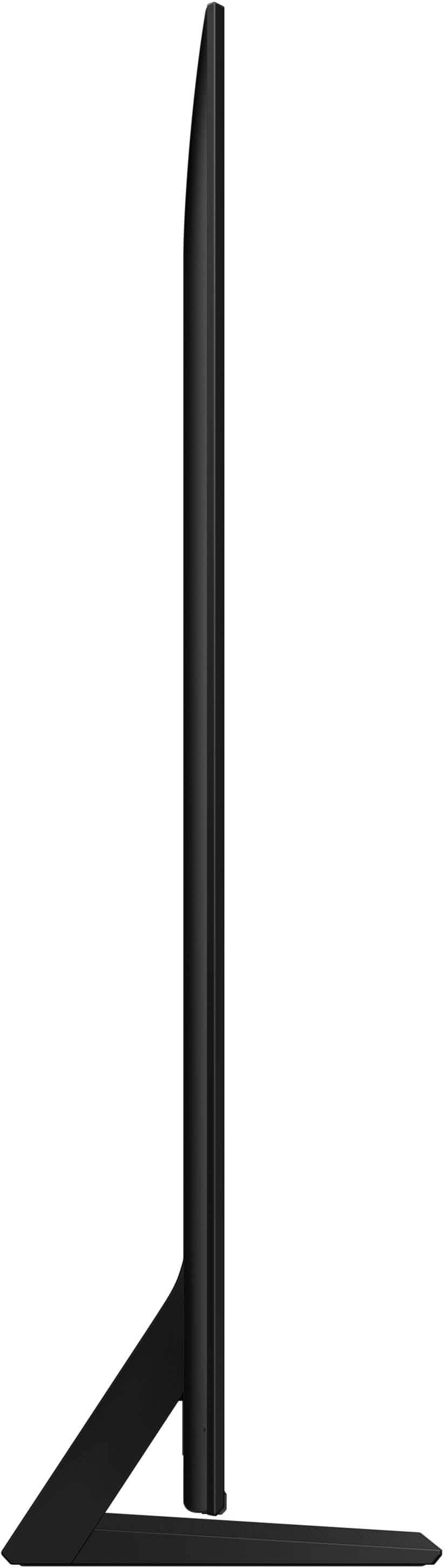
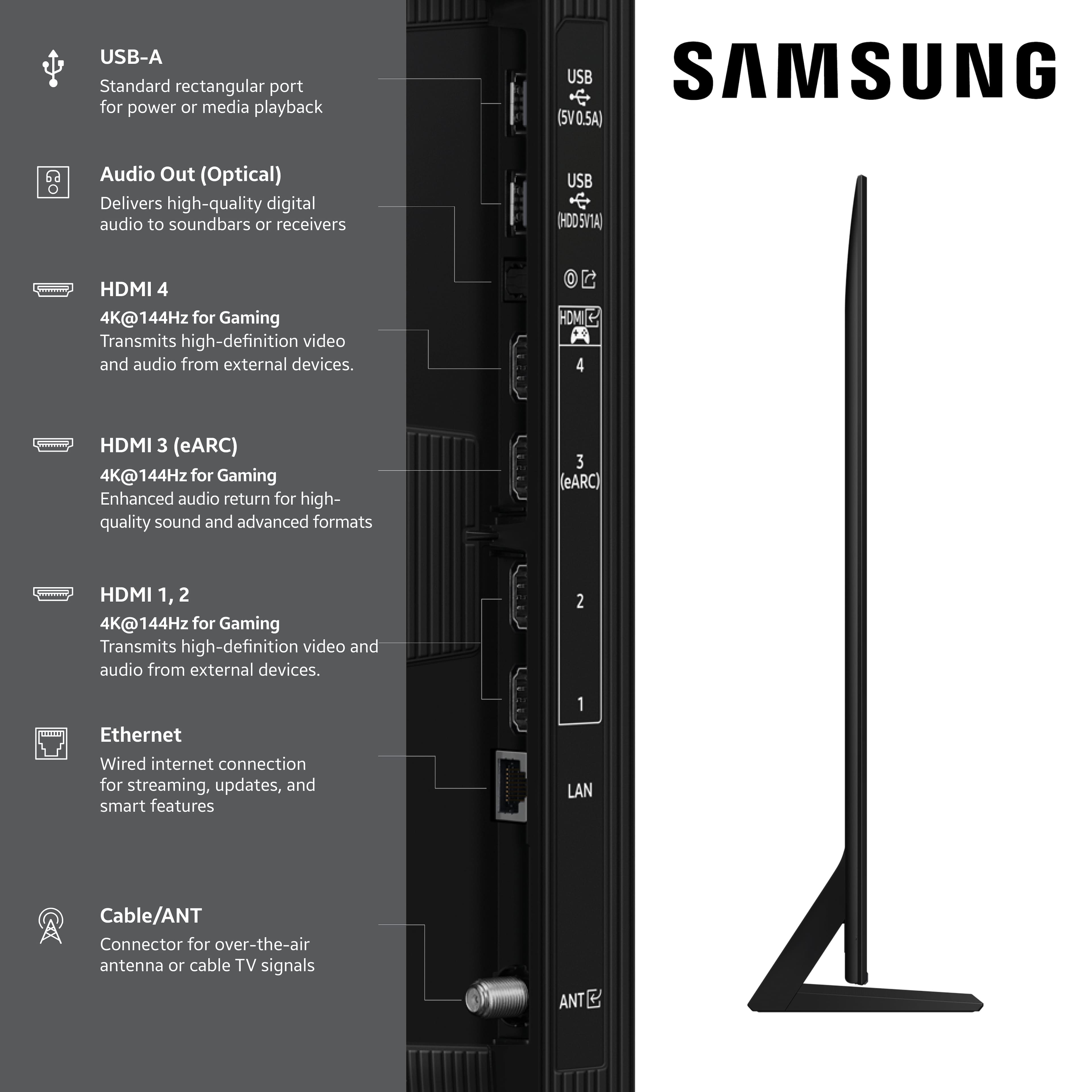
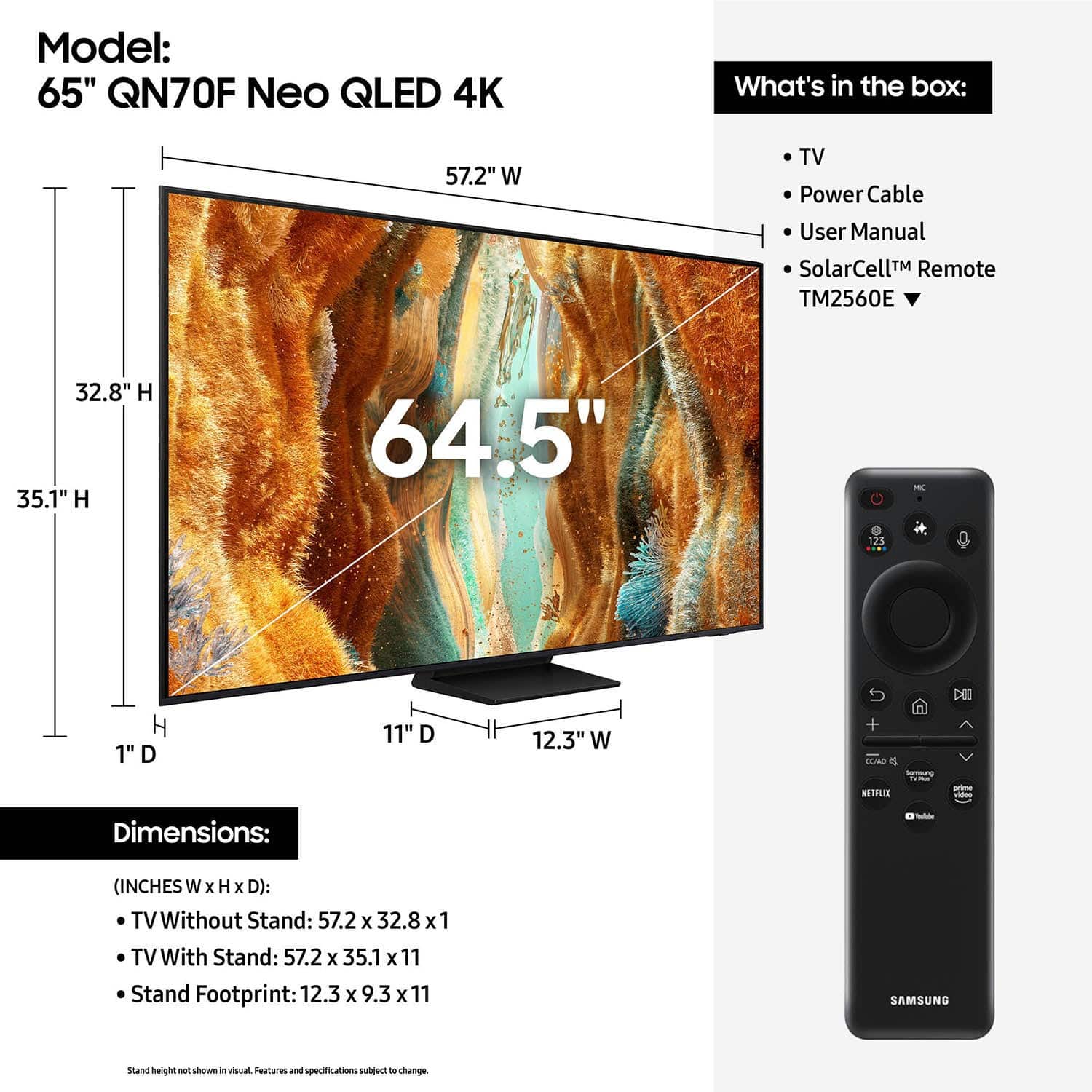
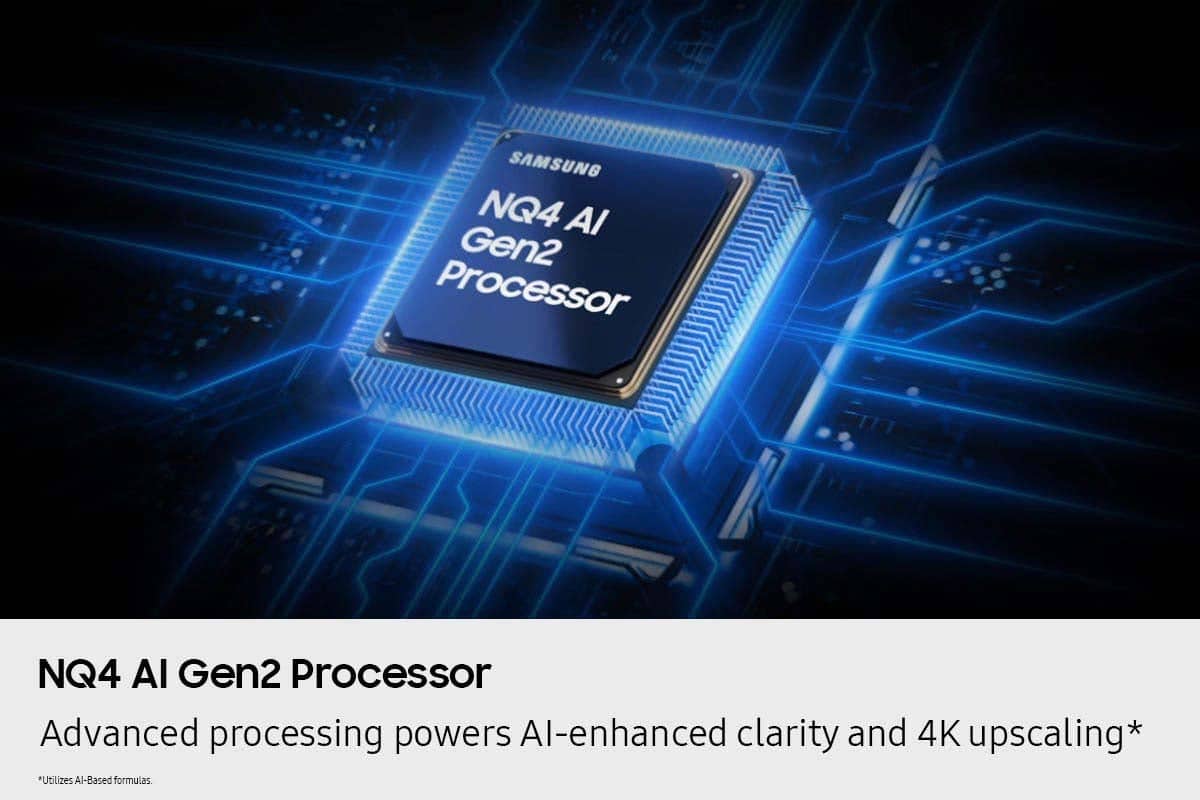
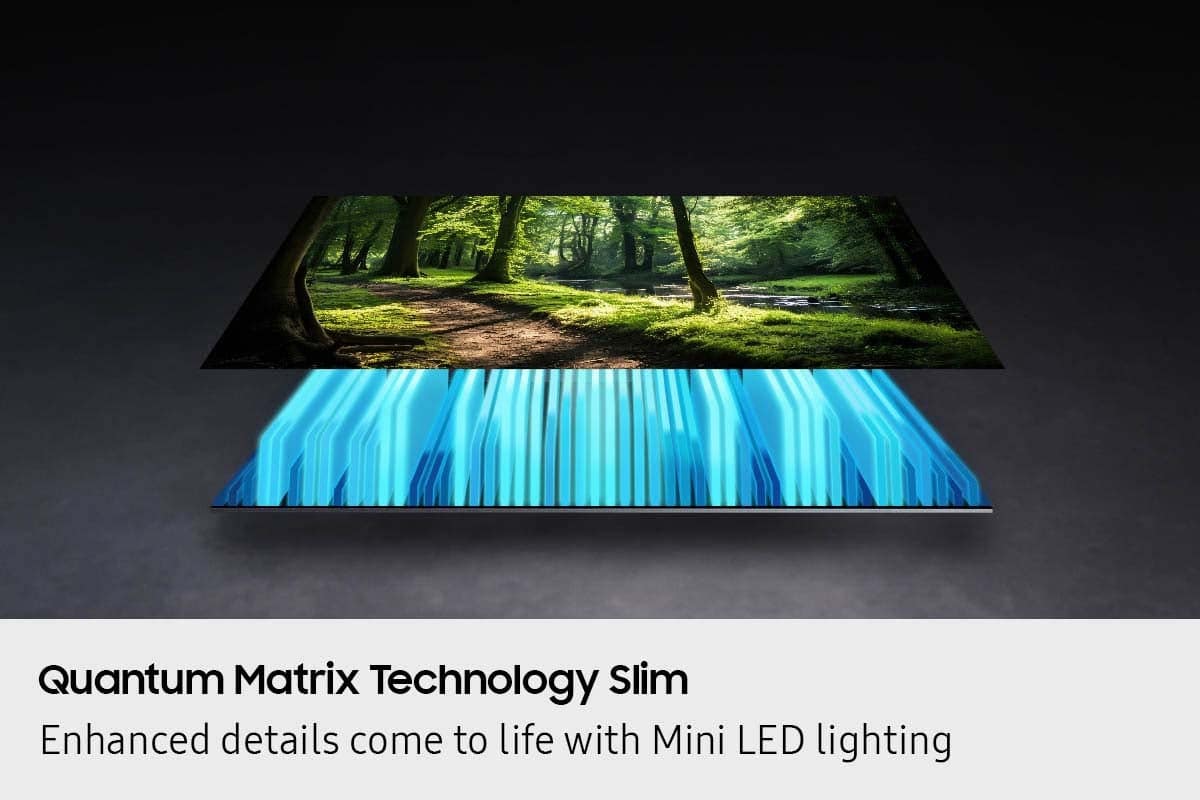

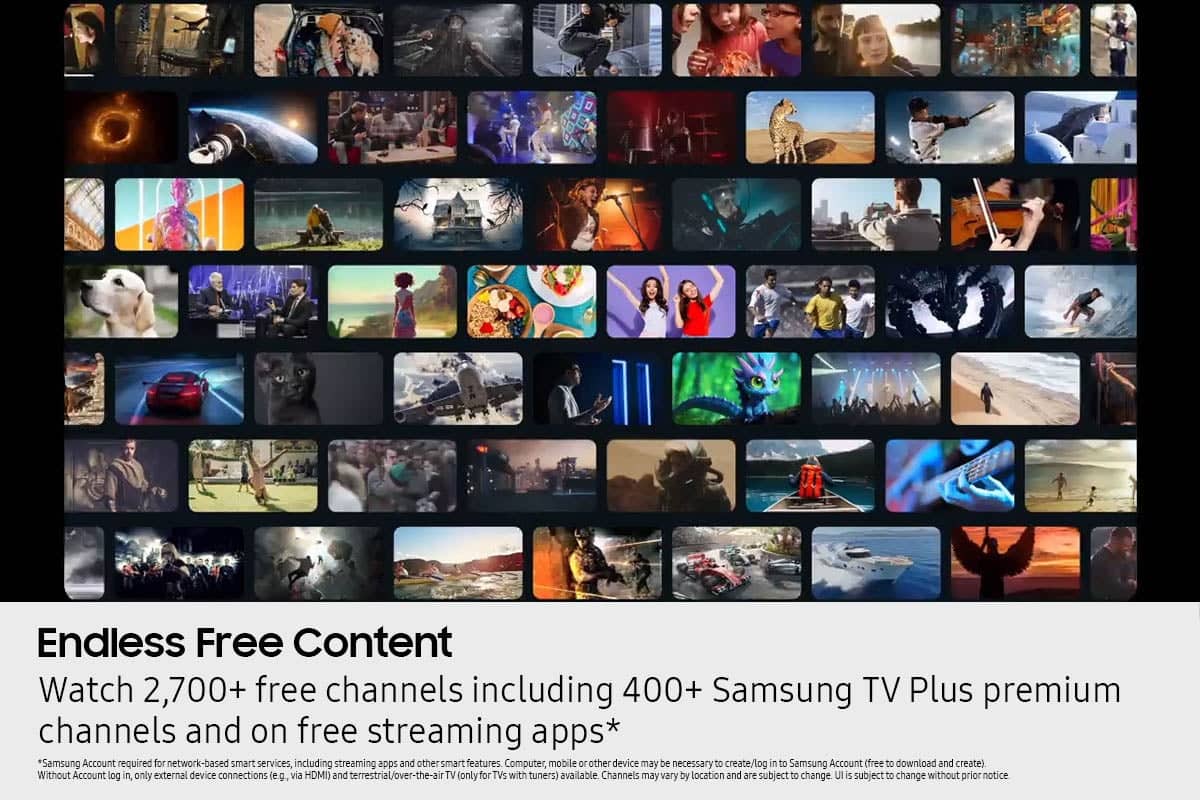





- Model:
- QN65QN70FAFXZA
- SKU:
- 6614343
Rating by feature
- Picture Quality
Rating 4.8 out of 5 stars
- Sound Quality
Rating 4.6 out of 5 stars
- Brightness
Rating 4.8 out of 5 stars
Customers are saying
Customers recognize the 65” Class QN70F Series Neo QLED TV for its excellent picture quality. Users also appreciate the ease of use, brightness, and refresh rate features. The AI brightness feature was mentioned as working wonderfully.
This summary was generated by AI based on customer reviews.
- Pros mentioned:Picture quality
65 inch Samson television LED
||Posted .This reviewer received promo considerations or sweepstakes entry for writing a review.Great picture and sound quality! Service was excellent and friendly employees who were very knowledgeable.
I would recommend this to a friend The TV fits our room and budget
||Posted . Owned for 2 weeks when reviewed.This reviewer received promo considerations or sweepstakes entry for writing a review.Love the Samsung TV I purchased at Best Buy. The salesperson sold me the best TV for me - one that fit our budget and wall space, one that fits our Bonus Room setup. Plus, the 0% financing for 12 months made it an easy decision.
I would recommend this to a friend- Pros mentioned:Picture quality
Yeah and no
||Posted . Owned for 5 months when reviewed.This reviewer received promo considerations or sweepstakes entry for writing a review.Great picture, but...we get SO tired of Bixby coming on randomly! When it does, you miss thing said in the program for about 5 seconds. We haven't found any way to disable it. Also, HATE the remote! Breath on it and you've hit a button. I am gonna contact tech support and see if they can tell us how to disable Bixby.
I would recommend this to a friendBrand response from Samsung
Posted .JeffL,
Thank you for sharing your Bixby experience. If Bixby is responding too often or not often enough, you may want to adjust the sensitivity level.
Press the Microphone button on your remote, then navigate to: Bixby Settings > Voice Wake-Up
From here, you can adjust the sensitivity to High, Medium (default), or Low, or turn Voice Wake-Up off entirely if you prefer.
If you need additional help with Bixby or voice settings, feel free to contact Samsung Support at 1-800-SAMSUNG, 8AM – 12AM EST, 7 days a week. LiveChat is also available via the ‘Support’ link on our website.
~ Samsung Specialist
- Pros mentioned:Picture quality
Samsung TV
||Posted . Owned for 1 month when reviewed.This reviewer received promo considerations or sweepstakes entry for writing a review.Beautiful picture! Lots of great features on the tv
I would recommend this to a friend - Pros mentioned:Picture quality
Great tv for the price.
||Posted . Owned for 3 weeks when reviewed.This reviewer received promo considerations or sweepstakes entry for writing a review.We could not afford the top of the line tv and this one was in our price range. It has a great picture and you can navigate well.
I would recommend this to a friend - Pros mentioned:Picture quality
Samsung Winner
||Posted . Owned for 1 month when reviewed.This reviewer received promo considerations or sweepstakes entry for writing a review.Picture and color are fantastic! Samsung TVs are the best as is Best Buy.
I would recommend this to a friend Samsung QLED 65”
||Posted . Owned for 2 weeks when reviewed.This reviewer received promo considerations or sweepstakes entry for writing a review.Excellent TV. User friendly. Looks great in my great room that is bright.
I would recommend this to a friend- Pros mentioned:Picture quality
Terrific Smart TV!
||Posted . Owned for 2 weeks when reviewed.This reviewer received promo considerations or sweepstakes entry for writing a review.EXCELLENT TV! Terrific piture, very good sound , easy connection!
I would recommend this to a friend - Pros mentioned:Picture quality
My magical television
||Posted . Owned for 2 weeks when reviewed.This reviewer received promo considerations or sweepstakes entry for writing a review.It is amazing, the print, the color, the size, vision everything
I would recommend this to a friend - Pros mentioned:Picture quality
Solid TV
||Posted .This reviewer received promo considerations or sweepstakes entry for writing a review.Great picture quality. Hadnt bought a new tv in years. Very happy.
I would recommend this to a friend - Pros mentioned:Picture quality
Samsung Neo QLED
||Posted .This reviewer received promo considerations or sweepstakes entry for writing a review.We liked the smart remote came with the TV. It is very sleek and optimized for OTT only users. Video and audio quality gives a submersive effect.
I would recommend this to a friend - Pros mentioned:Picture quality
Good value for price
||Posted . Owned for 1 month when reviewed.This reviewer received promo considerations or sweepstakes entry for writing a review.I purchased 2 of these one for living room and the other for master bedroom on wall and they are perfect and have a great picture when watching.
I would recommend this to a friend - Pros mentioned:Picture quality
PS5 Winner
||Posted . Owned for 2 weeks when reviewed.This reviewer received promo considerations or sweepstakes entry for writing a review.Great picture, PS5 games look fantastic. Definitely recommend.
I would recommend this to a friend - Pros mentioned:Picture quality
Great
||Posted . Owned for 1 week when reviewed.This reviewer received promo considerations or sweepstakes entry for writing a review.I have only had this TV for a couple of weeks and I have to say it is an awesome picture. Love this TV.
I would recommend this to a friend NEOQLED
||Posted . Owned for 2 weeks when reviewed.This reviewer received promo considerations or sweepstakes entry for writing a review.Love my NEOQLED, not much to say! Picture quality outstanding.
I would recommend this to a friend- Pros mentioned:Picture quality
Great
||Posted . Owned for 2 weeks when reviewed.This reviewer received promo considerations or sweepstakes entry for writing a review.Great tv I like the picture on the tv and the sound could be better
I would recommend this to a friend - Pros mentioned:Picture quality
Excellent choice!
||Posted . Owned for 1 month when reviewed.This reviewer received promo considerations or sweepstakes entry for writing a review.Great picture and excellent value. Store clerk asked what our interest was and he made this recommendation. We’re glad he did.
I would recommend this to a friend - Pros mentioned:Picture quality
Neo Qled
||Posted . Owned for 1 week when reviewed.This reviewer received promo considerations or sweepstakes entry for writing a review.Good quality durable and nice and that’s what I want
I would recommend this to a friend - Pros mentioned:Picture quality
Good product
||Posted . Owned for 1 month when reviewed.This reviewer received promo considerations or sweepstakes entry for writing a review.It is a television that met my expectations and has very good quality in its colors, image and audio, it is a good television
I would recommend this to a friend - Pros mentioned:Picture quality
Excellent Value without Compromising
||Posted .This reviewer received promo considerations or sweepstakes entry for writing a review.High quality picture! You get a lot of TV for the price.
I would recommend this to a friend