Customer Ratings & Reviews
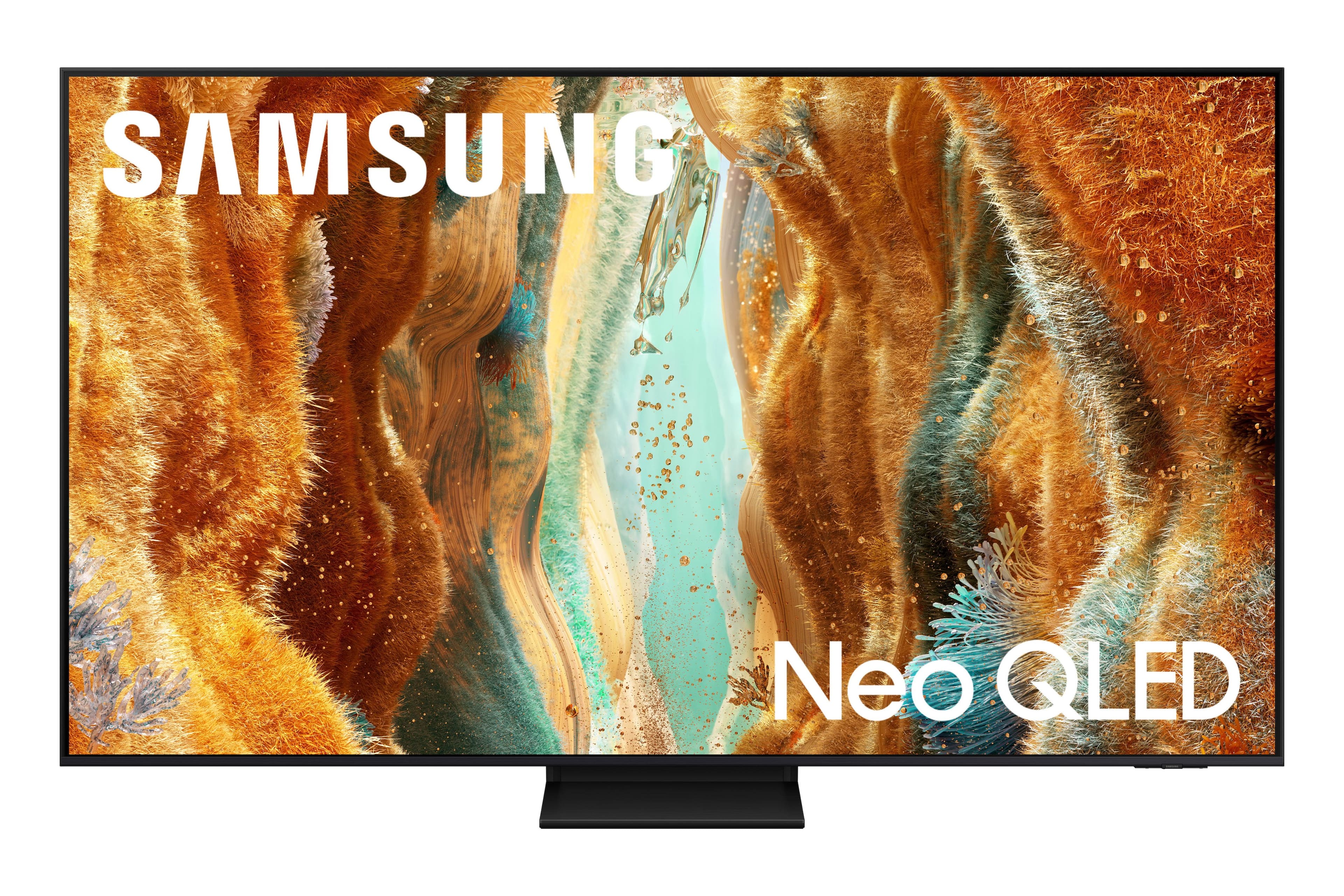

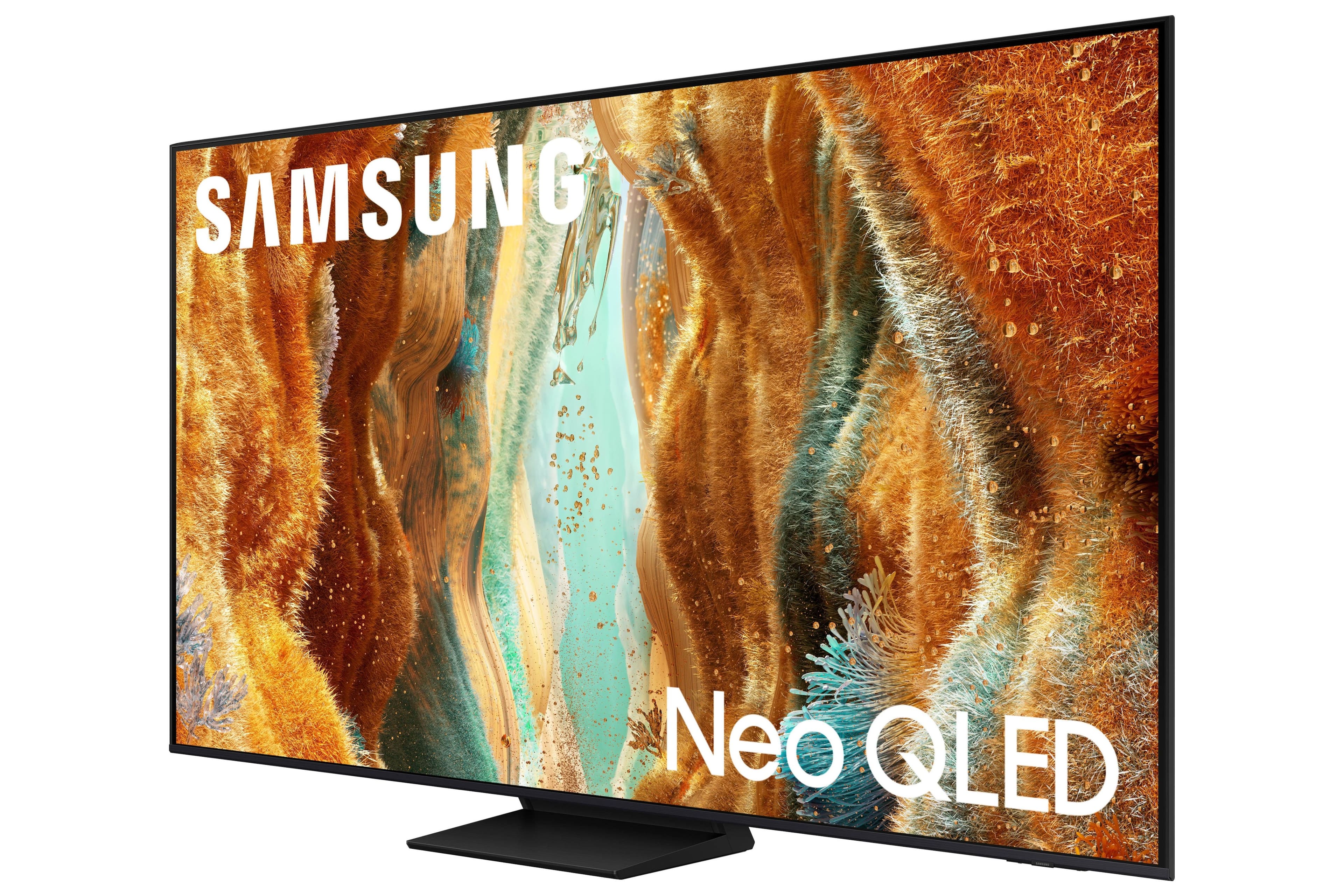
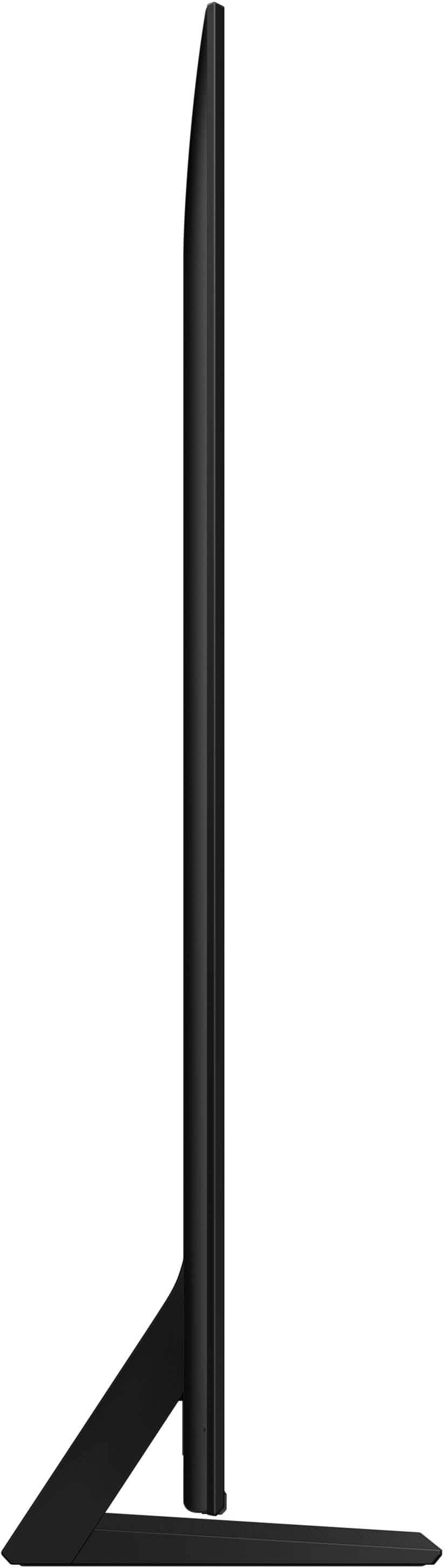
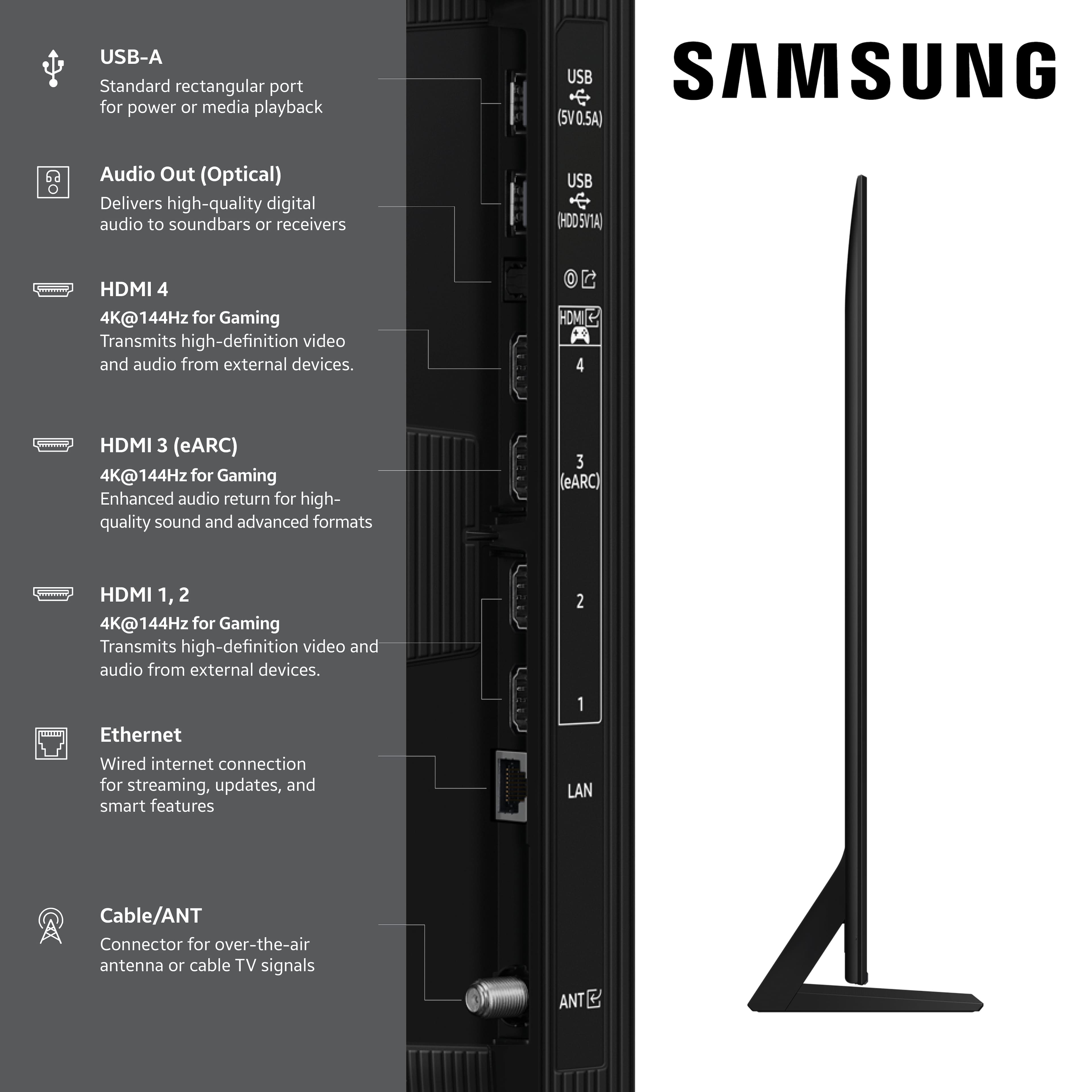


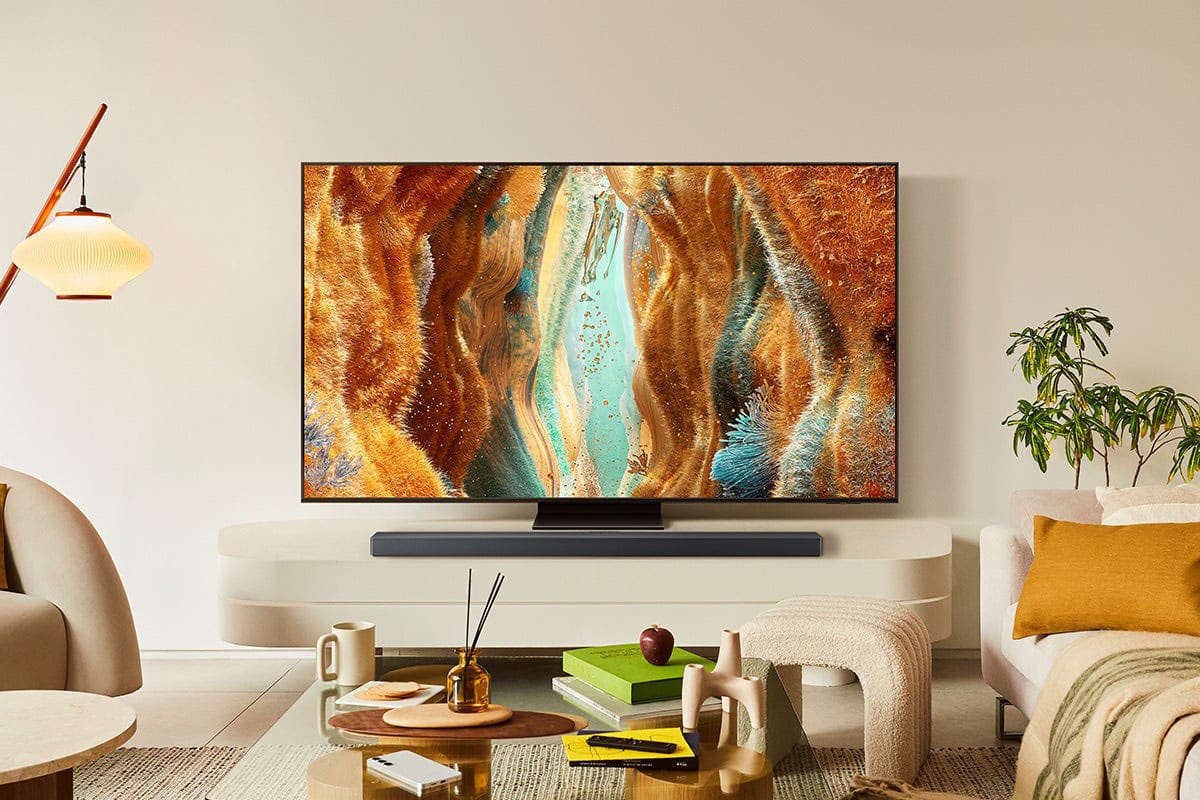




- Model:
- QN65QN70FAFXZA
- SKU:
- 6614343
Rating by feature
- Picture Quality
Rating 4.8 out of 5 stars
- Sound Quality
Rating 4.6 out of 5 stars
- Brightness
Rating 4.8 out of 5 stars
Customers are saying
Customers recognize the 65” Class QN70F Series Neo QLED TV for its excellent picture quality. Users also appreciate the ease of use, brightness, and refresh rate features. The AI brightness feature was mentioned as working wonderfully.
This summary was generated by AI based on customer reviews.
- Pros mentioned:Picture quality
65" Samsung TV
Posted .This reviewer received promo considerations or sweepstakes entry for writing a review.Excellent picture. Delivered and set-up with care.
I would recommend this to a friend New TV Brand
Posted .This reviewer received promo considerations or sweepstakes entry for writing a review.I’ve only owned LG TV brands and decided to get out of my comfort zone and purchased the Samsung Neo QLED Series. So far I’m still trying to adjust to the picture display. I noticed that the sharpness, contrast and brightness is not as good as the LG TV. I’m sure anyone else will be happy with the Samsung TV, but I prefer looking at one of my LG’s rather than the Samsung.
I would recommend this to a friend- Pros mentioned:Picture quality
Samsung 65" television
Posted .This reviewer received promo considerations or sweepstakes entry for writing a review.Picture is crisp and clear. Easy setup and connections.
I would recommend this to a friend - Pros mentioned:Picture quality
Great TV - Valid OLED alternative
Posted .This reviewer received promo considerations or sweepstakes entry for writing a review.Great product! The picture quality, colors and morion is definitely a big 1-up from my UHD TV with the same size.
I would recommend this to a friend - Pros mentioned:Picture quality
New television
Posted .This reviewer received promo considerations or sweepstakes entry for writing a review.I am very happy with my purchase i would recommend a Samsung tv to anyone who is looking for a new televisions
I would recommend this to a friend - Pros mentioned:Picture quality
Awesome
Posted .This reviewer received promo considerations or sweepstakes entry for writing a review.Unbelieveable quality! Love this tv! Picture and sound are fantastic
I would recommend this to a friend Not sure what you’re asking
Posted .This reviewer received promo considerations or sweepstakes entry for writing a review.Working ok."……."………. …………….."……………………. …….. …….
I would recommend this to a friend- Pros mentioned:Picture quality
Light + Clear Picture = Good Value
Posted .This reviewer received promo considerations or sweepstakes entry for writing a review.Clear picture. Great value for price. Very light and easy to install.
I would recommend this to a friend ira starr
Posted .This reviewer received promo considerations or sweepstakes entry for writing a review.item works fine but i resent the instrx on this review process
I would recommend this to a friendCrazy Realistic Viewing Experience
Posted .This reviewer received promo considerations or sweepstakes entry for writing a review.Crystal clear viewing! Perfect size for our room.
I would recommend this to a friendTV Delivery
Posted .This reviewer received promo considerations or sweepstakes entry for writing a review.It went ok, the primary issue is\was he did not want to take any time to explain how the tv worked, still struggling with it.
I would recommend this to a friendBrand response from Samsung
Posted .RonS,
We appreciate you sharing your experience; however, we recommend contacting Best Buy directly for assistance in correcting this situation. We hope it’s resolved in a timely manner.
If you have any questions or need help with your TV once your issue is resolved, please contact Samsung Support at 1-800-SAMSUNG, 8AM – 12AM EST, 7 days a week. LiveChat agents are also available via the ‘Support’ link on our website.
~ Samsung Specialist
Color clarity not clear
Posted .This reviewer received promo considerations or sweepstakes entry for writing a review.Color is less than expected for the price xxxxxxxxx
No, I would not recommend this to a friendBrand response from Samsung
Posted .MichaelB,
We appreciate your feedback on the color of Samsung’s QN70F TV. If the image doesn’t quite match your preferences, there are several adjustments you can make to better suit your viewing environment and content type.
First, please ensure your TV is running the latest firmware, as updates may include important picture quality enhancements. Go to: Home > Left directional button > Settings > Support > Software Update > Update Now
To explore picture mode options, navigate to: Home > Left directional button > Settings > All Settings > Picture > Picture Mode. Options include:
• Standard – Ideal for general viewing
• Dynamic – Brighter and more vibrant for well-lit spaces
• Eco – Optimized for energy efficiency
• Movie – Best for viewing in low light
• Filmmaker Mode – Preserves the content creator’s intent and disables motion smoothing for supported content
You can further customize your image by going to: Settings > All Settings > Picture > Expert Settings, where you can adjust Brightness, Contrast, Color Tone, Sharpness, Contrast Enhancer and more.
If you’d like help finding the best picture settings for your preferences, please don’t hesitate to contact Samsung Support at 1-800-SAMSUNG (8AM – 9PM EST Mon – Fri, 8AM – 6PM Sat – Sun). You can also LiveChat with an agent or explore additional resources on our website by clicking the ‘Support’ link.
~ Samsung Specialist
Not about the Unit but rather the delivery
Posted .This reviewer received promo considerations or sweepstakes entry for writing a review.The unit was delivered by BestBuy (or a sub) and the screen was cracked. TV destroyed as a result.
No, I would not recommend this to a friendBrand response from Samsung
Posted .We appreciate you sharing your delivery experience and are sorry to hear that your TV arrived damaged. For issues related to shipping or delivery, we recommend reaching out to Best Buy directly so they can assist in resolving the situation.
Once your issue is resolved, if you have any questions about setup, usage, or features, please don’t hesitate to contact Samsung Support at 1-800-SAMSUNG (8AM – 12AM EST, 7 days a week), or connect with a LiveChat agent via the ‘Support’ link on our website.
~ Samsung Specialist