Customer Ratings & Reviews
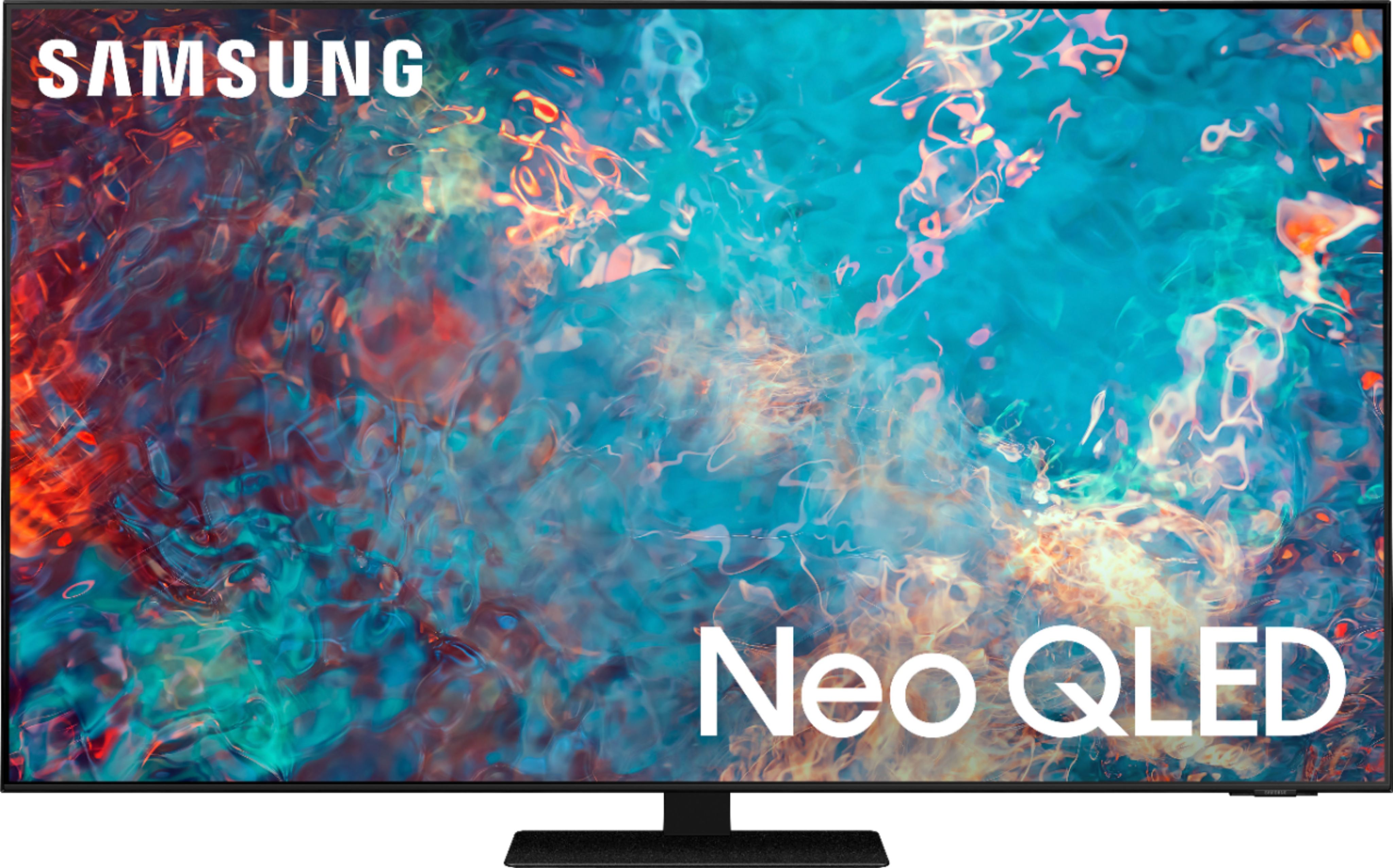
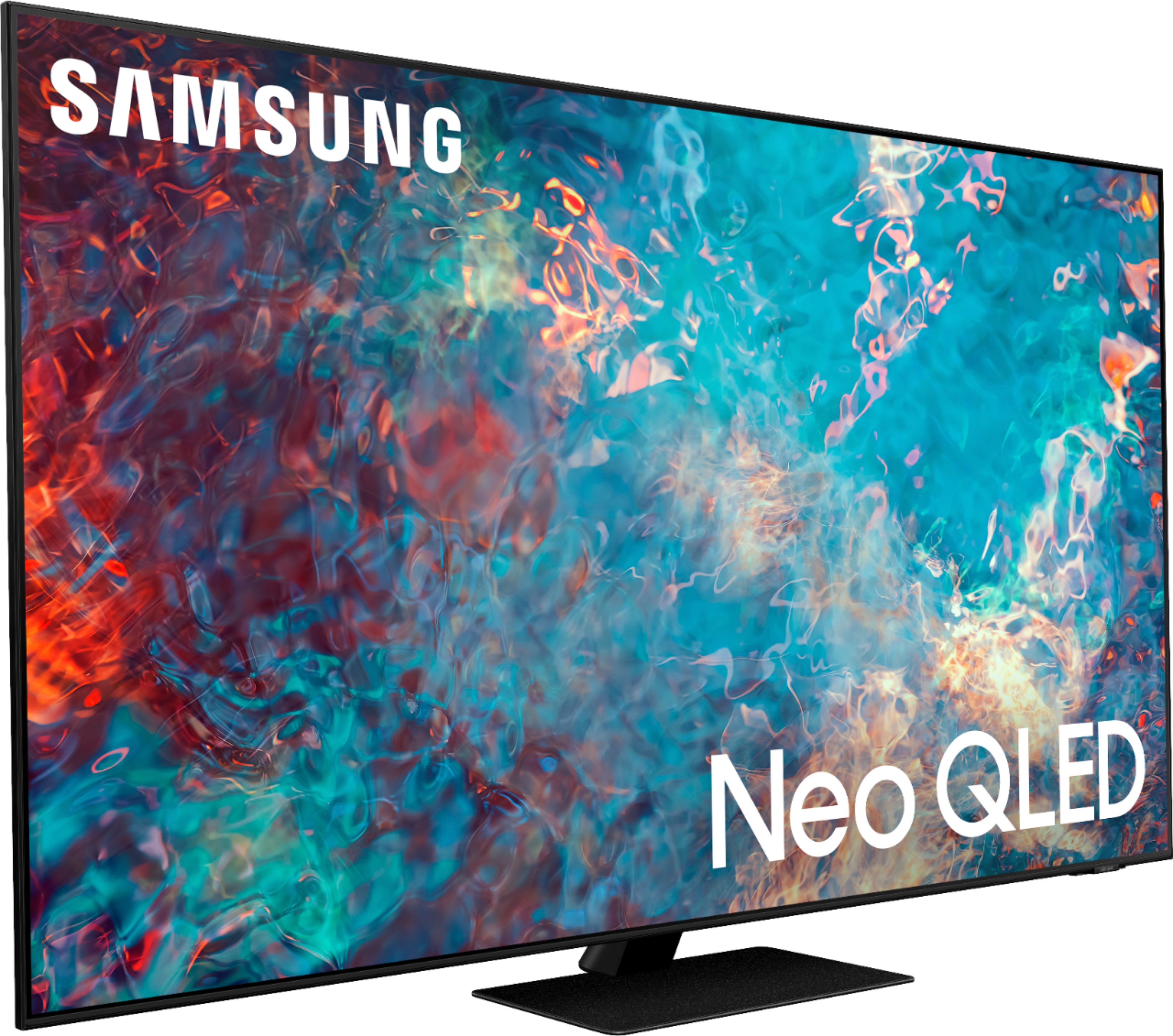
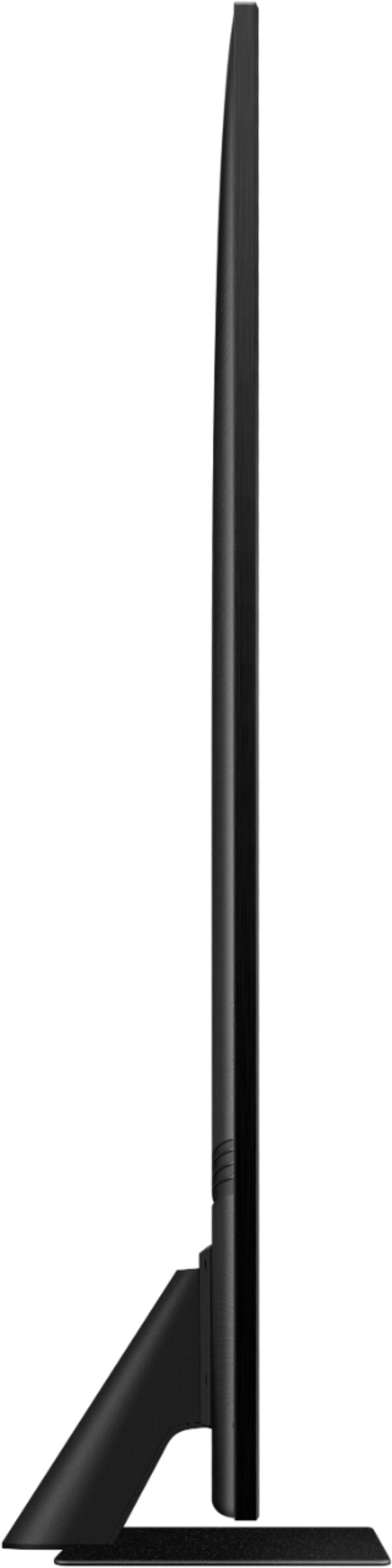
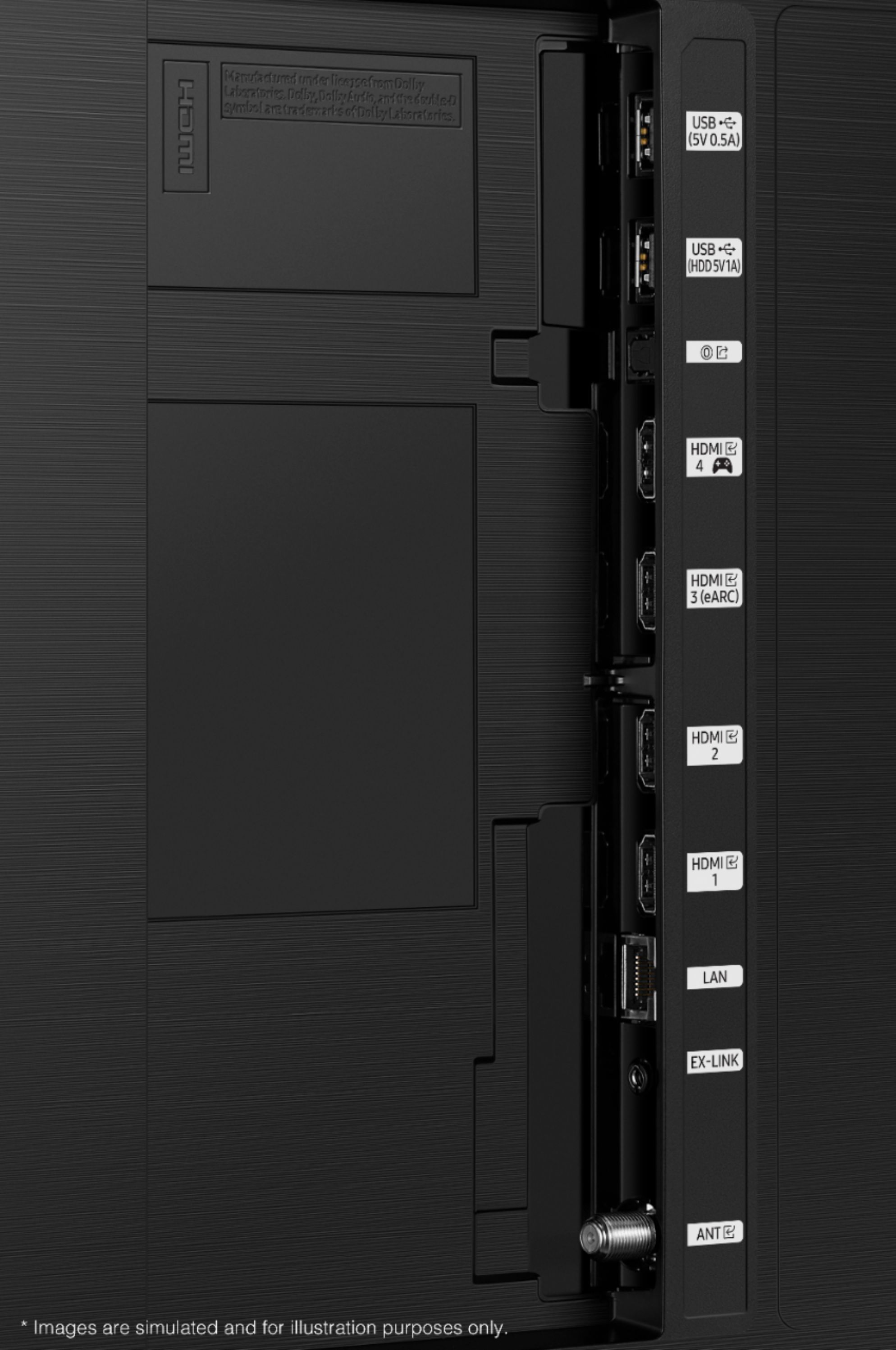








- Model:
- QN65QN85AAFXZA
- SKU:
- 6452319
Rating by feature
- Picture Quality
Rating 4.8 out of 5 stars
- Sound Quality
Rating 4.4 out of 5 stars
- Brightness
Rating 4.8 out of 5 stars
Customers are saying
Customers appreciate the 65" Class QN85A Series Neo QLED 4K UHD Smart Tizen TV for its exceptional picture quality, vibrant colors, and user-friendly setup. Many users rave about the stunning visuals and clarity of the TV, making it an excellent choice for movie enthusiasts and gamers alike. While some users have concerns about the remote control's simplicity and the TV's handling of dark scenes, the overall positive feedback highlights the TV's strengths in delivering an immersive viewing experience.
This summary was generated by AI based on customer reviews.
- Pros mentioned:Picture quality
great tv
||Posted . Owned for 1 month when reviewed.This reviewer received promo considerations or sweepstakes entry for writing a review.was easy to set up and the picture quality is great
I would recommend this to a friend - Pros mentioned:Color
Love Samsung
||Posted . Owned for 1 month when reviewed.This reviewer received promo considerations or sweepstakes entry for writing a review.We absolutely love this TV. The color is so vivid.
I would recommend this to a friend - Pros mentioned:Picture quality
Great tv
||Posted . Owned for 1 week when reviewed.This reviewer received promo considerations or sweepstakes entry for writing a review.Great crystal clear tv! Would recommend to anyone!
I would recommend this to a friend - Pros mentioned:Picture quality
Perfect
||Posted . Owned for 1 month when reviewed.This reviewer received promo considerations or sweepstakes entry for writing a review.Great picture! Added Samsung sound bar! Excellent!
I would recommend this to a friend - Pros mentioned:Picture quality
Samsung qled
||Posted .This reviewer received promo considerations or sweepstakes entry for writing a review.Great picture, nice stand, has all the apps i need.
I would recommend this to a friend A SMART TV THAT'S REALLY SMART
||Posted . Owned for 3 weeks when reviewed.This reviewer received promo considerations or sweepstakes entry for writing a review.THIS TV WAS A GREAT BUY FOR ME. IT SHOWS GOOD AND PERFORM VERY WELL. MY HOLD FAMILY LOVE THIS TV. and WISH THAT I COULD PURCHASE ANOTHER ONE FOR MY WIFE OFFICE. IF I KNOWN THAT THIS TV WOULD WORK SO GREAT. I WOULD HAVE PURCHASE ONE A LONG TIME AGO. THANKS FOR SUCH AN AMAZING PRODUCT.
I would recommend this to a friend- Pros mentioned:Picture quality
Mytv
||Posted . Owned for 1 month when reviewed.This reviewer received promo considerations or sweepstakes entry for writing a review.Good quality and do recommend to friends & family.
I would recommend this to a friend Beautiful image television
||Posted . Owned for 3 weeks when reviewed.This reviewer received promo considerations or sweepstakes entry for writing a review.Beautiful image from side to side and no drop offs. The apps are great and they have made it easy to connect your tv to your PC through your router and share things like vacation pics and such. Crystal clear. The sound is as expected for these televisions so a soundbar is recommended for greater clarity
I would recommend this to a friend- Pros mentioned:Picture quality
Good with light
||Posted . Owned for 1 month when reviewed.This reviewer received promo considerations or sweepstakes entry for writing a review.Great tv for when u have sun light in the room. Details and colors are great. Interface is a little slow.
I would recommend this to a friendBrand response from Samsung
Posted .Br549,
Thank you for your review of the QN85A TV and sharing your experience with slow response time.
To optimize the Smart TV performance, please try Device Care option under the Support Menu. Go to Settings > Support > Device Care > Start Device Care
This service checks memory and frees up unused cached memory and closes background apps.
Please also be sure you are running the latest firmware. You can check to see what software version your TV is using and if there is an available update through the settings on your TV. Go to: Settings > Support > Software Update.
Should you need further assistance, please contact Samsung Customer Support at 1-800-SAMSUNG (ask for TVs), available 8AM - 12AM EST, 7 days a week.
For additional support resources, visit us on the Samsung website and click on the ‘Support’ link in the upper right corner of the homepage for:
1) Chat with Us/Product Help: To begin a chat or find solutions, choose ‘TVs & Home Theater’ and select your model & topic.
2) Manuals, Software, & Warranty Info
~ Samsung Specialist
- Pros mentioned:Picture quality
Loving This TV
||Posted . Owned for 1 month when reviewed.This reviewer received promo considerations or sweepstakes entry for writing a review.Great TV and sharpe picture...I replaced my 8000 series TV 65in this Picture is incredible
I would recommend this to a friend - Pros mentioned:Color
Neo QLED
||Posted . Owned for 3 weeks when reviewed.This reviewer received promo considerations or sweepstakes entry for writing a review.TV great esp colors; however, handshake with Samsung soundbar is poor when using cable box, streaming is ok.
I would recommend this to a friendBrand response from Samsung
Posted .Franko,
Thank you for choosing Samsung’s QN85A TV and sharing the issues you are experiencing when connecting your soundbar. Please be sure your firmware is up to date with version 1805.4 which includes updates to address input device performance. You can check this by going to: Settings > Support > Software Update.
If you are still experiencing issues after updating your TV, please reach out to Samsung Support so we can gather more information from you to better assist you in troubleshooting this. You can call us at 1-800-SAMSUNG (ask for TVs), available 8AM - 12AM EST, 7 days a week.
For additional support resources, visit us on the Samsung website and click on the ‘Support’ link in the upper right corner of the homepage for:
1) Contact Us: For additional Chat & Text options, choose ‘TVs & Home Theater’ and select your model & topic.
2) Manuals & Software
3) Warranty Info
4) Register a Product: For access to easy warranty support, convenient opt-in to special promos and offers, faster troubleshooting and service, and quick notification of system updates.
~ Samsung Specialist
- Pros mentioned:Picture quality
Neo
||Posted . Owned for 2 weeks when reviewed.This reviewer received promo considerations or sweepstakes entry for writing a review.Very clear and sharp picture. Best picture I've experience so far.
I would recommend this to a friend Outstanding job
||Posted . Owned for 1 month when reviewed.This reviewer received promo considerations or sweepstakes entry for writing a review.Exceptional TV. Even better customer service. Mr Andrew went above and beyond to not only make sure that i got the perfect TV, but also made sure i knew how to adjust the settings to get the most out of my entertainment experience. Very knowledgeable and professional sales rep. Thank you.
I would recommend this to a friend- Pros mentioned:Remote control
tv
||Posted .This reviewer received promo considerations or sweepstakes entry for writing a review.65 inch tv qn85a it is grate tv works vary well i like the set up with the use of only one remote
I would recommend this to a friend - Pros mentioned:Picture quality
Doesn't help with window/light reflection as adver
||Posted . Owned for 4 months when reviewed.This reviewer received promo considerations or sweepstakes entry for writing a review.Great picture, but it does not really help with window light reflection as advertised.
I would recommend this to a friend - Pros mentioned:Picture quality
Gaming tv
||Posted . Owned for 1 month when reviewed.This reviewer received promo considerations or sweepstakes entry for writing a review.A very adequate purchase. Wanted something to keep up with the xbox one x and this definitely does.
I would recommend this to a friend - Pros mentioned:Picture quality
Great Picture/Annoying Background Flashes.
||Posted . Owned for 1 month when reviewed.This reviewer received promo considerations or sweepstakes entry for writing a review.When I turn on the TV, the background flashes on and off which is very distracting. This happens whether I am on the Xfinity TV format or on the WiFi format. I have not contacted Samsung about this problem. I am waiting for the annoying flashing to stop. But hasn't stopped yet. Otherwise, I would rate this TV 5 Stars! I love the picture!!!
No, I would not recommend this to a friendBrand response from Samsung
Posted .Hi GrtPictureFlashingBackgou,
Thank you for purchasing the QN85A Neo QLED TV and for your review. If your TV is flickering / dimming sporadically, you may need to disable some of the energy efficiency features.
Disable Brightness Optimization, Brightness Reduction, Motion Lighting, or Contrast Enhancer by going to: Settings > General > Power and Energy Saving > and adjusting the Brightness Optimization, Brightness Reduction, and Motion Lighting.
You can also go to: Settings > Picture > Expert Settings > Contrast Enhancer to manually adjust contrast.
If your issue persists, please contact Samsung Customer Support at 1-800-SAMSUNG (ask for TVs), available 8AM - 12AM EST, 7 days a week.
For additional support resources, visit us on the Samsung website and click on the ‘Support’ link in the upper right corner of the homepage for:
1) Chat with Us/Product Help: To begin a chat or find solutions, choose ‘TVs & Home Theater’ and select your model & topic.
2) Manuals, Software, & Warranty Info
~ Samsung Specialist
- Pros mentioned:Picture quality
4K misunderstanding
||Posted . Owned for 1 month when reviewed.This reviewer received promo considerations or sweepstakes entry for writing a review.Thought that the picture that was on the tv showing in Best Buy was gonna be how my picture would look. On the day of delivery and set up I found out it will only be that good when content is 4K so a little disappointed that that was not explained to me before they had it all set up. Don’t get me wrong it’s got a good picture just not always 4K.
I would recommend this to a friendBrand response from Samsung
Posted .Peewee,
Thank you for choosing Samsung's QN85A Neo QLED TV featuring our Neo Quantum Processor 4K and AI Upscaling for exceptional details, a billion+ refined colors, and superb contrast for exceptional viewing enjoyment. To optimize your picture quality, please be sure your firmware is up to date with version 1805.4 which includes picture quality updates. You can check this by going to: Settings > Support > Software Update.
There are also several preset picture modes and many custom settings that can optimize image quality to your viewing scenario.
Go to HOME > SETTINGS > PICTURE > PICTURE MODE and choose:
1) Dynamic: Makes the picture brighter and clearer in bright viewing environments.
2) Standard: This is the default mode suitable for general viewing environments.
3) Natural: Reduces eye strain for a comfortable viewing experience.
4) Movie: Suitable for watching TV or movies in a dark room.
5) Filmmaker: Watch the source content (e.g., movie) as it is.
In addition, the quality of the image on your screen depends on the source and the connection.
HDMI cables are recommended for optimal HD viewing; and when possible, 4K content will provide the best picture quality. The TV will upscale as best as possible any content sent to it. The closer the signal is to 4K, the better it will look coming out.
The quality of the streaming content depends largely on the speed of your internet, as most content providers have adaptive streaming that will automatically adjust the image quality based on the network bandwidth.
Please also give us the opportunity to assist you with image quality adjustments tailored to your preferred viewing experience. You can reach us at 1-800-SAMSUNG (ask for TVs), available 8AM - 12AM EST, 7 days a week.
For additional support resources, visit us on the Samsung website and click on the ‘Support’ link in the upper right corner of the homepage for:
1) Contact Us: For additional Chat & Text options, choose ‘TVs & Home Theater’ and select your model & topic.
2) Manuals, Software, & Warranty Info
~ Samsung Specialist
- Pros mentioned:Picture quality
Chuck S
||Posted . Owned for 1 month when reviewed.This reviewer received promo considerations or sweepstakes entry for writing a review.excellent in every way operation and tech somewhat difficult but picture and sound great
I would recommend this to a friend I hear it’s a good TV!
||Posted . Owned for 1 month when reviewed.This reviewer received promo considerations or sweepstakes entry for writing a review.I have received 3 emails to review a product that I returned because it went on sale 4 days after I purchased it and they would not credit me the full difference! So I am doing this review so I will stop getting emails. So here is my review- I have no opinion how it works!!
I would recommend this to a friend