Customer Ratings & Reviews
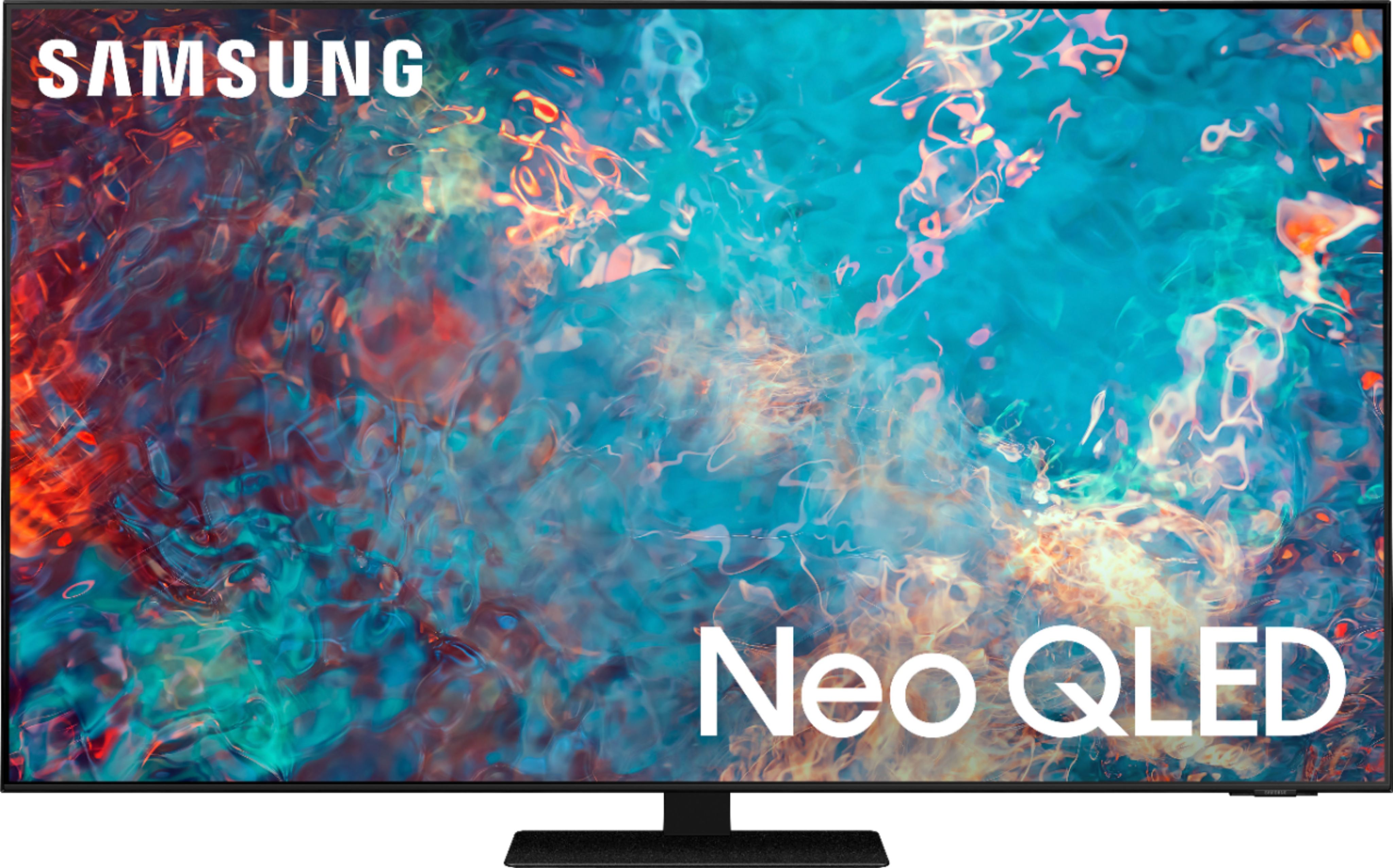
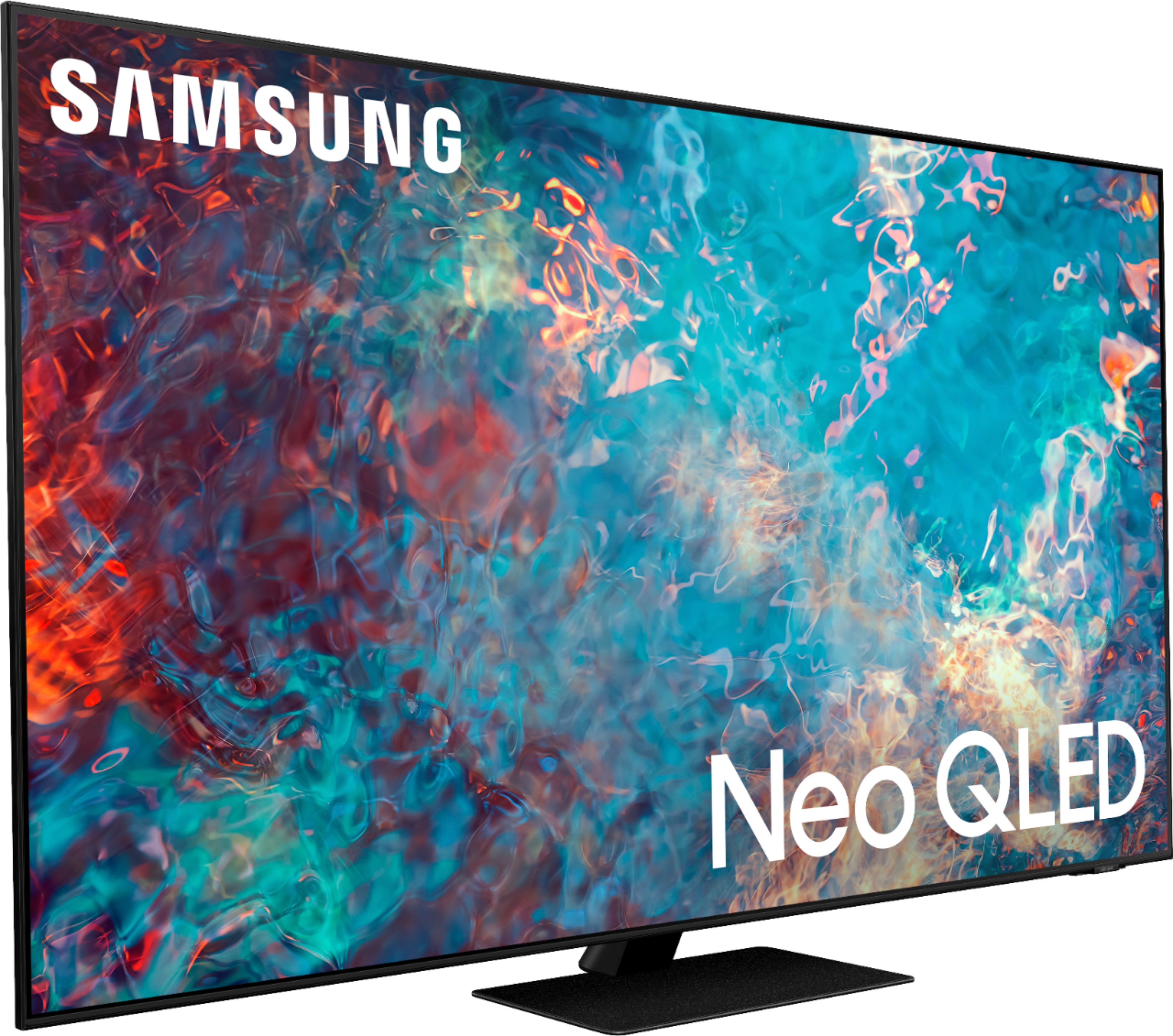
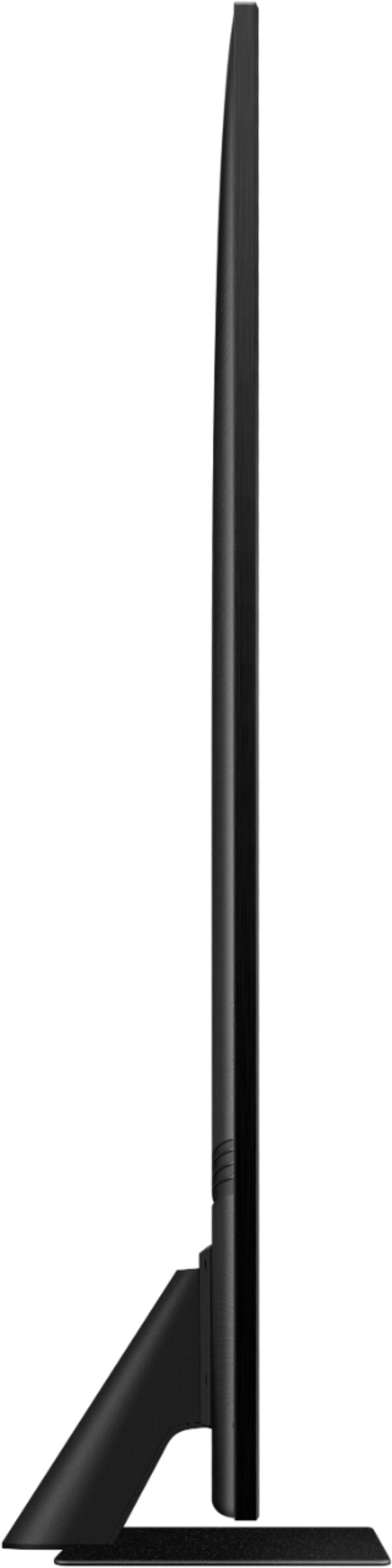
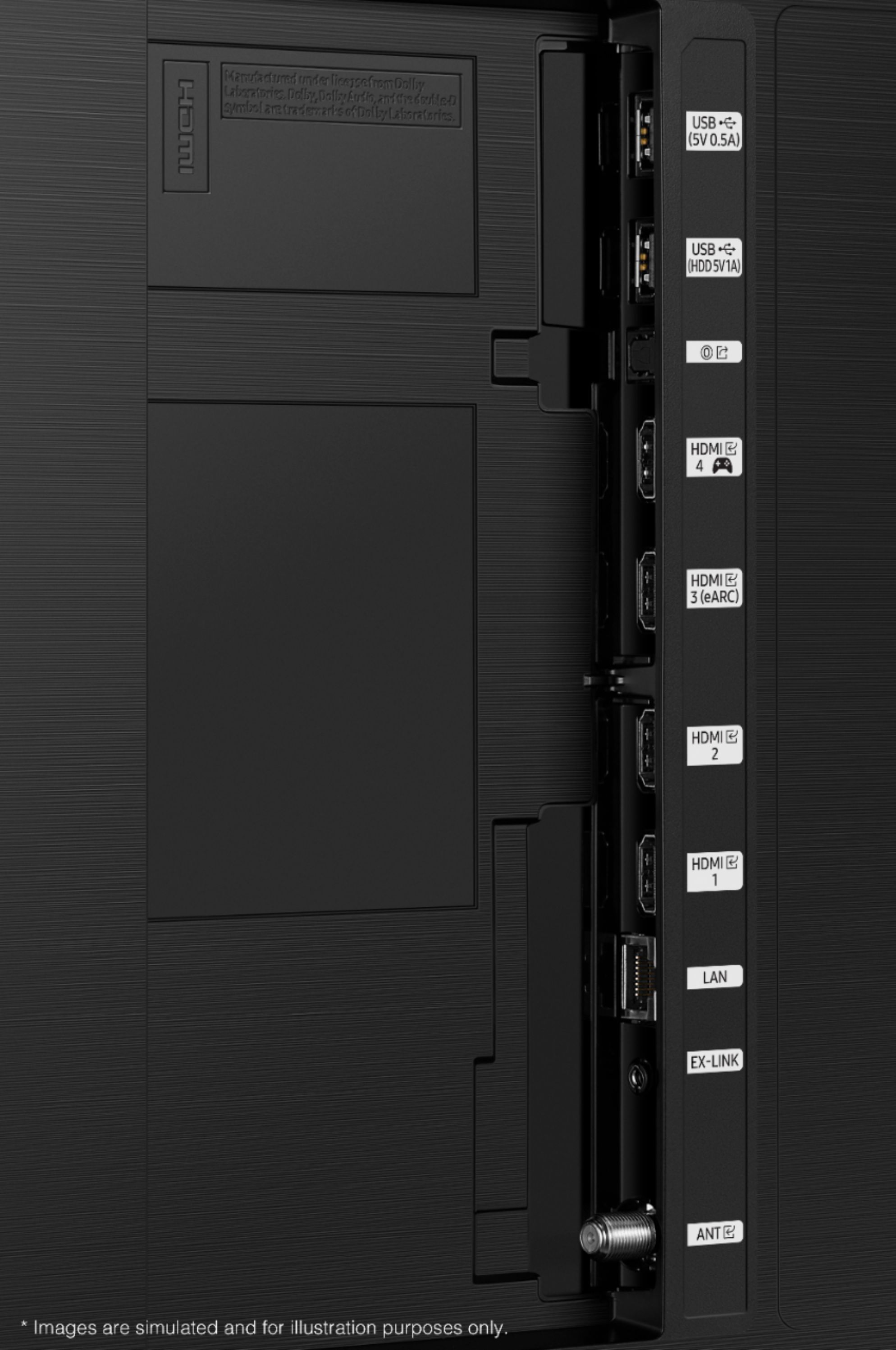








- Model:
- QN65QN85AAFXZA
- SKU:
- 6452319
Rating by feature
- Picture Quality
Rating 4.8 out of 5 stars
- Sound Quality
Rating 4.4 out of 5 stars
- Brightness
Rating 4.8 out of 5 stars
Customers are saying
Customers appreciate the 65" Class QN85A Series Neo QLED 4K UHD Smart Tizen TV for its exceptional picture quality, vibrant colors, and user-friendly setup. Many users rave about the stunning visuals and clarity of the TV, making it an excellent choice for movie enthusiasts and gamers alike. While some users have concerns about the remote control's simplicity and the TV's handling of dark scenes, the overall positive feedback highlights the TV's strengths in delivering an immersive viewing experience.
This summary was generated by AI based on customer reviews.
Amazing picture quality
||Posted . Owned for 1 month when reviewed.This reviewer received promo considerations or sweepstakes entry for writing a review.Love the display and also works really well with my PS5.. I'm running games at 120 fps and the latency is also pretty good.
I would recommend this to a friendMy purchase
||Posted . Owned for 3 weeks when reviewed.This reviewer received promo considerations or sweepstakes entry for writing a review.Great tv! The only thing I think might be an issue is, when moving or putting the tv on the stand, you need to be careful. It is not very sterdy. It feels like it might break in half! Other than that, Great tv!!
I would recommend this to a friendI thought about it.
||Posted . Owned for 1 month when reviewed.This reviewer received promo considerations or sweepstakes entry for writing a review.Compared to the 90a and Oled, QN85 a was the right choice for my room. Reflections and viewing angle were the main thing I considered.
I would recommend this to a friendSamsung neo Qled
||Posted . Owned for 3 weeks when reviewed.This reviewer received promo considerations or sweepstakes entry for writing a review.Well my opinion on this particular tv is that I don’t see a difference between oled tv or Qled the good thing is cheaper then the LG
I would recommend this to a friendSamsung Qled
||Posted . Owned for 2 months when reviewed.This reviewer received promo considerations or sweepstakes entry for writing a review.I love this TV, and the picture has been fantastic! The service was great and knowledgeable about the products
I would recommend this to a friendNot the best quality
||Posted . Owned for 1 month when reviewed.This reviewer received promo considerations or sweepstakes entry for writing a review.Grate TV! However, the 4th HDMI port was faulty and is incapable of using HDR and Game Mode amongst other features that this TV provides. Certainly disappointing considering the large cost of this 2021 model.
I would recommend this to a friend+++
||Posted . Owned for 1 month when reviewed.This reviewer received promo considerations or sweepstakes entry for writing a review.Great TV. Annoying that every time i turn it on or asks me to sign in and put in wifi. Otherwise no complaints
I would recommend this to a friend- Pros mentioned:Picture quality
Tv review
||Posted . Owned for 3 weeks when reviewed.This reviewer received promo considerations or sweepstakes entry for writing a review.Good picture but lacks screen size adjustments. Lacks a decent user manual. On screen maneuvering is not intuitive. Lacks connectivity to older home theater systems.
No, I would not recommend this to a friendBrand response from Samsung
Posted .Muffin,
Thank you for purchasing the QN85A TV. HD channels will have black bars on either side of the screen when displaying upscaled SD (4:3) content. Black bars will appear at the top and bottom of the screen when you watch movies that have aspect ratios different from your TV. Adjust the picture size options on your external device or set the TV to full screen.
Settings > Picture > Picture Size Settings > Picture Size
To assist you in learning the various features, functions, and settings of your TV and remote, you can download the QN85A TV's User Manual, e-Manual, Remote Control Leaflet, and Quick Setup Guide on Samsung's website under ‘Support’ (top right corner) > ‘Manuals & Software’ > TVs & Home Theater. From there, you can select the QN85A TV under Samsung Neo QLED 4K > A Model Lineup to download the guides you would like. The e-Manual is also embedded into the TV itself under Settings > Support > Open e-Manual.
I hope these tips help. Should you ever have questions or need help, please call us at 1-800-SAMSUNG (ask for TVs), available 8AM - 12AM EST, 7 days a week.
For additional support resources, visit us on the Samsung website and click on the ‘Support’ link in the upper right corner of the homepage for:
1) Chat with Us/Product Help: To begin a chat or find solutions, choose ‘TVs & Home Theater’ and select your model & topic.
2) Manuals, Software, & Warranty Info
~ Samsung Specialist
Satisfied customer, great picture
||Posted . Owned for 3 weeks when reviewed.This reviewer received promo considerations or sweepstakes entry for writing a review.Great TV, only issue is with bose soundbar, takes up to 20 sec to switch from TV speakers to soundbar when powered on
I would recommend this to a friendExcellent! Great help from emplyees, high quality
||Posted .This reviewer received promo considerations or sweepstakes entry for writing a review.Great. Chris and Diego were the best! Very helpful, excellent professionals. They are a tremendous asset to your company
I would recommend this to a friendGreat tv
||Posted . Owned for 1 month when reviewed.This reviewer received promo considerations or sweepstakes entry for writing a review.This is an extremely good tv which is only outshined by Samsung’s qn90 other than that it’s probably the best 4K tv on the market
I would recommend this to a friendSamsung 64 inch TV
||Posted . Owned for 2 months when reviewed.This reviewer received promo considerations or sweepstakes entry for writing a review.Upgraded to this high end Samsung 65 inch TV Mainly because the room it was in has a lot of sunlight. Not sure the price justifies increased quality
I would recommend this to a friendWe love Samsung TV's
||Posted . Owned for 2 months when reviewed.This reviewer received promo considerations or sweepstakes entry for writing a review.How do you go wrong buying a Samsung TV? We have never had a single issue when buying a Samsung TV.
I would recommend this to a friendSamsung TV LOVE
||Posted . Owned for 3 weeks when reviewed.This reviewer received promo considerations or sweepstakes entry for writing a review.Love my née Samsung TV. Delivery and installation was on time, professional and quick!
I would recommend this to a friendGreat Purchase
||Posted . Owned for 1 month when reviewed.This reviewer received promo considerations or sweepstakes entry for writing a review.My Sony randomly stopped working so went with this, it is a great improvement. Especially the smart features and apps
I would recommend this to a friendGreat TV Great Install Team thru Best Buy
||Posted . Owned for 1 month when reviewed.This reviewer received promo considerations or sweepstakes entry for writing a review.Super happy with this Samsung QNA85A. I got the 65" and Best Buy did an excellent job hanging it in our Living Room.
I would recommend this to a friendReview of Samsung 65" TV and sound bar.
||Posted . Owned for 3 weeks when reviewed.This reviewer received promo considerations or sweepstakes entry for writing a review.We are so happy! Everything works great and provides the enterainment we needed. The installer was awesome!
I would recommend this to a friendTV Rating
||Posted . Owned for 1 month when reviewed.This reviewer received promo considerations or sweepstakes entry for writing a review.There is only one problem discovered to date and that the cable remote can not be linked to the tv so you have to have 2 remotes available all the time.
No, I would not recommend this to a friendBrand response from Samsung
Posted .Skdx2,
Thank you for choosing Samsung's QN85A and sharing your experience with us. Please know you can control your connected devices using your TV remote by following these set-up steps:
1) Connect an external device to the HDMI port of the TV, and then power on the external device. Your TV will automatically recognize the device when connected through HDMI and will switch the output. If it doesn't automatically detect it, then keep following the steps to set up Universal Remote.
2) Press the Home button on your TV remote to access the Home Screen. Using the directional pad on the remote, navigate to Source. When the selector is placed over Source, the Source menu will appear. Press UP on the directional pad to access Universal Remote.
3) Select Universal Remote on the Source screen. Next, select Start and make sure the device you want to connect is turned on. When your desired device displays, select it. Follow the on-screen instructions to complete the setup and register the device. The instructions may vary, depending on the device type selected.
4) Your TV and the remote will memorize the external device and its connection port (HDMI 1, HDMI 2, etc.) to make controlling everything even easier. Occasionally, the device may not respond after it's registered. To make sure the connection is made, you need to re-register the device.
I hope this helps! Should you ever have questions or need help, please call us at 1-800-SAMSUNG (ask for TVs), available 8AM - 12AM EST, 7 days a week.
For additional support resources, visit us on the Samsung website and click on the ‘Support’ link in the upper right corner of the homepage for:
1) Contact Us: For additional Chat & Text options, choose ‘TVs & Home Theater’ and select your model & topic.
2) Manuals & Software
3) Warranty Info
4) Register a Product: For access to easy warranty support, convenient opt-in to special promos and offers, faster troubleshooting and service, and quick notification of system updates.
~ Samsung Specialist
New TV
||Posted . Owned for 3 weeks when reviewed.This reviewer received promo considerations or sweepstakes entry for writing a review.We have not been able to watch the new TV however, we are excited for the arrival the last week of January.
I would recommend this to a friendEight K
||Posted . Owned for 3 weeks when reviewed.This reviewer received promo considerations or sweepstakes entry for writing a review.Cable companies do not have 8k technology yet. Therefore the picture quality is a little off
No, I would not recommend this to a friend