Customer Ratings & Reviews
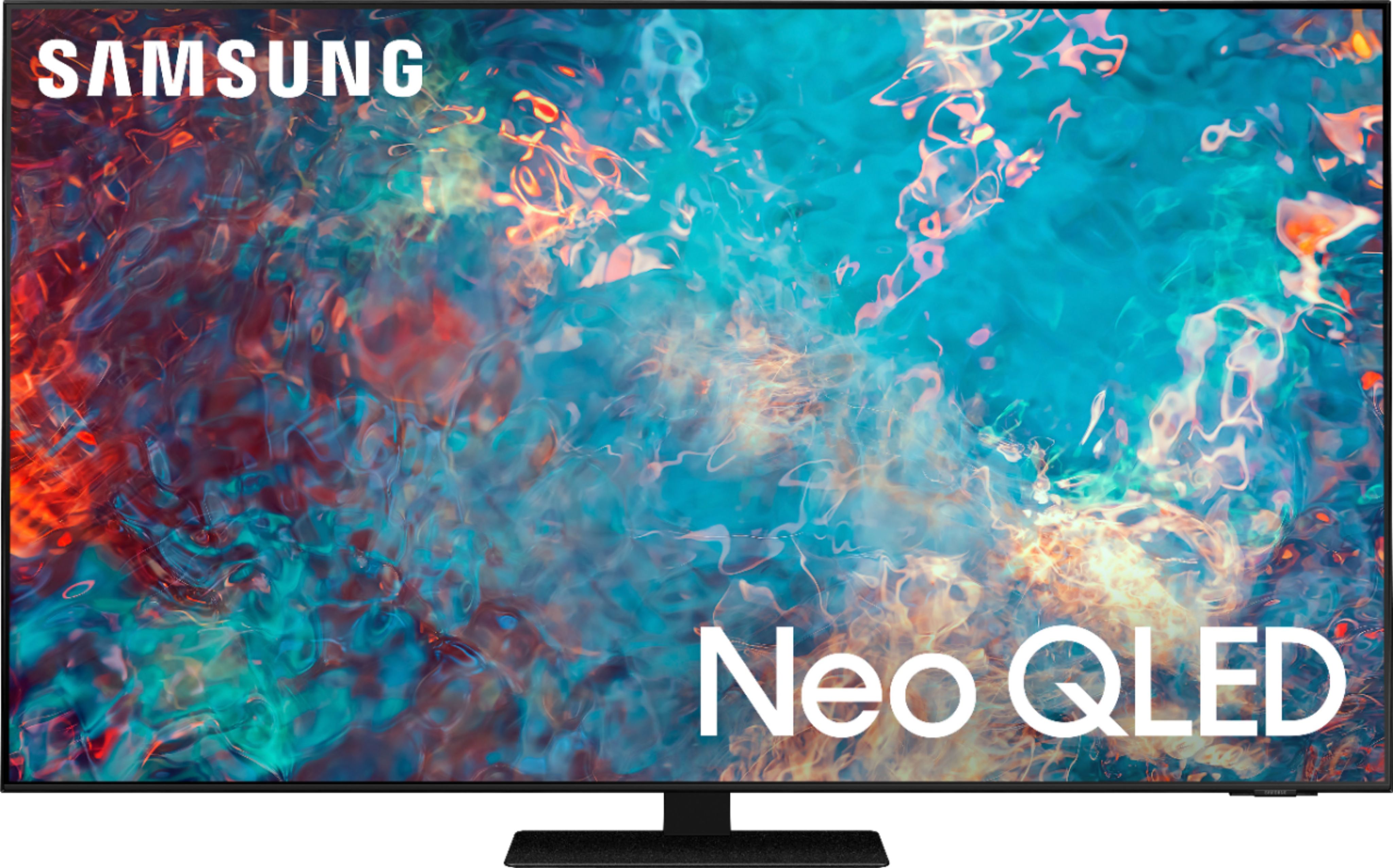
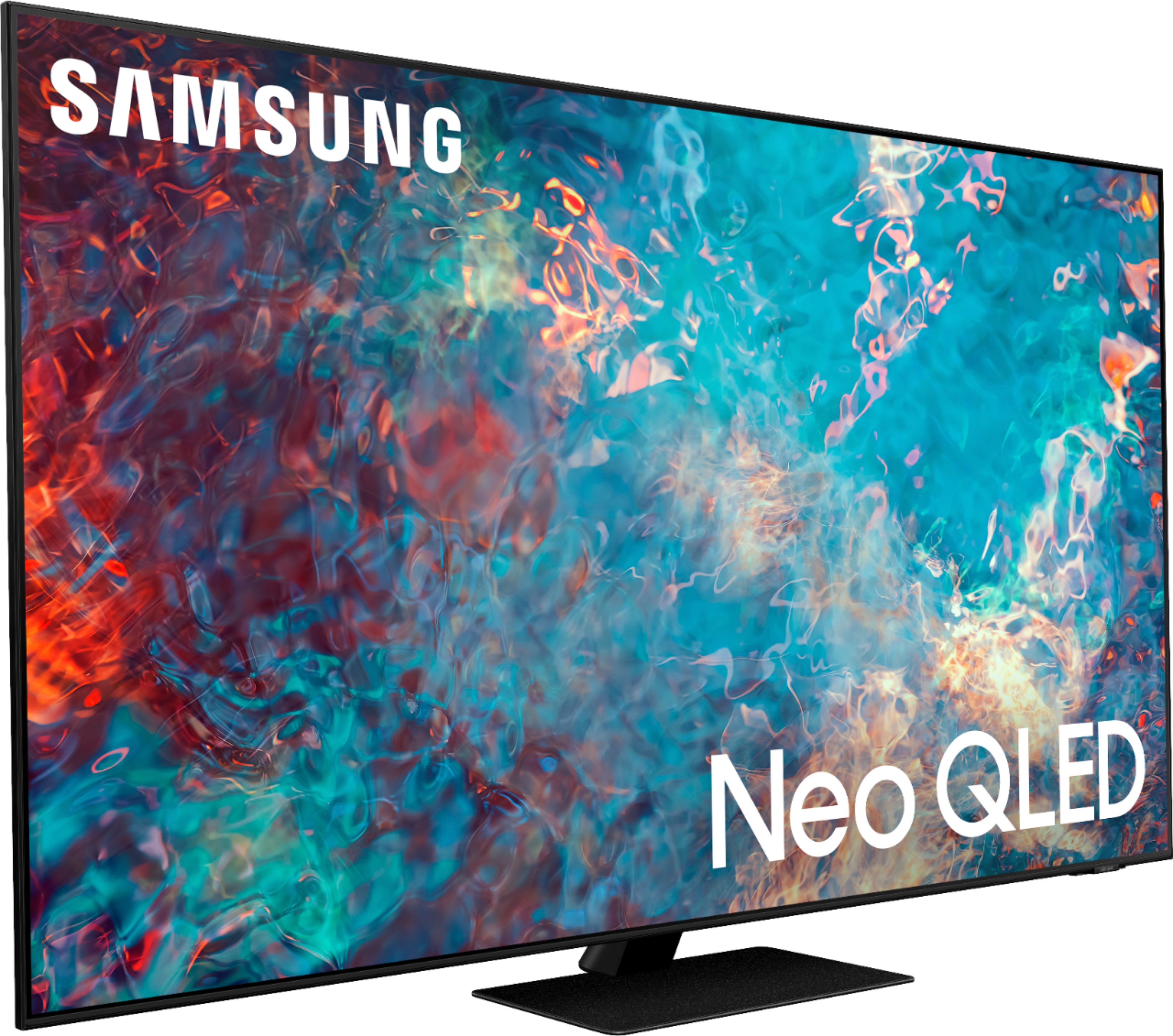
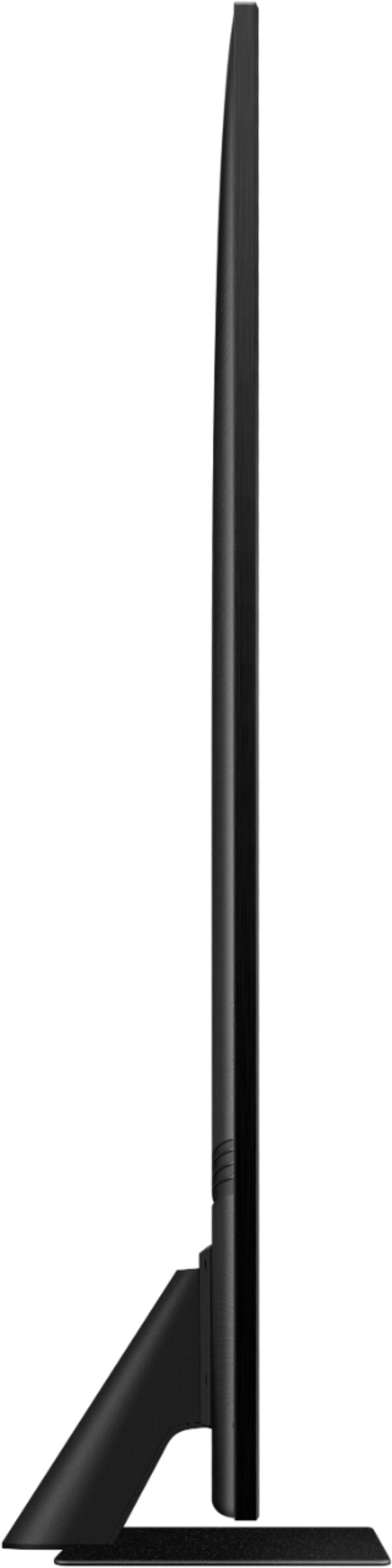
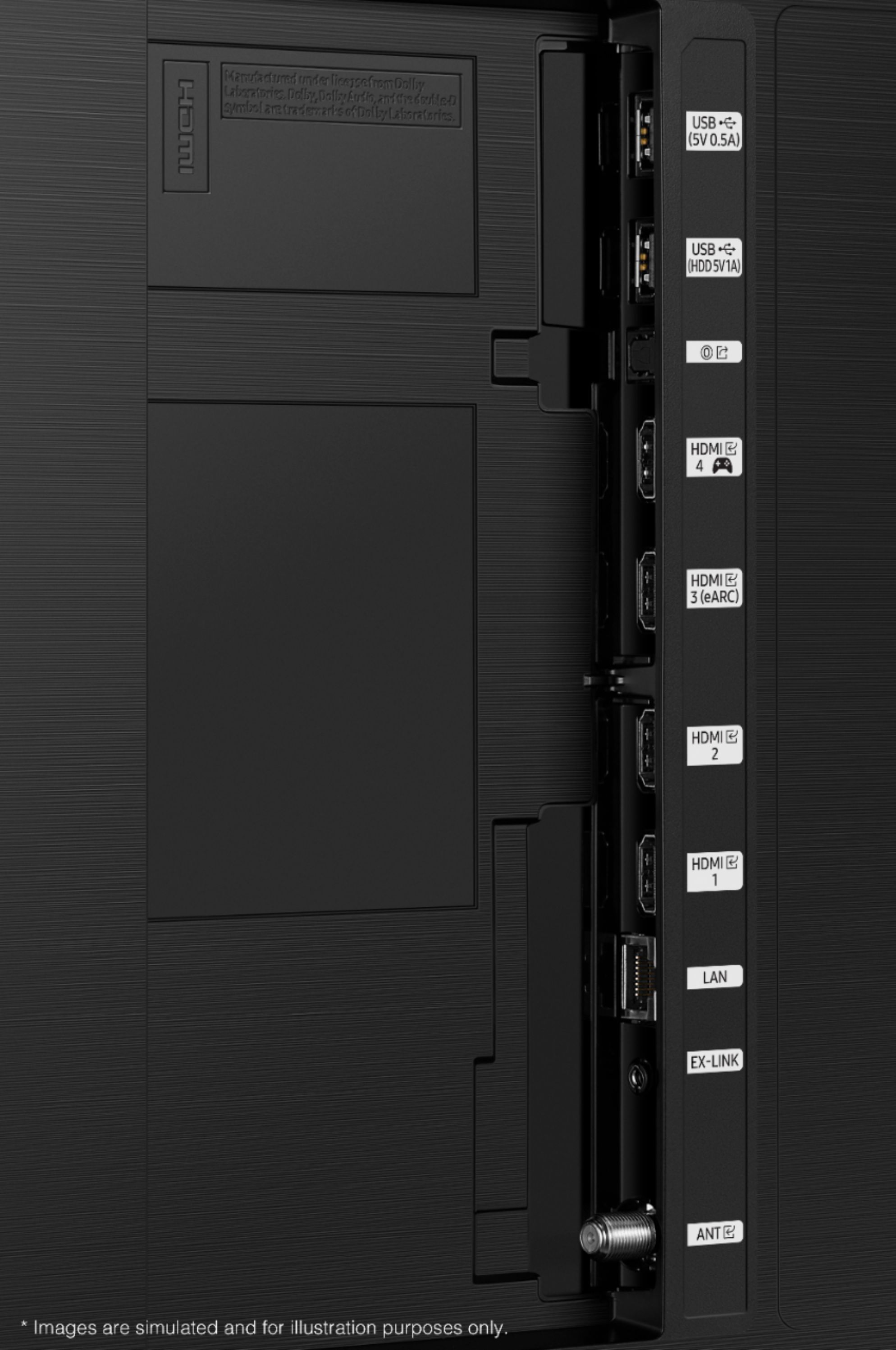








- Model:
- QN65QN85AAFXZA
- SKU:
- 6452319
Rating by feature
- Picture Quality
Rating 4.8 out of 5 stars
- Sound Quality
Rating 4.4 out of 5 stars
- Brightness
Rating 4.8 out of 5 stars
Customers are saying
Customers appreciate the 65" Class QN85A Series Neo QLED 4K UHD Smart Tizen TV for its exceptional picture quality, vibrant colors, and user-friendly setup. Many users rave about the stunning visuals and clarity of the TV, making it an excellent choice for movie enthusiasts and gamers alike. While some users have concerns about the remote control's simplicity and the TV's handling of dark scenes, the overall positive feedback highlights the TV's strengths in delivering an immersive viewing experience.
This summary was generated by AI based on customer reviews.
Pleased customer
||Posted . Owned for 1 month when reviewed.This reviewer received promo considerations or sweepstakes entry for writing a review.Installation was exceptional. The geek squad out performed most
I would recommend this to a friendThe Best Picture Show
||Posted . Owned for 3 weeks when reviewed.This reviewer received promo considerations or sweepstakes entry for writing a review.I made a awesome purchase. The Geek Squad made it better. Thanks
I would recommend this to a friendGood tv
||Posted . Owned for 1 month when reviewed.This reviewer received promo considerations or sweepstakes entry for writing a review.It’s a Good tv for my family, friends and me :) :)
I would recommend this to a friendNice QLED
||Posted . Owned for 1 month when reviewed.This reviewer received promo considerations or sweepstakes entry for writing a review.Thanks Travis and Varun for the best suggestion!!!
I would recommend this to a friend65" Samsing T.V.
||Posted . Owned for 3 weeks when reviewed.This reviewer received promo considerations or sweepstakes entry for writing a review.Professional and knowledgeable Tech. Great Product.
I would recommend this to a friendMister
||Posted . Owned for 2 weeks when reviewed.This reviewer received promo considerations or sweepstakes entry for writing a review.Very happy w best buy and my new samsung tv that is awesome
I would recommend this to a friendNeoQled
||Posted . Owned for 3 weeks when reviewed.This reviewer received promo considerations or sweepstakes entry for writing a review.Can't complain. As expected. Works well with DTV stream box.
I would recommend this to a friend...
||Posted . Owned for 1 month when reviewed.This reviewer received promo considerations or sweepstakes entry for writing a review.I like this TV so much I bought a 2nd one for the bedroom.
I would recommend this to a friendGreat tv
||Posted . Owned for 3 weeks when reviewed.This reviewer received promo considerations or sweepstakes entry for writing a review.Great tv. Sound could be better but all around it’s a good purchase
I would recommend this to a friendBrand response from Samsung
Posted .Joeshmo,
Thank you for purchasing the QN85A TV and for sharing your feedback regarding the sound quality. Your new TV features SpaceFit Sound to optimize sound tailored to your environment and Active Voice Amplifier (AVA) which further detects disturbances and enhances the on-screen voices for clear dialogue.
Go to Home > Settings > General > Intelligent Mode Settings. Turn the options on or off to meet your needs:
- Active Voice Amplifier is available only when the sound sensor of the TV is active and the sound output is set to TV Speaker, or a Samsung Soundbar interlinked with Adaptive Picture is connected.
- Adaptive Sound+ provides optimized sound quality by analyzing the viewing space and the acoustic components of the content
- Adaptive Volume Automatically adjusts to a specific volume level while you are watching TV.
Several Sound Modes are likewise available to meet your personal preferences: Home > Settings > Sound > Sound Mode
You can also customize sound with Expert Settings.
Go to: Settings > Sound > Expert Settings
To assist you with possible sound settings adjustments for a better audio experience, or choosing a Samsung Soundbar to complement your viewing enjoyment, please reach out to us at 1-800-SAMSUNG (ask for TVs), available 8AM -12AM EST M-F (9AM – 6PM EST Sat). Or text HELP to 62913.
For additional support resources, visit us on the Samsung website and click on the ‘Support’ link in the upper right corner of the homepage for:
1) More ‘Contact Us’ options – LiveChat, Facebook, Twitter, Samsung Community, Samsung Members app
2) Manuals & Software
3) Warranty Info
4) Product Registration: For access to easy warranty support, convenient opt-in to special promos and offers, faster troubleshooting and service, and quick notification of system updates.
~ Samsung Specialist
Good stuff
||Posted . Owned for 3 months when reviewed.This reviewer received promo considerations or sweepstakes entry for writing a review.It’s a wonderful product and complete value for money
I would recommend this to a friendNice picture
||Posted . Owned for 3 weeks when reviewed.This reviewer received promo considerations or sweepstakes entry for writing a review.The TV is nice. I do have a sound bar on it so I can’t tell you what the TV sounds like without the sound bar. The remote control that comes with the TV is a pain in my opinion, I went on amazon and purchased one with numbers and volume, channel. The one thing I don’t like with this TV and maybe I haven’t figured it out is that when fast forwarding a show it doesn’t show the picture so you don’t know when to stop.
I would recommend this to a friendBrand response from Samsung
Posted .DABGB,
Thank you for choosing Samsung's QN85A TV and for sharing your thoughts on the Solar Cell Remote, as well as your experience when using the fast forward function. Please know this will depend on the app or source you are utilizing; some apps may show your program on the screen while fast forwarding, and some may not.
I hope this tip helps. Should you ever have questions or need help, please call us at 1-800-SAMSUNG (ask for TVs), available 8AM - 12AM EST, 7 days a week.
For additional support resources, visit us on the Samsung website and click on the ‘Support’ link in the upper right corner of the homepage for:
1) Chat with Us/Product Help: To begin a chat or find solutions, choose ‘TVs & Home Theater’ and select your model & topic.
2) Register a Product: For access to easy warranty support, convenient opt-in to special promos and offers, faster troubleshooting and service, and quick notification of system updates.
3) Manuals & Software
4) Warranty Info
5) Contact Us
~ Samsung Specialist
Would recommend
||Posted . Owned for 3 weeks when reviewed.This reviewer received promo considerations or sweepstakes entry for writing a review.Great buying experience. Easy set up and awesome graphics
I would recommend this to a friendGreat tv and great price at Best Buy
||Posted . Owned for 3 weeks when reviewed.This reviewer received promo considerations or sweepstakes entry for writing a review.amazing tv and with the samsung soundbar even more amazing
I would recommend this to a friendMy best buy
||Posted . Owned for 1 month when reviewed.This reviewer received promo considerations or sweepstakes entry for writing a review.Looks and works great. Love it!! Would purchase again.
I would recommend this to a friendIssue with sound timing
||Posted .This reviewer received promo considerations or sweepstakes entry for writing a review.Sound on this newly purchased tv is a bit off with mouth.Anyone else having this issue?
I would recommend this to a friendBrand response from Samsung
Posted .Adelle,
Thank you for purchasing the Samsung QN85A TV and for sharing your experience with sound delays. Please be sure your firmware is up to date with version 1560.5 which includes updates to address lip sync or audio delays that you are experiencing. You can check this by going to: Settings > Support > Software Update.
If this firmware version is not yet available on your TV, you can download the update on a USB drive and manually update your TV:
1. On Samsung's website (upper right corner), go to: Support > Manuals & Software > Find your TV model.
2. Download the update and extract it to the root of a USB thumb drive. (Do not put it in any folders on the thumb drive.)
3. Connect the USB thumb drive to a USB port on your TV.
4. Navigate to Settings > Support > Software Update, select Update Now, and then select Yes.
5. Follow the on-screen instructions to install the updated software.
Should you ever have questions or need help, please call us at 1-800-SAMSUNG (ask for TVs), available 8AM -12AM EST M-F (9AM – 6PM EST Sat). Or text HELP to 62913.
For additional support resources, visit us on the Samsung website and click on the ‘Support’ link in the upper right corner of the homepage for:
1) More ‘Contact Us’ options – LiveChat, Facebook, Twitter, Samsung Community, Samsung Members app
2) Manuals & Software
3) Warranty Info
4) Product Registration: For access to easy warranty support, convenient opt-in to special promos and offers, faster troubleshooting and service, and quick notification of system updates.
~ Samsung Specialist
Nate is GREAT!!!
||Posted . Owned for 3 weeks when reviewed.This reviewer received promo considerations or sweepstakes entry for writing a review.Nate is GREAT!!! Nate is GREAT!! Nate is GREAT!!!!
I would recommend this to a friendmoxiesmom
||Posted . Owned for 3 weeks when reviewed.This reviewer received promo considerations or sweepstakes entry for writing a review.Love the tv we bought. Juice is very knowledgable.
I would recommend this to a friendGreat Quality for an affordable price.
||Posted . Owned for 1 month when reviewed.This reviewer received promo considerations or sweepstakes entry for writing a review.No issues gaming at 120 fps with my series X on this TV.
I would recommend this to a friend- Pros mentioned:Picture quality
So so
||Posted .This reviewer received promo considerations or sweepstakes entry for writing a review.Good picture. Not happy with the Geek Squad installation.
I would recommend this to a friend TV
||Posted . Owned for 3 weeks when reviewed.This reviewer received promo considerations or sweepstakes entry for writing a review.TV is good but it will be nice to have old remote. New remotes are very small.
No, I would not recommend this to a friend