Customer Ratings & Reviews
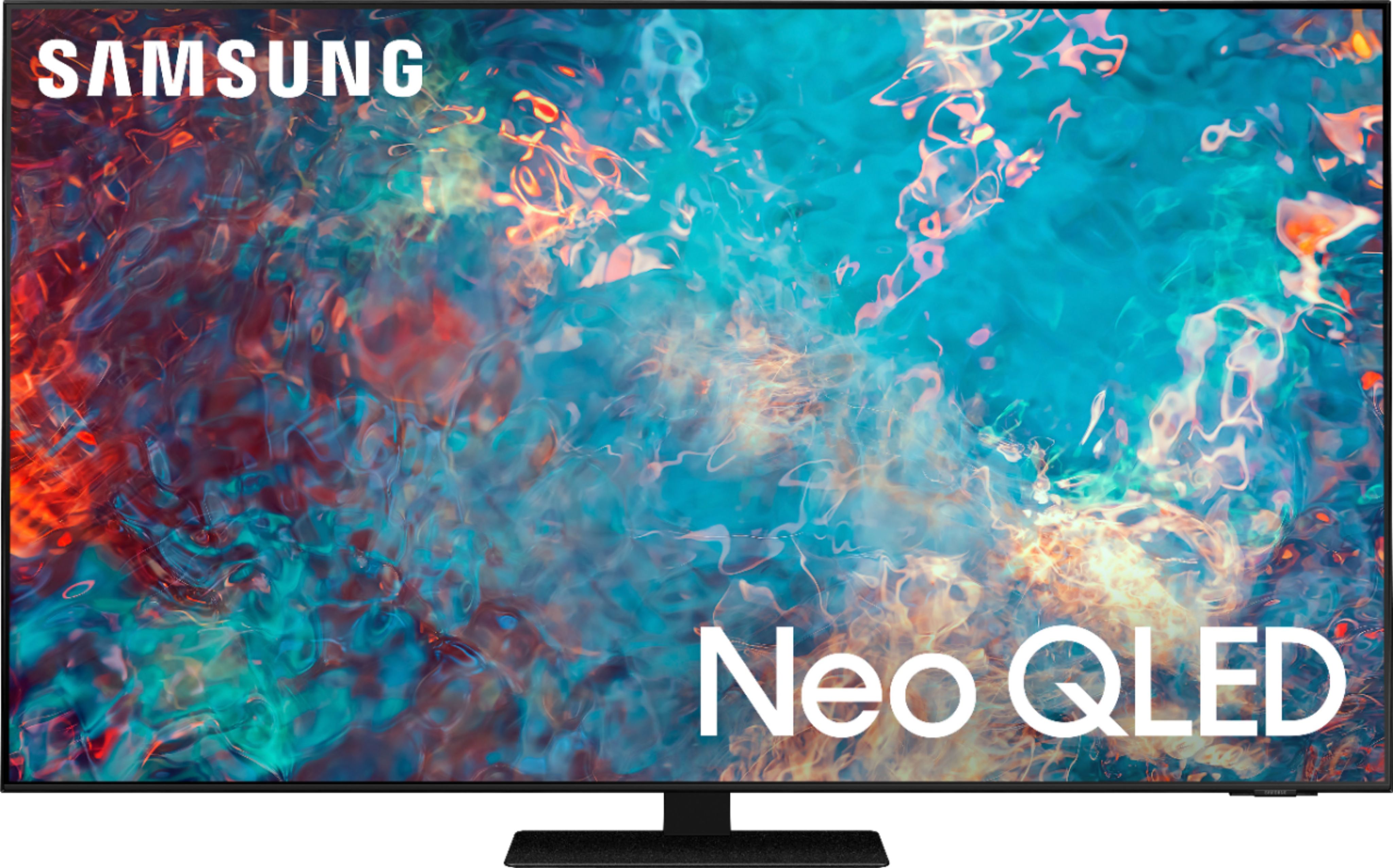
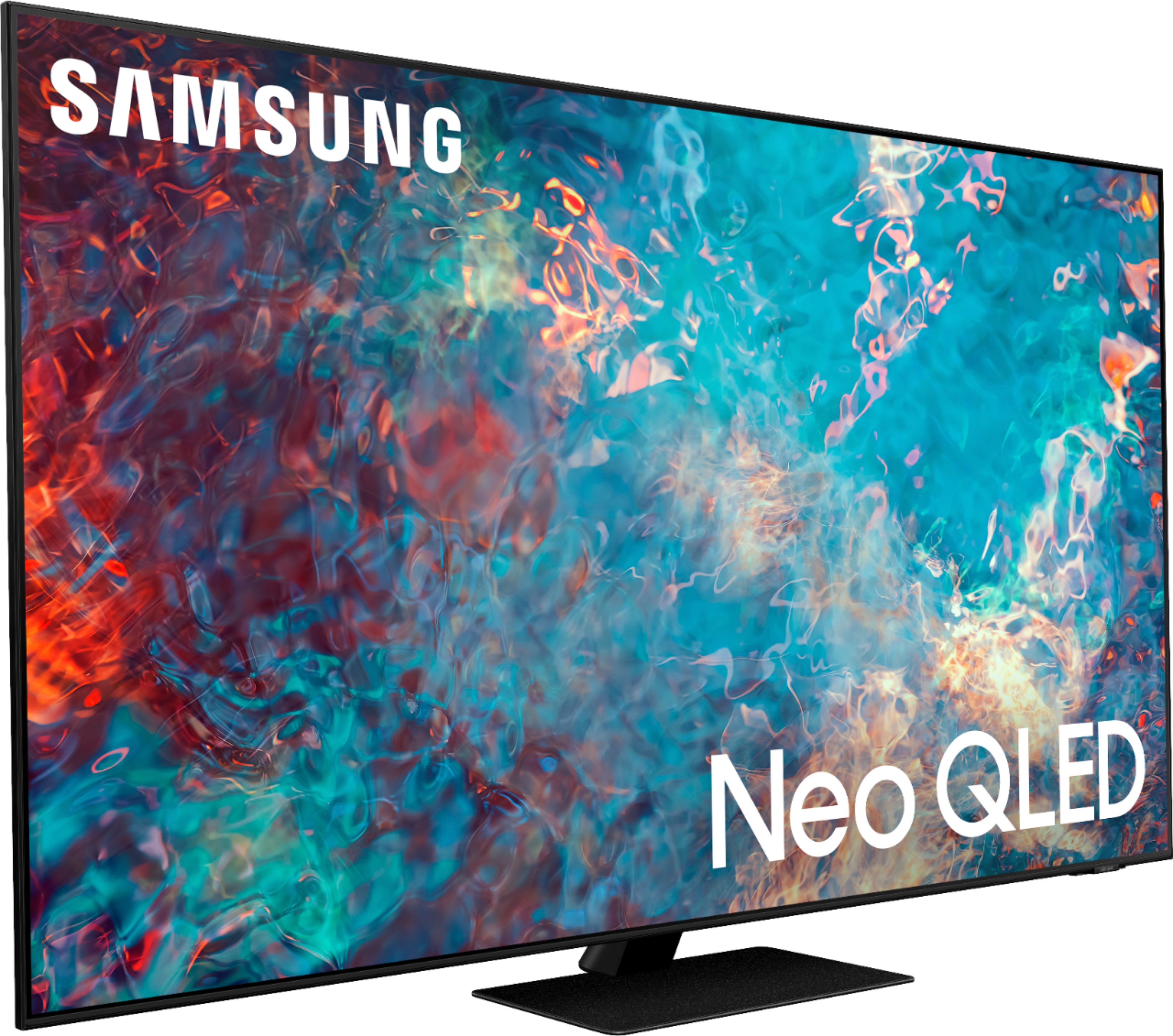
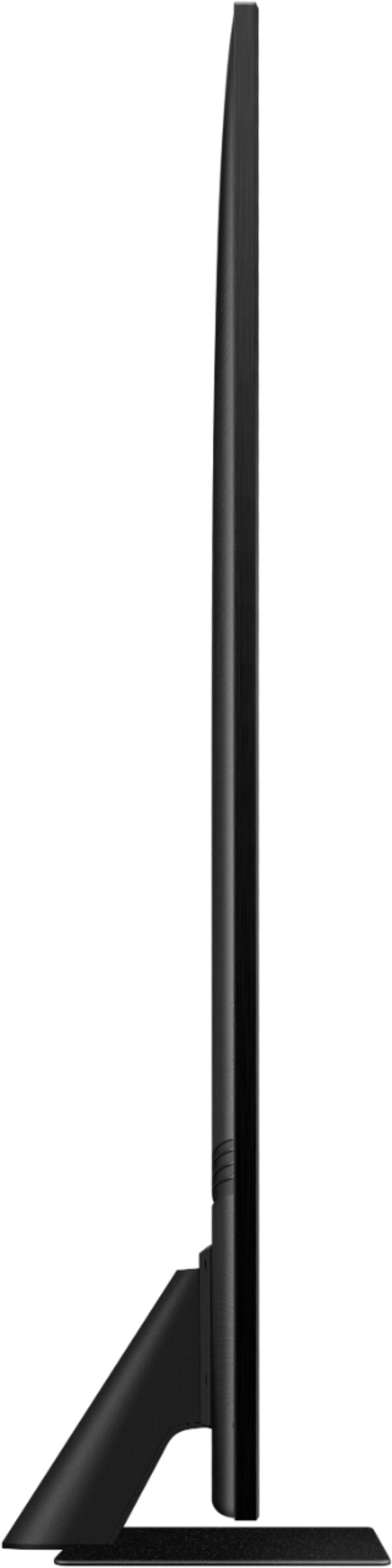








- Model:
- QN65QN85AAFXZA
- SKU:
- 6452319
Rating by feature
- Picture Quality
Rating 4.8 out of 5 stars
- Sound Quality
Rating 4.4 out of 5 stars
- Brightness
Rating 4.8 out of 5 stars
Customers are saying
Customers appreciate the 65" Class QN85A Series Neo QLED 4K UHD Smart Tizen TV for its exceptional picture quality, vibrant colors, and user-friendly setup. Many users rave about the stunning visuals and clarity of the TV, making it an excellent choice for movie enthusiasts and gamers alike. While some users have concerns about the remote control's simplicity and the TV's handling of dark scenes, the overall positive feedback highlights the TV's strengths in delivering an immersive viewing experience.
This summary was generated by AI based on customer reviews.
Aspect ratio problem
||Posted .This reviewer received promo considerations or sweepstakes entry for writing a review.Great tv but not loving the letterbox aspect ratio with no settings to change it
I would recommend this to a friendSound Bar Challenges
||Posted . Owned for 2 months when reviewed.This reviewer received promo considerations or sweepstakes entry for writing a review.Major adjustments needed in sound quality when using a sound bar. Speech is delayed
I would recommend this to a friendBrand response from Samsung
Posted .SOUND,
Thank you for purchasing the Samsung QN85A TV and for sharing your experience with sound delays. Please be sure your firmware is up to date with version 1805.4 which includes updates to address any lip sync or audio delays that may be occurring. You can check this by going to: Settings > Support > Software Update.
If your firmware is up to date and you are still hearing an audio delay across all sources/channels and you have a Home Theatre System or other speakers connected to your TV, you can access the Audio Delay settings to increase the audio delay. Go to: Settings > Sound > Expert Settings > Digital Output Audio Delay
Please know that our 2021 TVs also have an audio Pass-Through feature. This feature allows the audio signal to be sent out unprocessed to an external Soundbar or receiver connected to the TV. The external Soundbar or receiver then processes the audio, thereby eliminating the added step of processing by the TV, which adds delay.
On your TV go to: Settings > Sound > Expert Settings > Digital Audio Output Format > Pass-Through
If you have tried this and your issue persists, please reach out to Samsung Customer Support so that we can provide further troubleshooting. Call us at 1-800-SAMSUNG (ask for TVs), available 8AM - 12AM EST, 7 days a week.
For additional support resources, visit us on the Samsung website and click on the ‘Support’ link in the upper right corner of the homepage for:
1) Chat with Us/Product Help: To begin a chat or find solutions, choose ‘TVs & Home Theater’ and select your model & topic.
2) Manuals, Software, & Warranty Info
~ Samsung Specialist
- Pros mentioned:Picture quality
Keeps dropping the fubo app
||Posted . Owned for 1 month when reviewed.This reviewer received promo considerations or sweepstakes entry for writing a review.The picture is good, however the Samsung tv has an annoying habit of going “black screen “ when streaming fubo. When this happens, ( several times a week! ) I have to delete and reinstall the fubo app. Best Buy - can you help me fix this problem ?
No, I would not recommend this to a friendBrand response from Samsung
Posted .JohnP,
Thank you for choosing the QN85A Neo QLED TV and taking the time to share your experience with the fuboTV app. If your app is freezing, not loading, or crashing, you can try cold booting your TV by holding down the power button on your remote for 5+ sec until the TV turns off and on again, deleting and downloading the apps again, and completing full reset of Smart Hub to correct the issue.
Please also check that your TV is running the latest firmware version. Go to: Settings > Support > Software Update.
I hope this helps. If you need further assistance or have any questions, please contact Samsung Customer Support at 1-800-SAMSUNG (ask for TVs), available 8AM - 12AM EST, 7 days a week.
For additional support resources, visit us on the Samsung website and click on the ‘Support’ link in the upper right corner of the homepage for:
1) Contact Us: For additional Chat & Text options, choose ‘TVs & Home Theater’ and select your model & topic.
2) Manuals & Software
3) Warranty Info
4) Register a Product: For access to easy warranty support, convenient opt-in to special promos and offers, faster troubleshooting and service, and quick notification of system updates.
~ Samsung Specialist
Tv
||Posted .This reviewer received promo considerations or sweepstakes entry for writing a review.This is a great tv. I will recommend this tv to all my families Lu
I would recommend this to a friendGood TV
||Posted . Owned for 3 weeks when reviewed.This reviewer received promo considerations or sweepstakes entry for writing a review.Good TV. Met expectations so far. Still undecided on darker scenes.
I would recommend this to a friendDamaged product
||Posted . Owned for 1 month when reviewed.This reviewer received promo considerations or sweepstakes entry for writing a review.Great tv. The damage it had to it after delivery was upsetting. It was an open box market excellent. So no damage or anything. Until it showed up, and the back panel is bent and popped out, w no chance of repair. Always open and inspect package upon delivery.
I would recommend this to a friendGreat Tv
||Posted . Owned for 1 month when reviewed.This reviewer received promo considerations or sweepstakes entry for writing a review.Very happy with are purchase. Would highly recommend this tv.
I would recommend this to a friendPoor Customer Service
||Posted . Owned for 3 weeks when reviewed.This reviewer received promo considerations or sweepstakes entry for writing a review.Love the TV but after not even 2 weeks the bottom left portion of screen just flickers. Part is t available to fix it so Samsung said to exchange it at Best Buy and conveniently they no longer have this model. So now have to wait for Samsy g to ship a new TV.
I would recommend this to a friendBrand response from Samsung
Posted .Aggravated,
Thank you for your review of the Samsung QN85A TV and for sharing the issues that you have experienced with your unit. We appreciate your patience in having to deal with the inconvenience of an exchange.
Should you need assistance with your new unit, please contact Samsung Customer Support at 1-800-SAMSUNG (ask for TVs), available 8AM - 12AM EST, 7 days a week.
For additional support resources, visit us on the Samsung website and click on the ‘Support’ link in the upper right corner of the homepage for:
1) Chat with Us/Product Help: To begin a chat or find solutions, choose ‘TVs & Home Theater’ and select your model & topic.
2) Manuals, Software, & Warranty Info
~ Samsung Specialist
New tv
||Posted . Owned for 1 month when reviewed.This reviewer received promo considerations or sweepstakes entry for writing a review.Great picture great delivery great job thanks a lot
I would recommend this to a friend- Cons mentioned:Screen
Not so happy
||Posted .This reviewer received promo considerations or sweepstakes entry for writing a review.Right now I am waiting for a new tv due to lines across the screen waiting for 3 days for someone to call or text me back. It’s only been in my house for 6 days
No, I would not recommend this to a friend Better than Sharp/Roku
||Posted . Owned for 1 month when reviewed.This reviewer received promo considerations or sweepstakes entry for writing a review.An OK TV, nothing special really. Replaced a Sharp/Roku which was absolute junk so this one had to be better.
No, I would not recommend this to a friendAvoid
||Posted . Owned for 1 month when reviewed.This reviewer received promo considerations or sweepstakes entry for writing a review.The judder on this tv is absolutely terrible. I've tried every setting imaginable and still terrible judder choppiness I'm fast scenes. For as much as this tv costs I was hoping for a little better. Game mode with PS5 is great, but don't expect to watch a TV show or movie without getting frustrated.
No, I would not recommend this to a friendBrand response from Samsung
Posted .Hi Eric,
Thank you for purchasing the Samsung QN85A TV and for sharing details of your image quality. To ensure your picture is optimized, please be sure your firmware is up to date with version 1901.0 which includes picture quality and performance updates. You can check this by going to: Settings > Support > Software Update.
If this firmware version is not yet available on your TV, you can download the update on a USB drive and manually update your TV:
1. On Samsung's website (upper right corner), go to: Support > Manuals & Software > Find your TV model.
2. Download the update and extract it to the root of a USB thumb drive. (Do not put it in any folders on the thumb drive.)
3. Connect the USB thumb drive to a USB port on your TV.
4. Navigate to Settings > Support > Software Update, select Update Now, and then select Yes.
5. Follow the on-screen instructions to install the updated software.
Should you need further assistance with image quality adjustments, please give us the opportunity to assist you. Call us at 1-800-SAMSUNG (ask for TVs), available 8AM - 12AM EST, 7 days a week.
For additional support resources, visit us on the Samsung website and click on the ‘Support’ link in the upper right corner of the homepage for:
1) Chat with Us/Product Help: To begin a chat or find solutions, choose ‘TVs & Home Theater’ and select your model & topic.
2) Manuals, Software, & Warranty Info
~ Samsung Specialist
GoodNotBest
||Posted .This reviewer received promo considerations or sweepstakes entry for writing a review.It’s stand should have more stronger than cause it easily make moves and wiggle.
No, I would not recommend this to a friendDr
||Posted .This reviewer received promo considerations or sweepstakes entry for writing a review.Tv is just ok, I was expecting it to be exceptional.
No, I would not recommend this to a friendBrand response from Samsung
Posted .Disappointedbuyer,
Thank you for sharing your thoughts on Samsung's QN85A TV. So we can better understand the issues you are experiencing and provide you with image settings adjustments or troubleshooting assistance, please contact Samsung Customer Support at 1-800-SAMSUNG (ask for TVs), available 8AM - 12AM EST, 7 days a week.
For additional support resources, visit us on the Samsung website and click on the ‘Support’ link in the upper right corner of the homepage for:
1) Chat with Us/Product Help: To begin a chat or find solutions, choose ‘TVs & Home Theater’ and select your model & topic.
2) Manuals, Software, & Warranty Info
We hope to hear from you.
~ Samsung Specialist
- Pros mentioned:Picture quality, Remote control
ELEGANT, SLIM AND OUTSTANDING TV
Posted .This reviewer received promo considerations or sweepstakes entry for writing a review.I have owned lots of Samsung tv, however, nothing comes close to this tv. I’ve had mine for 1year and a half and i love it. It is fast, filled with bright colors and makes the pocture pop. The gaming experience is out if this world. The tv is very slim and fits anywhere tou install it withoit sacrificing space. The remote is unbelievable, it is olar poered and can either charge it or leave the solar array facing the natural light. With the solar feature, I never have to worry about replacing or charging the battery. I am happy I purchased the TV from Best buy!!!! Best Electronic investment I’ve made in 2022.
I would recommend this to a friend - Pros mentioned:Picture quality
Buy an LG C1 instead
||Posted . Owned for 3 weeks when reviewed.This reviewer received promo considerations or sweepstakes entry for writing a review.TV power supply failed in 9 days, Replaced with an LG C1, picture is way better, go with the LG over the samsung
No, I would not recommend this to a friend Don't buy this TV!!!
||Posted . Owned for 4 months when reviewed.This reviewer received promo considerations or sweepstakes entry for writing a review.This TV is very buggy - about as bad as Microsoft Windows back in the 80's. Other negatives are: (1) you have to "register" to install other apps (such as Vix+), (2) the menus are not easy to navigate. I called Samsung to get help with resetting the TV to factory condition (to see if it will clear the problems I experience), but they never contacted me.
No, I would not recommend this to a friend- Pros mentioned:ColorCons mentioned:Glare
Nearly Perfect LED TV
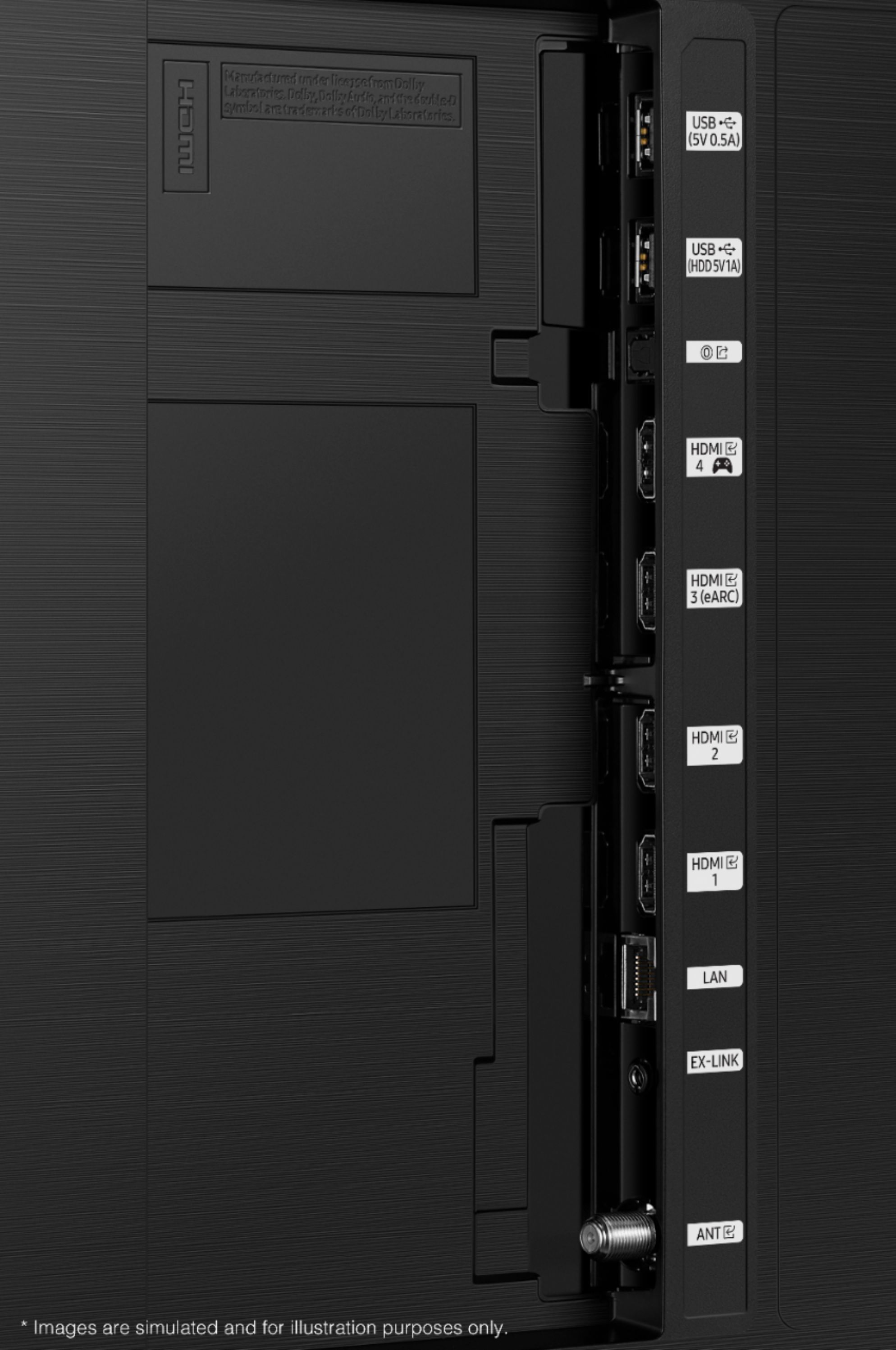
Posted .This reviewer received promo considerations or sweepstakes entry for writing a review.As a fan of retro gaming, I sometimes still use older style CRT TVs. Although LED TVs clearly have CRTs beat in terms of resolution and having a progressive rather than interlaced image, there are still ways that CRTs beat out. Particularly- input lag, brightness, and dynamic range of brightness. Dynamic range meaning the brights can be really bright and the blacks are pitch black. That contrast really allows the image to pop and look more real. LED TVs traditionally aren't anywhere as bright as CRT TVs and cannot display true black, only showing dark dark grey. (If you remember back in the day while watching an old TV at night, in between commercials, that brief cut to black would plunge the entire room into darkness for an instant, whereas with modern TVs you can still see the backlight on in those instances). Without the dynamic range of CRTs, LED TVs often don't pop and look as vibrant as older TVs. The Samsung Neo QLED series really does the best job of any LED TV I've seen of mitigating all three of those problems associated with LED technology. The TV can get really, really, almost overwhelmingly bright, and the blacks can get pitch black, although it's not as specific as a CRT or OLED TV; there's still some glare around the Samsung logo when the TV is turned on. (OLED TVs are more specific in their brightness than QLED, but these TVs can't get quite as bright. They also have some concerns with burn in, and I'm a little concerned the HUD of some video game I'm playing will get burned in over the years.) According to the specs of the TV, Input lag is also very low for a modern TV. The only caveats with this TV, specifically for people who like older consoles, is that they no longer have Y Pb Pr component inputs, only 4 HDMIs and RF (weird). So, that means you can't plug in the red, blue, and green video inputs from older systems like the original Wii, or the yellow input from older VCRs and systems. So, you'll probably need a Component to HDMI converter box. If you're willing to blow a couple hundred dollars on one, the the Retrotink 5x is usable for nearly every old console/VCR. But I also just got a cheap box for 20 dollars off Amazon, at least for systems that run 480p like the Wii/Xbox/Some PS2 games. The other caveat, is that this TV no longer has a 3.5mm headphone jack, which can be found on nearly any other electronic with audio. The only option for attaching speakers, is an optical audio-out cable. My theory behind this is that they just want you to buy their overpriced soundbar, instead of using cheaper but equally capable non-digital speakers. I did buy a 20 dollar optical to 3.5mm converter box, but unless you have a digital speaker with bluetooth, you can't adjust the volume with the remote. So now, every time I have to adjust the volume, I have to get up and adjust it on the speaker. Funny how with modern technology they're unable to do something that TVs have been able to do for decades. Barring that, totally recommend this TV, 4.99 out of 5 stars.
I would recommend this to a friend Samsung Tv
||Posted . Owned for 3 months when reviewed.This reviewer received promo considerations or sweepstakes entry for writing a review.Sound cuts off after commercials and have to unplug tv and then it works
No, I would not recommend this to a friendAWFUL EXPERIENCE
||Posted . Owned for 7 months when reviewed.This reviewer received promo considerations or sweepstakes entry for writing a review.The TV stopped working in 6 months. The BB total tech team is useless and Samsung doesn't help. They won't help because I contacted the BB team first. BB won't help because Samsung didn't authorize the replacement.
No, I would not recommend this to a friend