Customer Ratings & Reviews
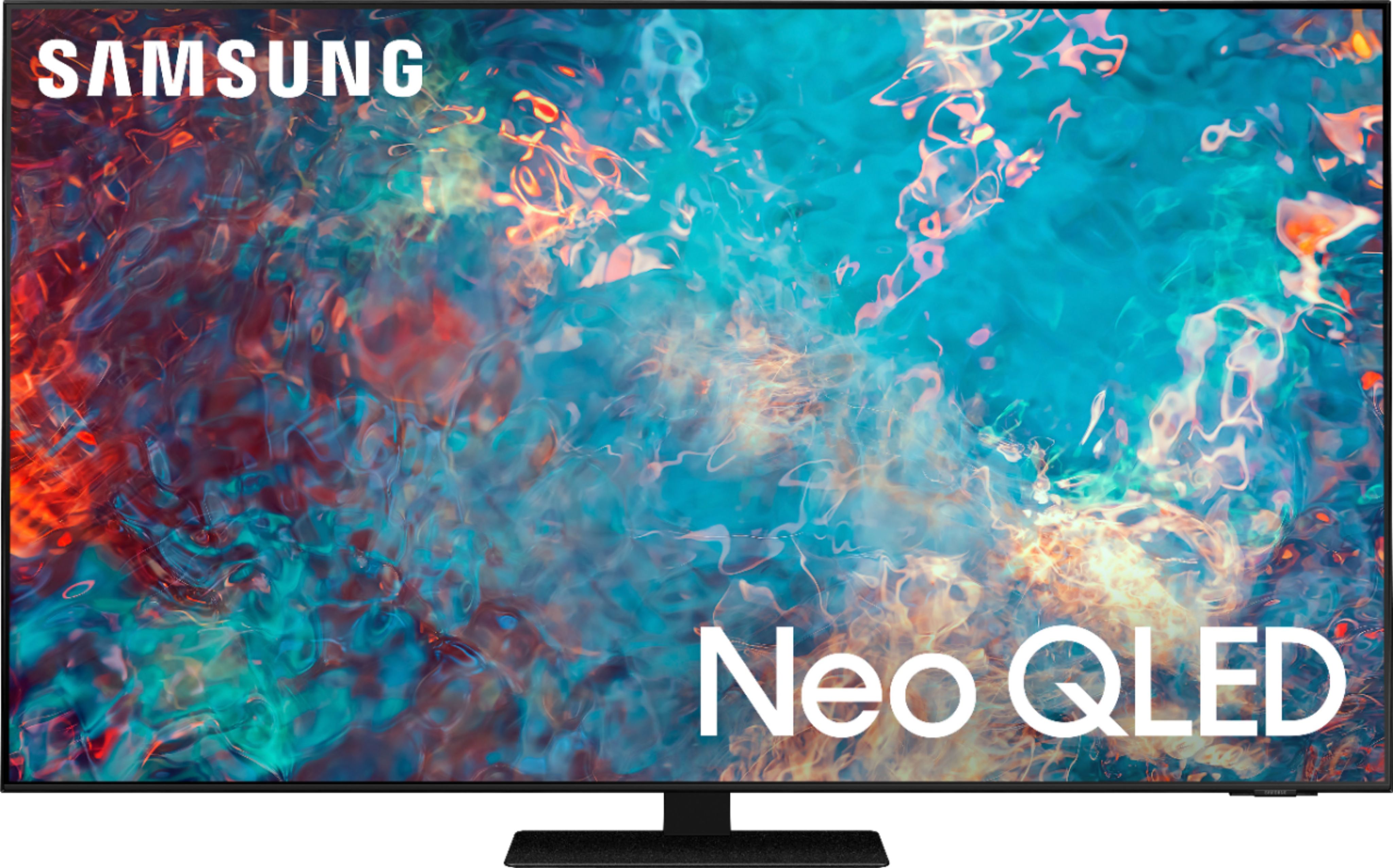
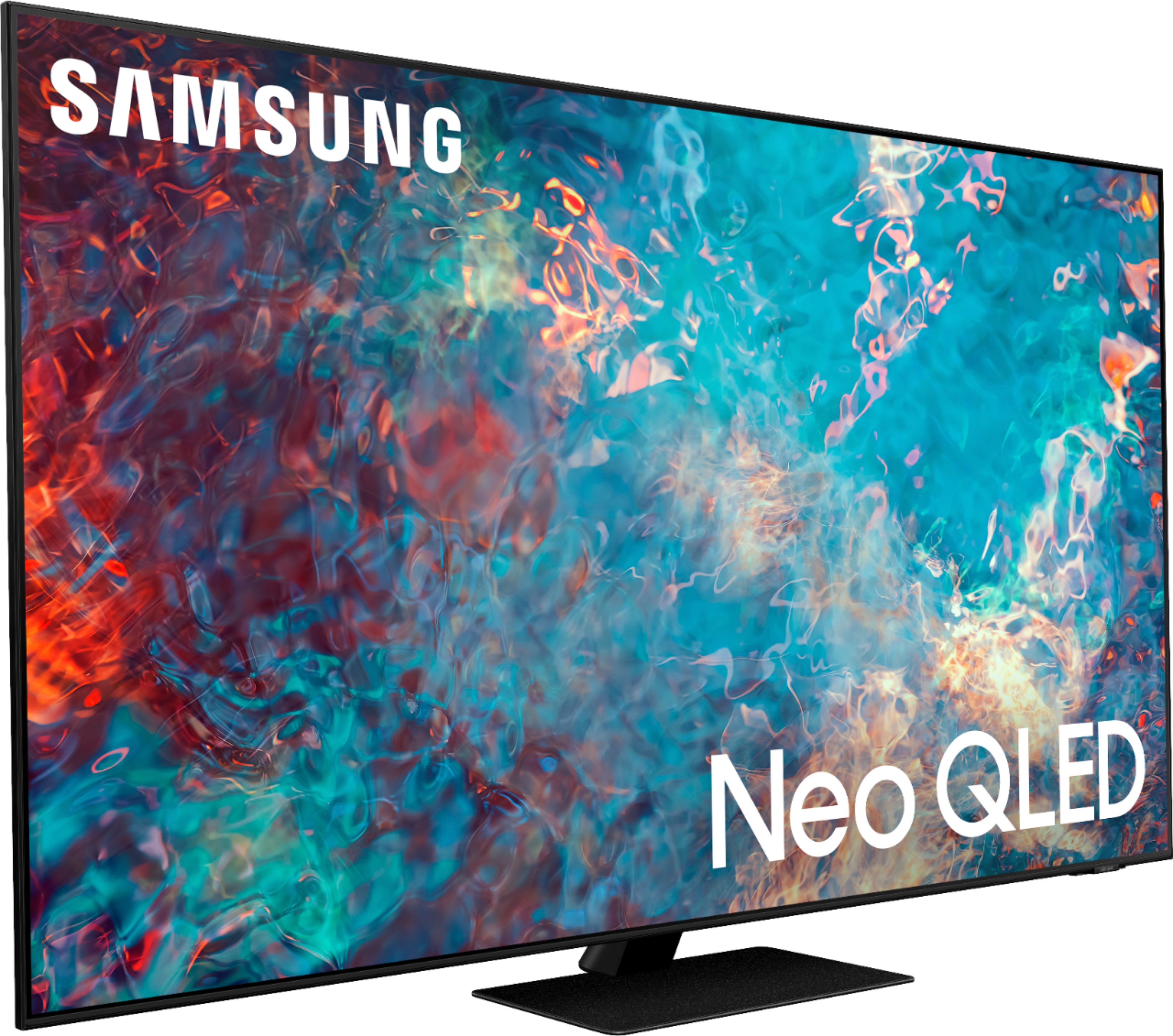
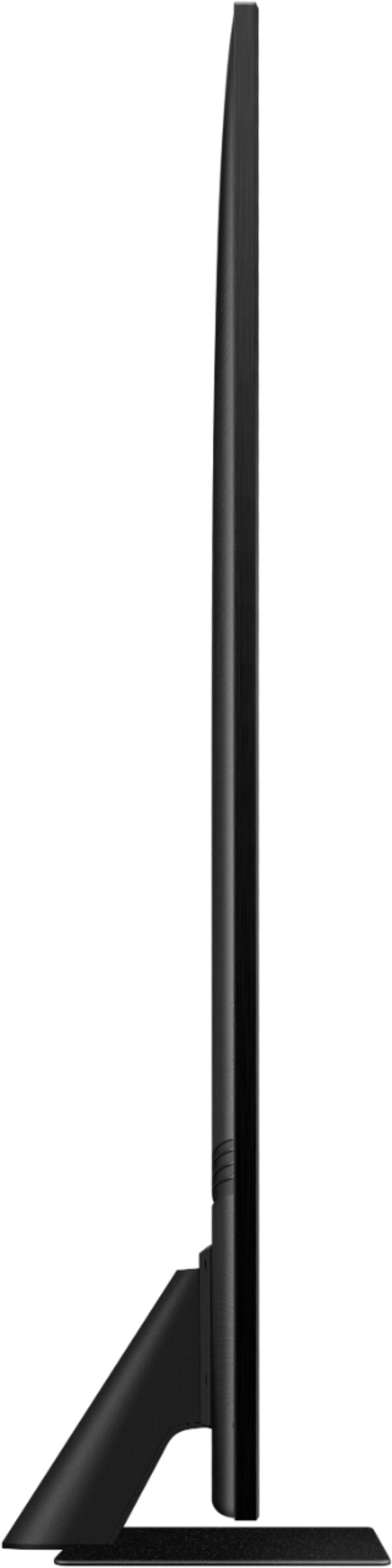
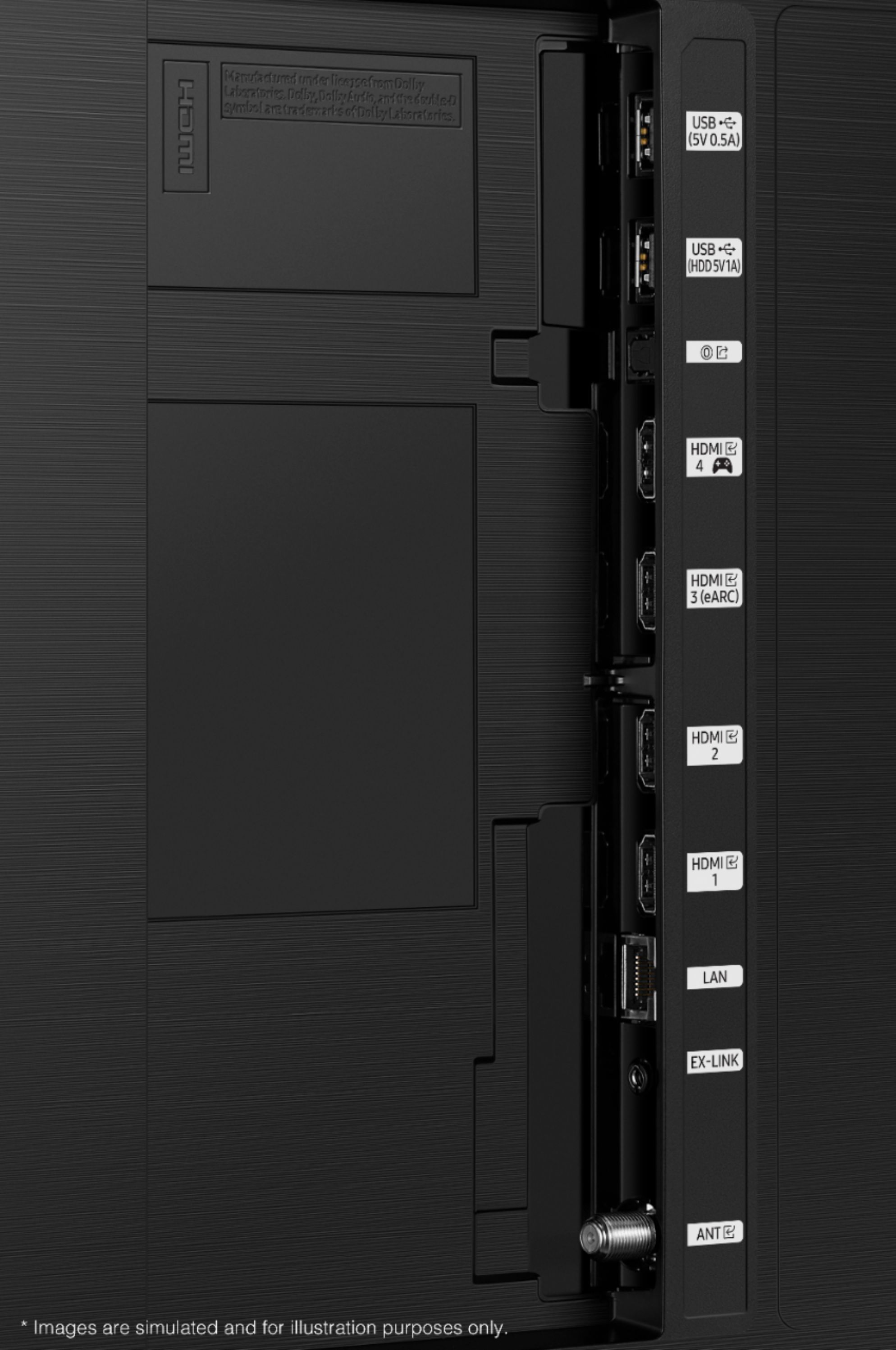








- Model:
- QN65QN85AAFXZA
- SKU:
- 6452319
Rating by feature
- Picture Quality
Rating 4.8 out of 5 stars
- Sound Quality
Rating 4.4 out of 5 stars
- Brightness
Rating 4.8 out of 5 stars
Customers are saying
Customers appreciate the 65" Class QN85A Series Neo QLED 4K UHD Smart Tizen TV for its exceptional picture quality, vibrant colors, and user-friendly setup. Many users rave about the stunning visuals and clarity of the TV, making it an excellent choice for movie enthusiasts and gamers alike. While some users have concerns about the remote control's simplicity and the TV's handling of dark scenes, the overall positive feedback highlights the TV's strengths in delivering an immersive viewing experience.
This summary was generated by AI based on customer reviews.
Broken TV
||Posted . Owned for less than 1 week when reviewed.This reviewer received promo considerations or sweepstakes entry for writing a review.TV came broken and will have to wait almost 3.5 weeks to get another. Hopefully when they return to set up new TV it will not be broken. Hard to recommend without a TV.
No, I would not recommend this to a friendBrand response from Samsung
Posted .Hi dlj2175,
Thank you for your review of the Samsung QN85A TV and for sharing the issues that you have experienced with your unit. We appreciate your patience in having to deal with the inconvenience of an exchange.
Should you need assistance with your new unit, please contact Samsung Customer Support at 1-800-SAMSUNG (ask for TVs), available 8AM - 12AM EST, 7 days a week.
For additional support resources, visit us on the Samsung website and click on the ‘Support’ link in the upper right corner of the homepage for:
1) Chat with Us/Product Help: To begin a chat or find solutions, choose ‘TVs & Home Theater’ and select your model & topic.
2) Manuals, Software, & Warranty Info
~ Samsung Specialist
Open box
||Posted . Owned for 1 month when reviewed.This reviewer received promo considerations or sweepstakes entry for writing a review.Bought open box online and was given the wrong tv so I can't speak to the quality of this tv.
I would recommend this to a friendAudio issues
||Posted . Owned for 3 weeks when reviewed.This reviewer received promo considerations or sweepstakes entry for writing a review.The Samsung TV had serious audio issues. While watching TV it would just instantly shut the volume off
No, I would not recommend this to a friendBrand response from Samsung
Posted .Skannaly,
Thank you for sharing the issues you are experiencing with your Samsung QN85A TV. So we can better understand the audio problems you are experiencing and provide you with troubleshooting assistance or warranty service, please contact Samsung Customer Support at 1-800-SAMSUNG (ask for TVs), available 8AM - 12AM EST, 7 days a week.
For additional support resources, visit us on the Samsung website and click on the ‘Support’ link in the upper right corner of the homepage for:
1) Chat with Us/Product Help: To begin a chat or find solutions, choose ‘TVs & Home Theater’ and select your model & topic.
2) Manuals, Software, & Warranty Info
We hope to hear from you!
~ Samsung Specialist
Samsung quality going downhill
||Posted . Owned for 1 month when reviewed.This reviewer received promo considerations or sweepstakes entry for writing a review.Lasted less than 2 months. Turns on and off every few seconds. Junk
No, I would not recommend this to a friendTv was broken in the box
||Posted . Owned for 3 weeks when reviewed.This reviewer received promo considerations or sweepstakes entry for writing a review.Very bad and service sucks took to long to get it resolved
No, I would not recommend this to a friend- Pros mentioned:Contrast, Picture quality
Absolutely Stunning
Posted .This reviewer received promo considerations or sweepstakes entry for writing a review.In replacing our (perfectly fine) 6 year old 65" 4k LG TV, my wife and I were looking for a combination of quality, value and performance. We found them all in this Samsung. The full array, mini-LED provides exquisite colors and even lighting. Gradient backgrounds (like the Disney+ logo) no longer look like color lines. The contrast is striking, especially compared to our old LG. The native 120Hz refresh rate produces super smooth, lifelike action. The anti-reflective screen was the number one priority for the Mrs, and this display delivers. It's not NON-reflective, but the glare reduction is quite effective. Not that matters on our TV stand, but the unit is unbelievably thin. That will be a huge plus if we ever decide to wall-mount it. The only drawback for us is the Tizen smart operating system. There's nothing inherently wrong with it, per se. But, we had to incorporate a Roku stick on the old LG because of app support, and we much prefer the Roku OS. With the Samsung, when you exit an app, the TV defaults to your Coax input; in our case, an over-the-air HD antenna. Something to get used to, I suppose. In summary, our purpose in upgrading our television was for an improved viewing experience while bridging the gap until it makes sense to go 8k. This TV fits the bill perfectly.
I would recommend this to a friend Excellent
Posted .This reviewer received promo considerations or sweepstakes entry for writing a review.Had it for 4 years and still amazing. Great picture quality, sound and connectivity.
I would recommend this to a friend- Pros mentioned:Color, Picture quality
Neo + Xbox for the win
Posted .This reviewer received promo considerations or sweepstakes entry for writing a review.Had for a week now, replaced my 2018 Samsung 8 series 4k tv. Absolutely amazing, the picture quality, the color and hdr quality and the game mode settings are phenomenal. I bought it to use with my Xbox series X and I couldn’t be happier.
I would recommend this to a friend - Pros mentioned:Color, Picture quality
Review of installation and samsun product
Posted .This reviewer received promo considerations or sweepstakes entry for writing a review.The Geek squad was excellent. Very knowledgeable , informative and worked quickly and cleaned up after installation . The Samsung qn85n is excellent. Beautiful clear picture. Colors very vivid.
I would recommend this to a friend - Pros mentioned:Contrast
Blue Ray on this blows away.
Posted .This reviewer received promo considerations or sweepstakes entry for writing a review.Great 4K TV. This is my first 4K set, so I have been impressed by the display models in the stores, showing incredible detail. Here is my appraisal: - Upscaled UD content in comcast- eh. Better than HD TV, but not much. - 4K content from Netflix. Much better, but a little disappointing given the great images I've seen in the stores. - Avatar on Blue Ray DVD. Holy cow! Beautiful, detailed, high contrast, black blacks, no motion jitters. Beautiful. I've fallen in love the alien chick. The production quality of this movie is amazing, and only Blue Ray does it justice.
I would recommend this to a friend Good tv
Posted .This reviewer received promo considerations or sweepstakes entry for writing a review.Not a bad tv for the price. Lags a little searching through the apps
I would recommend this to a friend- Pros mentioned:Picture quality
What a picture!
Posted .This reviewer received promo considerations or sweepstakes entry for writing a review.Loving our new TV! The picture is phenomenal. The sound is fine, but we’re considering getting a sound bar for movies, etc... We think the remote could be designed better. It does not have volume controls, and it forces us to use voice commands which cause us to miss a few seconds of the show/movie. A volume change on the remote would be silent, and not interrupt the show.
I would recommend this to a friend - Pros mentioned:Picture quality
Great Value
Posted .This reviewer received promo considerations or sweepstakes entry for writing a review.Absolutely love the quality of the picture and sound. Would highly recommend this TV.
I would recommend this to a friend - Pros mentioned:Color
I tried it FAILED..
Posted .This reviewer received promo considerations or sweepstakes entry for writing a review.I bought this TV directly from Samsung when it was released and I can tell you unless you are just used to lifted blacks and blooming you're not going to like this TV with any dark scenes. Unfortunately because of the IPS-ADS panel it's severely lowers the native contrast ratio and the local dimming do it does help doesn't help get enough. Now when it comes to Bright scenes in colorful scenes this TV does do exceptionally well unfortunately most movies are not one hundred percent bright all the time. When it comes to gaming it did real good but only having one HDMI 2.1 port was just not part of the future proofing I was looking for. But one thing I will say is I do absolutely love the Tizen OS. I think that is a standard all companies should you use. Others like Android WebOS Roku ect all pale in comparison. But I just did not find this TV in any way pleasing. Most of all Samsung themselves were in absolute utter pain at getting this TV return. It took over a month of me fighting with them calling the FTC having their customer service Representatives bold-faced lie to me tonight only about the product but about what was going on installing me out past my 15 day return time to try and make it to where I couldn't return it. But luckily after having a Samsung tech come out I was able to but that ruined me from ever buying a Samsung again
No, I would not recommend this to a friendBrand response from Samsung
Posted .Hello BillH,
Thank you for your review of the QN85A Neo QLED 4K TV. We appreciate your feedback on the various features and I am glad to hear that you are enjoying the performance of the Tizen Operating System utilized in your TV.
To optimize your picture quality, please be sure your firmware is up to date with version 1506.0 which includes picture quality updates. You can check this by going to: Settings > Support > Software Update.
You may want to enable Auto Update for convenience.
Should you ever have questions or need help with issues, features, settings, adjustments, etc., you can reach us at 1-800-SAMSUNG (ask for TVs), available 8AM -12AM EST, 7 days a week. Or text HELP to 62913.
For additional support resources, visit us on the Samsung website and click on the ‘Support’ link in the upper right corner of the homepage for:
1) More ‘Contact Us’ options – LiveChat, Facebook, Twitter, Samsung Community, Samsung Members app
2) Manuals & Software
3) Warranty Info
4) Product Registration: For access to easy warranty support, convenient opt-in to special promos and offers, faster troubleshooting and service, and quick notification of system updates.
~ Samsung Specialist
Very Short Life Span
Posted .This reviewer received promo considerations or sweepstakes entry for writing a review.This TV lasted only two years and four months then completely stopped working. The warranty had expired so my only option was to risk a potentially very expensive repair. Instead I bought a Sony 65 inch as a replacement.
No, I would not recommend this to a friendPlasma TV picture cannot be matched
Posted .This reviewer received promo considerations or sweepstakes entry for writing a review.My plasma finally died. After much research I ended up with this. The picture cannot compare to the warmth and depth of the plasma. Blur is horrible, color is unnatural no matter how I set it up. I am incredibly disappointed and will see if I can find an old plasma tv someplace. There is no comparison. This is just too painful to try to watch.
No, I would not recommend this to a friendBrand response from Samsung
Posted .Zman,
Thank you for purchasing the Samsung QN85A TV and for sharing details of your image quality. Quantum Matrix Technology is powered by exclusive Mini LED designed technology engineered to give you hyper-focused brightness and dimming in all the right areas. To optimize your picture quality, please be sure your firmware is up to date with version 1805.4 which includes picture quality updates. You can check this by going to: Settings > Support > Software Update.
If the picture you are seeing out-of-the-box is still not to your liking, there are several picture settings you may want to try adjusting.
You can select the Picture Mode that provides the best viewing experience. Go to Home > Settings > Picture > Picture Mode
1) Standard: Is the default mode suitable for general viewing environments.
2) Natural: Reduces eye strain for a comfortable viewing experience.
3) Movie: Is suitable for watching TV or movies in a dark room.
4) Dynamic: Makes the picture brighter and clearer in bright viewing environments.
5) Filmmaker Mode: You can watch the source content (e.g., movie) as it is. If the image is defined as Filmmaker Mode, it will automatically switch to Filmmaker Mode while watching.
You can also go to: Settings > Picture > Expert Settings > to manually fine tune your image.
I hope these tips help! For further assistance with settings adjustments, please contact Samsung Customer Support at 1-800-SAMSUNG (ask for TVs), available 8AM - 12AM EST, 7 days a week.
For additional support resources, visit us on the Samsung website and click on the ‘Support’ link in the upper right corner of the homepage for:
1) Contact Us: For additional Chat & Text options, choose ‘TVs & Home Theater’ and select your model & topic.
2) Manuals & Software
3) Warranty Info
4) Register a Product: For access to easy warranty support, convenient opt-in to special promos and offers, faster troubleshooting and service, and quick notification of system updates.
~ Samsung Specialist