Customer Ratings & Reviews
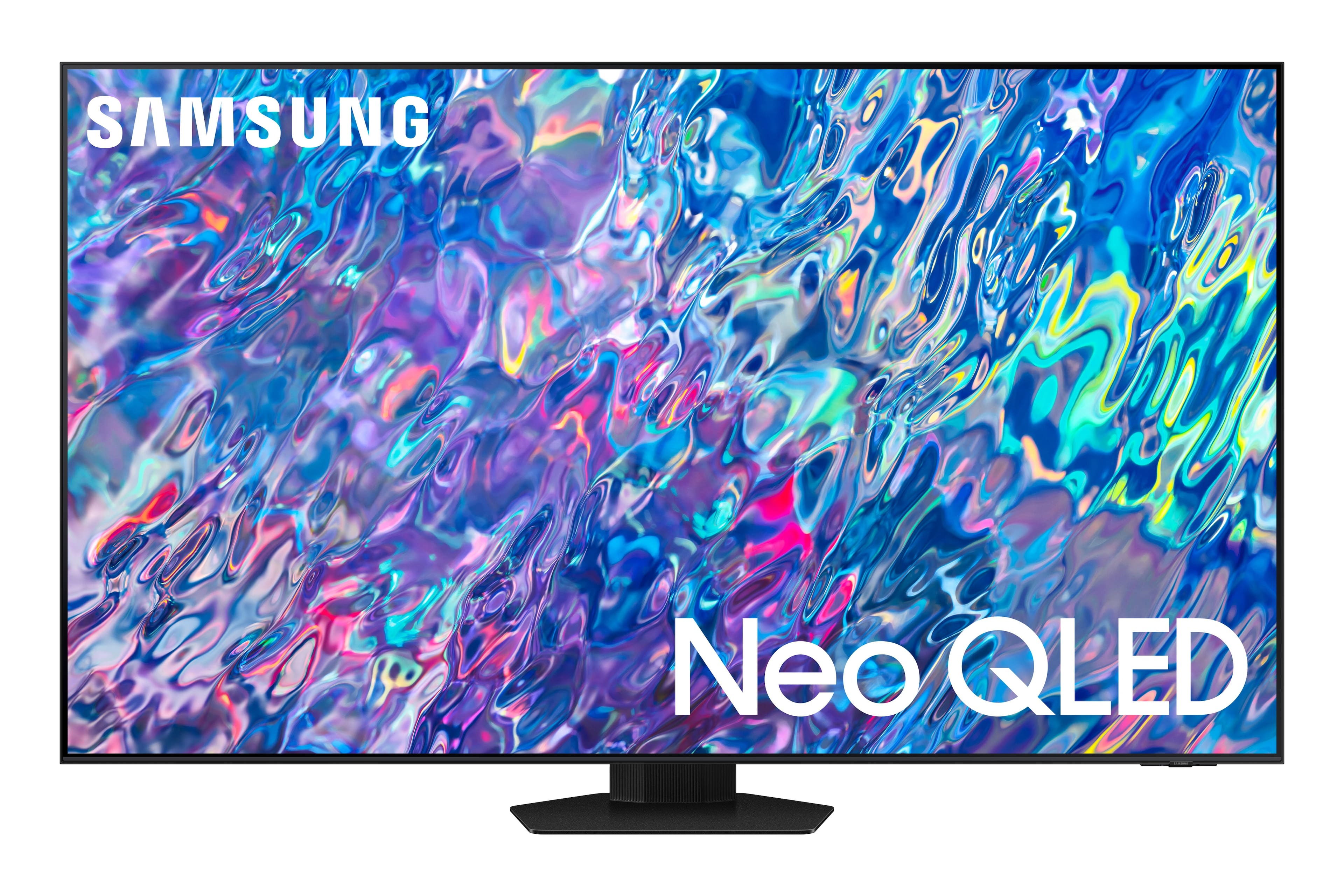
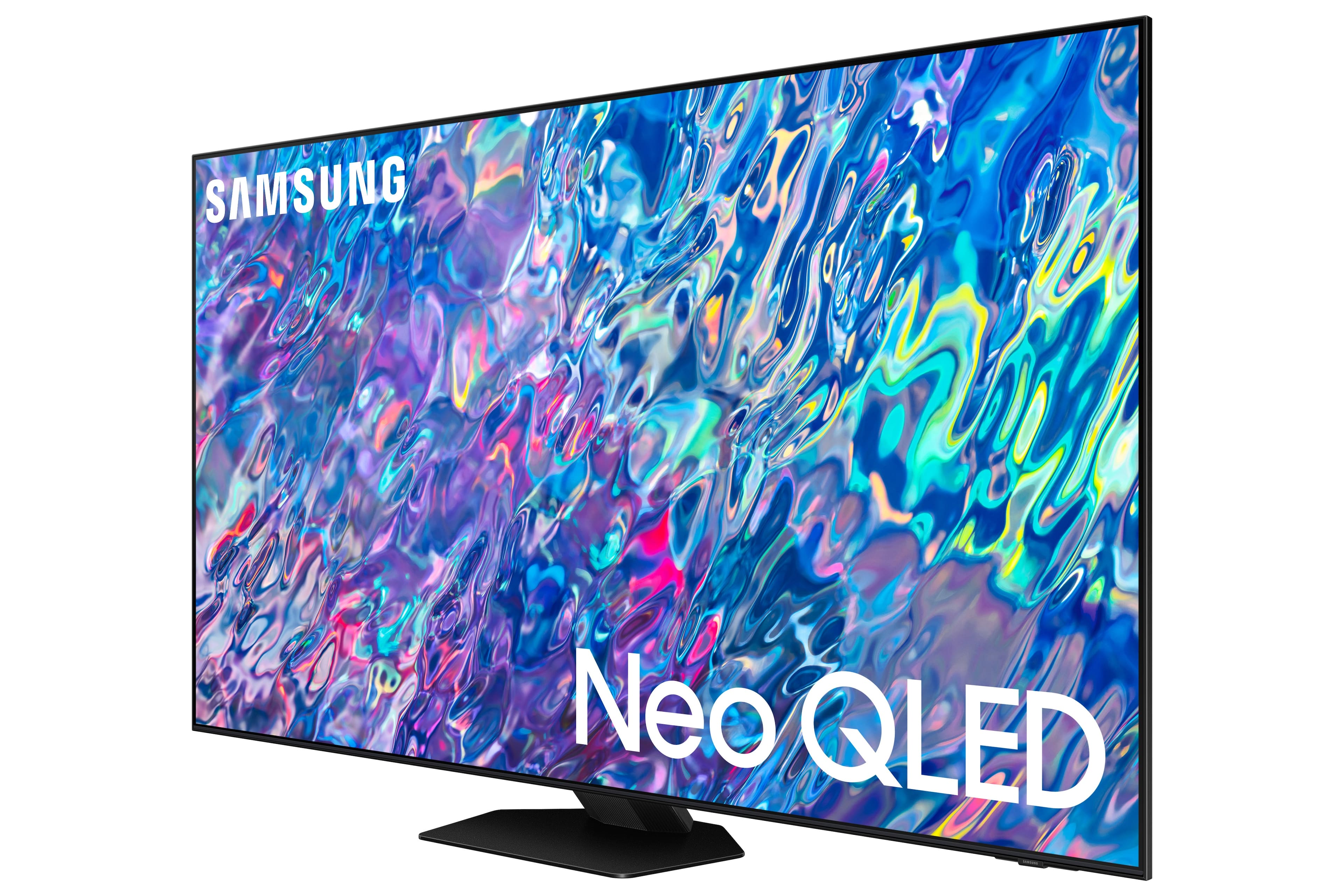
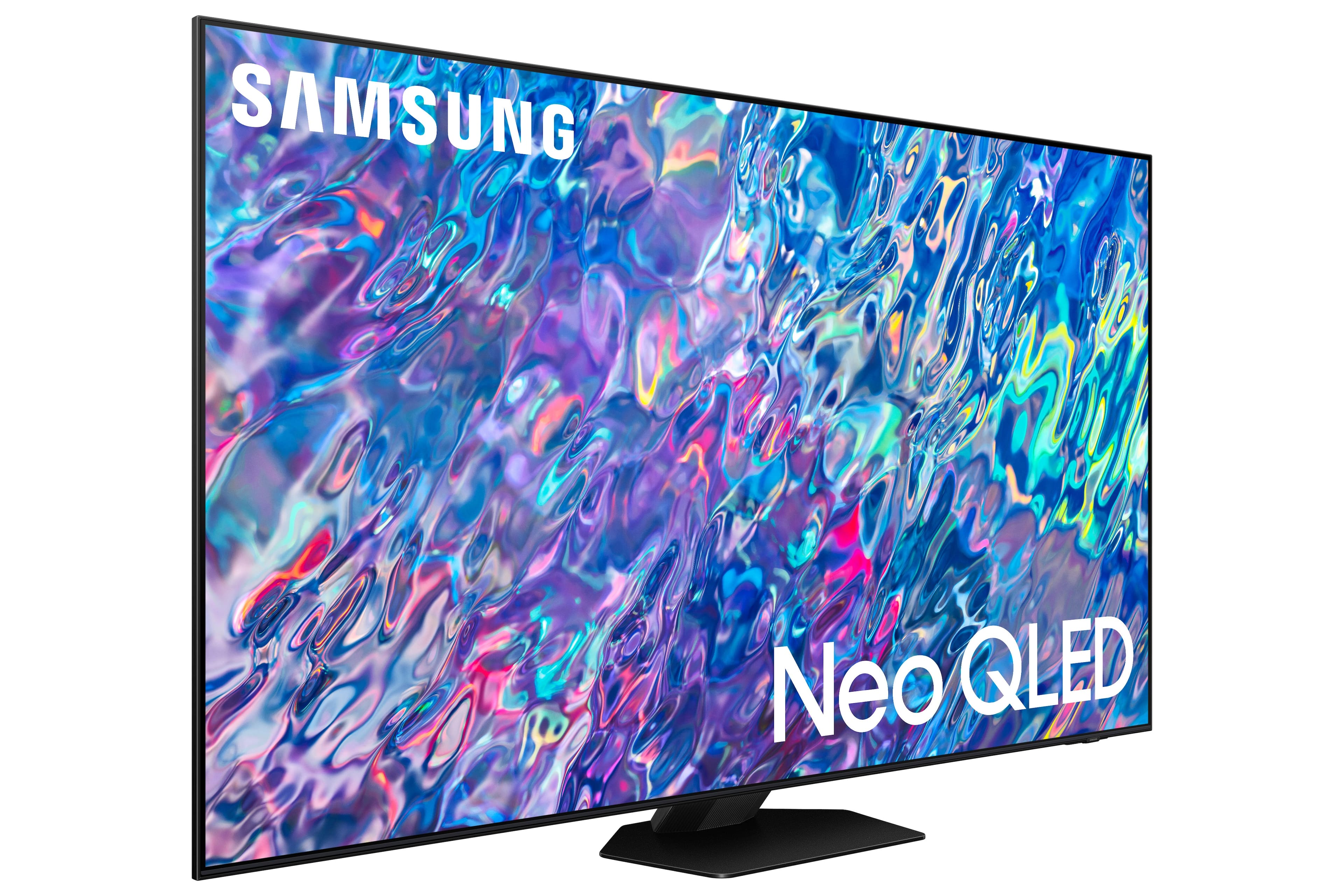
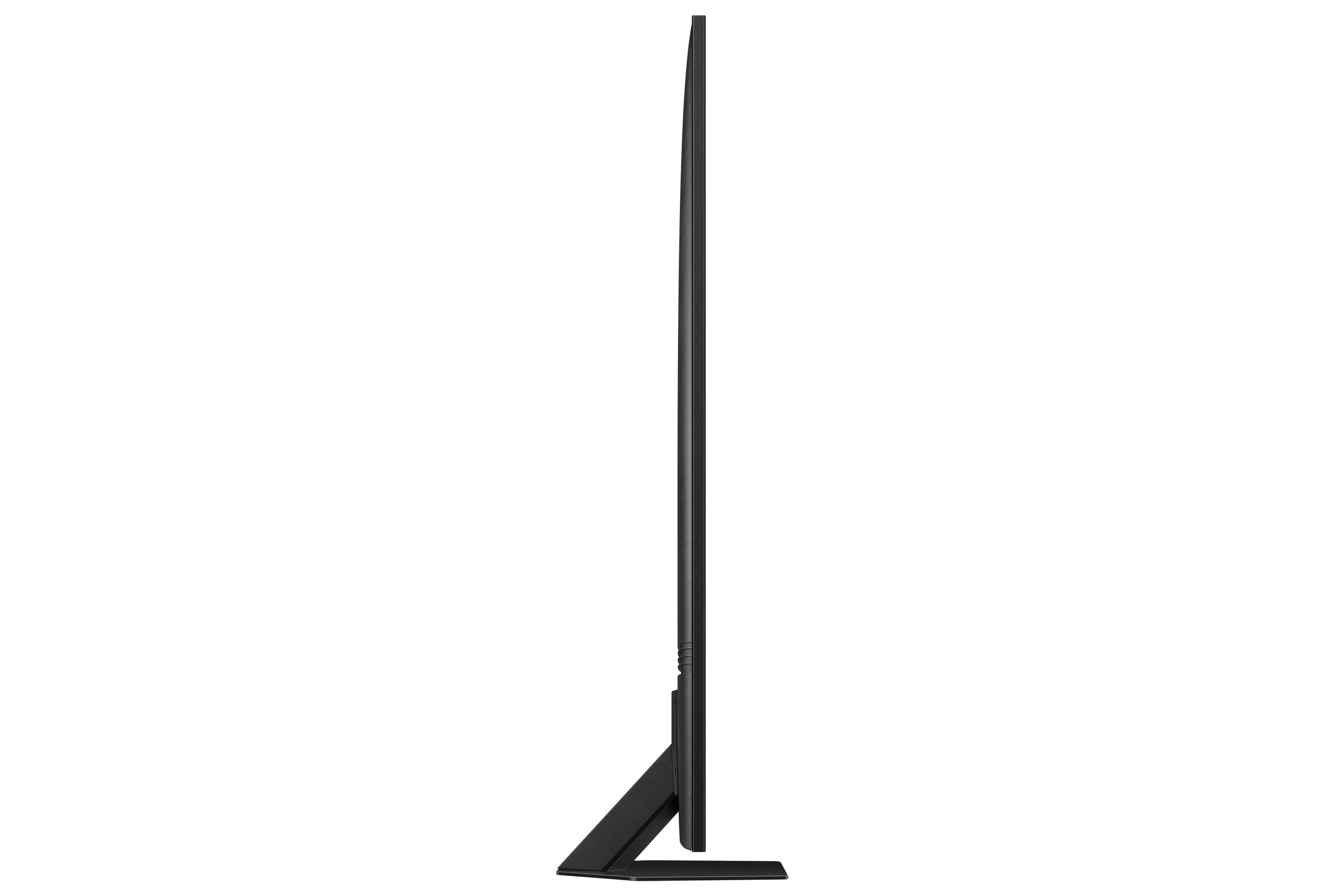
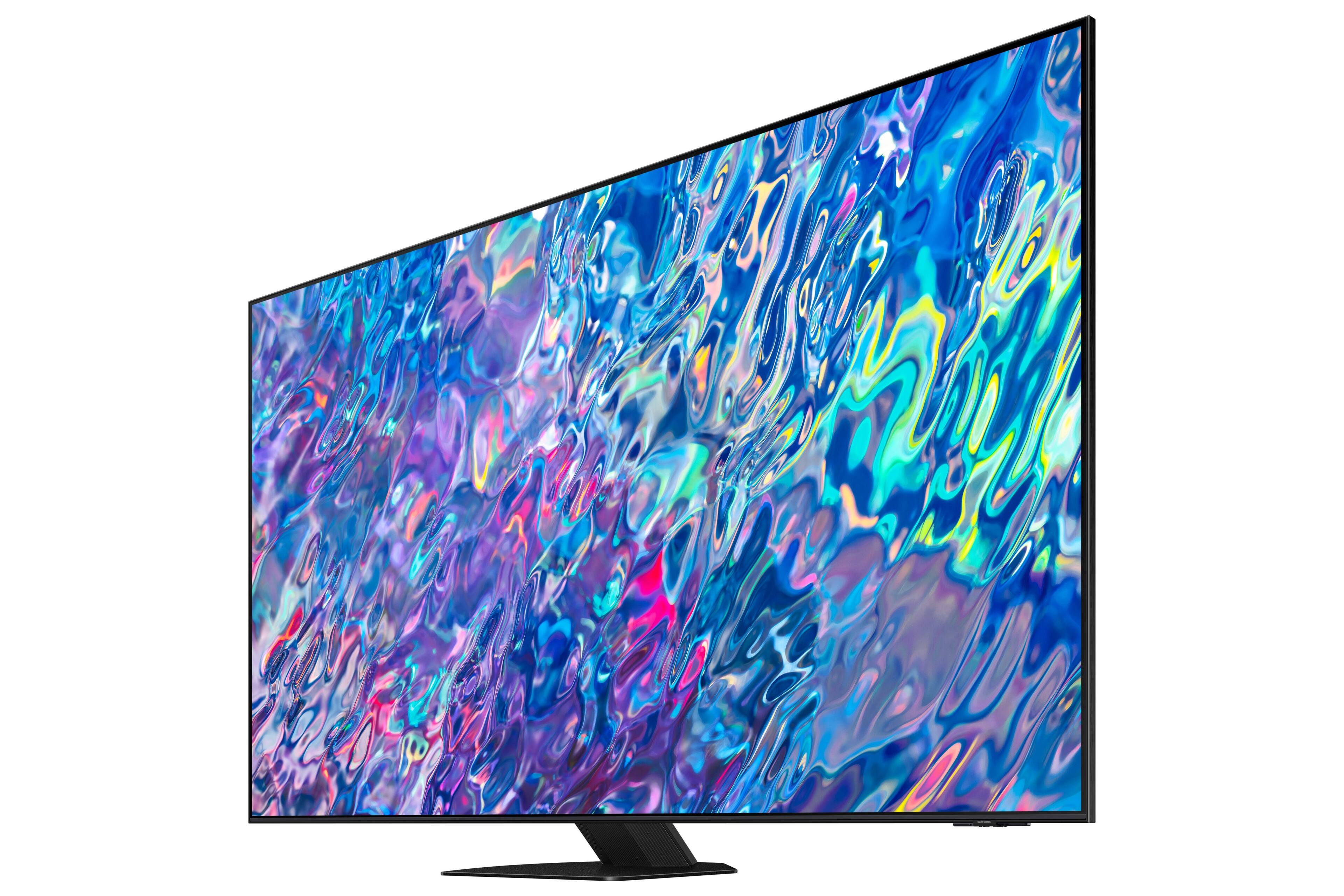
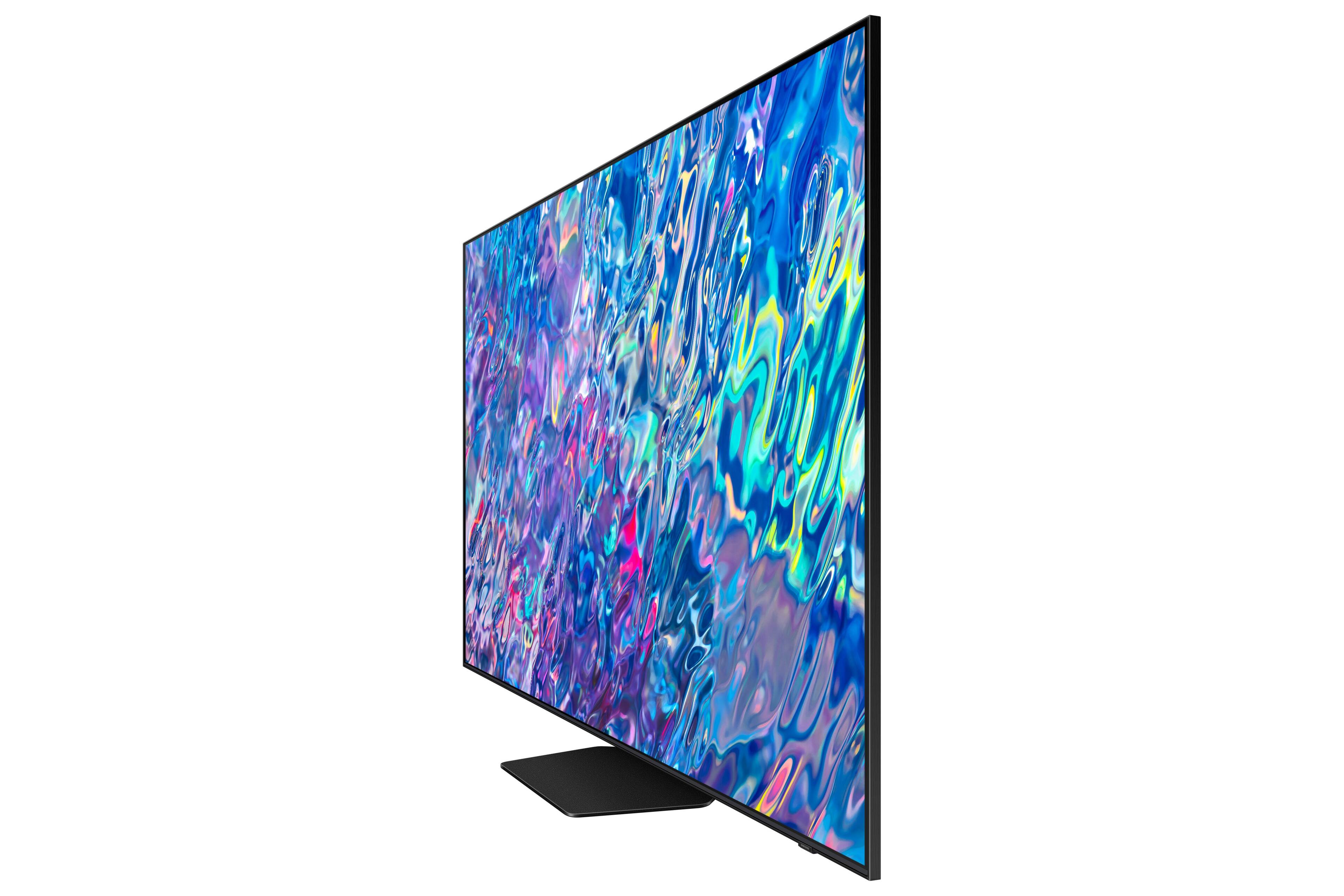
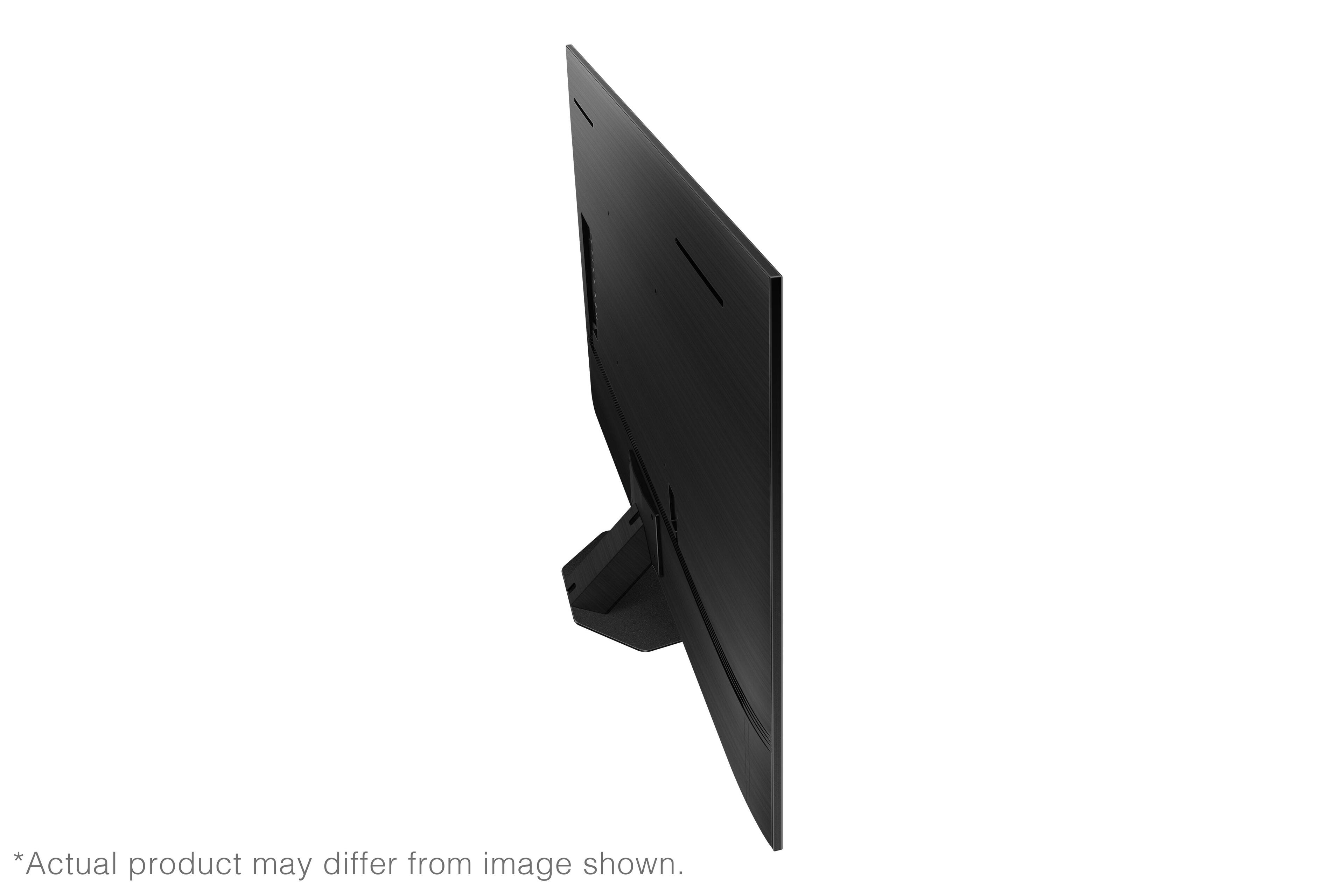











- Model:
- QN65QN85BAFXZA
- SKU:
- 6500308
Rating by feature
- Picture Quality
Rating 4.9 out of 5 stars
- Sound Quality
Rating 4.6 out of 5 stars
- Brightness
Rating 4.9 out of 5 stars
Customers are saying
Customers value the 65” Class QN85B Neo QLED 4K Smart Tizen TV for its exceptional picture quality, vibrant colors, and reasonable price. Many customers appreciate the easy setup process and sleek design, while some have concerns about glare and remote control sensitivity.
This summary was generated by AI based on customer reviews.
Samsung TV
||Posted . Owned for 1 month when reviewed.This reviewer received promo considerations or sweepstakes entry for writing a review.Great TV but as seniors, we are having trouble learning how to use it, or get the best results.
I would recommend this to a friendBrand response from Samsung
Posted .Margaret,
We appreciate you sharing your experience with your QN85B TV. To assist you in learning the various features, functions, and settings of your TV and remote, you can download the QN85B TV's User Manual, e-Manual, Remote Control Leaflet, and Quick Setup Guide on Samsung's website under Support (top right corner) > Manuals & Software > TVs & Home Theater. From there, you can select the QN85B TV under Samsung Neo QLED 4K > B Model Lineup to download the guides you would like. The e-Manual is also embedded into the TV itself under Menu > Settings > Support > Open e-Manual.
If we can help with anything else, please call us at 1-800-SAMSUNG, 8AM - 12AM EST, 7 days a week. LiveChat with an agent as well as manuals, software, and warranty info can be found at the ‘Support’ link on our Samsung website.
~ Samsung Specialist
none
||Posted . Owned for 3 weeks when reviewed.This reviewer received promo considerations or sweepstakes entry for writing a review.everything was excellent. My salesperson was quick and very knowledgeable. The installation was the best.
I would recommend this to a friendSamsung brand is the best!!
||Posted . Owned for 1 month when reviewed.This reviewer received promo considerations or sweepstakes entry for writing a review.I love Samsung tvs and will never buy a different brand!!
I would recommend this to a friendconnecting sound bar to tv
||Posted . Owned for 2 months when reviewed.This reviewer received promo considerations or sweepstakes entry for writing a review.TV is great but synchronization with sound bar leaves much to be desired
I would recommend this to a friendNice TV
||Posted . Owned for 1 month when reviewed.This reviewer received promo considerations or sweepstakes entry for writing a review.The television was installed above our fireplace and is working well.
I would recommend this to a friendSamsung tv
||Posted . Owned for 3 weeks when reviewed.This reviewer received promo considerations or sweepstakes entry for writing a review.Installation was great. Quality is excellent! Geek squad was excellent
I would recommend this to a friendBrilliant Best Buy!
||Posted . Owned for 1 month when reviewed.This reviewer received promo considerations or sweepstakes entry for writing a review.Outstanding product, installation and support! Thank you so much!
I would recommend this to a friendPleased
||Posted . Owned for 2 weeks when reviewed.This reviewer received promo considerations or sweepstakes entry for writing a review.Love it! Beautiful picture, Samsung makes a nice TV.
I would recommend this to a friendJubilee
||Posted . Owned for 1 week when reviewed.This reviewer received promo considerations or sweepstakes entry for writing a review.Excellent tv the best one ever made in existence!!$&@“
I would recommend this to a friendConfusing
||Posted . Owned for 1 month when reviewed.This reviewer received promo considerations or sweepstakes entry for writing a review.TV is a little confusing. Should come with a for Dummies book. I still don't know how to get the most out of the TV.
I would recommend this to a friendBrand response from Samsung
Posted .Hi Confused,
We appreciate you sharing your experience with your QN85B TV. To assist you in learning the various features, functions, and settings of your TV and remote, you can download the QN85B TV's User Manual, e-Manual, Remote Control Leaflet, and Quick Setup Guide on Samsung's website under Support (top right corner) > Manuals & Software > TVs & Home Theater. From there, you can select the QN85B TV under Samsung Neo QLED 4K > B Model Lineup to download the guides you would like. The e-Manual is also embedded into the TV itself under Menu > Settings > Support > Open e-Manual.
If you need more help, Samsung is here for you. Please call us at 1-800-SAMSUNG, 8AM - 12AM EST, 7 days a week. Our LiveChat agents are also available by clicking on the ‘Support’ link on our website.
~ Samsung Specialist
Great, but lots of glare.
||Posted . Owned for 3 weeks when reviewed.This reviewer received promo considerations or sweepstakes entry for writing a review.Great tv, but needs a anti glare screen. It is very reflective of nearby windows.
I would recommend this to a friendTV
||Posted .This reviewer received promo considerations or sweepstakes entry for writing a review.Good TV for the living room sits across from the window and shows the light coming in which is a negative.
I would recommend this to a friendBrand response from Samsung
Posted .LLsGaga75,
Thank you for purchasing the QN85B TV and for sharing your feedback regarding screen reflection. The light conditions of each room environment are different. For optimal glare control, we recommend positioning the TV to minimize incident light falling on the screen or consulting a professional installer.
Anti-Reflection designed to minimize ambient light reflection is featured on our 55” QN90B series and higher.
Should you ever have questions or need help with TV features, specs, or operation, we are here to help. You can call us at 1-800-SAMSUNG, 8AM - 12AM EST, 7 days a week. Or visit us on the Samsung website and click on the ‘Support’ link for:
• LiveChat
• Manuals, Software, & Warranty Info
~ Samsung Specialist
Save your money
||Posted . Owned for 3 weeks when reviewed.This reviewer received promo considerations or sweepstakes entry for writing a review.Horrible picture quality. I returned the following day.
No, I would not recommend this to a friendBrand response from Samsung
Posted .Cats,
We value your feedback, and regret to hear that you weren’t completely satisfied with your QN85B TV’s picture quality. Please know we are always here to help, and we could have assisted in providing image adjustments to resolve any issues you were experiencing.
Should you ever decide to give Samsung TVs another try and have questions or need help with settings, setup, or features, please know we’re here to help. Call us at 1-800-SAMSUNG, 8AM - 12AM EST, 7 days a week.
LiveChat with an agent as well as manuals, software, and warranty info can be found at the ‘Support’ link on our Samsung website.
We hope to regain you as a customer in the future.
~ Samsung Specialist
- Pros mentioned:Color
Too bright, Motion Blur
||Posted . Owned for 3 weeks when reviewed.This reviewer received promo considerations or sweepstakes entry for writing a review.I wish I had gone with OLED, this thing is really bright. This is supposed to be one of the best LED's made, and it still has trouble rendering fast movement.
No, I would not recommend this to a friendBrand response from Samsung
Posted .DoverPoint,
Thank you for sharing your thoughts on the picture quality of your QN85B TV. To ensure you’ve got the latest image quality updates, please confirm that your TV is up to date with the latest firmware version. You can check by going to: Home > Menu > Settings > Support > Software Update.
If you’re uncomfortable with the default brightness settings, you can customize the brightness level between 0 – 50 to your preference. Go to Home > Menu > Settings > All Settings > Picture > Expert Settings > Brightness.
You can also try different Picture Modes to see which best fits your needs. Go to Menu > Settings > All Settings > Picture > Picture Mode for the below choices:
1) Standard: Is the default mode suitable for general viewing environments.
2) Movie: Is suitable for watching TV or movies in a dark room.
3) Dynamic: Makes the picture brighter and clearer in bright viewing environments.
4) Filmmaker Mode: You can watch the source content (e.g., movie) as it is. If the image is defined as Filmmaker Mode, it will automatically switch to Filmmaker Mode while watching.
Intelligent Mode also enables the TV to recognize and analyze the surroundings, noise, content, and your usage patterns to provide the best viewing experience. You can enable Intelligent Mode by going to Menu > Settings > All Settings > General & Privacy > Intelligent Mode Settings > Intelligent Mode. Adaptive Picture, which is among the options, optimizes brightness and provides the best picture quality in real time, based on the lighting condition and the content you're viewing.
For optimal motion image performance, you may also want to adjust the picture clarity setting by going to: Menu > Settings > All Settings > Picture > Expert Settings > Picture Clarity Settings
I hope you can use these adjustment recommendations to set the image to your liking. If you would like further assistance with settings, features, or functions, please reach out to Samsung Customer Support at 1-800-SAMSUNG, 8AM - 12AM EST, 7 days a week.
LiveChat with an agent as well as manuals, software, and warranty info can be found at the ‘Support’ link on our Samsung website.
~ Samsung Specialist
Distorted close ups
||Posted . Owned for 1 month when reviewed.This reviewer received promo considerations or sweepstakes entry for writing a review.Picture quality is flawed. When there is a close up of someone’s face or object it automatically is distorted
No, I would not recommend this to a friendBrand response from Samsung
Posted .Peggylee,
I’m sorry to hear you’re not fully satisfied with the clarity of your QN85B TV. If you’re noticing blurring or juddering on the screen, try adjusting the Picture Clarity Settings to improve your image. Go to: Menu > Settings > All Settings > Picture > Expert Settings > Picture Clarity Settings
- Off: Picture Clarity Settings will always be off
- Auto: Picture Clarity Settings will automatically activate and deactivate based on the type of program being watched
- Custom: Allows custom adjustments and settings to be used. By selecting the Custom option, you can access these advanced settings for Judder Reduction, LED Clear Motion, and Noise Reduction.
Please also be sure your TV’s firmware is up to date with the latest version. You can check this by going to: Home > Menu > Settings > Support > Software Update > Update Now
I hope these tips help. Should you need further assistance, please call us at 1-800-SAMSUNG, 8AM - 12AM EST, 7 days a week. Or visit us on the Samsung website and click on the ‘Support’ link for:
• LiveChat
• Manuals, Software, & Warranty Info
~ Samsung Specialist
john g
||Posted . Owned for 3 weeks when reviewed.This reviewer received promo considerations or sweepstakes entry for writing a review.just ok sound great picture average not much more to say
I would recommend this to a friendBrand response from Samsung
Posted .JohnG,
We appreciate your thoughts on the sound quality. The QN85B features Intelligent Mode to optimize sound tailored to your environment, which includes features like Active Voice Amplifier (AVA) which further detects disturbances and enhances the on-screen voices for clear dialogue.
Go to Home > Menu > Settings > All Settings > General & Privacy > Intelligent Mode Settings. Turn the options on or off to meet your needs:
- Active Voice Amplifier is available only when the sound sensor of the TV is active and the sound output is set to TV Speaker, or a Samsung Soundbar interlinked with Adaptive Picture is connected.
- Adaptive Sound+ provides optimized sound quality by analyzing the viewing space and the acoustic components of the content.
- Adaptive Volume Automatically adjusts to a specific volume level while you are watching TV.
Several Sound Modes are likewise available to meet your personal preferences: Settings > All Settings > Sound > Sound Mode
You can also customize sound by going to: Settings > All Settings > Sound > Expert Settings
To assist you with possible sound settings adjustments for a better audio experience, or choosing a Samsung Soundbar to complement your viewing enjoyment, please reach out to us at 1-800-SAMSUNG, 8AM - 12AM EST, 7 days a week. Or visit us on the Samsung website and click on the ‘Support’ link for:
• LiveChat
• Manuals, Software, & Warranty Info
~ Samsung Specialist
- Pros mentioned:Color, Picture quality
Perfect TV
Posted .This reviewer received promo considerations or sweepstakes entry for writing a review.I am in love with this TV. The picture quality is amazing. The colors that pop off the screen make it seem lifelike. I bought this tv to upgrade to from the LCD 3D one that I had. It is easy to transport.
I would recommend this to a friend - Pros mentioned:Picture qualityCons mentioned:Remote control
Not all that Smart, really.
Posted .This reviewer received promo considerations or sweepstakes entry for writing a review.This TV wrecked my whole entertainment system setup. I give this TV a 2 because the picture is pretty good. Everything else about it is terrible. I do not like this TV from the mangled interface to the little baby remote. Other than ARC for sound this TV will not work with my Denon receiver at all. I have had TV's that cost 1/3 the price of this so called smart TV that worked perfect with my receiver. And yes I have experience in the tech interface field. So after being so disappointed I started searching the internet to see if I could find a fix. I didn't find one, but I did find that this is a known issue with Samsung TV's and they will not make an effort to fix it. I missed the very short return window at BB so I am going to sell this junk TV at a loss and get an LG.
No, I would not recommend this to a friend - Pros mentioned:Picture quality
65 inch Samsung TV
Posted .This reviewer received promo considerations or sweepstakes entry for writing a review.I like this 65 inch Samsung Neo QLED Smart TV. Good quality, clear picture and good sound. I would recommend this brand and model for my friends.
I would recommend this to a friend - Pros mentioned:Picture quality
Excellent picture/TV in every way. Must see.
Posted .This reviewer received promo considerations or sweepstakes entry for writing a review.By far the nicest TV we've ever owned. Really are too many great features to note everything here. Best idea is to check it out or one similar in that line. Huge bang for the buck.
I would recommend this to a friend