Customer Ratings & Reviews
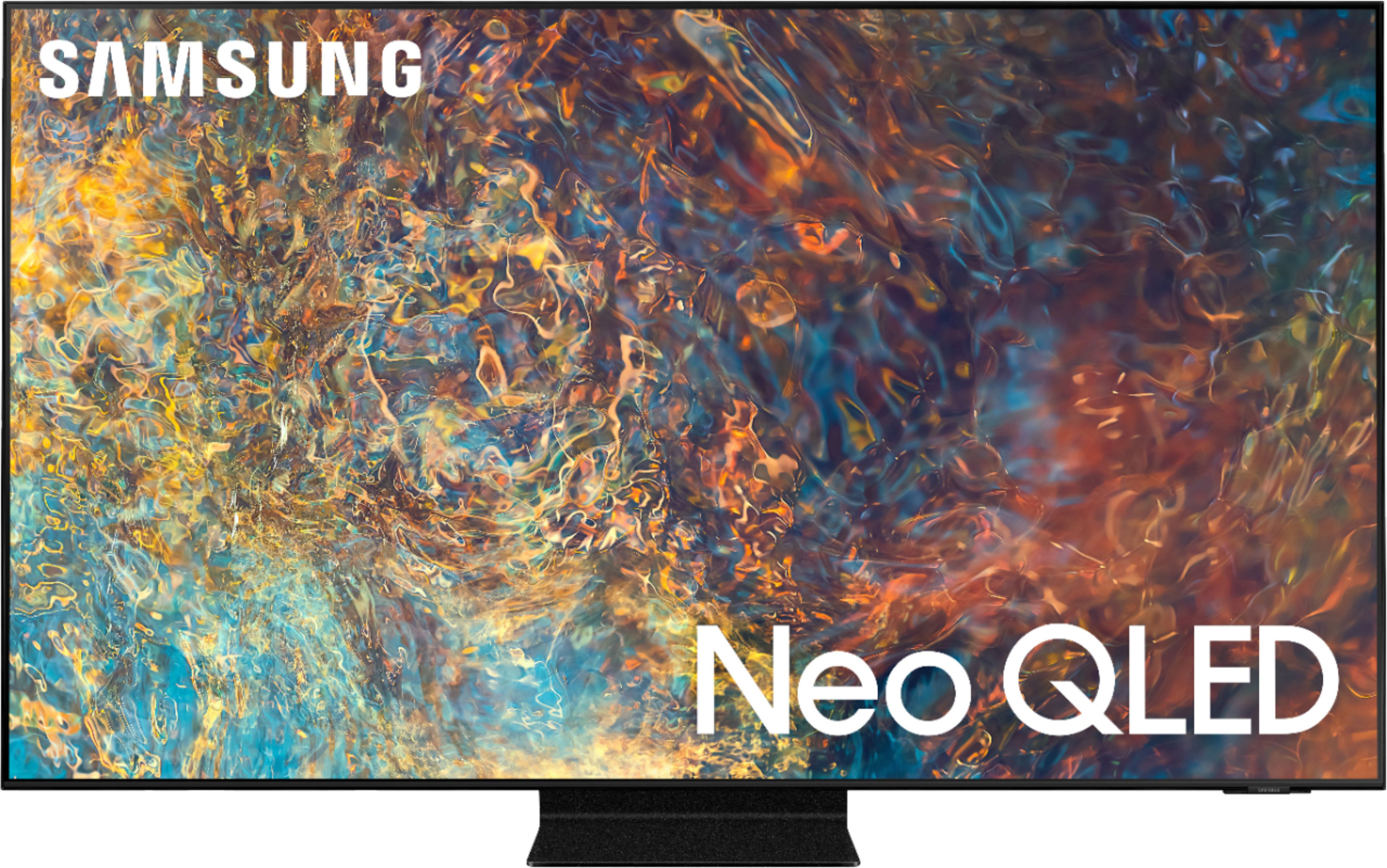
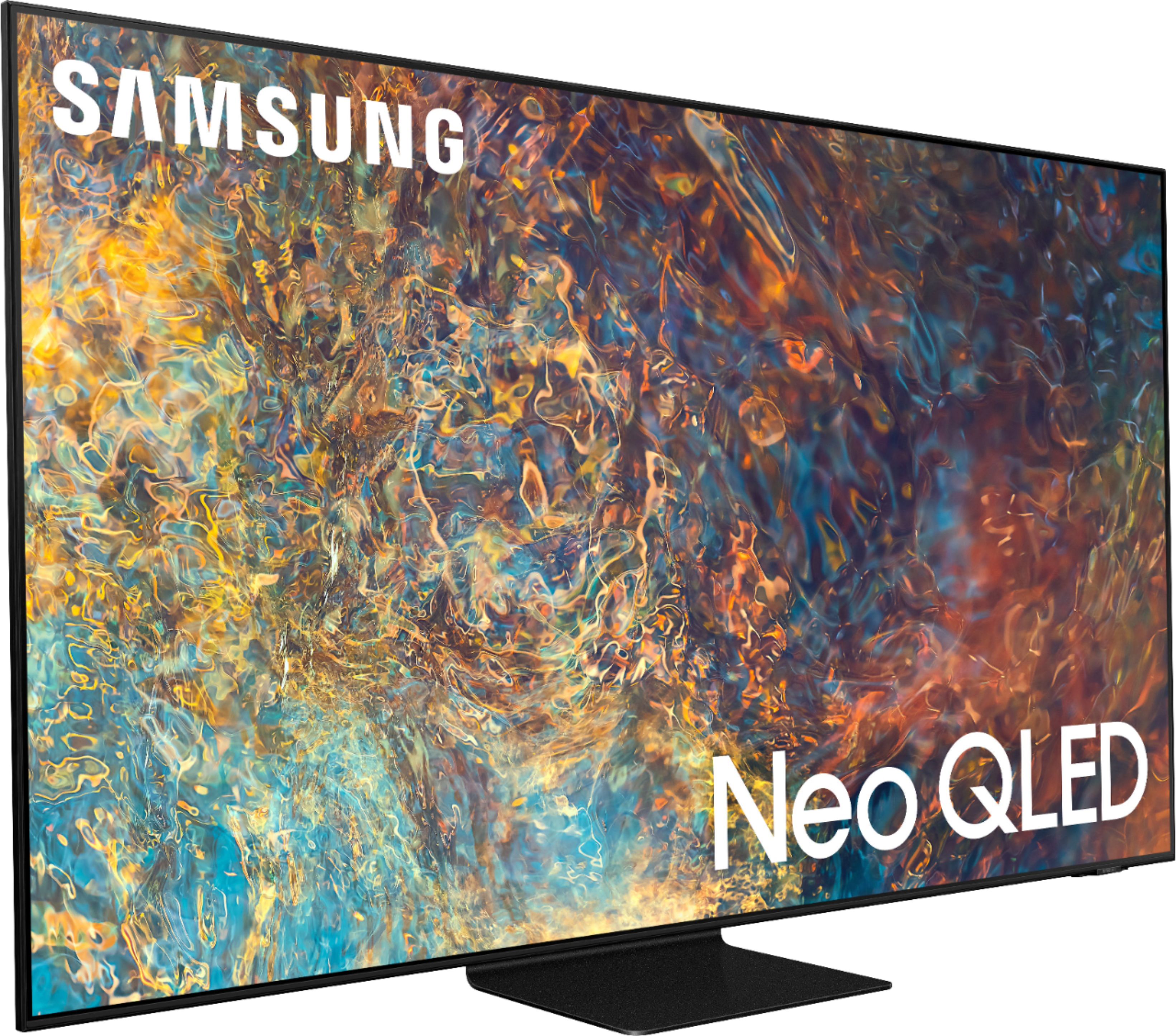
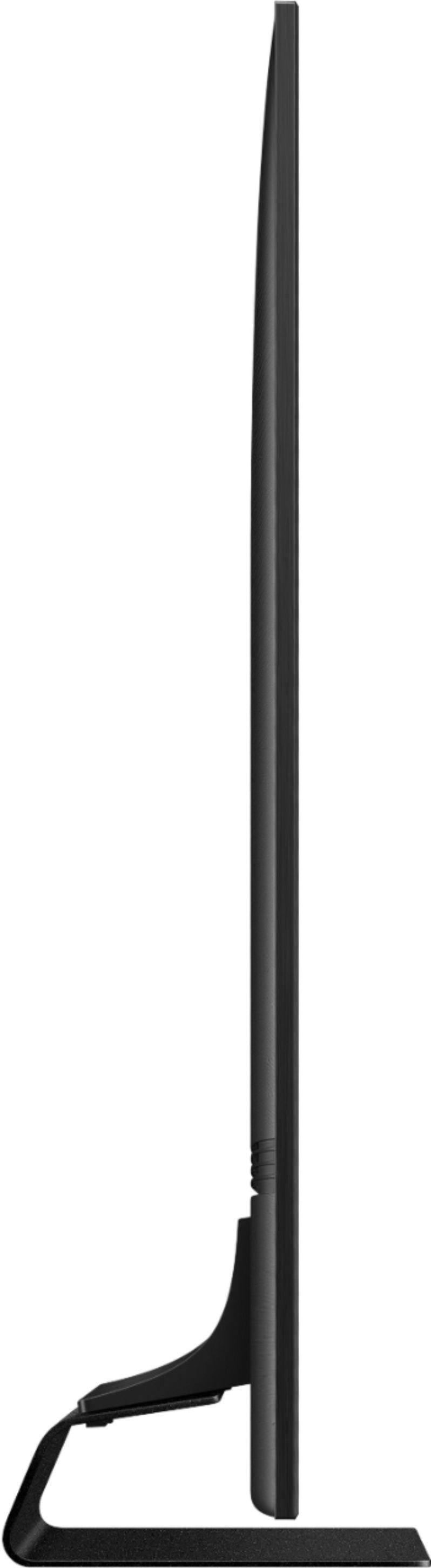
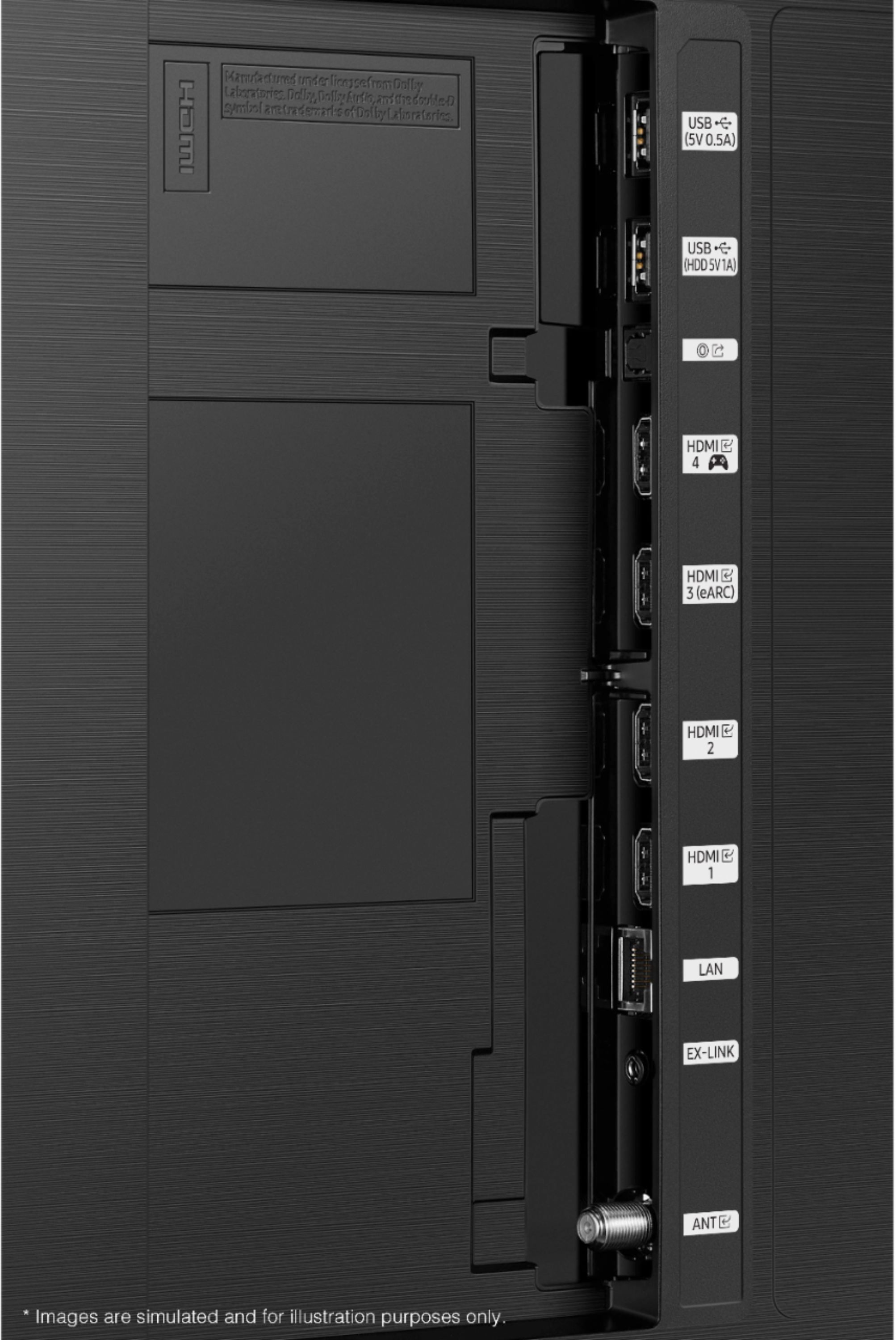
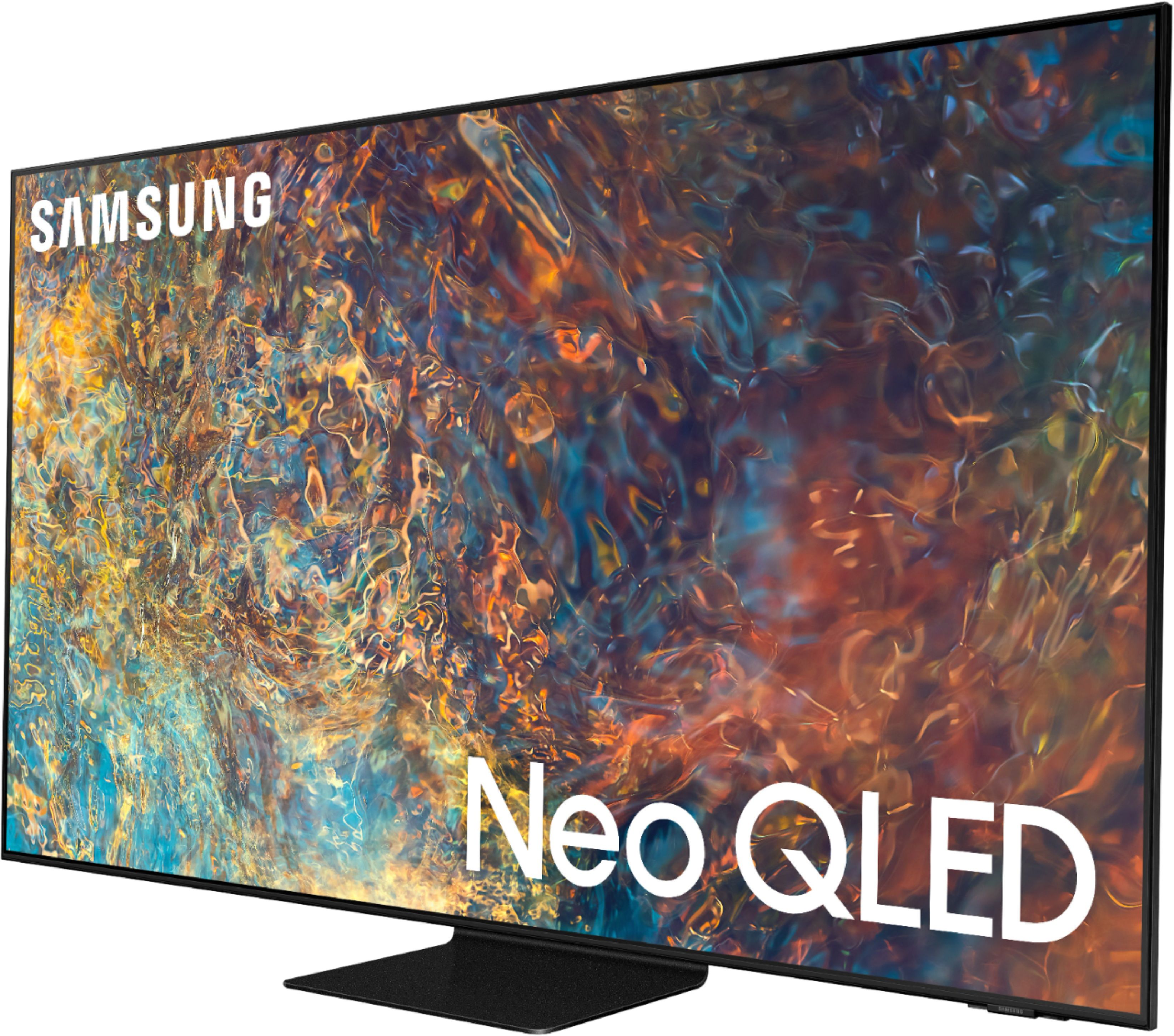
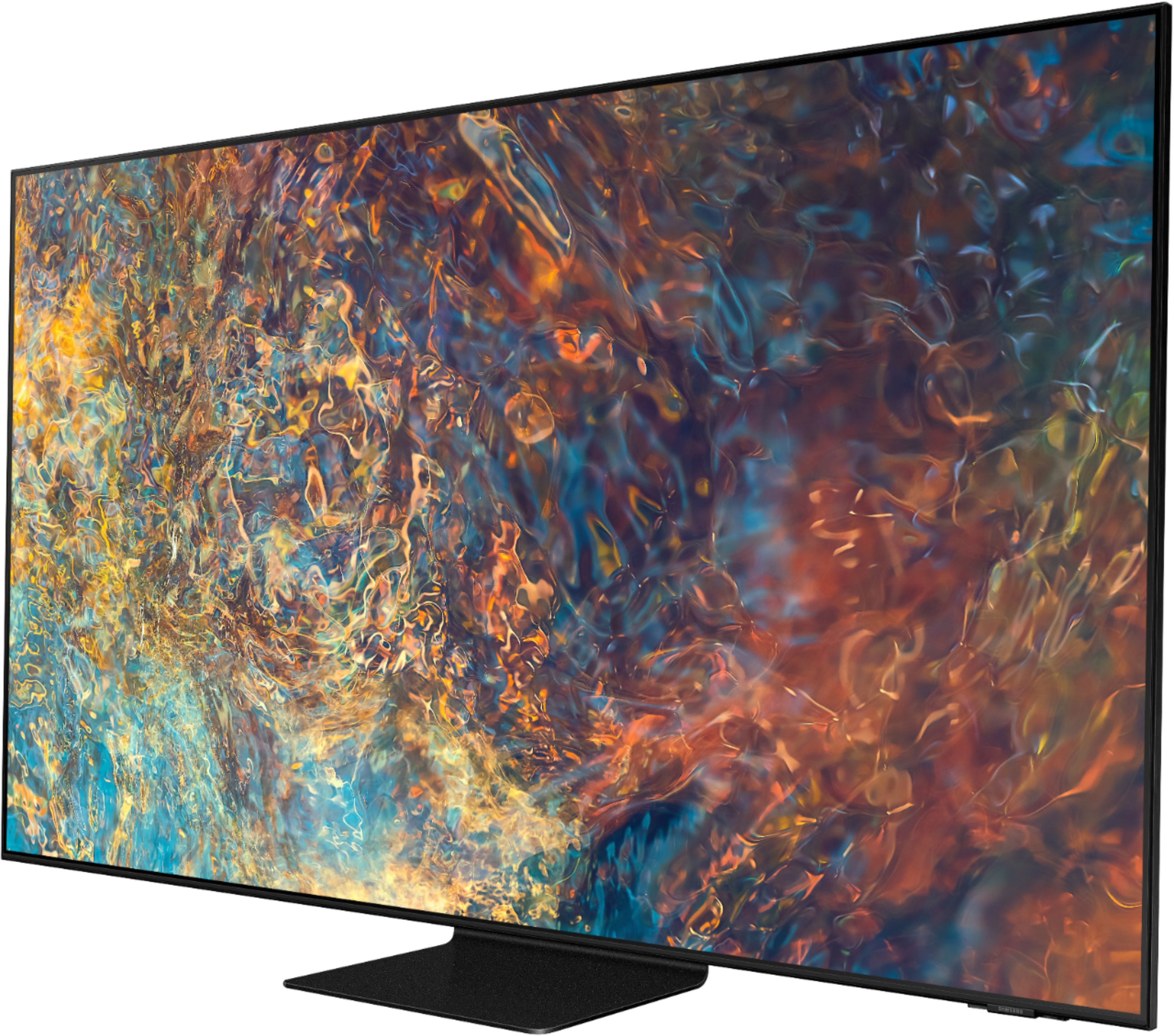
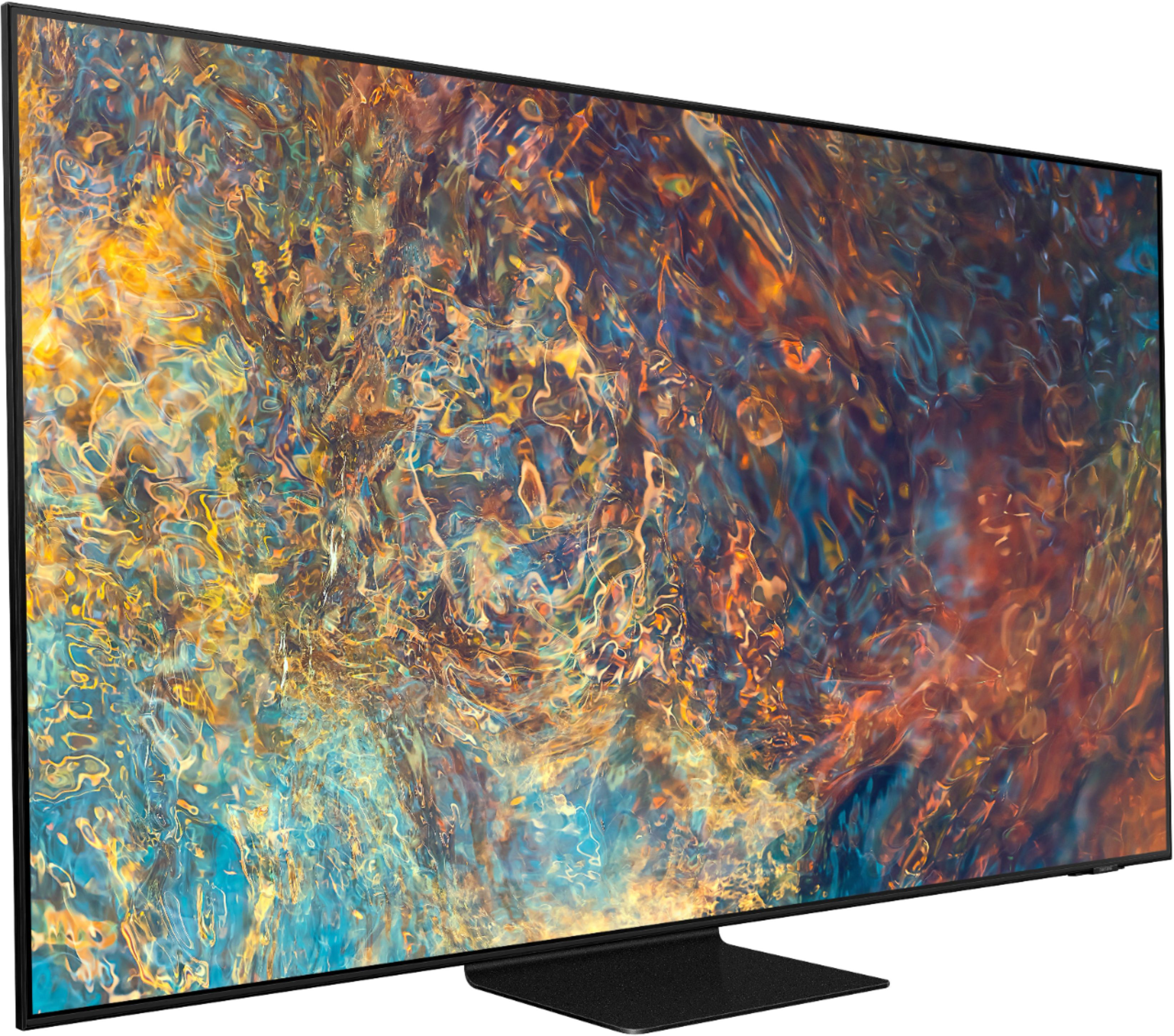
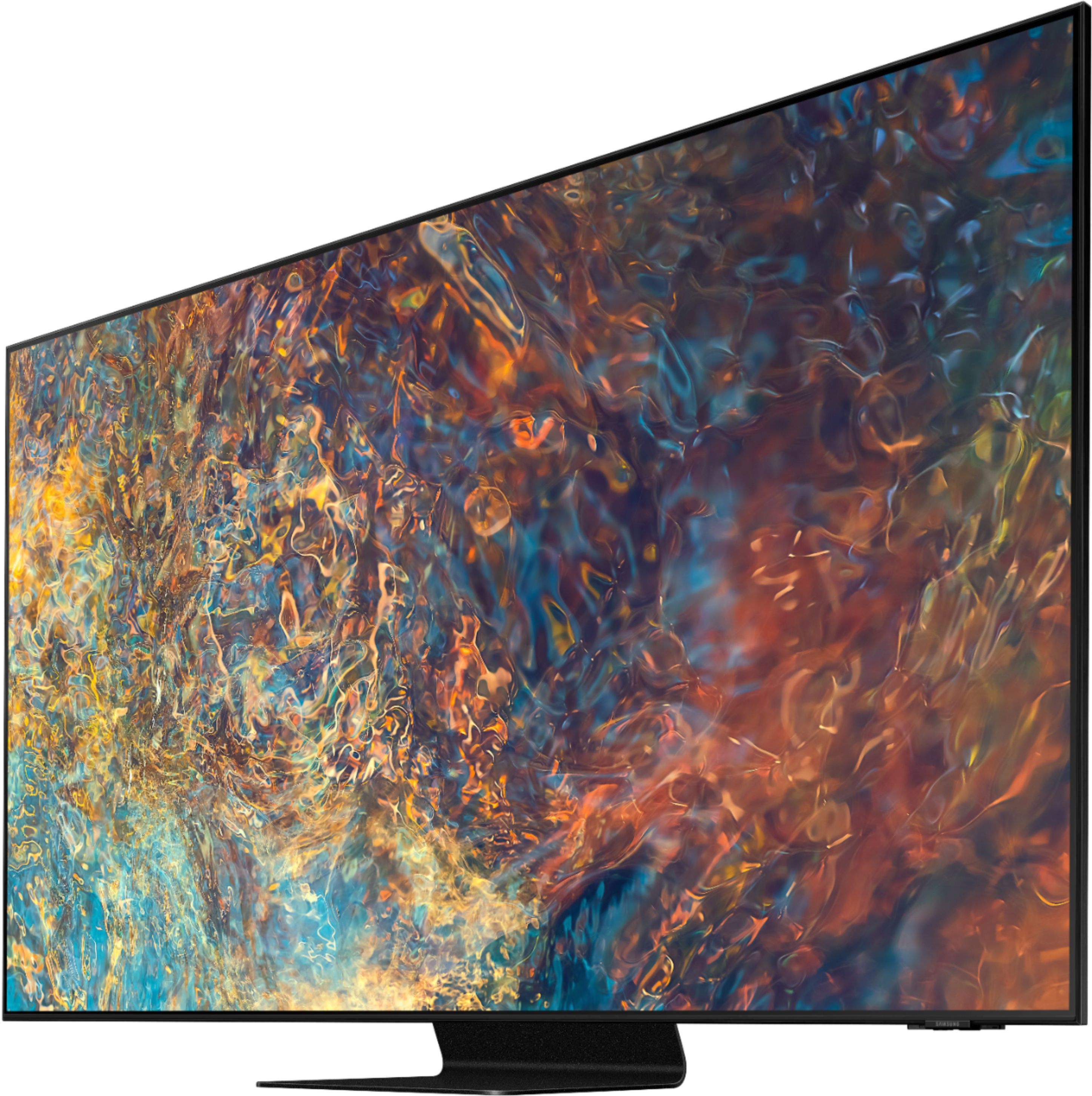

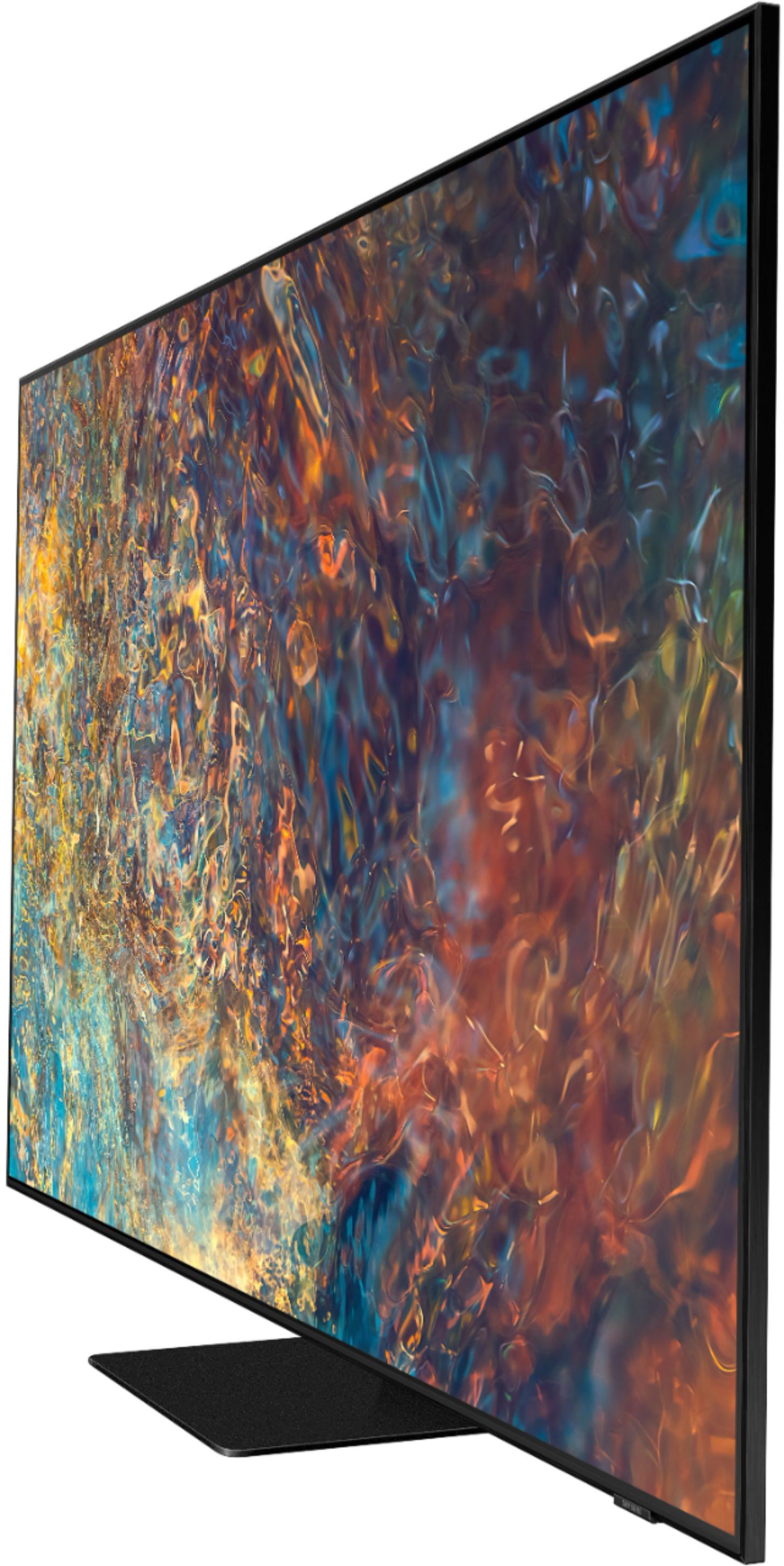
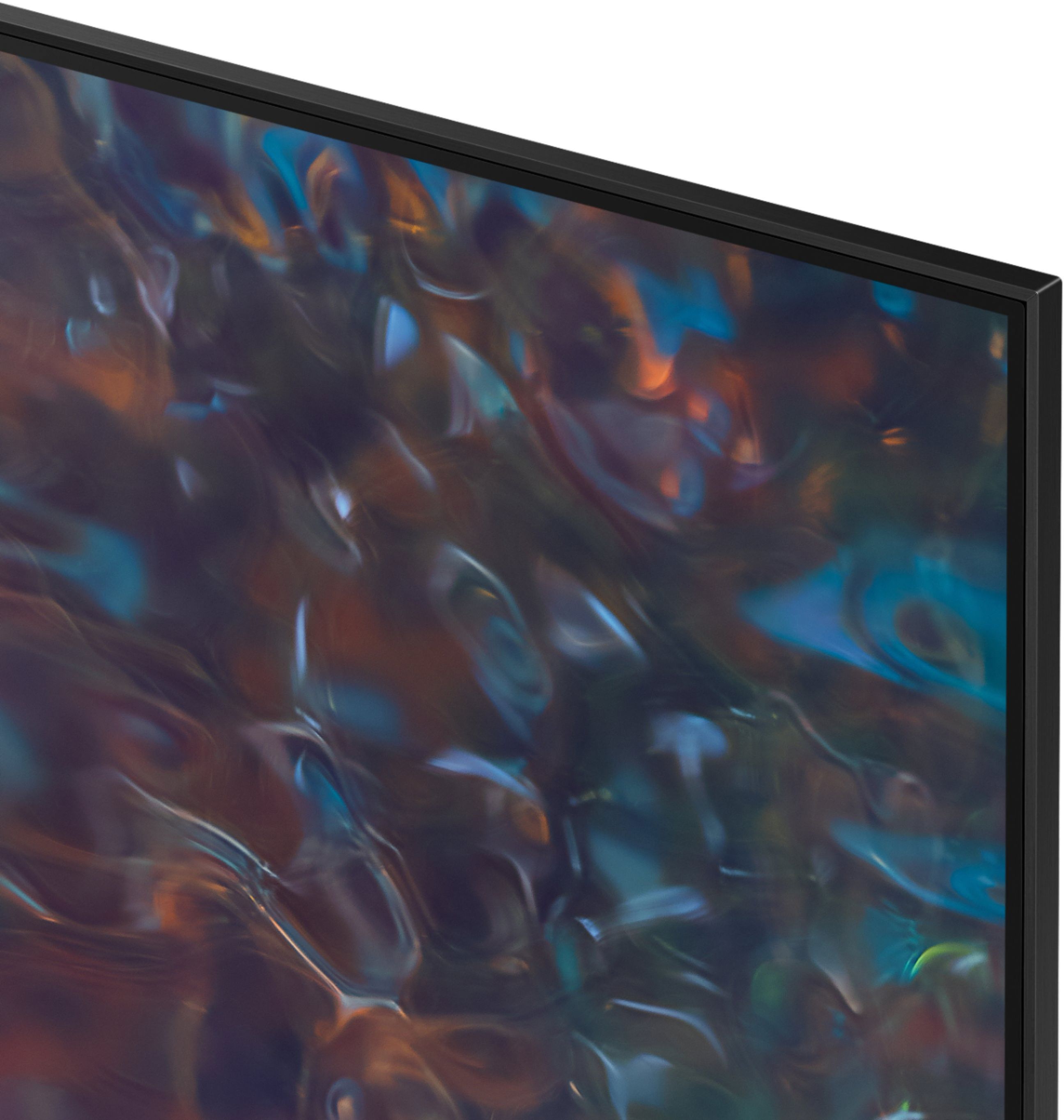

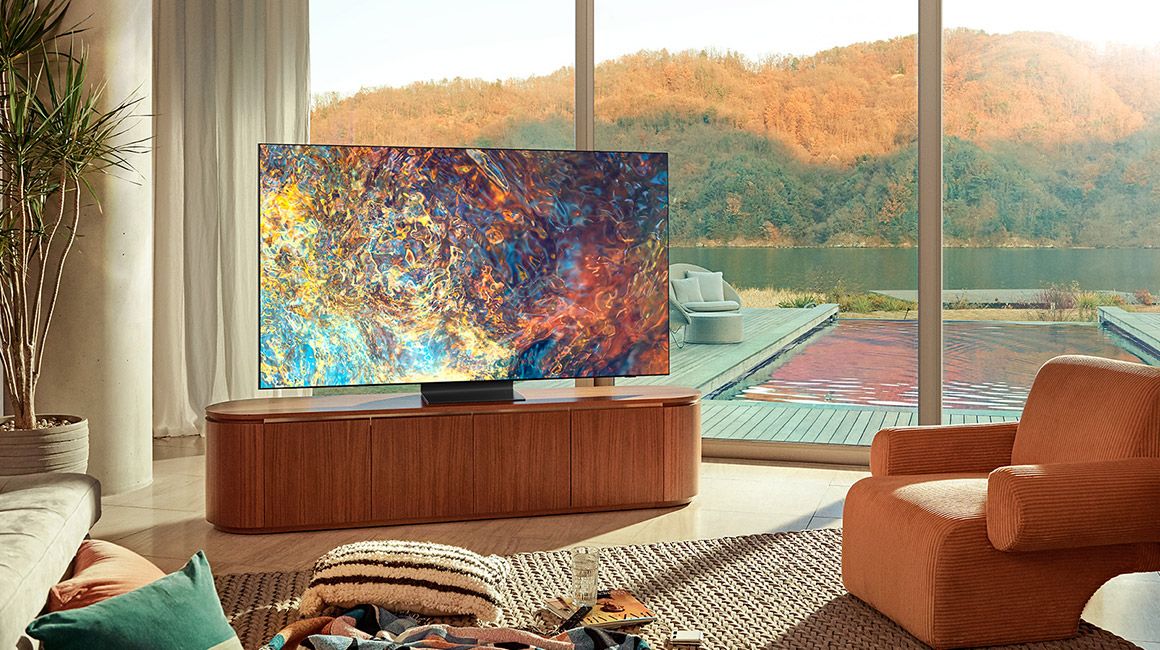
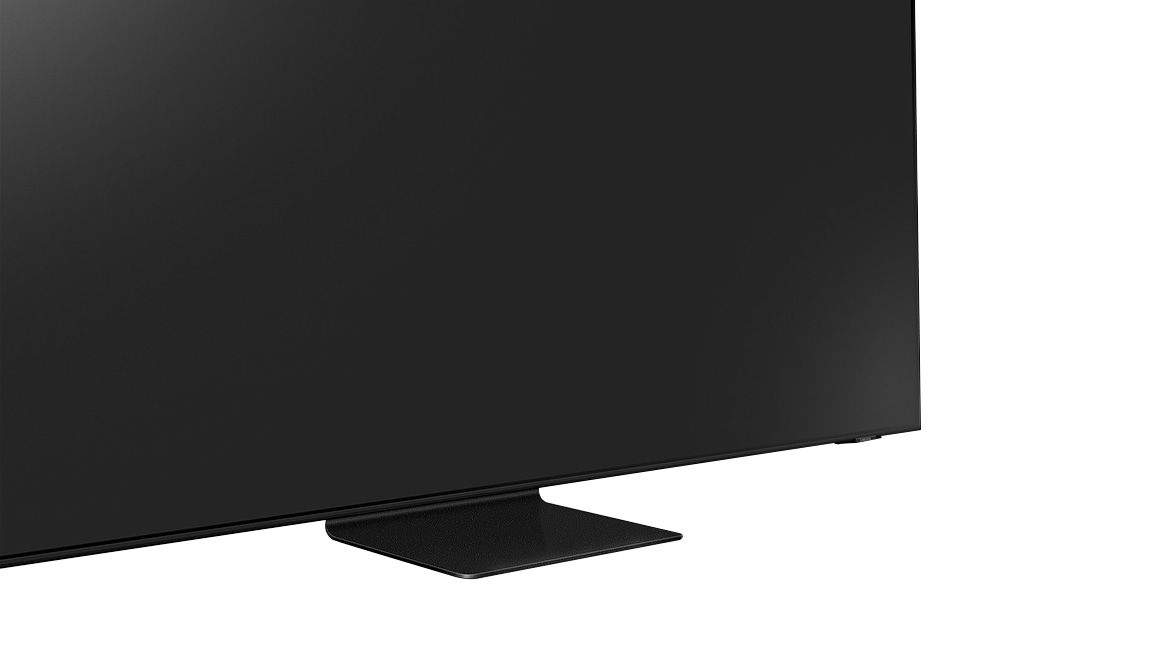









- Model:
- QN65QN90AAFXZA
- SKU:
- 6452320
Rating by feature
- Picture Quality
Rating 4.8 out of 5 stars
- Sound Quality
Rating 4.5 out of 5 stars
- Brightness
Rating 4.9 out of 5 stars
Customers are saying
Customers have good things to say about the 65" Class QN90A Neo QLED 4K UHD Smart Tizen TV, particularly its picture quality, brightness, and easy setup. Many customers rave about the beautiful and sharp picture, as well as the great color and fantastic brightness. The TV is also said to be easy to set up, with one customer saying they were "really happy with this purchase." However, there are some concerns about screen issues, price, limited HDMI 2.1 ports, and dead pixels.
This summary was generated by AI based on customer reviews.
- Pros mentioned:Color
Another great Samsung Purchase!!
||Posted . Owned for 3 weeks when reviewed.This reviewer received promo considerations or sweepstakes entry for writing a review.Love this TV. Get's so bright. Upscaling works great. Mini LED gives you those really dark blacks without the inevitable OLED burn in. I have 0 regrets.
I would recommend this to a friend - Pros mentioned:Picture quality
Great TV
||Posted . Owned for 1 month when reviewed.This reviewer received promo considerations or sweepstakes entry for writing a review.Excellent picture and viewing experience. The refresh rate makes 4K look awesome and if you’re able to get 8k it’s so realistic I couldn’t believe it wasn’t real.
I would recommend this to a friend - Pros mentioned:Picture quality
Good for streaming.
||Posted . Owned for 1 month when reviewed.This reviewer received promo considerations or sweepstakes entry for writing a review.On streaming services the picture on this TV is incredible! When looking at a cityscape at night you can see each and every individual window, streetlight, and headlight. However, when watching DIRECTV many of the scenes in movies and shows where the camera is moving slowly across something the picture jerks and fragments. It's incredibly annoying. Furthermore, the remote control is a big disappointment from my last Samsung TV. It does not have an on-screen pointer and lacks buttons for frequently used or changed settings or functions. Another issue I've frequently run into is that the audio outputs fail. There's no signal going to my surround sound receiver and I have to reset the TV.
I would recommend this to a friendBrand response from Samsung
Posted .Hello KyleK,
Thank you for choosing Samsung's QN90A Neo 4K QLED TV and for your review. We appreciate your thoughts on the remote design, as well as your feedback regarding the issues you are experiencing with your receiver and when watching content from your cable provider. Here are some tips to help improve the picture's motion and clarity:
1) HDMI cables are recommended for optimal HD viewing.
2) If you have an analog cable box or satellite box, upgrade to a digital cable box or satellite box.
3) Change the output resolution of your devices, such as digital broadcast receiver, IPTV, and set-top box to UHD or HD.
4) You can further adjust your motion image performance by going to: Settings > Picture > Expert Settings > Picture Clarity Settings
5) Choose a Picture Mode by going to Settings > Picture > Picture Mode and choose from Dynamic, Standard, Natural, Movie, or Filmmaker Mode.
Please try the following steps to connect your receiver to your TV:
- Turn on Input Signal Plus. Press Home and navigate to Settings> General > External Device Manager > Input Signal Plus and turn it on for the HDMI port your receiver is connected to.
- If your device is anything other than Samsung Soundbar or Home Cinema System, you need to make sure that the Anynet+ (HDMI-CEC) function is activated on your TV. To turn on Anynet+ (HDMI-CEC), go to: Settings > General > External Device Manager > Anynet+ (HDMI-CEC).
- Set the source on the TV to the same HDMI port you connected your device to. - Disconnect the HDMI cable from the back of the TV and the receiver. Then reconnect it firmly to the receiver first, then connect it to your TV. If it still doesn't work, try the cable in a different port. Don't forget to select the new source.
- Try a different HDMI cable. We recommend using a High-Speed cable with Ethernet Channel, labeled as HEC or HEAC on the cable.
If Anynet+ is not working properly:
• Make sure the receiver supports Anynet+.
• Check the power cord and cable connections of the Anynet+ device.
• Anynet+ may not function when other functions are active, including Channel search, Smart Hub, Initial Setup, etc.
• If you have disconnected and then reconnected the HDMI cable, scan for devices again or turn your TV off and on.
If the TV audio is not being played through the receiver:
• Connect the TV and receiver with an optical cable.
• ARC is only available when the TV is connected to an audio receiver that supports ARC.
If the issue persists, please reach out to us so that we can provide further troubleshooting. You can call us at 1-800-SAMSUNG (ask for TVs), available 8AM -12AM EST M-F (9AM – 6PM EST Sat). Or text HELP to 62913.
For additional support resources, visit us on the Samsung website and click on the ‘Support’ link in the upper right corner of the homepage for:
1) More ‘Contact Us’ options – LiveChat, Facebook, Twitter, Samsung Community, Samsung Members app
2) Manuals & Software
3) Warranty Info
4) Product Registration: For access to easy warranty support, convenient opt-in to special promos and offers, faster troubleshooting and service, and quick notification of system updates.
Thank you for choosing Samsung, we hope to hear from you.
~ Samsung Specialist
- Pros mentioned:Picture quality
Samsung 65” TV
||Posted . Owned for 3 weeks when reviewed.This reviewer received promo considerations or sweepstakes entry for writing a review.Outstanding full screen TVs. The picture is very clear . The picture can be seen from both sides of the tv. We are very pleased with this purchase.
I would recommend this to a friend - Pros mentioned:Picture quality
Best Picture under $2000
||Posted . Owned for 3 weeks when reviewed.This reviewer received promo considerations or sweepstakes entry for writing a review.Reviews I read before purchasing this TV stated it is the best 65" Flat Screen under $2000. I absolutely agree. Beautiful picture & the perfect size. We love this TV.
I would recommend this to a friend - Pros mentioned:Picture quality
Great Upgrade!
||Posted . Owned for 2 months when reviewed.This reviewer received promo considerations or sweepstakes entry for writing a review.Excellent TV. Love the sound, it's a smart TV in the way of channel management, turning on and off plugged-in accessories. The voice commands features are great as well.
I would recommend this to a friend - Pros mentioned:Picture quality
Best 4K TV for the price
||Posted . Owned for 1 month when reviewed.This reviewer received promo considerations or sweepstakes entry for writing a review.Incredible TV for the price. The picture is very crisp, a true 4K experience. The best 4K set currently on the market for this price by far.
I would recommend this to a friend - Pros mentioned:Picture quality
Excellent!
||Posted . Owned for 3 weeks when reviewed.This reviewer received promo considerations or sweepstakes entry for writing a review.Excellent picture, good sound. Very pleased with the purchase of this TV. I love that all of the streaming apps are available right on the TV.
I would recommend this to a friend - Pros mentioned:Color
Bright Room? This is the only solution
||Posted . Owned for 1 month when reviewed.This reviewer received promo considerations or sweepstakes entry for writing a review.Great thin profile, minimal frame. Very good color and outstanding brightness. if you have a bright room this tv is far better than oled. It is the best in class.
I would recommend this to a friend - Pros mentioned:Ease of use
Love these TVs
||Posted . Owned for 1 month when reviewed.This reviewer received promo considerations or sweepstakes entry for writing a review.Easy to setup and like how I can connect my iPad or iPhone to it for mirroring. Only thing I wish Samsung would improve is the remote - older eyes need backlighting.
I would recommend this to a friend - Pros mentioned:Picture quality
Quality TV
||Posted . Owned for 2 weeks when reviewed.This reviewer received promo considerations or sweepstakes entry for writing a review.Love the TV! Quality is super good! The set up was quick and no hassle. The delivery process was smooth. They brought it into my apartment. Customer service was good!
I would recommend this to a friend - Pros mentioned:Picture quality
Can use a more Universal Controller
||Posted . Owned for 1 month when reviewed.This reviewer received promo considerations or sweepstakes entry for writing a review.The Picture is nice and works great, but the sound is low almost need to turn it up to high just to hear. Some movies or TV shows blacks are really dark but depends on actual channel. Control is not very useful for changing channels as it has not numbers function and difficult to use.
I would recommend this to a friendBrand response from Samsung
Posted .ICEPR28,
Thank you for choosing Samsung's QN90A Neo QLED 4K TV and for your review. If the picture you are seeing out-of-the-box is not to your liking, there are several picture settings you may want to try adjusting.
You can select the Picture Mode that provides the best viewing experience. Go to Home > Settings > Picture > Picture Mode
1) Standard: Is the default mode suitable for general viewing environments.
2) Natural: Reduces eye strain for a comfortable viewing experience.
3) Movie: Is suitable for watching TV or movies in a dark room.
4) Dynamic: Makes the picture brighter and clearer in bright viewing environments.
5) Filmmaker Mode: You can watch the source content (e.g., movie) as it is. If the image is defined as Filmmaker Mode, it will automatically switch to Filmmaker Mode while watching.
To provide you with the best image quality, your new TV also features Expert Calibration when the Picture Mode is set to Movie (Home > Settings > Picture > Picture Mode > Movie). This will provide you with an accurate picture with professional-grade picture calibration that delivers true color.
The QN90A features SpaceFit Sound to optimize sound tailored to your environment and Active Voice Amplifier (AVA) which further detects disturbances and enhances the on-screen voices for clear dialogue.
Go to Home > Settings > General > Intelligent Mode Settings. Turn the options on or off to meet your needs:
- Active Voice Amplifier is available only when the sound sensor of the TV is active and the sound output is set to TV Speaker, or a Samsung Soundbar interlinked with Adaptive Picture is connected.
- Adaptive Sound+ provides optimized sound quality by analyzing the viewing space and the acoustic components of the content
- Adaptive Volume Automatically adjusts to a specific volume level while you are watching TV.
Several Sound Modes are likewise available to meet your personal preferences: Home > Settings > Sound > Sound Mode
You can also customize sound with Expert Settings.
Go to: Settings > Sound > Expert Settings
To assist you in learning the various functions and settings of your new Solar Cell remote, you can download the Solar Cell Remote Guide directly from Samsung’s website by clicking “Support” in the top right corner. Then go to “Manuals & Software” > “TVs & Home Theater” > “TVs”. From there, you can select the QN90A under "Samsung Neo QLED 4K" > "A Model Lineup". Additionally, you can find other guides and manuals to further assist you with your TV’s features.
I hope these tips help. Should you ever have questions or need help, please call us at 1-800-SAMSUNG (ask for TVs), available 8AM -12AM EST M-F (9AM – 6PM EST Sat). Or text HELP to 62913.
For additional support resources, visit us on the Samsung website and click on the ‘Support’ link in the upper right corner of the homepage for:
1) More ‘Contact Us’ options – LiveChat, Facebook, Twitter, Samsung Community, Samsung Members app
2) Manuals & Software
3) Warranty Info
4) Product Registration: For access to easy warranty support, convenient opt-in to special promos and offers, faster troubleshooting and service, and quick notification of system updates.
~ Samsung Specialist
- Pros mentioned:Picture quality
Tv
||Posted . Owned for 3 weeks when reviewed.This reviewer received promo considerations or sweepstakes entry for writing a review.The sound a picture quality is great ! Most difficult I had was getting someone to help me purchase it. But once I did it went smoothly
I would recommend this to a friend - Cons mentioned:Screen
Dead after 26 months
||Posted . Owned for more than 2 years when reviewed.This reviewer received promo considerations or sweepstakes entry for writing a review.The was great for roughly the first 12 months. After that I started noticing light or dark blocks on the screen (assumed it was a dimming zone that was out of sync). And the software updates started to many the on screen menu, streaming apps, and over the guide slow and buggy. Nine months later another software update and the streaming apps are now better but the over the air guide is slower and buggier than ever. And now after only 26 months the back light has completely failed.
No, I would not recommend this to a friend - Pros mentioned:Picture quality
Samsung Rocks
||Posted . Owned for 1 month when reviewed.This reviewer received promo considerations or sweepstakes entry for writing a review.Great TV! Have not completely redone my setup yet since I have to run all new 4K HDMI but Netflix on here is amazing. Happy with the price I got it at as well.
I would recommend this to a friend - Pros mentioned:Picture quality
Neo QLED is excellent
||Posted . Owned for 1 month when reviewed.This reviewer received promo considerations or sweepstakes entry for writing a review.The Samsung Neo QLED TV has excellent picture quality and looks great even in bright light. The sound quality is fine, but I recommend a sound bar.
I would recommend this to a friend - Pros mentioned:Picture quality
Smart & beautiful
||Posted .This reviewer received promo considerations or sweepstakes entry for writing a review.Beautiful, bright sharp picture with all the smart features and what we used to call picture in a picture: split screen. I suggest a soundbar to go with.
I would recommend this to a friend - Pros mentioned:Picture quality
Samsung Neo QLED, 9 series.
||Posted . Owned for 1 month when reviewed.This reviewer received promo considerations or sweepstakes entry for writing a review.Great product at a great price. I absolutely love this TV. Best purchase I've made. The picture quality is Amazing and surprisingly, the sound is pretty good also.
I would recommend this to a friend - Pros mentioned:Color
Amazing picture
||Posted . Owned for 1 month when reviewed.This reviewer received promo considerations or sweepstakes entry for writing a review.The tv is amazing and is probably the best tv I have ever purchased. The features are amazing and the sports are so vivid and real.
I would recommend this to a friend disappointed
||Posted . Owned for 1 year when reviewed.This reviewer received promo considerations or sweepstakes entry for writing a review.Worked well for a year and then it started having lines and flashes in the lower left corner of the screen. Geek Squad said it couldn't be fixed and so it was replaced with another Samsung newer model. I have other Samsung tv's that are over 5 years old and still going strong ! Maybe it was just a lemon ?
I would recommend this to a friend