Customer Ratings & Reviews
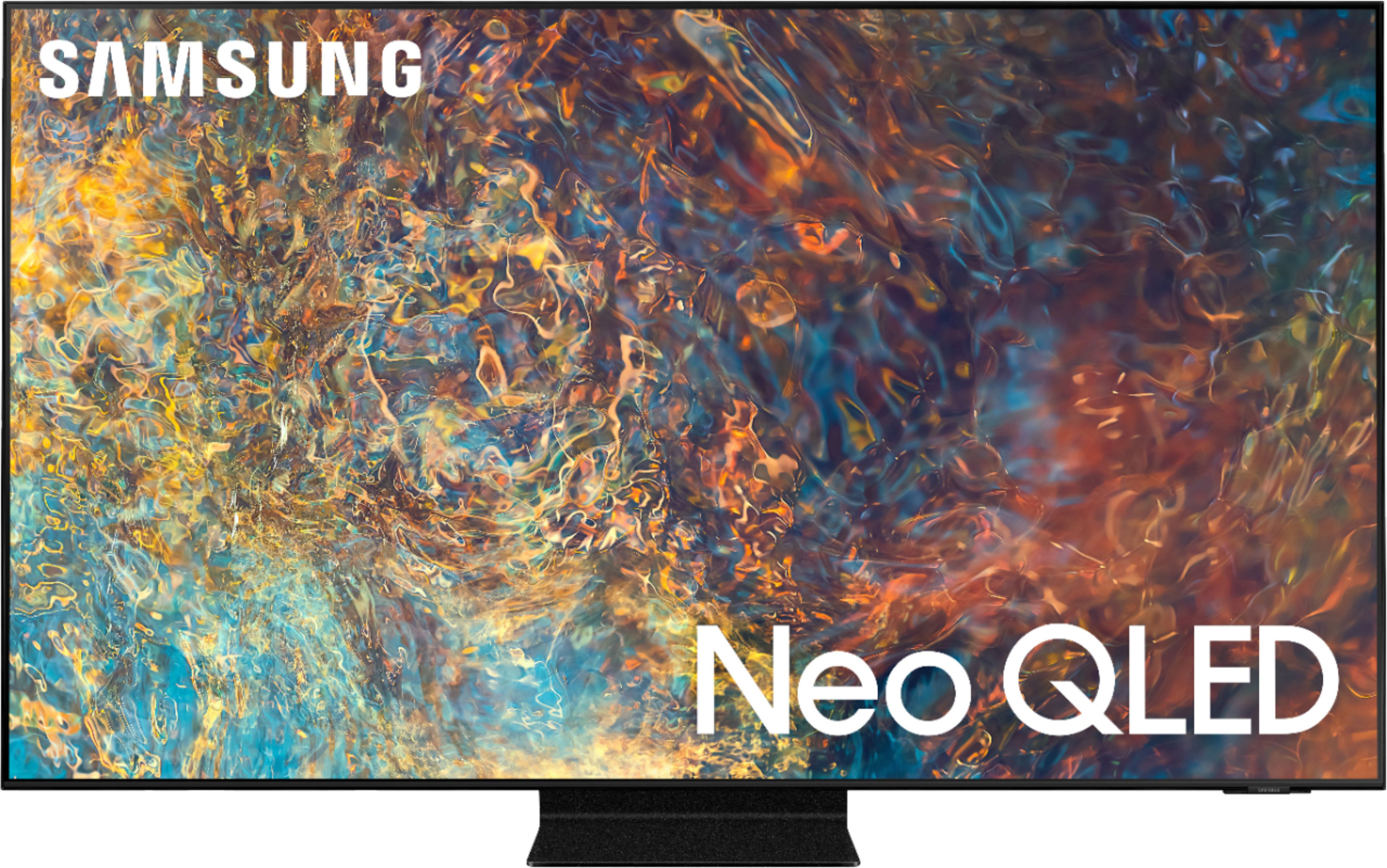
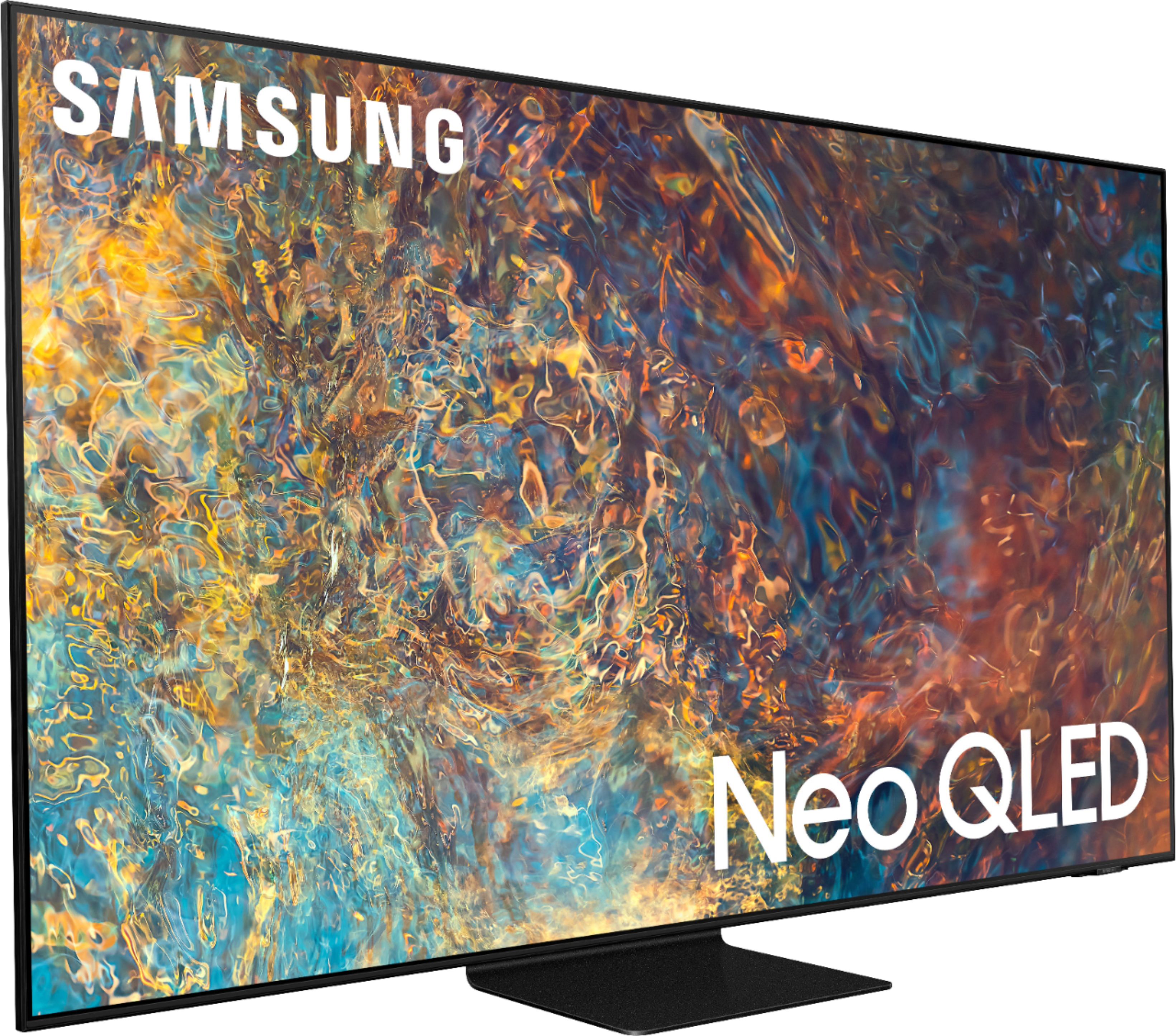
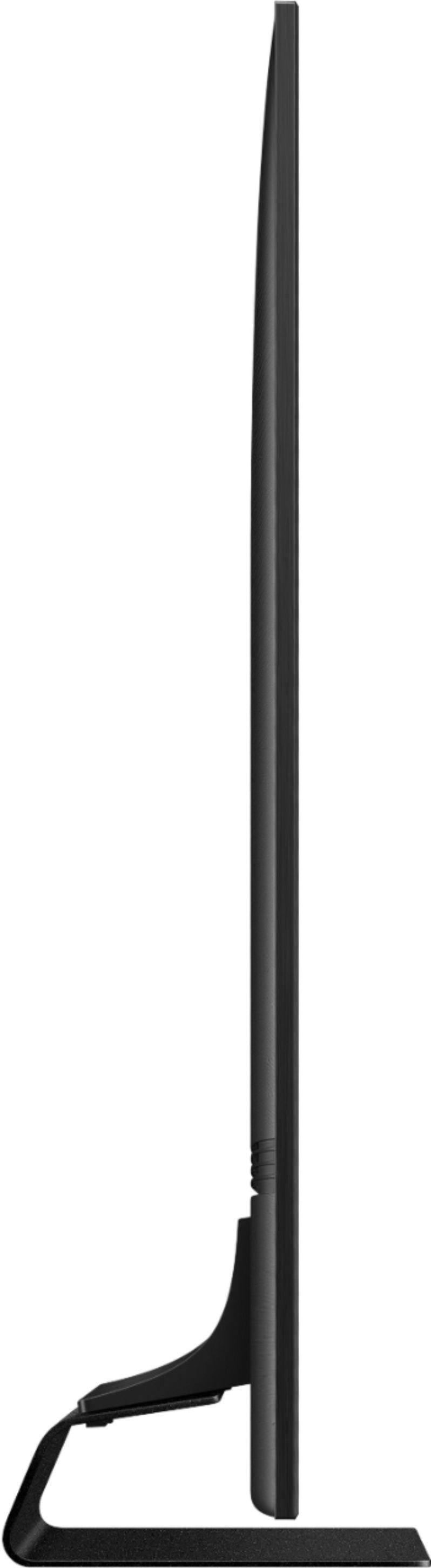
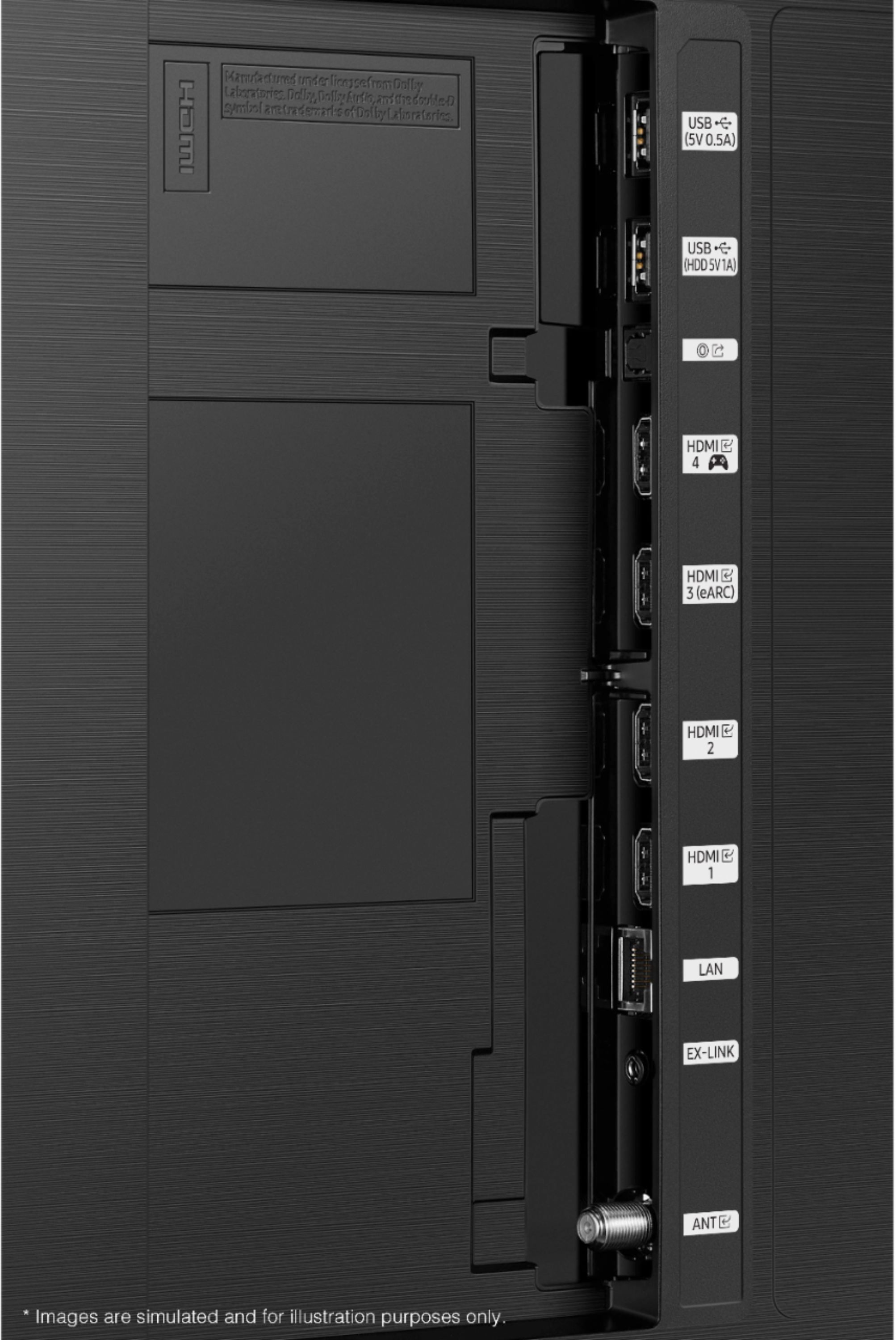
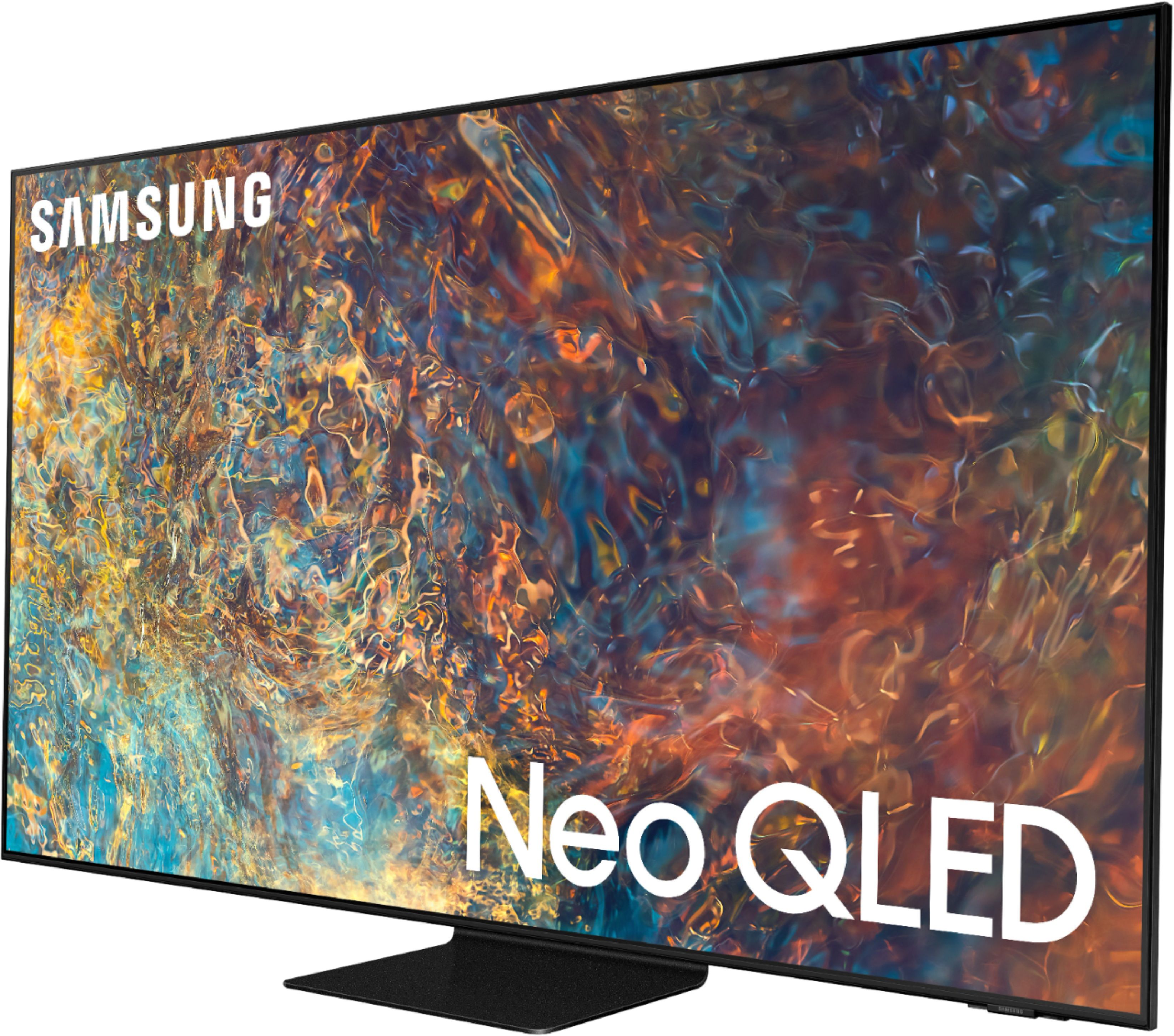
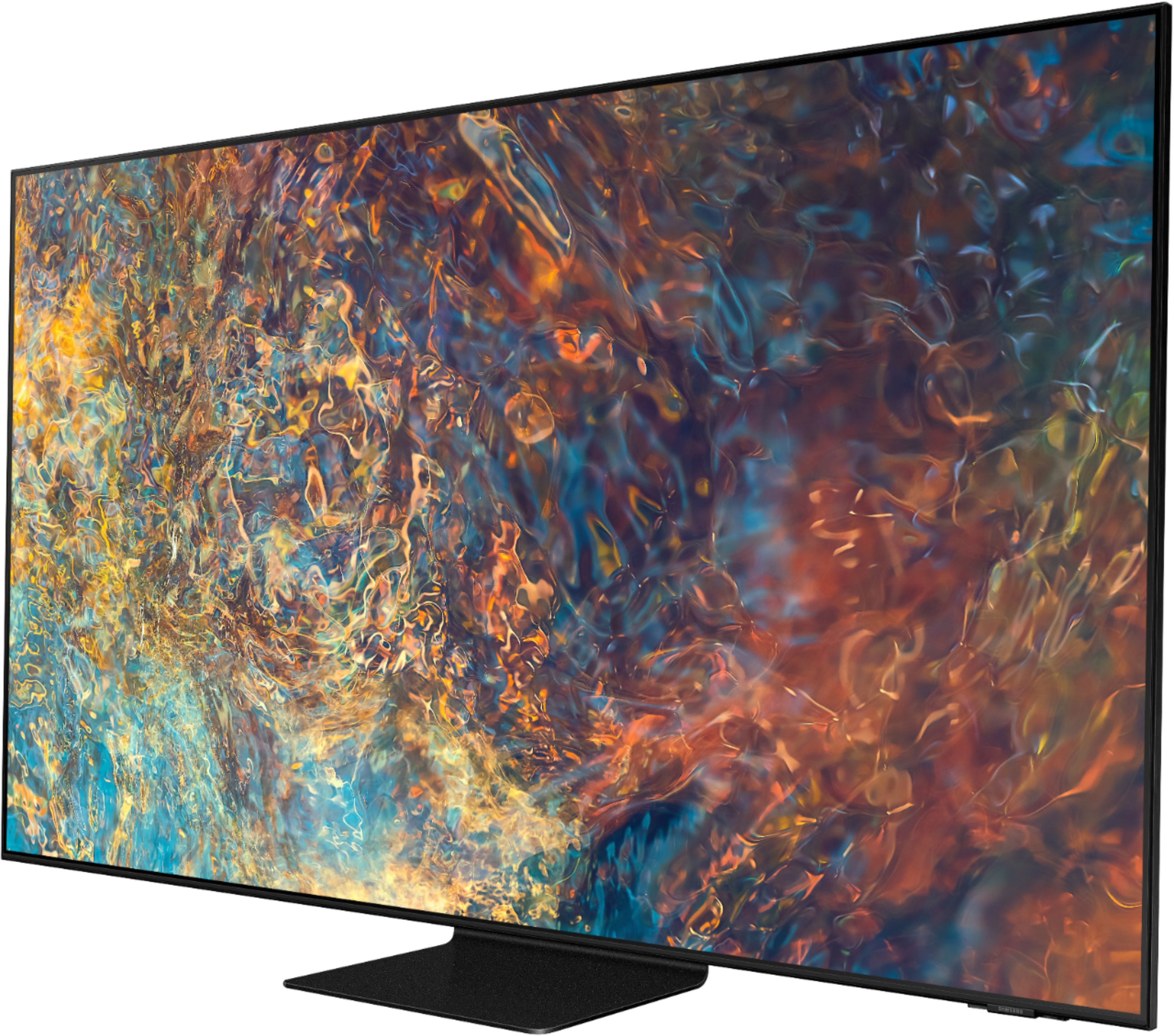
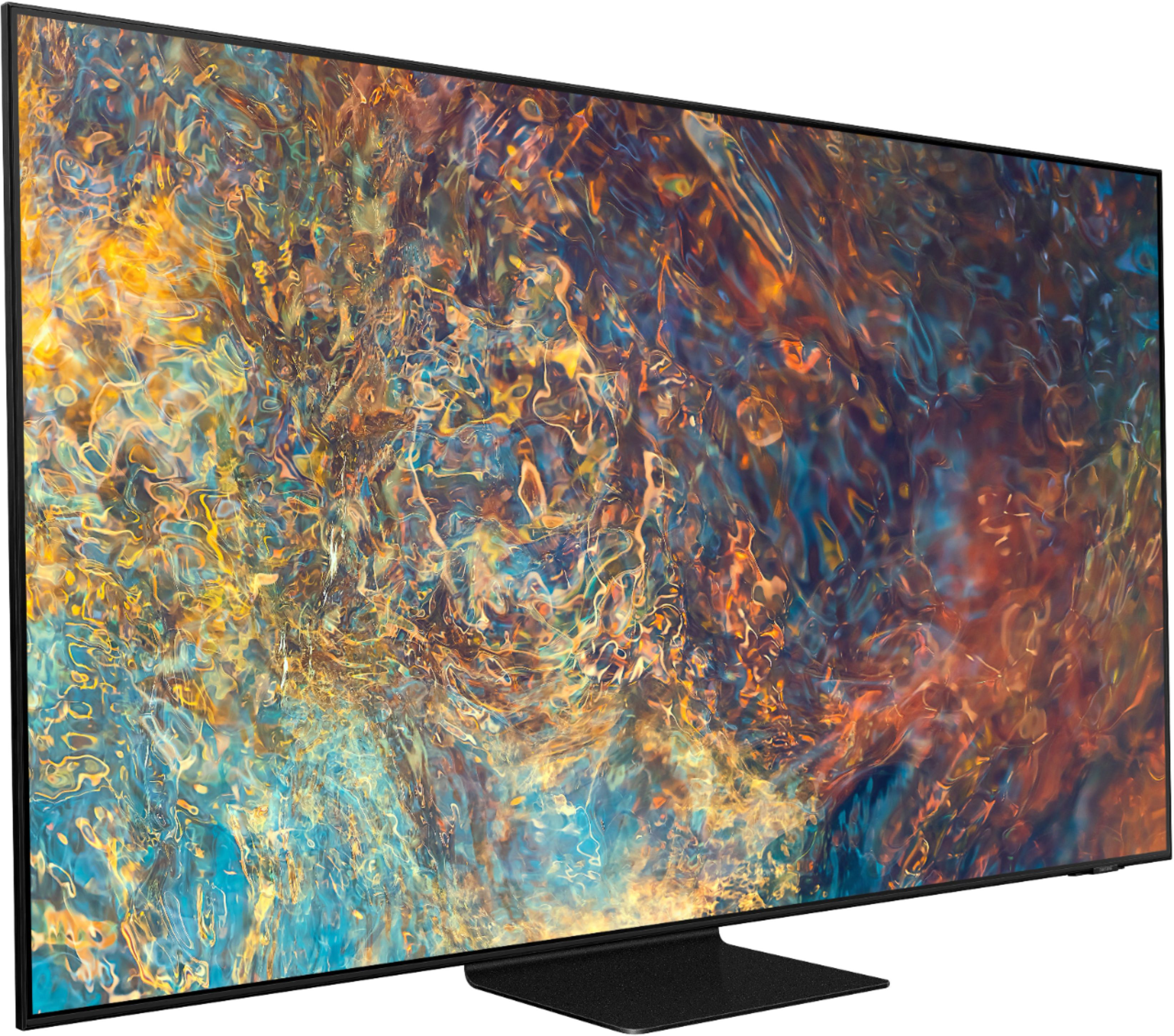
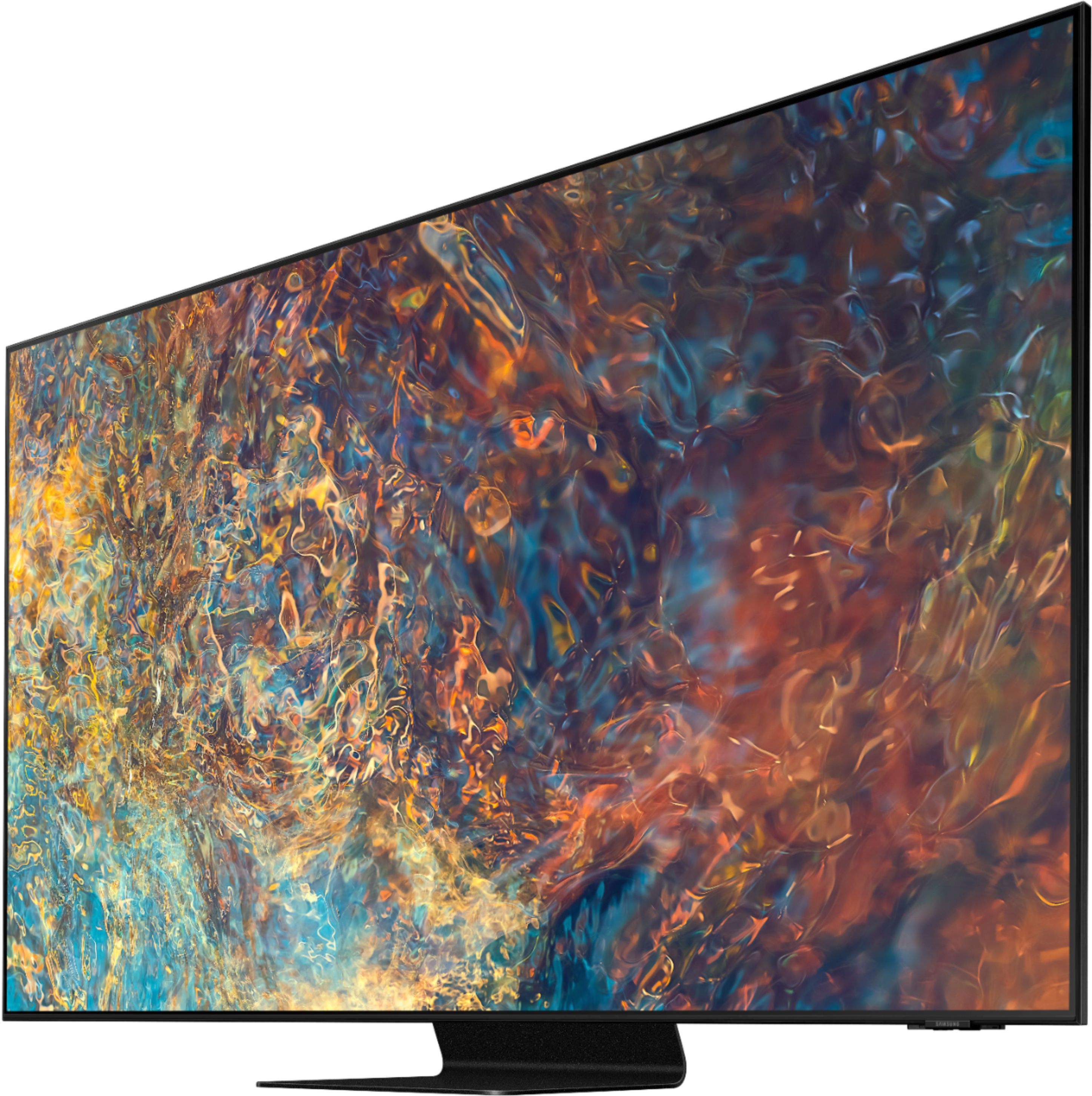

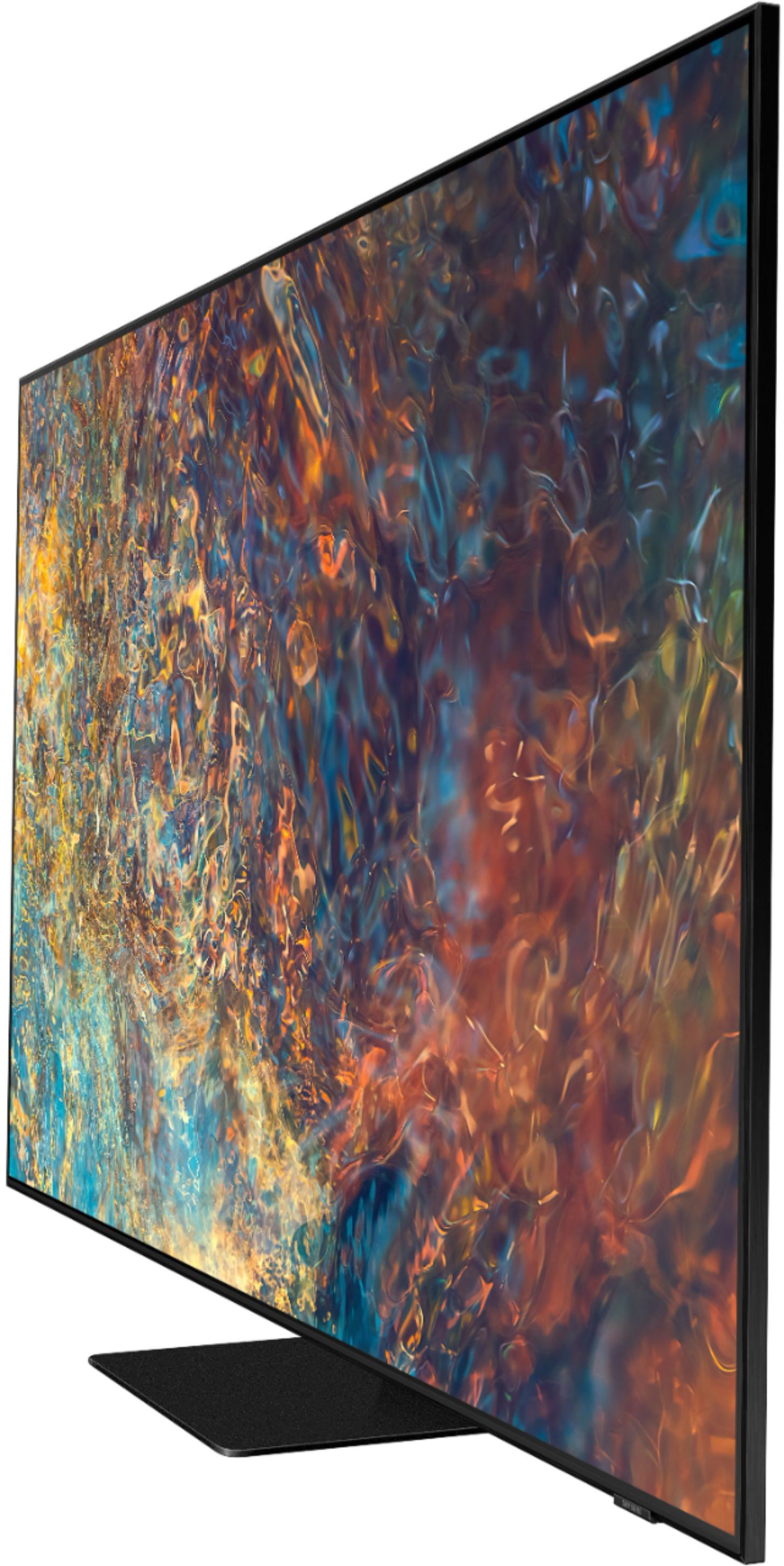

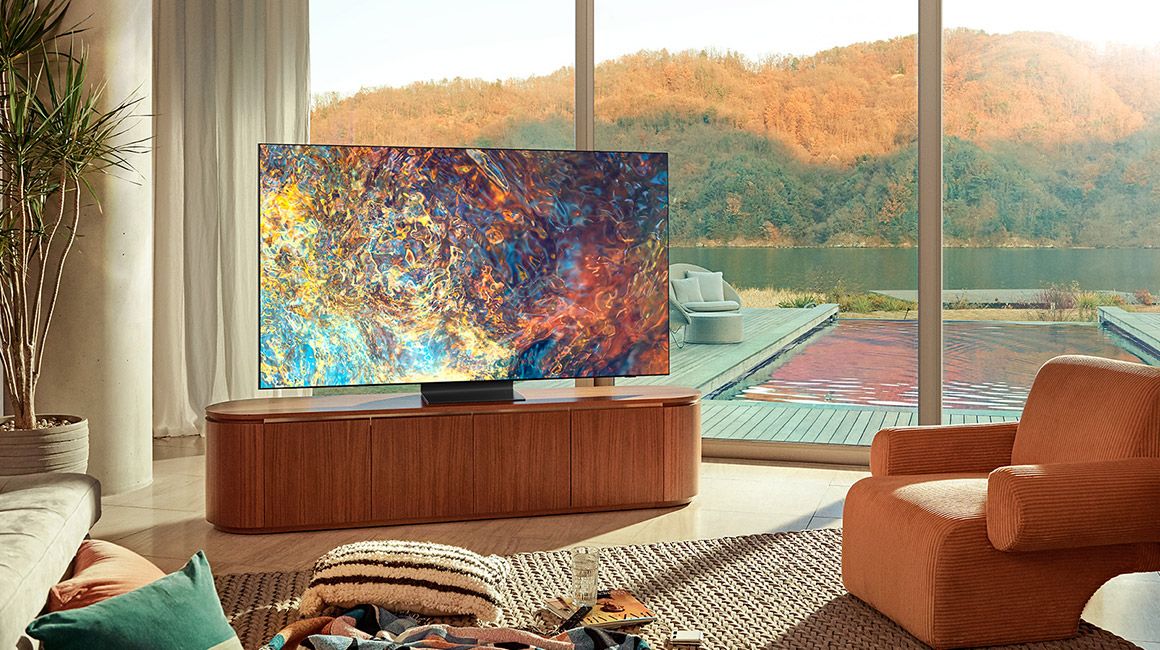









- Model:
- QN65QN90AAFXZA
- SKU:
- 6452320
Rating by feature
- Picture Quality
Rating 4.8 out of 5 stars
- Sound Quality
Rating 4.5 out of 5 stars
- Brightness
Rating 4.9 out of 5 stars
Customers are saying
Customers have good things to say about the 65" Class QN90A Neo QLED 4K UHD Smart Tizen TV, particularly its picture quality, brightness, and easy setup. Many customers rave about the beautiful and sharp picture, as well as the great color and fantastic brightness. The TV is also said to be easy to set up, with one customer saying they were "really happy with this purchase." However, there are some concerns about screen issues, price, limited HDMI 2.1 ports, and dead pixels.
This summary was generated by AI based on customer reviews.
Amazing Picture Quality
||Posted .This reviewer received promo considerations or sweepstakes entry for writing a review.After 10 years since our first smart TV purchase, we settled on the Samsung NeoQled. Best decision we made. Picture clarity is amazing and colors are vibrant. TV is super user friendly and super smart.
I would recommend this to a friendAmazing colors tv
||Posted . Owned for 2 weeks when reviewed.This reviewer received promo considerations or sweepstakes entry for writing a review.Give it a five star, I got it as an open box and it didn’t have a remote but the universal remote was only thirty bucks and the discount of open box was way worth it. Haven’t had any issues with it
I would recommend this to a friendBreath taking
||Posted . Owned for 5 months when reviewed.This reviewer received promo considerations or sweepstakes entry for writing a review.I have a ps5 hooded up to this and it blows me away. Have a nice tv from like 4 years ago and a nice tv by today standards is crazy!! Btw with the nano led this this is heavy like a big old school tube tv!!
I would recommend this to a friendSetup review
||Posted . Owned for 1 month when reviewed.This reviewer received promo considerations or sweepstakes entry for writing a review.Install went very well--2 Tv's, and a sound bar 2 guys were doing the setup, and were very polite, did an outstanding job for setup, and explaining the TV. Also cleaned up very well, the boxes anpacking.
I would recommend this to a friendGreat Customer Service
||Posted . Owned for 3 weeks when reviewed.This reviewer received promo considerations or sweepstakes entry for writing a review.First TV arrived with cracked LED panel. BB c/s was great about getting a replacement sent. Delivery people repackaged the old tv, set up the replacement to be sure it worked and took back damaged tv. TV itself has incredible contrast and very good anti -reflection.
I would recommend this to a friendGreat team
||Posted . Owned for 3 weeks when reviewed.This reviewer received promo considerations or sweepstakes entry for writing a review.Brandon has been consulting for me for three years now. He is great consultant and Austin was our installer and he went above and beyond to make sure everything was perfect and set up correctly.
I would recommend this to a friendNot happy
||Posted . Owned for 1 month when reviewed.This reviewer received promo considerations or sweepstakes entry for writing a review.This TV does not show the full 65" screen on any movie apps. There is a 4" bar on both top and bottom. There is no way to fit the movie to the screen. The Samsung tech was here and said there is nothing wrong with the set. I have two other Samsung tv's that don't have this issue. So much for new technology.
No, I would not recommend this to a friendGreat looking TV - don't count on Art Mode
||Posted . Owned for 4 months when reviewed.This reviewer received promo considerations or sweepstakes entry for writing a review.Sales person convinced me the Ambient Mode on this TV had the same capabilities of The Frame TVs. This is not the case. There is an "art mode" in the Ambient Settings, but it is more like stock photography of nature scenes... not the subscription service that The Frame offers. Bummer, but a good TV otherwise.
I would recommend this to a friendBrand response from Samsung
Posted .TeamG,
Thank you for choosing Samsung's QN90A Neo QLED 4K TV and for your review. I apologize for any misinformation you were given.
Although Art Mode is exclusive to The Frame TV, the QN90A features Ambient Mode which allows you to add a splash of color, personality, style and pizzazz to your living space. Customize your TV to showcase gorgeous wallpapers or bits of information when it is not in use.
Turn on your TV, and then press the Home button on your remote. Then, navigate to and select Ambient Mode. The following options will be available:
• Cinemagraph: Allows you to set a moving image as your background, such as Cozy Room, Rainy Day, or Fireplace. Press the Up arrow on the remote while hovering over a theme to view more information.
• My Album: You can customize your background using your own photos and preset templates like Dynamic Filter and Auto Gallery. You must use the SmartThings app on your phone or tablet to add your photos to your TV.
• Artwork: Decorate your screen with art, like still life or nature photos. Press the Up arrow on the remote while hovering over a theme to view more information.
• Background Theme: Use this option if you prefer a clean, simplistic background. You can select solid colors like Lavender or Ivory, or textured themes like Polished Marble or White Stripe. Press the Up arrow on the remote while hovering over a theme to view more information.
Depending on the theme, you can edit additional options like Shadow Effects and Background color by pressing the Down arrow on the remote. If you cannot do this after selecting a theme, it means the theme does not have any additional options.
If you’d like to change Ambient Mode’s settings, press the Menu button on your remote and then navigate to and select Ambient Mode. Select Ambient Settings to adjust Auto Brightness, Sleep After, and Screen Settings. To remove your personal photos from the TV, select Reset All Photos.
Should you ever have questions or need help, please call us at 1-800-SAMSUNG (ask for TVs), available 8AM - 12AM EST, 7 days a week.
For additional support resources, visit us on the Samsung website and click on the ‘Support’ link in the upper right corner of the homepage for:
1) Contact Us: For additional Chat & Text options, choose ‘TVs & Home Theater’ and select your model & topic.
2) Manuals & Software
3) Warranty Info
4) Register a Product: For access to easy warranty support, convenient opt-in to special promos and offers, faster troubleshooting and service, and quick notification of system updates.
~ Samsung Specialist
- Pros mentioned:Picture quality
Not what it's cracked up to be!
||Posted . Owned for 3 weeks when reviewed.This reviewer received promo considerations or sweepstakes entry for writing a review.Over the last 15 years, we have had 3 Samsung TVs and were extremely satisfied. Right out of the box they all had great pictures. Our last TV was a 8500 Series Samsung with backlight technology. Unfortunately, after only 6 years, the backlight was going dim and rather than repair it, we decided to buy an updated model which was the QN90A. When it was installed, the picture was far from acceptable for a high-priced unit and the technicians had to make several adjustments. We were not satisfied and a different technician came out a week later. He was able to make adjustments that greatly improved the quality of the picture; however, it is still not worth the money. Although Geek Squad went out of their way to make it acceptable, if I had known the quality was like it is, I wouldn’t have spent the money on this “latest” technology, and would have considered repairing the set we had as we loved that one.
No, I would not recommend this to a friendBrand response from Samsung
Posted .Hello Imntshr,
Thank you for sharing your thoughts on the picture quality of your new 2021 QN90A Neo QLED TV. If the picture you are seeing out-of-the-box are not to your liking, there are several picture settings you may want to try adjusting.
You can select the Picture Mode that provides the best viewing experience. Go to Home > Settings > Picture > Picture Mode
1) Standard: Is the default mode suitable for general viewing environments.
2) Natural: Reduces eye strain for a comfortable viewing experience.
3) Movie: Is suitable for watching TV or movies in a dark room.
4) Dynamic: Makes the picture brighter and clearer in bright viewing environments.
5) Filmmaker Mode: You can watch the source content (e.g., movie) as it is. If the image is defined as Filmmaker Mode, it will automatically switch to Filmmaker Mode while watching.
You can also go to: Settings > Picture > Expert Settings > to manually fine tune your image.
For further assistance with settings adjustments, please contact Samsung Customer Support at 1-800-SAMSUNG (ask for TVs), available 8AM -12AM EST, 7 days a week. Or text HELP to 62913.
For additional support resources, visit us on the Samsung website and click on the ‘Support’ link in the upper right corner of the homepage for:
1) More ‘Contact Us’ options – LiveChat, Facebook, Twitter, Samsung Community, Samsung Members app
2) Manuals & Software
3) Warranty Info
4) Product Registration: For access to easy warranty support, convenient opt-in to special promos and offers, faster troubleshooting and service, and quick notification of system updates.
~ Samsung Specialist
T.V delivery
||Posted . Owned for 1 week when reviewed.This reviewer received promo considerations or sweepstakes entry for writing a review.Thank you for your time and for delivering my t.v and for offering to help me find internet service in my area .you were kind and respectful
I would recommend this to a friendTv, Sound bar & inwall kit installation
||Posted . Owned for 3 weeks when reviewed.This reviewer received promo considerations or sweepstakes entry for writing a review.Joseph & The Geek squad were GREAT. Great spirits, great attitudes Great knowledge about the items & Great service. I would recommend them to anyone. Nice job guys. 10 STARS!!!
I would recommend this to a friendTV
||Posted .This reviewer received promo considerations or sweepstakes entry for writing a review.This is a very good Television but would be nice if there was a TV Up-Grade program to do away with charging a re-cycle fee.....could it be in the future?
No, I would not recommend this to a friend- Pros mentioned:Picture quality
New technology not so great
||Posted . Owned for 1 month when reviewed.This reviewer received promo considerations or sweepstakes entry for writing a review.Picture nice and bright but reflected any light that was on in the room as if looking through a prism. A line across the entire screen with multiple small rainbows. Changed TV brand and problem went away.
No, I would not recommend this to a friendBrand response from Samsung
Posted .Hi dave,
Thank you for sharing your review of the Samsung QN90A TV. Your details regarding your picture quality are appreciated and will be shared with our internal teams.
Should you ever decide to give Samsung TVs another try and have questions or need assistance with settings, setup, or features, please know we are always here to help. Call us at 1-800-SAMSUNG (ask for TVs), available 8AM -12AM EST, 7 days a week. Or text HELP to 62913.
For additional support resources, visit us on the Samsung website and click on the ‘Support’ link in the upper right corner of the homepage for:
1) More ‘Contact Us’ options – LiveChat, Facebook, Twitter, Samsung Community, Samsung Members app
2) Manuals, Software, & Warranty Info
We hope to regain you as a customer in the future.
~ Samsung Specialist
- Cons mentioned:Dead pixels, Screen
Terrible quality control
||Posted .This reviewer received promo considerations or sweepstakes entry for writing a review.I went through 3 of these TVs and every single one of them had serious issues with their displays. The first one had several dead pixels and a smudge underneath the screen itself. I exchanged chalking it up to bad luck…. But the second one also had an issue, this time with with a section of the backlight being dimmer than the rest. Finally, I exchanged it for a third time, and the new one had a box-shaped array of dead back lights again, this time in the center. Then a few minutes later, the entire backlight failed and the display went dark. As such, I would not remotely recommend this tv. Samsung needs to get their act together — not sure what the heck is happening in their factories.
No, I would not recommend this to a friendBrand response from Samsung
Posted .Hello John,
Thank you for sharing your feedback on Samsung's QN90A TV. Your experience is very important to us and will be shared with our product team. Samsung Customer Support is available to answer any questions you may have or provide additional troubleshooting assistance. You can reach us at 1-800-SAMSUNG (ask for TVs), available 8AM -12AM EST M-F (9AM – 6PM EST Sat). Or text HELP to 62913.
For additional support resources, visit us on the Samsung website and click on the ‘Support’ link in the upper right corner of the homepage for:
1) More ‘Contact Us’ options – LiveChat, Facebook, Twitter, Samsung Community, Samsung Members app
2) Manuals, Software, & Warranty Info
We look forward to hearing from you.
~ Samsung Specialist
Great Service
||Posted .This reviewer received promo considerations or sweepstakes entry for writing a review.Ordered new TV on line. Notified that it could be delivered earlier than the delivery window I had. Great service by “Travis” who delivered my TV.
I would recommend this to a friendMister
||Posted . Owned for 3 weeks when reviewed.This reviewer received promo considerations or sweepstakes entry for writing a review.Juice was our salesperson-outstanding! He asked the environment in which we were going to use the tv…that triggered a viable solution Samsung OLED.
I would recommend this to a friendGR
||Posted . Owned for 3 weeks when reviewed.This reviewer received promo considerations or sweepstakes entry for writing a review.Great working with William. He did a great job of advising what would work best for us and then found the best product at the best price
I would recommend this to a friendAwesome TV!
||Posted . Owned for 3 weeks when reviewed.This reviewer received promo considerations or sweepstakes entry for writing a review.This is a wonderful TV. I ultimately went a different direction because of my room setup and personal preference, but this is a really great option.
I would recommend this to a friendNot Impressed
||Posted . Owned for 3 weeks when reviewed.This reviewer received promo considerations or sweepstakes entry for writing a review.I am 30 days in on my Samsung QN90A TV and I have mixed feelings. My old TV was a Panasonic plasma that I absolutely loved but after 10 years I started getting some motion trails in sports. I never thought a 2021 TV would have more motion trails than my old plasma but I am seeing them in almost everything that is not native 4K. Even an actors teeth are bury sometimes in some upscaled content. Not sure what is going on, but I am thinking about returning and going back to my plasma until it's dead. Thoughts?
No, I would not recommend this to a friend- Pros mentioned:Ease of use
Better than LG
||Posted . Owned for 3 weeks when reviewed.This reviewer received promo considerations or sweepstakes entry for writing a review.Simple to set up with my home theater sound system
I would recommend this to a friend