Customer Ratings & Reviews
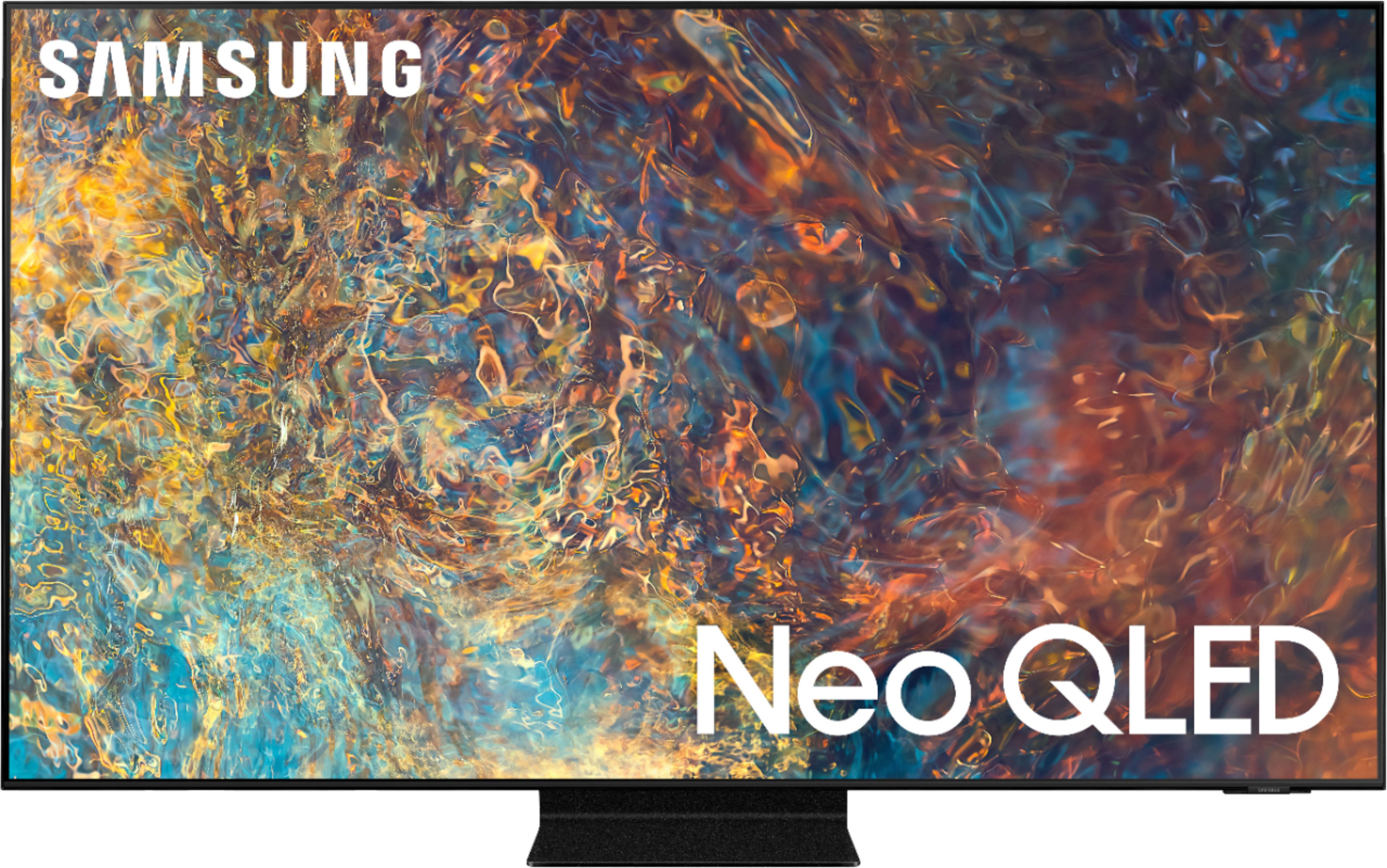
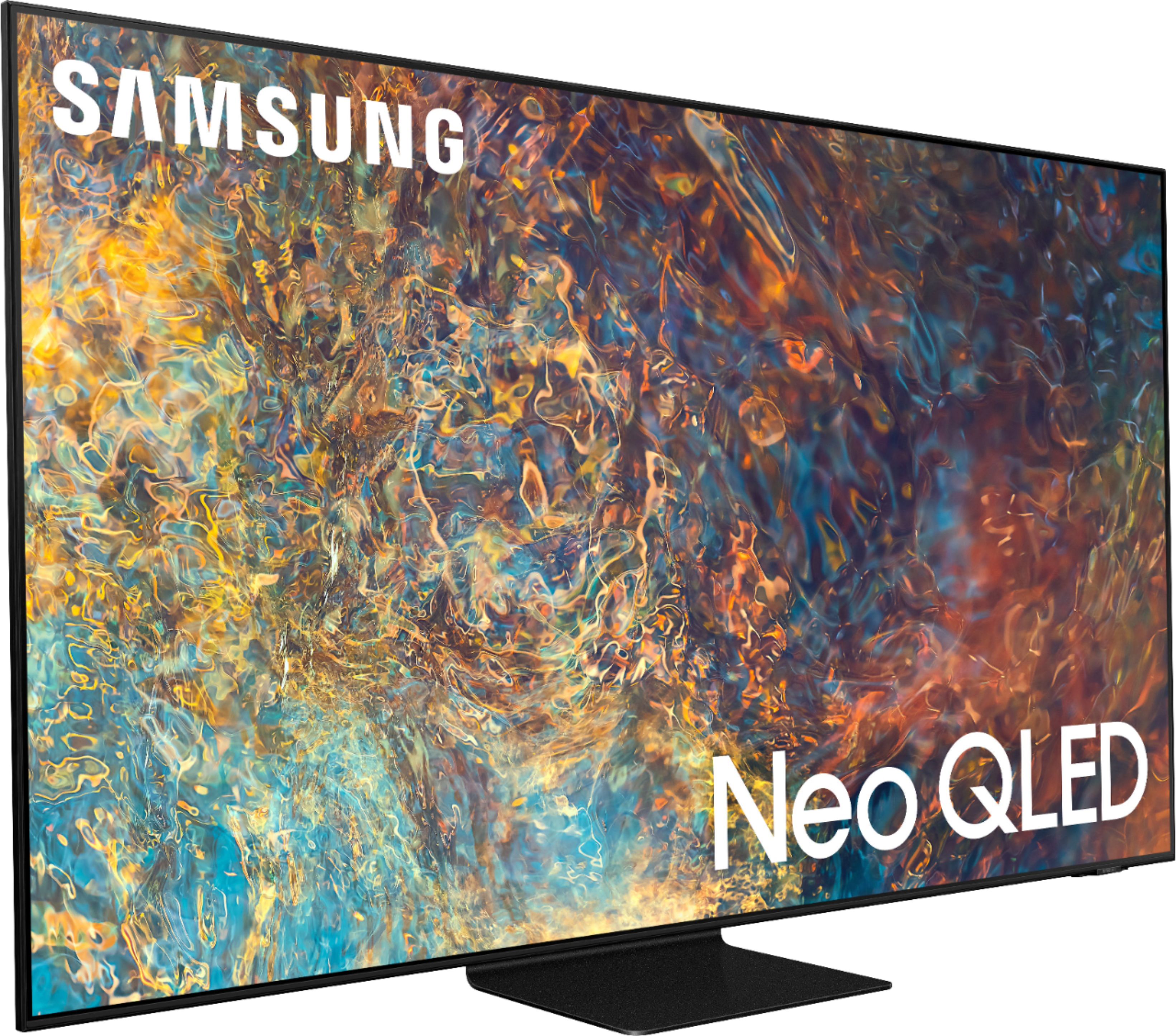
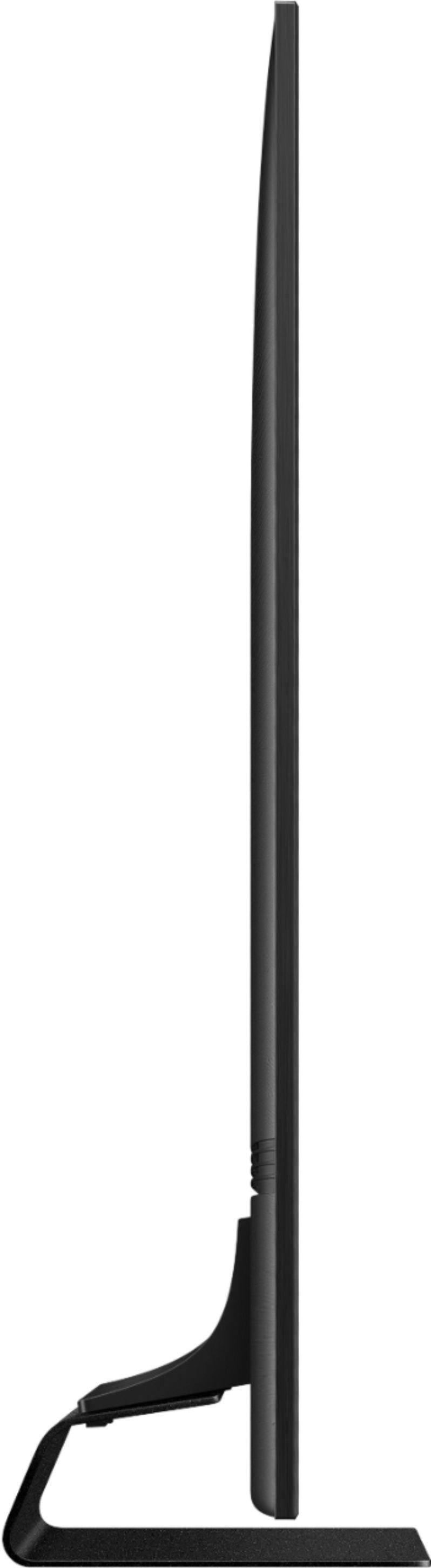
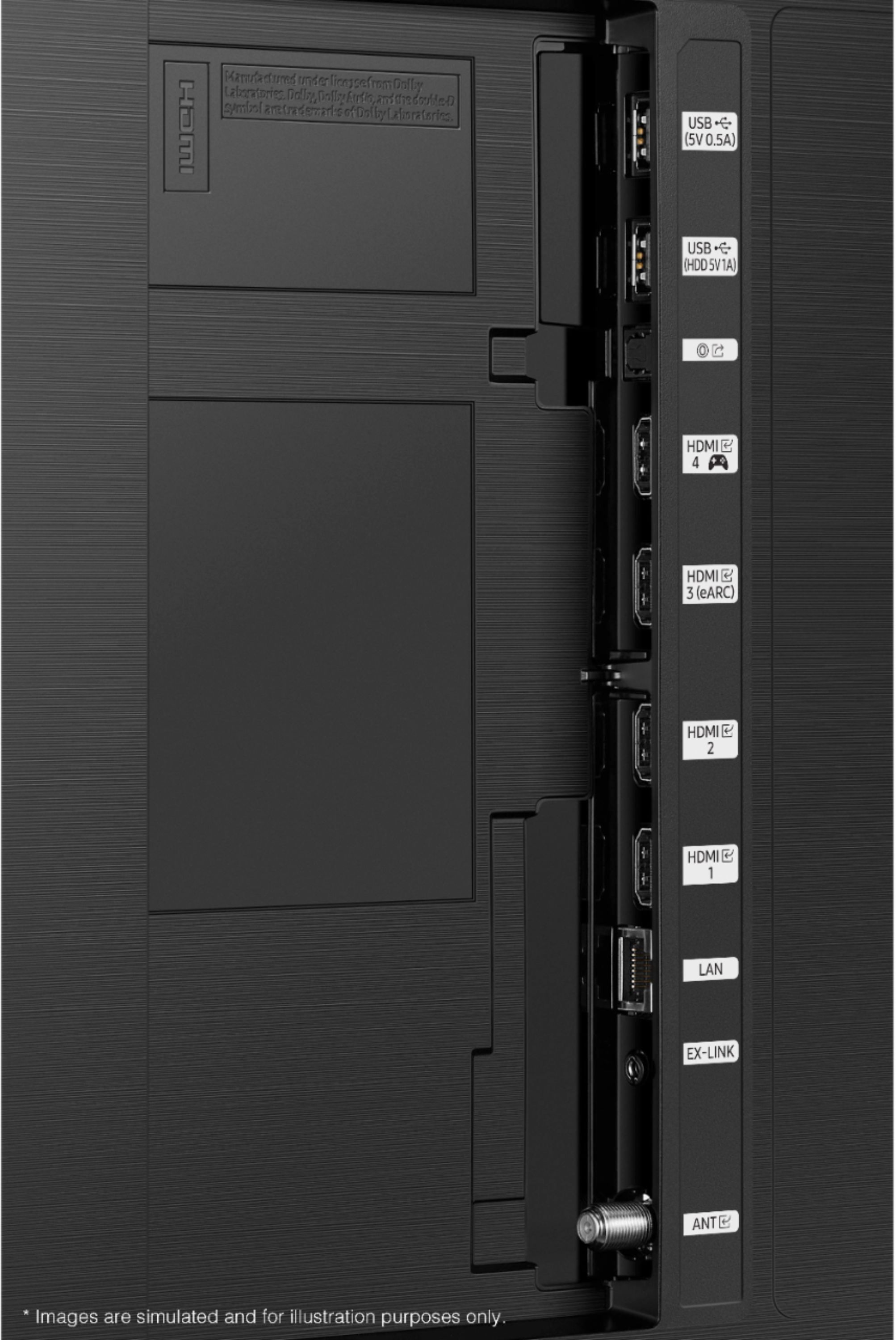
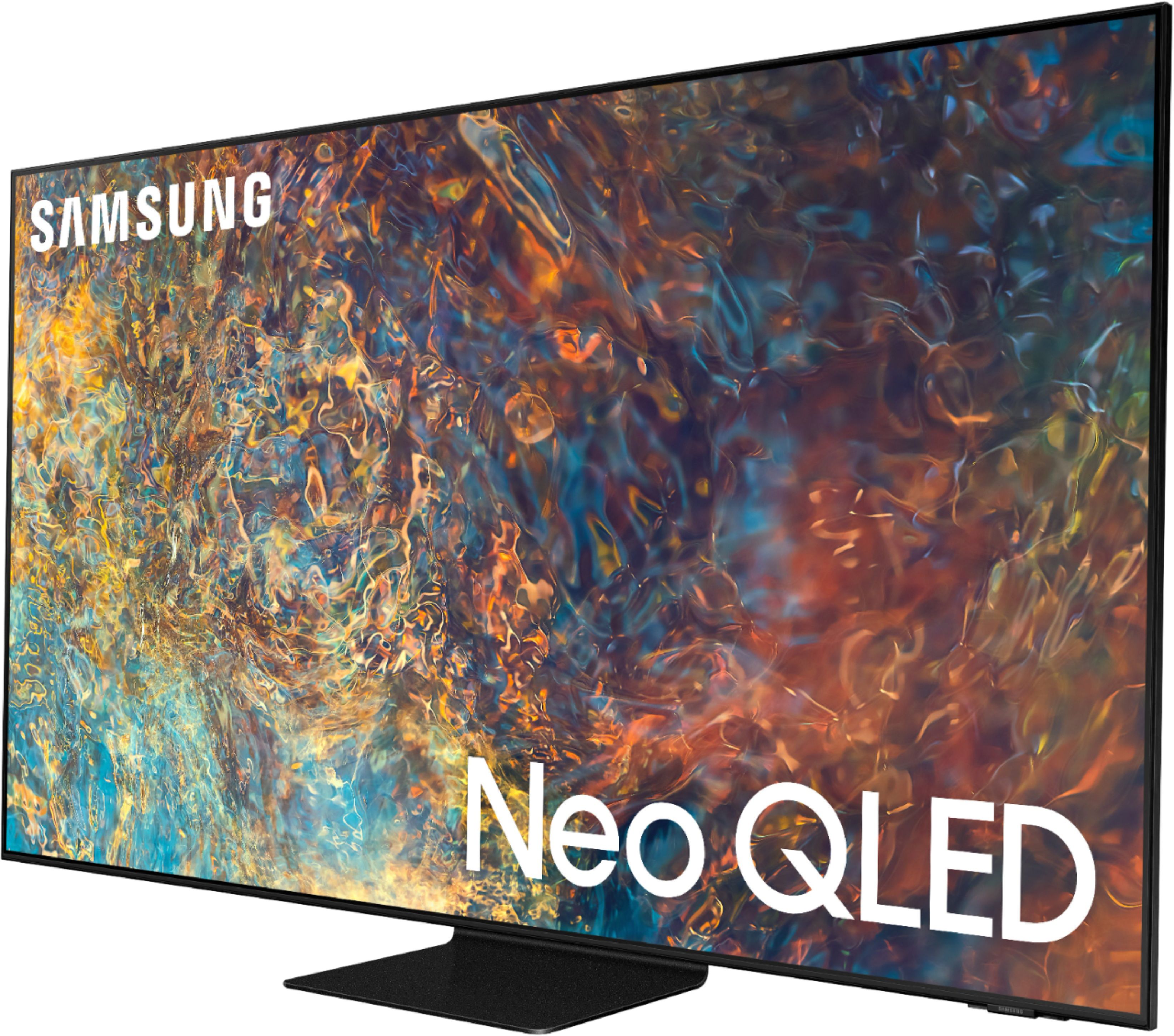
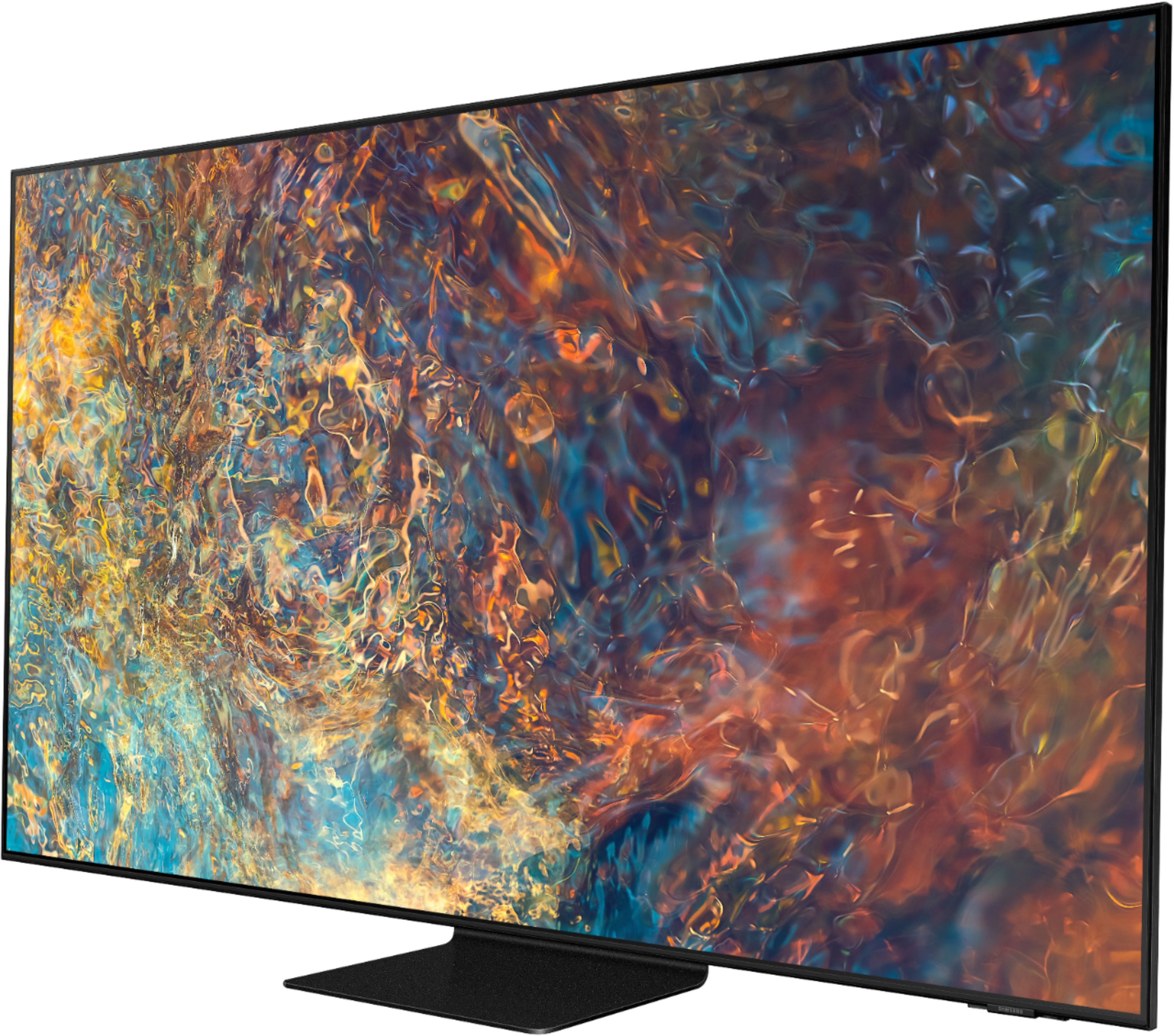
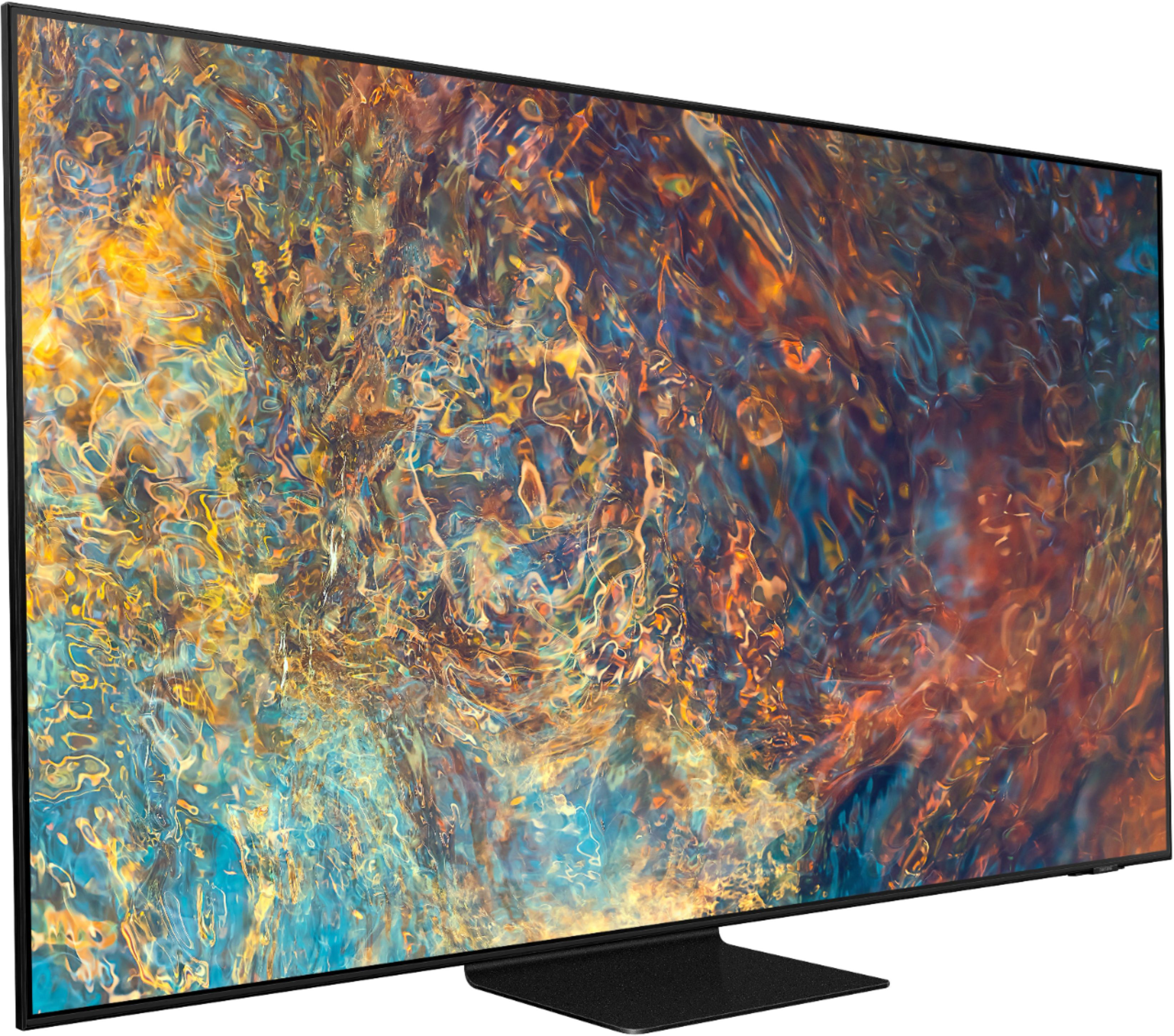
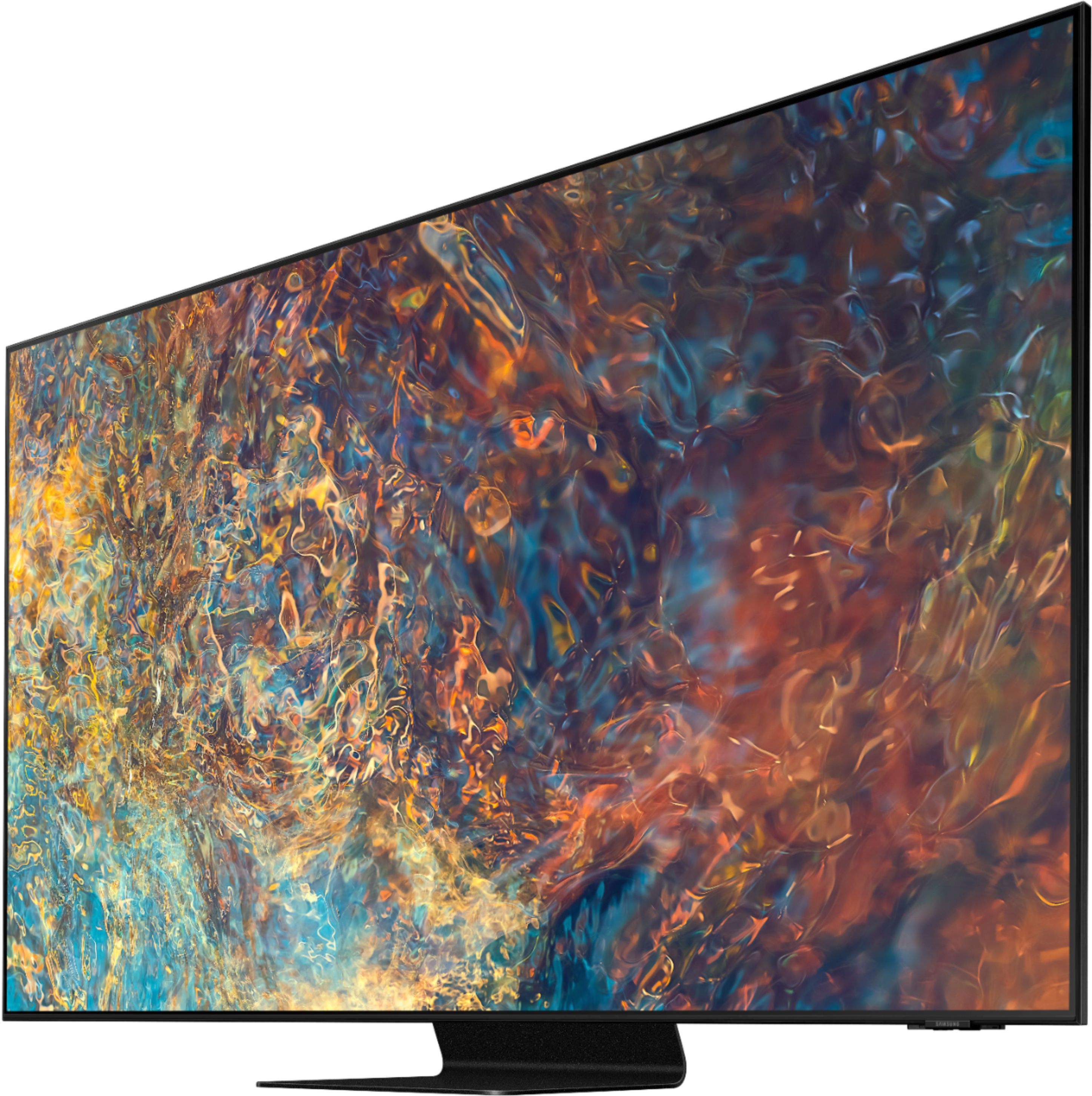

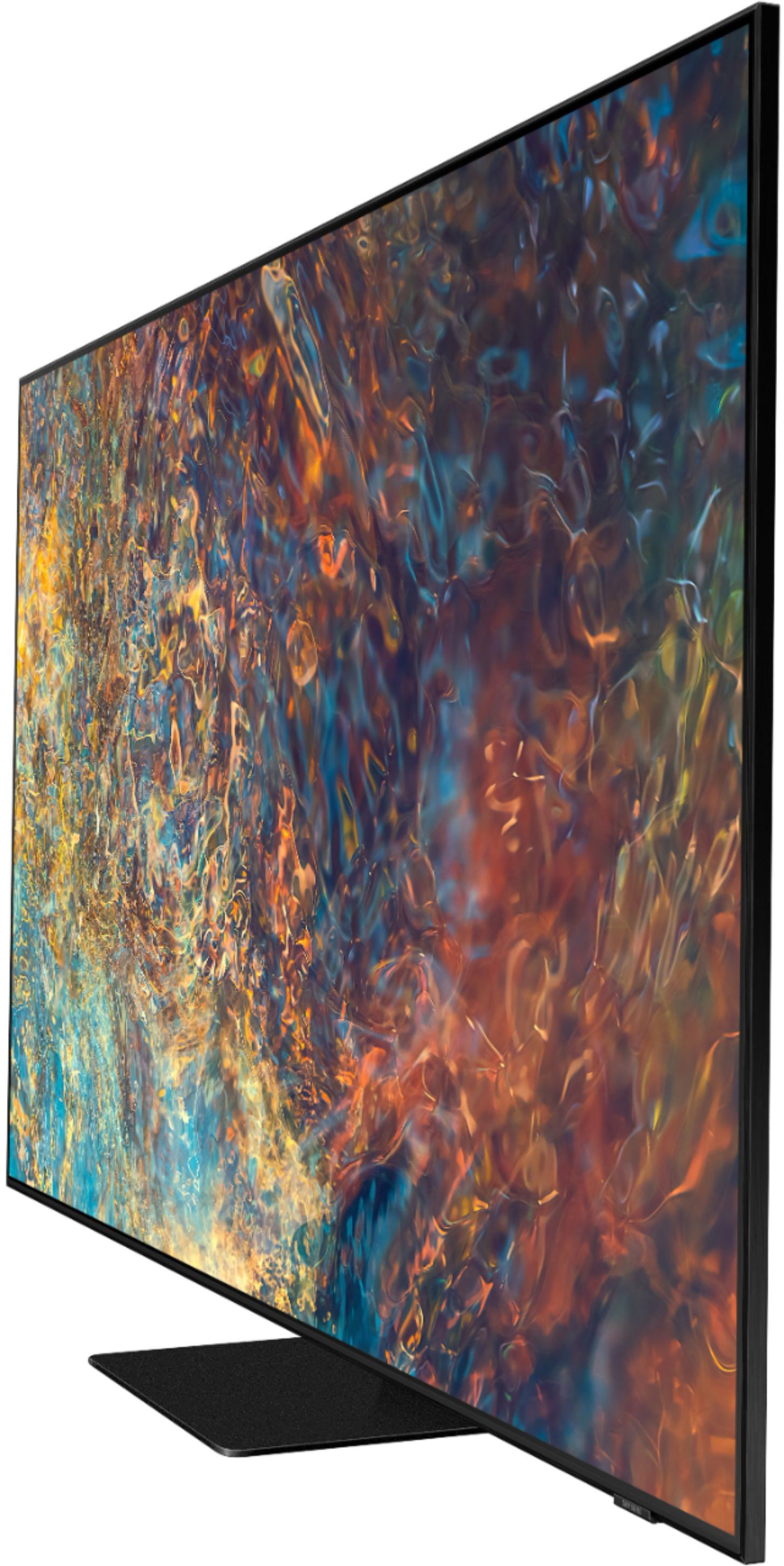
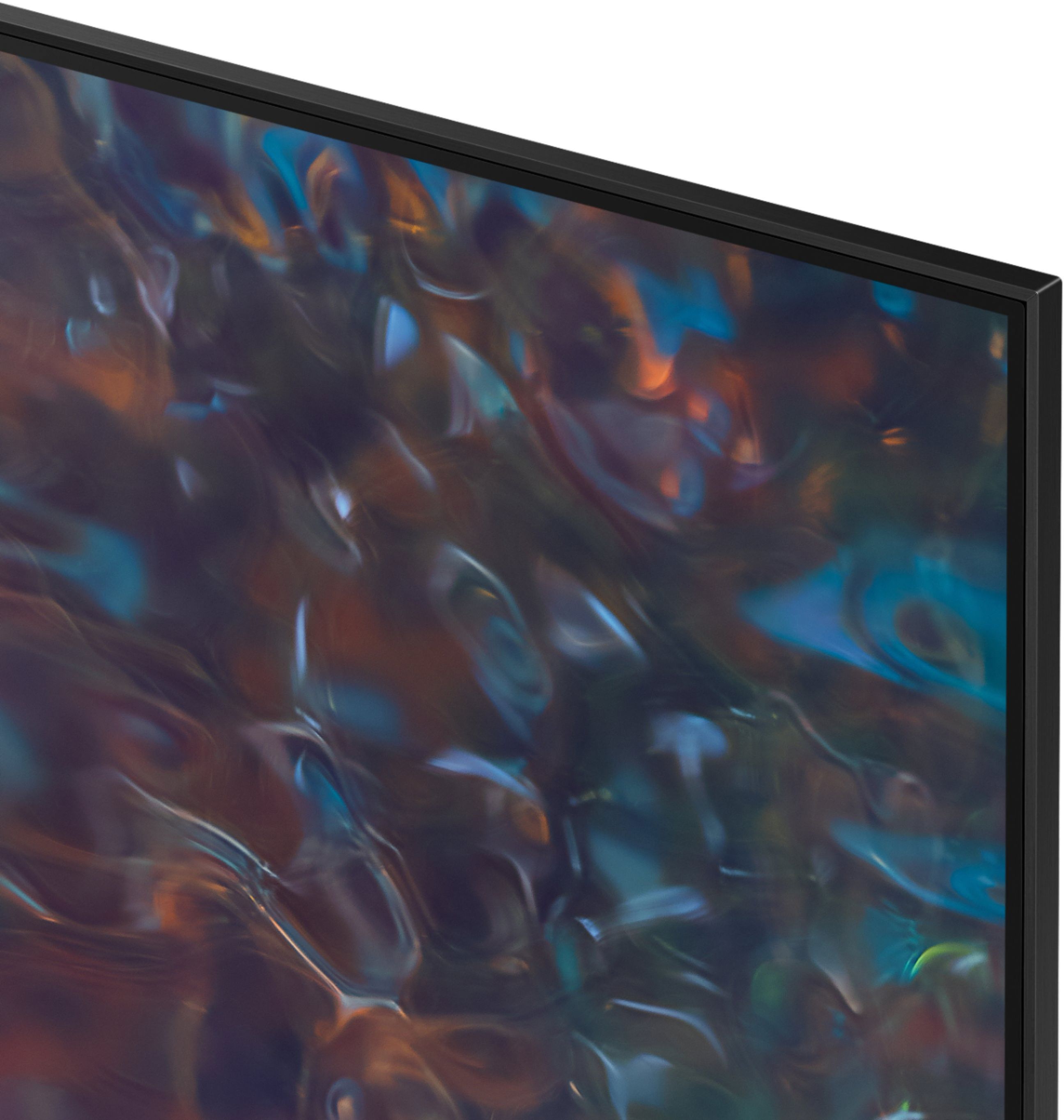

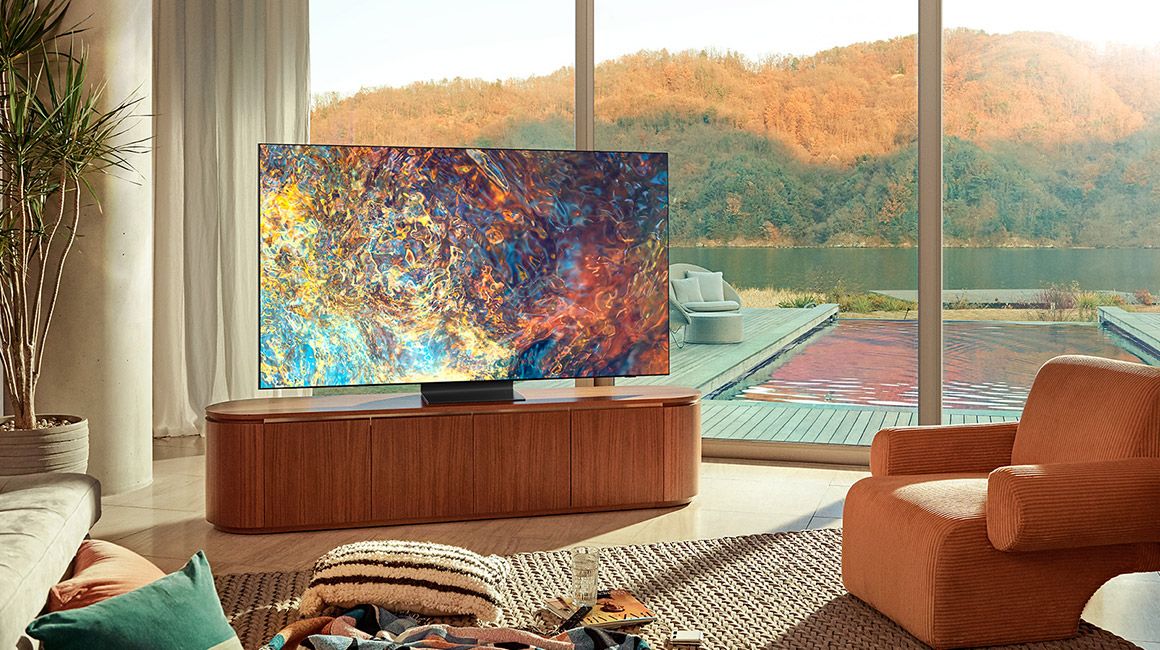
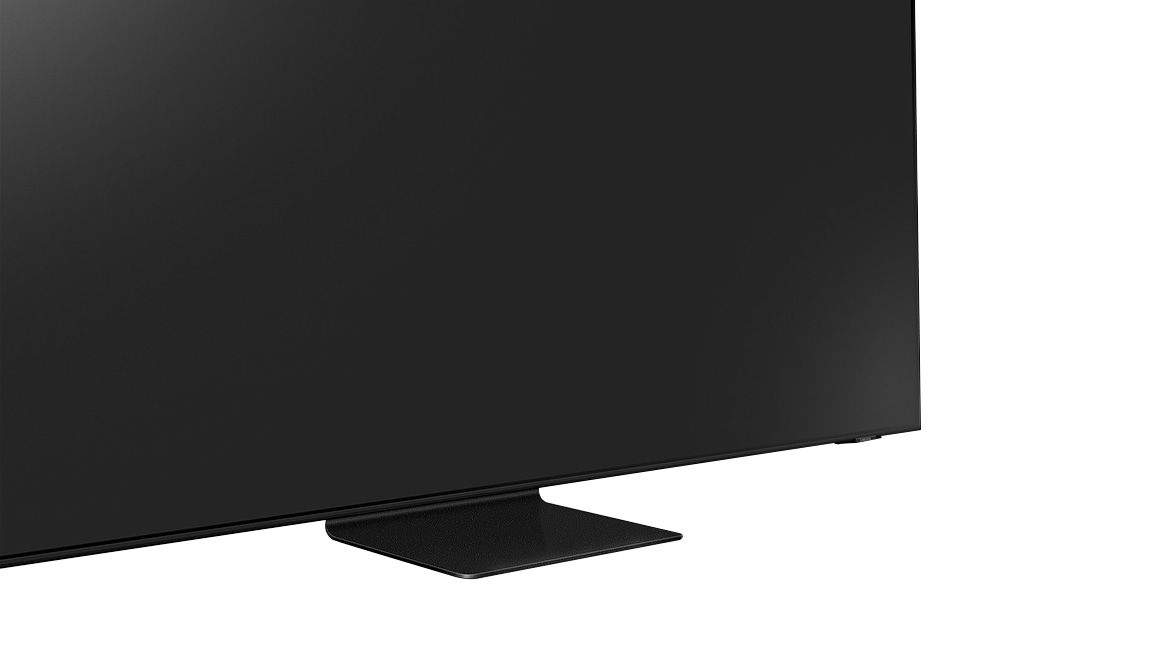









- Model:
- QN65QN90AAFXZA
- SKU:
- 6452320
Rating by feature
- Picture Quality
Rating 4.8 out of 5 stars
- Sound Quality
Rating 4.5 out of 5 stars
- Brightness
Rating 4.9 out of 5 stars
Customers are saying
Customers have good things to say about the 65" Class QN90A Neo QLED 4K UHD Smart Tizen TV, particularly its picture quality, brightness, and easy setup. Many customers rave about the beautiful and sharp picture, as well as the great color and fantastic brightness. The TV is also said to be easy to set up, with one customer saying they were "really happy with this purchase." However, there are some concerns about screen issues, price, limited HDMI 2.1 ports, and dead pixels.
This summary was generated by AI based on customer reviews.
- Pros mentioned:Color, Ease of use
The LCD TV of 2022
Posted .This reviewer received promo considerations or sweepstakes entry for writing a review.This is THE LCD tv to have in 2022. It's amazingly bright, easy to set up and adjust, looks great in the dark, looks great in a bright room. Does it lag slightly behind the LG OLED in its blacks and contrast? Yes, but only very slightly (I own both) and in many ways I prefer the Samsung.
I would recommend this to a friend 10/10 would recommend
Posted .This reviewer received promo considerations or sweepstakes entry for writing a review.I have had this tv for three years now we love it. I love that my kids can use it so easy.
I would recommend this to a friend- Pros mentioned:Color, Picture quality
Great for a bright room
Posted .This reviewer received promo considerations or sweepstakes entry for writing a review.Swapped the C1 out for this and im happy with it. The tv gets bright if needed and maintains a great picture.
I would recommend this to a friend Great
Posted .This reviewer received promo considerations or sweepstakes entry for writing a review.Great tv. No issues and lighting is great. Smart app is a plus
I would recommend this to a friendSamsung TV is the way
Posted .This reviewer received promo considerations or sweepstakes entry for writing a review.Can't go with a Samsung TV. it has been amazing for us past few years and going strong!
I would recommend this to a friend- Pros mentioned:Ease of use, Picture quality
65 inch tv
Posted .This reviewer received promo considerations or sweepstakes entry for writing a review.Great Picture and easy to set up. Love that the remote controls everything
I would recommend this to a friend - Pros mentioned:Ease of use, Picture quality
Samsung smart TV
Posted .This reviewer received promo considerations or sweepstakes entry for writing a review.Love the quality Neo QLED, great sound speakers, easy to start.
I would recommend this to a friend A++++
Posted .This reviewer received promo considerations or sweepstakes entry for writing a review.Perfect TV and Set-up! The team was extremely knowledgeable and thorough!
I would recommend this to a friendTv
Posted .This reviewer received promo considerations or sweepstakes entry for writing a review.This is a great tv if you are looking for a tv ti watch tv ir play vidoe games
I would recommend this to a friend- Pros mentioned:Picture quality
Samsung Got It Right
Posted .This reviewer received promo considerations or sweepstakes entry for writing a review.Best TV I've ever had. Easy set-up. Great connectivity. Apps easy to set-up off the internet. Picture is terrific. It's in a bright room and all is well. Can't speak to the speakers cause it's connected to a soundbar. Couldn't be happier. HIGHLY RECOMMEND.
I would recommend this to a friend - Pros mentioned:Color, Picture quality
Disappointing Picture Quality,Buggy User Interface
Posted .This reviewer received promo considerations or sweepstakes entry for writing a review.Initially I bought the Samsung 9-series (top of their Neo QLED 4K line) 65" QN65QN90A to replace my 15 plus year old Panasonic Plasma TV, and was beyond disappointed and preferred the picture clarity of the 15 year old plasma over the brand new Samsung, so returned it and researched further and bought a competing technology OLED and found the Samsung Neo QLED pixel bleed-over from bright pixels into dark pixels across an entire screen full of typical video picture is far more noticeable than you might initially believe. I bought the competing LG OLED C1 - immediately noticed the drastic improvement in picture quality/clarity of the LG OLED over the Samsung Neo QLED - LG OLED is what ideal HDTV picture quality is expected to be - perfect blacks unaffected by bright pixels bordering the dark pixels eliminates the slight fuzziness of the Samsung you might overlook in the showroom. The Samsung user interface is also full of programming bugs that haven't been corrected by Samsung over at least 3 separate model years. Talking with a neighbor with a low end Samsung from 3 model years prior, I found they have the exact same Samsung GUI interface glitches, bugs and poor functionality as the 2021 model year high end 9-series Neo QN90A , meaning Samsung hasn't bothered to correct and improve simple lines of programming code for over 4 years. For instance, certain Settings submenus would be randomly grayed out / disabled for no reason (including primary functions like Picture for changing Brightness/Contrast/Color Mode etc, and Broadcast for scanning over-the-air OTA HDTV channels - simply turn off the Samsung TV power and turn back on a second or 2 later and the menu option becomes enabled again. Many advanced functions deep in the nested Samsung menus would be grayed out or when selected say 'This feature not available' - leaving you unsure if it is because of the random menu disabled programming bugs or the feature really isn't available on this model (then why would it be listed in this model's menu structure, easy to hide with simple programming and model-specific 'properties' files). The Samsung program guide often defaults back to the eastern time zone even though the TV is connected to the internet, showing the wrong TV Guide time period, once you change a channel, Samsung logic then re-reads the time from whichever source (internet, OTA broadcast signal, internal TV BIOS clock) and shows the correct time and program guide time period again - there is no problem with any other computer or device connected to the internet and the router timeclock remains with the correct time while Samsung programming logic is confused. For OTA channels, you can't manually add a single channel, Samsung needs to rescan all channels which takes longer and you lose far distant channels that come in and out of signal strength. Your favorite channels also get reset by Samsung's scanning and possibly other functions. There were numerous other inexcusable Samsung glitches I've already purged from my memory. All of which my neighbor with a lower end model 3 years earlier has the same Samsung programming bugs. Do yourself a huge favor and go with OLED technology, or at minimum avoid Samsung's buggy user interface with another brand.
No, I would not recommend this to a friend - Pros mentioned:Picture quality
Great TV
Posted .This reviewer received promo considerations or sweepstakes entry for writing a review.We have had the tv about 3 weeks; the picture is excellent and we are very happy so far. The Geek Squad delivery and setup was on time and efficient.
I would recommend this to a friend - Pros mentioned:Picture quality
Homeowner
Posted .This reviewer received promo considerations or sweepstakes entry for writing a review.Excellent picture and sound. Expert installation with Geek squad.
I would recommend this to a friend - Pros mentioned:Color
VERY BRIGHT but software issues hold it back.
Posted .This reviewer received promo considerations or sweepstakes entry for writing a review.Good TV, perfect bright levels but it does not work with Youtube TV nor does it work with Paramount +. A very big disappointment as I use Youtube TV for all my TV needs.....plus the sound is average you will need a sound bar.
No, I would not recommend this to a friendBrand response from Samsung
Posted .Hi MEGAGARG,
Thank you for choosing the Samsung QN90A TV and for your review. Samsung offers hundreds of apps in our App Store that you can download, and we are continuously adding more premium content and new services to our Smart TV platform.
Your experience with the YouTube TV app has been shared with our product teams. Please make sure that Auto Update is turned on so that your apps can stay current with the latest updates and patches. Navigate to the Settings within the App Store and set Auto Update to: On.
There are several volume features you can enable/disable/adjust to your liking.
1) Auto Volume automatically adjusts the sound to a certain level when changing channels or switching to another external input.
2) Adaptive Volume automatically adjusts to a specific volume level while you are watching TV. The TV analyzes your volume usage history by time period to automatically adjust the volume when you use an app or switch to an external input source.
3) Several Sound Modes are likewise available to meet your personal preferences: Home > Settings > Sound > Sound Mode
Also, some sources have their own volume control which might be set too low. Please check the volume control of the external device (cable box or satellite box, DVD, Blu-ray, etc.) connected to your TV. Also, check the cable connection between an external device and the TV and then try cable connection again.
Should you ever have questions or need help, please call us at 1-800-SAMSUNG (ask for TVs), available 8AM -12AM EST, 7 days a week. Or text HELP to 62913.
For additional support resources, visit us on the Samsung website and click on the ‘Support’ link in the upper right corner of the homepage for:
1) More ‘Contact Us’ options – LiveChat, Facebook, Twitter, Samsung Community, Samsung Members app
2) Manuals & Software
3) Warranty Info
4) Product Registration: For access to easy warranty support, convenient opt-in to special promos and offers, faster troubleshooting and service, and quick notification of system updates.
~ Samsung Specialist
- Pros mentioned:Picture quality
TV TIME !!
Posted .This reviewer received promo considerations or sweepstakes entry for writing a review.One of the better tvs I have owned. Tons of enjoyment.
I would recommend this to a friend - Pros mentioned:Picture quality
Awesome Product
Posted .This reviewer received promo considerations or sweepstakes entry for writing a review.Excellent Product! This is my 3rd Samsung, I love them!
I would recommend this to a friend Stunning brightness, thank you Samsung!
Posted .This reviewer received promo considerations or sweepstakes entry for writing a review.I’ve always been a fan of bright tv’s. I Will never buy OLED because of the lack of brightness. If you like extreme brightness on a tv, then this tv is for you. From research on my own I believe it could be the brightness tv ever manufactured, yes even brighter then the Sony X930E and TCL Q825 (which I both own). Very pleased with my purchase.
I would recommend this to a friendBrand response from Samsung
Posted .Nick:
I am glad to hear that you are enjoying the picture of your new 2021 QN90A Neo QLED 4K Smart TV. The tiny light cells use our exclusive Mini LEDs to bring you hyper-focused brightness and dimming in all the right areas.
Should you ever want to customize your brightness, you can adjust the level between 0 – 50 to your preference. Go to Home > Settings > Picture > Expert Settings > Brightness.
You can also try out different Picture Modes to see which best fits your preferences. Go to Home > Settings > Picture > Picture Mode
For example, Dynamic Picture Mode is designed for brighter viewing environments, and Movie Mode is great for watching in a dark room.
Should you ever have questions about any of the features or need assistance with usage, simply contact us at:
1) Phone: 1-800-SAMSUNG / Available 8 AM - 12 AM EST 7 days a week
2) LiveChat: https://www.samsung.com/us/support/contact/
3) Text HELP to 62913
4) Samsung Members App
5) Facebook Messenger: https://www.facebook.com/samsungsupport
6) Twitter: https://twitter.com/SamsungSupport
7) The Samsung TV Community is also a great resource for getting help from Samsung moderators and customers: https://us.community.samsung.com/
If you have not already done so, we invite you to register your new Samsung product at: https://www.samsung.com/us/account/signin/?redirect=https%3A%2F%2Fwww.samsung.com%2Fus%2Fsupport%2Fregister%2F
Registering your product gives you access to easy warranty support, convenient opt-in to special promos and offers, faster troubleshooting and service, and quick notification of system updates.
~ Samsung Solutions
reflective LCD panel
Posted .This reviewer received promo considerations or sweepstakes entry for writing a review.TV performs as advertised. The only drawback is the reflective LCD panel that picks up a rainbow streak if the ceiling lighting hits it a just the right angle. This is distracting during a scene that has a black picture background.
I would recommend this to a friendBrand response from Samsung
Posted .BestBuyReview,
Thank you for your review of the QN90A Neo QLED TV and for sharing your feedback regarding screen glare. Please know that your TV is engineered with Anti-Reflection Technology designed to minimize ambient light reflections. We understand that light conditions of each room environment are different. For optimal glare control, we recommend repositioning the TV to minimize incident light falling on the screen or consulting a professional installer.
Should you ever have questions or need help, please call us at 1-800-SAMSUNG (ask for TVs), available 8AM - 12AM EST, 7 days a week.
For additional support resources, visit us on the Samsung website and click on the ‘Support’ link in the upper right corner of the homepage for:
1) Chat with Us/Product Help: To begin a chat or find solutions, choose ‘TVs & Home Theater’ and select your model & topic.
2) Register a Product: For access to easy warranty support, convenient opt-in to special promos and offers, faster troubleshooting and service, and quick notification of system updates.
3) Manuals & Software
4) Warranty Info
5) Contact Us
~ Samsung Specialist
- Cons mentioned:Hdmi 2.1
It's just NOT worth Samsung OLED price for LED
Posted .This reviewer received promo considerations or sweepstakes entry for writing a review.Not worth it.. Samsung is on par with TCL Vizio and Hisense accept your paying OLED prices.. very minimum features no Dolby Vision only 1 HDMI 2.1 port and a dominantly unsupported HDR10+.. So basically you will be watching everything in regular hdr10 and that's really all you get. The picture quality is subpar for the price your paying.. there are better TVs better better prices plain and simple. I have owned in tried both The QN85A and QN90A an do not find them to be worth keeping for the kind of money they are asking when other TVs with better features and better picture quality at better prices are now out there
No, I would not recommend this to a friendBrand response from Samsung
Posted .BillH:
Thank you for sharing your thoughts on the QN90A TV. We greatly value the details you provided in your review and will share them with our product teams.
Should you ever have questions or need help with issues, features, settings, adjustments, etc., you can reach us at 1-800-SAMSUNG (ask for TVs), available 8AM -12AM EST, 7 days a week. Or text HELP to 62913.
For additional support resources, visit us on the Samsung website and click on the ‘Support’ link in the upper right corner of the homepage for:
1) More ‘Contact Us’ options – LiveChat, Facebook, Twitter, Samsung Community, Samsung Members app
2) Manuals & Software
3) Warranty Info
4) Product Registration: For access to easy warranty support, convenient opt-in to special promos and offers, faster troubleshooting and service, and quick notification of system updates.
~ Samsung Solutions
Mr. Ward
Posted .This reviewer received promo considerations or sweepstakes entry for writing a review.Quick, friendly & very professional while installing 2 TV's in my Chesapeake, Virginia home.
I would recommend this to a friend