Customer Ratings & Reviews
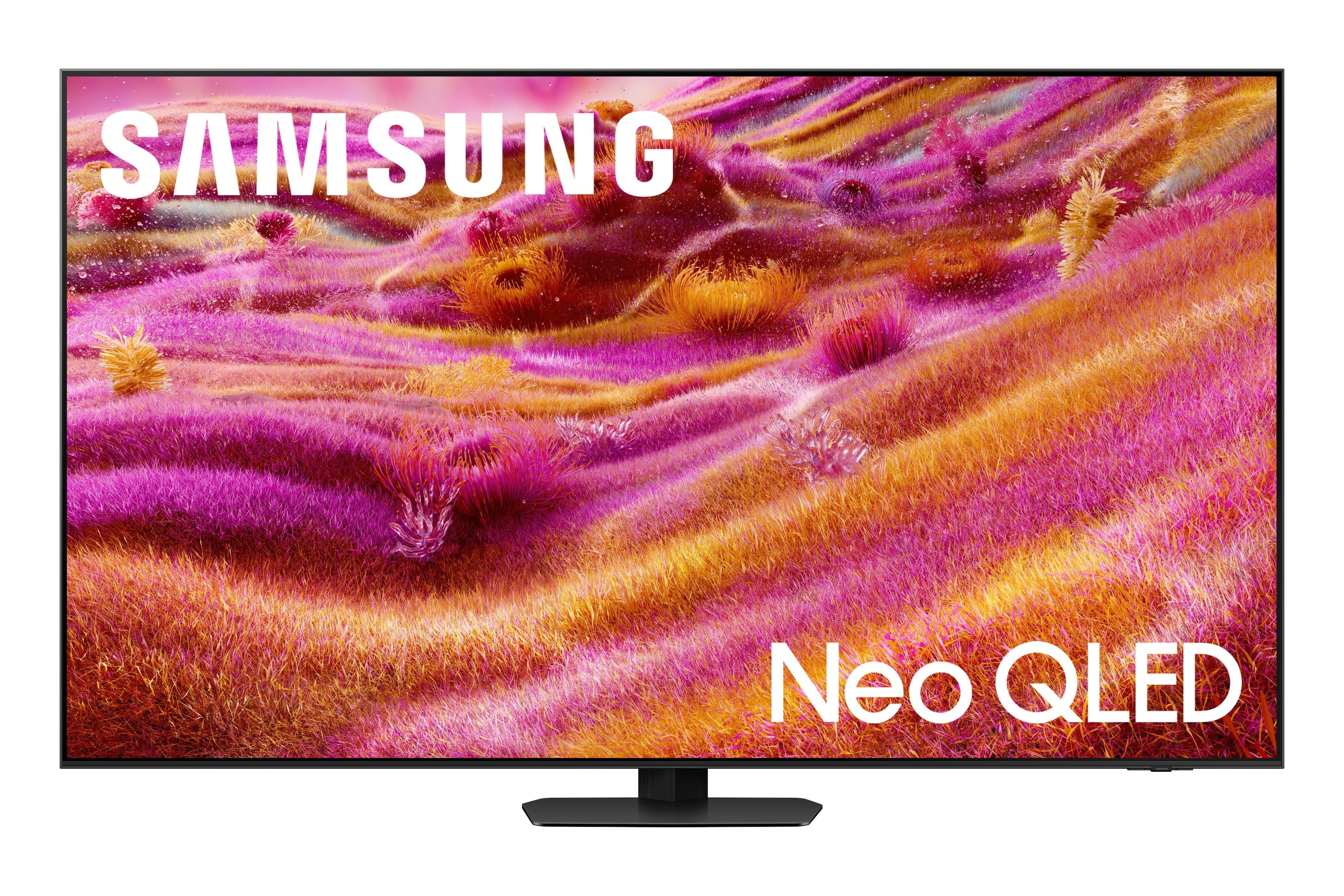
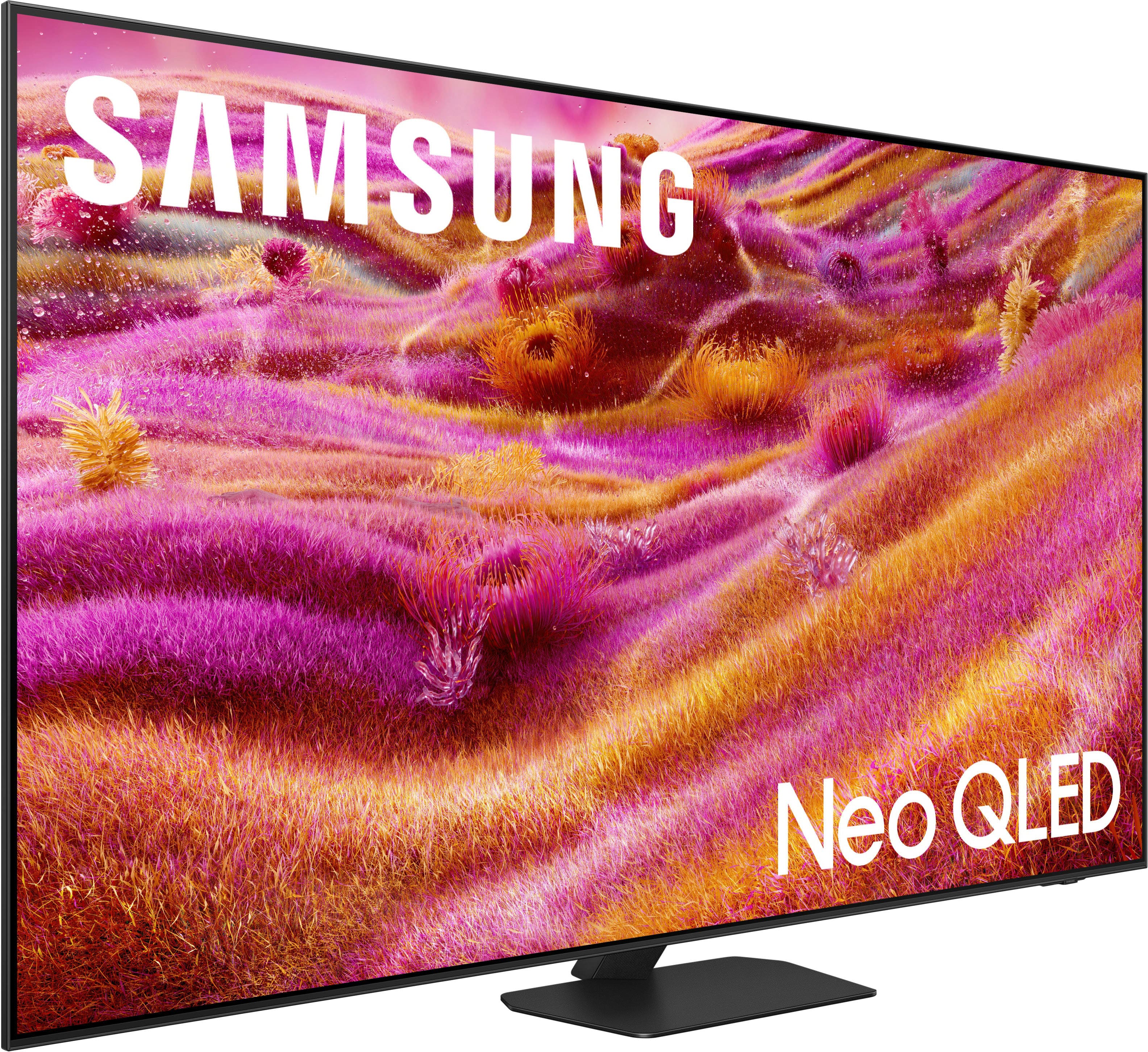
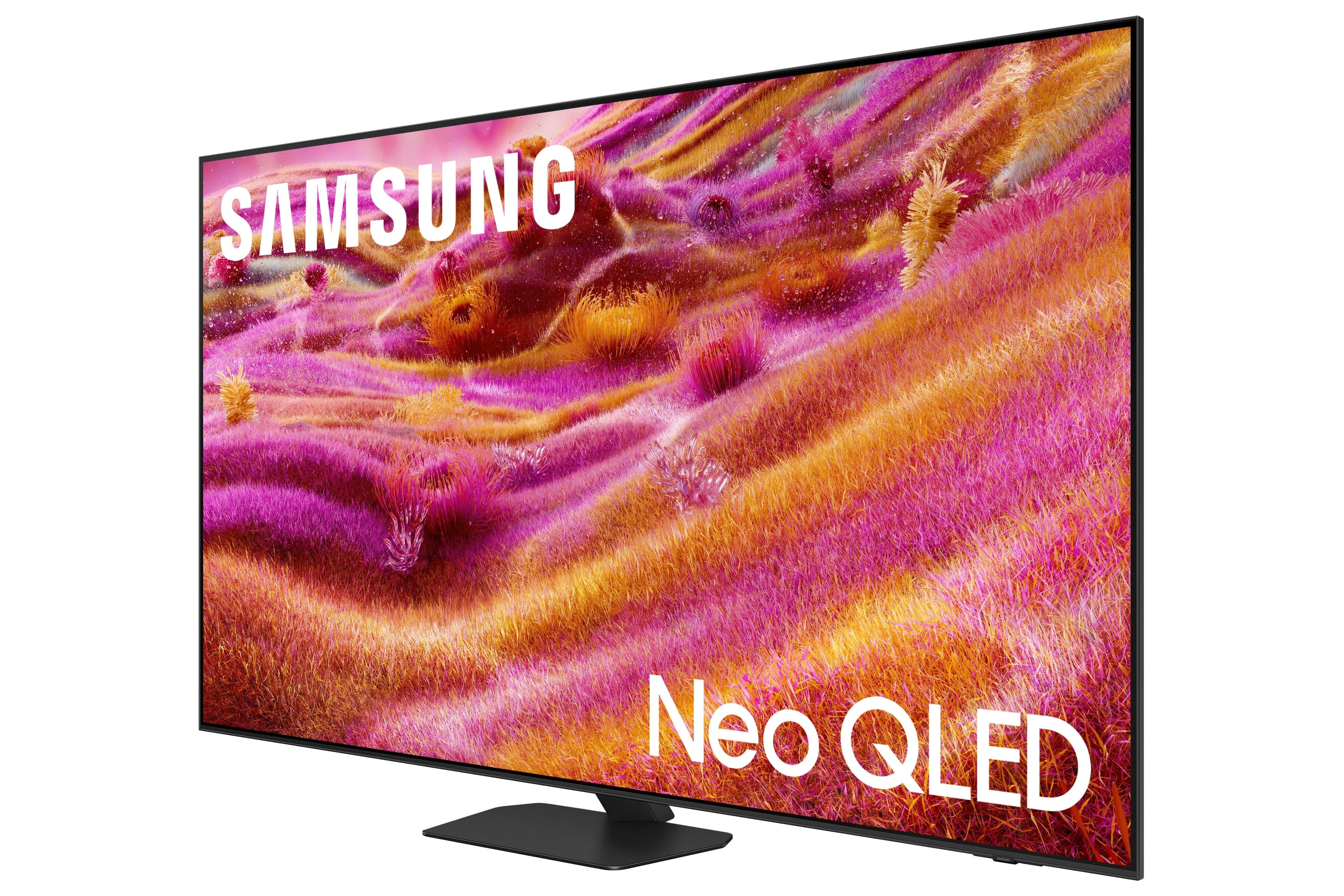
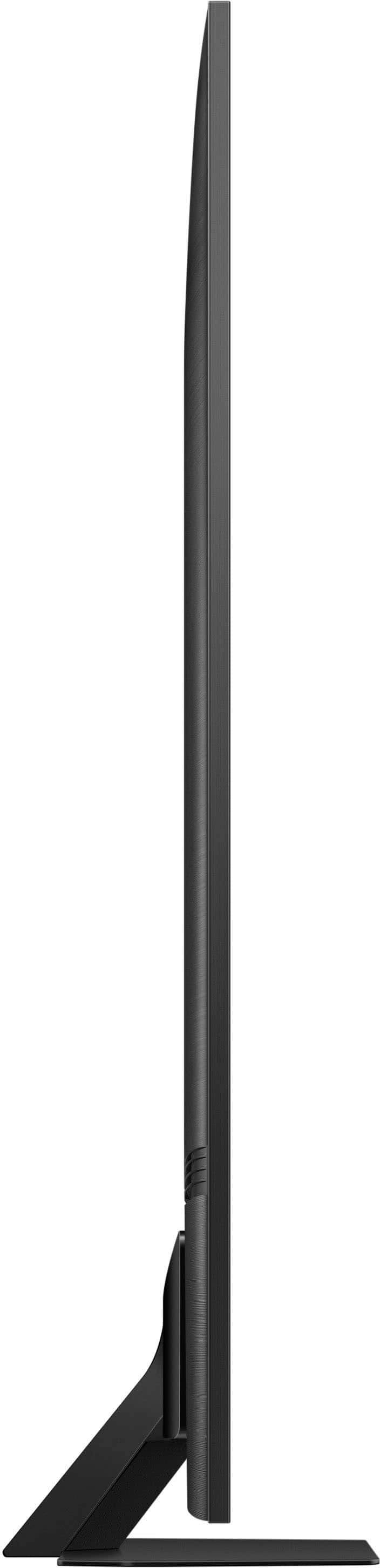






- Model:
- QN65QN90FAFXZA
- SKU:
- 10313318
Rating by feature
- Picture Quality
Rating 4.7 out of 5 stars
- Sound Quality
Rating 4.5 out of 5 stars
- Brightness
Rating 4.8 out of 5 stars
to a friend
Customers are saying
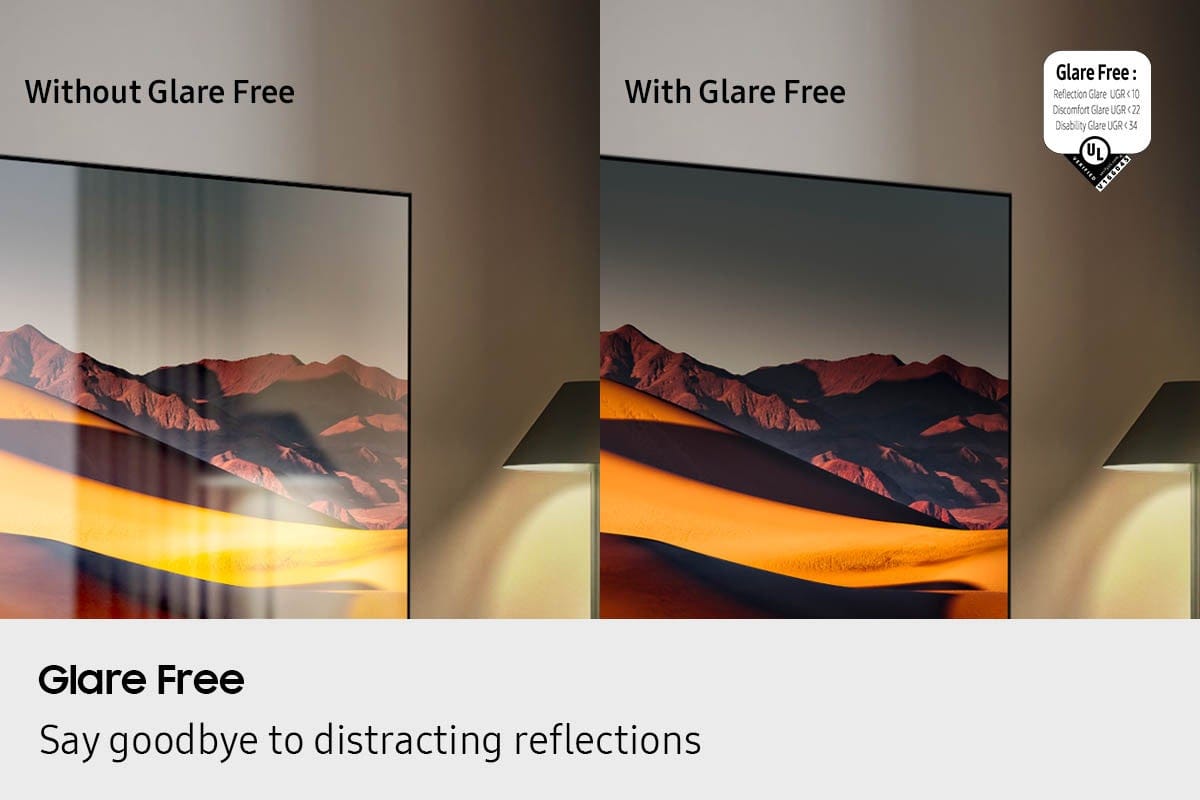
Customers commend the 65” Class QN90F Series Neo QLED TV for its excellent picture quality and glare reduction. The matte screen is a welcomed feature. Some customers also appreciate the design, noting the remote is a nice size.
This summary was generated by AI based on customer reviews.
Beautiful picture
||Posted . Owned for 2 weeks when reviewed.This reviewer received promo considerations or sweepstakes entry for writing a review.This is my second QN series TV, and it doesn't disappoint!
I would recommend this to a friendBest employees at Best Buy
||Posted .This reviewer received promo considerations or sweepstakes entry for writing a review.Service at your store in Castleton Indiana was spectacular! Drake was our representative and Adam the manager who worked with us. They Found us more savings than we expected. They truly exhibited Best Buy culture!
I would recommend this to a friendGreat Samsung products
||Posted . Owned for 1 week when reviewed.This reviewer received promo considerations or sweepstakes entry for writing a review.Great tv. We also bought a Samsung sound bar. The only issue is the syncing of voice/lips has been a problem.
I would recommend this to a friendBrand response from Samsung
Posted .Hi TeresaW,
Thank you for your feedback on the lip sync issues you're experiencing with your QN90F TV. This may be related to the content source, but if you're noticing the audio delay across all sources or channels, especially when using your Samsung soundbar, there are a few settings that may help:
1. Adjust Digital Audio Delay. You can manually increase the audio delay to better match the video: Settings > All Settings > Sound > Expert Settings > Digital Output Audio Delay
2. Enable Audio Pass-Through. Samsung TVs include an audio pass-through option, which sends the audio signal directly to your connected soundbar without additional processing by the TV. This can reduce delay when using external audio devices: Settings > All Settings > Sound > Expert Settings > Digital Audio Output Format > Pass-Through
3. Check for Firmware Updates. Ensure your TV is running the latest software, which may include performance improvements related to sound or sync: Home > left directional key > Settings > Support > Software Update > Update Now
If the issue continues after these steps, please contact Samsung Support for additional troubleshooting or assistance. We’re here to help at 1-800-SAMSUNG, 8AM – 12AM EST, 7 days a week. LiveChat and additional support resources are also available through the Support link on our website.
~ Samsung Specialist
Great experience...
||Posted . Owned for 1 month when reviewed.This reviewer received promo considerations or sweepstakes entry for writing a review.Great customer service. Michael was knowledgeable, friendly, and made it a great experience...
I would recommend this to a friendTV with class
||Posted . Owned for 3 weeks when reviewed.This reviewer received promo considerations or sweepstakes entry for writing a review.Best TV we’ve ever had. The no reflection screen is great. Also, the installers did an exceptional job.
I would recommend this to a friendHigh quality TV
||Posted . Owned for 1 month when reviewed.This reviewer received promo considerations or sweepstakes entry for writing a review.This is Samsung's top rated Neo QLED TV. This is the 5th one I have bought this year. I have 4 in my main house, and this one was for my condo in the Keys.
I would recommend this to a friendBirthday present.
||Posted .This reviewer received promo considerations or sweepstakes entry for writing a review.I brought it for my daughters for a birthday present. She loved it.
I would recommend this to a friendGreat memory for streaming
||Posted .This reviewer received promo considerations or sweepstakes entry for writing a review.Very happy with this item. Memory is really good for streaming services. Best 65 inch TV for the money.
I would recommend this to a friendGreat product.
||Posted . Owned for 1 month when reviewed.This reviewer received promo considerations or sweepstakes entry for writing a review.Great product. Sales people were knowledgeable and helpful.
I would recommend this to a friendGreat purchase!
||Posted .This reviewer received promo considerations or sweepstakes entry for writing a review.Wonderful TV with great graphics and audio system!! Love being able to connect to online apps!
I would recommend this to a friendVery happy
||Posted . Owned for 1 month when reviewed.This reviewer received promo considerations or sweepstakes entry for writing a review.This was a huge upgrade. The picture is great. I’m very happy with this purchase
I would recommend this to a friendYou will do what the TV wants you to do!
||Posted .This reviewer received promo considerations or sweepstakes entry for writing a review.Beyond a doubt, the worst TV I've ever owned. While the picture quality is very good, the software of the TV is an absolute disaster. Every time you turn it on, you have to see Samsung's ads, no way to disable it and just go to your previous selection. Also, you want to watch what's in HDMI1? Too bad! When you switch to it, the TV switches to HDMI2. So you switch back in HDMI1 and the TV, in a few seconds or minutes, will switch back to HDMI2. You have no choice, you will do what the TV wants, not what you want. Oh, and I have had my house inspected for poltergeists, it's clear, so the problem must be the TV. Sometimes I like to play video games and listen to music on a separate audio player. So I mute the TV and the soundbar and just listen to music. Too bad! The TV sound will just randomly turn back on, so don't use the mute feature, it's 1986, you have to turn the volume down all the way because it may unmute on it's own. There is very little positive I have to say for this TV besides the picture quality of whatever it wants you to watch. I know picture quality is one of the most important things but somehow, getting to use the TV you want is pretty important too.
No, I would not recommend this to a friendBrand response from Samsung
Posted .Chris,
It’s unfortunate to hear you’re having trouble with your TV. To help us identify the cause and provide the most effective solution, please reach out so we can gather more information. You can contact us at 1-800-SAMSUNG, available daily from 8AM - 12AM EST. You can also chat with a LiveChat agent by clicking the ‘Support’ link on our website for:
• Live Chat
• Manuals, Software, & Warranty Info
• Creating a Service ticket
~ Samsung Specialist
Samsung TV
||Posted .This reviewer received promo considerations or sweepstakes entry for writing a review.Great customer service very helpful helping me make my tv choice.
I would recommend this to a friendNeo QLED
||Posted . Owned for 1 month when reviewed.This reviewer received promo considerations or sweepstakes entry for writing a review.It's not as good as my Neo QLED 2024 version unfortunately they could not find me another so I had to go to the 2025
I would recommend this to a friendQN 90
||Posted . Owned for 1 month when reviewed.This reviewer received promo considerations or sweepstakes entry for writing a review.The remote is very tiny and sometimes hard to see the features. The television itself is great.
I would recommend this to a friendStarted strong and quit in under 4 days.
||Posted . Owned for 2 weeks when reviewed.This reviewer received promo considerations or sweepstakes entry for writing a review.Picture Quality is great and I think the TV when working performs well. The problem is I received it Friday and by Monday morning it is no longer turning on. I’ll reserve judgement for after I get the TV warranty claim done, but this is not acceptable.
No, I would not recommend this to a friendBrand response from Samsung
Posted .Chris,
We appreciate you sharing your concerns with us. We recommend you contact Best Buy Customer Support or your local Best Buy store directly for assistance in correcting this situation. We hope your issue is resolved in a timely manner.
Should you have questions or concerns regarding the usage or setup of your TV once your issue has been resolved, please contact Samsung Customer Support at 1-800-SAMSUNG, available daily from 8AM - 12AM EST. You can also chat with a LiveChat agent by clicking the ‘Support’ link on our website for:
• Live Chat
• Manuals, Software, & Warranty Info
• Creating a Service ticket
~ Samsung Specialist
TV is fine, FORCED ADVERTISING SUCKS!
||Posted .This reviewer received promo considerations or sweepstakes entry for writing a review.Imagine spending $2500 on a TV and not having control over it's content. Samsung broadcasts advertising on the TV's homepage that takes up half the screen. With no way to eliminate that function, You are forced to see whatever is making THEM the most money. I will never purchase another Samsung product
No, I would not recommend this to a friendBrand response from Samsung
Posted .MichaelH,
Thanks for sharing your thoughts on the QN90F TV - we'll be sure to pass this along to our internal teams.
If you ever have questions or need help with your TV, please contact Samsung Support at 1-800-SAMSUNG, available 8AM – 12AM EST, 7 days a week. You can also LiveChat with an agent or explore additional resources on our website by clicking the ‘Support’ link.
~ Samsung Specialist
Hard to control color and brightness levels
||Posted . Owned for 1 month when reviewed.This reviewer received promo considerations or sweepstakes entry for writing a review.I want to love this TV but I'm having a very difficult time adjusting colors/brightness to be consistent across different viewing sources, e.g., live sports, YouTube videos, etc.
No, I would not recommend this to a friendBrand response from Samsung
Posted .Hi nickditoro,
Thank you for your feedback on the picture quality of your QN90F. You may want to try disabling the following features: Settings > All Settings > General & Privacy > Power and Energy Saving
• Brightness Optimization
• Energy Saving Solution
• Motion Lighting
If these are already off, check if Contrast Enhancer is enabled, which can also cause brightness to shift depending on content: Settings > All Settings > Picture > Expert Settings > Contrast Enhancer.
Please know you can easily adjust the picture on your screen by using our preset Picture Modes. To explore picture mode options, navigate to: Home > Left directional button > Settings > All Settings > Picture > Picture Mode. Options include:
• Standard – Ideal for general viewing
• Dynamic – Brighter and more vibrant for well-lit spaces
• Eco – Optimized for energy efficiency
• Movie – Best for viewing in low light
• Filmmaker Mode – Preserves the content creator’s intent and disables motion smoothing for supported content
We hope these tips are helpful. If you need any further assistance, please don’t hesitate to call us at 1-800-SAMSUNG, available from 8AM - 12AM EST, seven days a week. You can also chat with one of our agents by clicking the ‘Support’ link on our website for:
• Live Chat
• Manuals, Software, & Warranty Info
~ Samsung Advisor
Good but not perfect
||Posted . Owned for 2 weeks when reviewed.This reviewer received promo considerations or sweepstakes entry for writing a review.Is a TV for gaming. If you want bright and premium quality buy another one. But is a good tv.
No, I would not recommend this to a friendBrand response from Samsung
Posted .DavidC,
We appreciate your input on the picture quality of Samsung’s QN90F TV. If the image isn’t meeting your expectations, there are several adjustments you can make to improve your viewing experience.
First, please ensure your TV is running the latest firmware, as updates may include important picture quality enhancements. Go to: Home > Left directional button > Settings > Support > Software Update > Update Now
Then, select a Picture Mode that best fits your environment: Home > Home > left directional key > Settings > All Settings > Picture > Picture Mode
1. Standard – Default mode for general viewing
2. Dynamic – Brighter and clearer in well-lit rooms
3. Eco – Optimized for energy saving
4. Movie – Best for watching in dark environments
5. Filmmaker Mode – Preserves content exactly as intended by creators
You can also enhance your experience by enabling AI Mode, which automatically adjusts picture and sound based on your surroundings and usage patterns: Settings > All Settings > Advanced Features > AI Mode Settings > AI Mode
If these adjustments don’t improve your picture quality, feel free to contact Samsung Customer Support at 1-800-SAMSUNG, available 8AM – 12AM EST, 7 days a week. You can also LiveChat with an agent or find helpful guides by visiting the ‘Support’ section of our website.
~ Samsung Specialist
No Reflections and good viewing angle
Posted .This reviewer received promo considerations or sweepstakes entry for writing a review.Pros * I bought this TV because it has no reflection from the window. I can view it from the dining room at a 45-degree angle. * The remote is solar-powered. Don't need to change batteries. * QLED gives very clear pictures. * TV loaded with apps. If you like, you can download many apps to the TV. Con * Sound is so so. Need a sound bar.
I would recommend this to a friend