Customer Ratings & Reviews
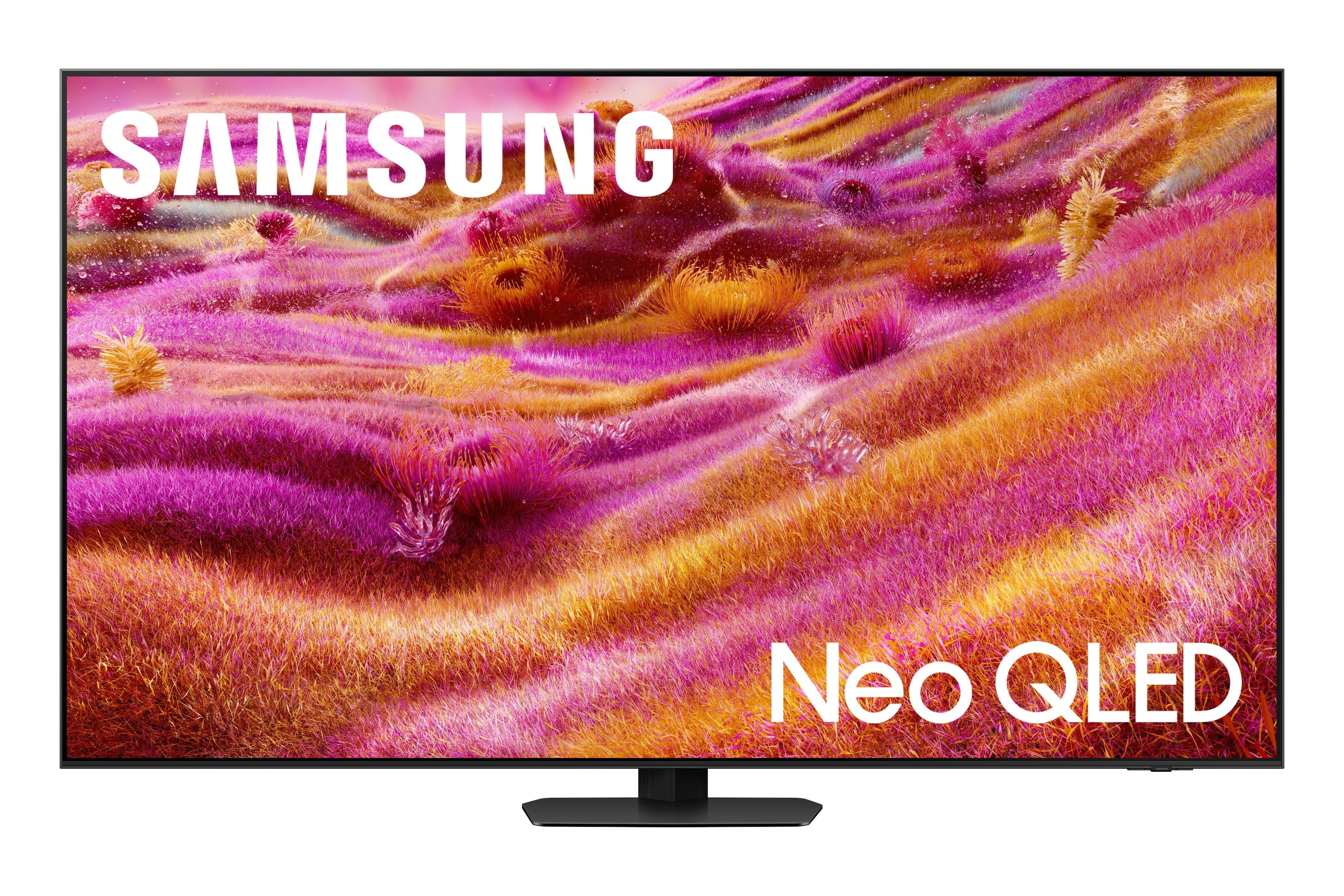
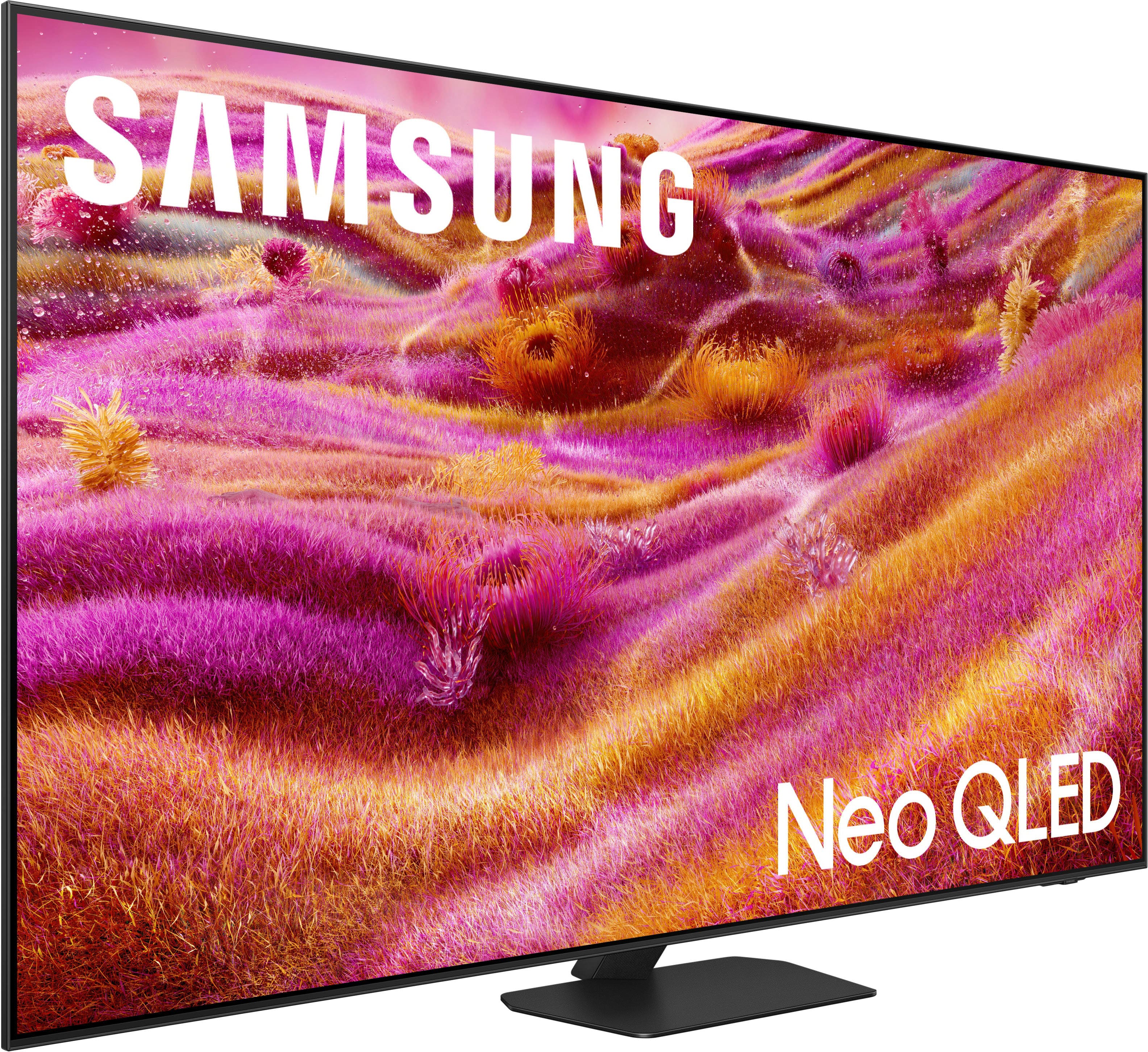
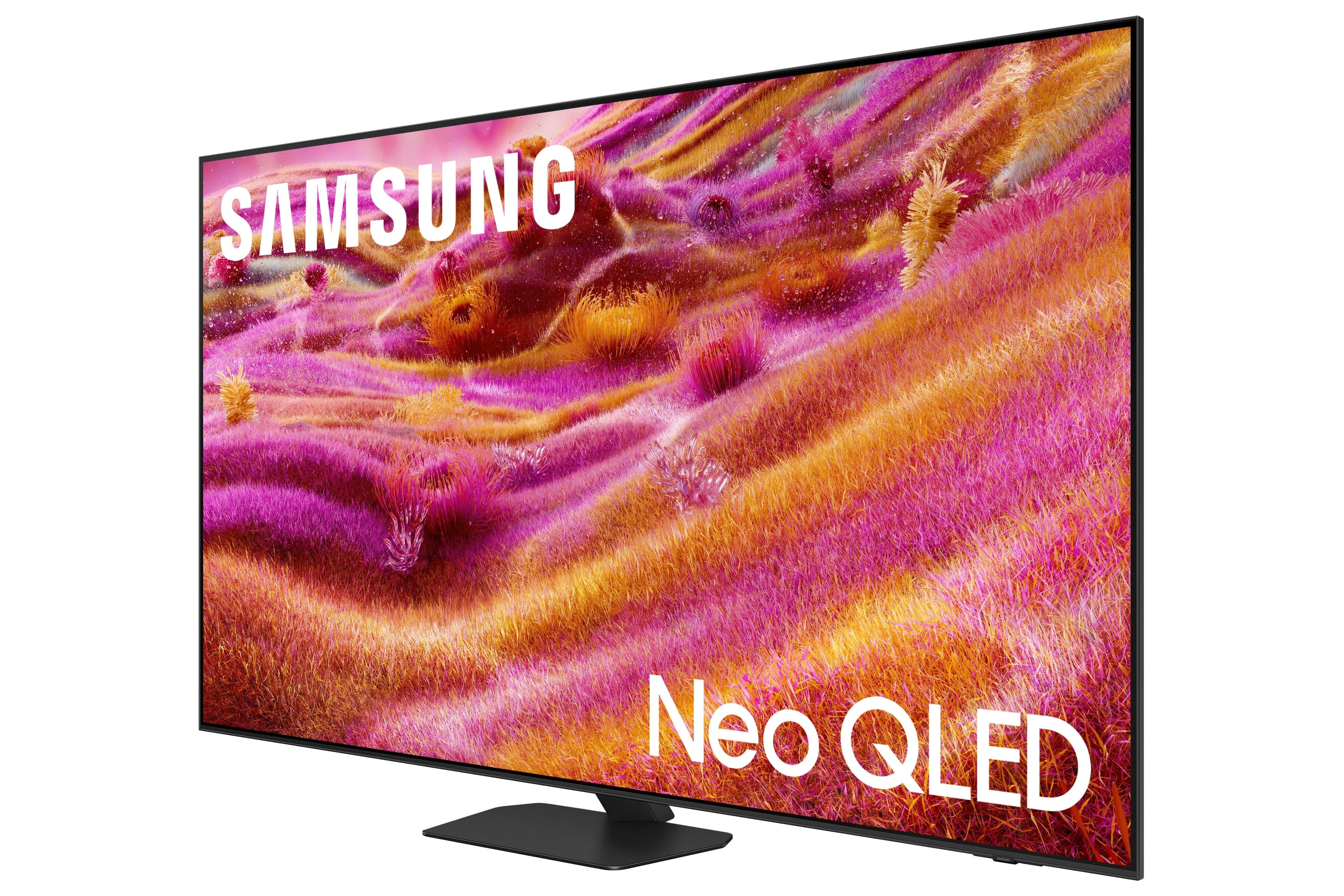
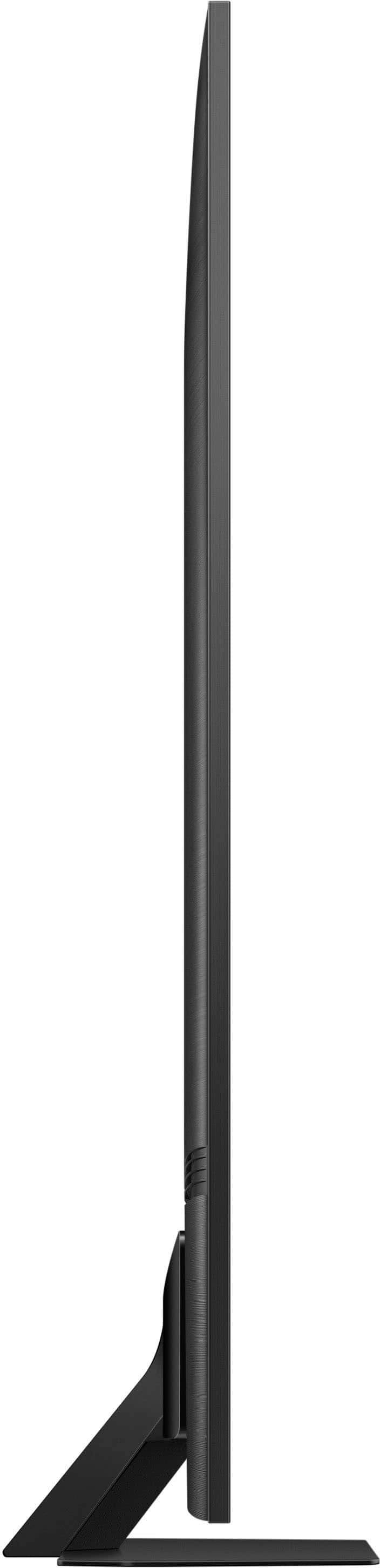






- Model:
- QN65QN90FAFXZA
- SKU:
- 6613496
Rating by feature
- Picture Quality
Rating 4.7 out of 5 stars
- Sound Quality
Rating 4.5 out of 5 stars
- Brightness
Rating 4.8 out of 5 stars
to a friend
Customers are saying
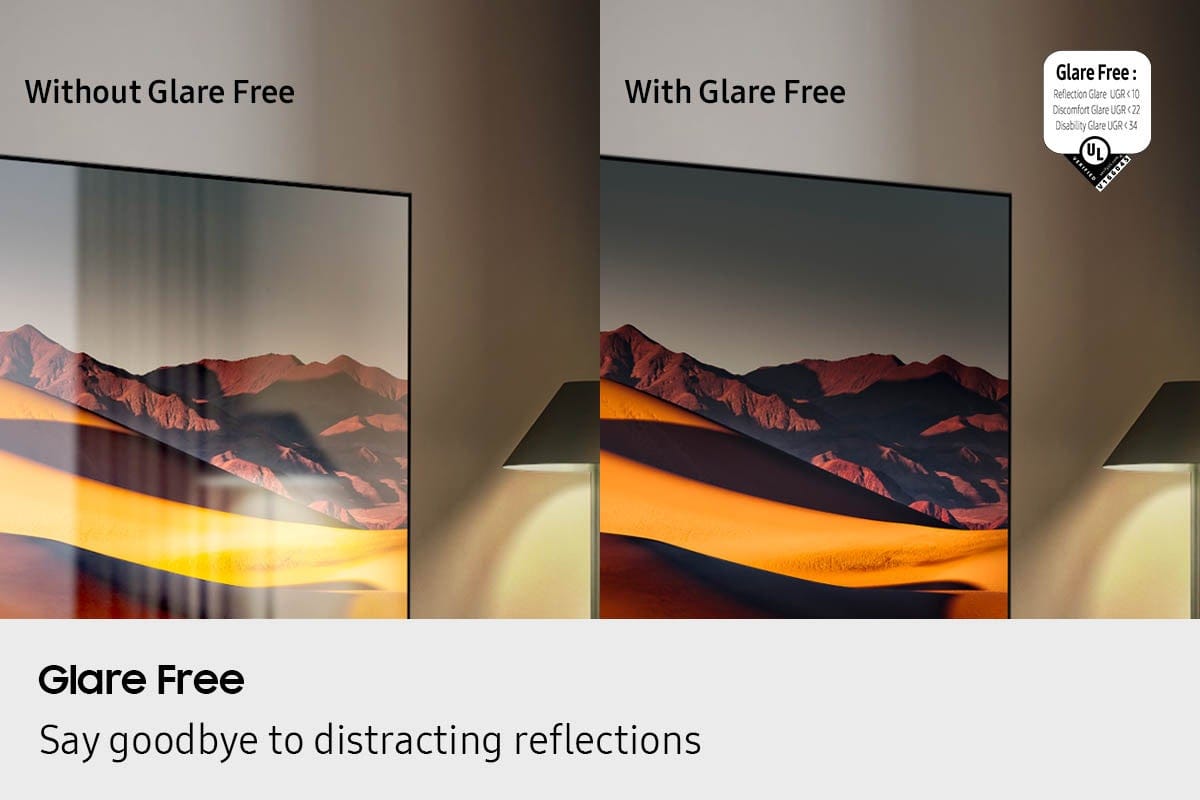
Customers commend the 65” Class QN90F Series Neo QLED TV for its excellent picture quality and glare reduction. The matte screen is a welcomed feature. Some customers also appreciate the design, noting the remote is a nice size.
This summary was generated by AI based on customer reviews.
Awesome SSTV!
Posted .This reviewer received promo considerations or sweepstakes entry for writing a review.Absolutely amazing TV! Wow such picture quality, and in a room with lots of sunlight, even with blinds. Amazing sound and picture and lots of great features, like AI and others.
I would recommend this to a friendGreat TV, price could be better
Posted .This reviewer received promo considerations or sweepstakes entry for writing a review.Very expensive but if you have a window in your living room giving you glare problems, it doesn’t get any better.
I would recommend this to a friendExcellent for the Price
Posted .This reviewer received promo considerations or sweepstakes entry for writing a review.Excellent picture quality even in a brightly lit room. Very pleased.
I would recommend this to a friendOK, not great
Posted .This reviewer received promo considerations or sweepstakes entry for writing a review.There are better options at this price point. Home screen and remote control not very intuitive or user friendly
No, I would not recommend this to a friendAmazing TV
Posted .This reviewer received promo considerations or sweepstakes entry for writing a review.My old tv was located on a brightly lit room and it was frustrating watching darkly lit horror movies or shows. Did some research and found the anti glare technology interesting. Finally descided to buy it and was blown away by the brightness and anti glare. Highly recommended if facing the same glare issue.
I would recommend this to a friendSamsung NeoQLED
Posted .This reviewer received promo considerations or sweepstakes entry for writing a review.Excellent TV, bright, good picture quality and sound, and the screen has minimal reflection from light.
I would recommend this to a friendNot a happy customer
Posted .This reviewer received promo considerations or sweepstakes entry for writing a review.The Tv is fine . I have had issues with the connection that I have been told it’s my cable provider not the tv. However, your customer service representative was very rude and not professional in helping me. I am done with Best Buy
No, I would not recommend this to a friend65 qn90f
Posted .This reviewer received promo considerations or sweepstakes entry for writing a review.Great screen. Picture quality is excellent. Matte finish looks great.
I would recommend this to a friendExcellent customer service
Posted .This reviewer received promo considerations or sweepstakes entry for writing a review.Excellent customer service. Delivered on time and expert installation.
I would recommend this to a friendTV problem
Posted .This reviewer received promo considerations or sweepstakes entry for writing a review.Not happy with TV and installation, the sound volume fluctuates Sometimes it is loud and sometimes it’s low. Commercials are not the same volume as programs… Was not happening with the TV that was replaced.
No, I would not recommend this to a friendBrand response from Samsung
Posted .DavidO,
Thank you for sharing your experience with volume fluctuations on your TV. Here are a few steps that may help resolve the issue:
1. Turn off the Sound Sensor: Use the button located beneath the Samsung logo on the bottom of the TV. With the TV powered on, press the button to the left to turn the sensor on or to the right to turn it off.
2. Disable AI Sound Features: Some AI functions automatically analyze and adjust sound, which may cause volume to fluctuate. To disable these: Settings > All Settings > Advanced Features > AI Mode Settings > AI Mode. You can turn off all AI functions at once or toggle each setting individually.
3. Check for Firmware Updates: Keeping your TV up to date may improve audio performance: Settings > Support > Software Update > Update Now
If the issue continues after these steps, please contact Samsung Support for further assistance at 1-800-SAMSUNG (8AM – 9PM EST Mon – Fri, 8AM – 6PM Sat – Sun). LiveChat and additional support resources are also available through the Support link on our website.
Popping noise
Posted .This reviewer received promo considerations or sweepstakes entry for writing a review.The TV has a popping noise every time it gets turned on. This is a common thing with this television.
No, I would not recommend this to a friendBrand response from Samsung
Posted .RobertD,
Thank you for your review of the Samsung QN90F TV. A light popping or clicking sound may occasionally be heard due to the natural expansion and contraction of the TV’s outer casing as it warms up or cools down.
Please know that this is not a defect and does not indicate a malfunction. It’s a normal part of the TV’s operation, and your TV remains completely safe to use.
If you have any other questions, we’re here to help - please contact Samsung Support at 1-800-SAMSUNG, 8AM – 12AM EST, 7 days a week. LiveChat and additional support resources are also available through the Support link on our website.
~ Samsung Specialist
Best Buy cannot handle customers who own more than
Posted .This reviewer received promo considerations or sweepstakes entry for writing a review.Purchased a TV to be installed by Geek Squad in our SC home. On day of install, the technician called to say the would be at our home in Connecticut shortly. I called the 800 number and was told only the store could help. Went back and they could not install before we went back to Ct so we cancelled the order. The store manager told me that is a common problem with their system changing delivery addresses for people who own more than one home. Needless to say we will never use Geek Squad or purchase from Best Buy again.
No, I would not recommend this to a friendBrand response from Samsung
Posted .It appears your 1-star review for the Samsung QN90F TV is based on your experience with Best Buy, and we’re sorry to hear that. We recommend contacting the store directly to share your feedback.
If you need help with the TV itself, Samsung Support is available at 1-800-SAMSUNG, 8AM – 12AM EST, 7 days a week, or via LiveChat under the ‘Support’ section of our website.
~ Samsung Specialist
samsung
Posted .This reviewer received promo considerations or sweepstakes entry for writing a review.absolutely horrible colors and focus bad from the moment it was turned on delivery guys said my box. which had no problem with the one they replaced best buy kicked me to samsung. No help at all. 3 weeks have gone by and samsung just contacted me about a service man to come out. No need bought a sony and it was installed 8/11 Worked beautifully from the monent it was turned on geek guys were messy and seemed like they were new at installing
No, I would not recommend this to a friendBrand response from Samsung
Posted .Hello,
Thank you for sharing your experience with the TV and service process. We're sorry the service appointment didn’t meet your timeline expectations. For any installation or delivery concerns, we recommend contacting Best Buy directly.
If you choose to try another Samsung TV down the road, we're happy to help at 1-800-SAMSUNG, available daily from 8AM - 12AM EST. You can also chat with a LiveChat agent by clicking the ‘Support’ link on our website for:
• Live Chat
• Manuals, Software, & Warranty Info
• Creating a Service ticket
~ Samsung Specialist