Customer Ratings & Reviews

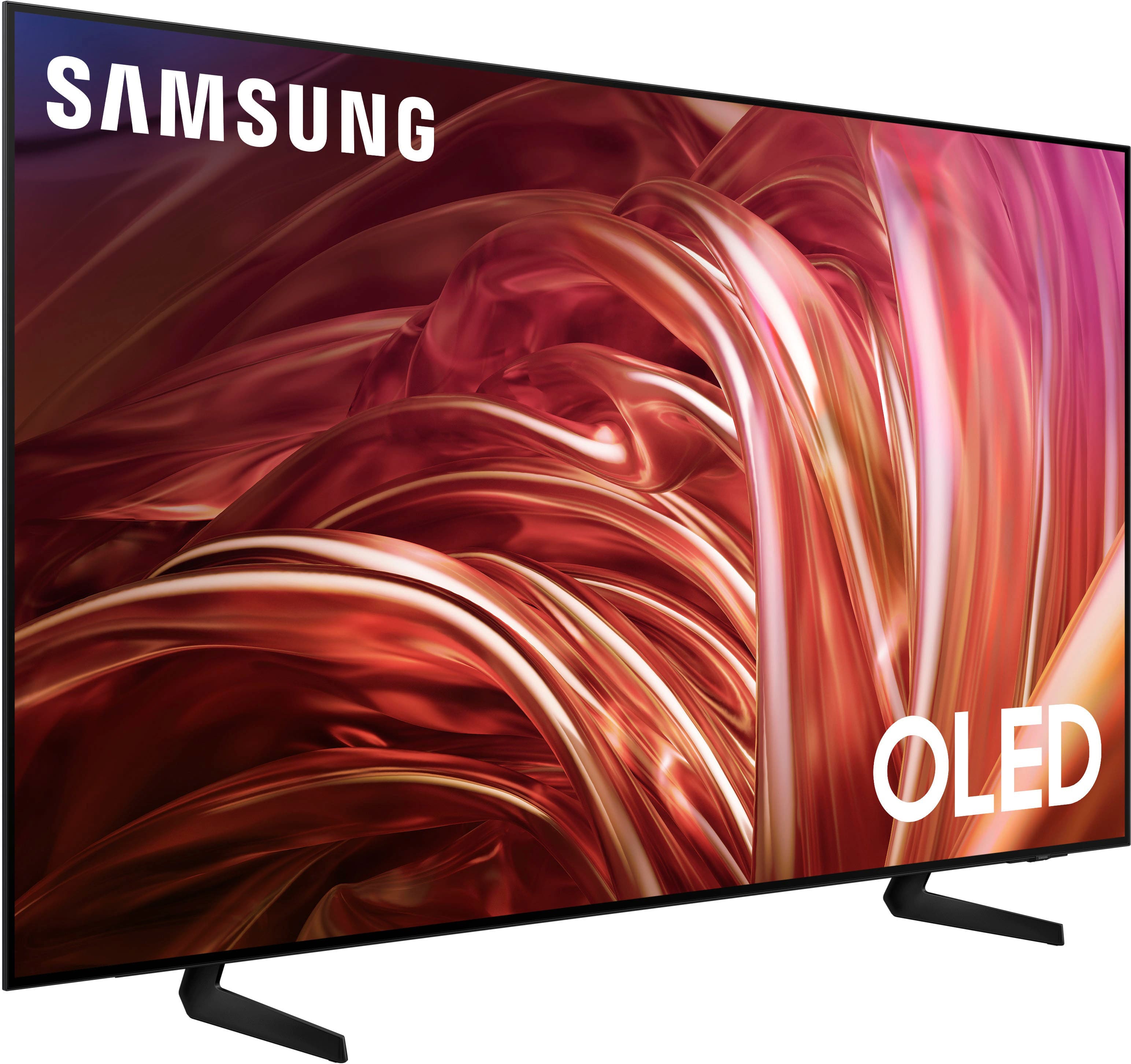
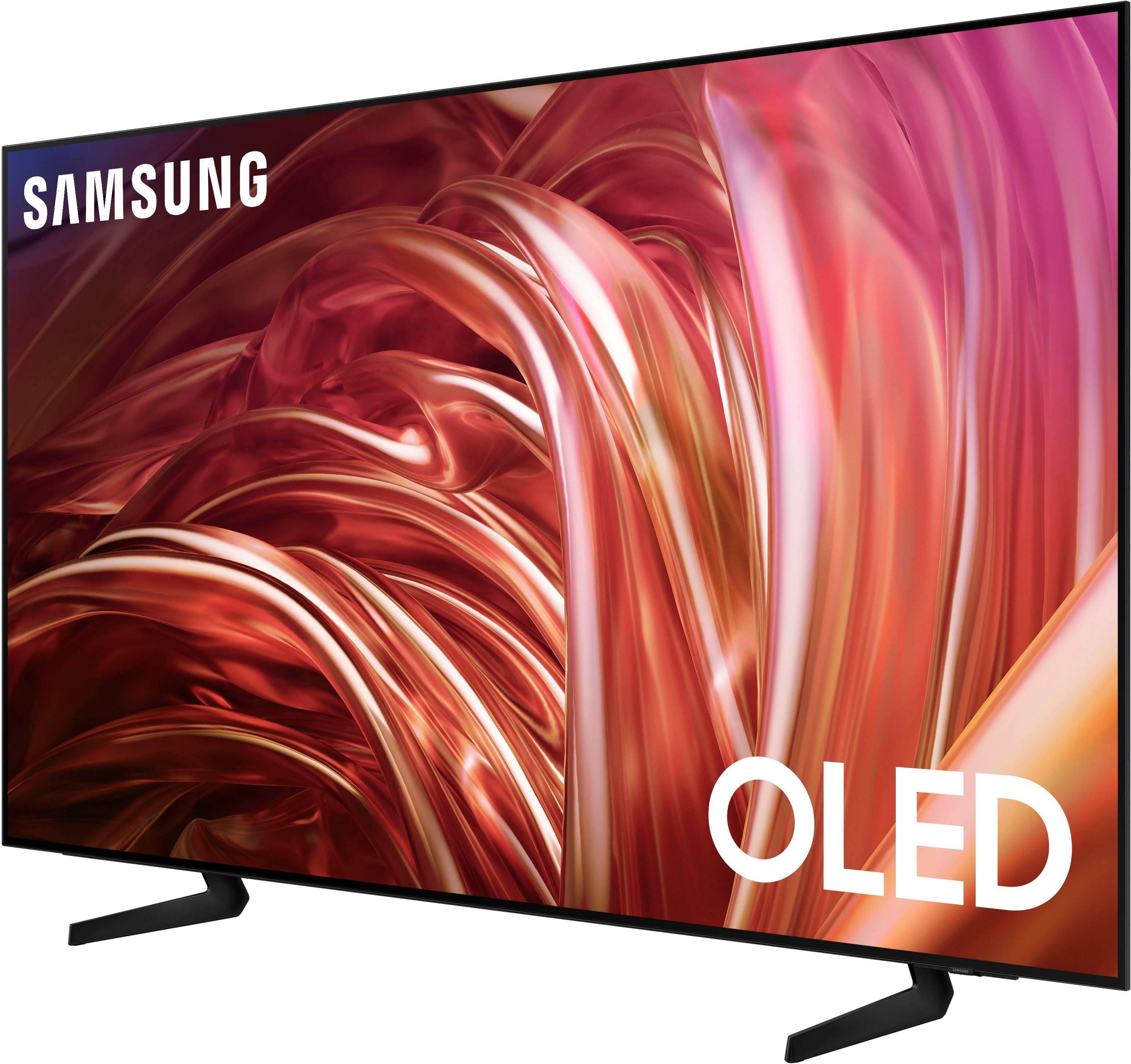
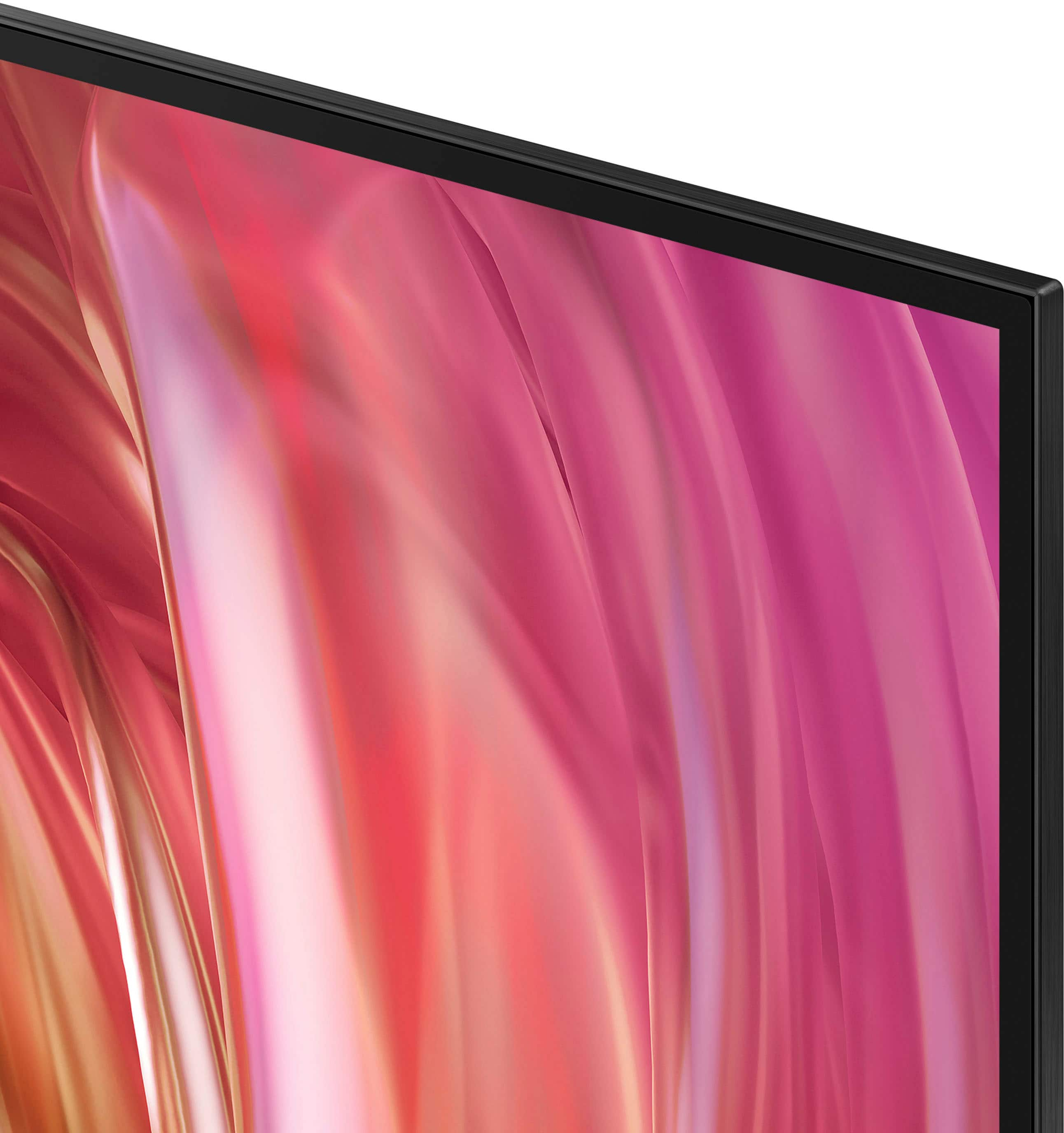
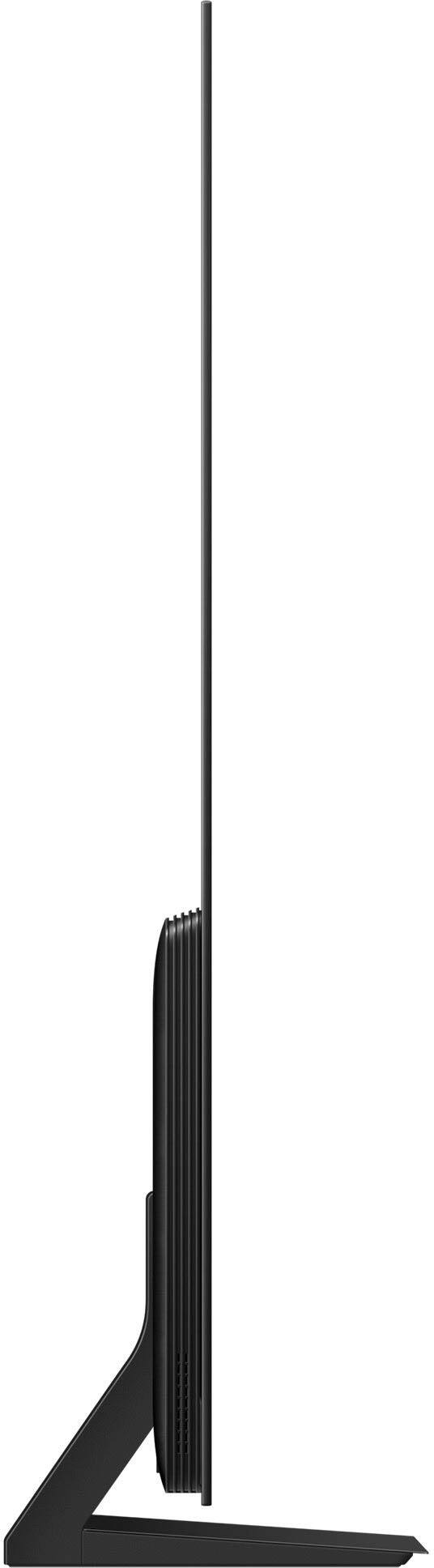











- Model:
- QN65S85DAEXZA
- SKU:
- 10187658
Rating by feature
- Picture Quality
Rating 4.8 out of 5 stars
- Sound Quality
Rating 4.5 out of 5 stars
- Brightness
Rating 4.8 out of 5 stars
to a friend
Volume issue
||Posted . Owned for 1 month when reviewed.This reviewer received promo considerations or sweepstakes entry for writing a review.Sound while watching different shows comes on very loud and then reverts back to very soft.
No, I would not recommend this to a friendBrand response from Samsung
Posted .CathleenR,
Thank you for sharing your experience with volume fluctuations. Please try the following which may help resolve this:
1. Turn off the Sound Sensor switch by using the button at the bottom of the TV, beneath the Samsung logo. With the TV on, you can push the button to the left to turn the sound sensor on or to the right to turn it off.
2. Try disabling some of the TV's intelligent functions, as these will automatically analyze and adjust your sound which may cause your volume to fluctuate. Go to Settings > All Settings > General & Privacy > Intelligent Mode Settings and select Intelligent Mode to turn off all the functions or select each option to turn it off.
3. Please also make sure your TV’s firmware is updated. You can check this by going to: Menu > Settings > Support > Software Update.
I hope these tips help. If you need further assistance, please reach out to Samsung Support at 1-800-SAMSUNG, 8AM - 12AM EST, 7 days a week. Or visit us on the Samsung website and click on the ‘Support’ link for:
• LiveChat
• Manuals, Software, & Warranty Info
~ Samsung Specialist
Defective
||Posted . Owned for 2 months when reviewed.This reviewer received promo considerations or sweepstakes entry for writing a review.Picture went black after 10 weeks and no help provided
No, I would not recommend this to a friendBrand response from Samsung
Posted .MaryD,
We appreciate you sharing your experience with your S85D TV. We recommend you contact Best Buy Customer Support or your local Best Buy store directly for assistance in correcting this situation. We hope your issue is resolved in a timely manner.
Should you have questions or concerns regarding the usage or setup of your TV once your issue has been resolved, please contact Samsung Customer Support at 1-800-SAMSUNG, 8AM - 12AM EST, 7 days a week. Or visit us on the Samsung website and click on the ‘Support’ link for:
• LiveChat
• Manuals, Software, & Warranty Info
~ Samsung Specialist
control freak!
||Posted . Owned for 1 month when reviewed.This reviewer received promo considerations or sweepstakes entry for writing a review.this TV takes charge of your cable box , you turn this TV off it turns off your cable box, any other TV has to connect to IPS.
No, I would not recommend this to a friendBrand response from Samsung
Posted .DennisA,
Thank you for your review. If you're having issues with externally connected devices turning on/off when you turn your TV on/off, please make sure Anynet+ is enabled. To turn on Anynet+ (HDMI-CEC), go to: Settings > All Settings > Connection > External Device Manager > Anynet+ (HDMI-CEC) = ON.
If you need more help with this function, Samsung is here for you. Please call us at 1-800-SAMSUNG, 8AM - 12AM EST, 7 days a week. Our LiveChat agents are also available by clicking on the ‘Support’ link on our website.
~ Samsung Specialist
Great picture!
Posted .This reviewer received promo considerations or sweepstakes entry for writing a review.I was looking for a tv with a great picture with wide viewing angles. This tv exceeded both expectations!
I would recommend this to a friendSamsung S85D
Posted .This reviewer received promo considerations or sweepstakes entry for writing a review.Very high quality TV for this price point, especially as an OLED. Accepting that it is an entry level OLED, this TV performs very well across a wide spectrum of experiences - sports, movie, and gaming. Only knock is that it operates a bit slower than desired.
I would recommend this to a friendTelevision
Posted .This reviewer received promo considerations or sweepstakes entry for writing a review.Great value, great quality and works great. Easy to install
I would recommend this to a friendTV
Posted .This reviewer received promo considerations or sweepstakes entry for writing a review.Good quality, great sound ! I’d definitely recommend it
I would recommend this to a friendWAS SHIPPED A RETURNED TV!!
Posted .This reviewer received promo considerations or sweepstakes entry for writing a review.I received an open box item with someone logged in when this is listed as new. After calling customer service to have the price adjusted since the tv was working, I was transferred around 6 times for about 40 minutes. Do not buy from bestbuy period, they lie on what you are buying…
No, I would not recommend this to a friendBrand response from Samsung
Posted .Chris,
We appreciate you sharing your experience; however, we recommend you contact Best Buy directly for assistance in correcting this situation. We hope your issue is resolved in a timely manner.
Should you have any questions or need help with your TV once your issue has been resolved, please reach Samsung Support at 1-800-SAMSUNG, 8AM - 12AM EST, 7 days a week. Our LiveChat agents are also available by clicking on the ‘Support’ link on our website.
~ Samsung Specialist
terrible
Posted .This reviewer received promo considerations or sweepstakes entry for writing a review.TV came in damaged. Screen has vertical lines on both sides. impossible to get an American on the phone to help with this issue
No, I would not recommend this to a friendBrand response from Samsung
Posted .JohnV,
We appreciate you sharing your delivery experience and having received a damaged unit. We recommend you contact Best Buy directly for assistance in correcting this situation. We hope your issue is resolved in a timely manner.
Should you have questions regarding the usage or setup of your TV once your issue has been resolved, please contact Samsung Support at 1-800-SAMSUNG, 8AM - 12AM EST, 7 days a week. Our LiveChat agents are also available by clicking on the ‘Support’ link on our website.
~ Samsung Specialist