Customer Ratings & Reviews
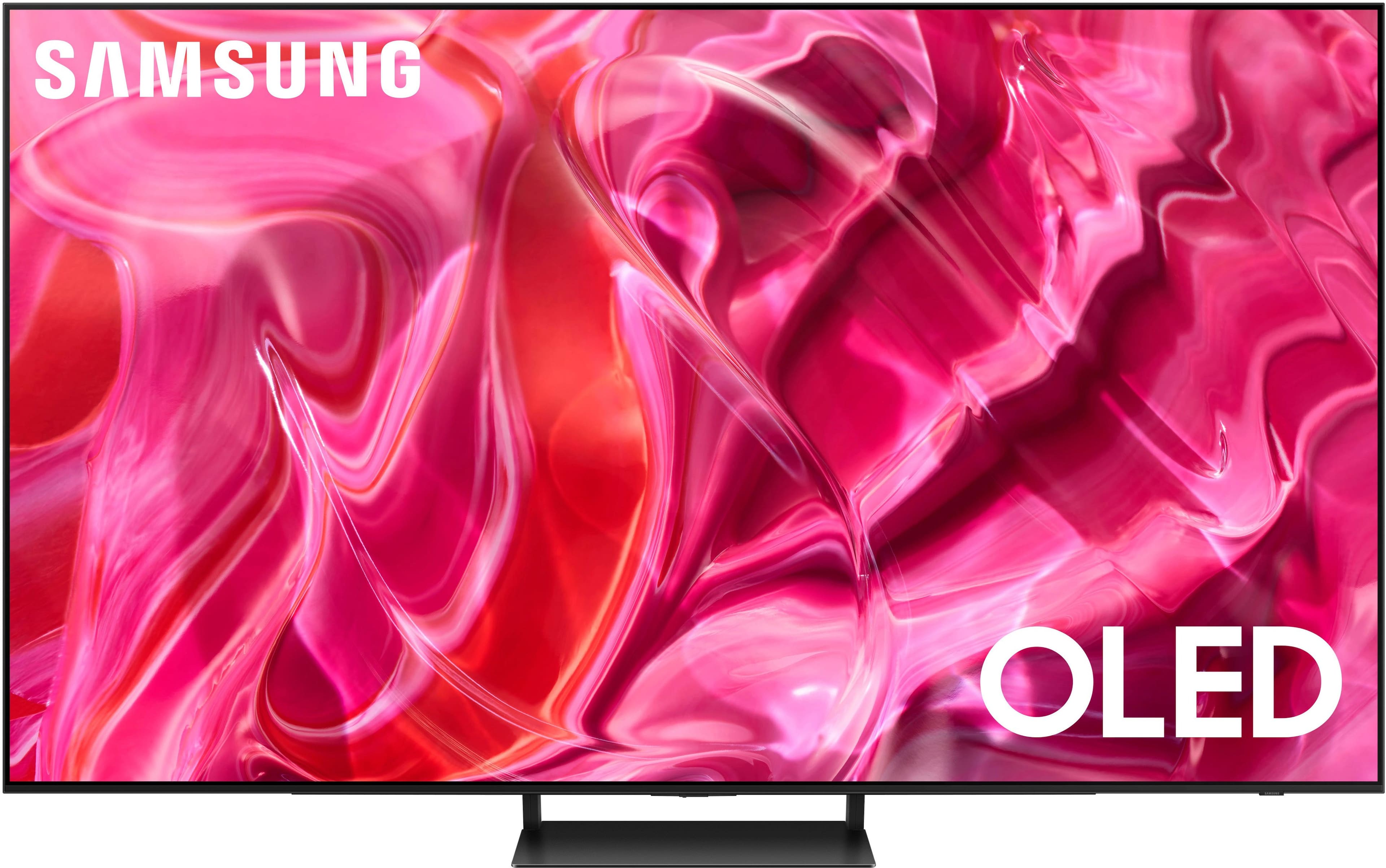
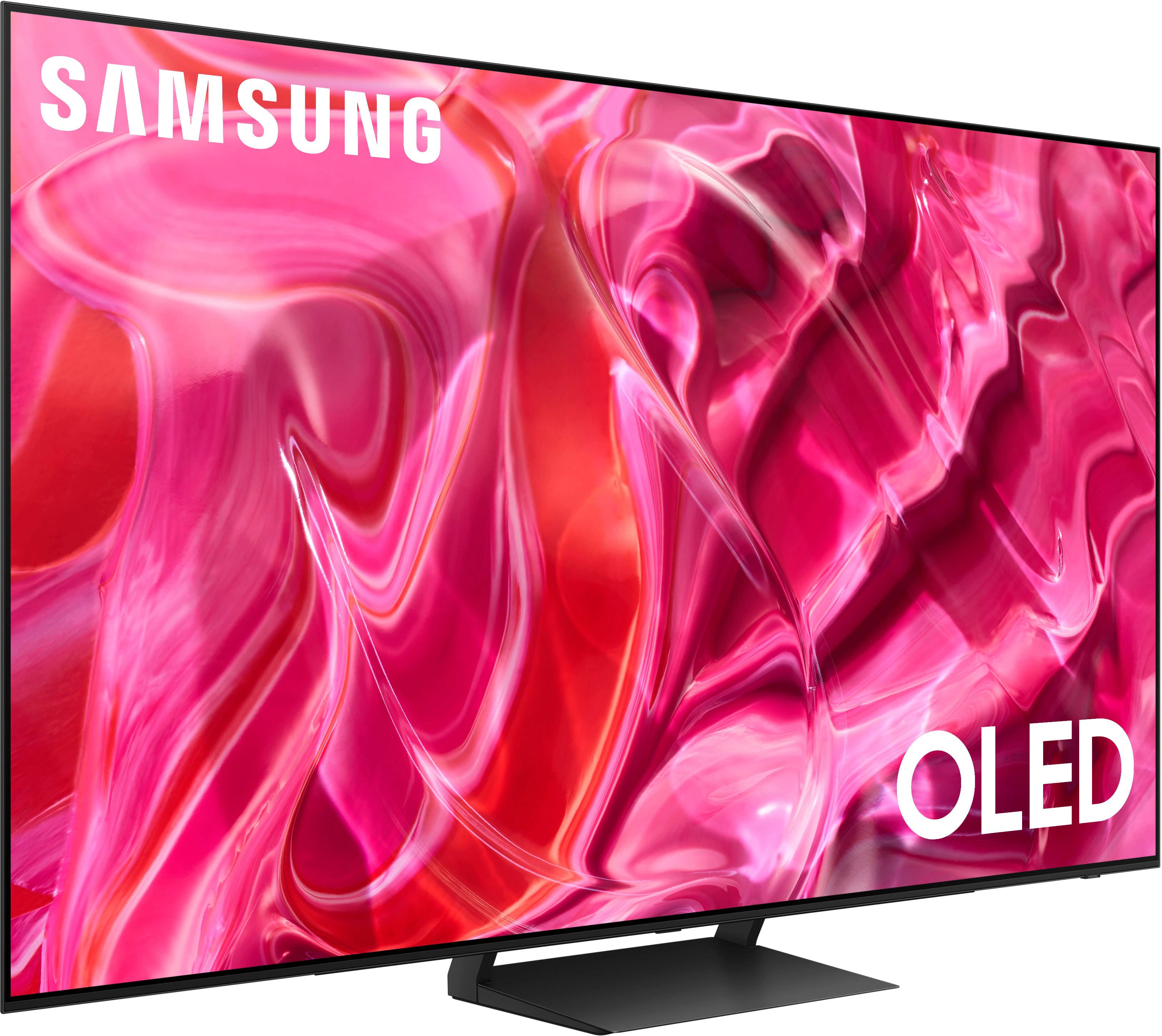





- Model:
- QN65S90CAFXZA
- SKU:
- 12496005
Rating by feature
- Picture Quality
Rating 4.9 out of 5 stars
- Sound Quality
Rating 4.5 out of 5 stars
- Brightness
Rating 4.9 out of 5 stars
to a friend
Amazing 4K TV.
||Posted . Owned for 1 month when reviewed.This reviewer received promo considerations or sweepstakes entry for writing a review.When our 55" 1080p LG started to die, we decided we would upgrade to a modern TV and we couldn't be happier, this TV is crisp, clean, has all the bells and whistles, any app you could hope for, a great gaming mode for consoles. The only hitch is when connecting to a computer that supports 4k, you need to make sure your HDMI cable is 4k compatible, otherwise it can cause issues with rendering. We love, love, love this TV!
I would recommend this to a friendGreat tv and affordable
||Posted . Owned for 1 week when reviewed.This reviewer received promo considerations or sweepstakes entry for writing a review.Best tv I’ve ever had and the BRIGHTEST tv of all. Prettiest picture and easy UI:)
I would recommend this to a friendWow
||Posted . Owned for less than 1 week when reviewed.This reviewer received promo considerations or sweepstakes entry for writing a review.Bought and delivered a couple days ago. The qd oled panel is the 2nd gen panel that gets brighter (65' and below had some 1st gen panels, i think they are phased out). Get on YouTube and pay a $5 subscription to QuantumTV and get the sdr and hdr color calibration settings he has. Really makes the color pop and by far is worth $5 for adjusting white levels and such. Very happy with purchase.
I would recommend this to a friendGreat tv
||Posted . Owned for 3 weeks when reviewed.This reviewer received promo considerations or sweepstakes entry for writing a review.Great upgrade for my living room, picture is amazing and set up was very easy. Sound's great with my samsung soundbar and sub too
I would recommend this to a friendClear picture, odd quirks.
||Posted . Owned for 1 month when reviewed.This reviewer received promo considerations or sweepstakes entry for writing a review.Beautiful picture quality, but the TV has some odd habits regarding turning on/off in relation to a connected device, and the lack of functionality buttons on the remote makes navigation harder (such as changing the input).
I would recommend this to a friendBrand response from Samsung
Posted .EricH,
Thank you for your review. Anynet+ controls external devices that are connected to the TV via an HDMI cable and will turn on/off when you turn the TV on/off. To turn on Anynet+ (HDMI-CEC), go to: Settings > All Settings > Connection > External Device Manager > Anynet+ (HDMI-CEC) = OFF.
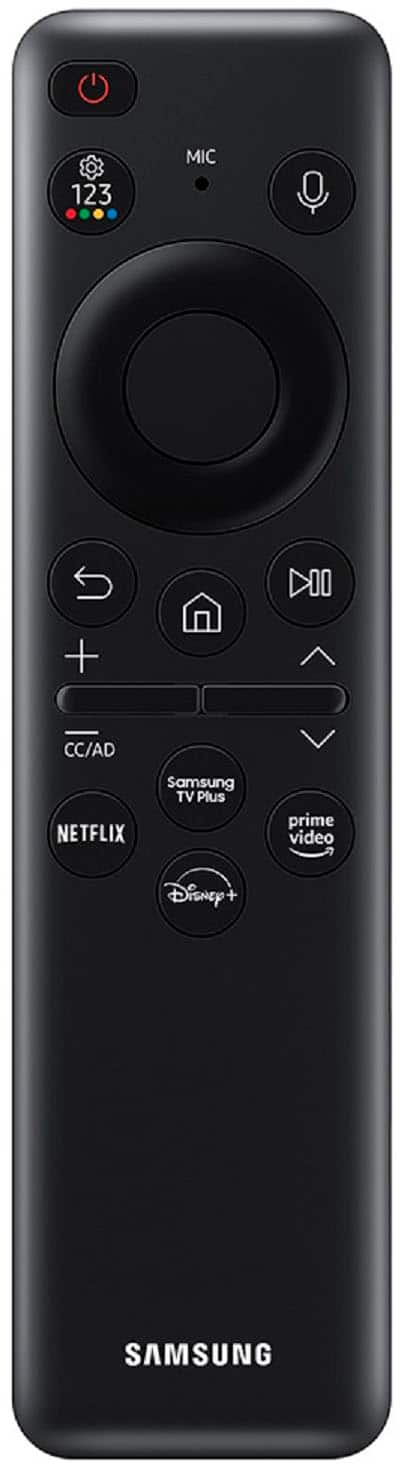
Please know you can quickly access your TV Settings by pressing the Settings/Number/Color button (below the power button) on your remote. Quick Settings can be used to quickly configure frequently used functions, and each time you press this button, the Settings menu/Virtual number pad/Color pad options are displayed alternately.
1. Press the Settings/Number/Color button on your remote.
2. Press the UP directional button on your remote. When you press this button, the Settings menu/Virtual number pad/Color pad are displayed.
3. From the Settings menu, you can quickly set the options of your frequently used functions. For advanced settings, select All Settings.
If you need more help, Samsung is here for you. Please call us at 1-800-SAMSUNG, 8AM - 12AM EST, 7 days a week. Our LiveChat agents are also available by clicking on the ‘Support’ link on our website.
~ Samsung Specialist
Very please with this TV
||Posted . Owned for 1 month when reviewed.This reviewer received promo considerations or sweepstakes entry for writing a review.My old TV was on it's last leg, having been with me for 10+ years. I decided on this TV. I mostly use it to game, but I do watch TV on it as well. Pros for me: Picture quality is top notch. When i'm gaming, picture quality is just amazing! The out of the box calibration is pretty good - there is some room for improvement, but not necessary. TV Sound is also not bad, although I do now have soundbar and speakers attached. Some Cons were the Tizen smart interface, it's slow and not intuitive. Oversaturation can be an issue depending on the mode you're using. Overall, I'm very pleased with this purchase so far.
I would recommend this to a friendBrand response from Samsung
Posted .AdrianaM,
We appreciate your feedback on the response time, and for optimal performance, we ask that you please ensure you've got the latest firmware version installed on your xxx TV. You can check this by going to: Home > Menu > Settings > Support > Software Update.
You may also want to further optimize performance with the self-diagnostic tool, which checks memory, frees up unused cached memory, and closes background apps. Go to: Home > Menu > Settings > Support > Device Care > Start Device Care
Also, if the Picture Modes aren't too your liking, please know you can also fine-tune your picture with expert settings such as brightness, contrast, sharpness and more (All Settings > Picture > Expert Settings).
I hope these tips help you enjoy your new product.
You can always contact us for further help at 1-800-SAMSUNG, 8AM - 12AM EST, 7 days a week. Our LiveChat agents are also available by clicking on the ‘Support’ link on our website.
~ Samsung Specialist
Great TV for movie night and Sports
||Posted . Owned for 1 month when reviewed.This reviewer received promo considerations or sweepstakes entry for writing a review.The picture quality is phenomenal; the sound is better than I expected. The refresh rate is perfect for sports.
I would recommend this to a friendYou won't be sorry.
||Posted . Owned for less than 1 week when reviewed.This reviewer received promo considerations or sweepstakes entry for writing a review.Upgraded from my 55" LG E7. While I really liked that TV, this is a notable upgrade. I do prefer the LG menu system over Samsung, but overall, (especially at the sale price that Best Buy was offering), this was the right option. I primarily chose to go with Samsung as I have the Samsung q990b soundbar. The pairing of the two of these with Q-Symphony is very noticeable and is quite the amazing experience.
I would recommend this to a friendExcellent Television
||Posted . Owned for 1 month when reviewed.This reviewer received promo considerations or sweepstakes entry for writing a review.TV has an absolutely amazing picture, great color and contrast. Nice sound for the TV speakers themselves for those that don't want an external sound system. Bluetooth makes it easy to hook up headphones for silent listening or external audio. OS is really user freindly. Remote control is the best out there in my opinion, really simple and easy to use just by feel, and even a solar panel on the back for charging! Awesome set.
I would recommend this to a friendWonderful TV
||Posted . Owned for 3 weeks when reviewed.This reviewer received promo considerations or sweepstakes entry for writing a review.Got for open box but pretty new. Excellent quality picture and colors are awesome
I would recommend this to a friendGreat picture quality but be cautious.
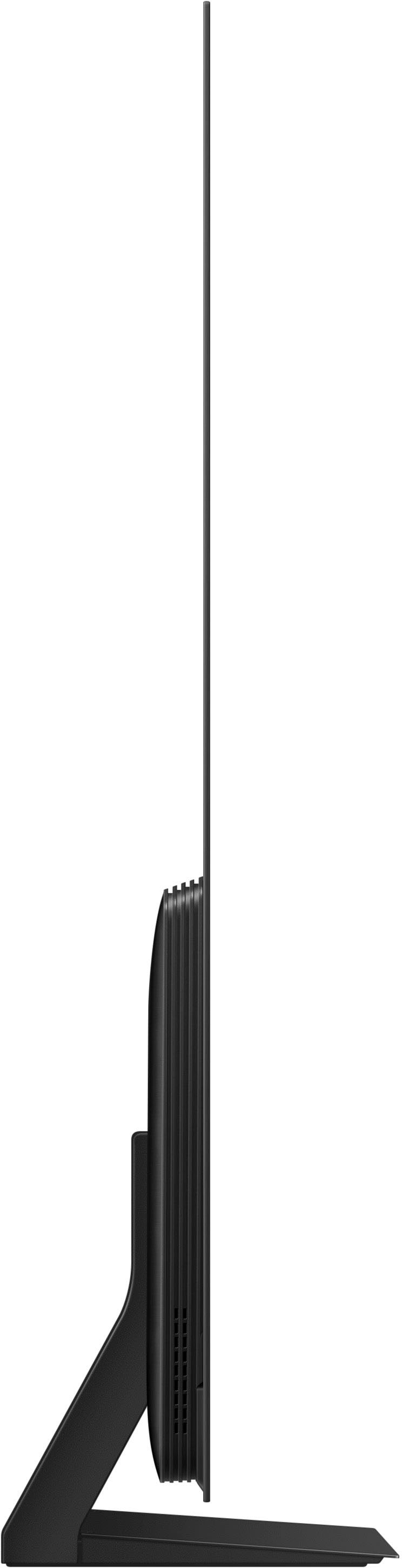
||Posted . Owned for 3 weeks when reviewed.This reviewer received promo considerations or sweepstakes entry for writing a review.The picture quality is amazing! I like the fact that the tv is thin and easy to set up. Word of caution, when setting up. Avoid doing the phone set up option. Some apps don't work well with that set up and your TV will go on screen saver every 5 minutes. It took me a hard reset and skipping phone set up to fix the issue.
I would recommend this to a friend- ||Posted . Owned for 3 weeks when reviewed.This reviewer received promo considerations or sweepstakes entry for writing a review.
We love the TV. Clarity and color are great. The Geek Squad was great with the setup and install. Very friendly and helpful
I would recommend this to a friend Excellent
||Posted . Owned for 1 month when reviewed.This reviewer received promo considerations or sweepstakes entry for writing a review.I love it. Picture looks amazing and the blacks are better than any other TV I've ever seen. Definitely worth it
I would recommend this to a friendThumbs up!
||Posted . Owned for 1 month when reviewed.This reviewer received promo considerations or sweepstakes entry for writing a review.Happy with my purchase. My first smart tv so I have nothing to compare it to but I have had it a month now and no problems. Great picture. Sound is ok but external speakers may be on the horizon. Had it delivered and set up by the geek squad. Was a little pricey but i don’t regret it. They did a fine job and were prompt and nice. This replaces a 46 inch Samsung I bought in 2008. Hope I get many happy years out of this one.
I would recommend this to a friendOutstanding quality
||Posted . Owned for 7 months when reviewed.This reviewer received promo considerations or sweepstakes entry for writing a review.This TV's color is amazing. The sound is really great too and I am not at all dissapointed.
I would recommend this to a friendSamsung s90c
||Posted . Owned for less than 1 week when reviewed.This reviewer received promo considerations or sweepstakes entry for writing a review.Amazing tv. Mostly use for gaming. Tv gets very bright. Well worth the price
I would recommend this to a friendLove This Set!
||Posted . Owned for 3 weeks when reviewed.This reviewer received promo considerations or sweepstakes entry for writing a review.Replaced a LG OLED C class that had a burn in. The Samsung is sharper, brighter and the colors truer and sound amazing. Had a few glitches when first setting up but it turned out to be the settings on my Roku needed to be manually set vs using the automatic match. People complain about the interface and remote but honestly, once u get used to it, its streamlined easy and intuitive. Glad we made the switch. Would highly recommend!
I would recommend this to a friendMust buy
||Posted . Owned for 1 month when reviewed.This reviewer received promo considerations or sweepstakes entry for writing a review.I love this tv the picture is amazing the smart tv functionality is very responsive. Gaming is exceptional
I would recommend this to a friendFantastic television, superb quality
||Posted . Owned for 1 week when reviewed.This reviewer received promo considerations or sweepstakes entry for writing a review.The crew from Best Buy installed this beautiful television and sound bar at my home today. I’m writing this review from my study where I am enjoying the new television. All I can say is this is the most beautiful television I could ever have expected. I’m glad I got the bigger 65 inch television—the wall can certainly handle the size. Looking forward to enjoying my first new television purchase in over 15 years. I’m so glad I splurged and bought this fantastic television. .
I would recommend this to a friendGreat pic
||Posted . Owned for 3 weeks when reviewed.This reviewer received promo considerations or sweepstakes entry for writing a review.Great picture and sound.fits right in our entertainment center. Was very easy to set up and connect to the internet
I would recommend this to a friend