Customer Ratings & Reviews
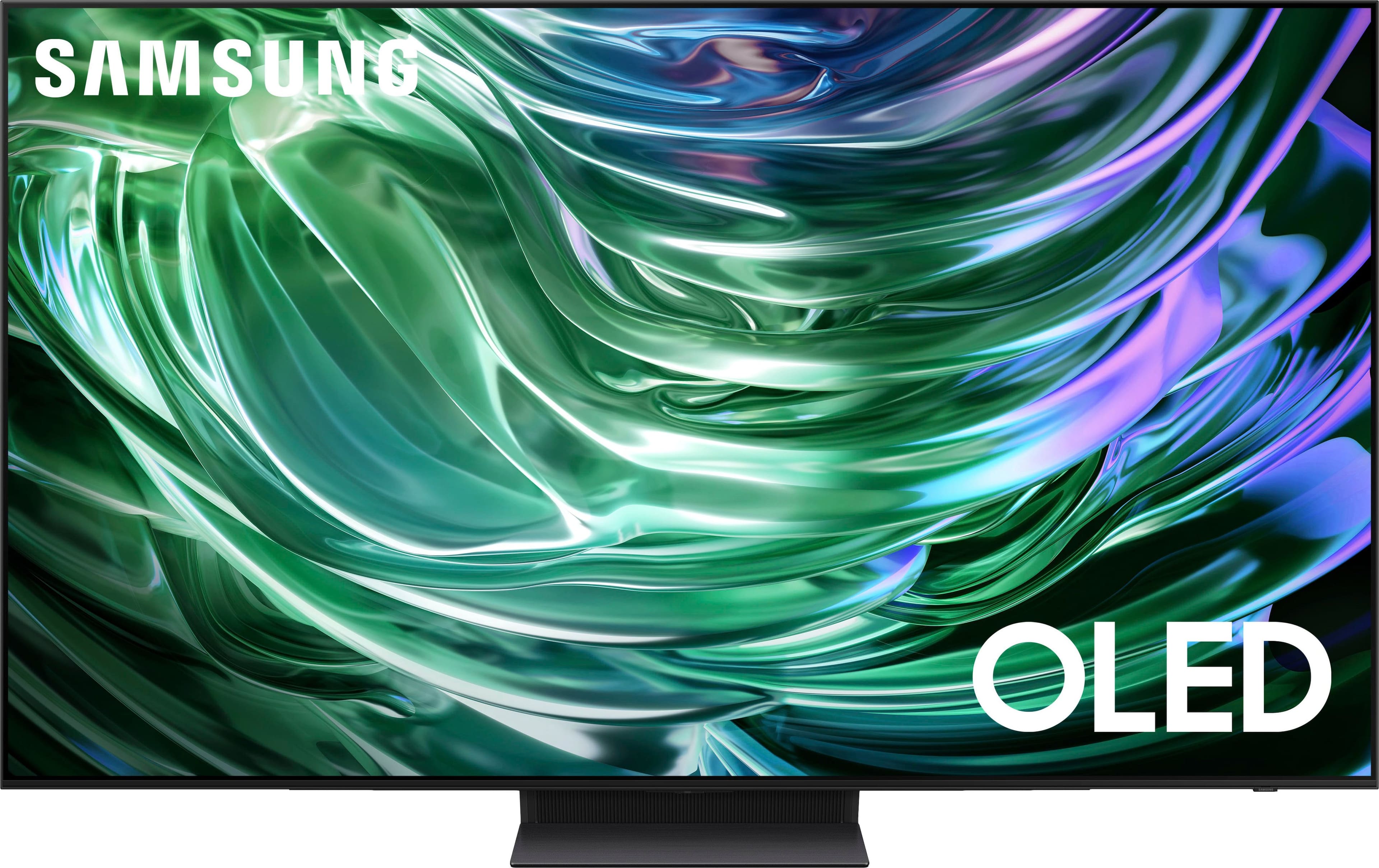
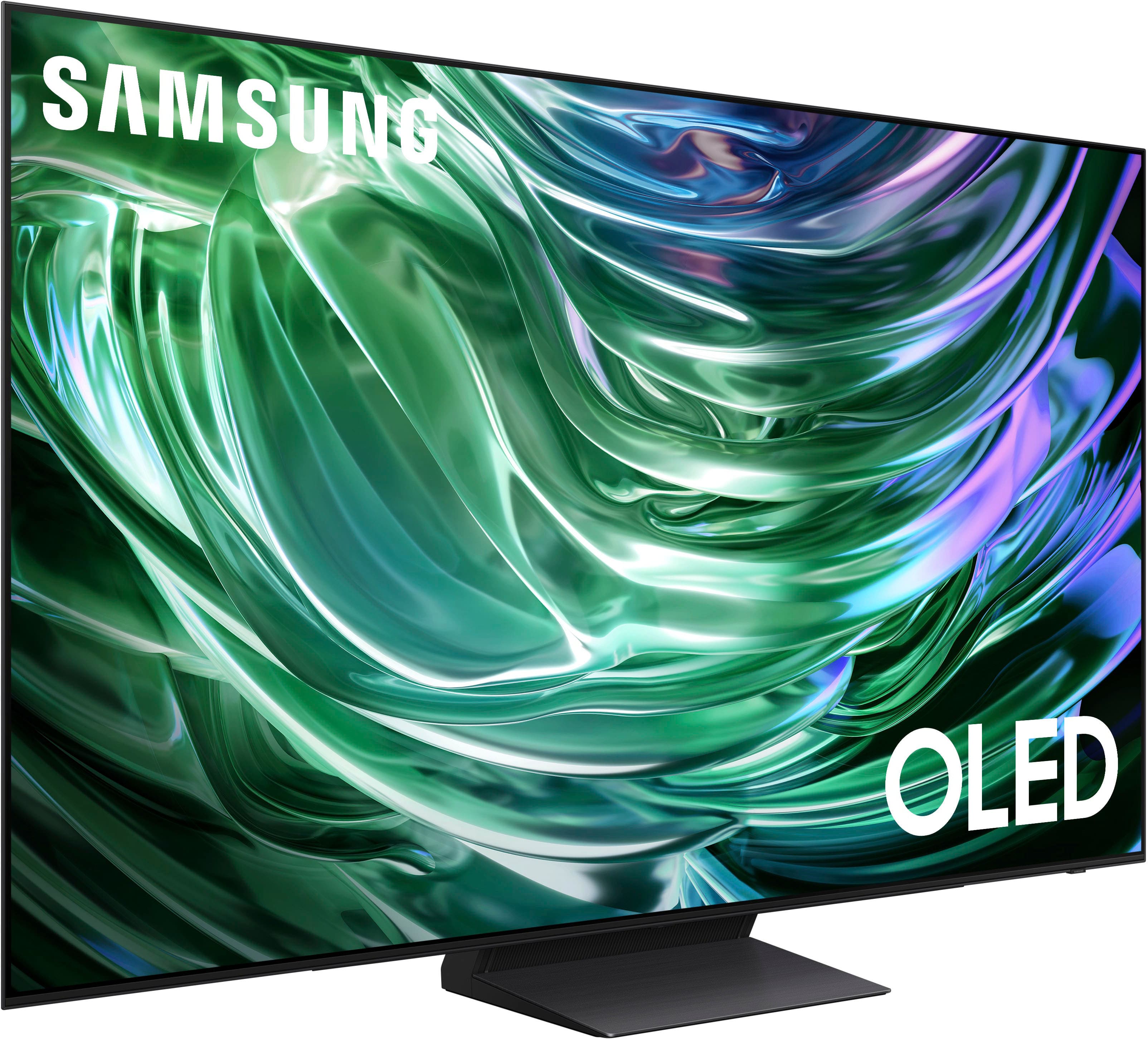
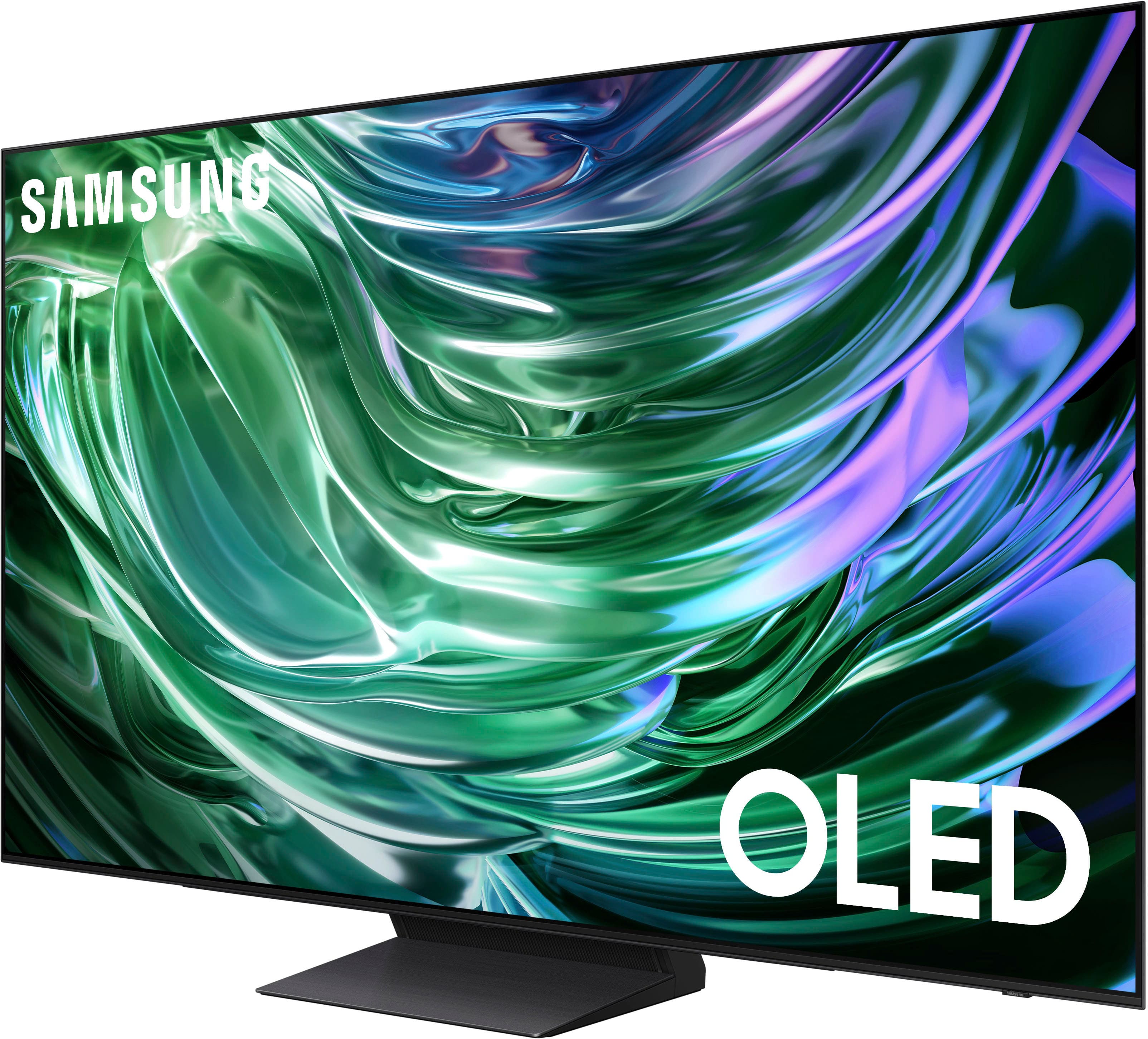
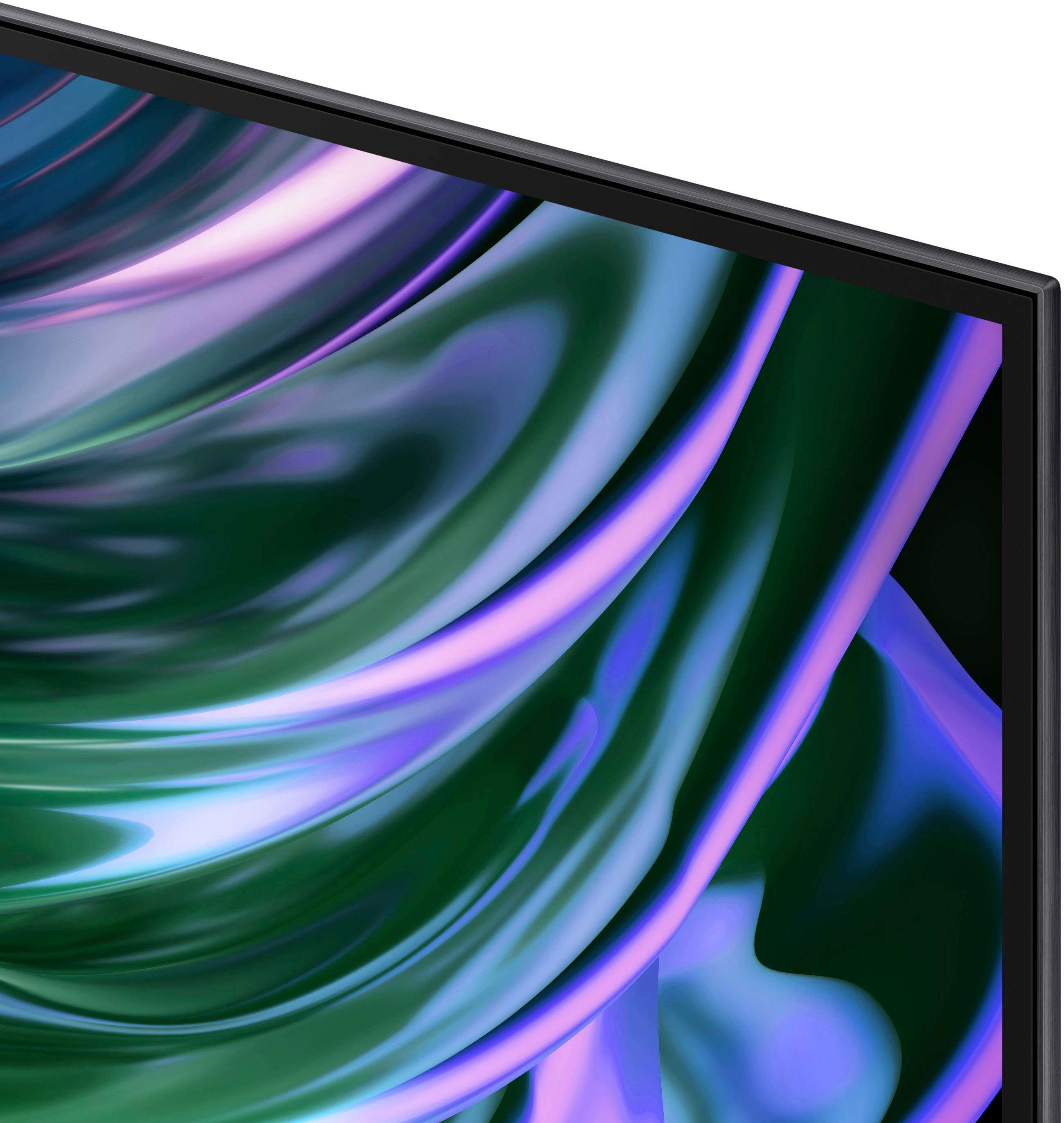










- Model:
- QN65S90DAFXZA
- SKU:
- 10187616
Rating by feature
- Picture Quality
Rating 4.9 out of 5 stars
- Sound Quality
Rating 4.5 out of 5 stars
- Brightness
Rating 4.9 out of 5 stars
to a friend
Customers are saying
Customers are impressed with the 65" Class S90D Series OLED 4K UHD Smart Tizen TV (2024)'s exceptional picture quality, including its OLED quality, brightness, and deep black levels. The TV's sleek design and easy setup process are also well-received. While the viewing angle is appreciated, some users have noted concerns regarding the remote control's weight, the user interface, the TV's weight, and occasional connectivity issues.
This summary was generated by AI based on customer reviews.
Big S
Posted .This reviewer received promo considerations or sweepstakes entry for writing a review.Great TV, excellent picture and sound quality. Bought it on sale and got every penny's worth plus more. My only gripe is that all the functions could not be picked up by my FIOS remote and I have to use two remotes to operate the TV. Otherwise, easy set up and no complaints at all about the porduct.
I would recommend this to a friendJust awesome
Posted .This reviewer received promo considerations or sweepstakes entry for writing a review.Perfect picture. Easy to set up. Not too heavy. Would buy another one
I would recommend this to a friendDon't know what a title is
Posted .This reviewer received promo considerations or sweepstakes entry for writing a review.Easy set up and lots of options. The remote is not what I was expecting
I would recommend this to a friendExcellent
Posted .This reviewer received promo considerations or sweepstakes entry for writing a review.Never been more than happy with this tv. Play death stranding 2 with this tv thank me later.
I would recommend this to a friendSamsung 65" S90D OLED 4K Smart TV
Posted .This reviewer received promo considerations or sweepstakes entry for writing a review.Love this TV so far. It's our first OLED and it's been a great experience so far. Bright with vibrant colors.
I would recommend this to a friendHad it almost a month and love it
Posted .This reviewer received promo considerations or sweepstakes entry for writing a review.I can read the texts in movies now; the picture quality is terrific. We thought about going to an anti-glare S95, but it works just fine.
I would recommend this to a friendGood choice
Posted .This reviewer received promo considerations or sweepstakes entry for writing a review.This is our second buy. On for the living room and one for the bedroom
I would recommend this to a friendNew 65” Samsung tv
Posted .This reviewer received promo considerations or sweepstakes entry for writing a review.Great tv. very happy with this purchase. In person buying experience was perfect. Geek Squad employee was very good also.
I would recommend this to a friendGreat Smiles Dental
Posted .This reviewer received promo considerations or sweepstakes entry for writing a review.Perfect choice for the area. Patients can now enjoy watching tv as they receive dental services and are not bored staring at dentist/staff.
I would recommend this to a friendShaken not stirred
Posted .This reviewer received promo considerations or sweepstakes entry for writing a review.Super good should have had it all along. Just like being part of the scene.
I would recommend this to a friendGreat for watching sports
Posted .This reviewer received promo considerations or sweepstakes entry for writing a review.Great clarity and viewing angle. Sometimes slow to respond.
I would recommend this to a friendSamsung
Posted .This reviewer received promo considerations or sweepstakes entry for writing a review.Very satisfied. Clear vibrant colors excellent definition
I would recommend this to a friendGreat Samsung tv/sound bar
Posted .This reviewer received promo considerations or sweepstakes entry for writing a review.Fantastic television! Great picture. The sound (including sound bar) is also great.
I would recommend this to a friendGood tv with two major flaws
Posted .This reviewer received promo considerations or sweepstakes entry for writing a review.The TV is decent but has two major flaws in my opinion. First, the OS is almost sensory overload. There is so much clutter on the Home screen that it makes the TV difficult to navigate. Second, the remote is extremely poorly designed. It's almost impossible to pick up without accidentally hitting buttons. It constantly gets bumped or just touched, which ends up exiting whatever streaming service and starting a 30 second process of navigating back to where you were.
No, I would not recommend this to a friendBrand response from Samsung
Posted .Michael,
Thank you for your review. To assist you in learning the various features, functions, and settings of your TV and remote, you can download the S90D TV's User Manual, e-Manual, Remote Control Leaflet, and Quick Setup Guide on Samsung's website under Support (top right corner) > Manuals & Software > TVs & Home Theater. From there, you can select the S90D TV under OLED TVs to download the guides you would like.
The e-Manual and Remote Guide are both also embedded into the TV itself under Menu > Settings > Support
If you need more help, Samsung is here for you. Please call us at 1-800-SAMSUNG, 8AM - 12AM EST, 7 days a week. Our LiveChat agents are also available by clicking on the ‘Support’ link on our website.
~ Samsung Specialist
Great tv
Posted .This reviewer received promo considerations or sweepstakes entry for writing a review.Good for the price. Idk what metric BB uses for their open box conditions but im 0/2 on things being what they claim. Overall TV wise, super soild. Good processor and speed
I would recommend this to a friendSamsung 65" S90D
Posted .This reviewer received promo considerations or sweepstakes entry for writing a review.great picture...easy installation and set up......
I would recommend this to a friendHighly Recommend
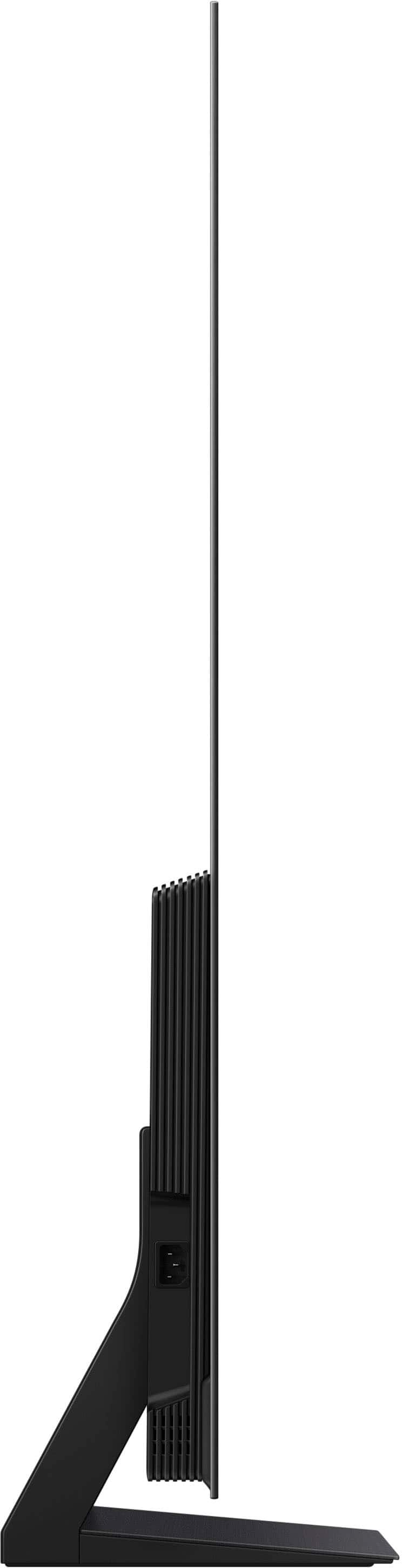
Posted .This reviewer received promo considerations or sweepstakes entry for writing a review.Absolutely amazing. Worth every dollar. Super thin with truly enjoyable screen.
I would recommend this to a friendDisappointment.
Posted .This reviewer received promo considerations or sweepstakes entry for writing a review.The TV looks great and delivers impressive picture quality—vivid colors and an incredibly smooth refresh rate. Coming from a 2016 Samsung 4K model, this was long overdue upgrade. Unfortunately, that didn’t last long. Shortly after setting it up, the sound became noticeably muffled. I tried all the usual fixes—unplugging and resetting it, as suggested by others who’ve had the same issue—but nothing worked. It was a major letdown, especially from Samsung. I’ll definitely be exploring other OLED options that are known for better reliability.
No, I would not recommend this to a friendBrand response from Samsung
Posted .LAD25,
We appreciate you taking the time to let us know about your experience with your TV. So that we can better troubleshoot this issue and provide steps towards a solution, please contact Samsung Support at 1-800-SAMSUNG, 8AM - 12AM EST, 7 days a week. Our LiveChat agents are also available by clicking on the ‘Support’ link on our website.
~ Samsung Specialist
Adding aditional apps
Posted .This reviewer received promo considerations or sweepstakes entry for writing a review.How do I add YoutubeTv and NESN to the apps on this tv? Just purchased and only a few apps available
I would recommend this to a friendFail for sports viewing
Posted .This reviewer received promo considerations or sweepstakes entry for writing a review.Junk for sports. Tried every combo in the infinite settings. Updated HDMI cord. Fast moving objects always have a halo around them or are pixelated. The tv cant keep up with the movement. If i could return it, i would but missed the window make sure you make note of the return time frame. Also, samsung sound bar randomly shuts off. My 2014 TV looks better than this trash.
No, I would not recommend this to a friendBrand response from Samsung
Posted .Truth,
Thank you for sharing your thoughts on the picture quality of your TV. To ensure you’ve got the latest image quality updates, please confirm that your TV is up to date with the latest firmware version. You can check by going to: Home > Menu > Settings > Support > Software Update.
If the picture you’re seeing is still not to your liking after updating firmware, there are several picture settings you may want to try adjusting.
Go to Home > Menu > Settings > All Settings > Picture > Picture Mode
...and select the mode that best fits your usage:
1. Standard: Is the default mode suitable for general viewing environments
2. Dynamic: Makes the picture brighter and clearer in bright viewing environments
3. Eco: Provided to save energy
4. Movie: Suitable for watching TV or movies in a dark room
5. Filmmaker Mode: Provides source content just as the creators intended. If the image is defined as Filmmaker Mode, it’ll automatically switch to Filmmaker Mode while watching.
Intelligent Mode enables the TV to recognize and analyze the surroundings, noise, content, and your usage patterns to provide the best viewing experience. You can enable Intelligent Mode by going to Menu > Settings > All Settings > General & Privacy > Intelligent Mode Settings > Intelligent Mode.
If adjusting image settings does not improve your picture, please contact Samsung Customer Support at 1-800-SAMSUNG, 8AM - 12AM EST, 7 days a week. Or visit us on the Samsung website and click on the ‘Support’ link for:
• LiveChat
• Manuals, Software, & Warranty Info
~ Samsung Specialist