Customer Ratings & Reviews
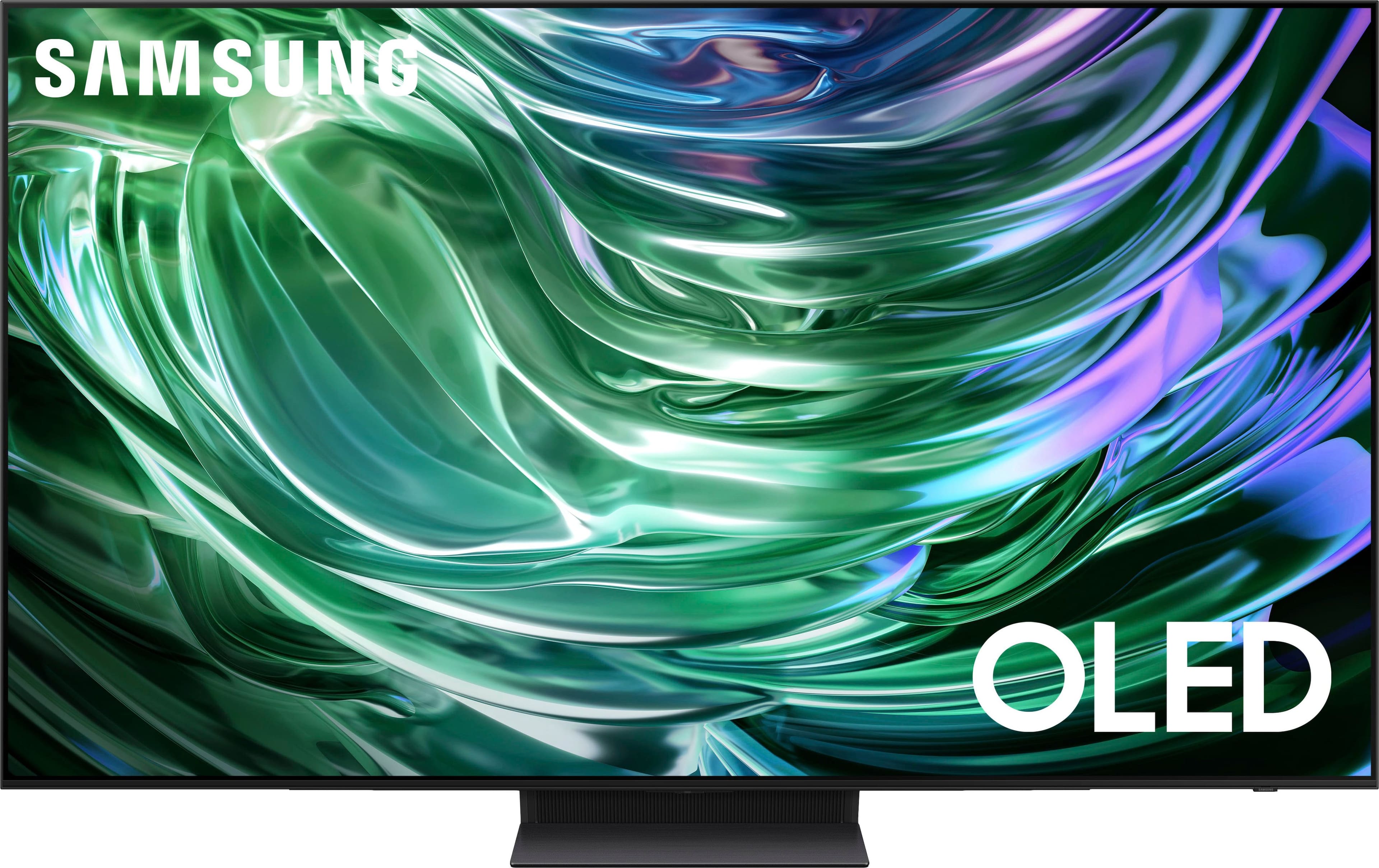
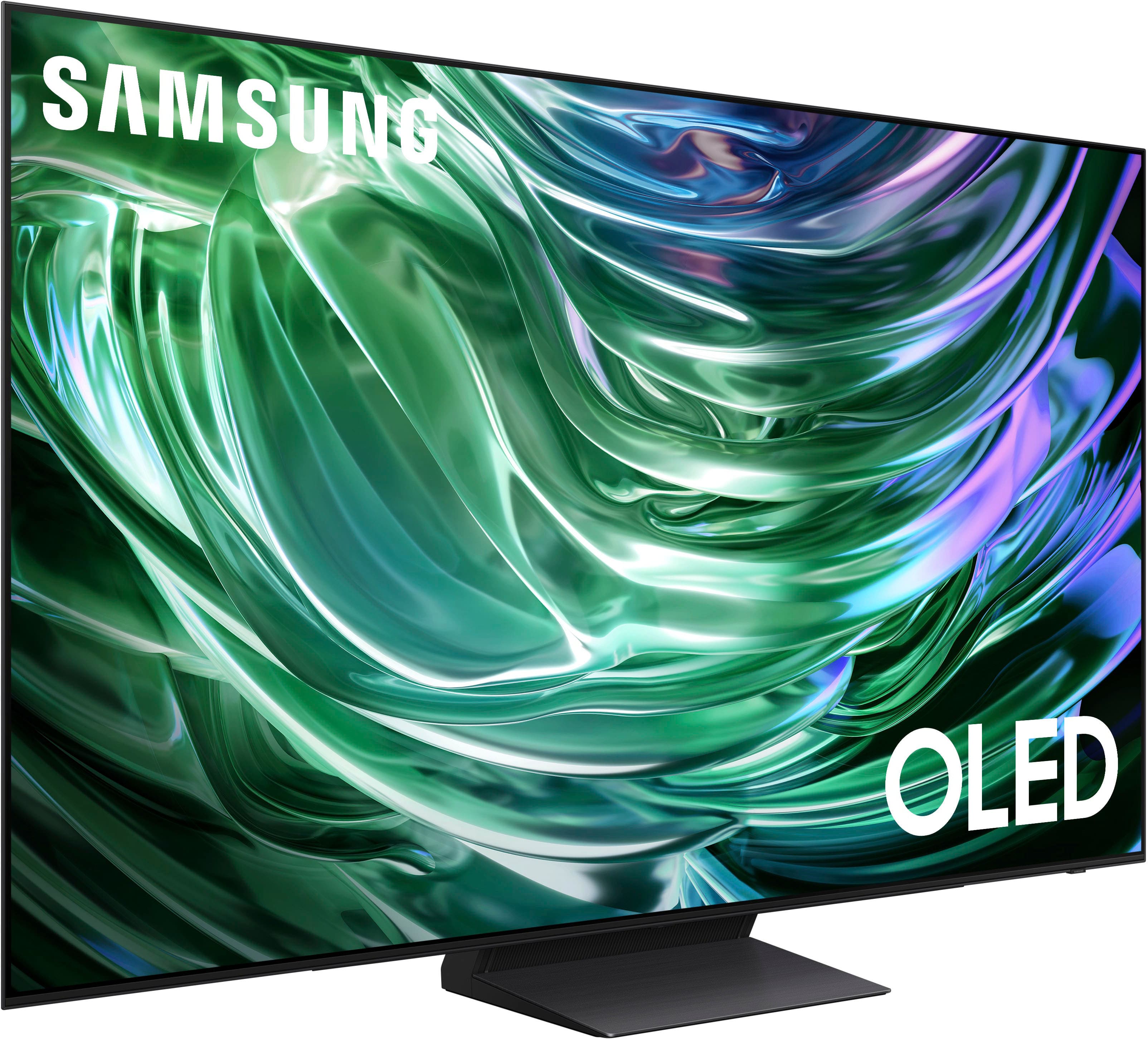
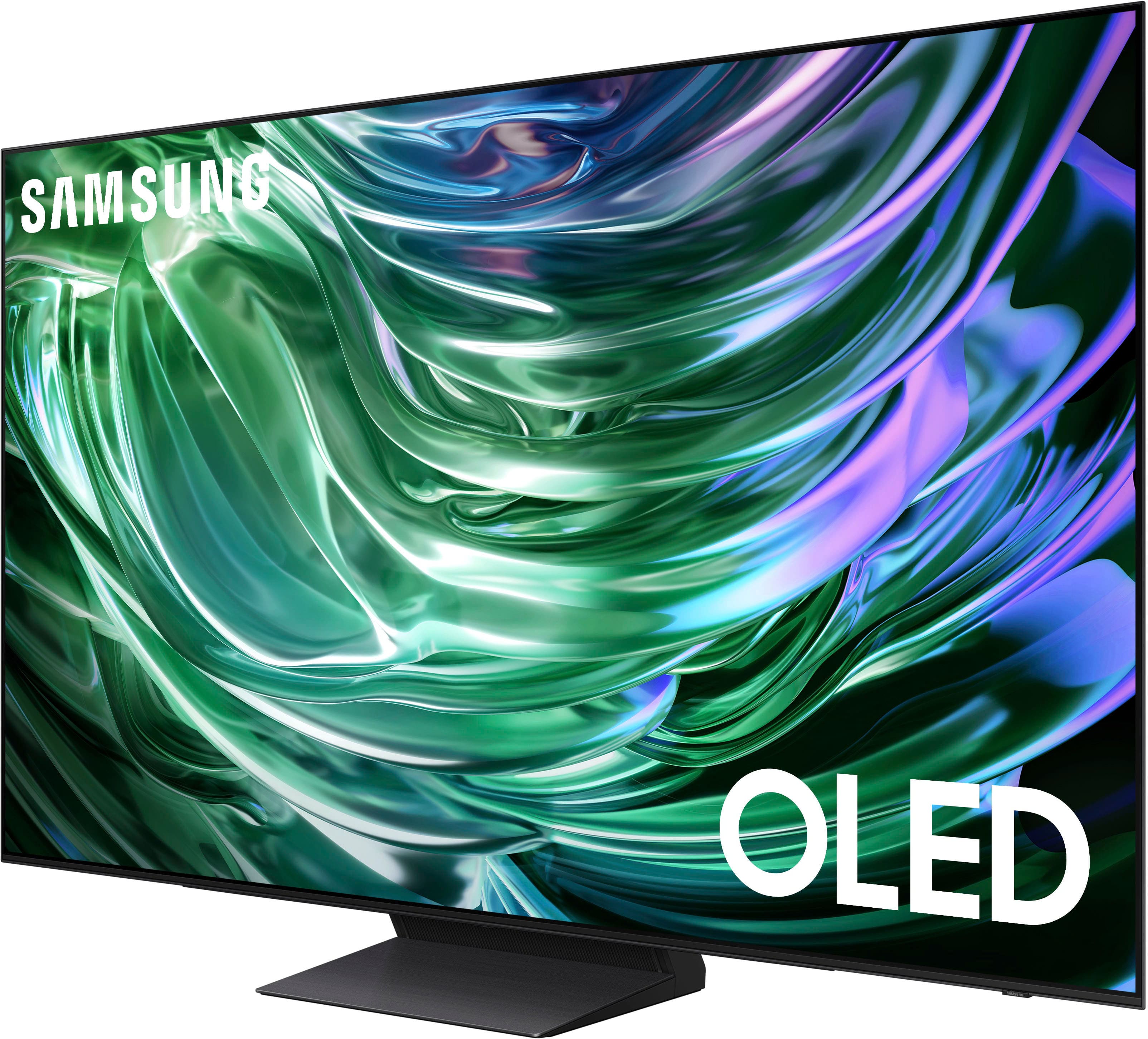
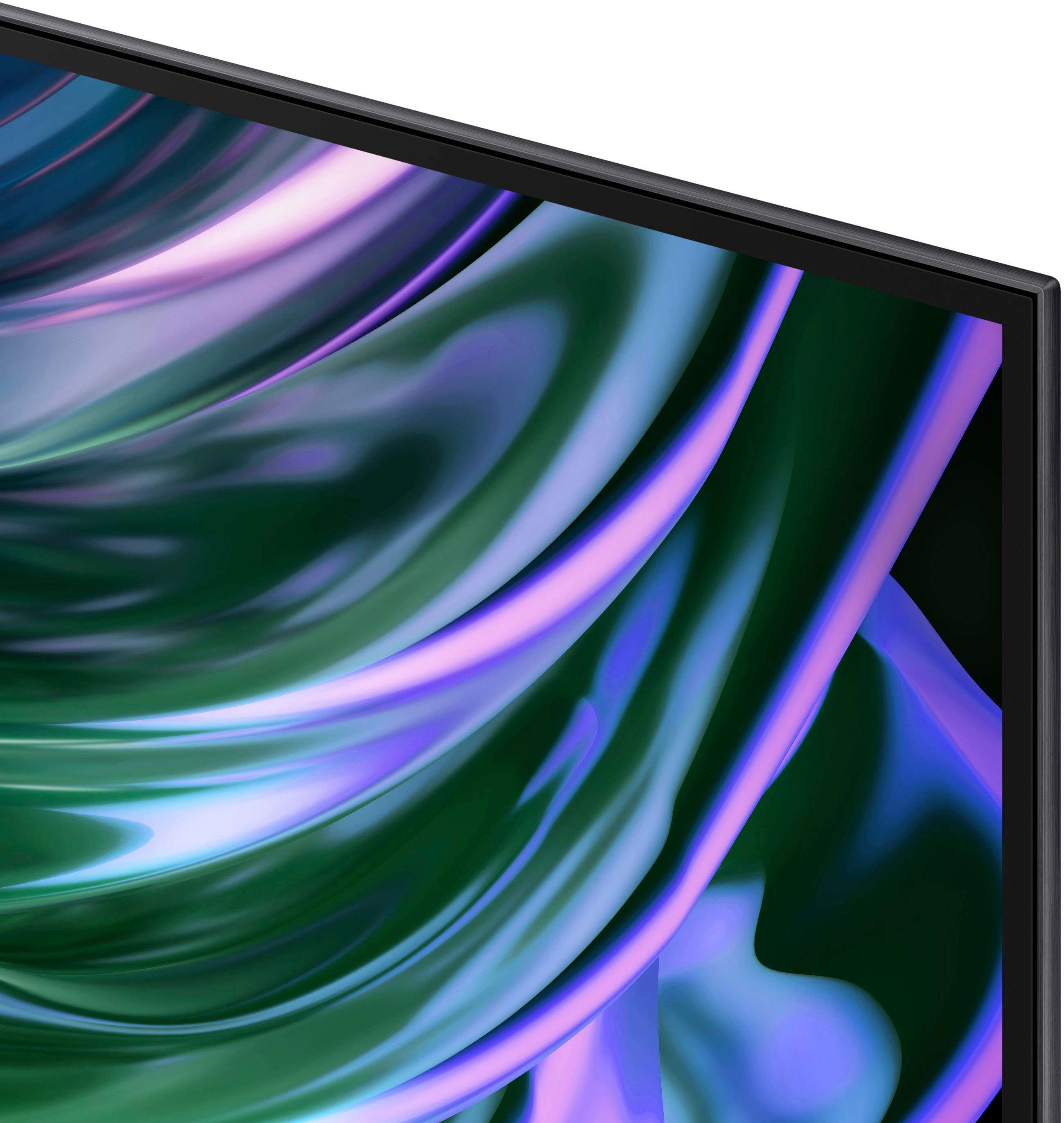












- Model:
- QN65S90DAFXZA
- SKU:
- 10187616
Rating by feature
- Picture Quality
Rating 4.9 out of 5 stars
- Sound Quality
Rating 4.5 out of 5 stars
- Brightness
Rating 4.9 out of 5 stars
to a friend
Customers are saying
Customers are impressed with the 65" Class S90D Series OLED 4K UHD Smart Tizen TV (2024)'s exceptional picture quality, including its OLED quality, brightness, and deep black levels. The TV's sleek design and easy setup process are also well-received. While the viewing angle is appreciated, some users have noted concerns regarding the remote control's weight, the user interface, the TV's weight, and occasional connectivity issues.
This summary was generated by AI based on customer reviews.
Dont clean your screen
Posted .This reviewer received promo considerations or sweepstakes entry for writing a review.Whatever you do dont clean your tv screen with anything i used a microfiber cloth on my screen snd it ruined the anit glare coating followed everything that Samsungs website said to do to clean the screen and its ruined. Theres blue smudges and streaks that wont come out no matter what i do.
No, I would not recommend this to a friendBrand response from Samsung
Posted .EvoTheFallen1,
I'm very sorry to hear of the issues you've faced while cleaning your screen. When cleaning your TV's screen, please keep in mind the following:
- Power off your TV before cleaning. Leaving your TV off for 5-10 minutes prior to cleaning will allow the screen to cool down and prevent excessive streaking.
- Carefully wipe using a soft, dry cloth to avoid scratches
- Do not use any chemicals such as wax, benzene, alcohol, thinners, insecticide, air fresheners, lubricants, or detergents
- Do not spray water or any liquid directly onto the TV
If there’s anything we can ever help with, please call us at 1-800-SAMSUNG, 8AM - 12AM EST, 7 days a week. Or visit us on the Samsung website and click on the ‘Support’ link for:
• LiveChat
• Manuals, Software, & Warranty Info
~ Samsung Specialist
No picture out of the box
Posted .This reviewer received promo considerations or sweepstakes entry for writing a review.I turned on the TV to do the initial set up and could hear audio prompts but had no picture. I tried multiple receptacles but had the same problem. Now i have to drive an hour to return it.
No, I would not recommend this to a friendBrand response from Samsung
Posted .Hi Robb,
Thank you for your purchase. If you've switched on your TV and the sound comes through fine, but you do not see any picture, there are three potential issues.
1) A connection issue is the most common problem where there is a bad connection, faulty cables, or improper installation.
2) An issue with the device connected to the TV. There may be a video output setting on the device that you must set properly before it will output to the TV.
3) There is something wrong with the TV, requiring a technician to assess the TV and find a solution.
Please give us the opportunity to assist you by calling us at 1-800-SAMSUNG, 8 AM - 12 AM EST, seven days a week. Or visit us on the Samsung website and click on the ‘Support’ link for:
1) LiveChat
2) Manuals, Software, & Warranty Info
~ Samsung Advisor
Defective out of the box
Posted .This reviewer received promo considerations or sweepstakes entry for writing a review.New TV was installed on Dec 9. Worked fine until Dec 30, then started turning off intermittently, then quit altogether. Now waiting on exchange for new TV.
No, I would not recommend this to a friendBrand response from Samsung
Posted .Robert,
We appreciate you sharing the issues you’ve initially experienced with Samsung’s S90D TV. Thank you for your patience in having to deal with the inconvenience of an exchange.
Should you need help with your new unit, please contact Samsung Customer Support at 1-800-SAMSUNG, 8AM - 12AM EST, 7 days a week. Or visit us on the Samsung website and click on the ‘Support’ link for:
• LiveChat
• Manuals, Software, & Warranty Info
~ Samsung Specialist