Customer Ratings & Reviews
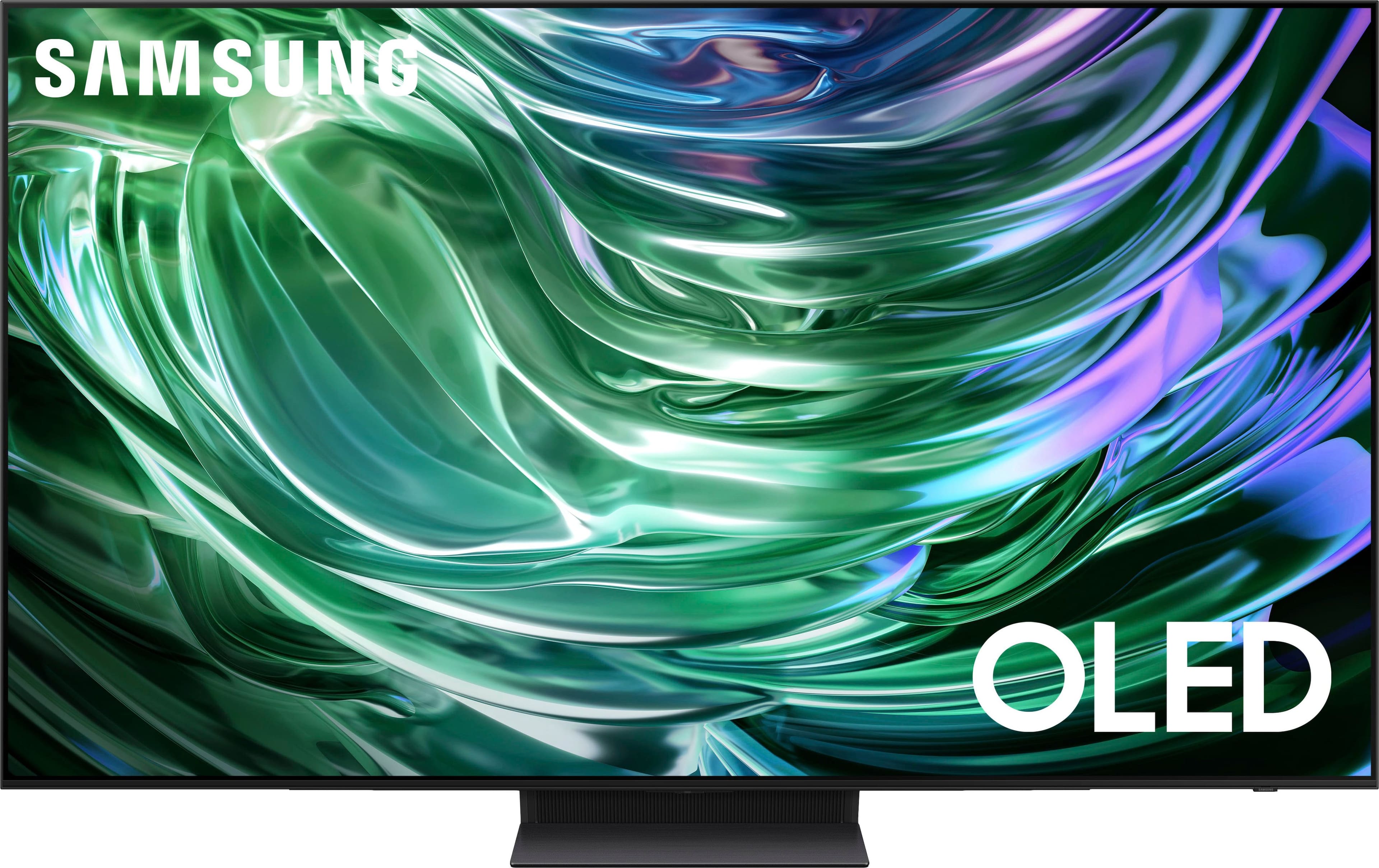
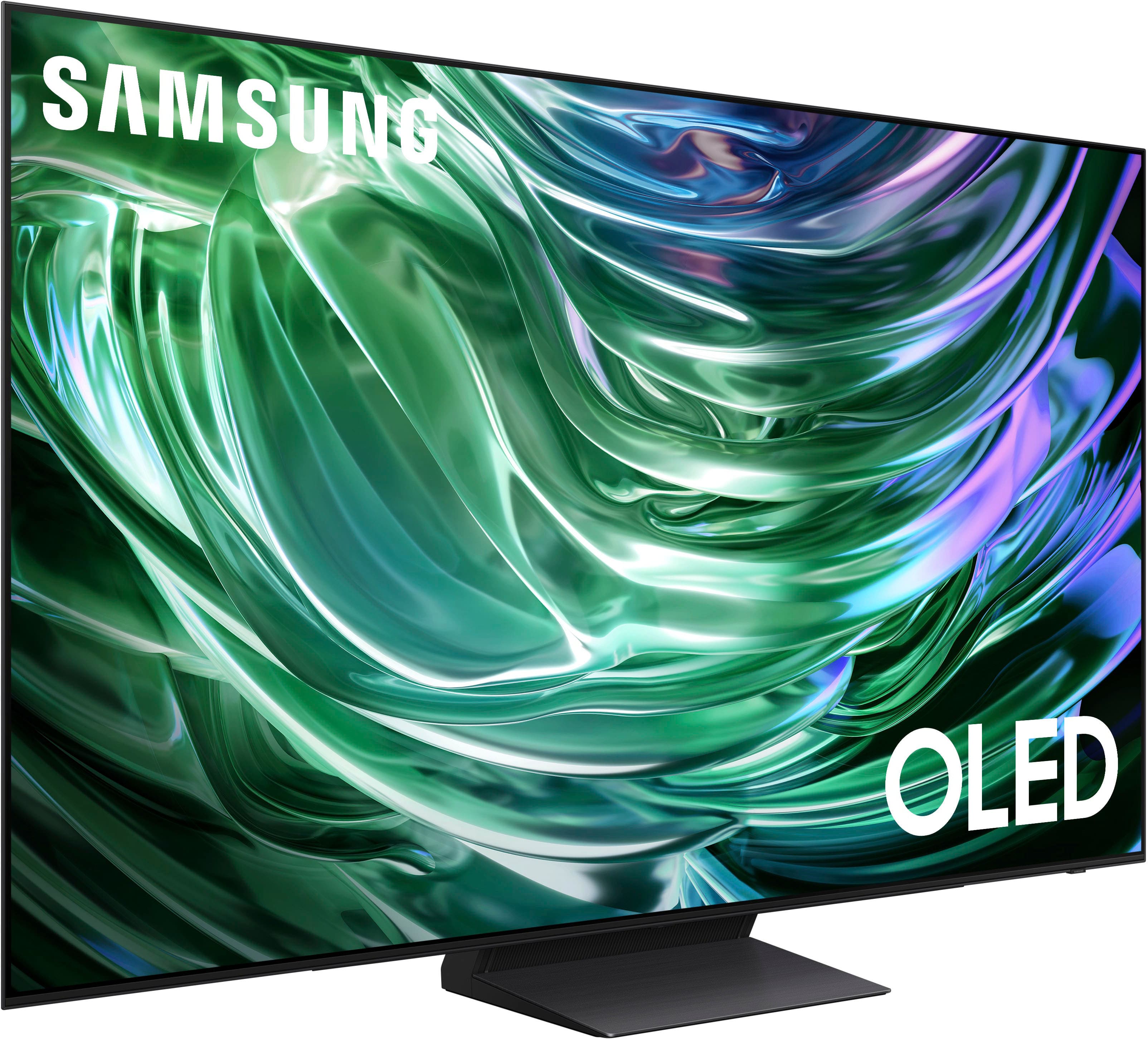
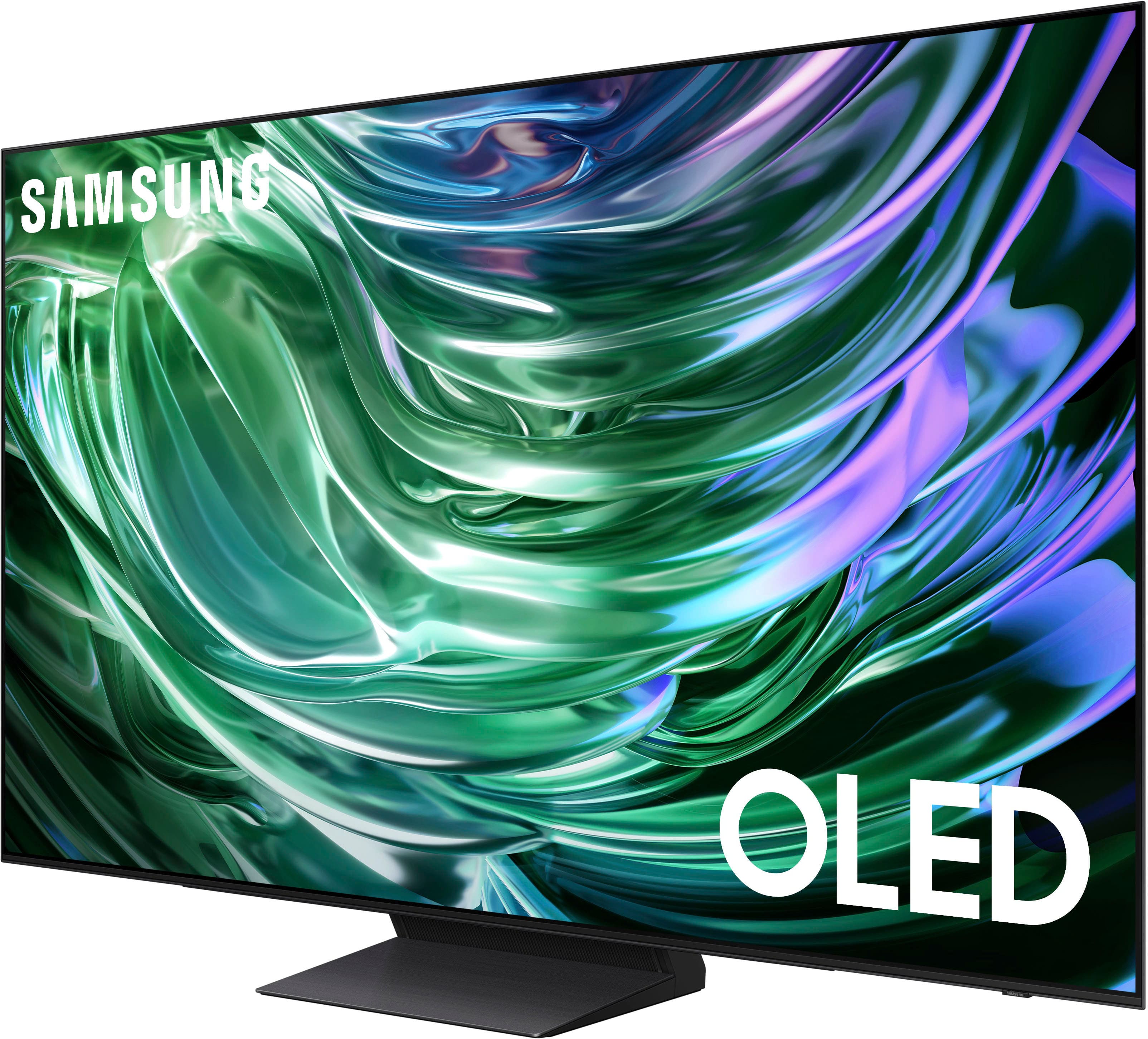
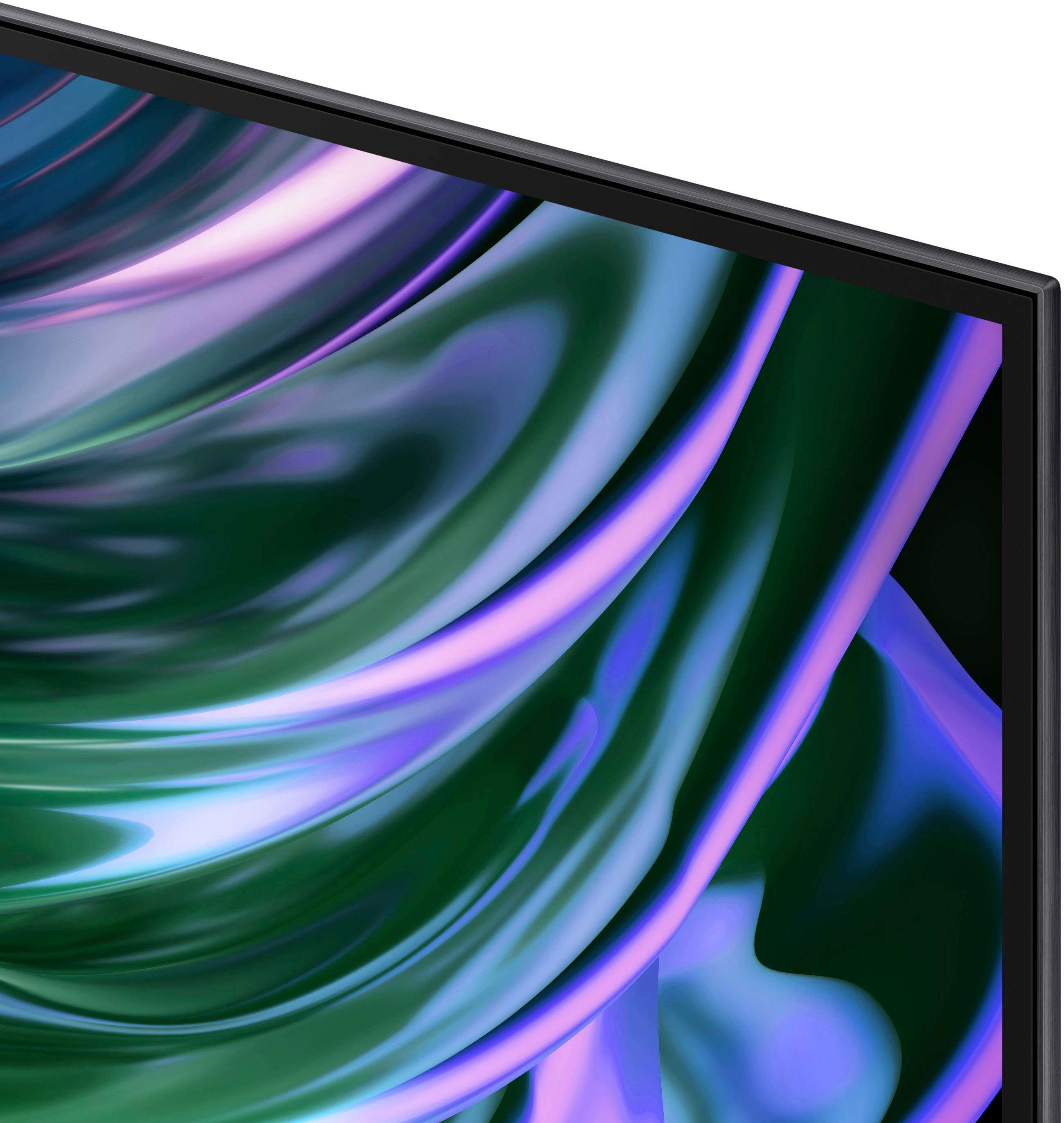












- Model:
- QN65S90DAFXZA
- SKU:
- 10206265
Rating by feature
- Picture Quality
Rating 4.9 out of 5 stars
- Sound Quality
Rating 4.5 out of 5 stars
- Brightness
Rating 4.9 out of 5 stars
Best TV EVER
||Posted . Owned for 1 month when reviewed.This reviewer received promo considerations or sweepstakes entry for writing a review.Excelent product with great resolution. Great value for money paid.
I would recommend this to a friendGreat Job!
||Posted . Owned for 1 month when reviewed.This reviewer received promo considerations or sweepstakes entry for writing a review.The technician did a very good job installing my new Samsung TV and other equipment.
I would recommend this to a friendBoy oh boy
||Posted . Owned for 2 weeks when reviewed.This reviewer received promo considerations or sweepstakes entry for writing a review.It was an okay tv. It was like it was trying. I don't know how else to explain it. It tried. And I sent back. It's okay for beginners I suppose that don't care much. But for picky people it's gonna bother ya.
No, I would not recommend this to a friendBrand response from Samsung
Posted .Anon,
Thank you for sharing your experience with the S90D TV. Should you ever decide to give Samsung TVs another try and have questions or need help with settings, setup, or features, please know we’re here to help. Call us at 1-800-SAMSUNG, 8AM - 12AM EST, 7 days a week.
LiveChat with an agent as well as manuals, software, and warranty info can be found at the ‘Support’ link on our Samsung website.
We hope to regain you as a customer in the future.
~ Samsung Pro
Product & service reveiw
||Posted . Owned for 1 month when reviewed.This reviewer received promo considerations or sweepstakes entry for writing a review.Excellent service at all levels from sales to home delivery and set up.
I would recommend this to a friendNice TV user interface not very friendly
||Posted . Owned for 2 weeks when reviewed.This reviewer received promo considerations or sweepstakes entry for writing a review.Nice tv. Just with Samsung software engineers would design a more user friendly interface.
I would recommend this to a friendBrand response from Samsung
Posted .Allen,
We appreciate you sharing your user experience. To assist in learning the various functions, please know you can download the S90D TV's User Manual, e-Manual, Remote Control Leaflet, and Quick Setup Guide on Samsung's website under Support > Manuals & Software > TVs & Home Theater. You can search for and select the S90D TV to download the guides you would like.
The e-Manual and Remote Guide are both also embedded into your TV itself under Menu > Settings > Support > Open e-Manual.
If you need more help, Samsung is here for you. Please call us at 1-800-SAMSUNG, 8AM - 12AM EST, 7 days a week. Our LiveChat agents are also available by clicking on the ‘Support’ link on our website.
~ Samsung Specialist
Tv
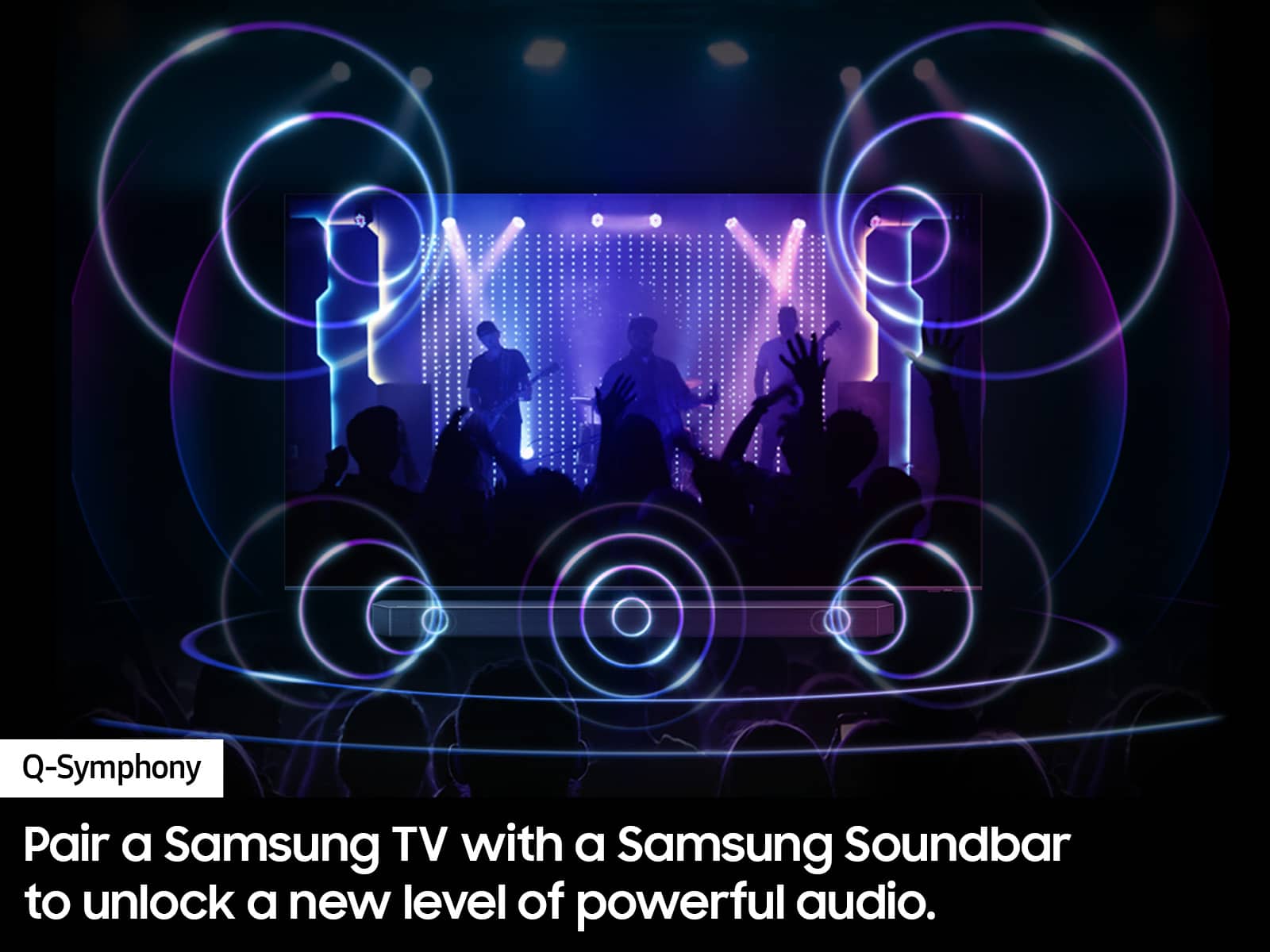
||Posted . Owned for 1 month when reviewed.This reviewer received promo considerations or sweepstakes entry for writing a review.Nice tv, for the sale price. Sound quality only fair. Need a sound bar to enhance sound quality.
I would recommend this to a friendTv seemed good but yhd VESA pattern on this tv is
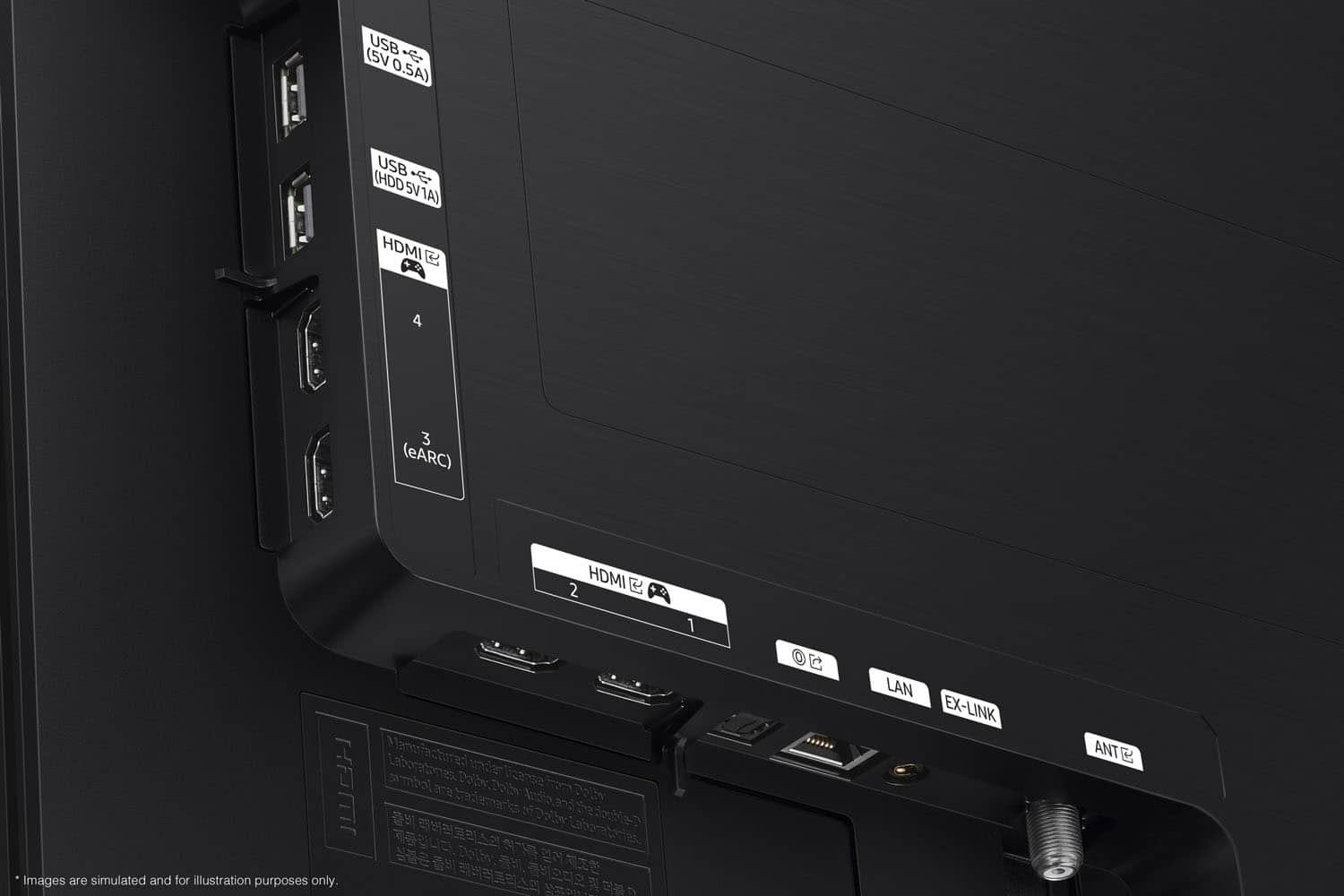
||Posted . Owned for 3 weeks when reviewed.This reviewer received promo considerations or sweepstakes entry for writing a review.This seemed to be a great tv. I did nog keep this tv very long. The problem I had with this tv was that all the tv vonnects were mounted very low on the tv. With the existing mount that I have, the tv after mounted sat high on the wall and did not look right. The VESA systrm on yhis tv is very low make sure you measure your existing mount before purchasing this tv.
No, I would not recommend this to a friendBrand response from Samsung
Posted .CaptainD,
Thanks for sharing your thoughts on the S90D TV's design. If there’s anything we can ever help with, please call us at 1-800-SAMSUNG, 8AM - 12AM EST, 7 days a week. Or visit us on the Samsung website and click on the ‘Support’ link for:
• LiveChat
• Manuals, Software, & Warranty Info
~ Samsung Specialist
Great tv
||Posted . Owned for 1 month when reviewed.This reviewer received promo considerations or sweepstakes entry for writing a review.Great tv for the price……………………………………………………………………..
I would recommend this to a friendLemon tv
||Posted . Owned for 3 weeks when reviewed.This reviewer received promo considerations or sweepstakes entry for writing a review.The sales process was a breeze. The first installation team did their job, but needed to be followed by a second installation team as issues were found, and equipment did not work. Now, not even a month since we purchased the item, let alone had it delivered, HDMI ports are going bad. Best Buy said we needed to deal with Samsung because the TV was 2024. But wait! We only purchased it in June 20 25! And, we purchased a Best Buy warranty. Regardless, we are dealing with Samsung. Would love to change out the TV, but apparently it’s a political bureaucratic process that the technicians, customer service, Samsung, Best Buy, and anyone else is unwilling to tread those waters.
No, I would not recommend this to a friendBrand response from Samsung
Posted .JohnH,
It’s unfortunate to hear of your experience with Samsung’s S90D TV. Samsung is committed to providing the best possible product experience, quality, and value. We back this Samsung TV with a 1-year limited manufacturer's warranty, including authorized repair for manufacturer defect, if purchased brand-new directly from an authorized seller. You can enter your model number to review the full warranty details here: https://www.samsung.com/us/support/legal/LGL10000312/#standard-limited-warranty
Please give us the opportunity to assist you by contacting Samsung Customer Support at 1-800-SAMSUNG, 8AM - 12AM EST, 7 days a week. Our LiveChat agents are also available by clicking on the ‘Support’ link on our website.
~ Samsung Specialist
Cheated
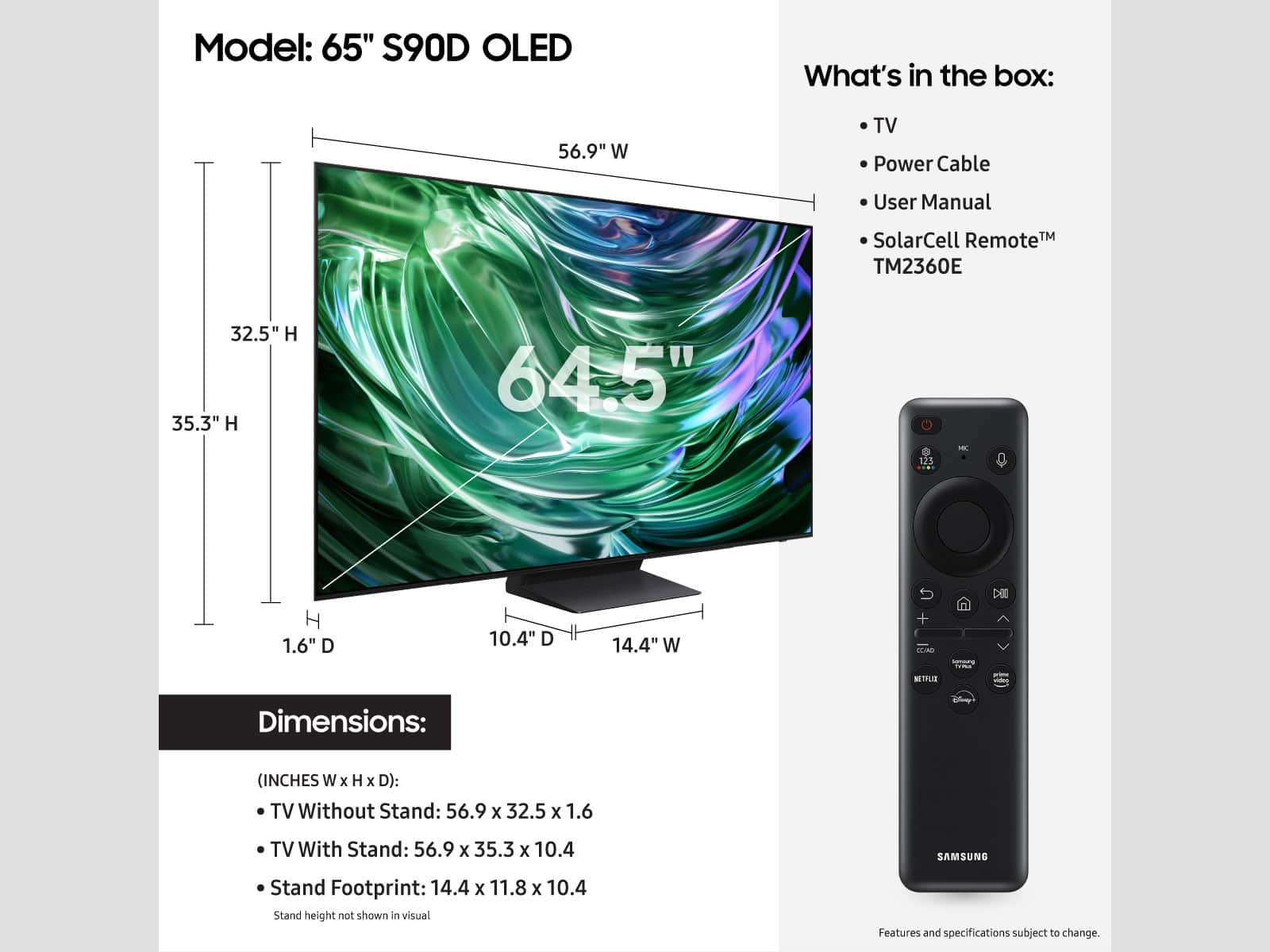
||Posted . Owned for 8 months when reviewed.This reviewer received promo considerations or sweepstakes entry for writing a review.Very nice tv but paid too much for it . The size is a lot smaller than expected. Buy bigger if you can..
I would recommend this to a friend- Pros mentioned:Picture quality
Great TV - Terrible Adherence to Policy
||Posted . Owned for 1 month when reviewed.This reviewer received promo considerations or sweepstakes entry for writing a review.The OLED TV lives up to everything I expect from Samsung. That said, Best Buy has a policy that within 2 months of purchasing from them, if they sell an item for a lower price, you can get the difference from them. I did not get this because I was told I had already bought the TV on sale. The updated price was $100 less than I purchased. Extremely disappointed!!
I would recommend this to a friendBrand response from Samsung
Posted .Edward,
Please know you are leaving a review and 2-star rating for the S90D TV, but we are sorry to hear of your Best Buy experience, nonetheless. You may want to consider providing feedback directly to the Best Buy store where you made your purchase.
Should you have questions on the S90D TV itself, Samsung is here for you. You can reach us at 1-800-SAMSUNG, 8AM - 12AM EST, 7 days a week. Our LiveChat agents are also available by clicking on the ‘Support’ link on our website.
~ Samsung Specialist
Blown
||Posted . Owned for 5 months when reviewed.This reviewer received promo considerations or sweepstakes entry for writing a review.Great with cable but sucks with an antenna. Bought in August 2025 and speakers blown December 2025. Replacement speakers from Samsung $86.99. Get them at Amazon $20.00. Only 2 speakers.....
No, I would not recommend this to a friend- Pros mentioned:Picture quality
Could be better for its price.
||Posted . Owned for 4 months when reviewed.This reviewer received promo considerations or sweepstakes entry for writing a review.Visuals are awesome, sound is great, but it’s very slow in response.
I would recommend this to a friendBrand response from Samsung
Posted .JavierS,
We appreciate your feedback on the response time, and for optimal performance, we ask that you please ensure you've got the latest firmware version installed on your S90D TV. You can check this by going to: Home > Menu > Settings > Support > Software Update.
You may also want to further optimize performance with the self-diagnostic tool, which checks memory, frees up unused cached memory, and closes background apps. Go to: Home > Menu > Settings > Support > Device Care > Start Device Care
I hope these tips help you enjoy your new product.
You can always contact us for further help at 1-800-SAMSUNG, 8AM - 12AM EST, 7 days a week. Our LiveChat agents are also available by clicking on the ‘Support’ link on our website.
~ Samsung Specialist
How to use
||Posted .This reviewer received promo considerations or sweepstakes entry for writing a review.I know im old fashioned but I need some instructions
I would recommend this to a friend- Pros mentioned:Picture quality
so so
||Posted . Owned for 1 month when reviewed.This reviewer received promo considerations or sweepstakes entry for writing a review.Last years model just as good. Considering cost difference, not worth it. IMHO
No, I would not recommend this to a friendBrand response from Samsung
Posted .MikeB,
Thank you for sharing your thoughts on Samsung's S90D TV. If there is anything we can help with to further improve your experience, please reach out to Samsung Support at 1-800-SAMSUNG, 8AM - 12AM EST, 7 days a week. Or visit us on the Samsung website and click on the ‘Support’ link for:
• LiveChat
• Manuals, Software, & Warranty Info
~ Samsung Specialist
Hello
||Posted . Owned for 1 month when reviewed.This reviewer received promo considerations or sweepstakes entry for writing a review.Not that impressed with this item. The TV sometimes gets disconnected.
No, I would not recommend this to a friendBrand response from Samsung
Posted .Hi,
We appreciate your review. So we can understand the connectivity issues you’re experiencing and provide you with troubleshooting assistance specific to your setup, please reach out to Samsung Customer Support at 1-800-SAMSUNG, 8AM - 12AM EST, 7 days a week. Our LiveChat agents are also available by clicking on the ‘Support’ link on our website.
~ Samsung Specialist
Great!
||Posted . Owned for 3 weeks when reviewed.This reviewer received promo considerations or sweepstakes entry for writing a review.Awesome tv so far, got surround sound and glad I did because the tv sound isn’t great.
I would recommend this to a friendLove it!
||Posted . Owned for 3 weeks when reviewed.This reviewer received promo considerations or sweepstakes entry for writing a review.Love the TV. Exactly what I was looking for. Great price.
I would recommend this to a friendWarning
||Posted . Owned for 1 month when reviewed.This reviewer received promo considerations or sweepstakes entry for writing a review.Purchased Samsung OLED S90D from BestBuy on 11/13/2024. Within a couple of weeks the TV started flickering. I contacted Samsung and they sent a repairman out on 12/11. That repairman indicated the panel was bad and the panels were on backorder. A second repair team replaced the panel on 12/17. The issue persisted. They indicated they now needed to replace the FCC cable and the power supply. I reached out to Samsung customer service requesting a replacement TV. The warranty was current. The TV was only 3 weeks old. They refused to replace the set. Instead the would prefer to rebuild an entirely new set at my house??? Is it too much to ask that the stand behind their products? I heard complaints about Samsung customer service in the past. I have been a Samsung for customer for decades and never experienced this issue. Looks like LG is going to have a new customer.
No, I would not recommend this to a friendBrand response from Samsung
Posted .MichaelY,
It’s unfortunate to hear of your experience with Samsung’s S90D TV. Samsung is committed to providing the best possible product experience, quality, and value. We back this Samsung TV with a 1-year limited manufacturer's warranty, including authorized repair for manufacturer defect, if purchased brand-new directly from an authorized seller. You can enter your model number to review the full warranty details here: https://www.samsung.com/us/support/legal/LGL10000312/#standard-limited-warranty
Please give us the opportunity to assist you by contacting Samsung Customer Support at 1-800-SAMSUNG, 8AM - 12AM EST, 7 days a week. Our LiveChat agents are also available by clicking on the ‘Support’ link on our website.
~ Samsung Specialist

Display can be easily ruined by very easily
|Posted . Owned for 2 weeks when reviewed.This reviewer received promo considerations or sweepstakes entry for writing a review.Be careful when cleaning because any left over water on the display leaves a perminent mark
No, I would not recommend this to a friendBrand response from Samsung
Posted .Patrick,
Thank you for sharing your experience with us. When cleaning your TV's screen, please keep in mind the following:
- Power off your TV before cleaning. Leaving your TV off for 5-10 minutes prior to cleaning will allow the screen to cool down and prevent excessive streaking.
- Carefully wipe using a soft, dry cloth to avoid scratches
- Do not use any chemicals such as wax, benzene, alcohol, thinners, insecticide, air fresheners, lubricants, or detergents
- Do not spray water or any liquid directly onto the TV
I hope these tips help. You can always contact us for further assistance at 1-800-SAMSUNG, 8AM - 12AM EST, 7 days a week. Our LiveChat agents are also available by clicking on the ‘Support’ link on our website.
~ Samsung Pro