Customer Ratings & Reviews
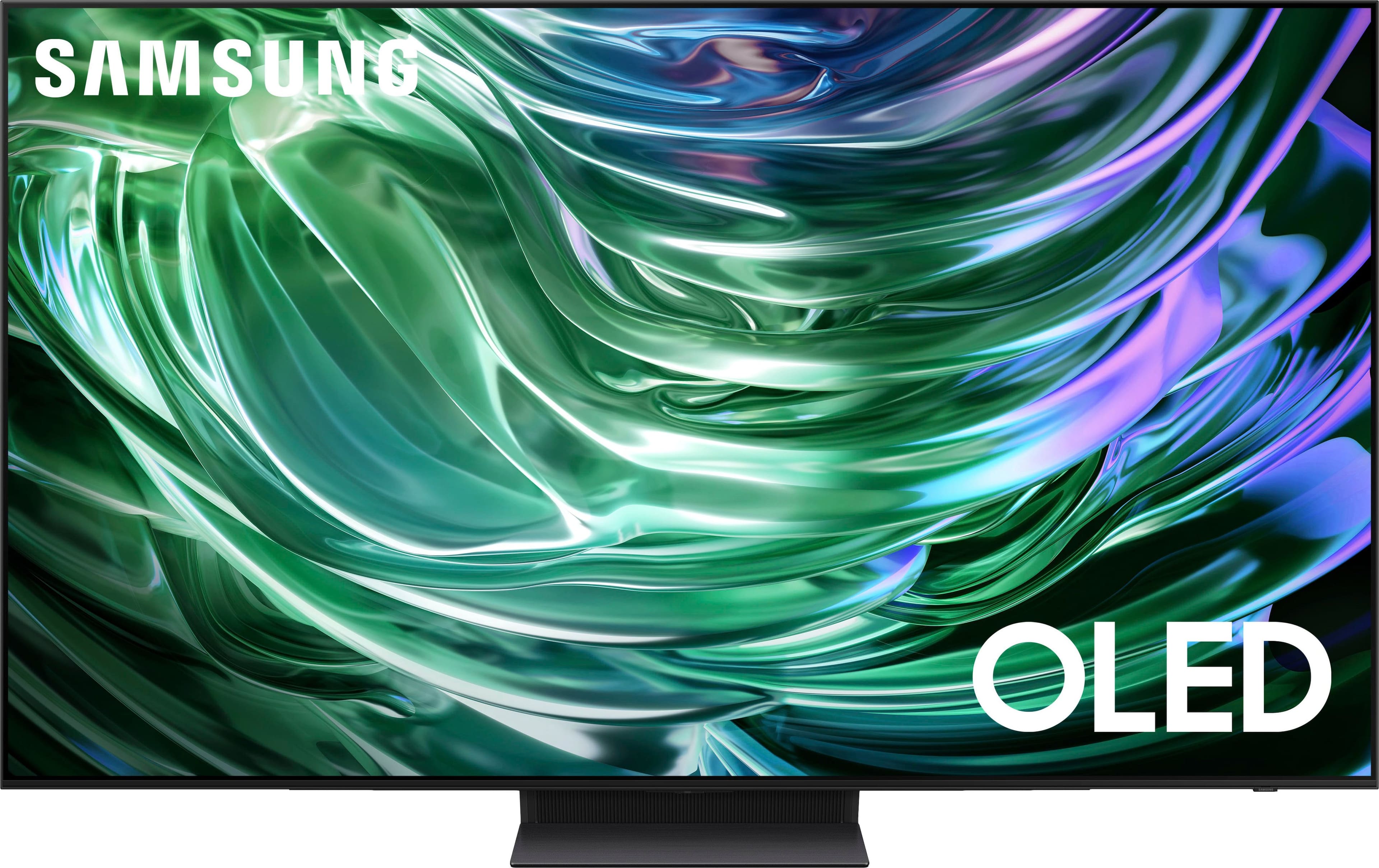
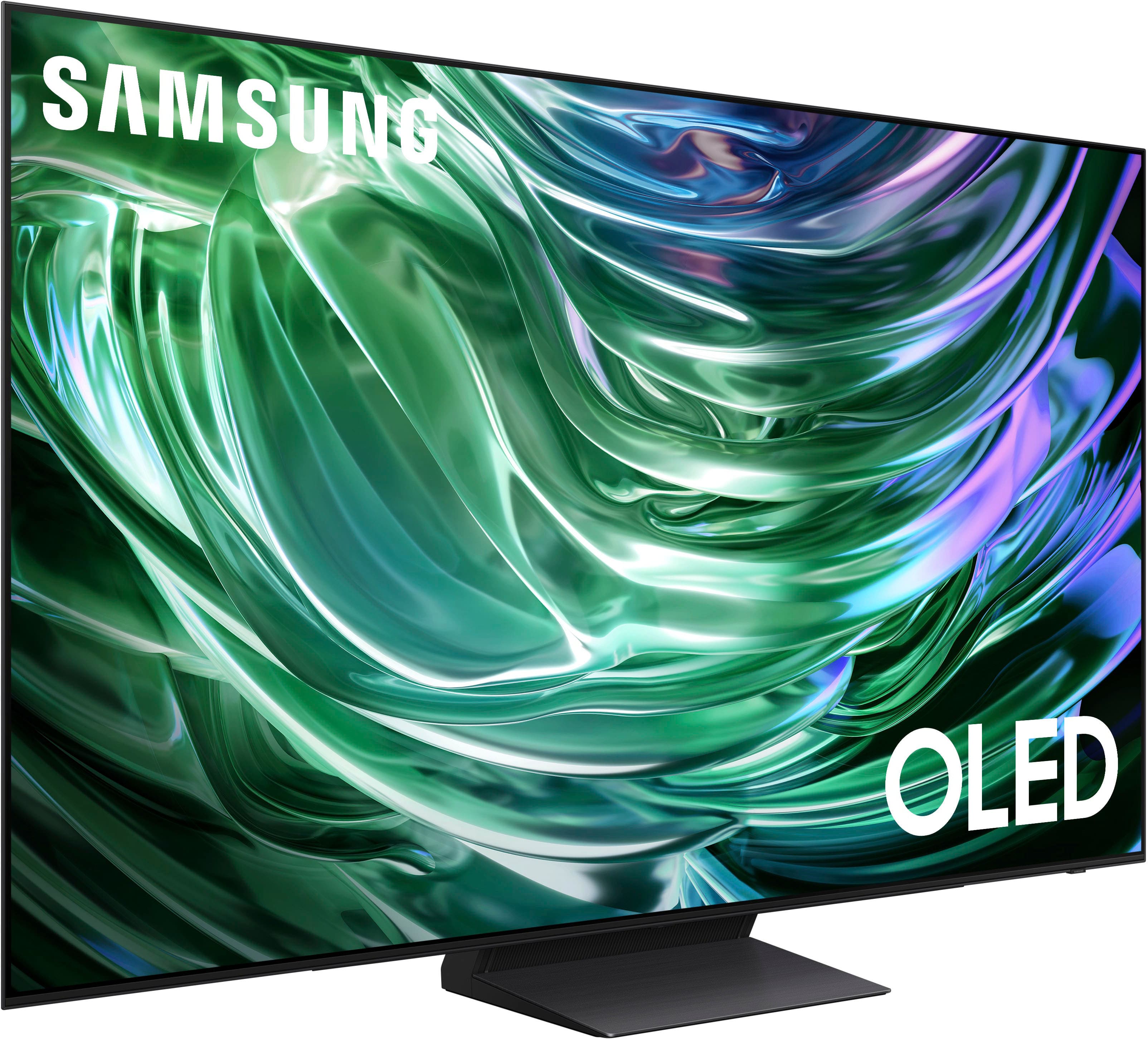
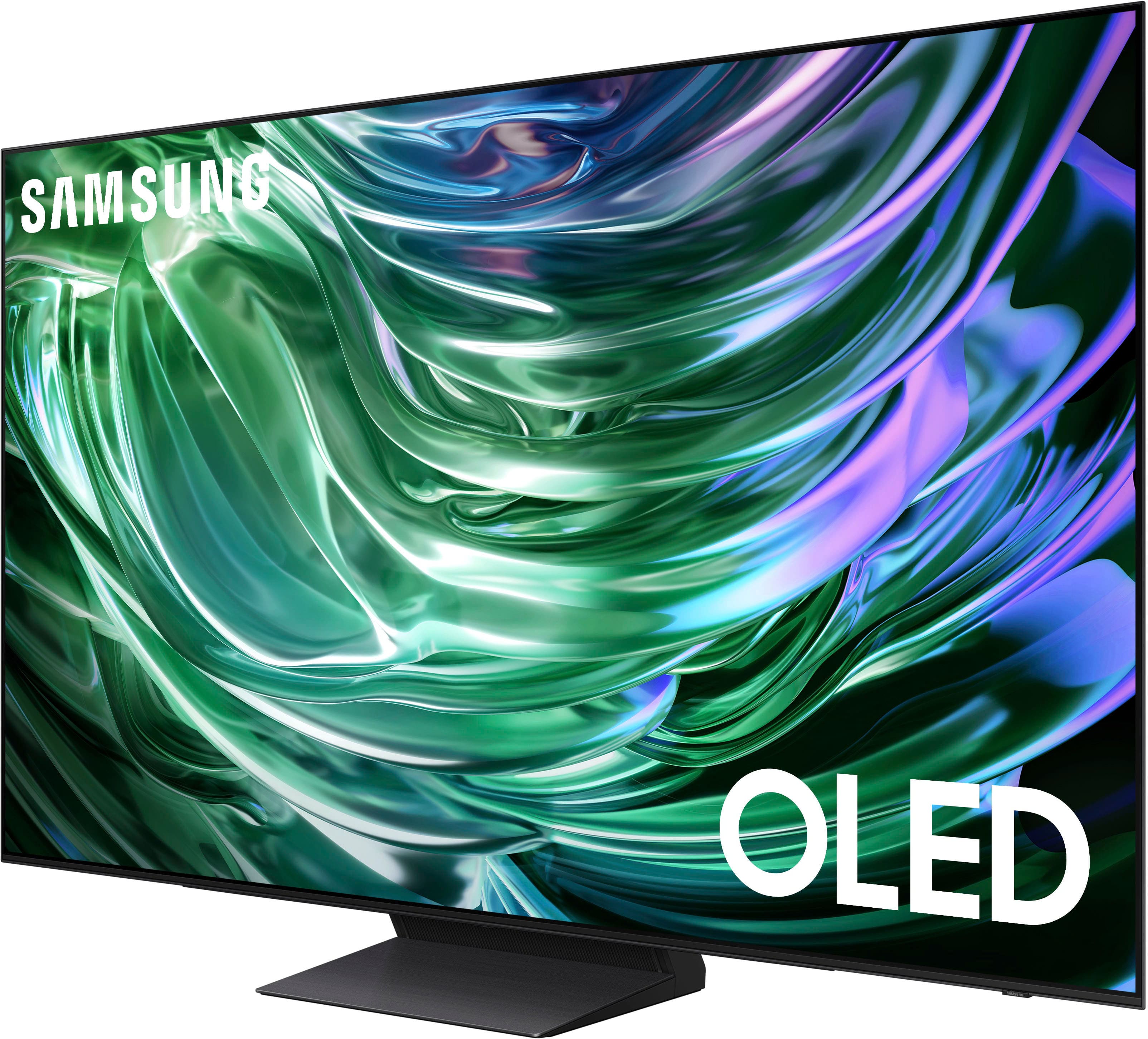










- Model:
- QN65S90DAFXZA
- SKU:
- 6576598
Rating by feature
- Picture Quality
Rating 4.9 out of 5 stars
- Sound Quality
Rating 4.5 out of 5 stars
- Brightness
Rating 4.9 out of 5 stars
Customers are saying
Customers are impressed with the 65" Class S90D Series OLED 4K UHD Smart Tizen TV (2024)'s exceptional picture quality, including its OLED quality, brightness, and deep black levels. The TV's sleek design and easy setup process are also well-received. While the viewing angle is appreciated, some users have noted concerns regarding the remote control's weight, the user interface, the TV's weight, and occasional connectivity issues.
This summary was generated by AI based on customer reviews.
- Cons mentioned:Connectivity
Hello
||Posted . Owned for 1 month when reviewed.This reviewer received promo considerations or sweepstakes entry for writing a review.Not that impressed with this item. The TV sometimes gets disconnected.
No, I would not recommend this to a friendBrand response from Samsung
Posted .Hi,
We appreciate your review. So we can understand the connectivity issues you’re experiencing and provide you with troubleshooting assistance specific to your setup, please reach out to Samsung Customer Support at 1-800-SAMSUNG, 8AM - 12AM EST, 7 days a week. Our LiveChat agents are also available by clicking on the ‘Support’ link on our website.
~ Samsung Specialist
Perfect visit at this store
||Posted . Owned for 1 month when reviewed.This reviewer received promo considerations or sweepstakes entry for writing a review.Excellent customer service and perfect tv! Love shopping at this location.
I would recommend this to a friendGreat!
||Posted . Owned for 3 weeks when reviewed.This reviewer received promo considerations or sweepstakes entry for writing a review.Awesome tv so far, got surround sound and glad I did because the tv sound isn’t great.
I would recommend this to a friendWarning
||Posted . Owned for 1 month when reviewed.This reviewer received promo considerations or sweepstakes entry for writing a review.Purchased Samsung OLED S90D from BestBuy on 11/13/2024. Within a couple of weeks the TV started flickering. I contacted Samsung and they sent a repairman out on 12/11. That repairman indicated the panel was bad and the panels were on backorder. A second repair team replaced the panel on 12/17. The issue persisted. They indicated they now needed to replace the FCC cable and the power supply. I reached out to Samsung customer service requesting a replacement TV. The warranty was current. The TV was only 3 weeks old. They refused to replace the set. Instead the would prefer to rebuild an entirely new set at my house??? Is it too much to ask that the stand behind their products? I heard complaints about Samsung customer service in the past. I have been a Samsung for customer for decades and never experienced this issue. Looks like LG is going to have a new customer.
No, I would not recommend this to a friendBrand response from Samsung
Posted .MichaelY,
It’s unfortunate to hear of your experience with Samsung’s S90D TV. Samsung is committed to providing the best possible product experience, quality, and value. We back this Samsung TV with a 1-year limited manufacturer's warranty, including authorized repair for manufacturer defect, if purchased brand-new directly from an authorized seller. You can enter your model number to review the full warranty details here: https://www.samsung.com/us/support/legal/LGL10000312/#standard-limited-warranty
Please give us the opportunity to assist you by contacting Samsung Customer Support at 1-800-SAMSUNG, 8AM - 12AM EST, 7 days a week. Our LiveChat agents are also available by clicking on the ‘Support’ link on our website.
~ Samsung Specialist
Love it!
||Posted . Owned for 3 weeks when reviewed.This reviewer received promo considerations or sweepstakes entry for writing a review.Love the TV. Exactly what I was looking for. Great price.
I would recommend this to a friendsound
||Posted . Owned for 1 month when reviewed.This reviewer received promo considerations or sweepstakes entry for writing a review.Great tv, only issue is commercial sound is blasting and can't figure out how to control that.
I would recommend this to a friendPrice could be better for
||Posted . Owned for 1 week when reviewed.This reviewer received promo considerations or sweepstakes entry for writing a review.Good tv. Mostly the features compare to the lower model Samsung 75
No, I would not recommend this to a friendNot so great
||Posted .This reviewer received promo considerations or sweepstakes entry for writing a review.Not nearly as good a picture as my LG C4 display. And had to call Samsung to disable the Samsung account nonsense/marketing to use the apps.
No, I would not recommend this to a friendBrand response from Samsung
Posted .CaryA,
We appreciate your thoughts on the picture quality of Samsung’s S90D TV. If the image you’re seeing isn’t to your liking, there are several picture settings you may want to adjust.
Go to Home > left direction button > Settings > All Settings > Picture > Picture Mode
...and select the mode that best fits your usage:
1. Standard: Is the default mode suitable for general viewing environments
2. Dynamic: Makes the picture brighter and clearer in bright viewing environments
3. Eco: Provided to save energy
4. Movie: Suitable for watching TV or movies in a dark room
5. Filmmaker Mode: Provides source content just as the creators intended. If the image is defined as Filmmaker Mode, it’ll automatically switch to Filmmaker Mode while watching.
You can also fine-tune your picture with expert settings such as brightness, contrast, sharpness and more (All Settings > Picture > Expert Settings).
For further assistance with settings adjustments, please contact Samsung Customer Support at 1-800-SAMSUNG, 8AM - 12AM EST, 7 days a week. Or visit us on the Samsung website and click on the ‘Support’ link for:
• LiveChat
• Manuals, Software, & Warranty Info
~ Samsung Specialist
Color and contrast
||Posted . Owned for 4 months when reviewed.This reviewer received promo considerations or sweepstakes entry for writing a review.The contrast is terrible. No matter how we adjust it, after you watch it a while it just keeps getting darker and darker. We’ve always had Sony Bravia tvs. This time my husband wanted a Samsung because he loves his phone. They look good in the store but…we bought one exchanged it after 4 days and still not happy after 4 months. Regarding color, facial saturation is different on every channel.
No, I would not recommend this to a friendBrand response from Samsung
Posted .Pamela,
We appreciate you sharing details of the issue you’ve experienced on your S90D TV. Please try disabling some of the TV's energy efficiency functions, as these will automatically adjust your picture and may cause your screen to appear brighter or darker than preferred.
Check to see if Contrast Enhancer has been enabled. This setting automatically adjusts your TV's brightness so the difference between bright and dark areas is not excessive. Go to: Home > Menu > Settings > All Settings > Picture > Expert Settings > Contrast Enhancer
If Contrast Enhancer hasn’t been enabled, please see if Brightness Optimization, Brightness Reduction, or Motion Lighting have been enabled and disable them.
- Menu > Settings > All Settings > General & Privacy > Power and Energy Saving > turn off Brightness Optimization, Brightness Reduction, and Motion Lighting
Please also be sure your TV’s firmware is up to date with the latest version. You can check this by going to: Home > Menu > Settings > Support > Software Update > Update Now
I hope these tips help. Should you need further assistance, please call us at 1-800-SAMSUNG, 8AM - 12AM EST, 7 days a week. Our LiveChat agents are also available by clicking on the ‘Support’ link on our website.
~ Samsung Pro
- Pros mentioned:Brightness, Picture qualityCons mentioned:Remote control
A good TV
Posted .This reviewer received promo considerations or sweepstakes entry for writing a review.I have had the Samsung S90C 65" TV for 8 months now. It is an excellent TV, while I prefer SONY, the Samsung has the Next Gen ASTC 3.0 for over the air (OTA) broadcasts. So LG and Sony does not have this, it is the future and I would recommend a TV with Next Gen. Pro - Good Sound, I have an optional sound bar but I hardly use it the TV is good enough. - Assembly on stand is easy enough you will 2 people to put it on a stand. -Set up is easy. -I have a fair amount of outside coming in and the glare or reflections from interior lights is very minimal, basically nothing like my previous Sony TV. -Remote control can solar charge or charge with USB-C plug, that make it easy. Con - Remote control is small but the bigger problem is the buttons are way too sensitive, the slightest inadvertent bump it will change to whatever you slightly touched. Happens several times a day. -The lastest Spectrum XUMO box is not very compatible with this TV. I think there is not enough voltage in the XUMO box. I replaced it 5 times with new boxes all failed daily. The TV was unable to read the HDMI port it was plugged into. Rebooting XUMO box daily. Spectrum technicians could not resolve it. Now I had an older Spectrum XUMO box and that one works better but still the TV still has problems reading once in a while, rebooting about once a week now. Especially if you are streaming ie Netflix, Peacock, Prime or Live TV then go back to XUMO on HDMI port it won't read it often, requiring to reboot XUMO box or shut off TV and XUMO box and start over turning it on. Now the Spectrum App works but problem is the remote key pad does not have enough functionality buttons that makes it a pain to use.
I would recommend this to a friend - Pros mentioned:Picture quality
Great tv
||Posted . Owned for 3 weeks when reviewed.This reviewer received promo considerations or sweepstakes entry for writing a review.Great tv so far. Great picture for the money. I don’t know all of its features yet
I would recommend this to a friendBrand response from Samsung
Posted .JohnH,
It's great to hear you're enjoying your S90D, but please know you've provided a negative, 3-star rating for this product. If you're experiencing issues that have prompted the low rating, please know Samsung's here for you.
You can reach us at 1-800-SAMSUNG, 8AM - 12AM EST, 7 days a week. Or visit us on the Samsung website and click on the ‘Support’ link for:
• LiveChat
• Manuals, Software, & Warranty Info
~ Samsung Specialist
Samsung TV
||Posted . Owned for 3 weeks when reviewed.This reviewer received promo considerations or sweepstakes entry for writing a review.Experienced very good customer service and product quality.
I would recommend this to a friendReturned.
||Posted . Owned for 1 week when reviewed.This reviewer received promo considerations or sweepstakes entry for writing a review.Was disappointed.Ended up returning for a LG B4.For me it was its trouble handling YouTube tv content.Looked awful.Side by side to my older LG cx oled it looked meh.Did look nice when watching Top Gun Maverick in HDR.Maybe I just didn’t hit the panel lottery with this one.
No, I would not recommend this to a friendBrand response from Samsung
Posted .It’s unfortunate to hear of the issues that have caused you to return your TV. Your experience is very important to us and will be shared with our product team.
Should you ever decide to give Samsung TVs another try and have questions or need help with settings, setup, or features, please know we’re here to help. Call us at 1-800-SAMSUNG, 8AM - 12AM EST, 7 days a week.
LiveChat with an agent as well as manuals, software, and warranty info can be found at the ‘Support’ link on our Samsung website.
We hope to regain you as a customer in the future.
~ Samsung Specialist
Do not buy-known picture freezing problems.
||Posted .This reviewer received promo considerations or sweepstakes entry for writing a review.Nothing but problems from the first day I bought it. Momentary freezing of the picture. After countless calls to Samsung they finally sent out a tech and they replaced the motherboard. The Samsung techs were well aware this is a common problem. After that countless more calls to Samsung tech support. After two months of back and forth it is finally fixed. I have a rebuilt TV, I paid for a new TV not a refurbished one. Both Samsung and Best buy refused to replace my TV. Now that the problem is resolved the picture quality is average to poor. I found I have to constantly change settings when watching different programs. Very disappointed with Samsung and this is probably my 10th Samsung TV. Samsung get better.
No, I would not recommend this to a friendBrand response from Samsung
Posted .PatrickD
It’s unfortunate to hear of your experience with Samsung’s S90D TV. Samsung is committed to providing the best possible product experience, quality, and value. We back this Samsung TV with a 1-year limited manufacturer's warranty, including authorized repair for manufacturer defect, if purchased brand-new directly from an authorized seller. You can enter your model number to review the full warranty details here: https://www.samsung.com/us/support/legal/LGL10000312/#standard-limited-warranty
Please give us the opportunity to assist you by contacting Samsung Customer Support at 1-800-SAMSUNG, 8AM - 12AM EST, 7 days a week. Our LiveChat agents are also available by clicking on the ‘Support’ link on our website.
~ Samsung Specialist
Horrendous Customer Service
||Posted . Owned for 2 weeks when reviewed.This reviewer received promo considerations or sweepstakes entry for writing a review.I am beyond disappointed with this experience and would give 0 stars if it would allow me to. We purchased our system over 2 months ago and it has yet to be installed. They hit my credit card for 4k, and just keep rescheduling me. Can’t call the local store anymore - have to go to an offshore call center. Downgraded to a different tv in stock after a month and a half, Appt was today and guess what? They have to reschedule again because no technician to do install. Reps system won’t let him (or me) reschedule so they have to call me back. So two trips to the store, a downgrade, about 24 emails, and 24 phone calls, 4 canceled appointments and I am still waiting for call back. Terrible customer service, terrible online system, terrible process, and terrible practice of taking money before they deliver product.
No, I would not recommend this to a friendBrand response from Samsung
Posted .KateW,
It's unfortunate to hear of your installation experience. We recommend you contact Best Buy directly for assistance. You also may want to consider providing feedback to the Best Buy store where you made your purchase. We hope your issue is resolved quickly.
Should you ever need help or have questions on Samsung TVs, please reach Samsung Support at 1-800-SAMSUNG, 8AM - 12AM EST, 7 days a week. Our LiveChat agents are also available by clicking on the ‘Support’ link on our website.
~ Samsung Pro
No DolbyVision
||Posted . Owned for 1 year when reviewed.This reviewer received promo considerations or sweepstakes entry for writing a review.Lack of DolbyVision is a dealbreaker, not worth the price,
No, I would not recommend this to a friendBrand response from Samsung
Posted .Vladimir,
Your new S90D TV supports HDR, allowing you to enjoy a wide spectrum of colors and visual details, even in dark scenes. It automatically matches the dynamic range of the content to the TV on a scene-by-scene basis to maximize the capabilities of the TV, providing the best possible picture.
To check, go to Settings > Picture Mode. The icon in the Quick Settings Menu will change to show the “HDR” on it. If you’re watching a streaming app, give it some time for the Internet to stabilize for UHD & HDR signals.
Should you ever have questions or need help, Samsung is here for you. Just give us a call at 1-800-SAMSUNG, 8AM - 12AM EST, 7 days a week. Our LiveChat agents are also available by clicking on the ‘Support’ link on our website.
~ Samsung Pro
Stopped Working after 7 months
||Posted . Owned for 7 months when reviewed.This reviewer received promo considerations or sweepstakes entry for writing a review.TV installed professionally and worked for 7 months. Started making a clicking sound even when not touching remote. Has power but no sound or picture. Intiated the service process as its still under warranty but so far all they do is take my info and the apparently lose it. Very frustrating.
No, I would not recommend this to a friendBrand response from Samsung
Posted .DAB99,
It’s unfortunate to hear of your experience with Samsung’s S90D TV. Samsung is committed to providing the best possible product experience, quality, and value. We back this Samsung TV with a 1-year limited manufacturer's warranty, including authorized repair for manufacturer defect, if purchased brand-new directly from an authorized seller. You can enter your model number to review the full warranty details here: https://www.samsung.com/us/support/legal/LGL10000312/#standard-limited-warranty
Please give us the opportunity to assist you by contacting Samsung Customer Support at 1-800-SAMSUNG, 8AM - 12AM EST, 7 days a week. Our LiveChat agents are also available by clicking on the ‘Support’ link on our website.
~ Samsung Pro
New 65” Samsung Xmas
||Posted . Owned for 1 month when reviewed.This reviewer received promo considerations or sweepstakes entry for writing a review.I received this 65” tv on Christmas Eve by Best Buy delivery and they were right on time and maybe 5 min early. Recently, I noticed it looking horizontally warped about a 1/4” from midway to top.
I would recommend this to a friendBrand response from Samsung
Posted .ChristopherB,
We appreciate you sharing your experience with your S90D. We recommend you contact Best Buy Customer Support or your local Best Buy store directly for assistance in correcting this situation. We hope your issue is resolved in a timely manner.
Should you have questions or concerns regarding the usage or setup of your TV once your issue has been resolved, please contact Samsung Customer Support at 1-800-SAMSUNG, 8AM - 12AM EST, 7 days a week. Our LiveChat agents are also available by clicking on the ‘Support’ link on our website.
~ Samsung Specialist
Bad customer service
||Posted .This reviewer received promo considerations or sweepstakes entry for writing a review.The TV is good. However, the customer service was the worst part for me. They kept canceling the delivery. I talked to about 10 people over chat and phone, but none of them were helpful. They just said ‘sorry to hear that,’ blah blah. I literally stayed home for 3 days to receive the TV, and there’s no compensation for the inconvenience they created. Very disappointing.
I would recommend this to a friendBrand response from Samsung
Posted .James,
Please know you are leaving a review and 1-star rating for the S90D TV, but we are sorry to hear of your experience, nonetheless. You may want to consider providing feedback directly to Best Buy regarding this.
Should you have questions on the S90D TV itself, Samsung is here for you. You can reach us at 1-800-SAMSUNG, 8AM - 12AM EST, 7 days a week. Our LiveChat agents are also available by clicking on the ‘Support’ link on our website.
~ Samsung Pro
- Pros mentioned:Picture quality
DO NOT BUY!!!! READ!!!!!!!
||Posted . Owned for less than 1 week when reviewed.This reviewer received promo considerations or sweepstakes entry for writing a review.Picture on the TV is marvelous, however… there are so many settings that are greyed out because other settings disable other settings… its a complete headache. Also… the Hulu screen ratio is pretty much a square.  I sat for two hours on YouTube trying to figure out how to fix this and there is no fix. Please do not buy this piece of junk. I blew out my back for absolute non sense.
No, I would not recommend this to a friendBrand response from Samsung
Posted .Xohxoh,
We're sorry to hear of this misunderstanding. If a menu setting is grayed out, this does not indicate that something is wrong with your TV. It just means that a function or certain settings are not available based on the current source, settings, or connections. For example, some options may be grayed out if you are currently watching content from an app or external device. Long press the 'Return' key on your remote to exit the program you are in and go back to the menu - all settings should now be available.
Should you ever decide to give Samsung TVs another try and have questions or need help with settings, setup, or features, please know we’re here to help. Call us at 1-800-SAMSUNG, 8AM - 12AM EST, 7 days a week.
LiveChat with an agent as well as manuals, software, and warranty info can be found at the ‘Support’ link on our Samsung website.
~ Samsung Specialist