Customer Ratings & Reviews
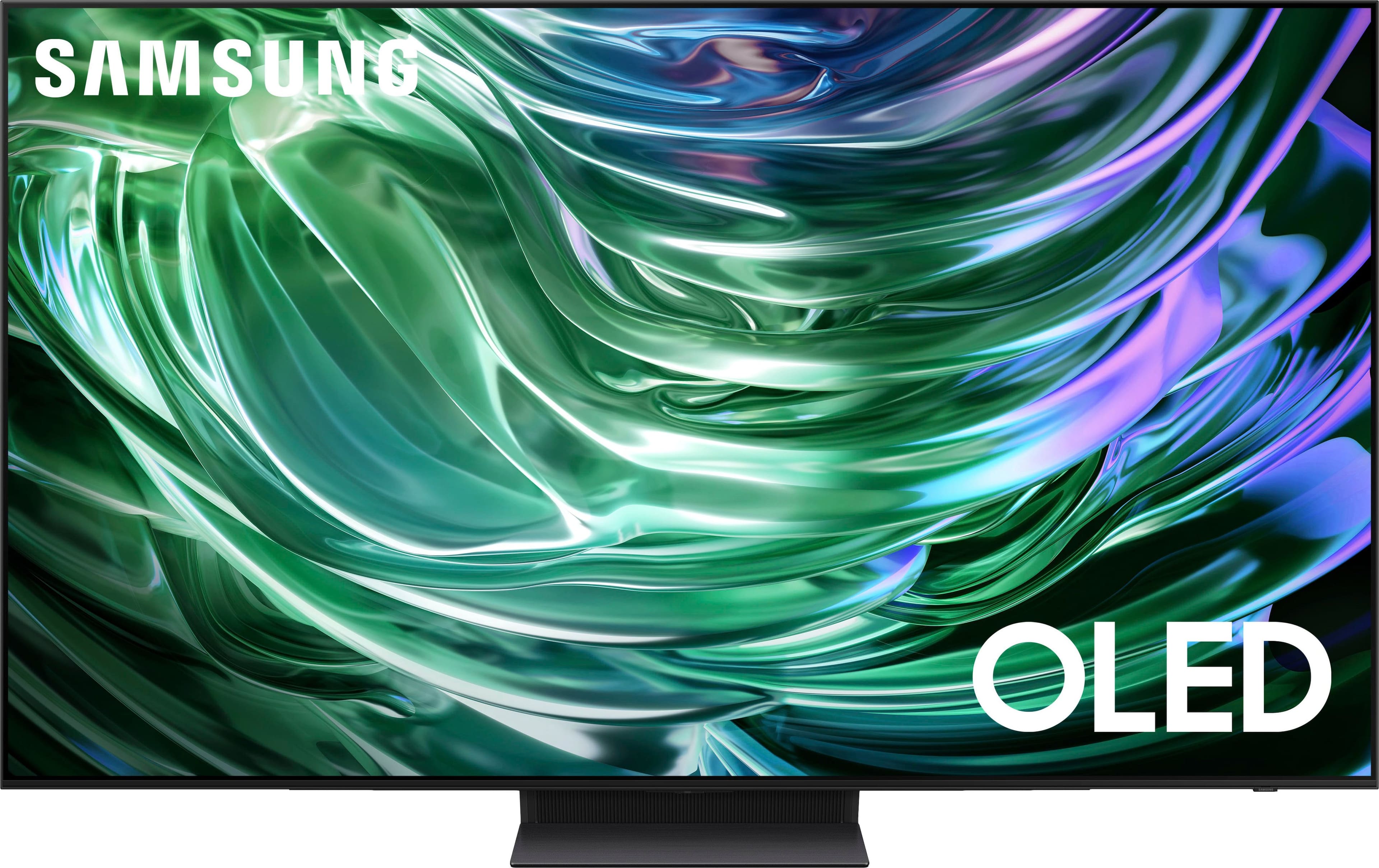
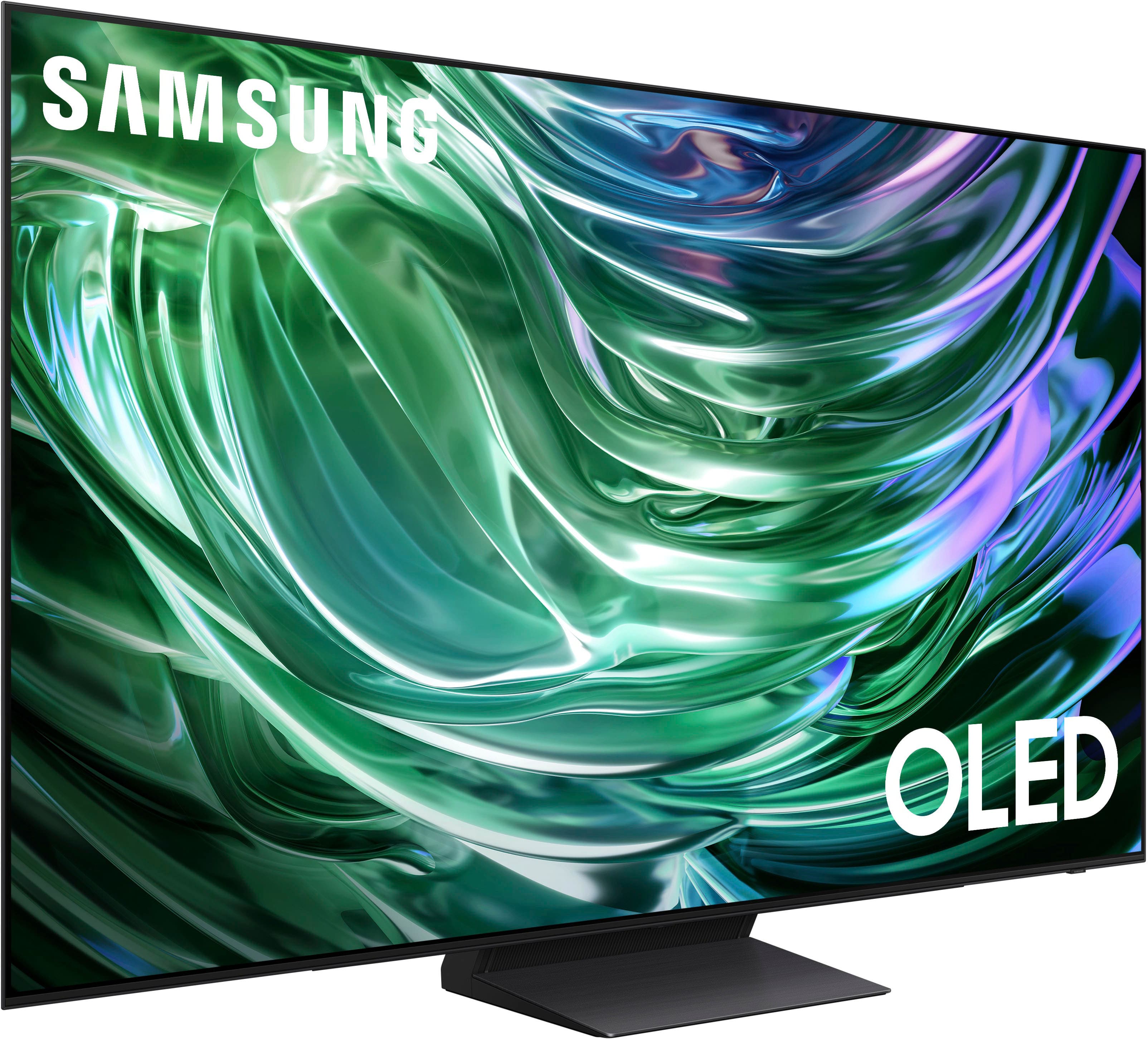
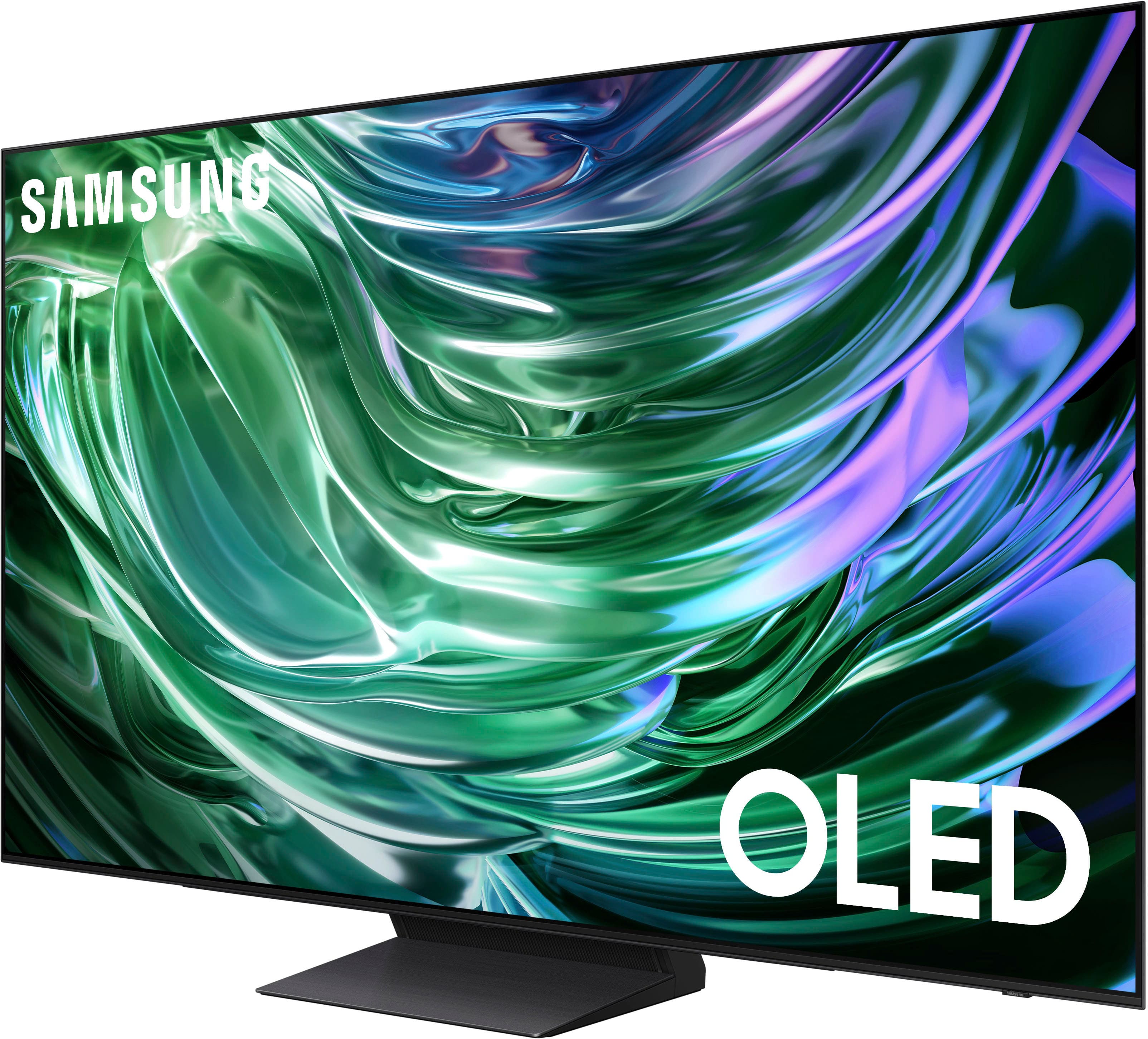
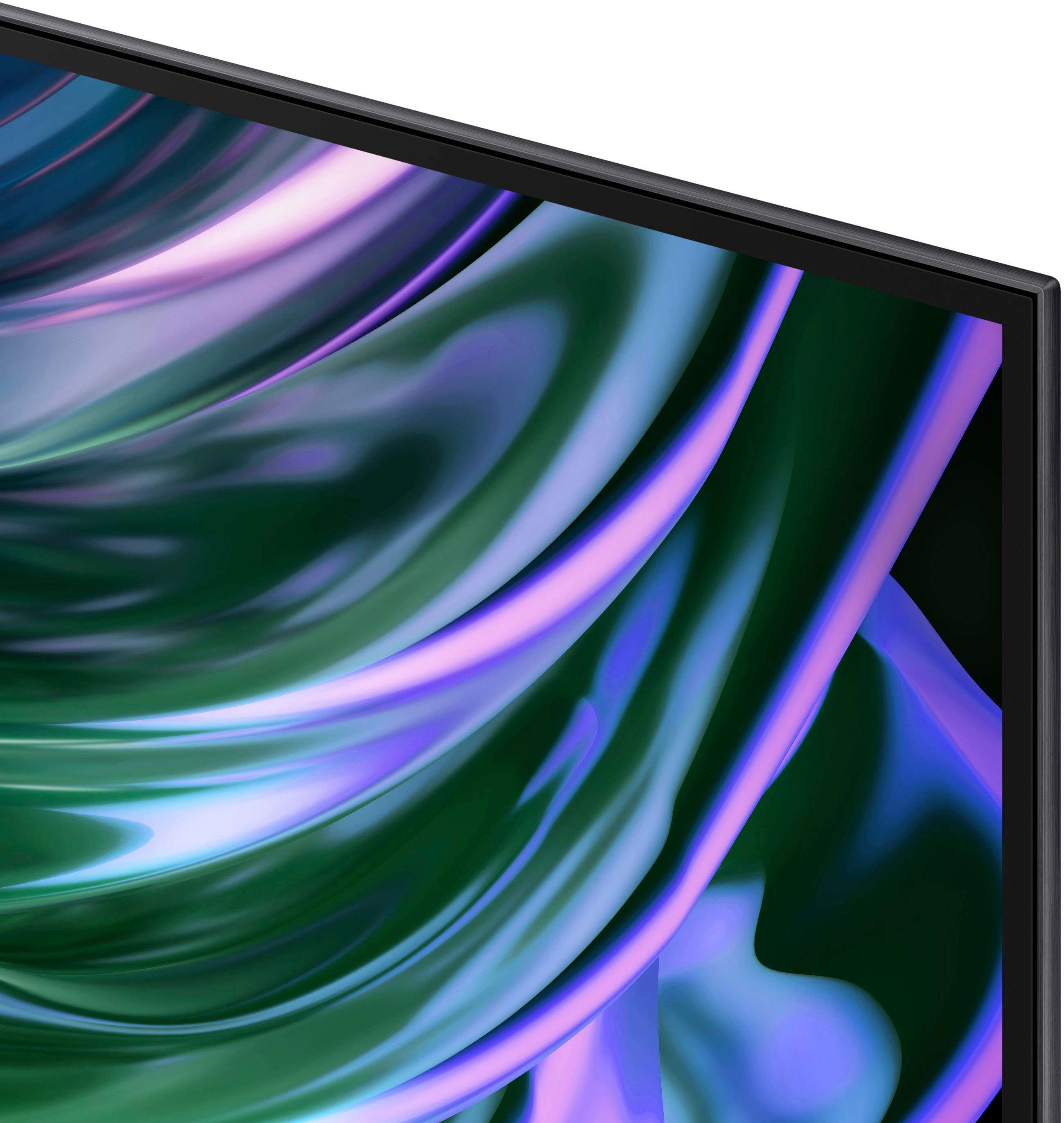










- Model:
- QN65S90DAFXZA
- SKU:
- 6576598
Rating by feature
- Picture Quality
Rating 4.9 out of 5 stars
- Sound Quality
Rating 4.5 out of 5 stars
- Brightness
Rating 4.9 out of 5 stars
Customers are saying
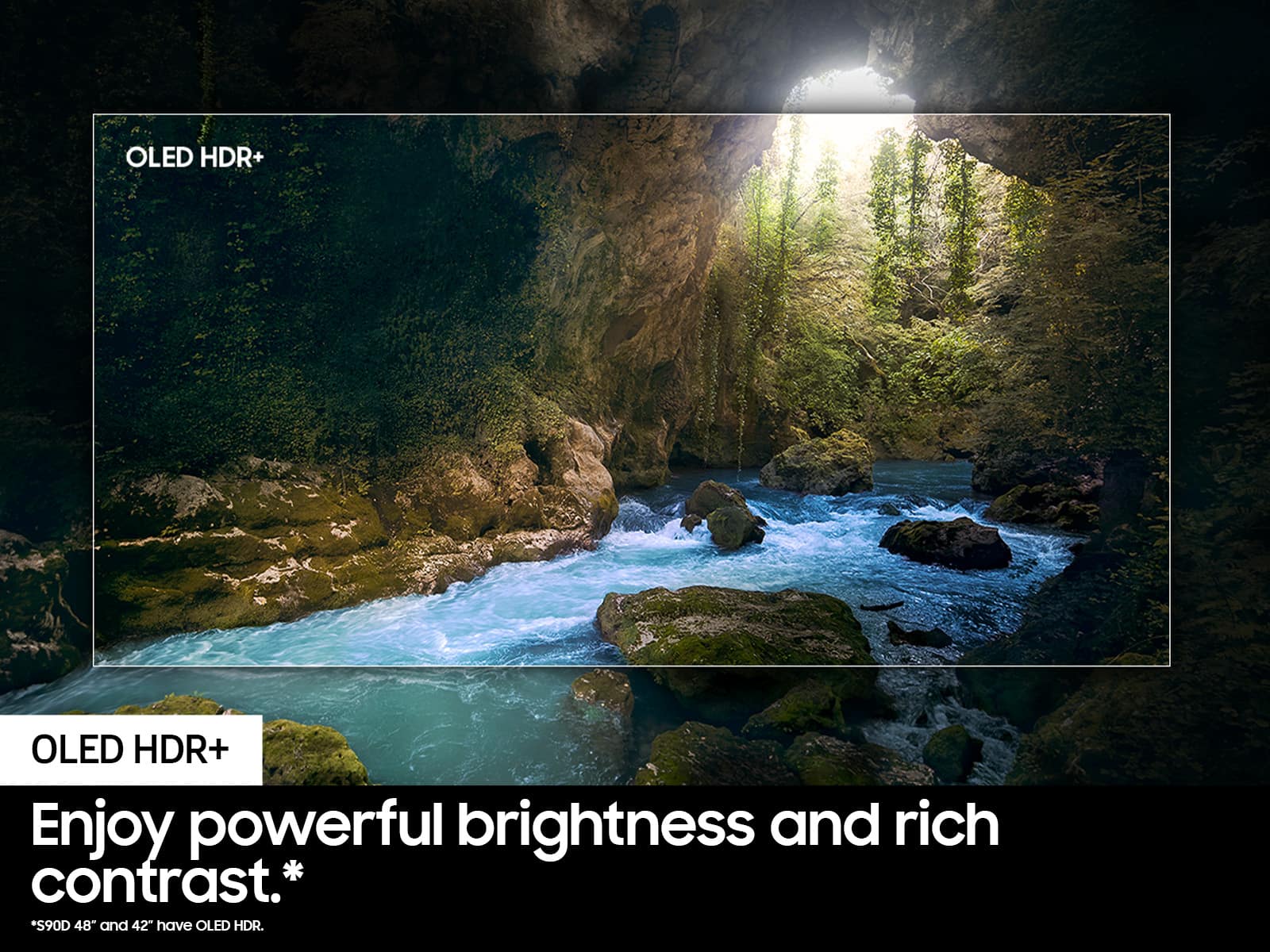
Customers are impressed with the 65" Class S90D Series OLED 4K UHD Smart Tizen TV (2024)'s exceptional picture quality, including its OLED quality, brightness, and deep black levels. The TV's sleek design and easy setup process are also well-received. While the viewing angle is appreciated, some users have noted concerns regarding the remote control's weight, the user interface, the TV's weight, and occasional connectivity issues.
This summary was generated by AI based on customer reviews.
- Cons mentioned:User interface
Overhyped
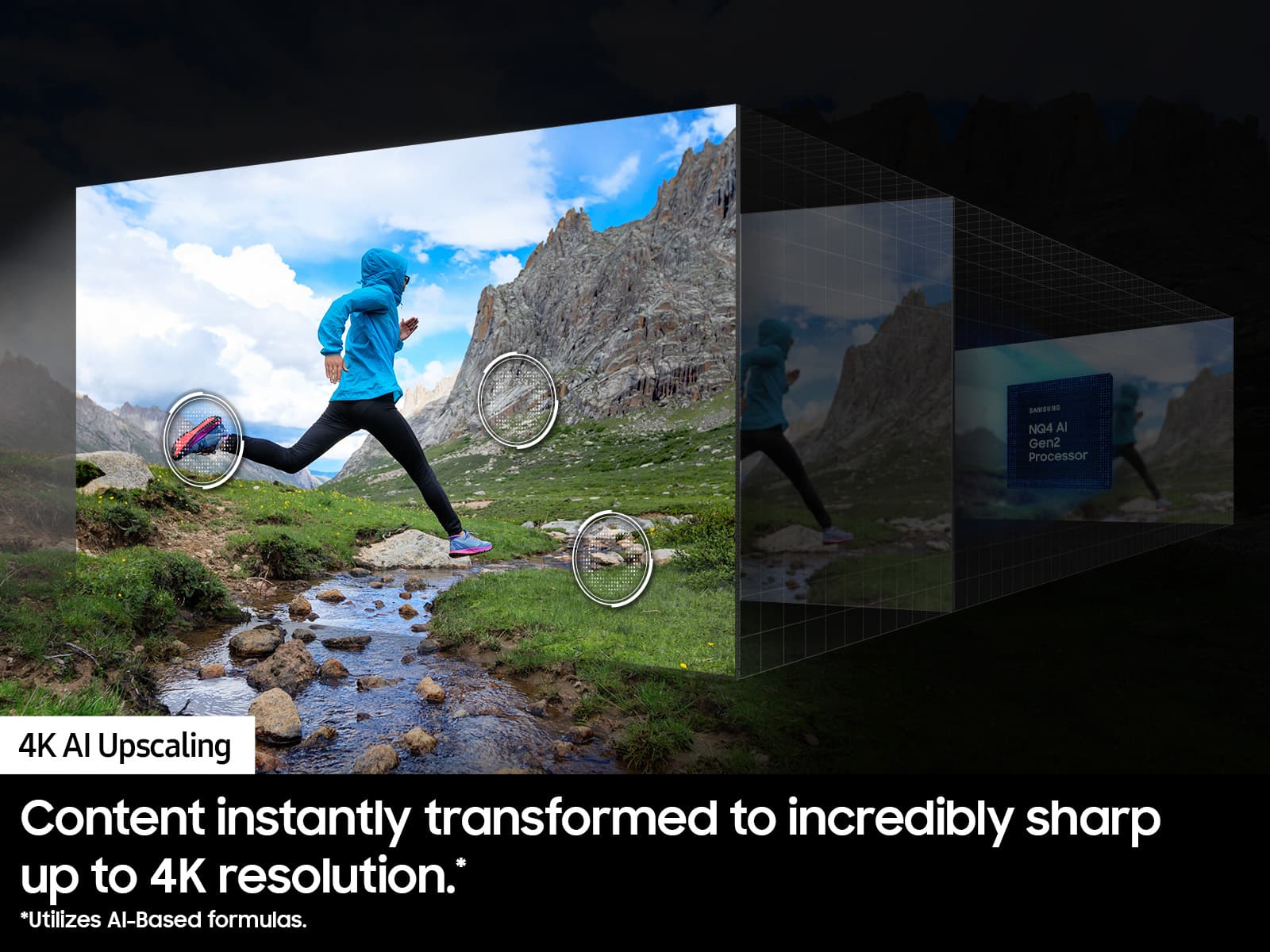
||Posted .This reviewer received promo considerations or sweepstakes entry for writing a review.The UI is incredibly slow and the upscaling is not existent from a budget TV to this. All of my Lora’s content still is low resolution.
No, I would not recommend this to a friendBrand response from Samsung
Posted .Drew,
Thanks for sharing your thoughts. If there's anything we can do to improve your experience, please reach Samsung Support at 1-800-SAMSUNG, 8AM - 12AM EST, 7 days a week. Or visit us on the Samsung website and click on the ‘Support’ link for:
• LiveChat
• Manuals, Software, & Warranty Info
~ Samsung Pro
Screen issue
||Posted .This reviewer received promo considerations or sweepstakes entry for writing a review.Screen out after 1 month. Worked great until it didn’t.
No, I would not recommend this to a friendBrand response from Samsung
Posted .Eric,
It’s unfortunate to hear of your experience with Samsung’s S90D TV. Samsung is committed to providing the best possible product experience, quality, and value. We back this Samsung TV with a 1-year limited manufacturer's warranty, including authorized repair for manufacturer defect, if purchased brand-new directly from an authorized seller. You can enter your model number to review the full warranty details here: https://www.samsung.com/us/support/legal/LGL10000312/#standard-limited-warranty
Please give us the opportunity to assist you by contacting Samsung Customer Support at 1-800-SAMSUNG, 8AM - 12AM EST, 7 days a week. Our LiveChat agents are also available by clicking on the ‘Support’ link on our website.
~ Samsung Specialist
Not the Best Choice
||Posted .This reviewer received promo considerations or sweepstakes entry for writing a review.This didn't work for me. It does support Dolby Vision which is a big miss. I also found the operating system, and especailly changing the setting, very frustrating. In the end, I returned it.
No, I would not recommend this to a friendBrand response from Samsung
Posted .KevinO,
It’s unfortunate to hear of the issues that have caused you to return your TV. Your experience is very important to us and will be shared with our product team.
Should you ever decide to give Samsung TVs another try and have questions or need help with settings, setup, or features, please know we’re here to help. Call us at 1-800-SAMSUNG, 8AM - 12AM EST, 7 days a week.
LiveChat with an agent as well as manuals, software, and warranty info can be found at the ‘Support’ link on our Samsung website.
We hope to regain you as a customer in the future.
~ Samsung Specialist
- Pros mentioned:Black level, Brightness, Oled quality
Everything is better on this OLED
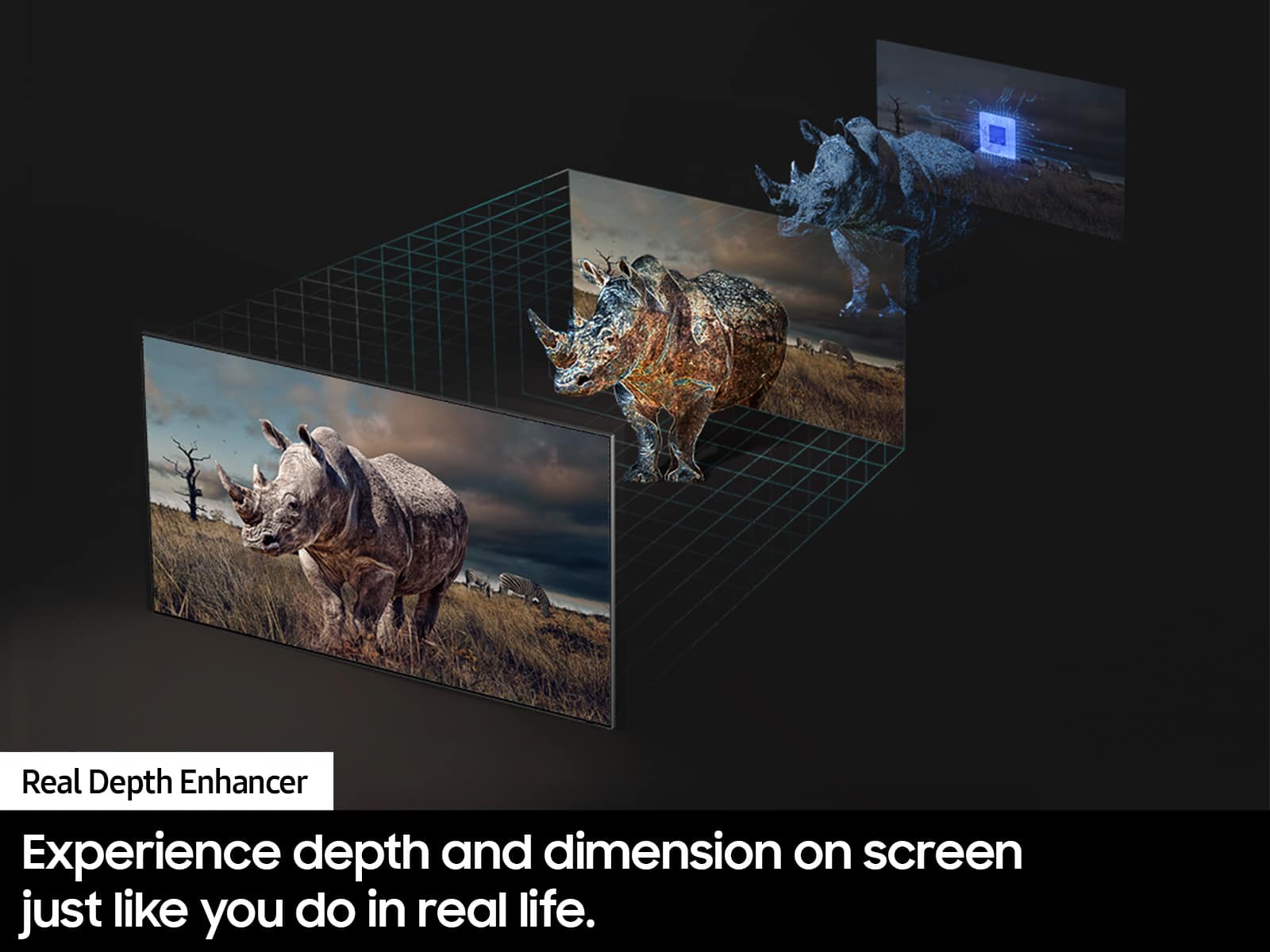
Posted .This reviewer received promo considerations or sweepstakes entry for writing a review.I didn’t realize what I was missing without OLED amd the s90d is by far and away the best value in the class. I did not realize what a big difference true black makes. It is huge. No blurring at all and every viewing angle is perfect. The glare reduction is really solid. I font have to watch tv in the complete dark anymore. Gaming is a a whole new level on the 77in OLED. Plus by house is sports central now. Everyone wants to watch the games on jt because you see so much more detail of the action and you really have a better grasp of whats happening on the field. The depth you can see is also unreal. It almost feels like youre looking through a window, not watching tv. I highly, highly recommend the Samsung S90D.
I would recommend this to a friend OLED TV
||Posted . Owned for 1 month when reviewed.This reviewer received promo considerations or sweepstakes entry for writing a review.Sometimes blury and not the picture we expected for this OLED TV.
No, I would not recommend this to a friendBrand response from Samsung
Posted .Sharon,
Thank you for sharing your thoughts on the picture quality of your S90D TV. To ensure you’ve got the latest image quality updates, please confirm that your TV is up to date with the latest firmware version. You can check by going to: Home > Menu > Settings > Support > Software Update.
If the picture you’re seeing is still not to your liking after updating firmware, there are several picture settings you may want to try adjusting.
Go to Home > left direction button > Settings > All Settings > Picture > Picture Mode
...and select the mode that best fits your usage:
1. Standard: Is the default mode suitable for general viewing environments
2. Dynamic: Makes the picture brighter and clearer in bright viewing environments
3. Eco: Provided to save energy
4. Movie: Suitable for watching TV or movies in a dark room
5. Filmmaker Mode: Provides source content just as the creators intended. If the image is defined as Filmmaker Mode, it’ll automatically switch to Filmmaker Mode while watching.
You can also fine-tune your picture with expert settings such as brightness, contrast, sharpness and more (All Settings > Picture > Expert Settings).
For optimal clarity, you may also want to adjust the picture clarity setting by going to: Menu > Settings > All Settings > Picture > Expert Settings > Picture Clarity Settings
I hope these tips help.
You can always contact us for further assistance at 1-800-SAMSUNG, 8AM - 12AM EST, 7 days a week. Our LiveChat agents are also available by clicking on the ‘Support’ link on our website.
~ Samsung Specialist
Remote WILL break!
||Posted .This reviewer received promo considerations or sweepstakes entry for writing a review.Disappointed that my remote broke after normal use the volume button snapped off. After an hour talking to customer service that told me they could help solve issue. Their solution BUY A NEW REMOTE FROM THEIR STORE. I spent this much for a tv and they can’t even supply a working remote.
No, I would not recommend this to a friendBrand response from Samsung
Posted .RobertL,
We appreciate you sharing your experience with Samsung Support. Your input is invaluable in our continuous pursuit of delivering the best in product and customer experience, and we'll be sure to pass this along to our internal teams.
Should you ever have questions or need help with your S90D TV, Samsung is here for you. Just give us a call at 1-800-SAMSUNG, 8AM - 12AM EST, 7 days a week. Or visit us on the Samsung website and click on the ‘Support’ link for:
• LiveChat
• Manuals, Software, & Warranty Info
~ Samsung Pro
Okay picture
||Posted . Owned for 1 month when reviewed.This reviewer received promo considerations or sweepstakes entry for writing a review.Not as clear of picture as in store, serves it’s purpose!
I would recommend this to a friendBrand response from Samsung
Posted .JoyceW,
Thank you for sharing your thoughts on the picture quality of your S90D TV. To ensure you’ve got the latest image quality updates, please confirm that your TV is up to date with the latest firmware version. You can check by going to: Home > Menu > Settings > Support > Software Update.
If the picture you’re seeing is still not to your liking after updating firmware, there are several picture settings you may want to try adjusting.
Go to Home > left direction button > Settings > All Settings > Picture > Picture Mode
...and select the mode that best fits your usage:
1. Standard: Is the default mode suitable for general viewing environments
2. Dynamic: Makes the picture brighter and clearer in bright viewing environments
3. Eco: Provided to save energy
4. Movie: Suitable for watching TV or movies in a dark room
5. Filmmaker Mode: Provides source content just as the creators intended. If the image is defined as Filmmaker Mode, it’ll automatically switch to Filmmaker Mode while watching.
You can also fine-tune your picture with expert settings such as brightness, contrast, sharpness and more (All Settings > Picture > Expert Settings).
For further assistance with settings adjustments, please contact Samsung Customer Support at 1-800-SAMSUNG, 8AM - 12AM EST, 7 days a week. Or visit us on the Samsung website and click on the ‘Support’ link for:
• LiveChat
• Manuals, Software, & Warranty Info
~ Samsung Specialist
Not for gaming
||Posted . Owned for 3 months when reviewed.This reviewer received promo considerations or sweepstakes entry for writing a review.I personally wouldn’t buy this again considering that so many Tv’s are on a deal and specially every year they release a new one, i wish they would optimize it for gaming purposes.
No, I would not recommend this to a friendBrand response from Samsung
Posted .BrayanT,
Thank you for sharing your thoughts on Samsung's S90D TV. If there's anything we can do to help improve your experience, please reach Samsung Support at 1-800-SAMSUNG, 8AM - 12AM EST, 7 days a week. Or visit us on the Samsung website and click on the ‘Support’ link for:
• LiveChat
• Manuals, Software, & Warranty Info
~ Samsung Specialist
Operating system poor
||Posted . Owned for 1 week when reviewed.This reviewer received promo considerations or sweepstakes entry for writing a review.Horrible OS. Picture quality ok. Cheaper tv would probably show the same quality. Sad thing is all tv's now have google play OS. Not many user settings.
No, I would not recommend this to a friendBrand response from Samsung
Posted .WilliamS,
We appreciate you sharing your user experience. To assist in learning the various functions, please know you can download the S90D TV's User Manual, e-Manual, Remote Control Leaflet, and Quick Setup Guide on Samsung's website under Support > Manuals & Software > TVs & Home Theater. You can search for and select the S90D TV to download the guides you would like.
The e-Manual and Remote Guide are both also embedded into your TV itself under Menu > Settings > Support > Open e-Manual.
If you need more help, Samsung is here for you. Please call us at 1-800-SAMSUNG, 8AM - 12AM EST, 7 days a week. Our LiveChat agents are also available by clicking on the ‘Support’ link on our website.
~ Samsung Specialist
Piloting not right
||Posted . Owned for 1 month when reviewed.This reviewer received promo considerations or sweepstakes entry for writing a review.The coloring is not right. Faces get a rosy color when the camera pans in.
No, I would not recommend this to a friendBrand response from Samsung
Posted .TimothyW,
Thank you for sharing your thoughts on the picture quality of your S90D TV. To ensure you’ve got the latest image quality updates, please confirm that your TV is up to date with the latest firmware version. You can check by going to: Home > Menu > Settings > Support > Software Update.
If the picture you’re seeing is still not to your liking after updating firmware, there are several picture settings you may want to try adjusting.
Go to Home > left direction button > Settings > All Settings > Picture > Picture Mode
...and select the mode that best fits your usage:
1. Standard: Is the default mode suitable for general viewing environments
2. Dynamic: Makes the picture brighter and clearer in bright viewing environments
3. Eco: Provided to save energy
4. Movie: Suitable for watching TV or movies in a dark room
5. Filmmaker Mode: Provides source content just as the creators intended. If the image is defined as Filmmaker Mode, it’ll automatically switch to Filmmaker Mode while watching.
You can also fine-tune your picture with expert settings such as brightness, contrast, sharpness and more (All Settings > Picture > Expert Settings).
For further assistance with settings adjustments, please contact Samsung Customer Support at 1-800-SAMSUNG, 8AM - 12AM EST, 7 days a week. Or visit us on the Samsung website and click on the ‘Support’ link for:
• LiveChat
• Manuals, Software, & Warranty Info
~ Samsung Specialist
Dishonest practuces of Best Buy.
||Posted . Owned for 1 month when reviewed.This reviewer received promo considerations or sweepstakes entry for writing a review.Product is fine, service is awful. Was told that if I signed up for a Best Buy credit card I would receive a 10% discount, so I did. When the bill came, there was no discount. I called to get it straightened out and was put on hold for well over a half an hour then told I wasn't eligible. When I asked to speak to a manager, I was put on hold and after 5 more minutes, disconnected. I will not be shopping at Best Buy again and will tell all my family and friends about the terrible service and dishonest practices of Best Buy.
No, I would not recommend this to a friendBrand response from Samsung
Posted .DissatisfiedCustomer,
Please know you are leaving a review and 1-star rating for the S90D TV, but we are sorry to hear of your Best Buy experience, nonetheless. You may want to consider providing feedback directly to the Best Buy store where you made your purchase.
Should you have questions on the S90D TV itself, Samsung is here for you. You can reach us at 1-800-SAMSUNG, 8AM - 12AM EST, 7 days a week. Our LiveChat agents are also available by clicking on the ‘Support’ link on our website.
~ Samsung Specialist
it failed on me within 2-3 weeks
||Posted . Owned for 3 weeks when reviewed.This reviewer received promo considerations or sweepstakes entry for writing a review.the screen kept going black every 30 seconds, and white horizontal lines appeared flickering on the bottom of the screen (all this after like 2 weeks and a half) I couldn't send it back with BB. since they inly give you 2 weeks. now I'm waiting for Samsung to help me. not a happy camper. I'm a Samsung fan. but they should be doing better with their quality control..
No, I would not recommend this to a friendBrand response from Samsung
Posted .ferfeenix,
It’s unfortunate to hear of your experience with Samsung’s S90D TV. Samsung is committed to providing the best possible product experience, quality, and value. We back this Samsung TV with a 1-year limited manufacturer's warranty, including authorized repair for manufacturer defect, if purchased brand-new directly from an authorized seller. You can enter your model number to review the full warranty details here: https://www.samsung.com/us/support/legal/LGL10000312/#standard-limited-warranty
Please give us the opportunity to assist you by contacting Samsung Customer Support at 1-800-SAMSUNG, 8AM - 12AM EST, 7 days a week. Our LiveChat agents are also available by clicking on the ‘Support’ link on our website.
~ Samsung Specialist
poorly made tv, DO NOT buy geek squad protection
||Posted . Owned for 1 month when reviewed.This reviewer received promo considerations or sweepstakes entry for writing a review.Screen went out in less than a year. Then geek squad sent ONE person to install a new one and he damaged my furniture and could not mount the tv to the pre-existing wall mount. Cheaply made product and terrible geek squad protection plan!
No, I would not recommend this to a friendBrand response from Samsung
Posted .James,
It’s unfortunate to hear of your experience with Samsung’s S90D TV. Samsung is committed to providing the best possible product experience, quality, and value. We back this Samsung TV with a 1-year limited manufacturer's warranty, including authorized repair for manufacturer defect, if purchased brand-new directly from an authorized seller. You can enter your model number to review the full warranty details here: https://www.samsung.com/us/support/legal/LGL10000312/#standard-limited-warranty
Please give us the opportunity to assist you by contacting Samsung Customer Support at 1-800-SAMSUNG, 8AM - 12AM EST, 7 days a week. Our LiveChat agents are also available by clicking on the ‘Support’ link on our website.
~ Samsung Specialist
Bad software update
||Posted . Owned for 3 weeks when reviewed.This reviewer received promo considerations or sweepstakes entry for writing a review.Was a great TV until the latest software update that Samsung rolled out. Now not worth getting. Just go with the S95D is what Samsung is essentially driving people to do
No, I would not recommend this to a friendBrand response from Samsung
Posted .Eric,
I'm sorry to hear of the issues you've encountered after updating your TV's firmware. We'd like to hear more about this. Please give us a call at 1-800-SAMSUNG, 8AM - 12AM EST, 7 days a week. Or visit us on the Samsung website and click on the ‘Support’ link for:
• LiveChat
• Manuals, Software, & Warranty Info
~ Samsung Specialist
Would not recommend
||Posted . Owned for 1 month when reviewed.This reviewer received promo considerations or sweepstakes entry for writing a review.The clarity of this tv was awful. We ended up exchanging it for an LG which was more expensive but worth it.
No, I would not recommend this to a friendBrand response from Samsung
Posted .IreneG,
It’s unfortunate to hear of the issues that have caused you to return your S90D TV. Your experience is very important to us and will be shared with our product team.
Should you ever decide to give Samsung TVs another try and have questions or need help with settings, setup, or features, please know we’re here to help. Call us at 1-800-SAMSUNG, 8AM - 12AM EST, 7 days a week.
LiveChat with an agent as well as manuals, software, and warranty info can be found at the ‘Support’ link on our Samsung website.
~ Samsung Specialist
Best Buy Failed To Deliver Twice So I Cancelled
||Posted . Owned for 1 month when reviewed.This reviewer received promo considerations or sweepstakes entry for writing a review.I cancelled my order for the Samsung TV after Best Buy failed to deliver on the first promise date, and then failed again on the second date. I was told by the status line that it was out for delivery on the second date, but finally went to the store to find out it never left their shipping dock. I give Best Buy 1 star for processing my cancellation and arranging for my refund.
No, I would not recommend this to a friendBrand response from Samsung
Posted .Doug88,
Please know you are leaving a review and 1-star rating for the S90D TV, but we are sorry to hear of your Best Buy experience, nonetheless. You may want to consider providing feedback directly to the Best Buy store where you made your purchase.
Should you have questions on the S90D TV itself, Samsung is here for you. You can reach us at 1-800-SAMSUNG, 8AM - 12AM EST, 7 days a week. Our LiveChat agents are also available by clicking on the ‘Support’ link on our website.
~ Samsung Specialist
What a joke.
||Posted . Owned for 3 weeks when reviewed.This reviewer received promo considerations or sweepstakes entry for writing a review.When i bought the TV you said they would hook it up.. They dropped it off and left. Be honest with your customers because you lost me as being one and whoever answers your phone that is really a joke.
I would recommend this to a friendBrand response from Samsung
Posted .BrianD,
Please know you are leaving a review and 1-star rating for the S90D TV, but we are sorry to hear of your Best Buy experience, nonetheless. You may want to consider providing feedback directly to the Best Buy store where you made your purchase.
Should you have questions on the TV itself, Samsung is here for you. You can reach us at 1-800-SAMSUNG, 8AM - 12AM EST, 7 days a week. Our LiveChat agents are also available by clicking on the ‘Support’ link on our website.
~ Samsung Specialist
Not the best
||Posted . Owned for 3 weeks when reviewed.This reviewer received promo considerations or sweepstakes entry for writing a review.This tv is not worth the money. Don't bother with this and get the LG C4.
No, I would not recommend this to a friendBrand response from Samsung
Posted .Jazz,
I’m sorry to hear you’re not fully satisfied with Samsung’s S90D TV. So we can understand the issues you’re experiencing and provide you with troubleshooting assistance, please reach out to Samsung Customer Support at 1-800-SAMSUNG, 8AM - 12AM EST, 7 days a week. Our LiveChat agents are also available by clicking on the ‘Support’ link on our website.
~ Samsung Specialist
Great when it worked
||Posted . Owned for 1 week when reviewed.This reviewer received promo considerations or sweepstakes entry for writing a review.Had to return twice. It just would not work with my PC. It would work for a few days and then completely stopped. I tried two panels and both had the same problem. And whats crazy is that my okder S95B works perfectly with my PC.
No, I would not recommend this to a friendBrand response from Samsung
Posted .Samuel,
It’s unfortunate to hear of the issues that have caused you to return your S90D TV. Your experience is very important to us and will be shared with our product team.
It’s possible that your unit needed minor troubleshooting, a firmware update, or adjustments in settings.
Should you ever decide to give Samsung TVs another try and have questions or need help with settings, setup, or features, please know we’re here to help. Call us at 1-800-SAMSUNG, 8AM - 12AM EST, 7 days a week.
LiveChat with an agent as well as manuals, software, and warranty info can be found at the ‘Support’ link on our Samsung website.
We hope to regain you as a customer in the future.
~ Samsung Specialist
GARBAGE AD TV
||Posted . Owned for 4 months when reviewed.This reviewer received promo considerations or sweepstakes entry for writing a review.This tv is total GARBAGE. It nothing more than a tracking and ad device. GARBAGE and subpar build quality at best. Too many lousy things to list because Best Buy blocks everything negative in reviews now. DONT BUY SAMDUNG anymore.
No, I would not recommend this to a friendBrand response from Samsung
Posted .au2bahn,
Thanks for sharing your thoughts on Samsung's S90D TV. If there's anything we can ever help with, please call Samsung Support at 1-800-SAMSUNG, 8AM - 12AM EST, 7 days a week. Our LiveChat agents are also available by clicking on the ‘Support’ link on our website.
~ Samsung Specialist