Customer Ratings & Reviews
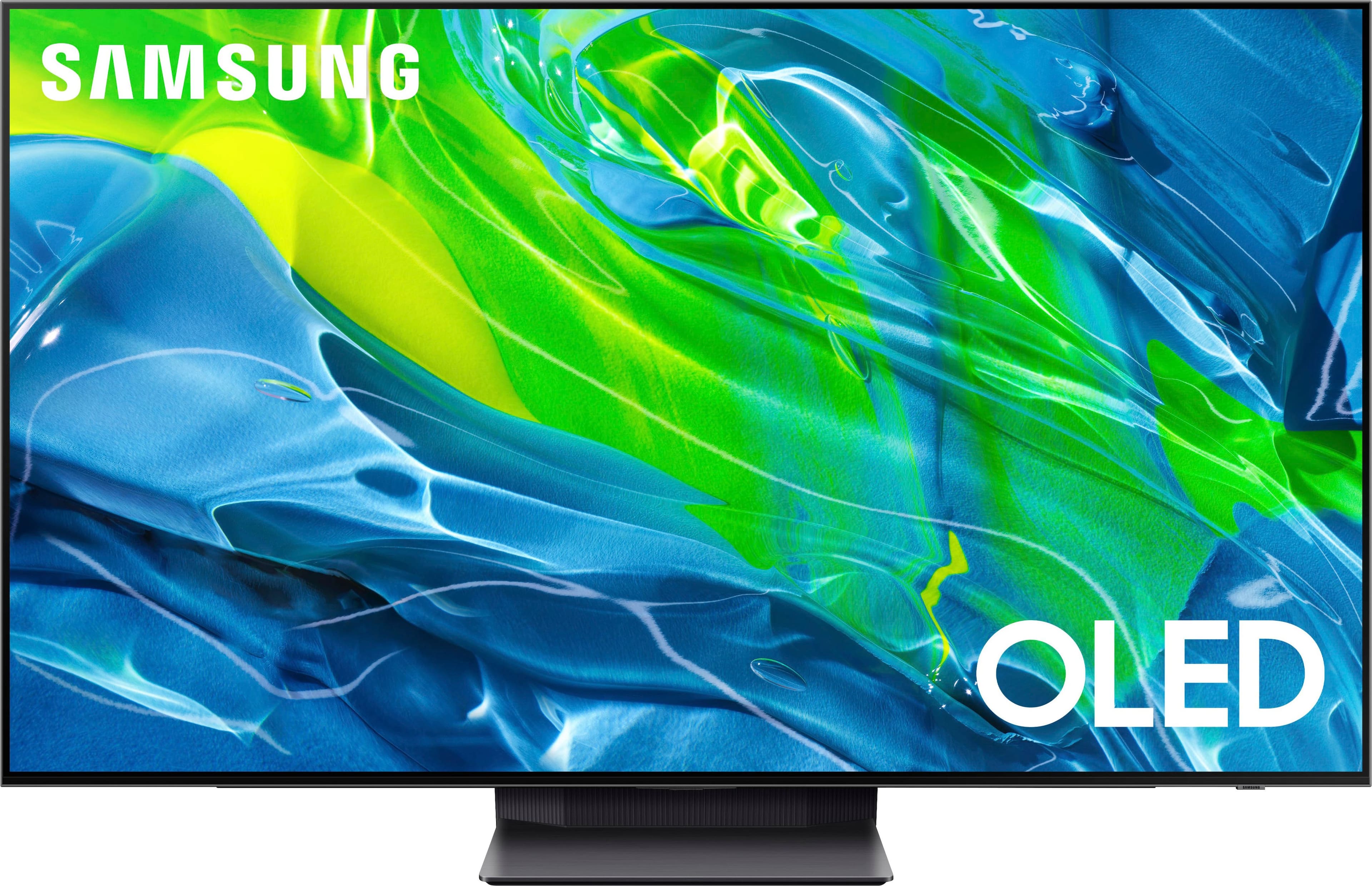
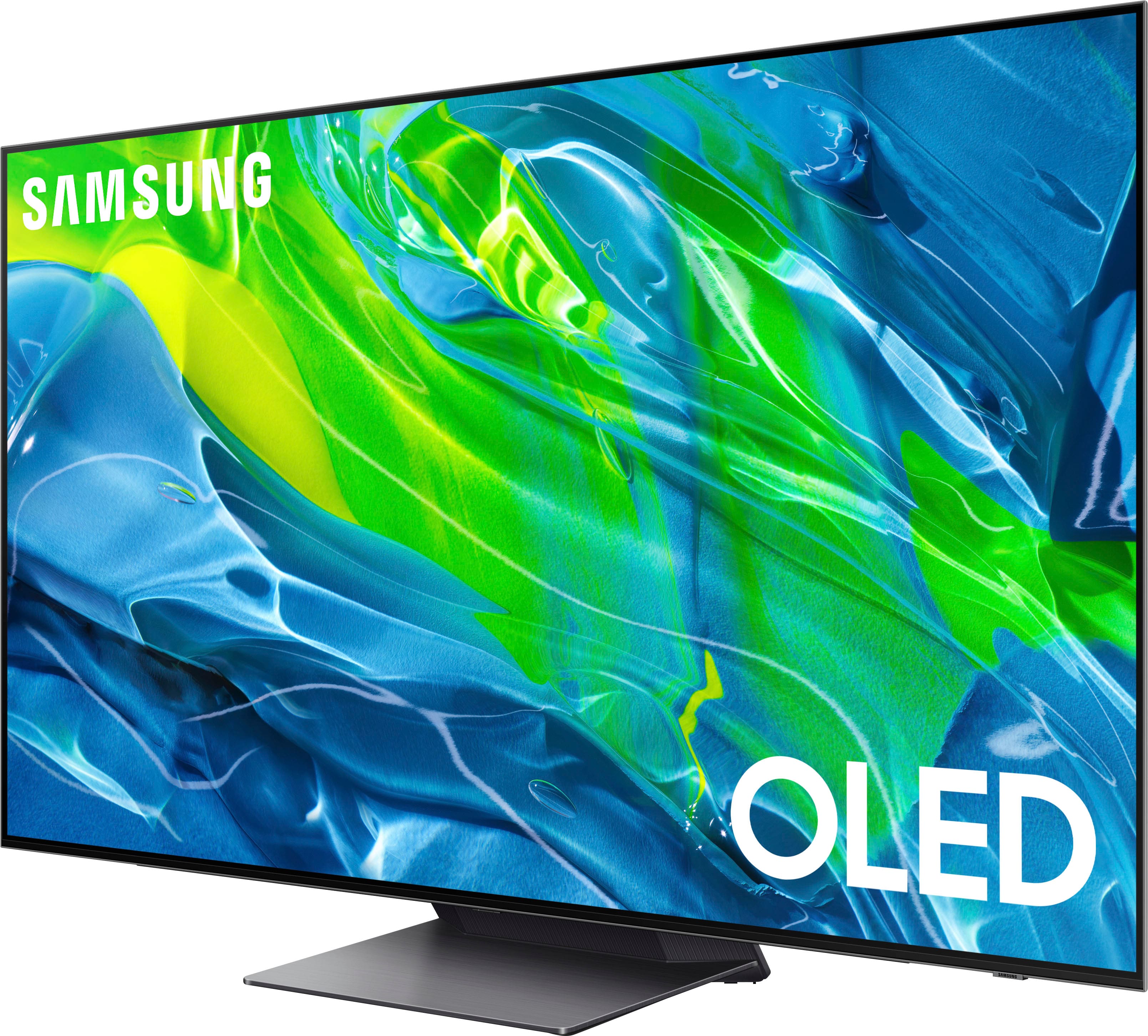
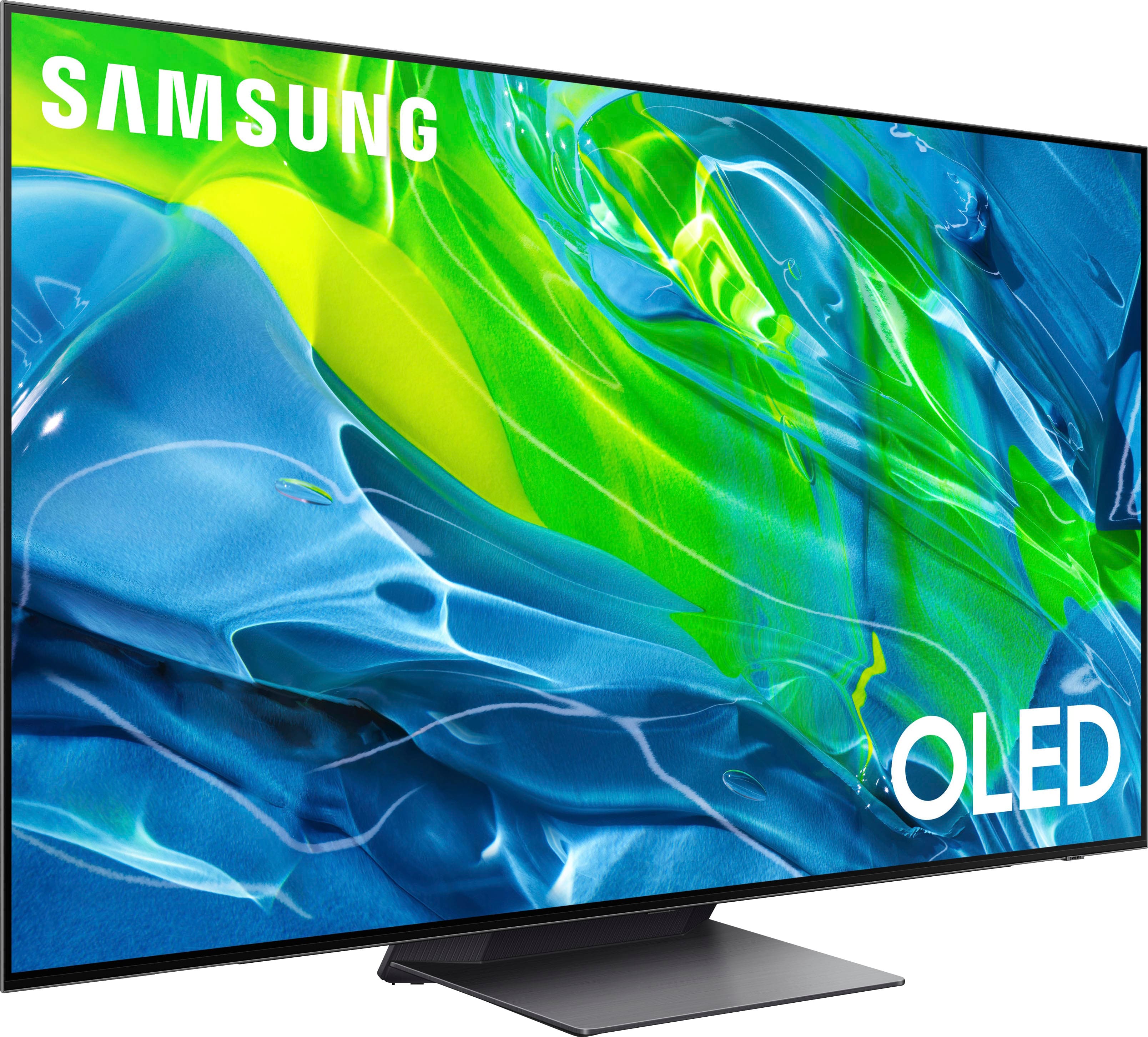

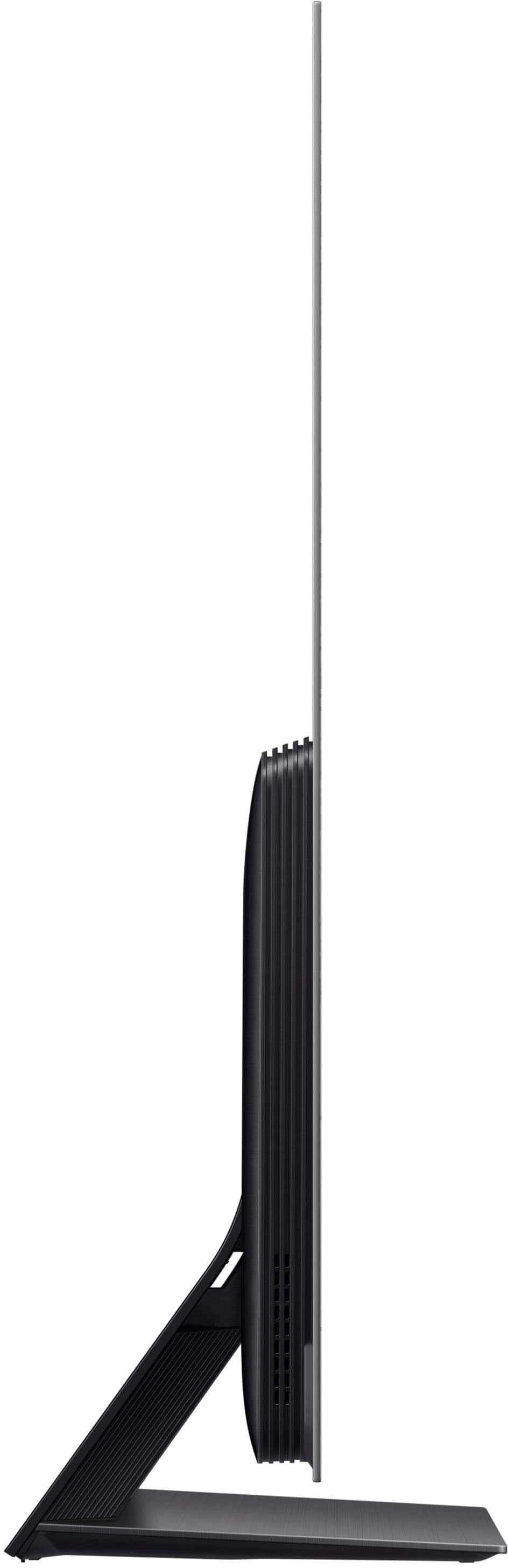
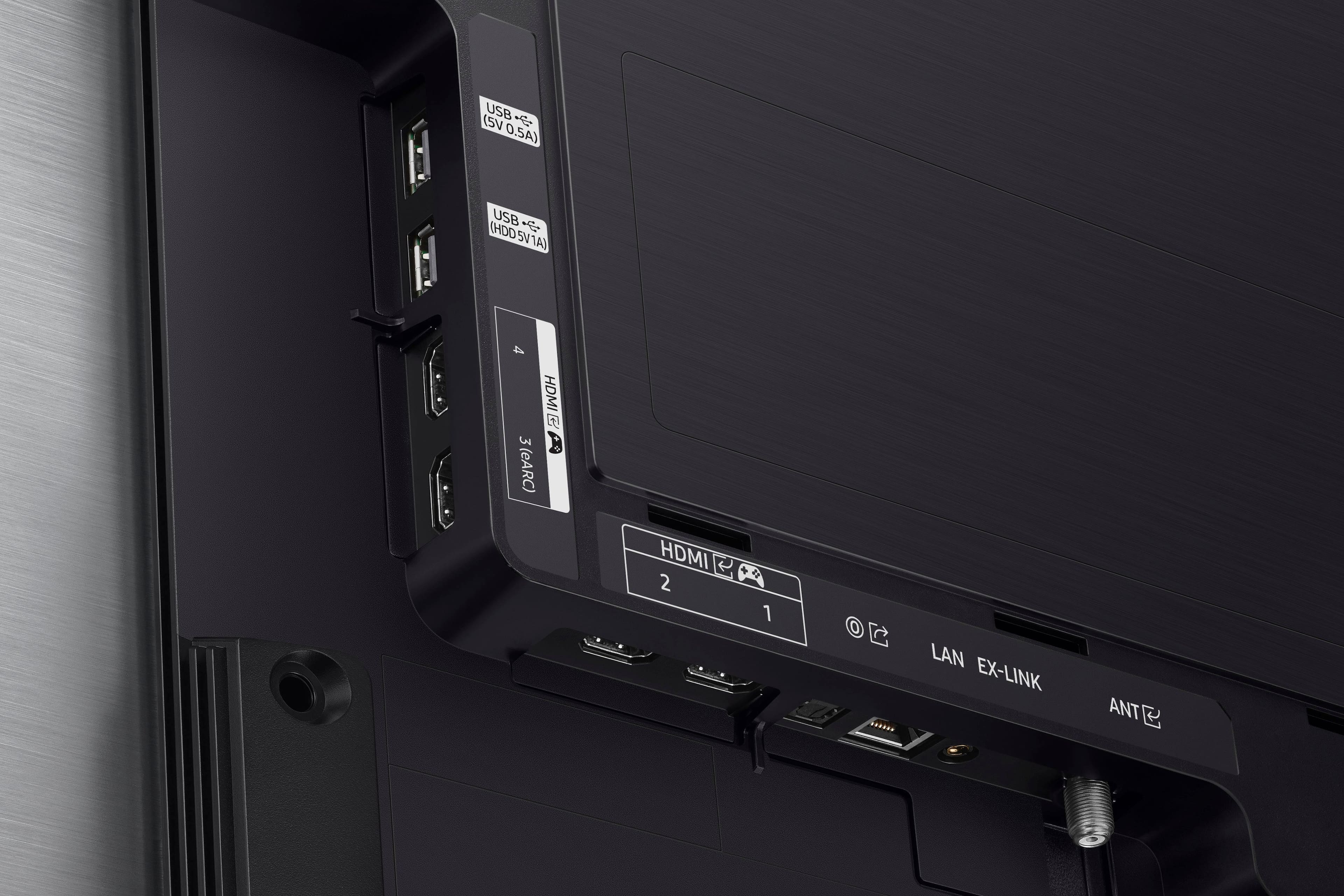
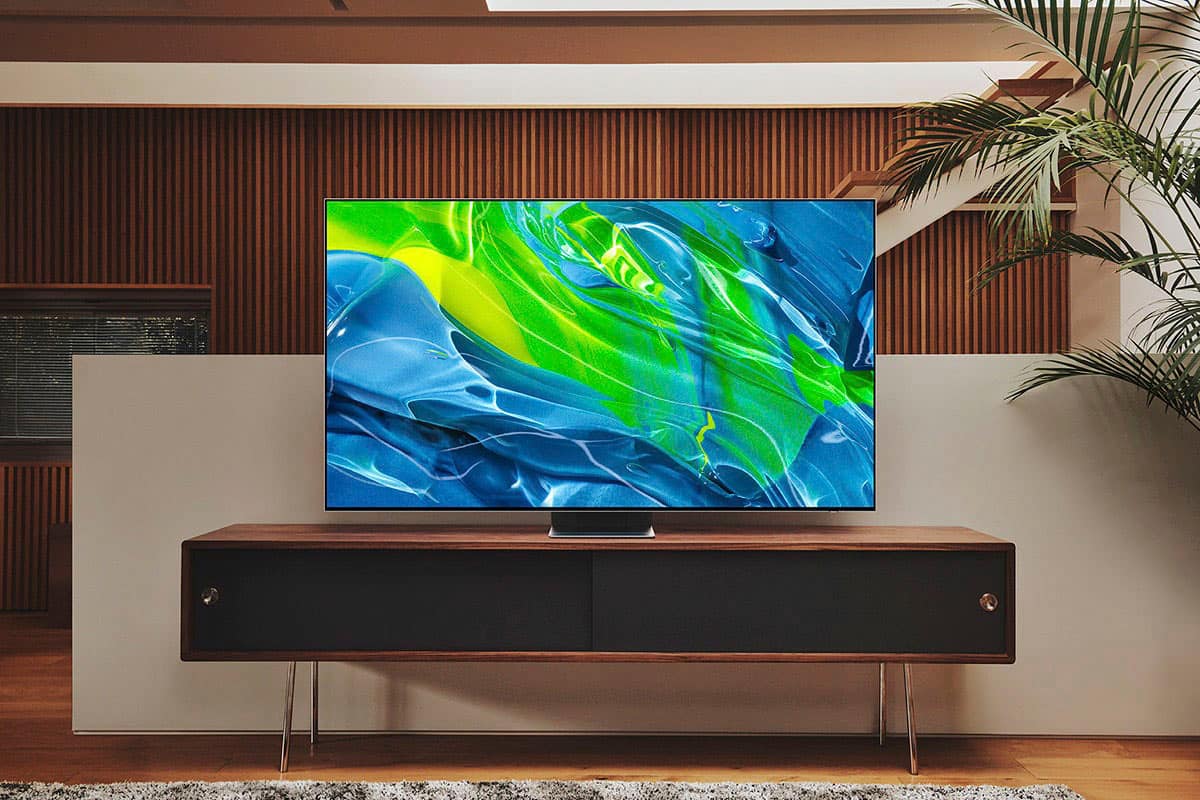
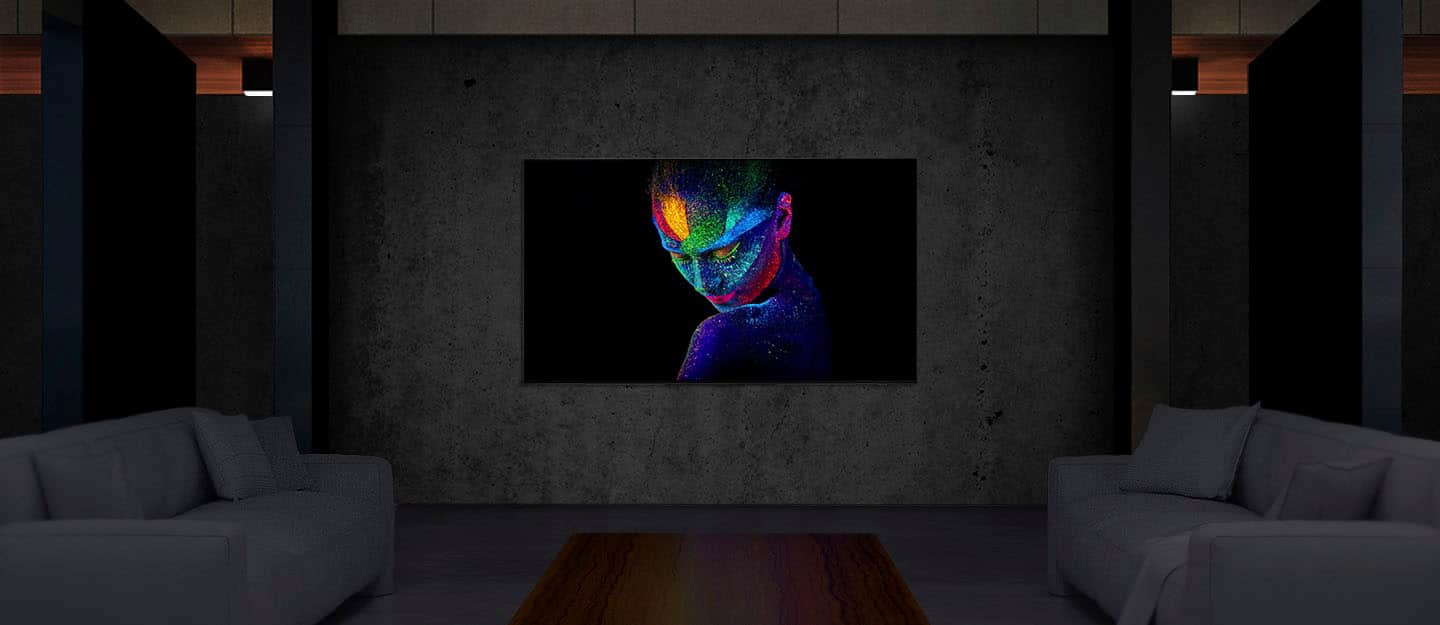







- Model:
- QN65S95BAFXZA
- SKU:
- 6502215
Rating by feature
- Picture Quality
Rating 4.8 out of 5 stars
- Sound Quality
Rating 4.5 out of 5 stars
- Brightness
Rating 4.8 out of 5 stars
Customers are saying
Customers frequently mention the exceptional picture quality, vibrant colors, and impressive gaming experience of the 65” Class S95B OLED 4K Smart Tizen TV. They appreciate the great sound quality and sleek design of the TV. However, some customers have expressed concerns about the remote control's battery life and the occasional lag in the operating system.
This summary was generated by AI based on customer reviews.
Great tv but with issues
||Posted . Owned for less than 1 week when reviewed.This reviewer received promo considerations or sweepstakes entry for writing a review.Awsome color rich screen and great with the PS5, but besides the slow OS my main issue is everytime i am streaming a movie or show in any streaming app (i.e Netflix, Disney+, etc.) There is a horizontal flickering line that occurs randomly within minutes of each other. I have exchanged the tv twice and was the same for all of them. It is frustrating to see the flicker for a tv of this price. I am hoping it is just a software issue and could be fixed with an update. I have not noticed this issue on hdmi external devices YET including the PS5.
I would recommend this to a friendBrand response from Samsung
Posted .Angel,
Thank you for purchasing Samsung's S95B TV and for sharing your experience with your TV not displaying properly. You may want to try the following troubleshooting steps:
1. If any external devices are connected, check all input cable connections
2. If the issue persists, define exactly what is wrong with the display. For example, mosaics and blocks, multiple lines or white dots, fixed horizontal, or vertical lines.
3. Try changing channels using the remote control. Is the issue the same on all channels?
4. Press the Home button (looks like a house), select Connected Devices, and choose another input source. Is the issue the same on all sources?
5. If the same problem persists, run a diagnostic test. (Home > Menu > Settings > Support > Device Care > Self Diagnosis > Picture Test)
6. If the problem disappears during the test, check your TV signal (Home > Menu > Settings > Support > Device Care > Self Diagnosis > Signal Information) to check the signal strength. Signal strength must be more than 20 dB (more than 4 bars on the icon) for stable signal reception
For optimal performance, please also ensure you've got the latest firmware version installed. You can check to see what software version your TV is using and if there is an update available by going to: Home > Menu > Settings > Support > Software Update > Update Now.
If you need further assistance or have any questions, please contact Samsung Customer Support at 1-800-SAMSUNG, 8AM - 12AM EST, 7 days a week. Or visit us on the Samsung website and click on the ‘Support’ link for:
• LiveChat
• Manuals, Software, & Warranty Info
~ Samsung Specialist
Samsung love
||Posted . Owned for 1 month when reviewed.This reviewer received promo considerations or sweepstakes entry for writing a review.Our new 65” Samsung OLED TV was an excellent buy at a recent Best Buy sale. It was delivered and installed by a very knowledgeable and professional team and we are very pleased with how smoothly the process was completed.
I would recommend this to a friendMostly Awesome
||Posted .This reviewer received promo considerations or sweepstakes entry for writing a review.The TV looks great. So far the only issues is the audio sometimes gets out of sync with the video I'm streaming. I have to restart the TV to correct it and the responce time to the remote seems slow or doesn't respond at all at the first couple of attempts.
I would recommend this to a friendBrand response from Samsung
Posted .Alex,
We appreciate your feedback on the response time, and for optimal performance, we ask that you please ensure you've got the latest firmware version installed on your S95B TV. You can check this by going to: Home > Menu > Settings > Support > Software Update.
You may also want to further optimize performance with the self-diagnostic tool, which checks memory, frees up unused cached memory, and closes background apps. Go to: Home > Menu > Settings > Support > Device Care > Start Device Care
If you’re hearing an audio delay across all sources/channels and you have a receiver, soundbar, or other speakers connected to your TV, you can access the Audio Delay settings to increase the audio delay. Go to: Menu > Settings > All Settings > Sound > Expert Settings > Digital Output Audio Delay
Our 2022 TVs have an audio Pass-Through feature, which allows the audio signal to be sent out unprocessed to an external soundbar or receiver connected to the TV. The external device then processes the audio, thereby eliminating the added step of processing by the TV, which adds delay.
On your TV, go to: Menu > Settings > All Settings > Sound > Expert Settings > Digital Audio Output Format > Pass-Through
I hope these tips help you enjoy your new product.
You can always contact us for further help at 1-800-SAMSUNG, 8AM - 12AM EST, 7 days a week. Our LiveChat agents are also available by clicking on the ‘Support’ link on our website.
~ Samsung Specialist
It’s good but not for $2,599.99.
||Posted . Owned for 3 weeks when reviewed.This reviewer received promo considerations or sweepstakes entry for writing a review.The tv overall is great but it has a very laggy interface especially when you scroll through the apps. I ended up returning it for the LG C1.
I would recommend this to a friendBrand response from Samsung
Posted .RayP,
It's unfortunate to hear Samsung’s S95B TV did not meet your expectations. Your feedback is appreciated and will be shared with our internal teams.
Please know we’re always here to help, and we could’ve provided additional troubleshooting assistance to resolve the lag issues you were experiencing.
Should you ever decide to give Samsung TVs another try and have questions or need assistance with settings, setup, or features, please know we are always here to help. Call us at 1-800-SAMSUNG, 8AM - 12AM EST, 7 days a week.
LiveChat with an agent as well as manuals, software, and warranty info can be found at the ‘Support’ link on our Samsung website.
~ Samsung Specialist
Excelent
||Posted . Owned for 3 weeks when reviewed.This reviewer received promo considerations or sweepstakes entry for writing a review.Excelent tv too bad does not come any larger for now will wait for another good unit
I would recommend this to a friendDelightful big screen viewing
||Posted . Owned for 2 months when reviewed.This reviewer received promo considerations or sweepstakes entry for writing a review.Provides surprisingly excellent sharpness and detail. The settings button requires patience and determination to master, but eventually leads one to appropriate modifications to enhance viewer experience.
I would recommend this to a friend- Pros mentioned:Picture quality
Not worth the money
||Posted . Owned for 3 weeks when reviewed.This reviewer received promo considerations or sweepstakes entry for writing a review.Let me start with the best...the picture quality is amazing!! No doubt, this is high quality video. Otherwise, there are some issues that you shouldn't have to deal with at this price point. The sound. The built in speakers are not good. When using a sound bar, the sync with the voice and picture is off every few minutes no matter what solutions you try, even after speaking with Samsung rep. Problems with sound continue even without sound bar..sync issues, popping, crackling. The menu is so hard to navigate, and the tools are very hard to figure out and navigate. All in all, I have had better luck with TV's at a fraction of the cost and will be replacing this with another brand.
No, I would not recommend this to a friendBrand response from Samsung
Posted .DrewM,
We appreciate you sharing your experience with Samsung's S95B TV. If you have not yet returned your unit, please give us the opportunity to troubleshoot your issue and to work towards a solution.
You can reach Samsung Support at 1-800-SAMSUNG (ask for TVs), 8 AM – 12 AM EST, 7 days a week. LiveChat with an agent as well as manuals, software, and warranty info can be found at the ‘Support’ link on our Samsung website.
We hope to hear from you.
~ Samsung Specialist
- Pros mentioned:Picture quality
Great picture, nothing else.
||Posted . Owned for 2 months when reviewed.This reviewer received promo considerations or sweepstakes entry for writing a review.Picture quality is super bright, colors pop, Gaming is bright and pops. Super thin. Why the 2 star rating then? The OS lags like nothing I have ever owned. It takes about 5 seconds from pressing the remote to it being registered on the TV. The OS stutters quite a bit. I thought maybe I'll just use the voice function for my needs. Nope, that is worse than the remote. My voice commands take longer than the remote. No matter if I use Bixby, Alexa or Google. The TV pixel refreshes every so often. Now the TV won't turn on after I turn it off. I have to manually pull the power cord and plug it back in to turn on the TV. Its a nightmare. The TV is at this price point for a reason. I was a Samsung guy. No More. Avoid.
No, I would not recommend this to a friendBrand response from Samsung
Posted .Doc4life,
We appreciate you sharing your experience, and for optimal performance, we ask that you please verify that your S95B TV is up to date with the latest firmware version. You can check this by going to: Home > Menu > Settings > Support > Software Update.
You may also want to further optimize performance with the self-diagnostic tool, which checks memory, frees up unused cached memory, and closes background apps. Go to: Home > Menu > Settings > Support > Device Care > Start Device Care
If you're still having difficulties turning your TV on, please try a few troubleshooting steps that may help solve the issue:
1) Confirm that the TV's power cord is connected correctly at both ends and that the remote is operating normally.
2) Make sure that the wall outlet is working and the power indicator at the bottom of the TV is lit and glowing a solid red. If it is off, the TV either does not have power, or it is on, and the screen is black. If it is blinking, your TV may need service.
3) Try pressing the TV Power button at the bottom of the TV behind the Samsung logo to make sure that the problem is not with the remote control. If the TV turns on, your issue may be with the remote control.
If you need more help, Samsung is here for you. Please call us at 1-800-SAMSUNG, 8AM - 12AM EST, 7 days a week. Our LiveChat agents are also available by clicking on the ‘Support’ link on our website.
~ Samsung Specialist
- Cons mentioned:Reliability
Don’t Buy
||Posted . Owned for 7 months when reviewed.This reviewer received promo considerations or sweepstakes entry for writing a review.Tv has broken two times with the same issue all within one year of light/occasional use. Worst purchase I’ve made to date.
No, I would not recommend this to a friend This TV makes everything look good
||Posted . Owned for 3 weeks when reviewed.This reviewer received promo considerations or sweepstakes entry for writing a review.Yeah this thing is awesome, believe the hype and pick one up. Right now is the time where TVs have changed enough to warrant an upgrade.
I would recommend this to a friendBesr smart tv ever!
||Posted . Owned for 3 weeks when reviewed.This reviewer received promo considerations or sweepstakes entry for writing a review.One of the best image quality televisions that I've ever owned. Remote connects to cable box and firestick flawlessly. Firestick not really needed as much since this tv comes with lots of apps.
I would recommend this to a friendDisappointed
||Posted . Owned for 8 months when reviewed.This reviewer received promo considerations or sweepstakes entry for writing a review.I will be buying a Sony from someone else next time. Between BB being over 3 weeks for a repair that I hope works, and the fact that a less than year old TV needs repair. I will just skip the hassle of both next time and buy a Sony through a different retailer that can sells a reasonable repair plan (that I probably won't need). This is not a rant, as I am not angry, just disappointed. Why would I put myself in the same situation? I will just change my shopping preferences. BTW-it's the same power issues I have seen others complain about. This TV sits on a commercial SINE wave UPS with other sensitive devices. They are fine.
No, I would not recommend this to a friendIncredible
||Posted . Owned for 1 month when reviewed.This reviewer received promo considerations or sweepstakes entry for writing a review.This is an incredible tv! Hooked it up before connecting the AVR and the audio from the tv was surprisingly good. Not the cheapest option but probably the best solution in it's class.
I would recommend this to a friendS95b.
||Posted . Owned for 2 weeks when reviewed.This reviewer received promo considerations or sweepstakes entry for writing a review.Awesome tv but going to return for a95k whne its available
I would recommend this to a friendBrand response from Samsung
Posted .Germy01,
I'm glad to hear the S95B is providing you with an awesome experience, but it's unfortunate to hear you may not be fully satisfied. We would love the opportunity to hear from you so we can provide you with further assistance specific to your usage scenario. You can reach Samsung Support at 1-800-SAMSUNG, 8AM - 12AM EST, 7 days a week. Our LiveChat agents are also available by clicking on the ‘Support’ link on our website.
We look forward to hearing from you.
~ Samsung Specialist
- Pros mentioned:Picture quality
Good picture quality
||Posted . Owned for 3 weeks when reviewed.This reviewer received promo considerations or sweepstakes entry for writing a review.The picture quality is amazing, but the build quality is not. And the IA it has lag and personally I didn’t like it I found it complicated. The remote control is cool !
No, I would not recommend this to a friendBrand response from Samsung
Posted .Xbox,
We appreciate your feedback on the response time, and for optimal performance, we ask that you please ensure you've got the latest firmware version installed on your S95B TV. You can check this by going to: Home > Menu > Settings > Support > Software Update.
You may also want to further optimize performance with the self-diagnostic tool, which checks memory, frees up unused cached memory, and closes background apps. Go to: Home > Menu > Settings > Support > Device Care > Start Device Care
I hope these tips help you enjoy your new product.
You can always contact us for further help at 1-800-SAMSUNG, 8AM - 12AM EST, 7 days a week. Our LiveChat agents are also available by clicking on the ‘Support’ link on our website.
~ Samsung Specialist
Trouble viewing Fire TV
||Posted . Owned for 2 weeks when reviewed.This reviewer received promo considerations or sweepstakes entry for writing a review.I'm having trouble viewing my Amazon Fire TV, Whenever I turn on my Fire TV the screen flashes on and off. The only way I'm able to fix this is to restart the Fire TV every time. There has to be a way to fix this!
I would recommend this to a friendBrand response from Samsung
Posted .Hi RickB,
I'm sorry to hear of the flickering you're experiencing when connecting your streaming device to your S95B TV. Please give us the opportunity to look into this for you so we can provide additional settings adjustments or troubleshooting assistance specific to your usage scenario.
You can reach Samsung Support at 1-800-SAMSUNG, 8AM - 12AM EST, 7 days a week. Or visit us on the Samsung website and click on the ‘Support’ link for:
• LiveChat
• Manuals, Software, & Warranty Info
We look forward to hearing from you!
~ Samsung Specialist
Nice job Samsung!
||Posted . Owned for 1 month when reviewed.This reviewer received promo considerations or sweepstakes entry for writing a review.Nice bright picture. No problems with streaming so far. Remote charges in the daylight but the sensor is on the back of the remote. i will have to see how that works out.
I would recommend this to a friendSamsung OLED purchase
||Posted . Owned for 1 month when reviewed.This reviewer received promo considerations or sweepstakes entry for writing a review.Spectacular television!!!! Best i’ve have ever purchased!!!! Well worth the price !!!!
I would recommend this to a friendPunch colors
||Posted . Owned for 1 month when reviewed.This reviewer received promo considerations or sweepstakes entry for writing a review.This is the gaming tv of 2022!!! Love the bright colorful image. Definitely a must buy if you can pair Apple TV with it. Tizen OS is a little buggy at times but you can bypass that with an external device
I would recommend this to a friendNot worth the hype with the 1430 firmware
||Posted . Owned for 1 month when reviewed.This reviewer received promo considerations or sweepstakes entry for writing a review.I returned this tv . When i bought this tv it was already on the 1430 firmware . The picture wasn't bright , the color didn't pop and the color wasn't realistic , also a the abl limiter is way too aggressive .
No, I would not recommend this to a friend