Customer Ratings & Reviews
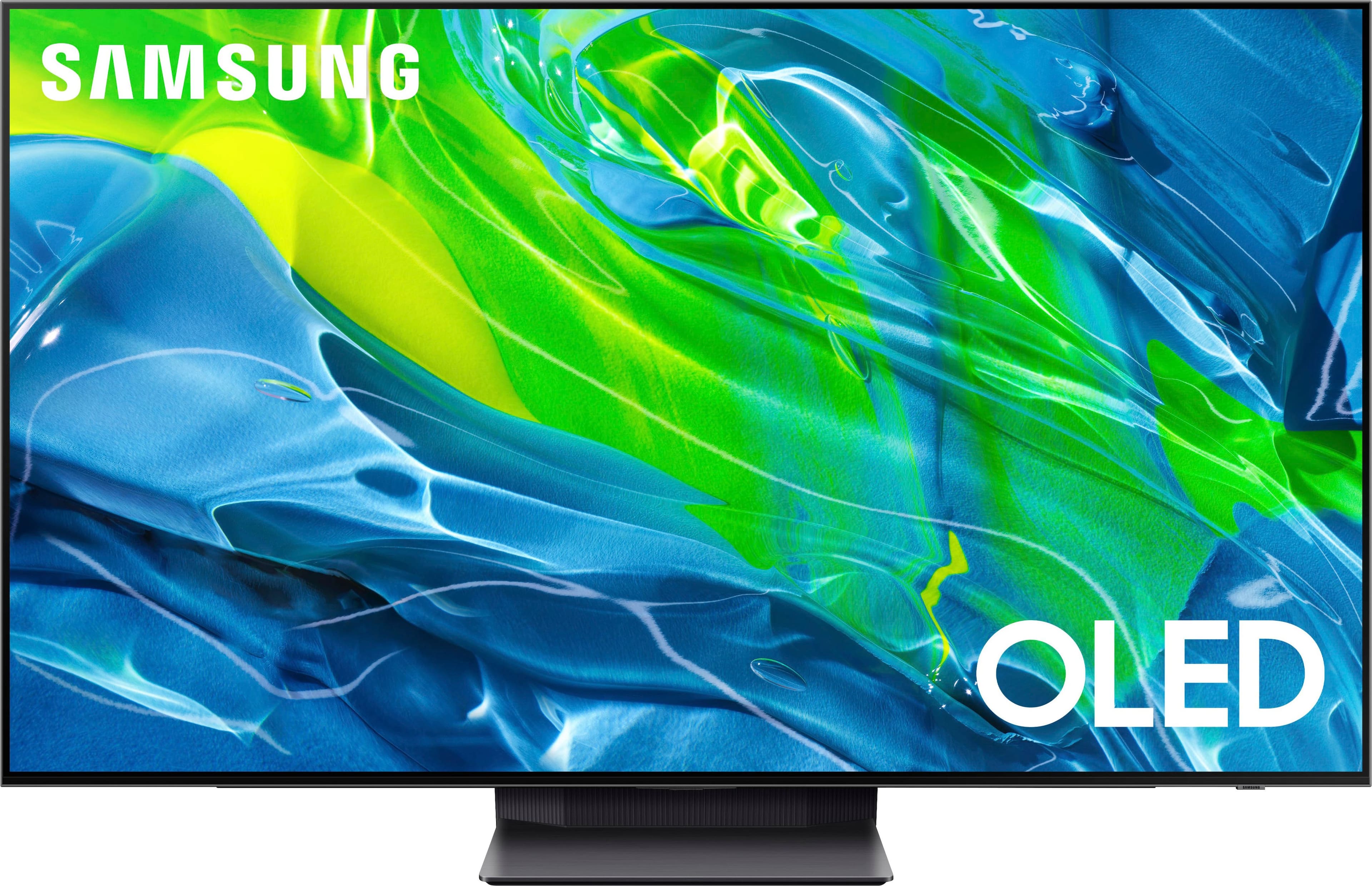
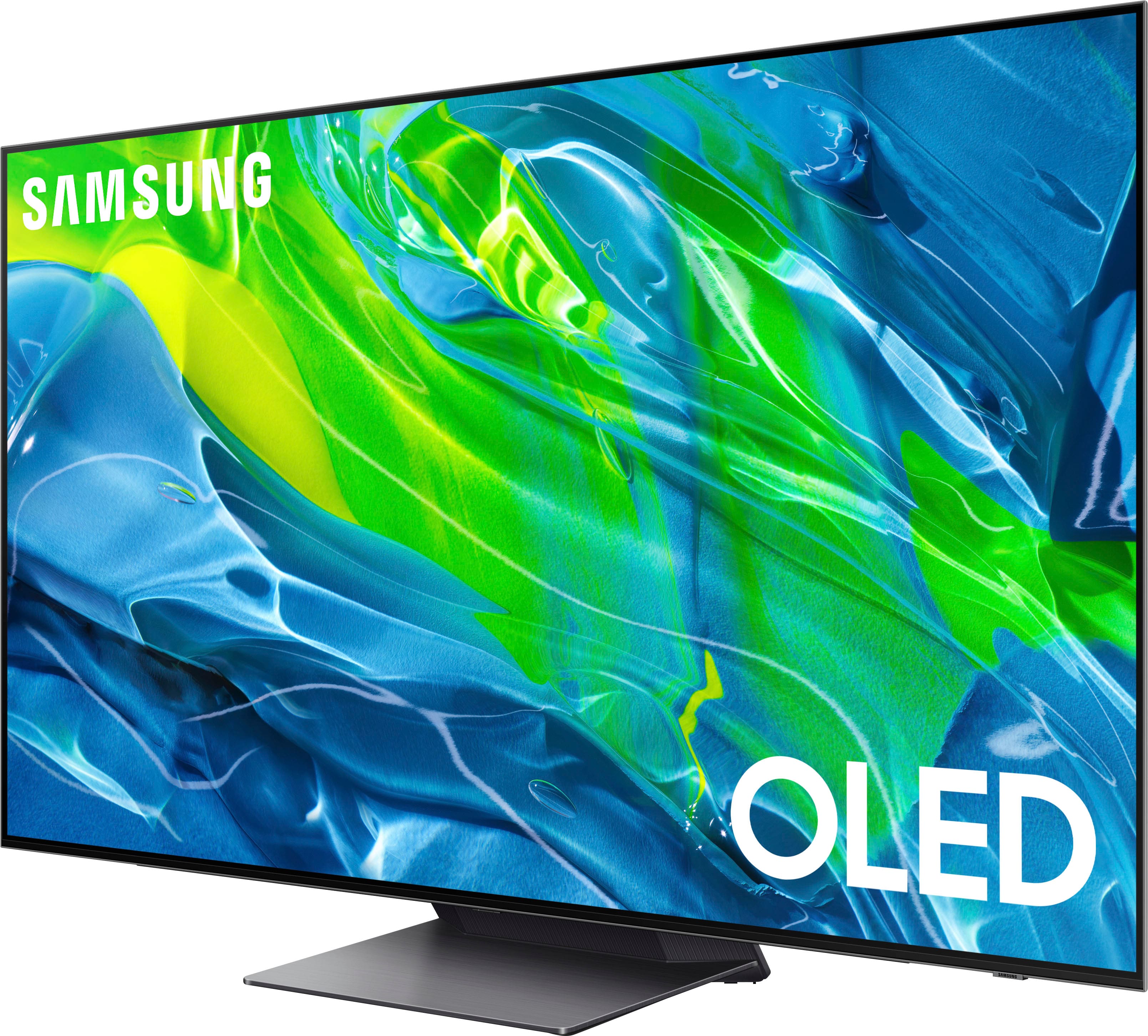
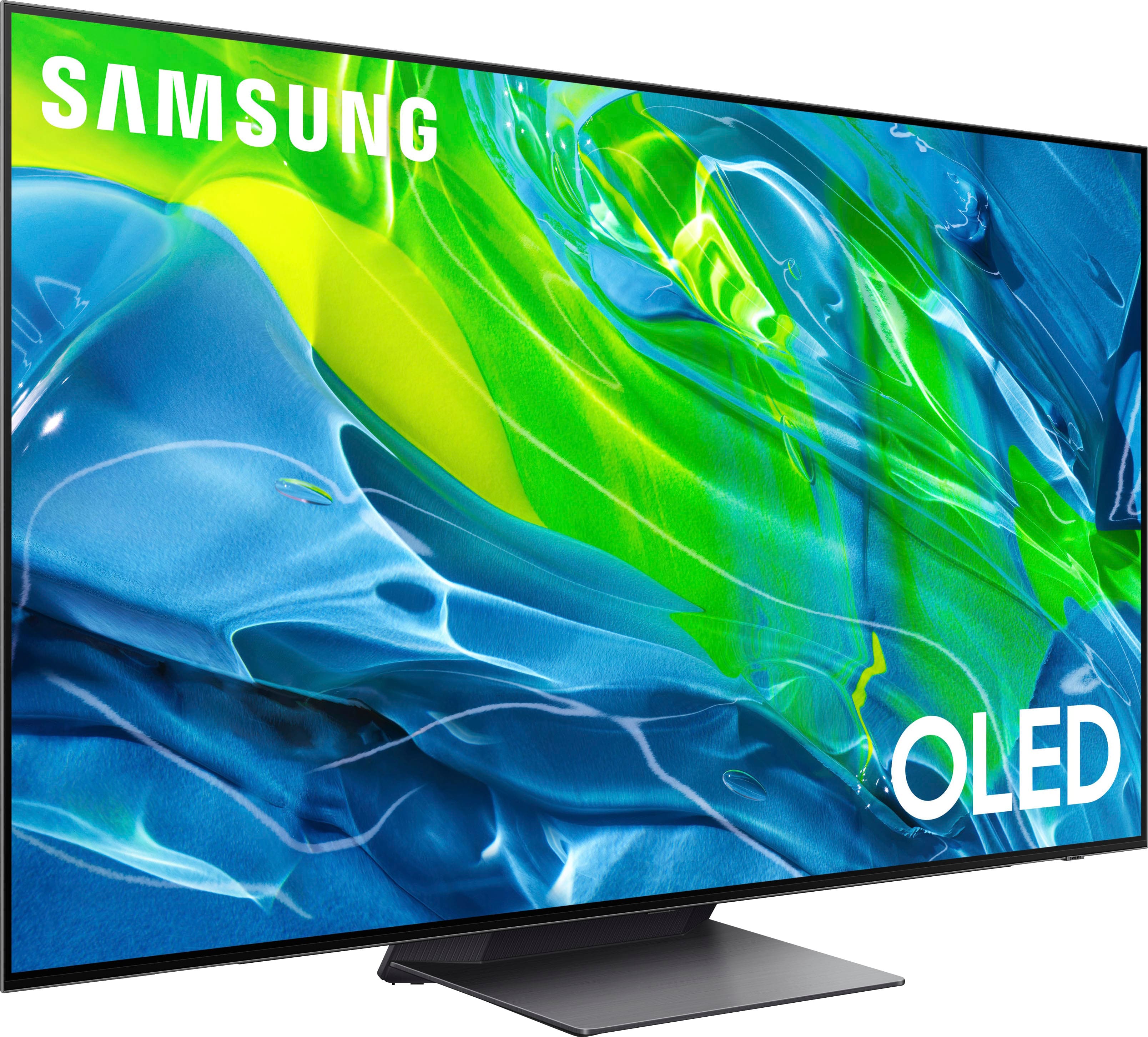

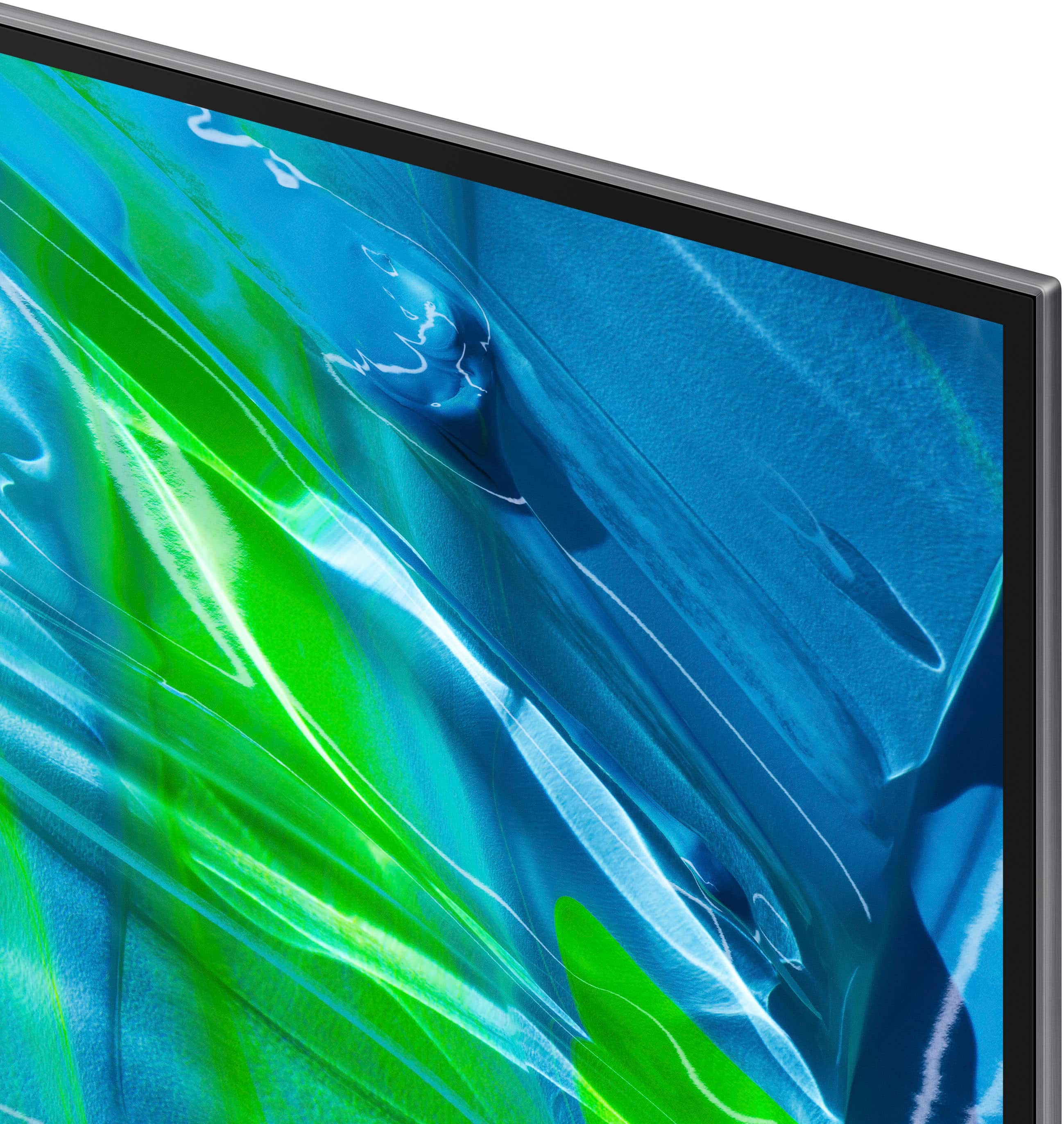








- Model:
- QN65S95BAFXZA
- SKU:
- 6502215
Rating by feature
- Picture Quality
Rating 4.8 out of 5 stars
- Sound Quality
Rating 4.5 out of 5 stars
- Brightness
Rating 4.8 out of 5 stars
Customers are saying
Customers frequently mention the exceptional picture quality, vibrant colors, and impressive gaming experience of the 65” Class S95B OLED 4K Smart Tizen TV. They appreciate the great sound quality and sleek design of the TV. However, some customers have expressed concerns about the remote control's battery life and the occasional lag in the operating system.
This summary was generated by AI based on customer reviews.
Awesome
||Posted . Owned for 3 weeks when reviewed.This reviewer received promo considerations or sweepstakes entry for writing a review.Super crisp image, so great to game and watch movies on.
I would recommend this to a friendgreat Installers and helpful with tutorial
||Posted . Owned for 1 month when reviewed.This reviewer received promo considerations or sweepstakes entry for writing a review.the team installing was GREAT. would recommend them
I would recommend this to a friendWorth the $$$
||Posted .This reviewer received promo considerations or sweepstakes entry for writing a review.Great TV!! So glad I made the change from Sony to Samsung.
I would recommend this to a friendT V
||Posted . Owned for 1 month when reviewed.This reviewer received promo considerations or sweepstakes entry for writing a review.The television was a gift but very happy with it I
I would recommend this to a friendStunning
||Posted . Owned for 3 months when reviewed.This reviewer received promo considerations or sweepstakes entry for writing a review.I love this tv bright vivid colors and dark blacks
I would recommend this to a friendTv good
||Posted . Owned for 1 week when reviewed.This reviewer received promo considerations or sweepstakes entry for writing a review.Great tv doing for points just buy it …………………………..
I would recommend this to a friendWorst TV I've ever had.
||Posted . Owned for 2 months when reviewed.This reviewer received promo considerations or sweepstakes entry for writing a review.Can't read any text on samsung s95TV because of the blury pixelation. It also keeps dimming itself every 2 minutes. You have to push a button to wake it up where it is bright enough to see. Standard definition content is all messed up. Apps glitch. Firmware and settings are up-to-date.
No, I would not recommend this to a friend- Cons mentioned:Operating system
S95b
||Posted . Owned for 1 week when reviewed.This reviewer received promo considerations or sweepstakes entry for writing a review.Needs better Quality control from factory bent panel Wi-Fi doesn’t work tv flickers several time when turning on. Operating system is slow if you are moving thru menu’s it freezes up takes awhile to catch up. Picture looks good but over juiced colors. Gaming on a ps5 looks great but to many problems returning it will get lg 77 g1.
No, I would not recommend this to a friendBrand response from Samsung
Posted .Warranty,
I’m sorry to hear that your experience with Samsung’s S95B TV has fallen short of your expectations. Your feedback is very important to us and will be shared with our internal product team.
Should you want to troubleshoot your issue first, please try the following steps which may improve the issues you are experiencing:
1. Please be sure your firmware is up to date with version 1205.0 which includes updates to address system lag, connectivity, and other performance issues you may be having. You can check this by going to: Home > Menu > Settings > Support > Software Update > Update Now
2. If the colors aren't to your liking, please go to: Menu > Settings > All Settings > Picture > Expert Settings and configure the TV settings to your taste with functions such as Color, Contrast, Brightness, and many more.
If you need more help, Samsung is here for you. Please call us at 1-800-SAMSUNG, 8AM - 12AM EST, 7 days a week. Our LiveChat agents are also available by clicking on the ‘Support’ link on our website.
~ Samsung Specialist
- Pros mentioned:Picture quality
No longer impressed
||Posted . Owned for 1 month when reviewed.This reviewer received promo considerations or sweepstakes entry for writing a review.I was amazed at the picture quality initially, but I attempted to turn it on this morning and was presented with a flickering green screen and a vicious boot cycle, no even 30 days after purchase. After several hours of research and endless hold music with Samsung Care and BestBuy TotalTech, we are left with returning this massive TV back to the store on my own dime. A local repair shop/in-home repair is not an option where I'm located.
No, I would not recommend this to a friendBrand response from Samsung
Posted .Zaco,
I'm sorry to hear of the issues you're experiencing with Samsung's S95B TV. If you have not yet returned your unit, please give us the opportunity to troubleshoot your issue and to work towards a solution.
You can reach Samsung Support at 1-800-SAMSUNG (ask for TVs), 8 AM – 12 AM EST, 7 days a week. LiveChat with an agent as well as manuals, software, and warranty info can be found at the ‘Support’ link on our Samsung website.
We hope to hear from you!
~ Samsung Specialist
Trash
||Posted . Owned for 1.5 years when reviewed.This reviewer received promo considerations or sweepstakes entry for writing a review.I’ve had this tv for 18 months and it’s absolutely garbage. Already had to have it warrantied within the first 9 months. It’s extremely slow and lags constantly.
No, I would not recommend this to a friendScreen failed early on
||Posted . Owned for 1 week when reviewed.This reviewer received promo considerations or sweepstakes entry for writing a review.The screen failed within three weeks of owning this TV. It started with streaking lines and progressed from there. Very surprised and disappointed.
No, I would not recommend this to a friendBe careful after purchasing
||Posted . Owned for 2 weeks when reviewed.This reviewer received promo considerations or sweepstakes entry for writing a review.Brand new tv came out of the box and doesn’t display any picture-defective product upon arrival. Be careful and test right away when you get it to be sure it works.
No, I would not recommend this to a friendgreat deal but best buy could not deliver on tv
||Posted . Owned for 3 weeks when reviewed.This reviewer received promo considerations or sweepstakes entry for writing a review.never delivered, lied too by Best buy employees. The TV was damaged by the delivery people. Took a manager to find out what happened. Had to go back again for a refund.
I would recommend this to a friendBig dissapointment
||Posted . Owned for 2 months when reviewed.This reviewer received promo considerations or sweepstakes entry for writing a review.The TV turns off and on by itself, it is always trying to optimize the picture quality but never can complete it TV locks up and glitches during sporting events especially football. Dont waste your money
No, I would not recommend this to a friendSamsung downgrades picture quality
||Posted . Owned for 1 month when reviewed.This reviewer received promo considerations or sweepstakes entry for writing a review.Since I purchased Samsung updated my tv firmware even though I have automatic updates turned off and the picture quality went down spent a lot of money on this tv should have bought the much cheaper lg
No, I would not recommend this to a friendBrand response from Samsung
Posted .Hots92,
Thank you for sharing your thoughts on the picture quality of your S95B TV. To ensure you’ve got the latest image quality updates, please confirm that your TV is up to date with the latest firmware version. You can check by going to: Home > Menu > Settings > Support > Software Update.
If the picture you’re seeing is still not to your liking after updating firmware, there are several picture settings you may want to try adjusting.
Go to Home > Menu > Settings > All Settings > Picture > Picture Mode
...and select the mode that best fits your usage:
1) Standard: Is the default mode suitable for general viewing environments.
2) Movie: Is suitable for watching TV or movies in a dark room.
3) Dynamic: Makes the picture brighter and clearer in bright viewing environments.
4) Filmmaker Mode: You can watch the source content (e.g., movie) as it is. If the image is defined as Filmmaker Mode, it will automatically switch to Filmmaker Mode while watching.
You can also go to: Home > Menu > Settings > All Settings > Picture > Expert Settings to manually fine tune your image.
For further assistance with settings adjustments, please contact Samsung Customer Support at 1-800-SAMSUNG, 8AM - 12AM EST, 7 days a week. Or visit us on the Samsung website and click on the ‘Support’ link for:
• LiveChat
• Manuals, Software, & Warranty Info
~ Samsung Specialist
Big price low value
||Posted . Owned for 1 year when reviewed.This reviewer received promo considerations or sweepstakes entry for writing a review.Used less than 100 total hours and it no longer turns on. Just makes a repeated clicking sound.
No, I would not recommend this to a friend- Pros mentioned:Picture quality
Horrible
||Posted . Owned for 2 months when reviewed.This reviewer received promo considerations or sweepstakes entry for writing a review.Pictures great but you can visibly see the shift in brighness as it adjusts. My big problem is the lag. Ill have to click 3 or 4 times before the remote will respond. Also it constantly turns my PS5 on automatically. For a $2000 tv I expexted better quality. Will be returning it tomorrow.
No, I would not recommend this to a friendBrand response from Samsung
Posted .Michael,
I’m sorry to hear you’re not fully satisfied with the S95B TV’s response time, and for optimal performance, we ask that you please ensure you've got the latest firmware version installed. You can check this by going to: Home > Menu > Settings > Support > Software Update.
You may also want to further optimize performance with the self-diagnostic tool, which checks memory, frees up unused cached memory, and closes background apps. Go to: Home > Menu > Settings > Support > Device Care > Start Device Care
If the image brightness fluctuates, please try disabling some of the TV's energy efficiency functions, as these will automatically adjust your picture and may cause your screen to appear brighter or darker than preferred. Go to: Home > Menu > Settings > All Settings > General & Privacy > Power and Energy Saving > turn off Brightness Optimization, Brightness Reduction, and Motion Lighting
You may also want to try adjusting image settings to improve your picture. Go to Home > Menu > Settings > All Settings > Picture > Picture Mode
1) Standard: Is the default mode suitable for general viewing environments.
2) Movie: Is suitable for watching TV or movies in a dark room.
3) Dynamic: Makes the picture brighter and clearer in bright viewing environments.
4) Filmmaker Mode: You can watch the source content (e.g., movie) as it is. If the image is defined as Filmmaker Mode, it will automatically switch to Filmmaker Mode while watching.
You can also customize the brightness level of your screen between 0 – 50 to your preference. Go to: Home > Menu > Settings > All Settings > Picture > Expert Settings
Samsung TVs have Anynet+ (also known as HDMI-CEC), a feature that allows connected external HDMI devices to inform your TV when they have turned on. By default, the TV will immediately switch to this source when this happens. To turn off this function of a device connected to the TV, turn off the Anynet+ (HDMI-CEC) function of the device.
I hope this helps you enjoy your new product. If you need further help, please call Samsung Customer Support at 1-800-SAMSUNG, 8AM - 12AM EST, 7 days a week. Or visit us on the Samsung website and click on the ‘Support’ link for:
• LiveChat
• Manuals, Software, & Warranty Info
~ Samsung Specialist
- Cons mentioned:Reliability
I have only had the tv for 3 months
||Posted . Owned for 3 months when reviewed.This reviewer received promo considerations or sweepstakes entry for writing a review.This TV has been a nightmare. I have only had it 3 months and the tv no longer works and samsung will not replace it. The TV is turning itself on and off and won’t stop. I have been without a tv now for a month.
No, I would not recommend this to a friendBrand response from Samsung
Posted .LatarshaO,
It’s unfortunate to hear you’re experiencing a power cycling issue, causing your S95B TV to turn itself on and off repeatedly. Please try a few troubleshooting steps that may help solve the issue:
1) Check the power cable for damage and proper connection. If the cable is bent, broken, kinked, pinched, pressed excessively (possibly by a heavy object on top of it) or damaged, this is likely the cause of the issue. Replace the cable.
2) Unplug the TV from the wall outlet for 30 seconds, and then plug it back in.
3) If the power cycling allows enough time in between powering on and off, try updating the TV to the latest firmware. There is a risk, however. If the TV turns off during the software update, it could damage the TV. Updates can take up to 30 minutes depending on network speed, so if the TV is not turning off too frequently, try updating the software.
4) TVs which can connect to SmartThings can be turned on using compatible devices, sometimes automatically. However, if abnormal "power on" signals are sent through the wireless network, they will trigger this function and make the TV turn on. If you do not want this function, navigate to Menu > Settings > All Settings > Connection > Network > Expert Settings > Power On with Mobile, and turn the setting off.
If the issue persists after these steps, the TV will likely need service. Please call us so that we can better investigate your issue and assist with a solution or replacement. You can reach us at 1-800-SAMSUNG, 8AM - 12AM EST, 7 days a week. Our LiveChat agents are also available by clicking on the ‘Support’ link on our website.
~ Samsung Specialist
Bad Tv
||Posted . Owned for 6 months when reviewed.This reviewer received promo considerations or sweepstakes entry for writing a review.Tv Is Junk after only having it for 7 months I have dead Pixels and Best buy can’t doing anything due to it being more than 15 days from purchase.
No, I would not recommend this to a friendWorst decision ever
||Posted . Owned for 1 month when reviewed.This reviewer received promo considerations or sweepstakes entry for writing a review.Less than a month the in app audio sync is always messed up and just after my best buy warranty was up the tv went green scree I should stuck to lg
No, I would not recommend this to a friendBrand response from Samsung
Posted .BrandonT,
I'm sorry to hear of the audio delays you're experiencing with Samsung's S95B TV. Please give us the opportunity to look into this for you so we can provide additional settings adjustments or troubleshooting assistance.
You can reach Samsung Support at 1-800-SAMSUNG, 8AM - 12AM EST, 7 days a week. Our LiveChat agents are also available by clicking on the ‘Support’ link on our website.
We hope to hear from you!
~ Samsung Specialist