Customer Ratings & Reviews








- Model:
- QN65S95FAFXZA
- SKU:
- 10187710
Rating by feature
- Picture Quality
Rating 4.8 out of 5 stars
- Sound Quality
Rating 4.6 out of 5 stars
- Brightness
Rating 4.8 out of 5 stars
to a friend
Fantastic experience.
||Posted . Owned for 1 month when reviewed.This reviewer received promo considerations or sweepstakes entry for writing a review.I think it was Josh and Kevin that made our delivery and installed our TV and sound system. These gentlemen were positively awesome. Did a perfect job and we are very happy. Our entie experience with Best Buy was the BEST.
I would recommend this to a friendGood Product installation terrible
||Posted . Owned for 1 month when reviewed.This reviewer received promo considerations or sweepstakes entry for writing a review.Good product but installation was terrible. Installers did not know how to put up stand and left wires hanging.
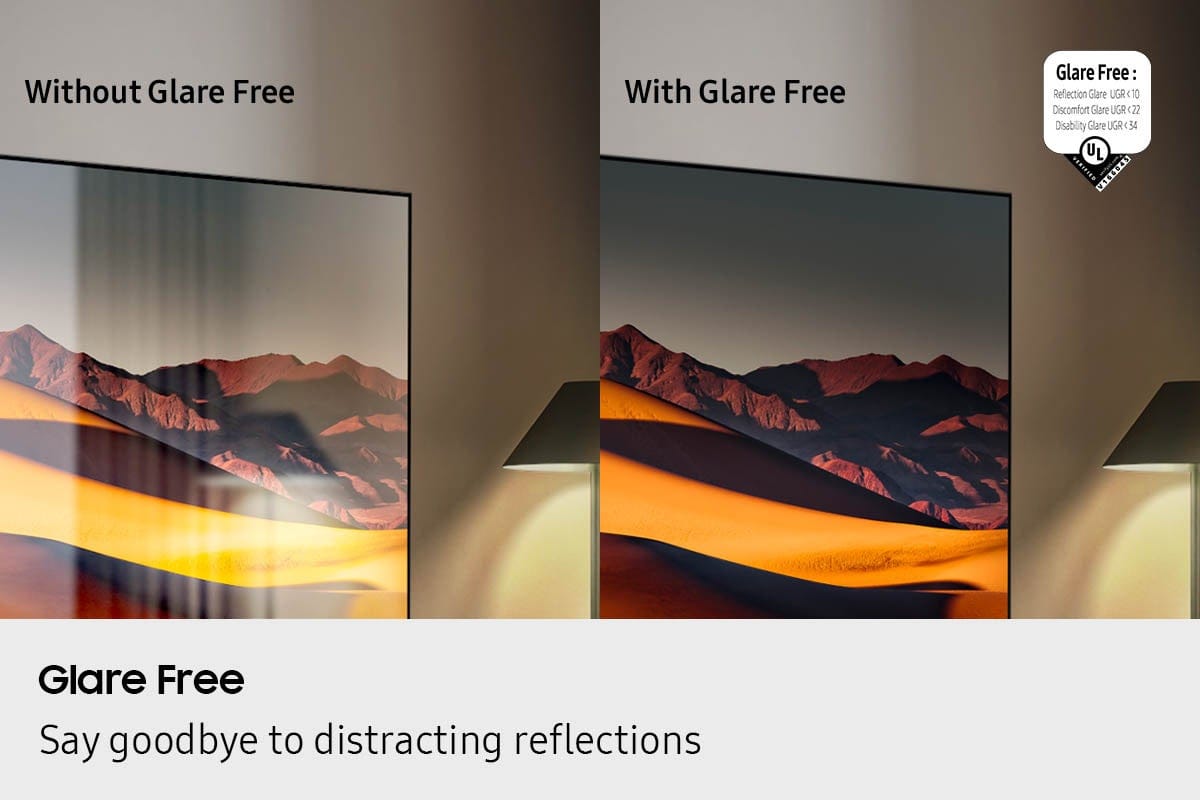
I would recommend this to a friendNo Glare
||Posted .This reviewer received promo considerations or sweepstakes entry for writing a review.Great no glare. LG has a better picture but lots of glare
I would recommend this to a friendEduardo
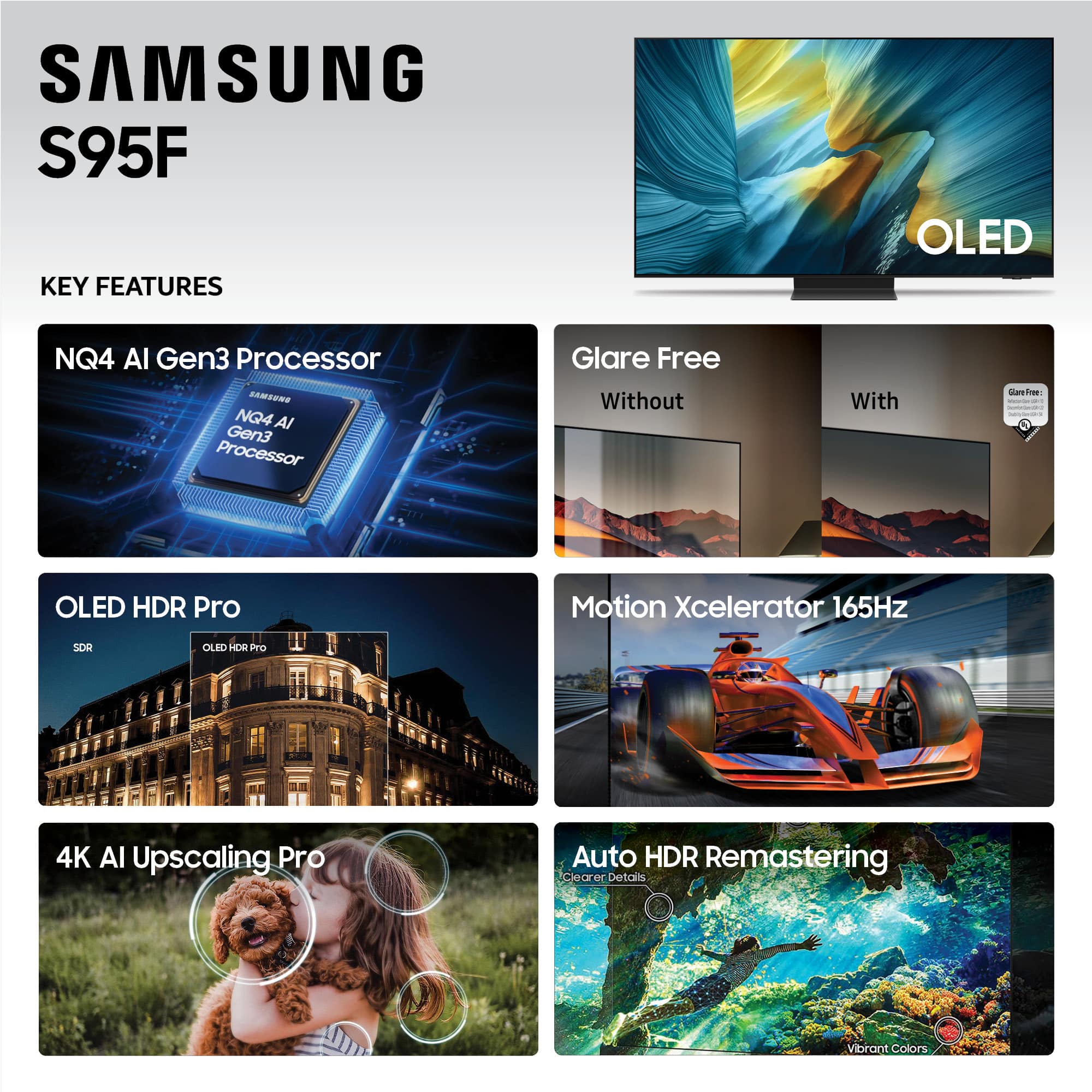
||Posted . Owned for 2 weeks when reviewed.This reviewer received promo considerations or sweepstakes entry for writing a review.Beautiful TV! I love it. It has so many nice features. Very intuitive functions. Easy to follow.
I would recommend this to a friendGreat TV
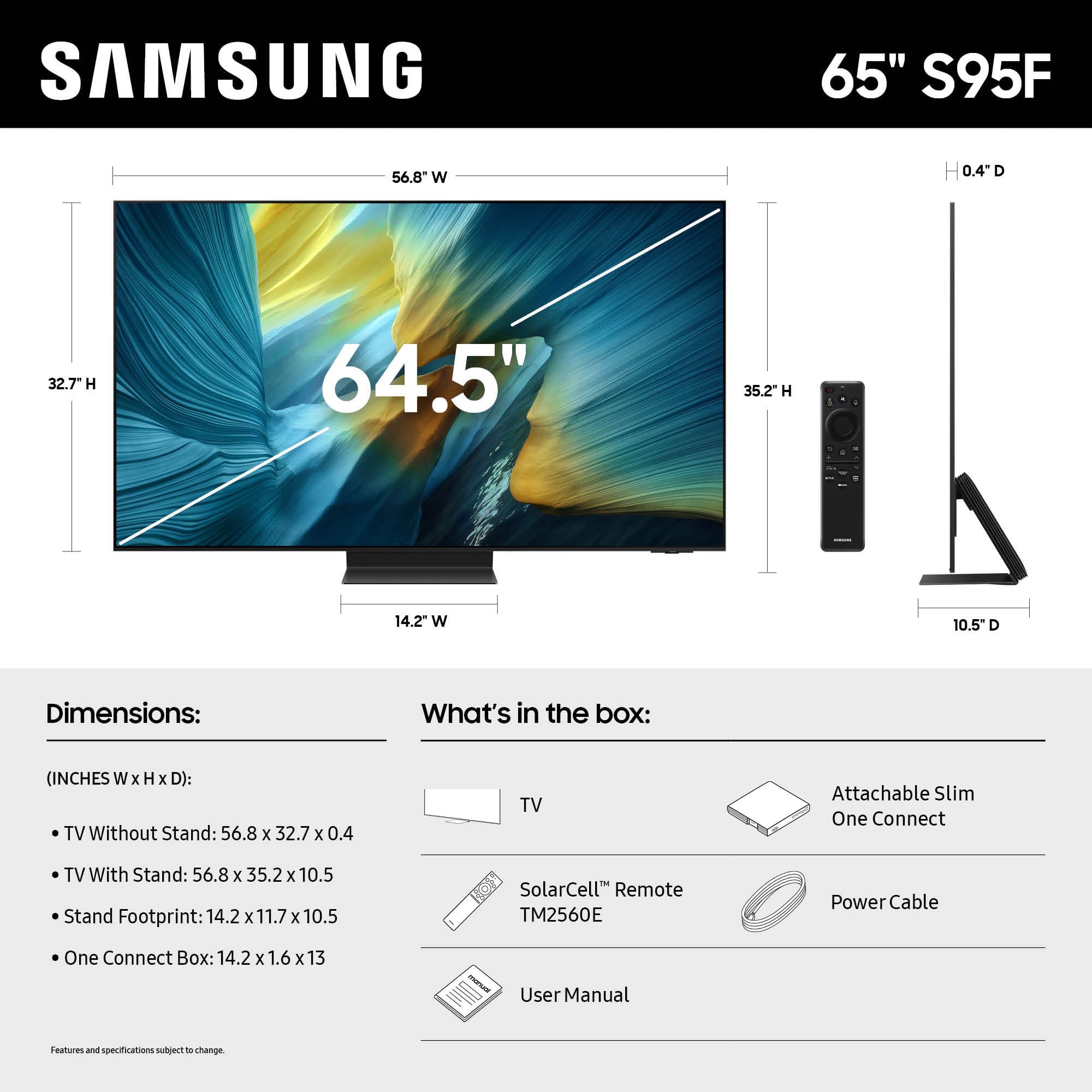
||Posted . Owned for 1 month when reviewed.This reviewer received promo considerations or sweepstakes entry for writing a review.First Big TV, 65” purchased and it’s worth it! The price was highly competitive!
I would recommend this to a friendMixed Bag
||Posted . Owned for 1 month when reviewed.This reviewer received promo considerations or sweepstakes entry for writing a review.This tv gets a mixed review: SamSung Customer Service gets a 1-2 ⭐️. We had to call and received a very unsympathetic non-answer. The tv itself has settings we’re still trying to figure out to get the best picture/sound. Seems each movie requires adjusting & AI isn’t an automatic fix. I suspect movies will have to catch up with the tv to get the most for the $. For now I’d say BUY ON SALE. I just don’t think it’s worth the price tag.
No, I would not recommend this to a friendBrand response from Samsung
Posted .MomShopper,
We appreciate your input on the picture quality of Samsung’s S95F TV. If the image isn’t meeting your expectations, there are several adjustments you can make to improve your viewing experience.
First, please ensure your TV is running the latest firmware, as updates may include important picture quality enhancements. Go to: Home > Left directional button > Settings > Support > Software Update > Update Now
Then, select a Picture Mode that best fits your environment: Home > Home > left directional key > Settings > All Settings > Picture > Picture Mode
1. Standard – Default mode for general viewing
2. Dynamic – Brighter and clearer in well-lit rooms
3. Eco – Optimized for energy saving
4. Movie – Best for watching in dark environments
5. Filmmaker Mode – Preserves content exactly as intended by creators
You can also enhance your experience by enabling AI Mode, which automatically adjusts picture and sound based on your surroundings and usage patterns: Settings > All Settings > Advanced Features > AI Mode Settings > AI Mode
If these adjustments don’t improve your picture quality, feel free to contact Samsung Customer Support at 1-800-SAMSUNG, available 8AM – 12AM EST, 7 days a week. You can also LiveChat with an agent or find helpful guides by visiting the ‘Support’ section of our website.
~ Samsung Specialist
Happy owner
||Posted .This reviewer received promo considerations or sweepstakes entry for writing a review.Good price. Easy purchase path. Quick and easy delivery right to my car!
I would recommend this to a friendGreat TV, Anti-Glare WORKS
||Posted . Owned for 3 weeks when reviewed.This reviewer received promo considerations or sweepstakes entry for writing a review.Great TV, so far love it and it actually has great anti-glare tech which was the main reason for the purchase. Highly recommend’
I would recommend this to a friendSamsung 65sf 95
||Posted . Owned for 1 month when reviewed.This reviewer received promo considerations or sweepstakes entry for writing a review.Okay but not. A Knock out pic or look still working on better sound system and possible larger model
No, I would not recommend this to a friendOverall I like my purchase
||Posted . Owned for 3 weeks when reviewed.This reviewer received promo considerations or sweepstakes entry for writing a review.The time drag between scenes in movies or action on some games.
I would recommend this to a friendGreat picture but power issue
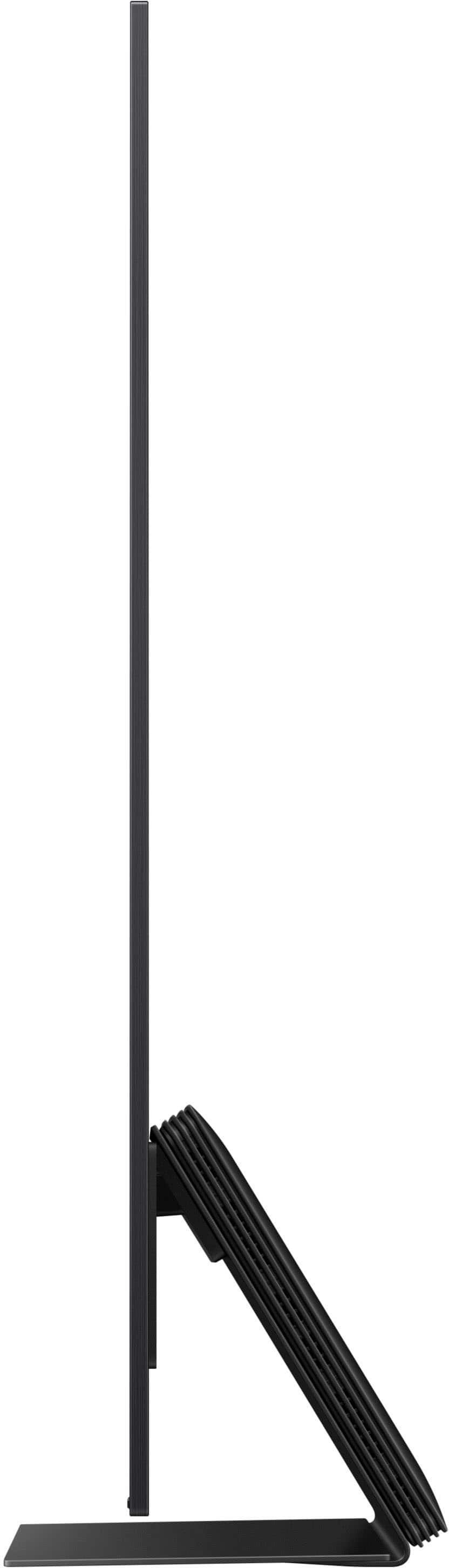
||Posted . Owned for 1 week when reviewed.This reviewer received promo considerations or sweepstakes entry for writing a review.This TV is amazing but after a day of using it it started to reboot on its own. Returning this for the same model. At one point it was rebooting non stop. The tv is very light and the anti glare is great. The stand is quite heavy as it's all steel.
I would recommend this to a friendBrand response from Samsung
Posted .Mancavetv,
We’re sorry to hear that Samsung’s S95F TV didn’t initially meet your expectations. Thank you for giving us the chance to make things right - we appreciate your patience with the exchange process.
If you have any questions or need assistance with your new unit, we’re here to help – please don’t hesitate to reach out to us at 1-800-SAMSUNG, available daily from 8AM - 12AM EST. You can also visit the Samsung website and click on ‘Support’ for:
• Live Chat
• Manuals, Software, & Warranty Info
~ Samsung Specialist
Installers
||Posted . Owned for 1 week when reviewed.This reviewer received promo considerations or sweepstakes entry for writing a review.Excellent installation by technicians I would highly recommend them
I would recommend this to a friendTv delivery.
||Posted . Owned for 3 weeks when reviewed.This reviewer received promo considerations or sweepstakes entry for writing a review.Excellent installation. Very professional. On time and cleaned up
I would recommend this to a friendGood TV
||Posted . Owned for 3 weeks when reviewed.This reviewer received promo considerations or sweepstakes entry for writing a review.Super disappointed with my purchase and delivery from Best Buy. I think the worst was that they were convincing me to get a certain sound bar that doesn’t even go with the TV. The TV however, is high
No, I would not recommend this to a friendBrand response from Samsung
Posted .SharanD,
It appears your 2-star review for the Samsung S95F TV is based on your experience with Best Buy, and we’re sorry to hear that. We recommend contacting the store directly to share your feedback.
If you need help with the TV itself, Samsung Support is available at 1-800-SAMSUNG, 8AM – 12AM EST, 7 days a week, or via LiveChat under the ‘Support’ section of our website.
~ Samsung Specialist
Samsung TV
||Posted . Owned for 1 week when reviewed.This reviewer received promo considerations or sweepstakes entry for writing a review.Arrived and it turned out to be defective. Waiting for replacement to be delivered. Picture was good when it worked. Auto turn off multiple times and when it didn’t it showed no HDMI cable attached which it was since installed by Best Buy
I would recommend this to a friendBrand response from Samsung
Posted .Allan,
We appreciate you sharing the issues you initially experienced with Samsung’s S95F TV. Thank you for your patience throughout the inconvenience of arranging an exchange.
If you have any questions about your new unit or need assistance with setup or features, we’re here to help. You can reach us at 1-800-SAMSUNG, available daily from 8AM - 12AM EST. You can also visit the Samsung website and click on ‘Support’ for:
• Live Chat
• Manuals, Software, & Warranty Info
~ Samsung Specialist
Fast And easy
||Posted .This reviewer received promo considerations or sweepstakes entry for writing a review.really Great service and great timing on the delivery!
I would recommend this to a friendside box
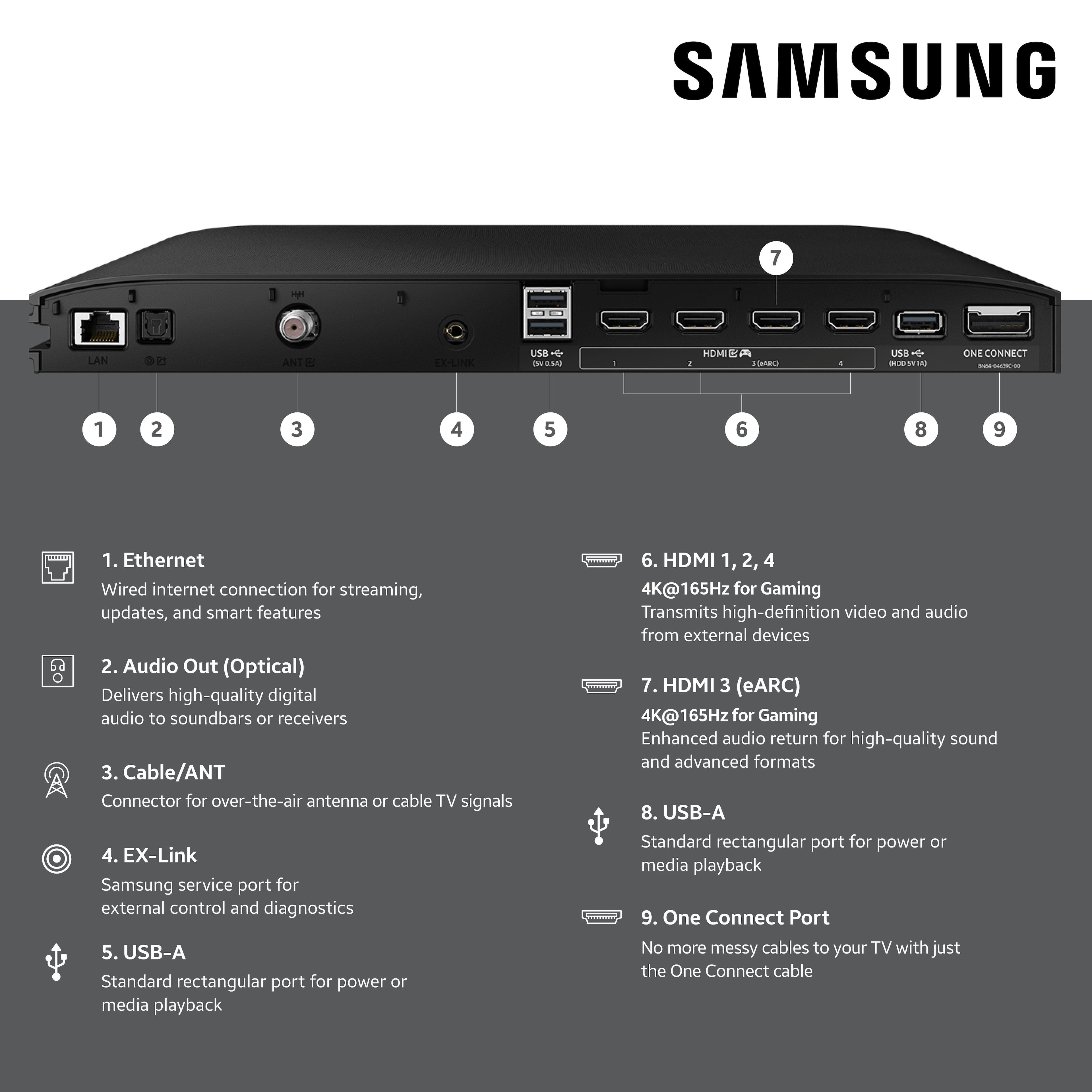
||Posted . Owned for 3 weeks when reviewed.This reviewer received promo considerations or sweepstakes entry for writing a review.TV is great BUT the box that has to come with it in this day and age is just wrong so it went back.
No, I would not recommend this to a friendBrand response from Samsung
Posted .We're sorry to hear that your experience with the S95F TV led to a return. Your feedback matters to us and will be shared with our product team.
If you decide to explore Samsung TVs again in the future, we’re always here to support you - whether it’s setup, features, or troubleshooting. Reach us anytime at 1-800-SAMSUNG (8AM – 12AM EST, 7 days a week), or visit the ‘Support’ section of our website for LiveChat, manuals, and more.
~ Samsung Specialist
Mid colors
||Posted .This reviewer received promo considerations or sweepstakes entry for writing a review.The colors just don’t pop. It only has two setting that says ai optimized and they are both mid. Have older Samsungs that look way better. Regret the purchase for the price.
No, I would not recommend this to a friendBrand response from Samsung
Posted .user917537,
We appreciate your input on the picture quality of Samsung’s S95F TV. If the image isn’t meeting your expectations, there are several adjustments you can make to improve your viewing experience.
First, please ensure your TV is running the latest firmware, as updates may include important picture quality enhancements. Go to: Home > Left directional button > Settings > Support > Software Update > Update Now
Then, select a Picture Mode that best fits your environment: Home > Home > left directional key > Settings > All Settings > Picture > Picture Mode
1. Standard – Default mode for general viewing
2. Dynamic – Brighter and clearer in well-lit rooms
3. Eco – Optimized for energy saving
4. Movie – Best for watching in dark environments
5. Filmmaker Mode – Preserves content exactly as intended by creators
You can also enhance your experience by enabling AI Mode, which automatically adjusts picture and sound based on your surroundings and usage patterns: Settings > All Settings > Advanced Features > AI Mode Settings > AI Mode
If these adjustments don’t improve your picture quality, feel free to contact Samsung Customer Support at 1-800-SAMSUNG, available 8AM – 12AM EST, 7 days a week. You can also LiveChat with an agent or find helpful guides by visiting the ‘Support’ section of our website.
~ Samsung Specialist
It’s a great tv don’t get me wrong…
||Posted . Owned for 1 month when reviewed.This reviewer received promo considerations or sweepstakes entry for writing a review.Very expensive, good tv, the matte screen is the highlight of it all. However for most people, you will be happy spending half the amount for a different tv
I would recommend this to a friendBrand response from Samsung
Posted .JACOBC,
Thanks for taking a moment to review Samsung’s S95F TV. If you’re experiencing specific issues which caused you to give this a 3-star rating, please know Samsung Customer Support is here to help at 1-800-SAMSUNG between 8AM - 12AM EST, any day of the week. You can also reach our LiveChat team by selecting the ‘Support’ link on our website.
~ Samsung Specialist
Rattling sound
||Posted . Owned for 2 weeks when reviewed.This reviewer received promo considerations or sweepstakes entry for writing a review.Video image is good, but speakers have rattling sound to them. Very disappointing.
No, I would not recommend this to a friendBrand response from Samsung
Posted .Hi JacobA,
Thank you for bringing this to our attention. The rattling sound you're hearing may be caused by the speaker’s woofer, which can sometimes occur when the volume is set very high. We’re aware of this and are working to resolve it in an upcoming firmware update.
In the meantime, please ensure Auto Update is enabled so your TV receives the latest software as soon as it’s available:
Home > left directional key > Settings > Support > Software Update > Auto Update
If you need further assistance, feel free to reach out to Samsung Support at 1-800-SAMSUNG, available 8AM – 12AM EST, 7 days a week. You can also connect via LiveChat on our website.
~ Samsung Advisor