Customer Ratings & Reviews
- Model:
- QN65S95FAFXZA
- |
- SKU:
- 6613492
Customer reviews
Rating 4.6 out of 5 stars with 227 reviews
(227 customer reviews)Rating by feature
- Picture Quality4.8
Rating 4.8 out of 5 stars
- Sound Quality4.6
Rating 4.6 out of 5 stars
- Brightness4.8
Rating 4.8 out of 5 stars
Customers are saying
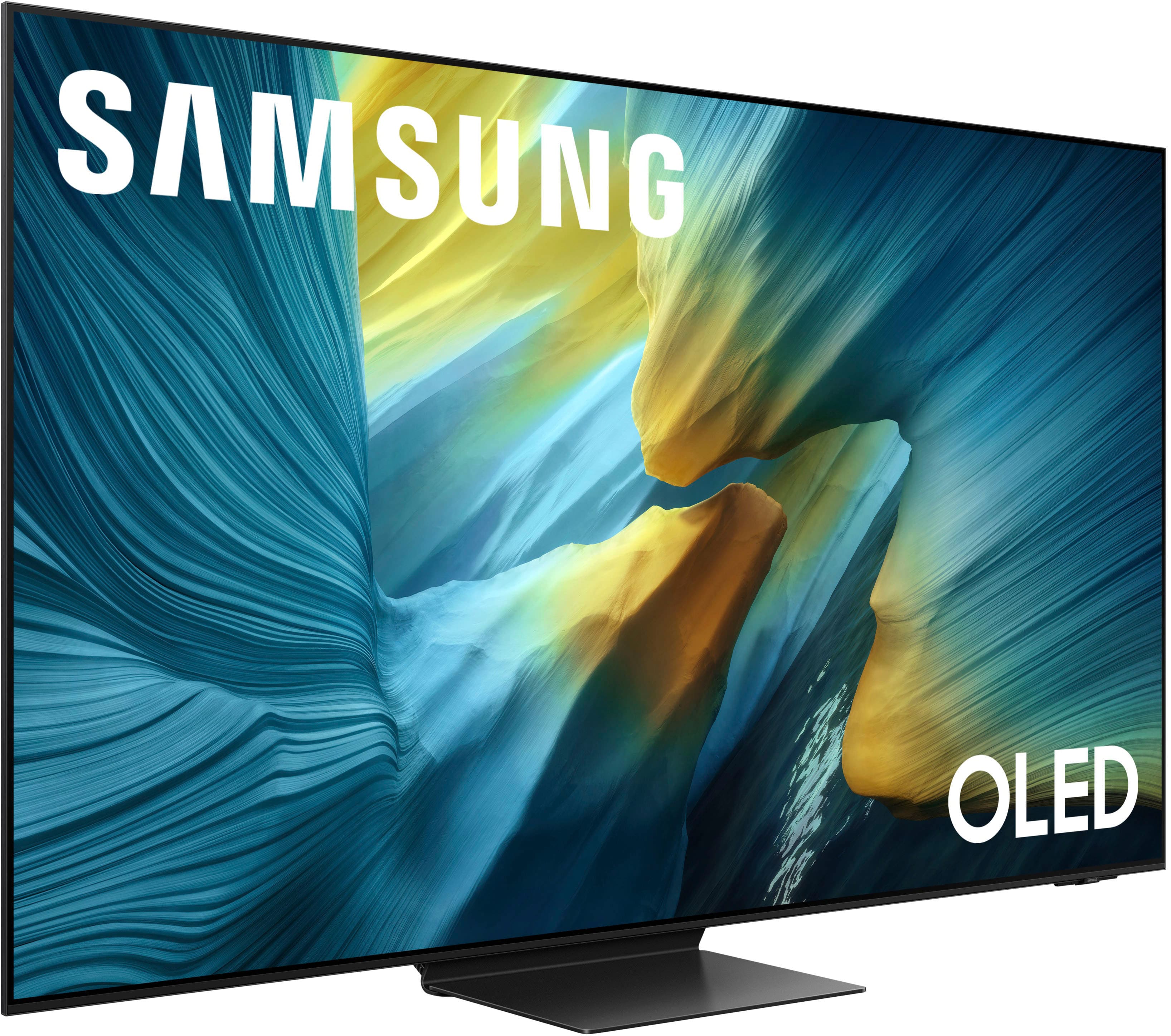
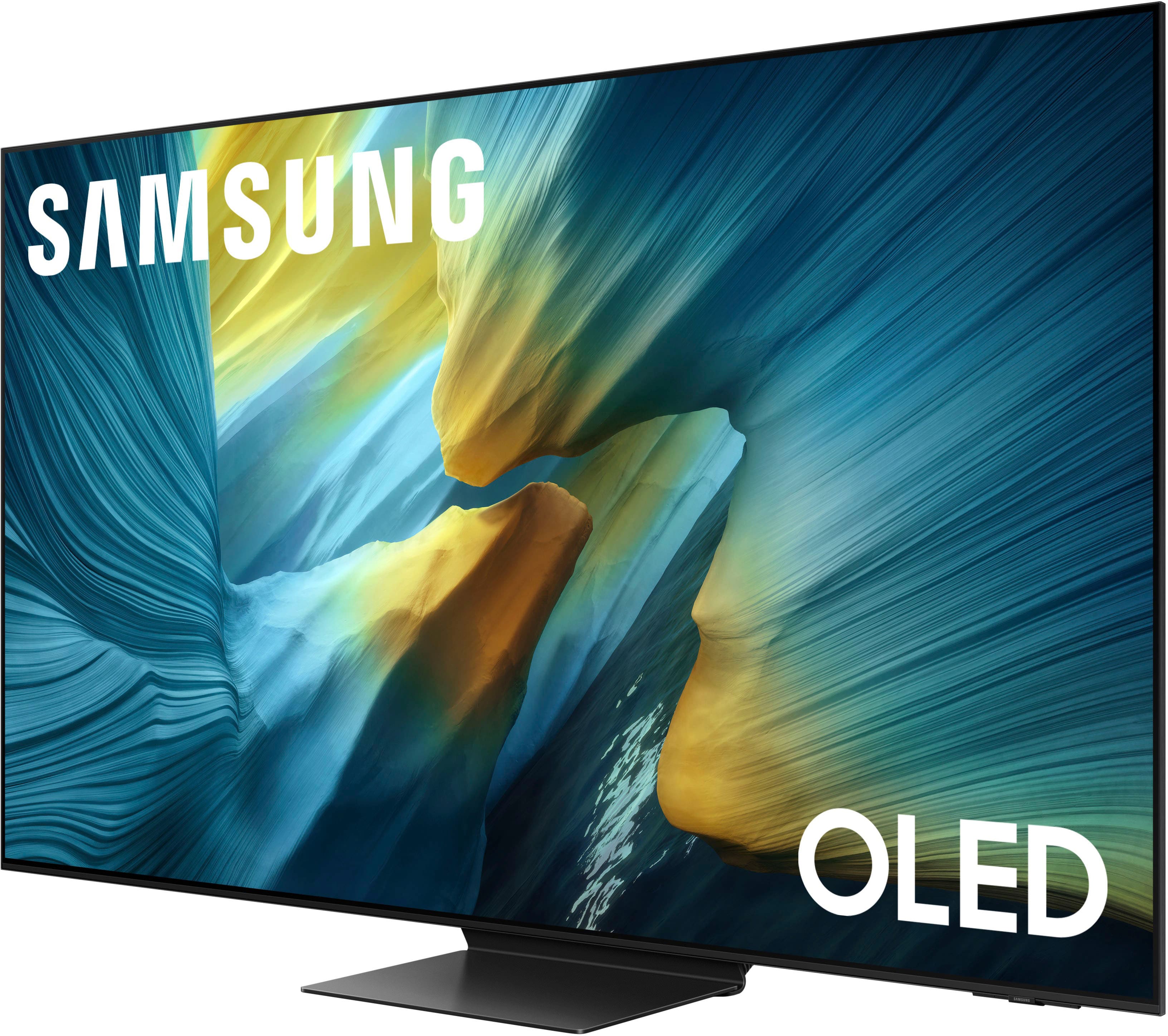
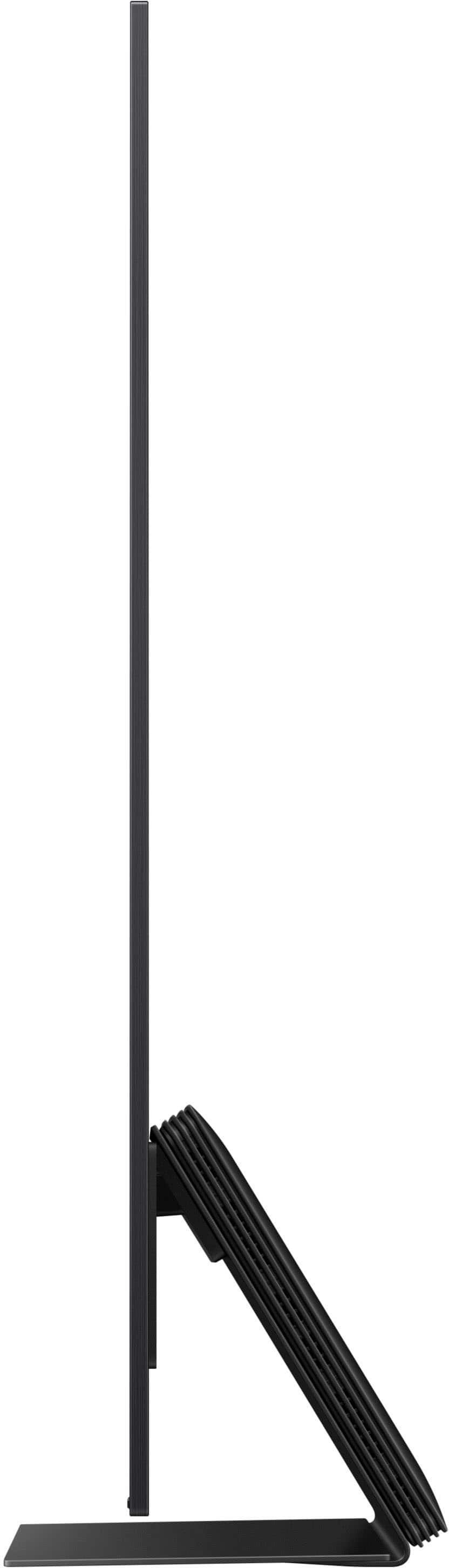
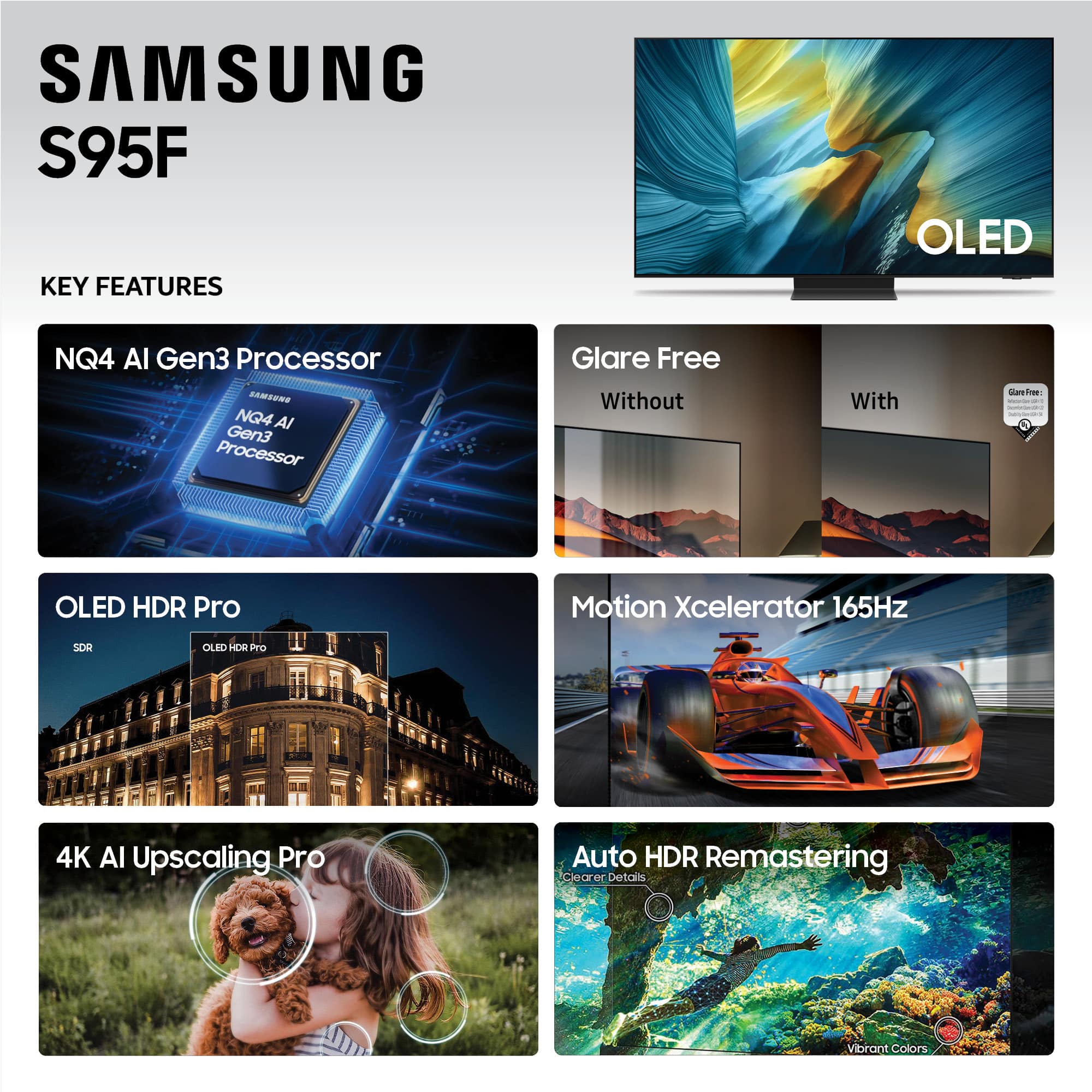
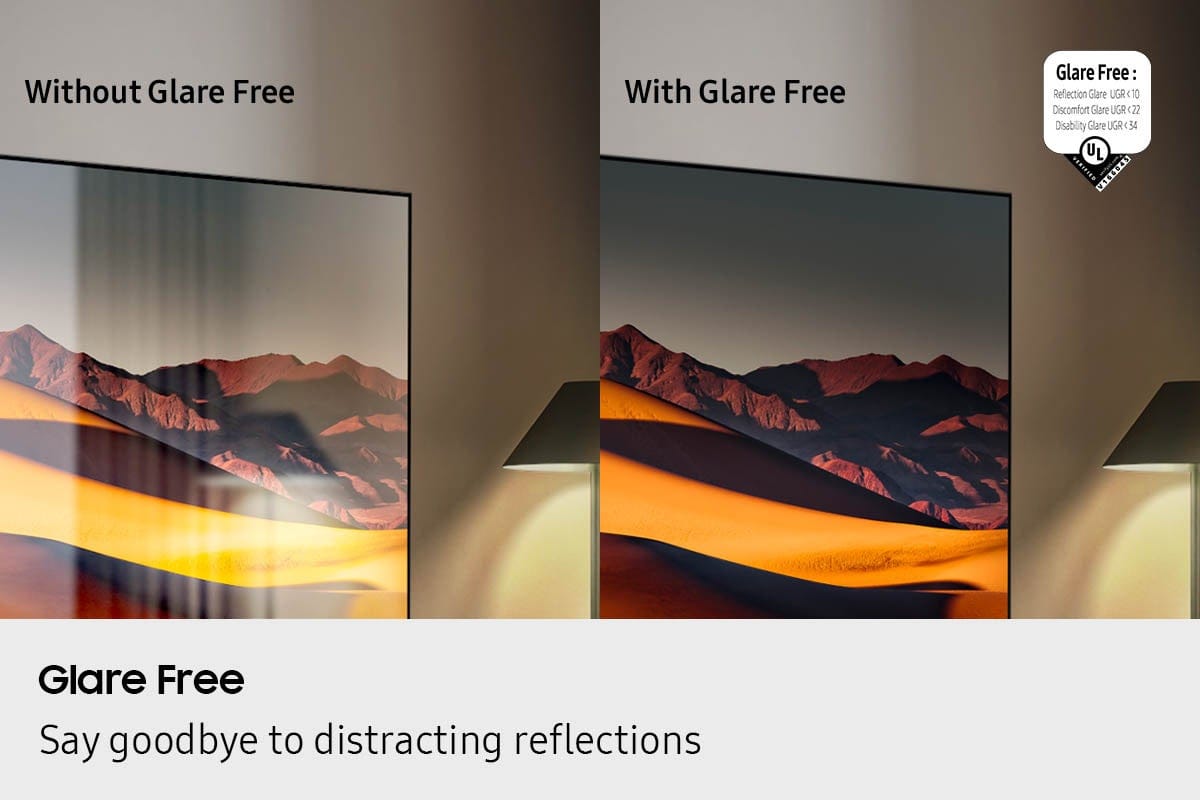
Customers recognize the 65” Class S95F Series OLED 4K UHD SamsungVision AI Smart Tizen TV (2025) for its exceptional picture quality, with many praising the color, brightness, clarity, and the impressive 4K upgrade. The effective glare reduction is another highly appreciated feature, allowing for enjoyable viewing even in brightly lit rooms. The matte screen is specifically noted for minimizing reflections and enhancing the viewing experience. No significant drawbacks were reported by customers.
This summary was generated by AI based on customer reviews.
Rated 5 out of 5 stars
Amazing TV
||Posted .This reviewer received promo considerations or sweepstakes entry for writing a review.Great picture. Love the anti-glare, this is my favorite tv.
I would recommend this to a friendRated 5 out of 5 stars
good quality
||Posted . Owned for 1 week when reviewed.This reviewer received promo considerations or sweepstakes entry for writing a review.So far so good. No complains. The discount was phenomenal
I would recommend this to a friendRated 5 out of 5 stars
Great Display no truning back
||Posted . Owned for 2 weeks when reviewed.This reviewer received promo considerations or sweepstakes entry for writing a review.Excellent TV would highly recommend to any one....
I would recommend this to a friendRated 4 out of 5 stars
Samsung 95f purchase
||Posted . Owned for less than 1 week when reviewed.This reviewer received promo considerations or sweepstakes entry for writing a review.Excellent picture and easy setup. Enjoy the upgrade in my bright room
I would recommend this to a friendRated 2 out of 5 stars
side box
||Posted . Owned for 3 weeks when reviewed.This reviewer received promo considerations or sweepstakes entry for writing a review.TV is great BUT the box that has to come with it in this day and age is just wrong so it went back.
No, I would not recommend this to a friendBrand response from Samsung
Posted .We're sorry to hear that your experience with the S95F TV led to a return. Your feedback matters to us and will be shared with our product team.
If you decide to explore Samsung TVs again in the future, we’re always here to support you - whether it’s setup, features, or troubleshooting. Reach us anytime at 1-800-SAMSUNG (8AM – 12AM EST, 7 days a week), or visit the ‘Support’ section of our website for LiveChat, manuals, and more.
~ Samsung Specialist
Rated 2 out of 5 stars
BB delivery/setup policy.
||Posted . Owned for 2 weeks when reviewed.This reviewer received promo considerations or sweepstakes entry for writing a review.Tv is fantastic 5-star. BB delivery policy 0-star Paid for delivery and basic setup, they delivered and setup only to discover tv screen was broken. A few days later the replacement was dropped off, no setup unless I schedule and pay for another setup. Called BB, BB rep explained per their policy, they already performed setup on the broken Tv therefore setup for the replacement requires additional setup fee.
I would recommend this to a friendBrand response from Samsung
Posted .NG01,
It appears your 2-star review for the Samsung S95F TV is based on your experience with Best Buy, and we’re sorry to hear that. We recommend contacting the store directly to share your feedback.
If you need help with the TV itself, Samsung Support is available at 1-800-SAMSUNG, 8AM – 12AM EST, 7 days a week, or via LiveChat under the ‘Support’ section of our website.
~ Samsung Specialist
- Pros mentioned:Picture quality
Rated 2 out of 5 stars
Samsung TV
||Posted . Owned for 1 week when reviewed.This reviewer received promo considerations or sweepstakes entry for writing a review.Arrived and it turned out to be defective. Waiting for replacement to be delivered. Picture was good when it worked. Auto turn off multiple times and when it didn’t it showed no HDMI cable attached which it was since installed by Best Buy
I would recommend this to a friendBrand response from Samsung
Posted .Allan,
We appreciate you sharing the issues you initially experienced with Samsung’s S95F TV. Thank you for your patience throughout the inconvenience of arranging an exchange.
If you have any questions about your new unit or need assistance with setup or features, we’re here to help. You can reach us at 1-800-SAMSUNG, available daily from 8AM - 12AM EST. You can also visit the Samsung website and click on ‘Support’ for:
• Live Chat
• Manuals, Software, & Warranty Info
~ Samsung Specialist
Rated 3 out of 5 stars
Mid colors
||Posted .This reviewer received promo considerations or sweepstakes entry for writing a review.The colors just don’t pop. It only has two setting that says ai optimized and they are both mid. Have older Samsungs that look way better. Regret the purchase for the price.
No, I would not recommend this to a friendBrand response from Samsung
Posted .user917537,
We appreciate your input on the picture quality of Samsung’s S95F TV. If the image isn’t meeting your expectations, there are several adjustments you can make to improve your viewing experience.
First, please ensure your TV is running the latest firmware, as updates may include important picture quality enhancements. Go to: Home > Left directional button > Settings > Support > Software Update > Update Now
Then, select a Picture Mode that best fits your environment: Home > Home > left directional key > Settings > All Settings > Picture > Picture Mode
1. Standard – Default mode for general viewing
2. Dynamic – Brighter and clearer in well-lit rooms
3. Eco – Optimized for energy saving
4. Movie – Best for watching in dark environments
5. Filmmaker Mode – Preserves content exactly as intended by creators
You can also enhance your experience by enabling AI Mode, which automatically adjusts picture and sound based on your surroundings and usage patterns: Settings > All Settings > Advanced Features > AI Mode Settings > AI Mode
If these adjustments don’t improve your picture quality, feel free to contact Samsung Customer Support at 1-800-SAMSUNG, available 8AM – 12AM EST, 7 days a week. You can also LiveChat with an agent or find helpful guides by visiting the ‘Support’ section of our website.
~ Samsung Specialist
Rated 3 out of 5 stars
NOT MY BEST BUY
||Posted . Owned for 3 weeks when reviewed.This reviewer received promo considerations or sweepstakes entry for writing a review.my husband and I need closed captions and cannot get it on this tv
No, I would not recommend this to a friendBrand response from Samsung
Posted .LottieP,
You can turn your TV’s Closed Captions on/off and change the settings such as separating it from the broadcast screen, font color, background color, size, position, language, etc. by going to: Settings > All Settings > General & Privacy > Accessibility > Caption Settings.
If we can help with anything else, please call us at 1-800-SAMSUNG, 8AM - 12AM EST, 7 days a week. LiveChat with an agent as well as manuals, software, and warranty info can be found at the ‘Support’ link on our Samsung website.
~ Samsung Specialist
Rated 5 out of 5 stars
Fast And easy
||Posted .This reviewer received promo considerations or sweepstakes entry for writing a review.really Great service and great timing on the delivery!
I would recommend this to a friendRated 2 out of 5 stars
Good TV
||Posted . Owned for 3 weeks when reviewed.This reviewer received promo considerations or sweepstakes entry for writing a review.Super disappointed with my purchase and delivery from Best Buy. I think the worst was that they were convincing me to get a certain sound bar that doesn’t even go with the TV. The TV however, is high
No, I would not recommend this to a friendBrand response from Samsung
Posted .SharanD,
It appears your 2-star review for the Samsung S95F TV is based on your experience with Best Buy, and we’re sorry to hear that. We recommend contacting the store directly to share your feedback.
If you need help with the TV itself, Samsung Support is available at 1-800-SAMSUNG, 8AM – 12AM EST, 7 days a week, or via LiveChat under the ‘Support’ section of our website.
~ Samsung Specialist
- Pros mentioned:Picture quality
Rated 2 out of 5 stars
Rattling sound
||Posted . Owned for 2 weeks when reviewed.This reviewer received promo considerations or sweepstakes entry for writing a review.Video image is good, but speakers have rattling sound to them. Very disappointing.
No, I would not recommend this to a friendBrand response from Samsung
Posted .Hi JacobA,
Thank you for bringing this to our attention. The rattling sound you're hearing may be caused by the speaker’s woofer, which can sometimes occur when the volume is set very high. We’re aware of this and are working to resolve it in an upcoming firmware update.
In the meantime, please ensure Auto Update is enabled so your TV receives the latest software as soon as it’s available:
Home > left directional key > Settings > Support > Software Update > Auto Update
If you need further assistance, feel free to reach out to Samsung Support at 1-800-SAMSUNG, available 8AM – 12AM EST, 7 days a week. You can also connect via LiveChat on our website.
~ Samsung Advisor
Rated 3 out of 5 stars
It’s a great tv don’t get me wrong…
||Posted . Owned for 1 month when reviewed.This reviewer received promo considerations or sweepstakes entry for writing a review.Very expensive, good tv, the matte screen is the highlight of it all. However for most people, you will be happy spending half the amount for a different tv
I would recommend this to a friendBrand response from Samsung
Posted .JACOBC,
Thanks for taking a moment to review Samsung’s S95F TV. If you’re experiencing specific issues which caused you to give this a 3-star rating, please know Samsung Customer Support is here to help at 1-800-SAMSUNG between 8AM - 12AM EST, any day of the week. You can also reach our LiveChat team by selecting the ‘Support’ link on our website.
~ Samsung Specialist
Rated 2 out of 5 stars
No more buys from Best Buy
||Posted .This reviewer received promo considerations or sweepstakes entry for writing a review.The T. V. did not work properly and we returned it. They refused to refund the install money, and we had to fight to get our $2500.00 refund. It took almost a month.
No, I would not recommend this to a friendBrand response from Samsung
Posted .KarenC,
We're sorry to hear that your experience with the S95F TV led to a return. Your feedback matters to us and will be shared with our product team.
If you decide to explore Samsung TVs again in the future, we’re always here to support you - whether it’s setup, features, or troubleshooting. Reach us anytime at 1-800-SAMSUNG (8AM – 12AM EST, 7 days a week), or visit the ‘Support’ section of our website for LiveChat, manuals, and more.
~ Samsung Specialist
Rated 1 out of 5 stars
Fair Warning
||Posted . Owned for 1 month when reviewed.This reviewer received promo considerations or sweepstakes entry for writing a review.A terrible television. A terrible picture. TV controller is joke. Picture setting controls are impossible to access. I highly recommend not to buy this brand of television.
No, I would not recommend this to a friendBrand response from Samsung
Posted .MaherN,
We appreciate your input on the picture quality of Samsung’s S95F TV. If the image isn’t meeting your expectations, there are several adjustments you can make to improve your viewing experience.
First, please ensure your TV is running the latest firmware, as updates may include important picture quality enhancements. Go to: Home > Left directional button > Settings > Support > Software Update > Update Now
Then, select a Picture Mode that best fits your environment: Home > Home > left directional key > Settings > All Settings > Picture > Picture Mode
1. Standard – Default mode for general viewing
2. Dynamic – Brighter and clearer in well-lit rooms
3. Eco – Optimized for energy saving
4. Movie – Best for watching in dark environments
5. Filmmaker Mode – Preserves content exactly as intended by creators
You can also enhance your experience by enabling AI Mode, which automatically adjusts picture and sound based on your surroundings and usage patterns: Settings > All Settings > Advanced Features > AI Mode Settings > AI Mode
If these adjustments don’t improve your picture quality, feel free to contact Samsung Customer Support at 1-800-SAMSUNG, available 8AM – 12AM EST, 7 days a week. You can also LiveChat with an agent or find helpful guides by visiting the ‘Support’ section of our website.
~ Samsung Specialist
Rated 1 out of 5 stars
Black Screen after less than a month
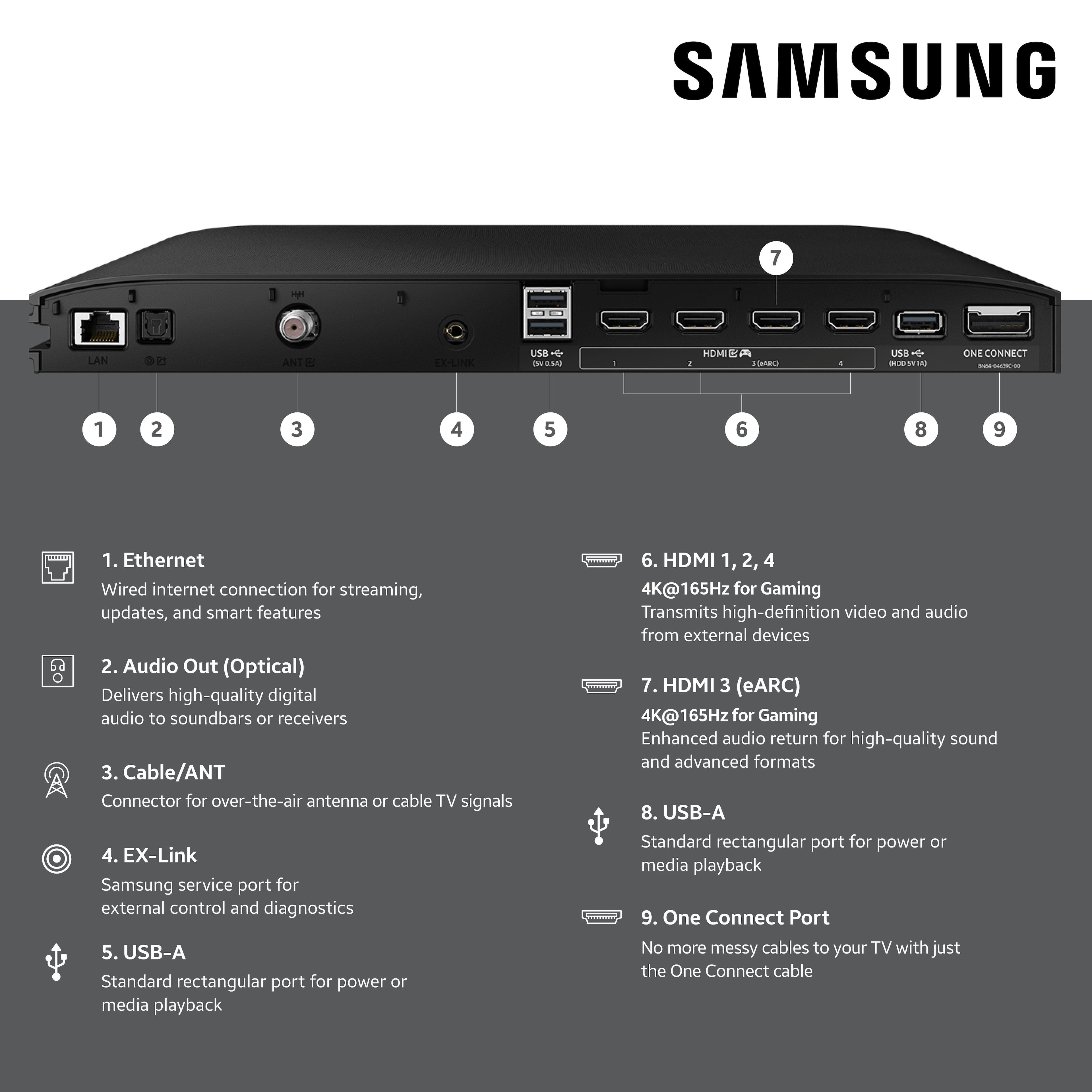
||Posted . Owned for 2 weeks when reviewed.This reviewer received promo considerations or sweepstakes entry for writing a review.Title says it all. Completely black screen even though sound functions. Tried cycling power, tried unplugging the one-connect box, nothing works. The most expensive TV I have ever purchased is dead after less than a month, and after looking online it seems this is a common occurrence. I'm thankful I purchased the premium membership via best buy. Hope they can come out and fix it soon.
No, I would not recommend this to a friendBrand response from Samsung
Posted .Hi Andrew,
It’s unfortunate to hear about your experience with Samsung’s S95F TV. We’re committed to delivering quality, value, and the best possible product experience. This TV is backed by a 1-year limited manufacturer’s warranty, which includes authorized repair for eligible defects when purchased brand-new from an authorized retailer. To review full warranty terms, you can enter your model number here: https://www.samsung.com/us/support/warranty/
We’d appreciate the opportunity to assist further. Please contact Samsung Customer Support at 1-800-SAMSUNG (8AM – 12AM EST, 7 days a week), or connect with a LiveChat agent by clicking the ‘Support’ link on our website.
~ Samsung Specialist
Rated 1 out of 5 stars
SAMSUNG NIGHTMARE TV. STAY AWAY FROM THIS ONE!
||Posted . Owned for 2 months when reviewed.This reviewer received promo considerations or sweepstakes entry for writing a review.We've been loyal Samsung customers for years. We bought this "newest & best" TV two months ago and it has been a nightmare. Three of the four HDMI inputs into the TV do not work. This makes the TV basically useless. The TV has numerous ongoing issues that after 5 hours (really) of on phone and texting with Samsung today has not resolved anything. In fact, we can't even get the TV to turn on now after following the Samsung tech's advice during this 5 hour ordeal. STAY AWAY FROM THIS TV OR ANYTHING SAMSUNG. THEY HAVE A LEMON ON THEIR HANDS!
No, I would not recommend this to a friendBrand response from Samsung
Posted .MarkU,
It’s unfortunate to hear about your experience with Samsung’s S95F TV. We’re committed to delivering quality, value, and the best possible product experience. This TV is backed by a 1-year limited manufacturer’s warranty, which includes authorized repair for eligible defects when purchased brand-new from an authorized retailer. To review full warranty terms, you can enter your model number here: https://www.samsung.com/us/support/warranty/
We’d appreciate the opportunity to assist further. Please contact Samsung Customer Support at 1-800-SAMSUNG (8AM – 12AM EST, 7 days a week), or connect with a LiveChat agent by clicking the ‘Support’ link on our website.
~ Samsung Specialist
Rated 2 out of 5 stars
Power issues
||Posted . Owned for 1 month when reviewed.This reviewer received promo considerations or sweepstakes entry for writing a review.Issues with it powering itself off on day one. Very annoying. Better off with different manufacturer.
No, I would not recommend this to a friendBrand response from Samsung
Posted .Hi Chuckie,
Thank you for sharing your experience with your Samsung S95F TV. If your purchase was made within the past 15 days, we recommend visiting or reaching out to your local Best Buy store. Their Return & Exchange Policy can be found here:
https://www.bestbuy.com/site/help-topics/return-exchange-policy/pcmcat260800050014.c?id=pcmcat260800050014
If more than 15 days have passed, Samsung Support is here to help. You can call us at 1-800-SAMSUNG, 8AM – 12AM EST, 7 days a week, or connect with us via LiveChat through the ‘Support’ link on our website.
~ Samsung Specialist
Rated 1 out of 5 stars
Home Owner
||Posted .This reviewer received promo considerations or sweepstakes entry for writing a review.The guys who installed were great. Just trying to get appointment to have a few adjustments before warranty ran out was horrible. Would call Best Buy phone # and sent me to other countries & trying to understand sometimes was awful. The 7th person helped me & none of others told me no one in area service it but took my c/c. & they setup appt. & kept changing it or had no appt. I feel for anyone who has gone through this. TERRIBLE!!!!!
I would recommend this to a friendBrand response from Samsung
Posted .ConnieS,
It appears your 1-star review for the Samsung S95F TV is based on your experience with Best Buy, and we’re sorry to hear that. We recommend contacting the store directly to share your feedback.
If you need help with the TV itself, Samsung Support is available at 1-800-SAMSUNG, 8AM – 12AM EST, 7 days a week, or via LiveChat under the ‘Support’ section of our website.
~ Samsung Specialist
Rated 1 out of 5 stars
Worst Shopping Experience I every had.
||Posted . Owned for 1 week when reviewed.This reviewer received promo considerations or sweepstakes entry for writing a review.I purchased a new Samsung OLED TV. When they delivered it, it was used, and parts were missing. They were late for the delivery. I called to have them pick up the TV and deliver a new one. When that day came, they were 2 hours past the arrival time.
I would recommend this to a friendBrand response from Samsung
Posted .HOTROD,
We appreciate you sharing your experience; however, we recommend contacting Best Buy directly for assistance in correcting this situation. We hope it’s resolved in a timely manner.
If you have any questions or need help with your TV once your issue is resolved, please contact Samsung Support at 1-800-SAMSUNG, 8AM – 12AM EST, 7 days a week. LiveChat agents are also available via the ‘Support’ link on our website.
~ Samsung Specialist