Customer Ratings & Reviews








- Model:
- QN65S95FAFXZA
- |
- SKU:
- 6613492
Customer reviews
Rating 4.6 out of 5 stars with 325 reviews
(325 customer reviews)Rating by feature
- Picture Quality4.8
Rating 4.8 out of 5 stars
- Sound Quality4.6
Rating 4.6 out of 5 stars
- Brightness4.8
Rating 4.8 out of 5 stars
Customers are saying
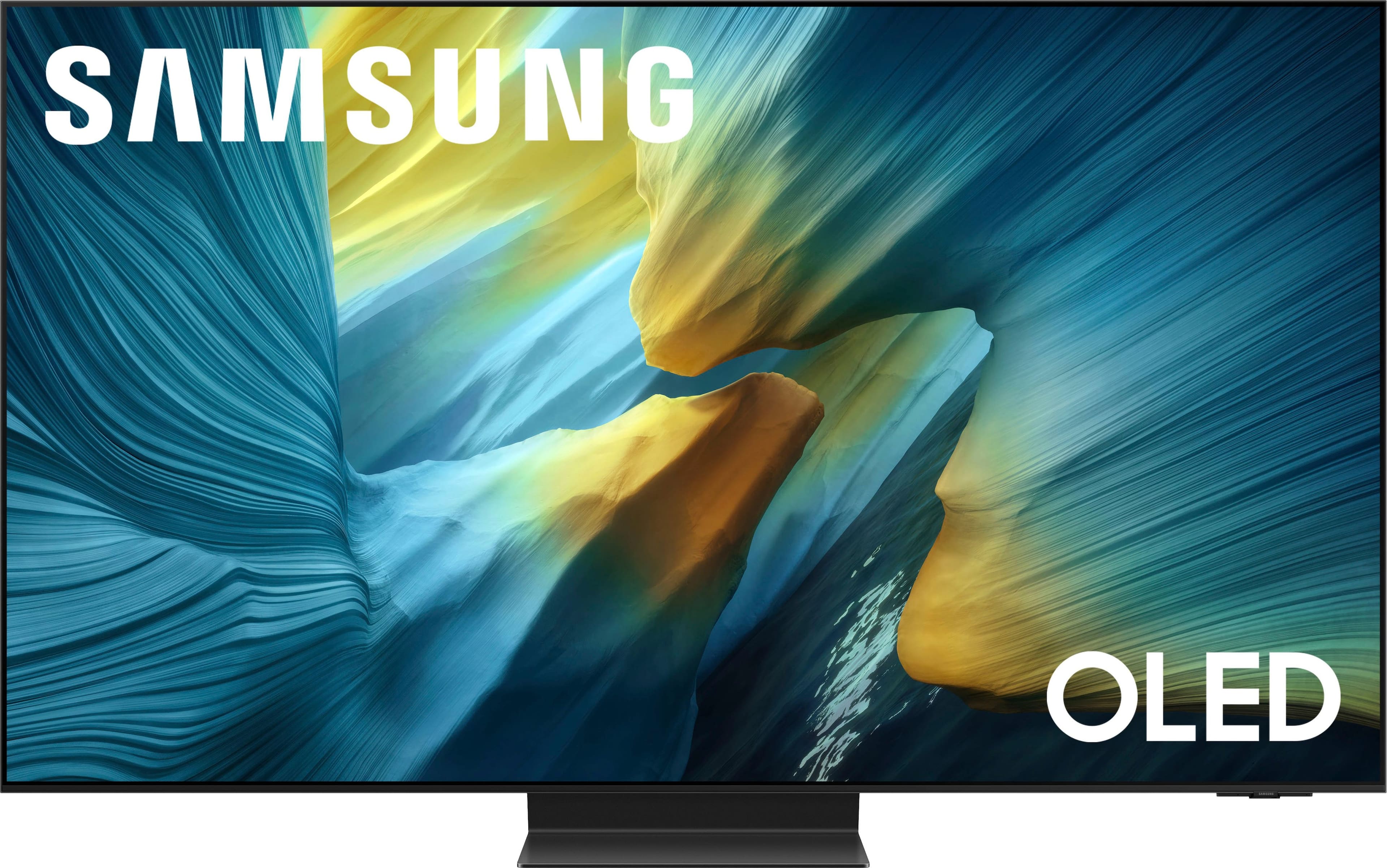
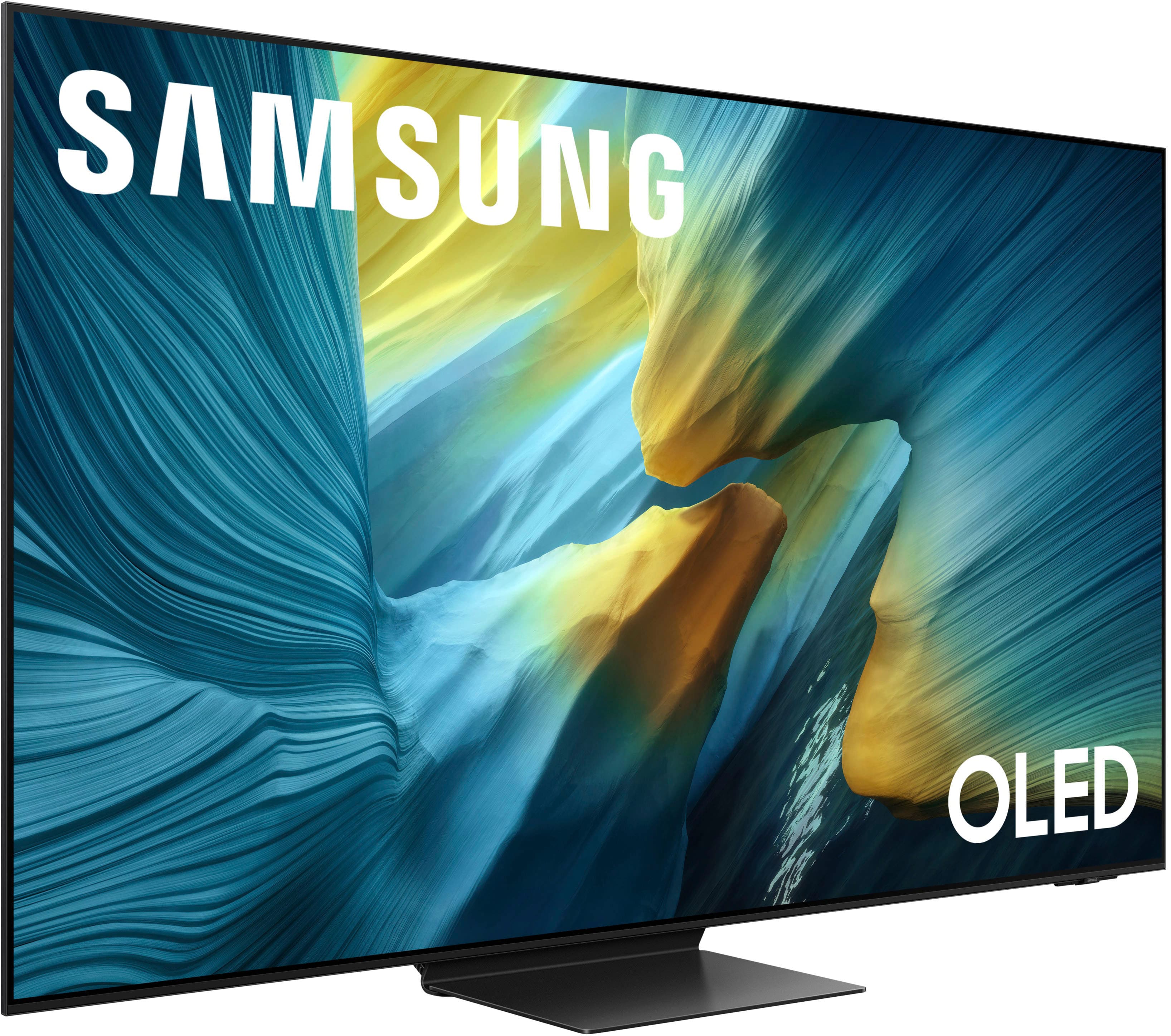
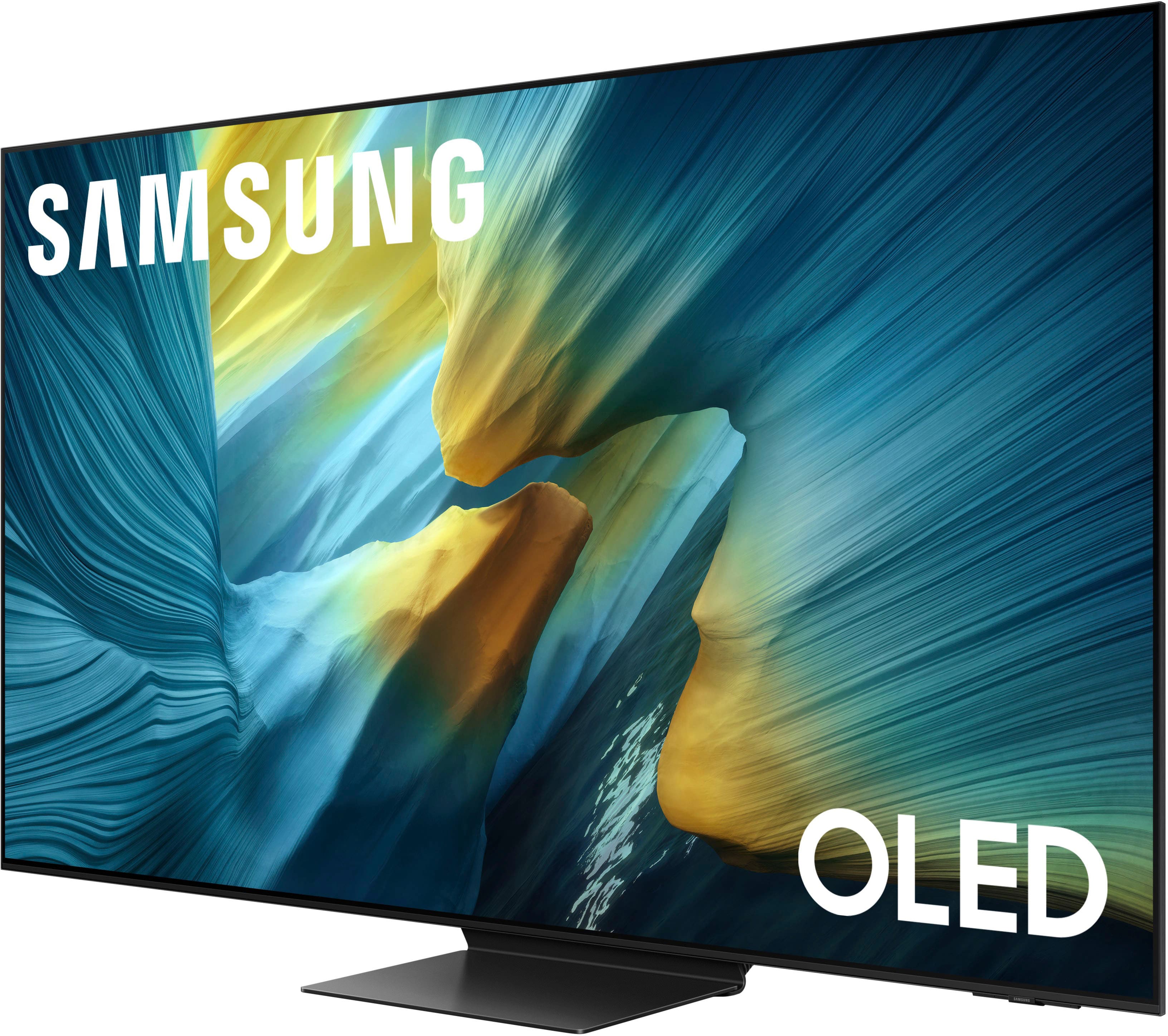
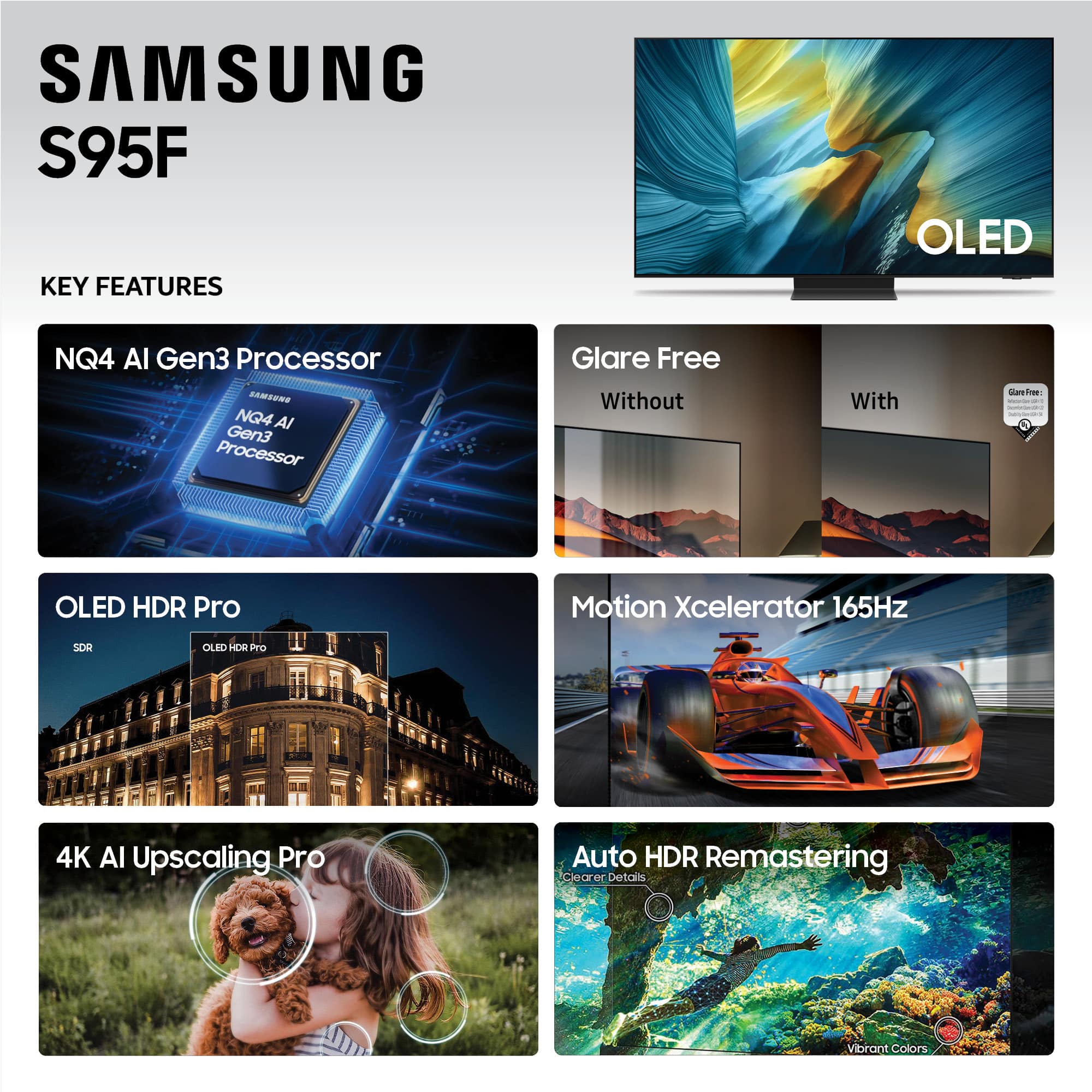
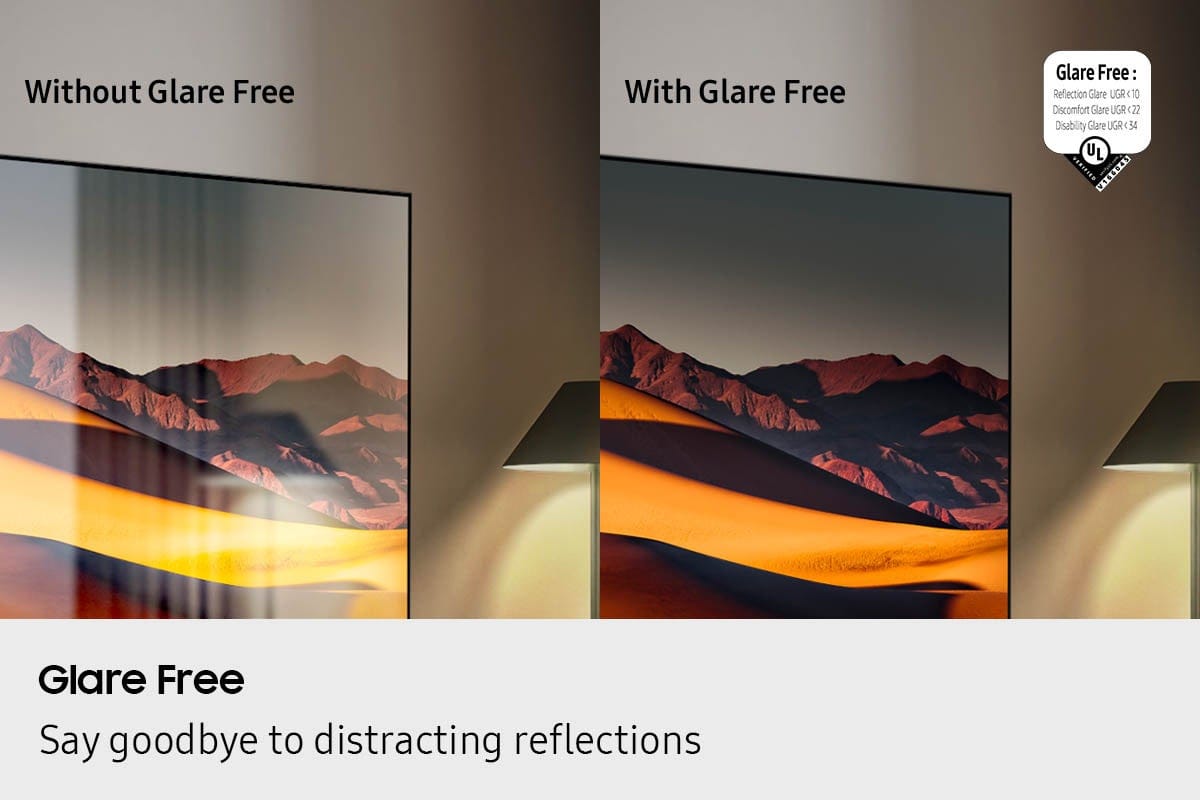
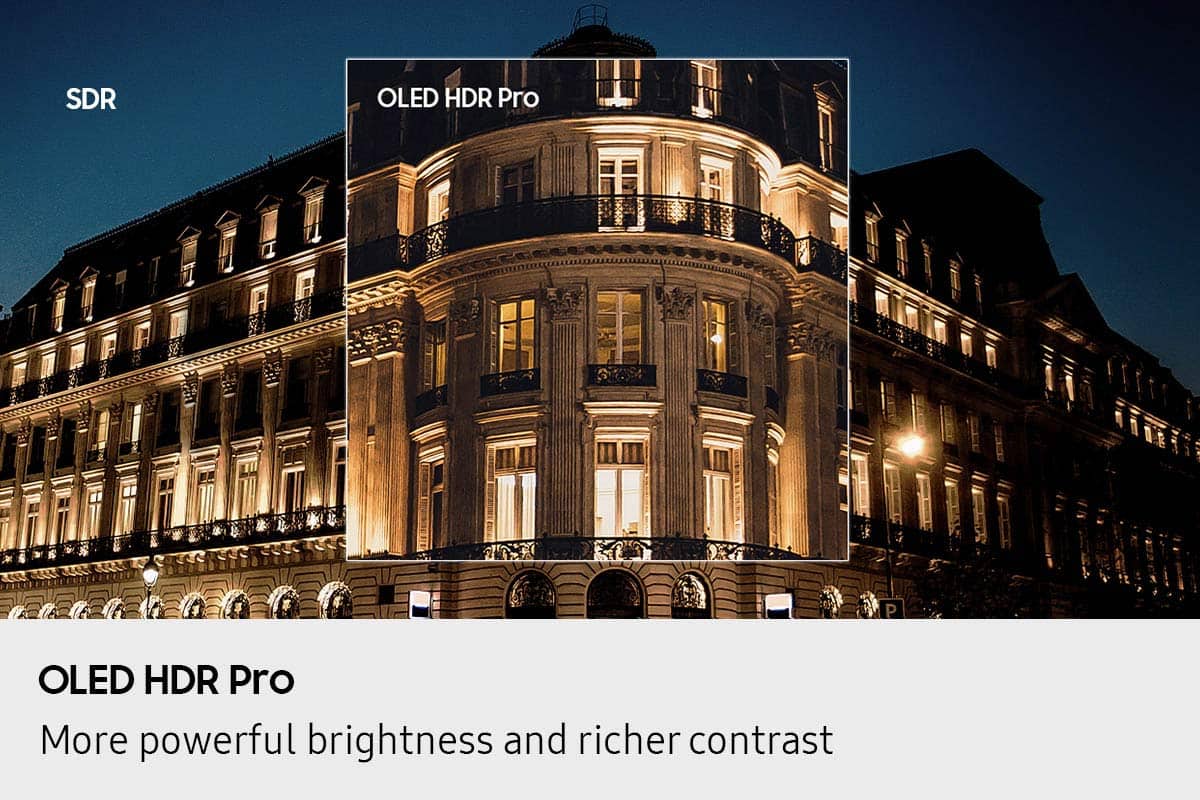
Customers often highlight the amazing picture quality of the 65” Class S95F Series OLED 4K UHD SamsungVision AI Smart Tizen TV (2025). Glare reduction is another frequently praised feature, offering comfortable viewing in various lighting conditions. Users appreciate the OLED quality, sleek design, and deep contrast, making it ideal for gaming.
This summary was generated by AI based on customer reviews.
Rated 5 out of 5 stars
Samsung 65” OLED
||Posted . Owned for 1 month when reviewed.This reviewer received promo considerations or sweepstakes entry for writing a review.Upgraded from a Samsung 2023 QLED. What a difference. Didn’t expect to much difference, but it has an excellent picture.
I would recommend this to a friendRated 5 out of 5 stars
New TV
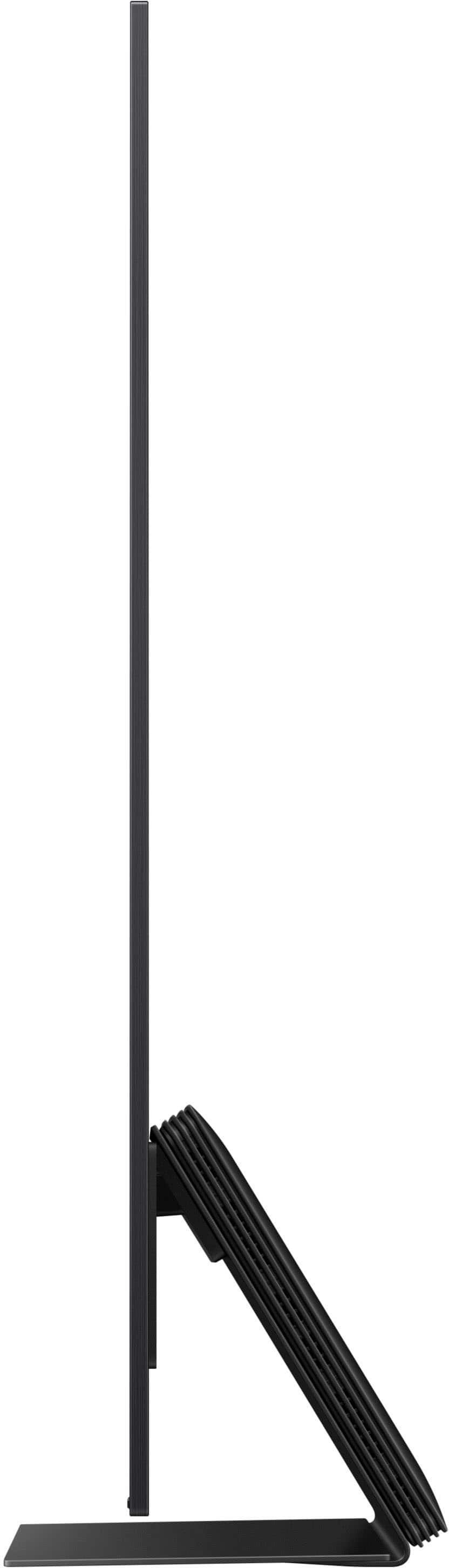
||Posted . Owned for 1 month when reviewed.This reviewer received promo considerations or sweepstakes entry for writing a review.The TV has beautiful color and is super thin We are really enjoying this TV
I would recommend this to a friendRated 5 out of 5 stars
A/C contractor
||Posted . Owned for 2 weeks when reviewed.This reviewer received promo considerations or sweepstakes entry for writing a review.Best TV we ever bought. The service from Best Buy was fantastic.
I would recommend this to a friendRated 5 out of 5 stars
Great
||Posted . Owned for 2 weeks when reviewed.This reviewer received promo considerations or sweepstakes entry for writing a review.This is an exceptional television. Really top tier
I would recommend this to a friendRated 4 out of 5 stars
Nice tv. Not user friendly
||Posted . Owned for 3 weeks when reviewed.This reviewer received promo considerations or sweepstakes entry for writing a review.Excellent tv. Disappointed in the ambient mode. I can’t get the ambient feature to work.
I would recommend this to a friendRated 5 out of 5 stars
New tv
||Posted .This reviewer received promo considerations or sweepstakes entry for writing a review.Excellent picture quality and size was perfect. Replaced an older tv that was in good working order. Just wanted and had the space for a larger one.
I would recommend this to a friendRated 4 out of 5 stars
New remote to learn
||Posted .This reviewer received promo considerations or sweepstakes entry for writing a review.Just set up this tv and love it so far. It would be all 5 stars, but I’m still trying to learn the new remote.
I would recommend this to a friendRated 5 out of 5 stars
Awesome TV
||Posted . Owned for 1 month when reviewed.This reviewer received promo considerations or sweepstakes entry for writing a review.We love the definition and high quality picture! Would recommend!
I would recommend this to a friendRated 5 out of 5 stars
highly recommended
||Posted . Owned for 1 week when reviewed.This reviewer received promo considerations or sweepstakes entry for writing a review.This is the best picture quality I have seen, very happy with this purchase
I would recommend this to a friendRated 5 out of 5 stars
Outstanding picture
||Posted . Owned for 2 weeks when reviewed.This reviewer received promo considerations or sweepstakes entry for writing a review.Unbelievably clear picture. Mo lossof picture at thecedges of the screen.
I would recommend this to a friendRated 5 out of 5 stars
Samsung TV 65€ Class S95F
||Posted . Owned for 1 month when reviewed.This reviewer received promo considerations or sweepstakes entry for writing a review.I love this TV. Glad I moved on to Samsung after being a Sony customer for a long time
I would recommend this to a friendRated 5 out of 5 stars
Samsung 65" OLED 4K Television
||Posted . Owned for 2 months when reviewed.This reviewer received promo considerations or sweepstakes entry for writing a review.Knowledgeable, attentive and professional sales person.
I would recommend this to a friendRated 5 out of 5 stars
SAMSUNG TV
||Posted .This reviewer received promo considerations or sweepstakes entry for writing a review.EXCLLENT .........................................
I would recommend this to a friendRated 5 out of 5 stars
Grrrreat Purchase
||Posted . Owned for 2 weeks when reviewed.This reviewer received promo considerations or sweepstakes entry for writing a review.Excellent picture even in a bright room, very happy w purchasr
I would recommend this to a friendRated 5 out of 5 stars
S95F TV
||Posted . Owned for 1 month when reviewed.This reviewer received promo considerations or sweepstakes entry for writing a review.Bought the TV for my parents. Working great so far!
I would recommend this to a friendRated 5 out of 5 stars
No title
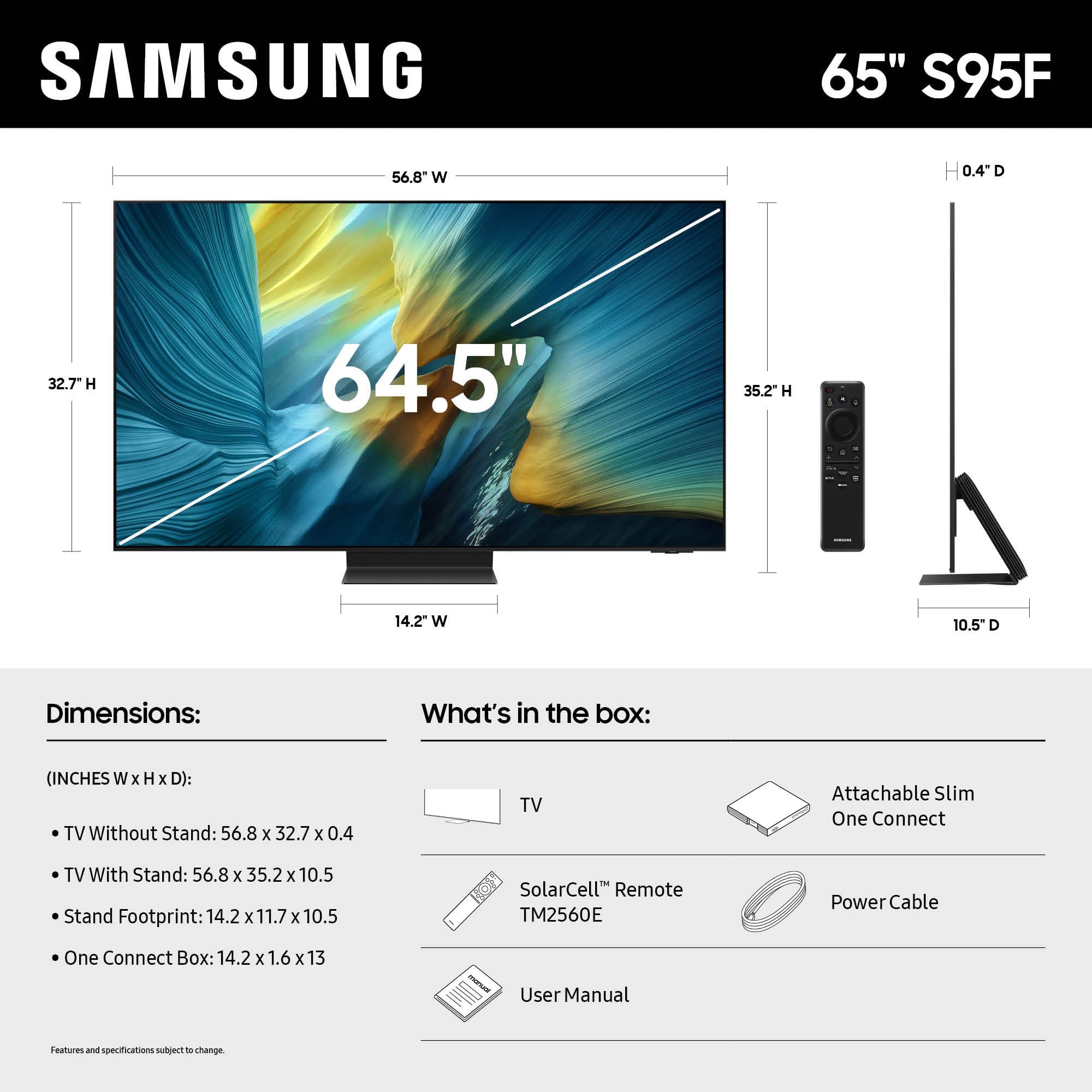
||Posted .This reviewer received promo considerations or sweepstakes entry for writing a review.Very nice tv. Great picture. Easy set up. Only thing i do not care for is the heavy solid steel base. Needs lighter material.
I would recommend this to a friendRated 5 out of 5 stars
Happy customer
||Posted .This reviewer received promo considerations or sweepstakes entry for writing a review.Havent used much yet but its a very nice tv. My daughter just got the same tv
I would recommend this to a friendRated 5 out of 5 stars
Samsung tv
||Posted . Owned for 2 weeks when reviewed.This reviewer received promo considerations or sweepstakes entry for writing a review.Great picture quality. Definitely recommend this product
I would recommend this to a friendRated 5 out of 5 stars
Samsung tv
||Posted . Owned for 2 weeks when reviewed.This reviewer received promo considerations or sweepstakes entry for writing a review.We have been using Best Buy for many years for our electronics because of the availability knowledge of products Geek Squad and SERVICE price. Thank you so much for all Best Buy offers to their customers.
I would recommend this to a friendRated 5 out of 5 stars
Samsung TV
||Posted . Owned for 2 weeks when reviewed.This reviewer received promo considerations or sweepstakes entry for writing a review.We received our new tv and the picture quality is something else! Our last tv was really old so the shades were dark and hard to see detail. Our Samsung tv makes you feel like you can see every detail!!
I would recommend this to a friend