Customer Ratings & Reviews
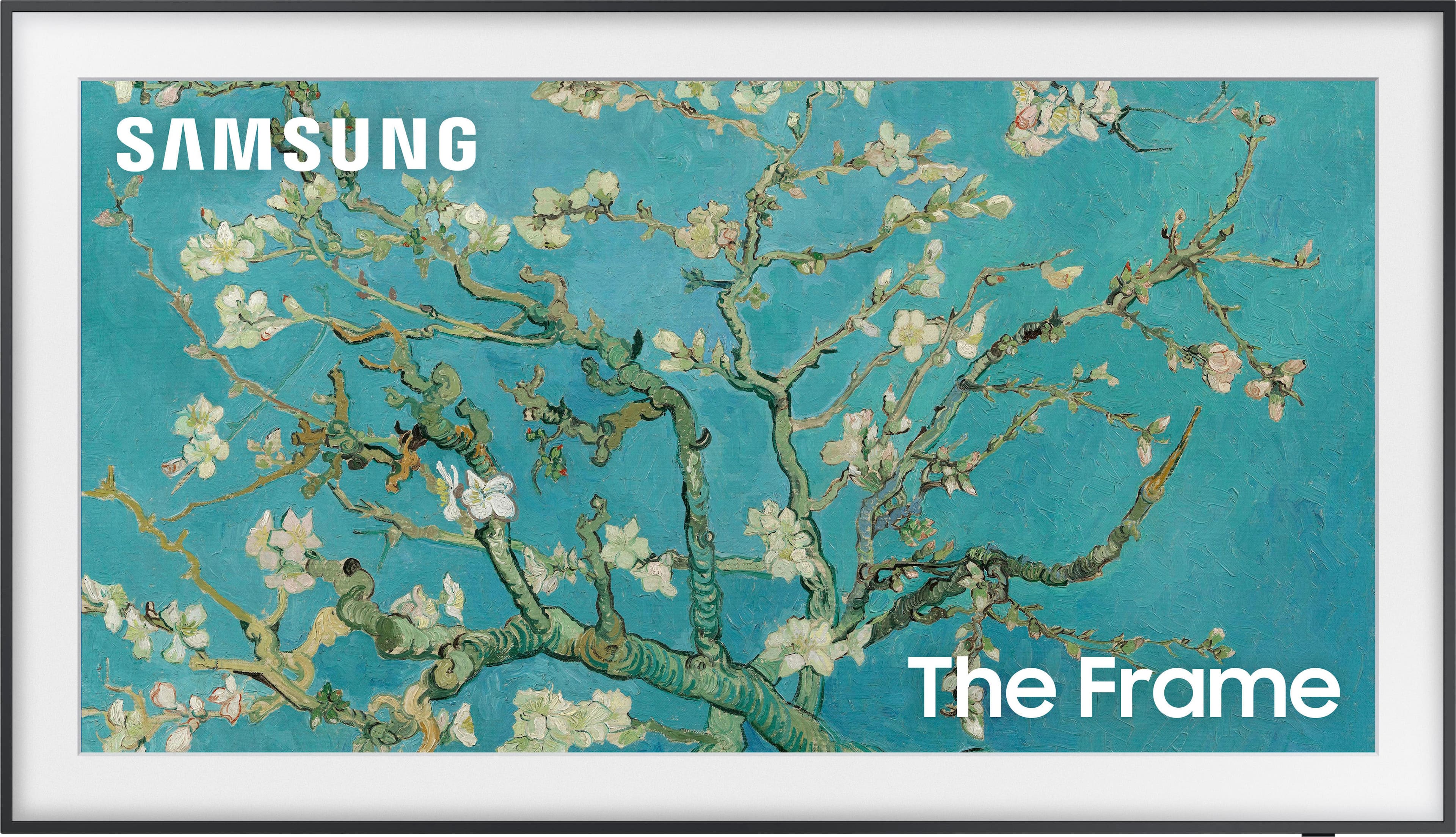
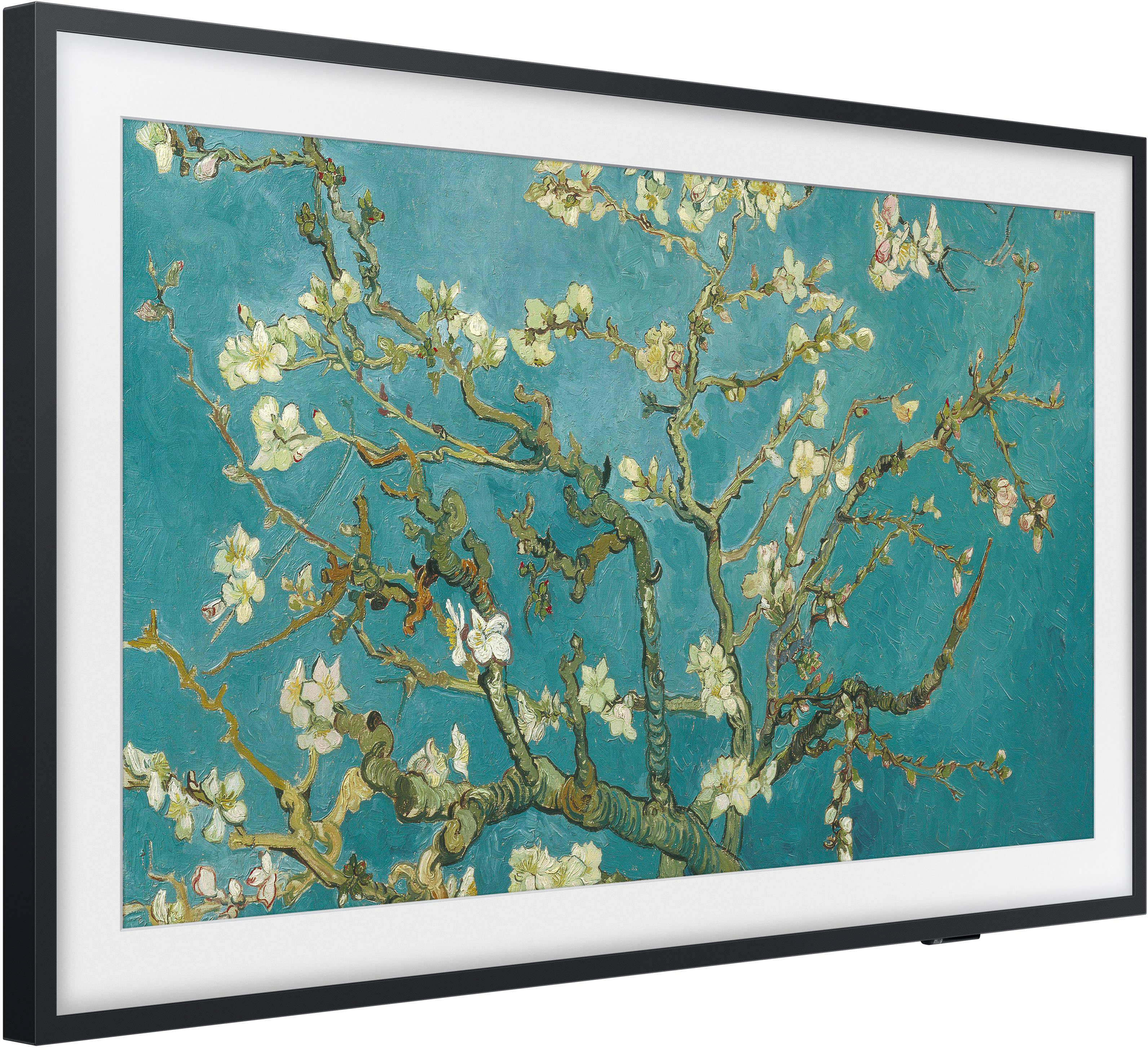
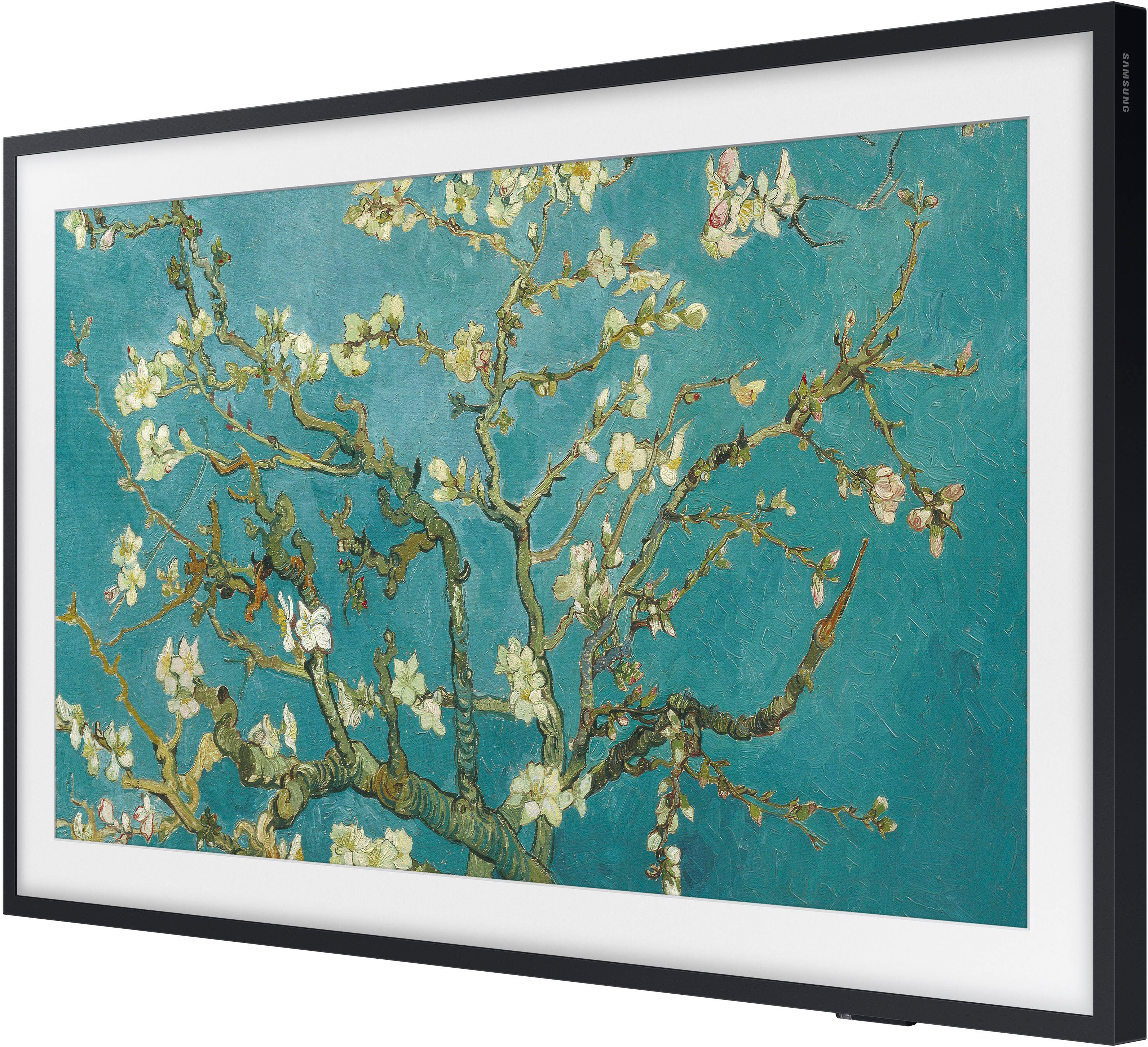

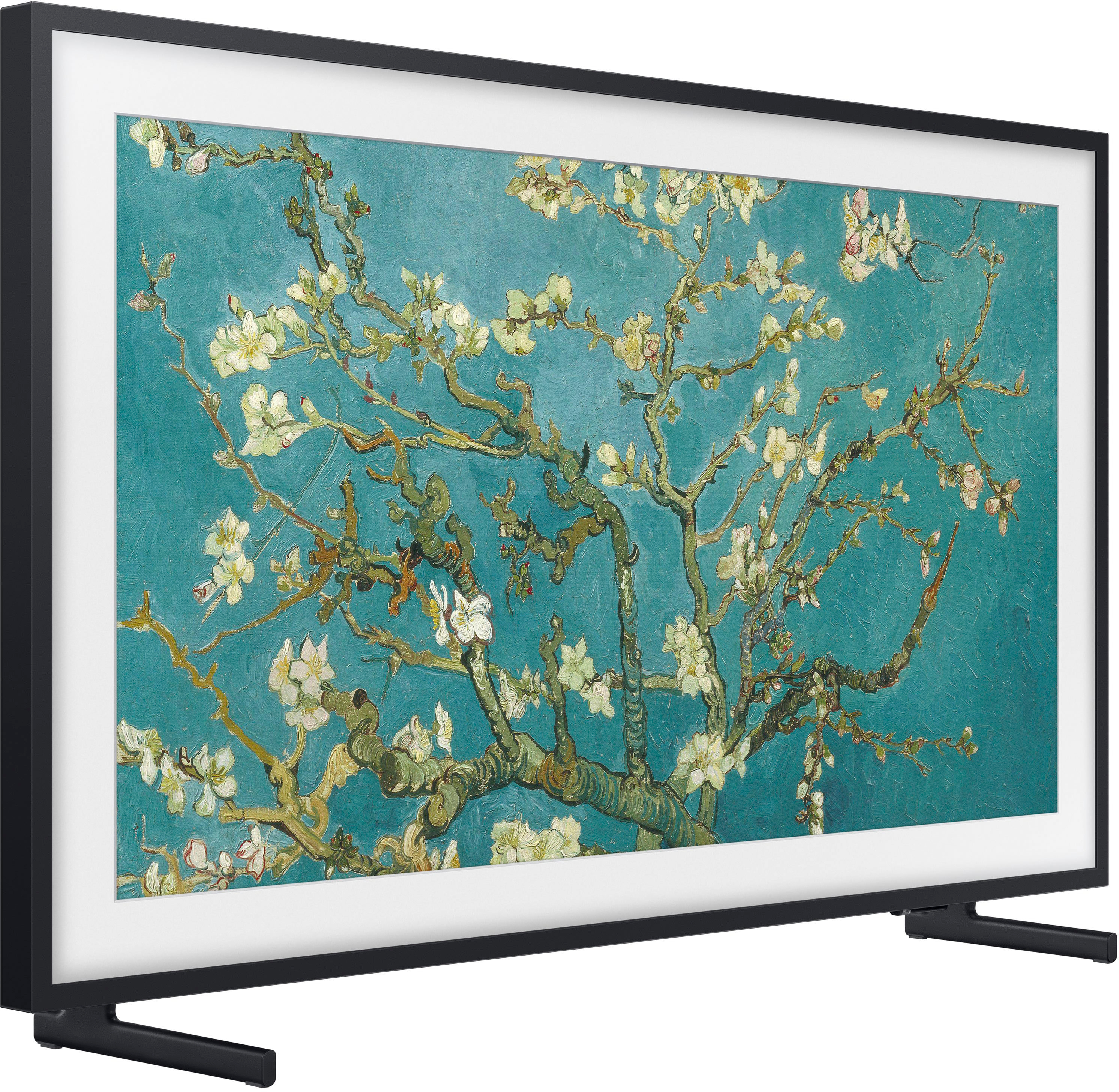









- Model:
- QN65LS03BAFXZA
- SKU:
- 6503087
Rating by feature
- Picture Quality
Rating 4.7 out of 5 stars
- Sound Quality
Rating 4.5 out of 5 stars
- Brightness
Rating 4.7 out of 5 stars
Customers are saying
Customers are pleased with the picture quality and Art Mode features of the 65" Class The Frame QLED 4K UHD Smart Tizen TV (2022). Many also appreciate the ease of installation and the sleek wall mount, resulting in a clean aesthetic. However, some users experienced issues with the remote control and software functionality. The price point was also a factor for some customers.
This summary was generated by AI based on customer reviews.
- Pros mentioned:Picture quality
Buggy Software
||Posted . Owned for 7 months when reviewed.This reviewer received promo considerations or sweepstakes entry for writing a review.TV freezes all the time and doesn't behave well with some apps (Max, as an example). Considering hanging my ancient plasma back up. It has a better picture anyway.
No, I would not recommend this to a friendBrand response from Samsung
Posted .Tedp,
We appreciate your feedback on the response time, and for optimal performance, we ask that you please ensure you've got the latest firmware version installed on your Frame TV. You can check this by going to: Home > Menu > Settings > Support > Software Update.
You may also want to further optimize performance with the self-diagnostic tool, which checks memory, frees up unused cached memory, and closes background apps. Go to: Home > Menu > Settings > Support > Device Care > Start Device Care
I hope these tips help you enjoy your new product.
You can always contact us for further help at 1-800-SAMSUNG, 8AM - 12AM EST, 7 days a week. Our LiveChat agents are also available by clicking on the ‘Support’ link on our website.
~ Samsung Specialist
Love the art feature
||Posted . Owned for 1 month when reviewed.This reviewer received promo considerations or sweepstakes entry for writing a review.Great television. Art features are very cool. Getting lots of compliments.
I would recommend this to a friendFrame TV
||Posted . Owned for 1 month when reviewed.This reviewer received promo considerations or sweepstakes entry for writing a review.Best purchase to date! Wish we would have purchased the TV earlier.
I would recommend this to a friendFrame TV
||Posted . Owned for 1 month when reviewed.This reviewer received promo considerations or sweepstakes entry for writing a review.Extremely happy with the new Samsung frame TV. Wish frame was in stock
I would recommend this to a friendSlow to respond
||Posted . Owned for 3 weeks when reviewed.This reviewer received promo considerations or sweepstakes entry for writing a review.Slow to respond to internet remote commands You have to buy pictures
I would recommend this to a friendBrand response from Samsung
Posted .Hi,
Please be sure your Frame TV's firmware is up to date with version 1303.2, as this includes updates to improve response time. You can check this by going to: Home > Menu > Settings > Support > Software Update.
You may also want to further optimize performance with the self-diagnostic tool, which checks memory, frees up unused cached memory, and closes background apps. Go to: Home > Menu > Settings > Support > Device Care > Start Device Care
If your remote is still not working properly or its response is slow, please check the remaining battery of the Smart Remote by going to Menu > Settings > All Settings > General & Privacy > Power and Energy Saving > Available Remote Battery.
If you need more help, Samsung is here for you. Please call us at 1-800-SAMSUNG, 8AM - 12AM EST, 7 days a week. Our LiveChat agents are also available by clicking on the ‘Support’ link on our website.
~ Samsung Specialist
Missing Standard Ports on the TV - Have to Use Con
||Posted . Owned for 3 weeks when reviewed.This reviewer received promo considerations or sweepstakes entry for writing a review.Don’t like that I have to use the Connect box for standard HDMI connections. There’s not even a power connection on the Connect box, making the install bulkier than necessary.
No, I would not recommend this to a friendBrand response from Samsung
Posted .BethL,
Thanks for sharing your review of The Frame TV. We value your feedback regarding the One Connect Box and will share it with our internal teams.
If there’s anything we can ever help with, please call us at 1-800-SAMSUNG, 8AM - 12AM EST, 7 days a week. Or visit us on the Samsung website and click on the ‘Support’ link for:
• LiveChat
• Manuals, Software, & Warranty Info
~ Samsung Specialist
Re
||Posted . Owned for 3 weeks when reviewed.This reviewer received promo considerations or sweepstakes entry for writing a review.After going and returning the first TV I got that was an open box and it was the wrong model number that was displayed on the TV. It was a $400 TV and I paid seven something so I took it back and I ended up getting the Samsung frame. It said it had a scratch. They opened it up for me pulled it out. I didn’t see no scratches so I took it home and it I couldn’t get the plug the cord in there in the back of the TV because the plug part was like pushed in and so I had to get the Allen wrenches and pull it back a little bit to wedge the plug in there I got it got it to work, but for some reason the TV turns off once in a while, but itself not
I would recommend this to a friendBrand response from Samsung
Posted .ChadA,
We appreciate you sharing your experience with The Frame TV. We recommend you contact Best Buy Customer Support or your local Best Buy store directly for assistance in correcting this situation. We hope your issue is resolved in a timely manner.
Should you have questions or concerns regarding the usage or setup of your TV once your issue has been resolved, please contact Samsung Customer Support at 1-800-SAMSUNG, 8AM - 12AM EST, 7 days a week. Or visit us on the Samsung website and click on the ‘Support’ link for:
• LiveChat
• Manuals, Software, & Warranty Info
~ Samsung Specialist
Painting
||Posted . Owned for less than 1 week when reviewed.This reviewer received promo considerations or sweepstakes entry for writing a review.What a tv! Great! Looks just like a painting like it should.
I would recommend this to a friendArt tv
||Posted . Owned for 1 month when reviewed.This reviewer received promo considerations or sweepstakes entry for writing a review.Love it! We just moved so I just purchased my second one!
I would recommend this to a friendLooks great on the wall
||Posted . Owned for 1 month when reviewed.This reviewer received promo considerations or sweepstakes entry for writing a review.Looks great and works well. Slim profile & charming.
I would recommend this to a friendConstant Issues
||Posted . Owned for 2 months when reviewed.This reviewer received promo considerations or sweepstakes entry for writing a review.Beautiful matte finish, but constant lagging (very, very noticable) and Internet connection is very bad. I'd honestly say every third time we use it the internet (while fine on every other device) is either disconnected or has an issue that is only resolved by turning WiFi off and on again. Tonight I came home and it can't see any WiFi networks whatsoever. Disappointing and beyond the return time so may be SOL. Even if it starts working tomorrow, massively frustrating for what we paid.
No, I would not recommend this to a friendBrand response from Samsung
Posted .Edward,
We appreciate your feedback on the lag and Internet issues you're experiencing, and for optimal connectivity and performance, we ask that you please ensure you've got the latest firmware version installed on your Frame TV. You can check this by going to: Home > Menu > Settings > Support > Software Update.
You may want to further optimize performance with the self-diagnostic tool, which checks memory, frees up unused cached memory, and closes background apps. Go to: Home > Menu > Settings > Support > Device Care > Start Device Care
If your TV is still having difficulties connecting to the Internet, please also try the following troubleshooting steps:
1) Check the network and the status of your access point.
2) On the remote control, press the button and move to Settings using the directional button.
3) Select Menu > Settings > All Settings > Connection > Network > Network Status to check the network status.
4) If the network isn't connected, a network reset may be required.
5) Make sure that your access point is working properly. Check the LED indicators on your access point to make sure it is operating normally.
6) If you are using a wireless access point, check the access point location. If the access point is too far from the TV, move it closer.
7) Try rebooting the access point by disconnecting and reconnecting the power connector. It may take 1 to 2 minutes until the access point comes back online after a reboot.
8) If the same problem continues, select Menu > Settings > All Settings > Connection > Network > Network Status > IP Settings to change to a different DNS server. If a test occurs, cancel it and select IP Settings.
9) Select DNS Setting Enter manually.
10) Select DNS Server, enter 8.8.8.8, then select OK.
I hope these tips help you enjoy your new product.
You can always contact us for further help at 1-800-SAMSUNG, 8AM - 12AM EST, 7 days a week. Our LiveChat agents are also available by clicking on the ‘Support’ link on our website.
~ Samsung Specialist
frame 2022 65 inch
||Posted . Owned for 2 months when reviewed.This reviewer received promo considerations or sweepstakes entry for writing a review.great tv. Definitely a good purchase decision
I would recommend this to a friendFrame TV
||Posted . Owned for 1 month when reviewed.This reviewer received promo considerations or sweepstakes entry for writing a review.This is our second Frame TV. We are pleased with both!
I would recommend this to a friendSamsung Frame is good, screen isn’t.
||Posted . Owned for 2 weeks when reviewed.This reviewer received promo considerations or sweepstakes entry for writing a review.Blooming on black screens wasn’t checked, and is far worse than my regular UHD Samsung lcd. Terrible quality considering price point and the level of sophistication advertised. Hangs nice but I should’ve just bought a canvas instead..
No, I would not recommend this to a friendBrand response from Samsung
Posted .SamH,
Thank you for sharing your thoughts on the picture quality of your Frame TV. To ensure your picture is fully optimized, please be sure your TV is up to date with the latest firmware version, as this includes picture quality updates. You can check this by going to: Home > Menu > Settings > Support > Software Update.
If the picture is not to your liking after performing any available firmware updates, there are several picture settings you may want to try adjusting.
Go to Home > Menu > Settings > All Settings > Picture > Picture Mode
...and select the mode that best fits your usage:
1) Standard: Is the default mode suitable for general viewing environments.
2) Movie: Is suitable for watching TV or movies in a dark room.
3) Dynamic: Makes the picture brighter and clearer in bright viewing environments.
4) Filmmaker Mode: You can watch the source content (e.g., movie) as it is. If the image is defined as Filmmaker Mode, it will automatically switch to Filmmaker Mode while watching.
You can also go to: Home > Menu > Settings > All Settings > Picture > Expert Settings to manually fine tune your image.
For further assistance with settings adjustments, please contact Samsung Customer Support at 1-800-SAMSUNG, 8AM - 12AM EST, 7 days a week. Our LiveChat agents are also available by clicking on the ‘Support’ link on our website.
~ Samsung Specialist
Art Mode Off-Line @ Samsung Server
||Posted . Owned for 4 months when reviewed.This reviewer received promo considerations or sweepstakes entry for writing a review.Samsung The Frame 65 inch, 2022 model, purchased at Best Buy in California, USA. 10/27/2022 Update: Per Samsung Tech Support (Trouble Ticket #2278120454) the servers supporting Art Mode on all Samsung Frame televisions are experiencing major problems, which cause the Art Mode to freeze and crash, sometimes locking up the entire TV. Note that this is NOT a mechanical problem with the televisions themselves, it is all on Samsung's end, in their servers/software. Tech support advises they are aware of the problem & working to correct it, but they have no ETA for that fix at this time. DO NOT DO A FACTORY RESET OF YOUR TV. The problem is on Samsung's end, not with your unit.
No, I would not recommend this to a friendBrand response from Samsung
Posted .SoundcoreSpiritX2,
Thank you for bringing your concerns to our attention. Please follow the below steps which should resolve the issue you’re currently experiencing:
1. While the TV is stuck in Art Mode, unplug the TV power cord at the wall, wait 10 seconds, then plug back in.
2. When the TV is on again, confirm that it is in Art Mode and leave the TV operating for 10 minutes. The TV will download the new version of the Art Home in the background (there will be no on-screen indication that this is happening).
3. Unplug the TV at the wall, wait 10 seconds, then plug back in.
4. The TV will now revert to the new version of the Art Home and the issue should now be resolved.
We apologize for any inconvenience this may have caused. If you have any questions or need further help, Samsung is here for you. You can reach us at 1-800-SAMSUNG, 8AM - 12AM EST, 7 days a week. Our LiveChat agents are also available by clicking on the ‘Support’ link on our website.
~ Samsung Specialist
Installation
||Posted . Owned for 3 weeks when reviewed.This reviewer received promo considerations or sweepstakes entry for writing a review.Not really happy with colors that are in the TV programs. Have adjusted Tint & color many times by fades and seems more White thatn true colors. I will call Best Buy and ask for service, if possible.
I would recommend this to a friendBrand response from Samsung
Posted .Valerie,
Thank you for sharing your thoughts on the picture quality of your Frame TV. To ensure you’ve got the latest image quality updates, please confirm that your TV is up to date with the latest firmware version. You can check by going to: Home > Menu > Settings > Support > Software Update.
If the picture you’re seeing is still not to your liking after updating firmware, there are several picture settings you may want to try adjusting.
Go to Home > Menu > Settings > All Settings > Picture > Picture Mode
...and select the mode that best fits your usage:
1) Standard: Is the default mode suitable for general viewing environments.
2) Movie: Is suitable for watching TV or movies in a dark room.
3) Dynamic: Makes the picture brighter and clearer in bright viewing environments.
4) Filmmaker Mode: You can watch the source content (e.g., movie) as it is. If the image is defined as Filmmaker Mode, it will automatically switch to Filmmaker Mode while watching.
You can also go to: Home > Menu > Settings > All Settings > Picture > Expert Settings to manually fine tune your image.
For further assistance with settings adjustments, please contact Samsung Customer Support at 1-800-SAMSUNG, 8AM - 12AM EST, 7 days a week. Or visit us on the Samsung website and click on the ‘Support’ link for:
• LiveChat
• Manuals, Software, & Warranty Info
~ Samsung Specialist
Damaged
||Posted . Owned for 2 weeks when reviewed.This reviewer received promo considerations or sweepstakes entry for writing a review.This product is clearly damaged. All of the plastic covers and internal connections are misaligned and the back cover is swollen. Probably over heated in a truck somewhere.
No, I would not recommend this to a friendBrand response from Samsung
Posted .Hi Dustin,
I'm sorry to hear about your experience with the Frame TV arriving damaged. I recommend reaching out to the local Best Buy where you made your purchase.
If you need help with a replacement TV, please reach out to Samsung Customer Support at 1-800-SAMSUNG, 8 AM - 12 AM EST, seven days a week. Our LiveChat agents are also available by clicking on the ‘Support’ link on our website.
~ Samsung Advisor
FrameTV _ beware of missing parts
||Posted . Owned for 2 weeks when reviewed.This reviewer received promo considerations or sweepstakes entry for writing a review.The TV was setup to be sold as just missing a bulb and resent to Samsung. Upon delivery of tv it was missing the whole unit to mount tv, so the crew whom were planning to mount the tv had to come back at a later date. I could not call Best Buy, so I had to go back to Best Buy over 4 times to rectify situation and re-setup mounting team. Also, I had to buy wall mount through Amazon, instead of Best Buy.
No, I would not recommend this to a friendBrand response from Samsung
Posted .Smitty,
We appreciate your feedback regarding parts missing from your Frame TV. If purchased brand-new and unopened, please contact Samsung Customer Support and a representative will gladly help you. If purchased in open-box condition, we recommend contacting Best Buy directly for assistance. We hope your issue is resolved in a timely manner.
Should you have questions or concerns on usage or setup of your TV once your issue has been resolved, please call us at 1-800-SAMSUNG, 8AM - 12AM EST, 7 days a week. Or visit us on the Samsung website and click on the ‘Support’ link for:
• LiveChat
• Manuals, Software, & Warranty Info
~ Samsung Specialist
- Pros mentioned:Picture quality
The Frame QLE$D TV
||Posted . Owned for 1 month when reviewed.This reviewer received promo considerations or sweepstakes entry for writing a review.Exceeds my expectations. Image is superior, sound is rich, function has a learning curve. Best Buy has excellent technical support.
I would recommend this to a friend - Cons mentioned:Remote control
Do not purchase
||Posted . Owned for 1 year when reviewed.This reviewer received promo considerations or sweepstakes entry for writing a review.Barely a year old. Smart remote doesn’t work and Samsung customer support wasted more than 2hours of my time following multiple hangups. Bottom line, regret this purchase and do not recommend. A remote should work and a consumer should not be forced to buy one annually to operate a tv. Horrible warranty, service, and able customer care.
No, I would not recommend this to a friendBrand response from Samsung
Posted .Griffin,
I’m sorry to hear your Frame TV’s remote is not working as expected. Please try these steps which may help resolve this:
1. Press and hold Return and Microphone buttons (diagonally up and to the right of Return). This will reset the remote.
2. Stand within 1 foot of the TV and press and hold Return and Play/Pause simultaneously for at least 5 seconds or until a message appears on your TV indicating that the remote is now connected
If you’re still experiencing issues with the remote, please also try the following:
- Unplug the TV for 30 seconds, and plug it back in.
- Try moving closer to the TV and re-pairing.
- Check to see if your remote is charged: Settings > All Settings > General & Privacy > Power and Energy Saving > Available Remote Battery
- Check for available firmware updates on your TV: Settings > Support > Software Update > Update Now
I hope the above helps. Should the issue persist, please contact Samsung Support at 1-800-SAMSUNG, 8AM - 12AM EST, 7 days a week. Our LiveChat agents are also available by clicking on the ‘Support’ link on our website.
~ Samsung Specialist