Customer Ratings & Reviews
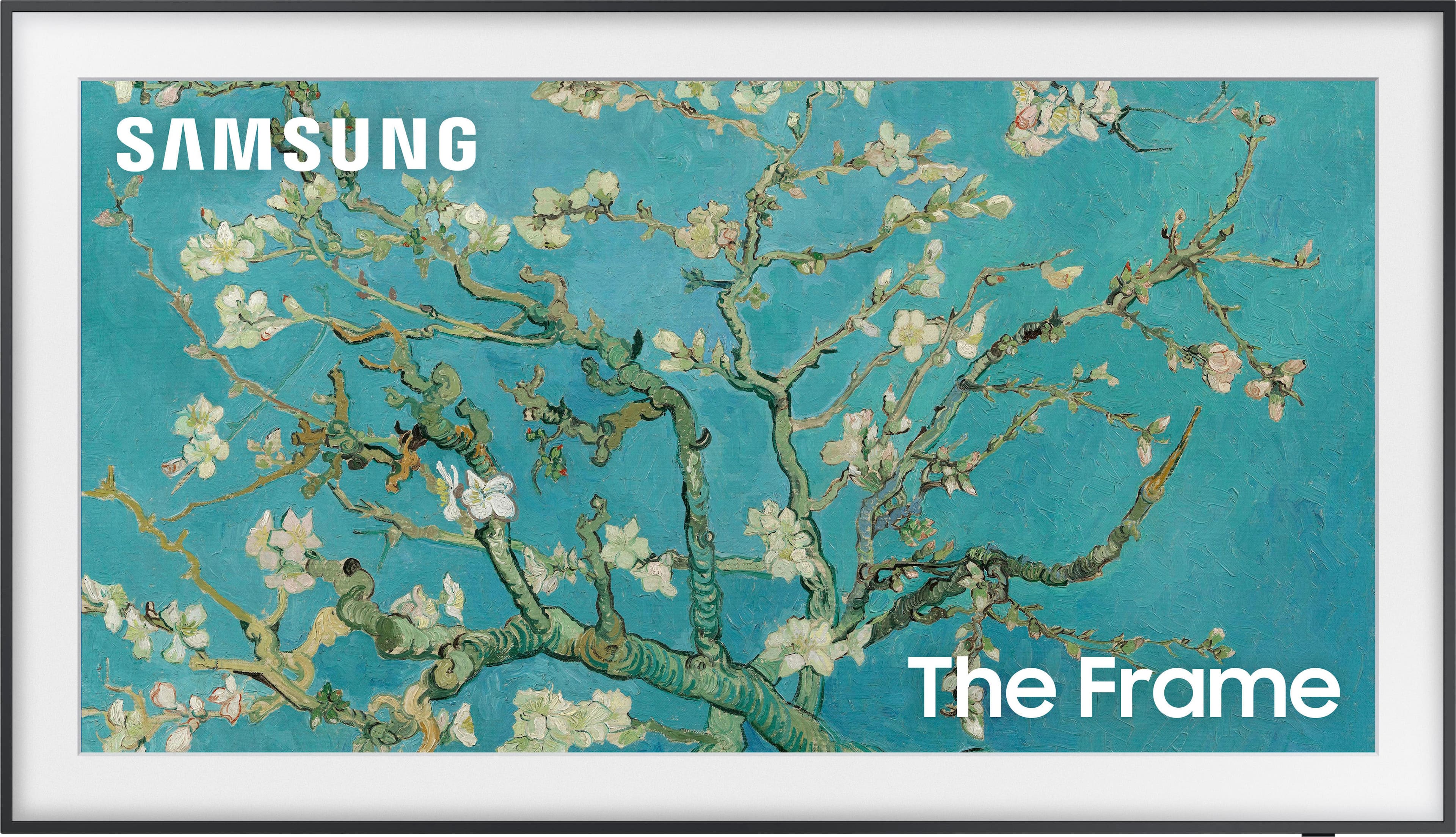
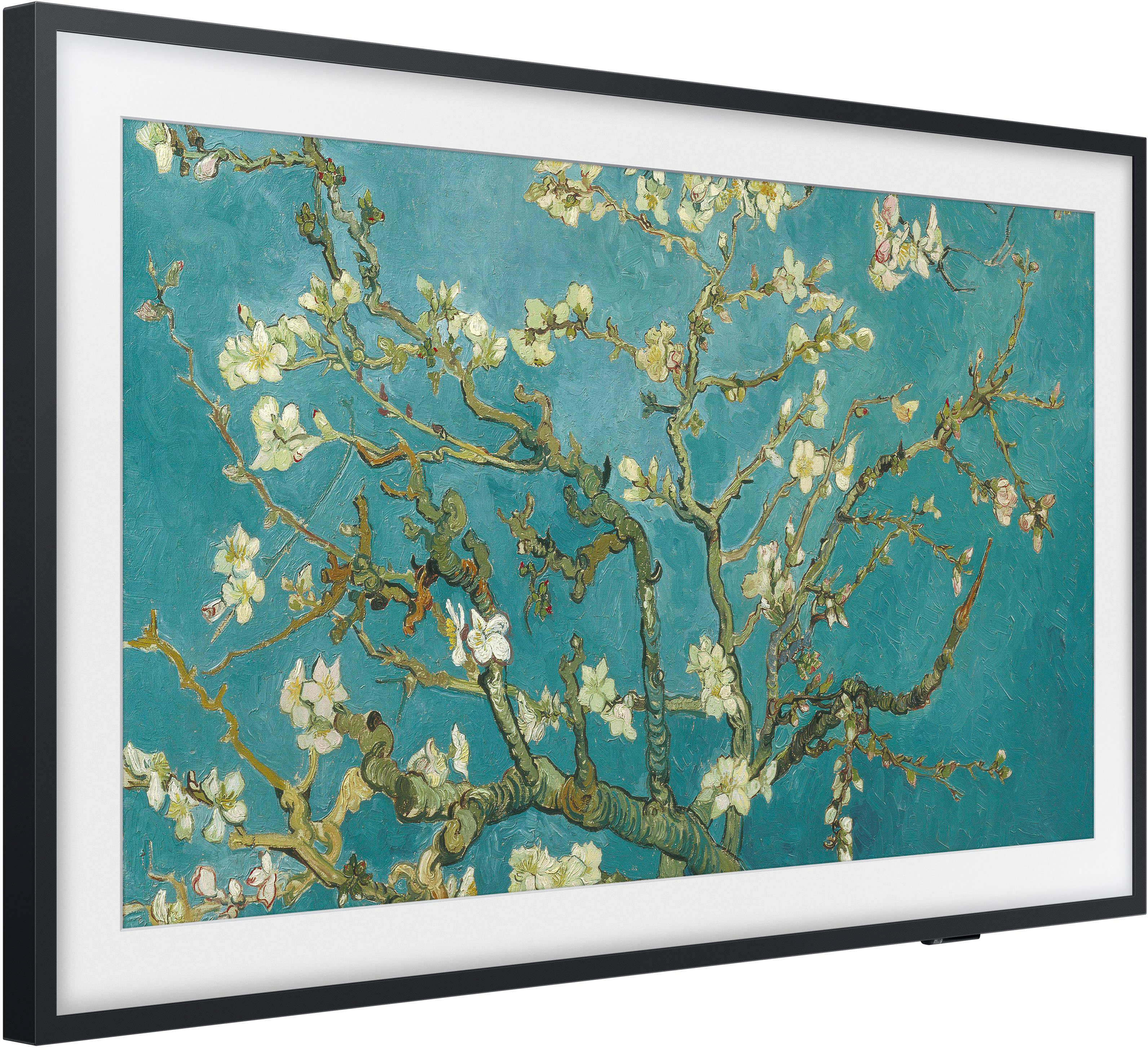
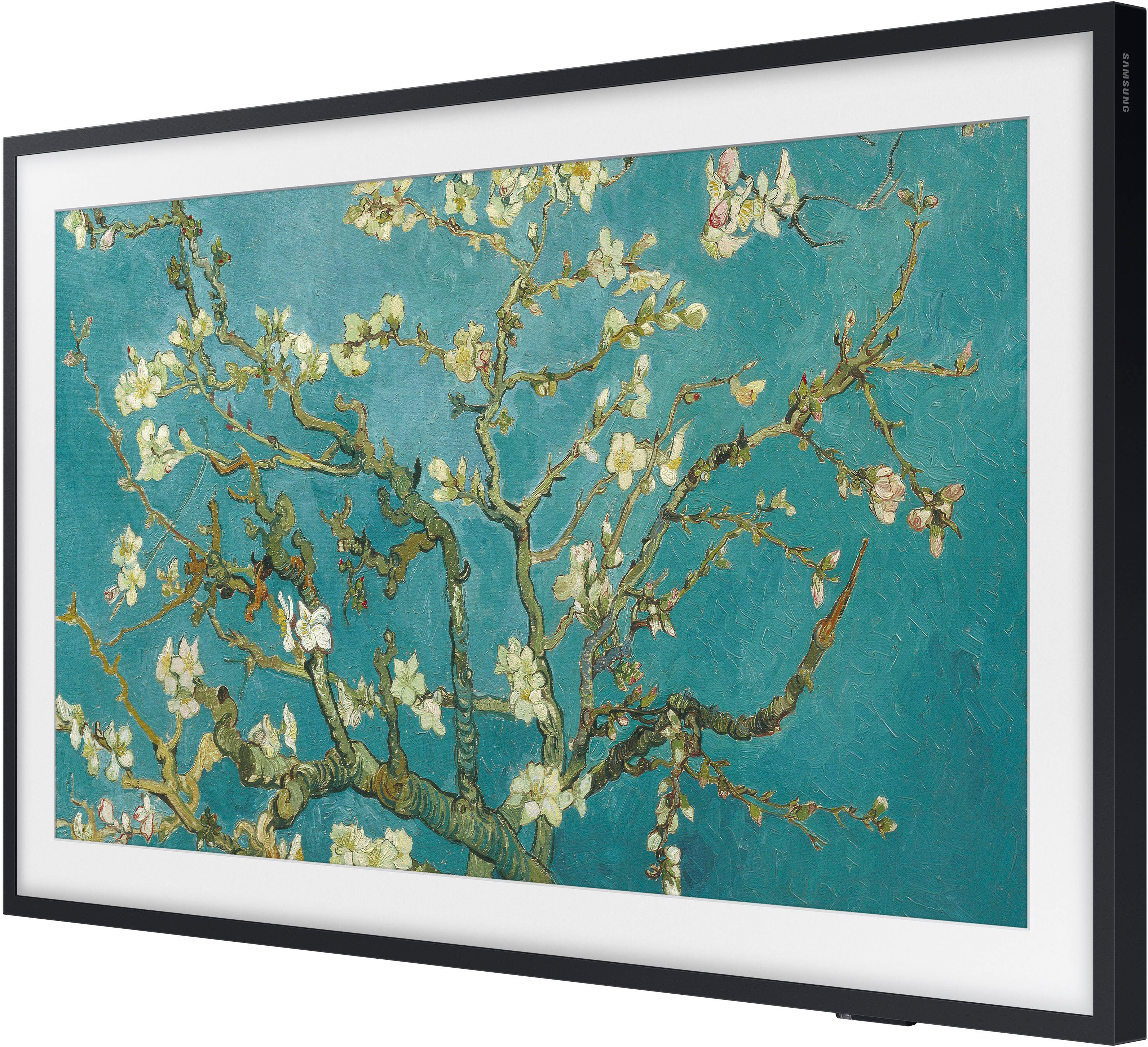

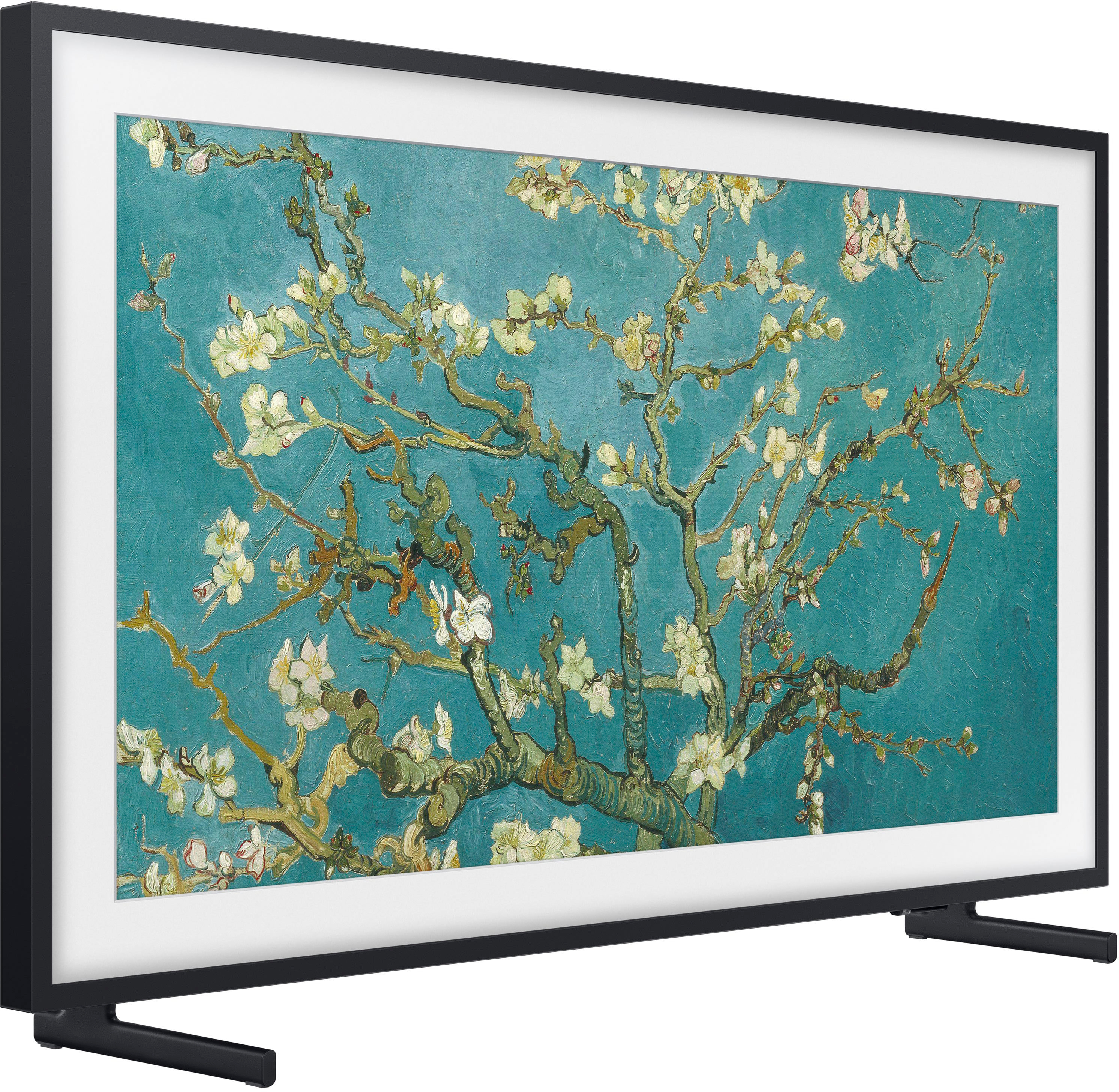
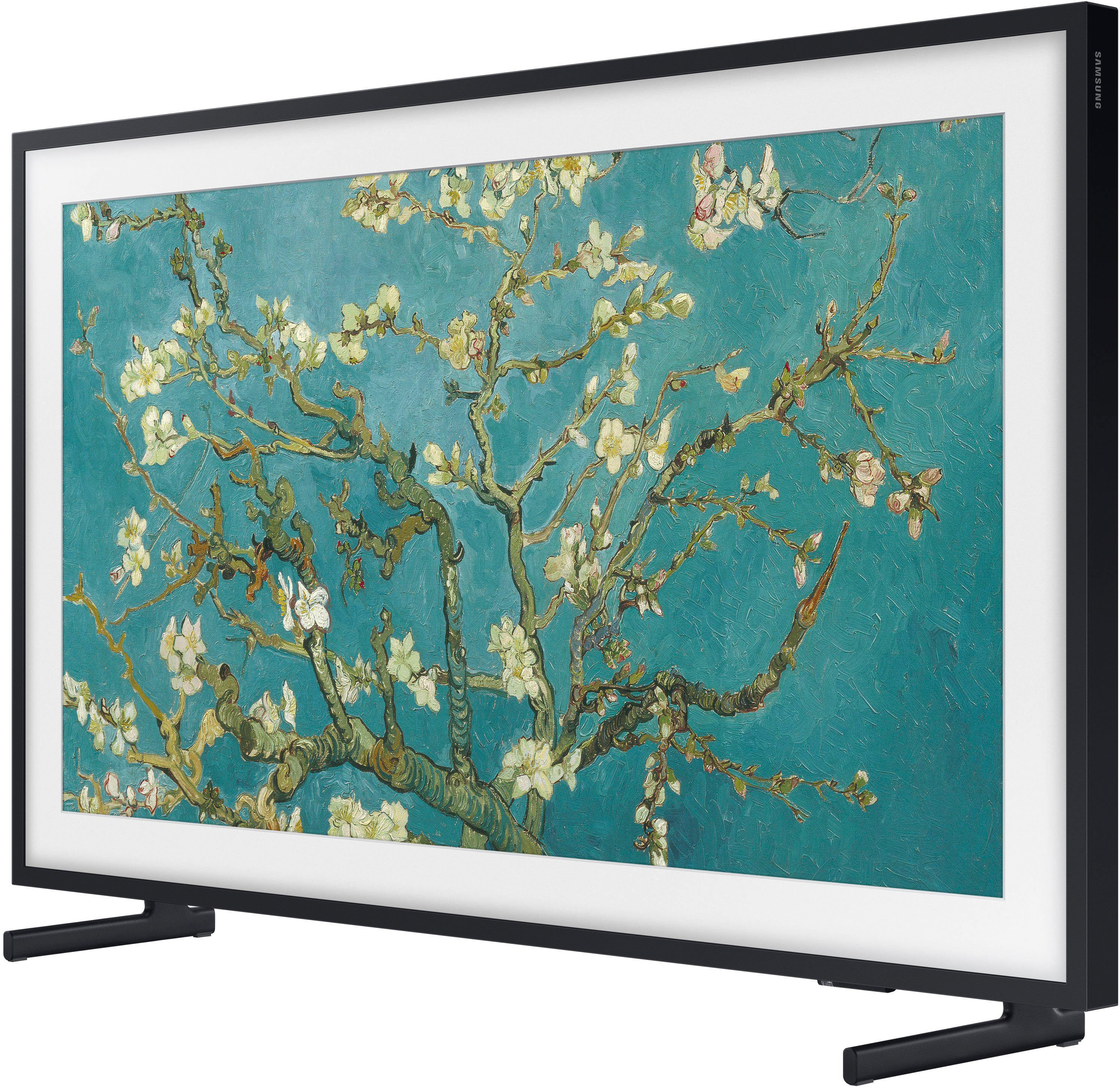
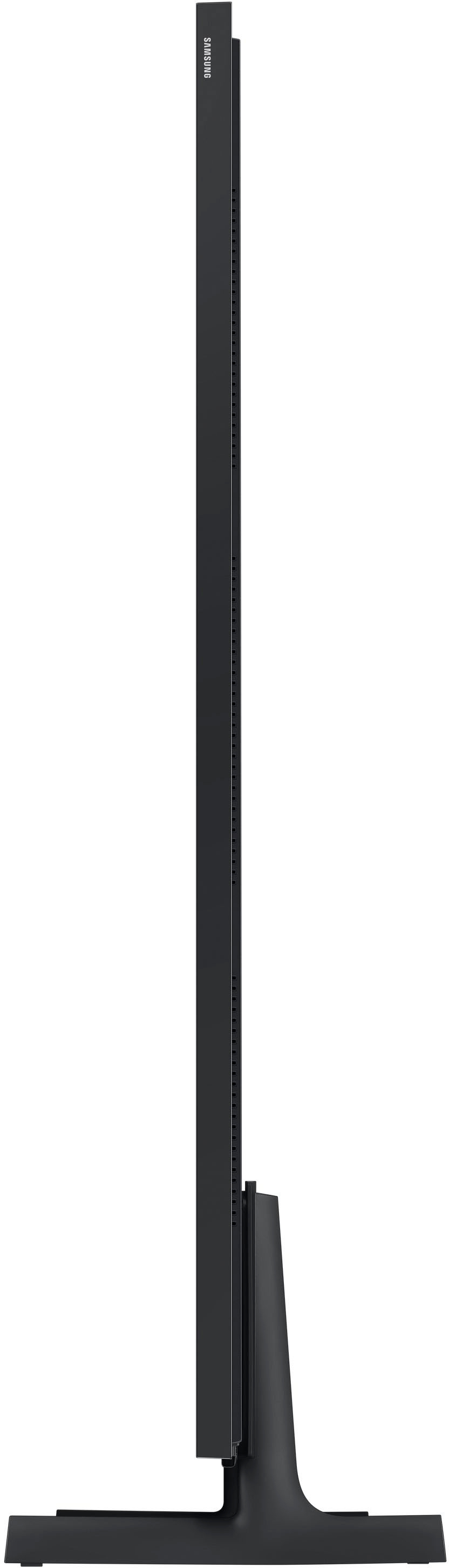
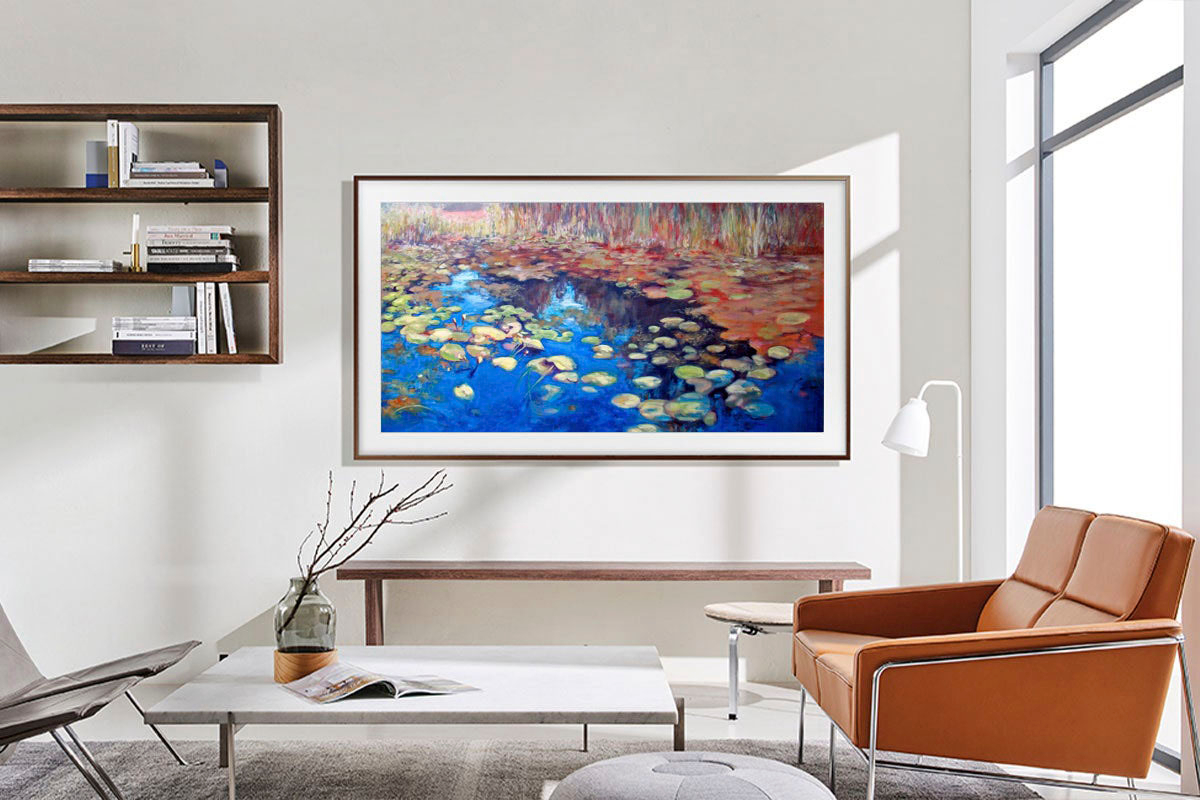




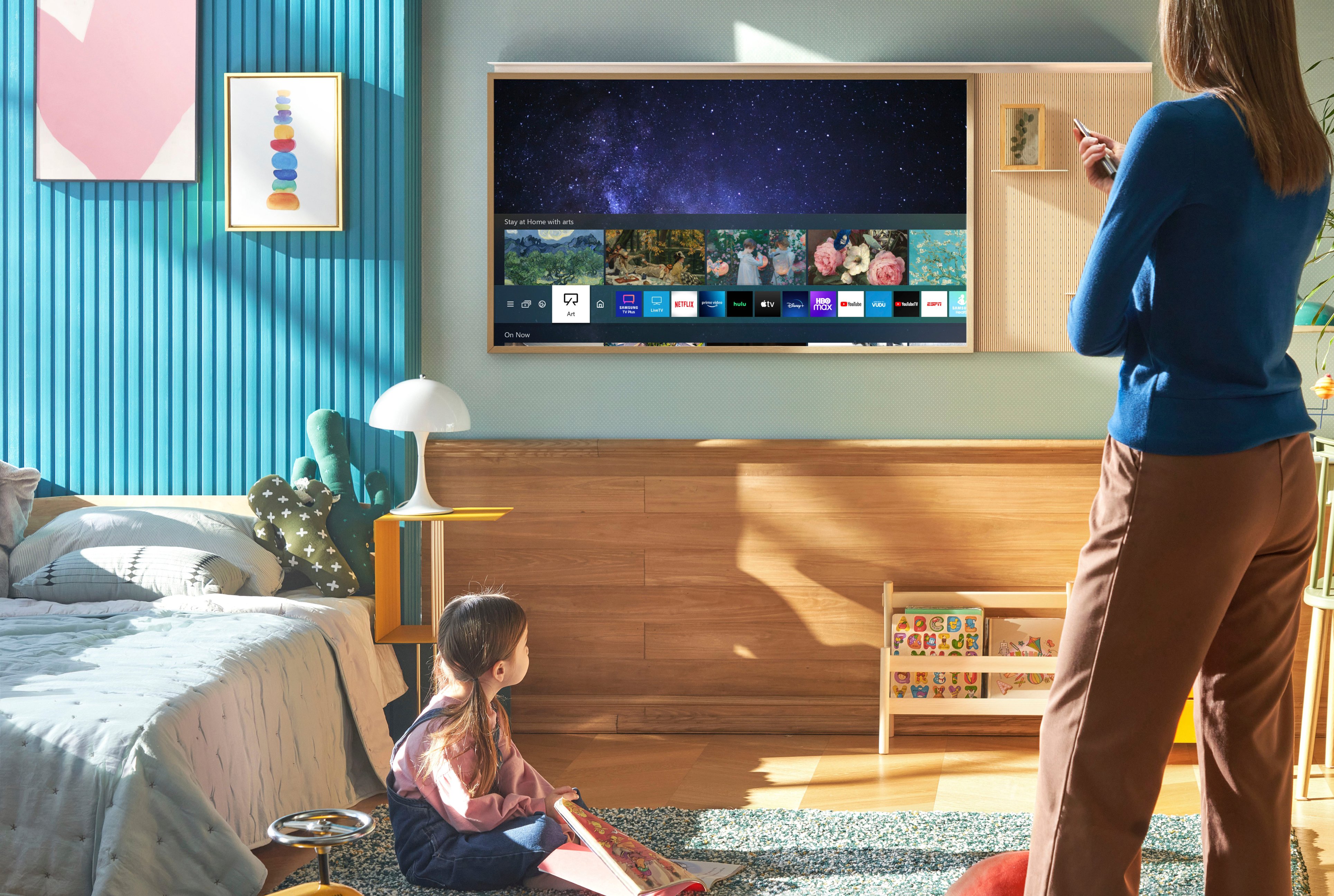






- Model:
- QN65LS03BAFXZA
- SKU:
- 6503087
Rating by feature
- Picture Quality
Rating 4.7 out of 5 stars
- Sound Quality
Rating 4.5 out of 5 stars
- Brightness
Rating 4.7 out of 5 stars
Customers are saying
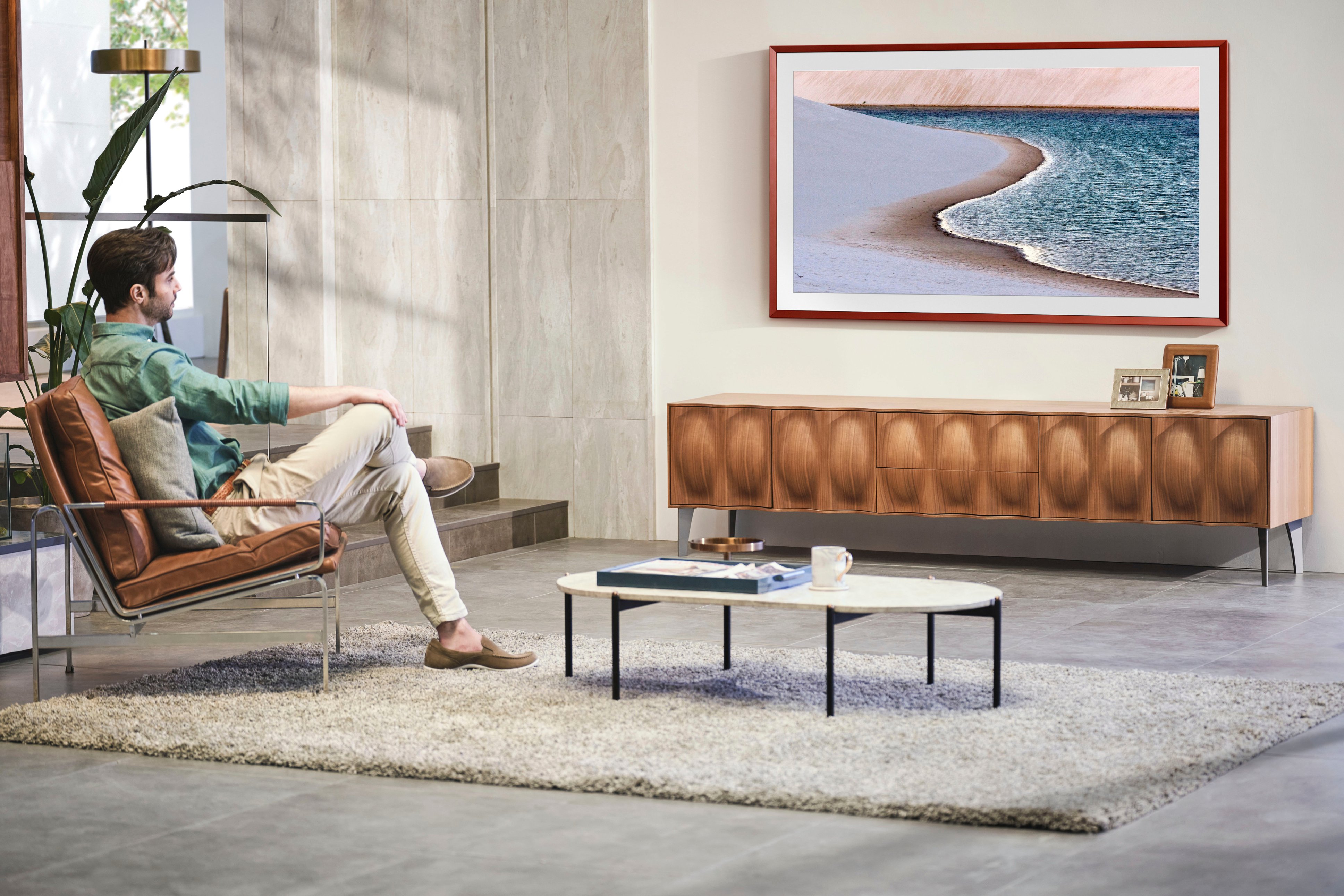
Customers are pleased with the picture quality and Art Mode features of the 65" Class The Frame QLED 4K UHD Smart Tizen TV (2022). Many also appreciate the ease of installation and the sleek wall mount, resulting in a clean aesthetic. However, some users experienced issues with the remote control and software functionality. The price point was also a factor for some customers.
This summary was generated by AI based on customer reviews.
Lets Hope it lasts this time!
||Posted . Owned for 1 month when reviewed.This reviewer received promo considerations or sweepstakes entry for writing a review.This is the second frame TV I have purchased in two years. The first one failed and was not worth repairing according to the Geek Squad. I love the TV but disappointed it only lasted two years. Had to get another one because the setup in my family room was originally setup for this type of TV. Hopefully it lasts more than two years. My fault I didnt get the warranty on the first TV but I did on the second one!!
No, I would not recommend this to a friendBrand response from Samsung
Posted .JosephC,
I'm sorry to hear of the issues you experienced with your Frame TV, but I hope your replacement unit is now functioning as expected. Thank you for being a loyal Samsung customer.
Your feedback regarding this model is important to us and will be shared with our internal teams.
Should you have questions or need assistance with settings, setup, or features with your TV, please know we are always here to help. You can reach Samsung Support at 1-800-SAMSUNG, 8AM - 12AM EST, 7 days a week. Or visit us on the Samsung website and click on the ‘Support’ link for:
• LiveChat
• Manuals, Software, & Warranty Info
~ Samsung Specialist
Nice picture frame
||Posted . Owned for 1 year when reviewed.This reviewer received promo considerations or sweepstakes entry for writing a review.Every thing was great until it stopped working. I can’t get it to connect to my internet.
No, I would not recommend this to a friendBrand response from Samsung
Posted .EbonyB,
We appreciate your review of Samsung’s Frame TV. So we can better understand the issues you’re experiencing and provide you with troubleshooting assistance, please reach out to Samsung Customer Support at 1-800-SAMSUNG, 8AM - 12AM EST, 7 days a week. Our LiveChat agents are also available by clicking on the ‘Support’ link on our website.
~ Samsung Specialist
- Pros mentioned:Picture quality
65 Samsung
||Posted . Owned for 1 month when reviewed.This reviewer received promo considerations or sweepstakes entry for writing a review.TV has beautiful picture. I bought a frame for it and it looks just like a framed matted piece of art. Love it
I would recommend this to a friend - Pros mentioned:Art mode
The Frame TV is the perfect choice for any room.
||Posted . Owned for 2 weeks when reviewed.This reviewer received promo considerations or sweepstakes entry for writing a review.A great TV with great color quality. It is perfect on our family room wall and the changing artwork is great.
I would recommend this to a friend Horrible!
||Posted . Owned for 1.5 years when reviewed.This reviewer received promo considerations or sweepstakes entry for writing a review.I purchased the Samsung Frame TV (65 inch) from Best Buy in October 2022, and now, in May 2024, the TV has completely stopped working. There is no power coming from either the connect box or the TV itself, and this happened literally overnight. The TV comes with only a one-year warranty, so I am now outside of that coverage period. Best Buy charges $150 just for a diagnostic check. When I contacted Samsung customer service, they suggested over the phone that the TV might be “fried,” which would cost around $750 to fix. It’s extremely frustrating that I haven’t even had this TV for two years, and I am already facing such a significant issue and expense. This experience has been disappointing both in terms of the TV’s quality and the customer service provided. I would not recommend this product.
No, I would not recommend this to a friend- Pros mentioned:Picture quality
So far so good!
||Posted . Owned for 3 weeks when reviewed.This reviewer received promo considerations or sweepstakes entry for writing a review.So far so good, great picture. Wish you didn’t have to subscribe to actually use the artwork…
I would recommend this to a friend - Pros mentioned:Ease of use
Nice
||Posted .This reviewer received promo considerations or sweepstakes entry for writing a review.I love it, it works well, it's easy to install, the high price doesn't make sense, but it's good
I would recommend this to a friend Problems and poor customer service
||Posted . Owned for 2 weeks when reviewed.This reviewer received promo considerations or sweepstakes entry for writing a review.This is my second The Frame TV. My first one had no issues, however this one ran into problems immediately after purchase. The TV would randomly turn on from motion detection while in art mode but instead turning on Samsung plus+ TV. I call Samsung and they told me I had to update the software on the TV. We tried doing that and the rep had the audacity to tell me that because the update was not working on the TV i would need to go out and purchase a USB and download the software update on a computer, then insert the USB into the TV to fix the problem. I said no thanks, please send a tech to do it and she said they cant. I googled the issue online and it was a common problem, and can be resolved by removing the Samsung Plus+ TV app, which I did, and it did fix the problem, but isnt really an acceptable fix in my opinion as now I cannot use Samsung TV.
No, I would not recommend this to a friendBrand response from Samsung
Posted .ReidB,
We appreciate you sharing your experience. If your Frame TV automatically turns on when left in Art Mode, it may be due to the SmartThings app, as your TV may still communicate with the SmartThings server even if the TV has been turned off. You can prevent this issue by temporarily removing the TV from the SmartThings app on your connected phone.
1. On your connected phone, navigate to and open the SmartThings app.
2. Tap the Devices tab, then tap the Home icon, and then select the location with your TV. Swipe through the rooms to find your TV, and then touch and hold your TV.
3. Tap Edit, and then tap Remove device. Tap Remove to confirm.
4. Please make sure you have Auto Updates enabled: Home > Menu > Settings > Support > Software Update.
If this firmware version is not yet available on your TV, you can download the update on a USB drive and manually update your TV:
1. On Samsung's website (upper right corner), go to: Support > Manuals & Software > Find your TV model.
2. Download the update and extract it to the root of a USB thumb drive. (Do not put it in any folders on the thumb drive.)
3. Connect the USB thumb drive to a USB port on your TV.
4. Navigate to Settings > Support > Software Update, select Update Now, and then select Yes.
5. Follow the on-screen instructions to install the updated software.
I hope this helps. If your TV continues to turn on by itself after updating the firmware, please reach Samsung Support at 1-800-SAMSUNG, 8AM - 12AM EST, 7 days a week. Or visit us on the Samsung website and click on the ‘Support’ link for:
• LiveChat
• Manuals, Software, & Warranty Info
~ Samsung Specialist
- Pros mentioned:Picture quality
Great buy
||Posted .This reviewer received promo considerations or sweepstakes entry for writing a review.This has been a great tv with a great picture. I’m very happy with it.
I would recommend this to a friend Frame
||Posted . Owned for 1.5 years when reviewed.This reviewer received promo considerations or sweepstakes entry for writing a review.Terrible UI. Slowest tv I ever used. So frustrating to use
No, I would not recommend this to a friendframe
||Posted . Owned for 3 weeks when reviewed.This reviewer received promo considerations or sweepstakes entry for writing a review.there needs to be a MUCH better explanation about what frame to put around the TV.
No, I would not recommend this to a friendBrand response from Samsung
Posted .Hi LaurenA,
Thank you for purchasing The Frame TV, and I’m sorry to hear that you did not understand that the Customizable Bezel was sold separately. The Frame TV can be displayed as-is with the black bezel. The Customizable Bezels are available in a range of colors that fit your taste and style.
If we can further help with any other questions or concerns, please know we are here for you. Just call us at 1-800-SAMSUNG, 8 AM - 12 AM EST, 7 days a week. Our LiveChat agents are also available by clicking on the ‘Support’ link on our website.
~Samsung Advisor
- Pros mentioned:Picture quality
Poor Picture quality at night
||Posted . Owned for less than 1 week when reviewed.This reviewer received promo considerations or sweepstakes entry for writing a review.Picture quality is great as long as you are watching a daytime movie or anything that doesn't require you looking at a nighttime scene or whilst watching the TV at Night then the Backlight bleeding is very bad and one of the worst TV's I have purchased. If this is Samsung's state of the art QLED then they can keep it
No, I would not recommend this to a friendBrand response from Samsung
Posted .Jason1973,
I'm sorry to hear you're not fully enjoying The Frame TV. To ensure your image is fully optimized, please be sure your firmware is up to date with version 1211.2 which includes various picture quality and performance updates. You can check this by going to: Home > Menu > Settings > Support > Software Update.
If the image is still not to your liking after performing any necessary firmware updates, please try adjusting Picture Mode. Go to Home > Menu > Settings > All Settings > Picture > Picture Mode
...and select the mode that best fits your usage:
1) Standard: Is the default mode suitable for general viewing environments.
2) Movie: Is suitable for watching TV or movies in a dark room.
3) Dynamic: Makes the picture brighter and clearer in bright viewing environments.
4) Filmmaker Mode: You can watch the source content (e.g., movie) as it is. If the image is defined as Filmmaker Mode, it will automatically switch to Filmmaker Mode while watching.
You may also want to manually fine-tune your TV's Brightness, Contrast, and Sharpness under Expert Settings. Go to: Home > Menu > Settings > All Settings > Picture > Expert Settings
Intelligent Mode also enables the TV to recognize and analyze the surroundings, noise, content, and your usage patterns to provide the best viewing experience. You can enable Intelligent Mode by going to Menu > Settings > All Settings > General & Privacy > Intelligent Mode Settings > Intelligent Mode. Adaptive Picture, which is among the options, optimizes brightness and provides the best picture quality in real time, based on the lighting condition and the content you're viewing.
I hope these tips help you enjoy your new product. You can always contact us for further help at 1-800-SAMSUNG, 8AM - 12AM EST, 7 days a week. Our LiveChat agents are also available by clicking on the ‘Support’ link on our website.
~ Samsung Specialist
- Pros mentioned:Wall mount
Love it
||Posted . Owned for 1 week when reviewed.This reviewer received promo considerations or sweepstakes entry for writing a review.I love how flush it looks on my wall! What a great purchase.
I would recommend this to a friend - Pros mentioned:Art mode
The frame 65
||Posted . Owned for 1 month when reviewed.This reviewer received promo considerations or sweepstakes entry for writing a review.Fits nice above the mantle and the artwork is awesome.
I would recommend this to a friend - Pros mentioned:Picture quality
Nice
||Posted . Owned for less than 1 week when reviewed.This reviewer received promo considerations or sweepstakes entry for writing a review.Nice TV looks good hanging on my wall. Would recomend.
I would recommend this to a friend Amazing Art, good not great TV
||Posted . Owned for 2 weeks when reviewed.This reviewer received promo considerations or sweepstakes entry for writing a review.Great quality TV and decent quality. To be clear, there are better quality TVs out there for the same price or cheaper however they don't have the feature of being 'art' very well. You do give up some state of the art HD Quality and processing for the 'art' feature and its worth it. Art looks amazing on this TV
I would recommend this to a friendShould of bought a Sony
||Posted . Owned for 1 month when reviewed.This reviewer received promo considerations or sweepstakes entry for writing a review.I do not like the fact that you can't turn off picture frame with universal remote.
No, I would not recommend this to a friendBrand response from Samsung
Posted .oscar,
I'm sorry for the confusion you've experienced, but please know you can use universal remotes to power off The Frame TV. So we can better understand the problems you are experiencing and provide you with troubleshooting assistance, please reach out to Samsung Customer Support.
1) 1-800-SAMSUNG, 8AM - 12AM EST, 7 days a week.
2) LiveChat with an agent by clicking the ‘Support’ link on the Samsung website homepage.
We look forward to hearing from you.
~ Samsung Specialist
No glare or reflections
||Posted . Owned for 3 weeks when reviewed.This reviewer received promo considerations or sweepstakes entry for writing a review.We picked thisbtv because of the lack of glare or reflections on the screen. Our old tv had bad sun reflections on it if the window blinds were left open. With this new tv the blinds are always open and there is absolutely no reflections. It is quite amazing.
I would recommend this to a friendIncredible
||Posted . Owned for 2 weeks when reviewed.This reviewer received promo considerations or sweepstakes entry for writing a review.This is the best TV i have owned in years. Its profile is extremely thin and the Samsung smart tv OS is best in class. I will be using the slim camera for the frame and mountjng another in my office to do all my Zoom/Google meetings from
I would recommend this to a friendThank you Best Buy of Salem
||Posted . Owned for 3 weeks when reviewed.This reviewer received promo considerations or sweepstakes entry for writing a review.I really am pleased with this purchase. Eli, Devin, Chris the manager, and Phil all supported me during this purchase. You knew I wanted this model and they had all the info to help me with the design and size I needed.
I would recommend this to a friend