Customer Ratings & Reviews
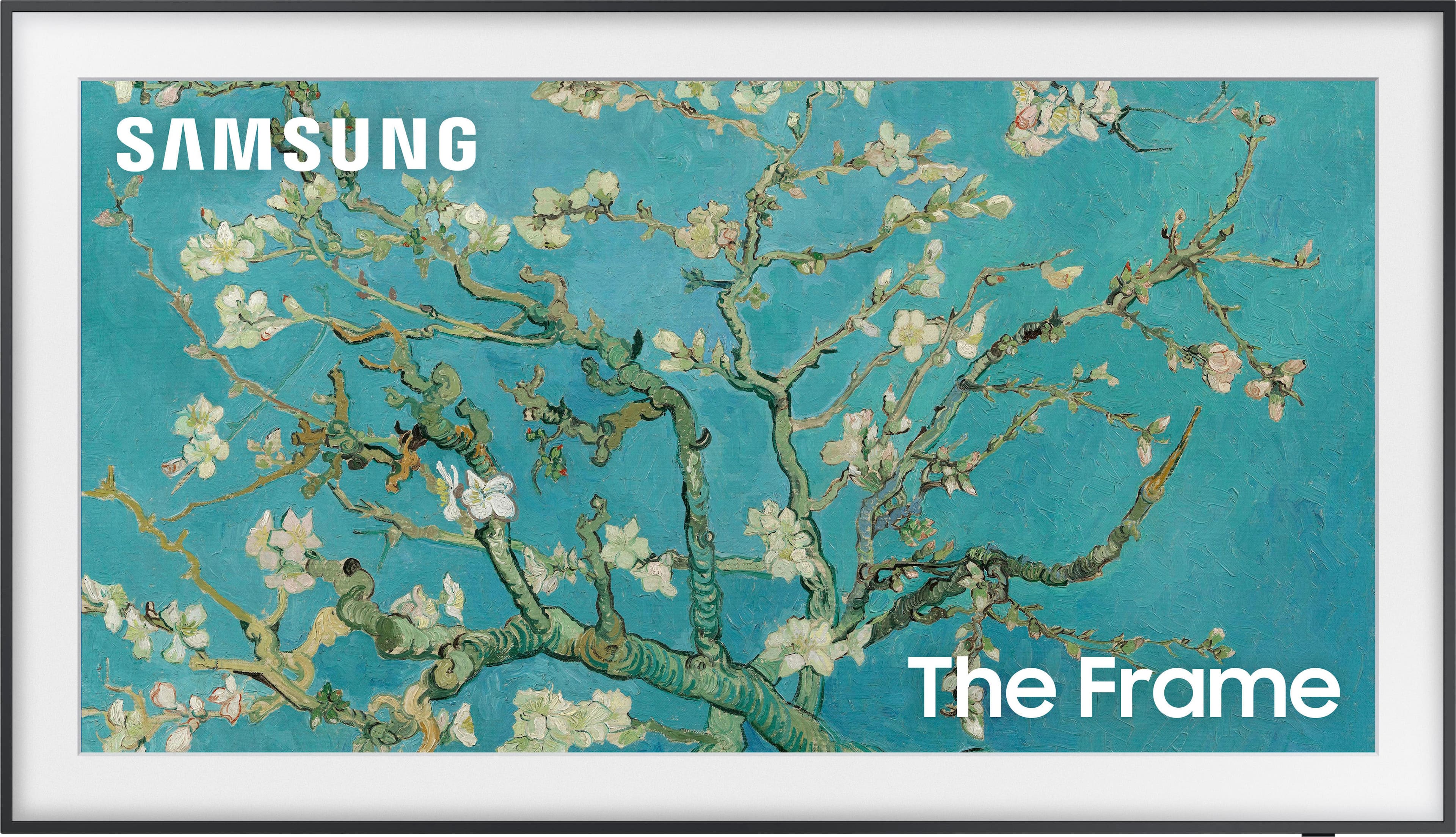
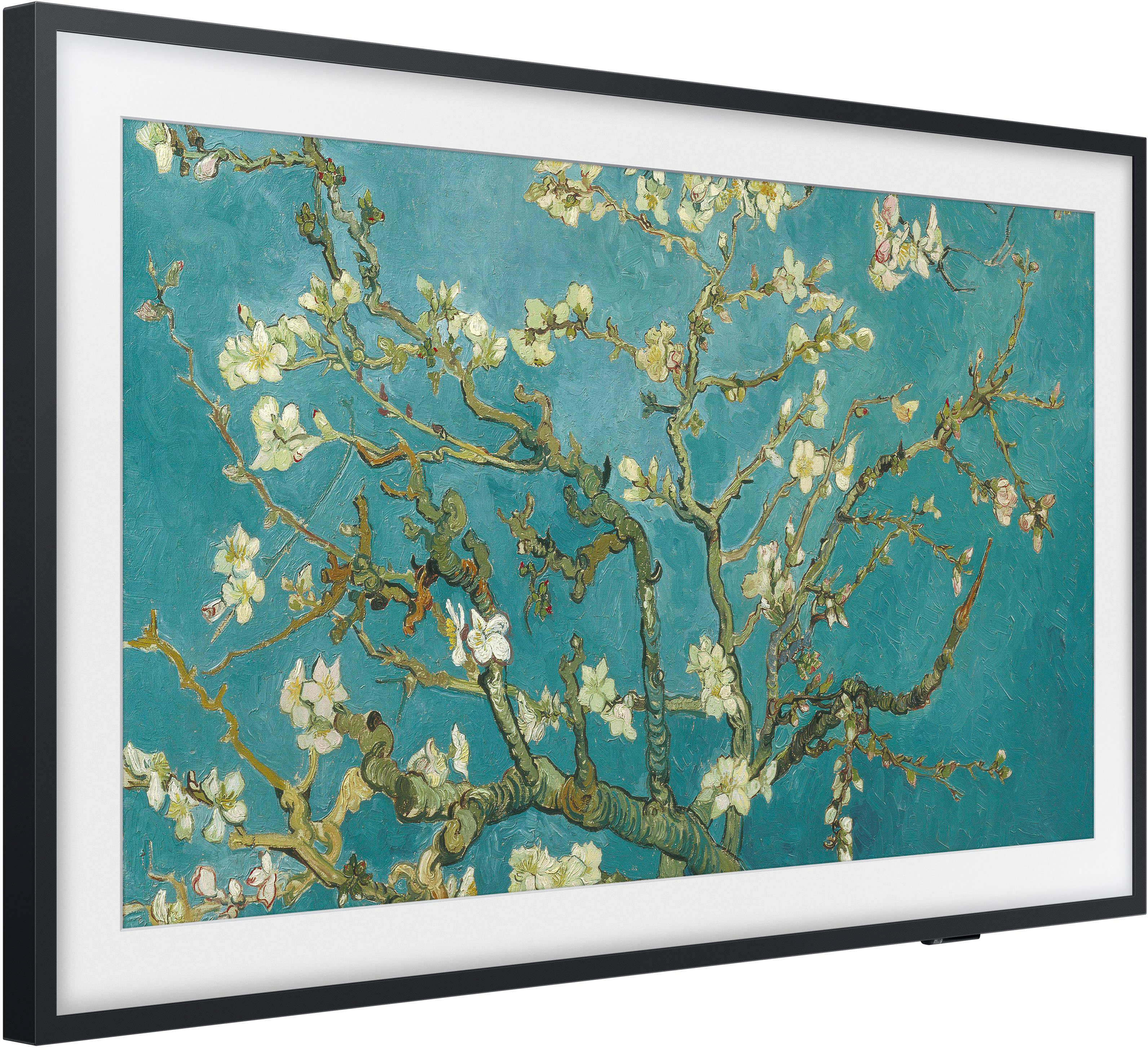
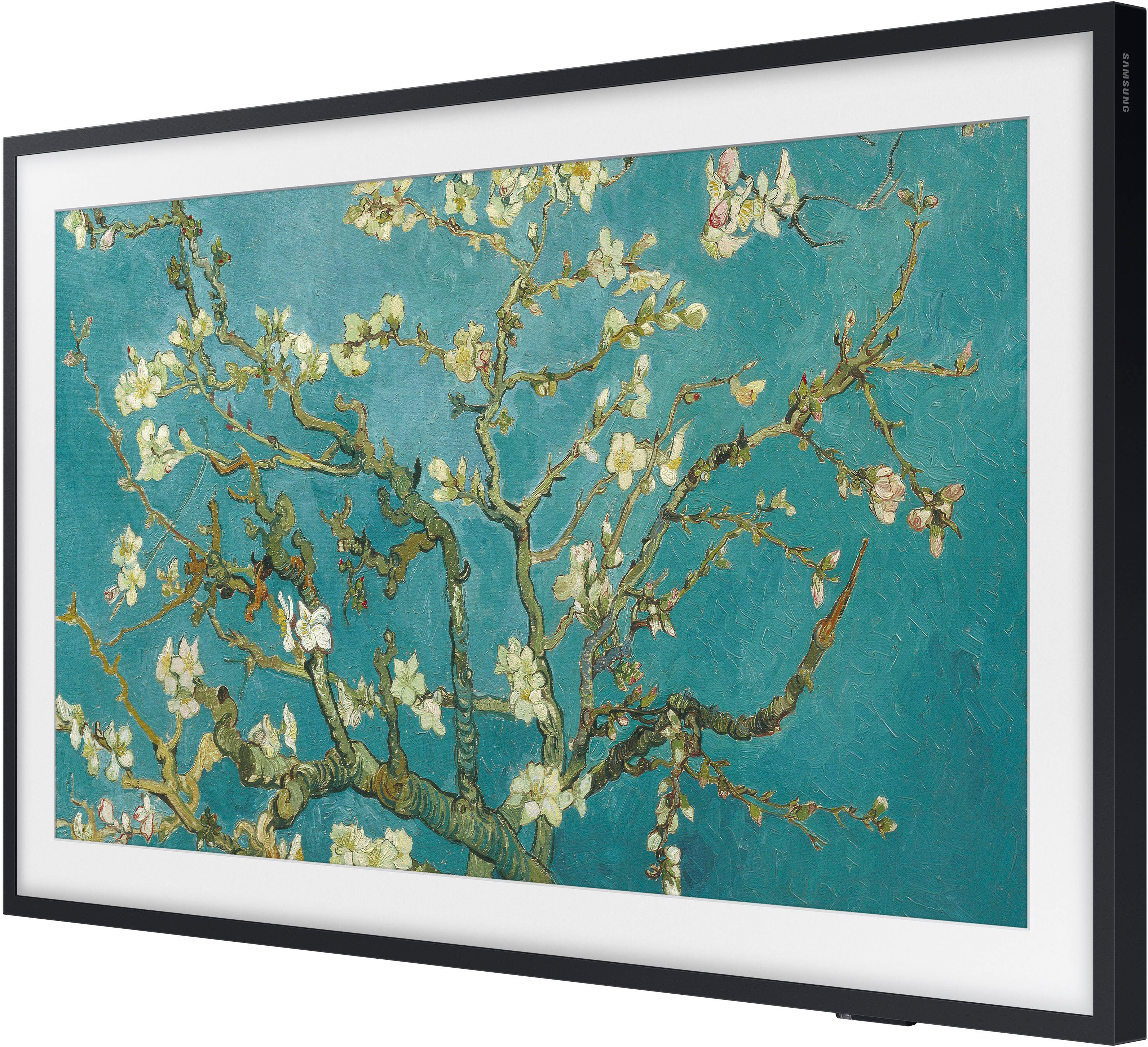

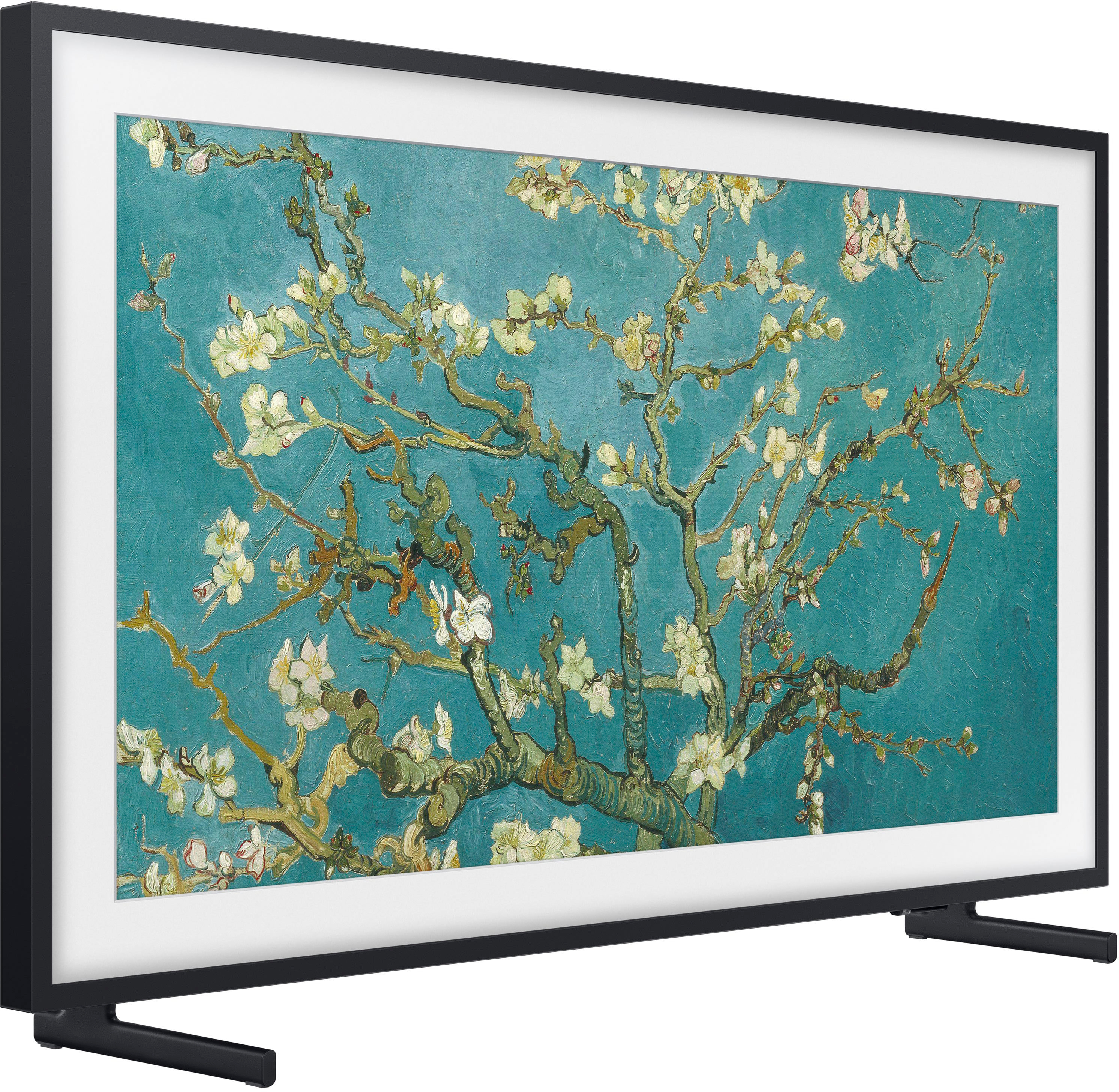
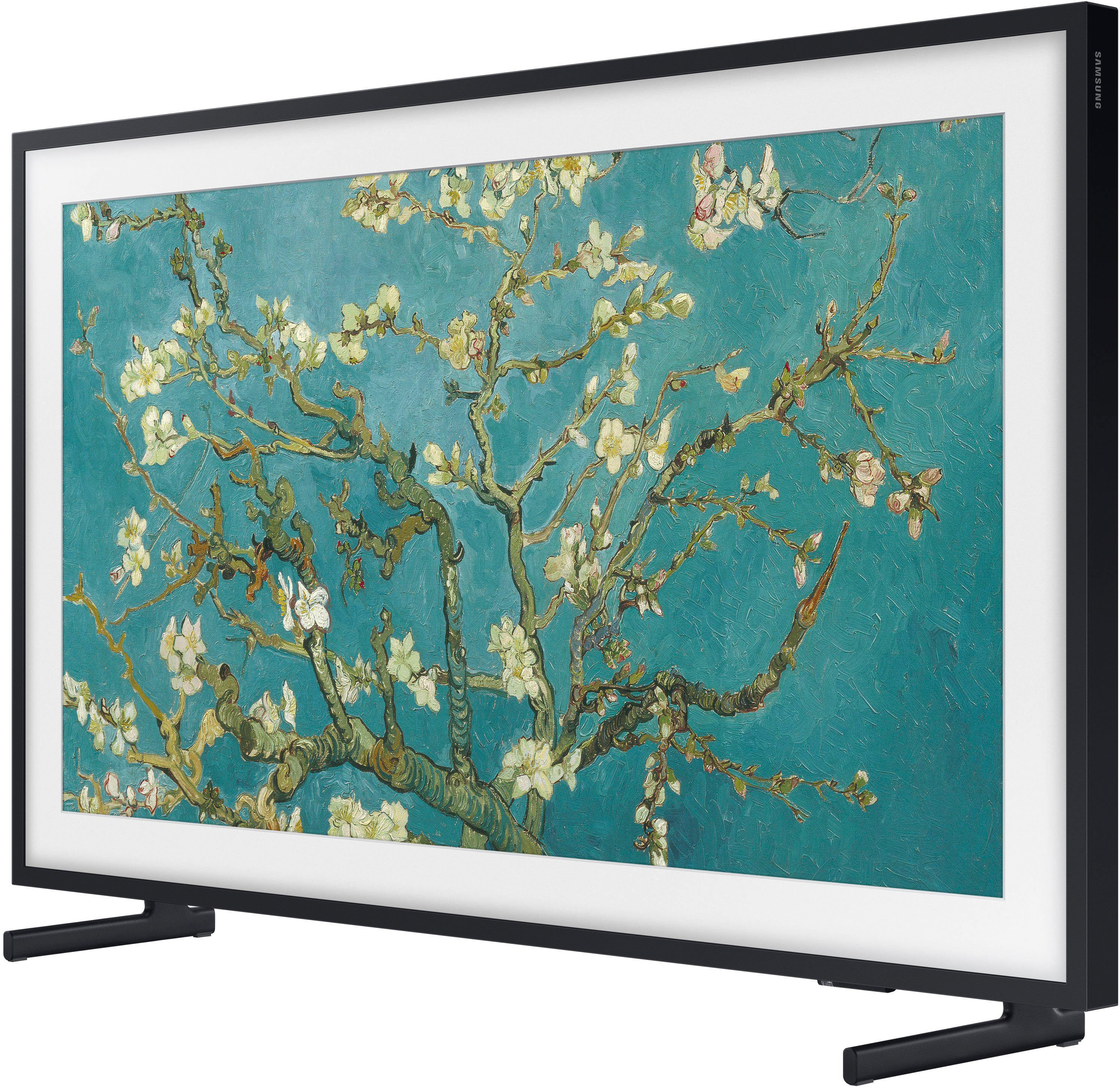
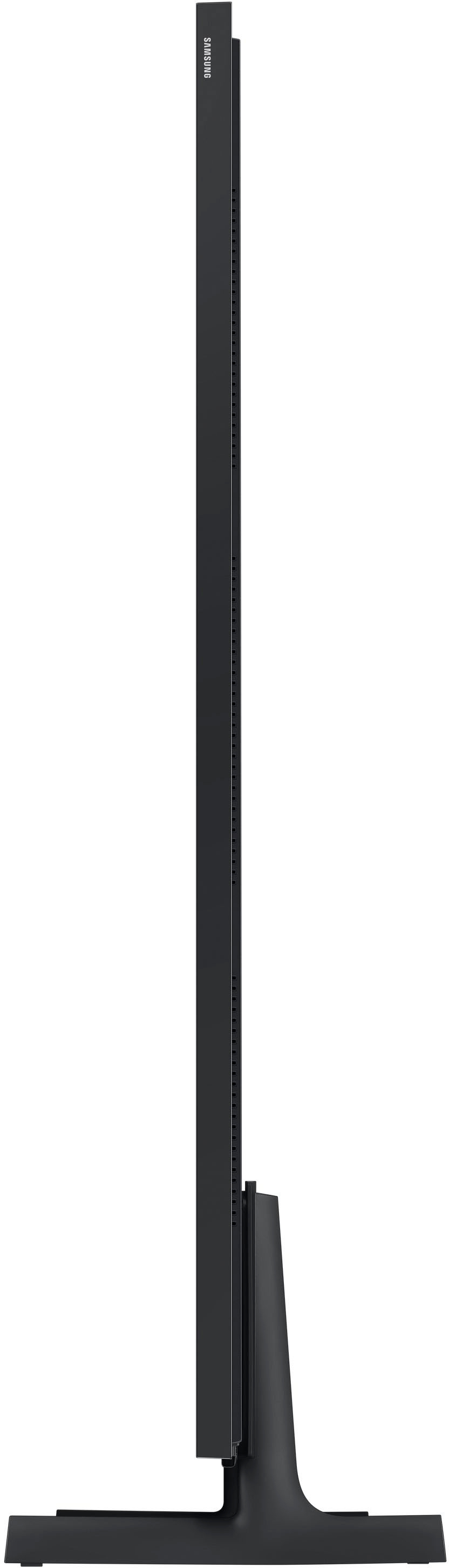
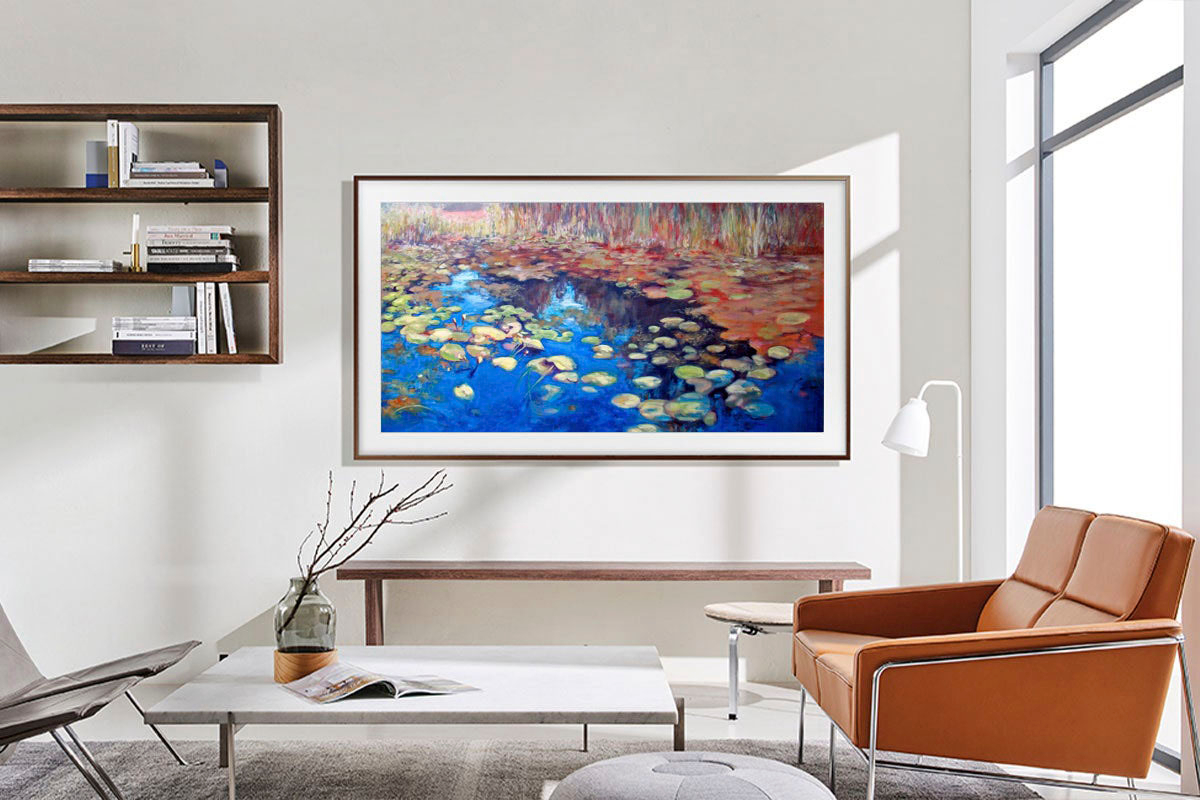




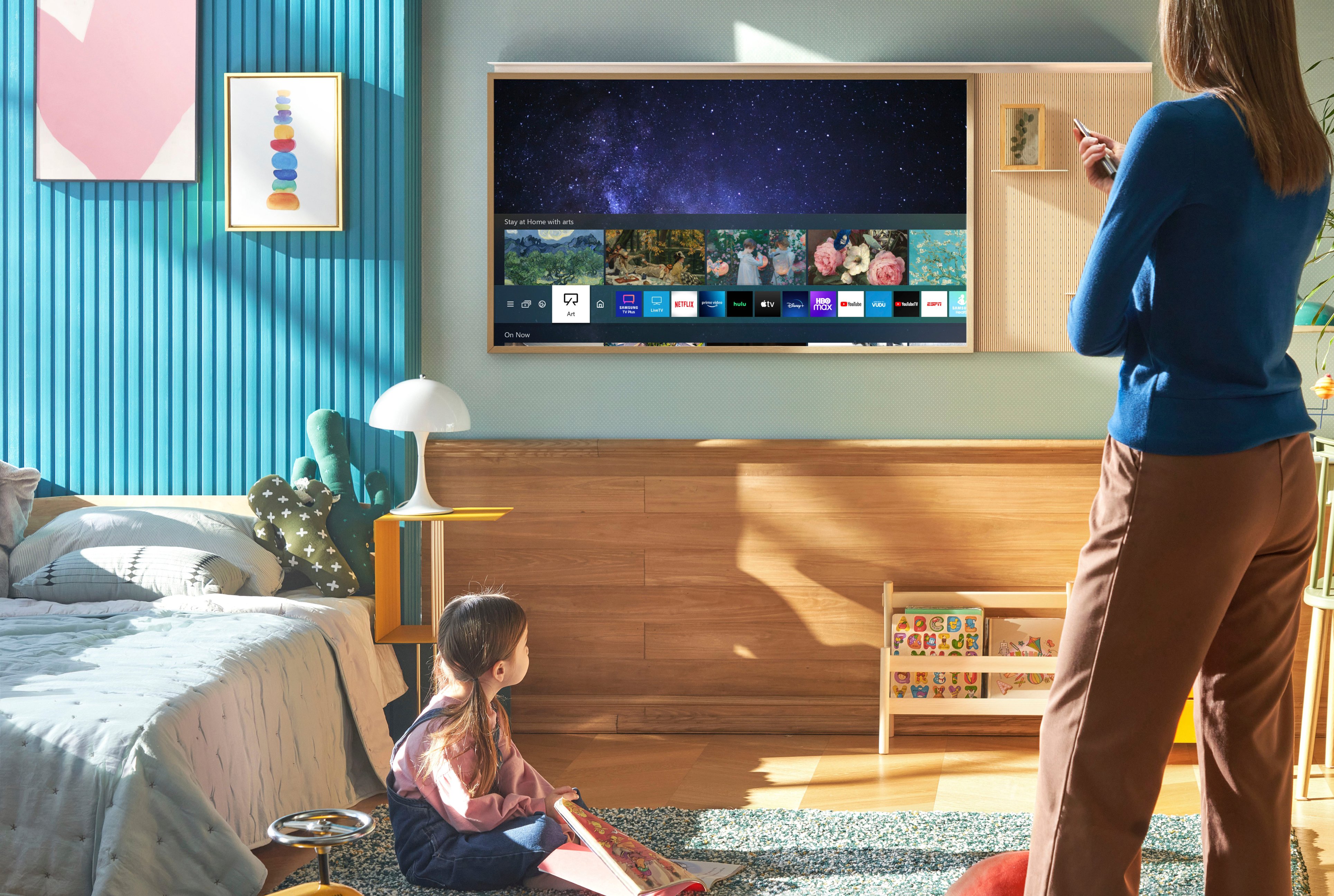
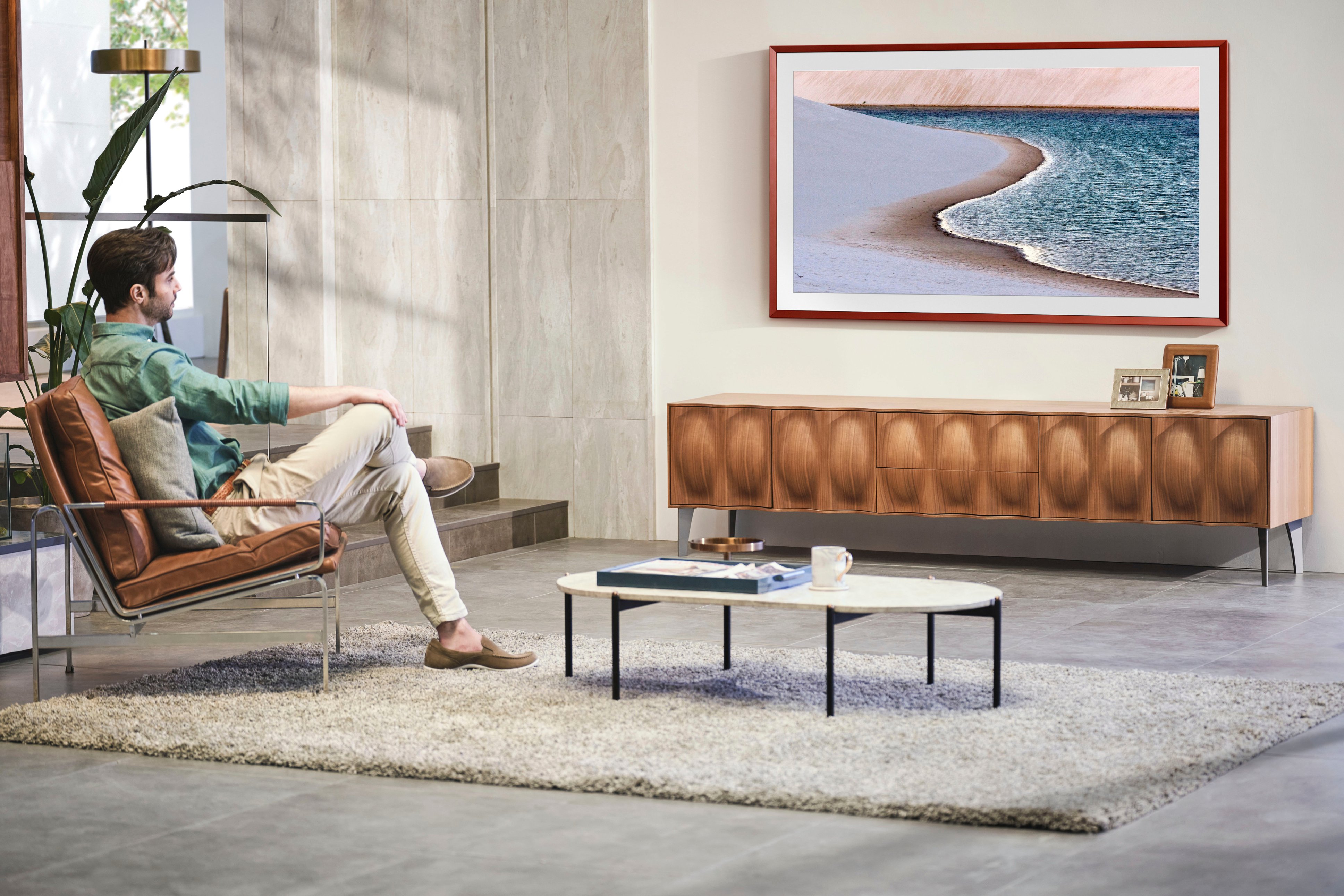






- Model:
- QN65LS03BAFXZA
- SKU:
- 6503087
Rating by feature
- Picture Quality
Rating 4.7 out of 5 stars
- Sound Quality
Rating 4.5 out of 5 stars
- Brightness
Rating 4.7 out of 5 stars
Customers are saying
Customers are pleased with the picture quality and Art Mode features of the 65" Class The Frame QLED 4K UHD Smart Tizen TV (2022). Many also appreciate the ease of installation and the sleek wall mount, resulting in a clean aesthetic. However, some users experienced issues with the remote control and software functionality. The price point was also a factor for some customers.
This summary was generated by AI based on customer reviews.
Dirty screen effect.
||Posted . Owned for 2 weeks when reviewed.This reviewer received promo considerations or sweepstakes entry for writing a review.Overall a decent tv, but I've now returned 3, all had pretty bad dirty screen effect. Its also a bit hard to navigate the menu, and is not very intuitive.
No, I would not recommend this to a friendBrand response from Samsung
Posted .DORRITO,
It’s unfortunate to hear of the issues that have caused you to return your Frame TV. Your experience is very important to us and will be shared with our product team.
Please know we’re always here to help, and we could’ve assisted in providing image adjustments to resolve any issues you were experiencing.
Should you ever decide to give Samsung TVs another try and have questions or need help with settings, setup, or features, please know we’re here to help. Call us at 1-800-SAMSUNG, 8AM - 12AM EST, 7 days a week.
LiveChat with an agent as well as manuals, software, and warranty info can be found at the ‘Support’ link on our Samsung website.
We hope to regain you as a customer in the future.
~ Samsung Specialist
Couldn't even plug it in.
||Posted . Owned for 2 months when reviewed.This reviewer received promo considerations or sweepstakes entry for writing a review.We were very excited to open this TV in our new home. Unfortunately, as soon as we opened it we found out that none of the plugs lined up so we couldn't even hook it up. We had to return it to our local Best Buy, who very nicely took it back understanding that this has happened several times. The quality was so poor we were very disappointed.
No, I would not recommend this to a friendBrand response from Samsung
Posted .Jack,
It’s unfortunate to hear of the issues that have caused you to return your Frame TV. Your experience is very important to us and will be shared with our product team.
Should you ever decide to give Samsung TVs another try and have questions or need help with settings, setup, or features, please know we’re here to help. Call us at 1-800-SAMSUNG, 8AM - 12AM EST, 7 days a week.
LiveChat with an agent as well as manuals, software, and warranty info can be found at the ‘Support’ link on our Samsung website.
We hope to regain you as a customer in the future.
~ Samsung Specialist
Do not recommend
||Posted . Owned for 1 year when reviewed.This reviewer received promo considerations or sweepstakes entry for writing a review.I’ve owned previous Samsung televisions for over 8 years without problems but the frame barely made it to the year mark before it gave out on me. It’s way too expensive to be this unreliable.
No, I would not recommend this to a friendGreat tv but very disappointing.
||Posted . Owned for more than 2 years when reviewed.This reviewer received promo considerations or sweepstakes entry for writing a review.I’ve had a few samsung tvs in past with no issues but this Frame tv stops working in 2yrs wouldn’t power on just a blank screen. Called customer service they can’t do anything since it’s out of warranty. I love Samsung tvs now have to switch to LG.
No, I would not recommend this to a friendDO NOT BUY IT ... QUALITY VERY POOR
||Posted . Owned for 1 year when reviewed.This reviewer received promo considerations or sweepstakes entry for writing a review.this TV is great . when it works. reapired 1 time under warranty and inmediately after broke again. reapir was 185 diagnostic and 711 for the parts
No, I would not recommend this to a friendThe FRAM
||Posted . Owned for 3 weeks when reviewed.This reviewer received promo considerations or sweepstakes entry for writing a review.very nice TV and for an opened box I was still very happy with repackaging and the price people were also very helpful
I would recommend this to a friendSound Issues
||Posted . Owned for 2 months when reviewed.This reviewer received promo considerations or sweepstakes entry for writing a review.Sound issues left and right. Can't use any sound bars or speakers. Lip sync is off. This tv is a hot mess.
No, I would not recommend this to a friendBrand response from Samsung
Posted .SamsungFrame,
We appreciate your feedback on the lip sync issues you’re experiencing with your Frame TV. This could possibly be a source issue, but if you’re hearing an audio delay across all sources/channels and you have a receiver, soundbar, or other speakers connected to your TV, you can access the Audio Delay settings to increase the audio delay. Go to: Menu > Settings > All Settings > Sound > Expert Settings > Digital Output Audio Delay
Our 2022 TVs have an audio Pass-Through feature, which allows the audio signal to be sent out unprocessed to an external soundbar or receiver connected to the TV. The external device then processes the audio, thereby eliminating the added step of processing by the TV, which adds delay.
On your TV, go to: Menu > Settings > All Settings > Sound > Expert Settings > Digital Audio Output Format > Pass-Through
Please also be sure you’re running the latest firmware. You can check to see what software version your TV is using and if there is an available update through the settings on your TV. Go to: Menu > Settings > Support > Software Update.
If you’ve tried these steps and your issue persists, please contact us for troubleshooting and a Support agent will gladly assist. You can reach us at 1-800-SAMSUNG, 8AM - 12AM EST, 7 days a week. Or visit us on the Samsung website and click on the ‘Support’ link for:
• LiveChat
• Manuals, Software, & Warranty Info
~ Samsung Specialist
Dead on delivery
||Posted . Owned for less than 1 week when reviewed.This reviewer received promo considerations or sweepstakes entry for writing a review.TV was dead ion arrival. Geeks tried to get it working…..no go. Then trying to deal with customer service was horrible…..still waiting. The texhs were awesome, however this is about Best Buy having terrible customer service.
No, I would not recommend this to a friendVery beauiful
||Posted . Owned for 1 month when reviewed.This reviewer received promo considerations or sweepstakes entry for writing a review.Still working our small tweaks in the tv but nonetheless it is a perfect tv.
I would recommend this to a friendPurchaser
||Posted . Owned for 2 weeks when reviewed.This reviewer received promo considerations or sweepstakes entry for writing a review.I love the frame tv. This is my third one. The frame images are great
I would recommend this to a friendASI asi
||Posted . Owned for 1 month when reviewed.This reviewer received promo considerations or sweepstakes entry for writing a review.Like it but annoyed with the huge power box. Not ideal for a mounted tv.
I would recommend this to a friendMs G
||Posted . Owned for 3 weeks when reviewed.This reviewer received promo considerations or sweepstakes entry for writing a review.Love having family pictures displayed rather than a black screen!
I would recommend this to a friendFrame TV
||Posted . Owned for 1 month when reviewed.This reviewer received promo considerations or sweepstakes entry for writing a review.Great TV we love it and enjoy the art work we can select.
I would recommend this to a friendPerfect
||Posted . Owned for 1 month when reviewed.This reviewer received promo considerations or sweepstakes entry for writing a review.Awesome! Great picture easy to set up and looks great!
I would recommend this to a friendArt Tv
||Posted . Owned for less than 1 week when reviewed.This reviewer received promo considerations or sweepstakes entry for writing a review.Excellent concept - fits nicely over fireplace - sleek
I would recommend this to a friendFrame tv
||Posted . Owned for 1 month when reviewed.This reviewer received promo considerations or sweepstakes entry for writing a review.A++++++++++++++++++++++++++++++++++++++++++++++++++
I would recommend this to a friendDont buy open box TV from here
||Posted . Owned for 6 months when reviewed.This reviewer received promo considerations or sweepstakes entry for writing a review.I was missing the brain of the Frame TV. Terrible that this open box TV was not inspected thoroughly and this was suppose to be in Excellent condition. Unacceptable. Felt like I got scammed.
No, I would not recommend this to a friendBrand response from Samsung
Posted .YuanhsiangC,
We appreciate your feedback regarding parts missing from your TV. If purchased brand-new and unopened, please contact Samsung Customer Support and a representative will gladly help you. If purchased in open-box condition, we recommend contacting Best Buy directly for assistance. We hope your issue is resolved in a timely manner.
Should you have questions or concerns on usage or setup of your TV once your issue has been resolved, please call us at 1-800-SAMSUNG, 8AM - 12AM EST, 7 days a week. Or visit us on the Samsung website and click on the ‘Support’ link for:
• LiveChat
• Manuals, Software, & Warranty Info
~ Samsung Specialist
Don’t Make My Mistake
||Posted . Owned for 1 month when reviewed.This reviewer received promo considerations or sweepstakes entry for writing a review.TV repeatedly turns off and on again every time I use it. Customer support has been no help. If you do a search, you’ll see this is a known issue. Wish I had known that before I threw away so much money.
No, I would not recommend this to a friendBrand response from Samsung
Posted .Angela,
We appreciate you sharing your experience with The Frame TV automatically turning on and off. Please try the following to resolve this:
Disable Night Mode
1. Navigate to the Art Home Screen, as Art Mode settings can only be accessed from here. If art is currently displayed on the screen, press Return on the remote to go to the Home screen or navigate to Art Mode from wherever you are on the TV.
2. Scroll all the way down to Art Mode Options, then highlight Night Mode. Press Enter on the remote to switch Night Mode from On to Off.
3. Extend the Sleep After time. This feature will turn off Art Mode after a set amount of time if no motion is detected around the TV. Sleep After is also located under Art Mode Options and can be set from 5 minutes to 4 hours. Select the Sleep After icon to select the desired time.
Remove your TV from the SmartThings app
1. On your connected phone, navigate to and open the SmartThings app.
2. Tap the Devices tab, then tap the Home icon, and then select the location with your TV. Swipe through the rooms to find your TV, and then touch and hold your TV.
3. Tap Edit, and then tap Remove device. Tap Remove to confirm.
Please also be sure you’re running the latest firmware. You can check to see what software version your TV is using and if there is an update available by going to: Home > Menu > Settings > Support > Software Update > Update Now.
If the issue persists, please reach out to us and a Support agent will gladly help. Call us at 1-800-SAMSUNG, 8AM - 12AM EST, 7 days a week. Or visit us on the Samsung website and click on the ‘Support’ link for:
• LiveChat
• Manuals, Software, & Warranty Info
~ Samsung Specialist
Glitch, Glitch, Glitch
||Posted . Owned for 1 month when reviewed.This reviewer received promo considerations or sweepstakes entry for writing a review.TV routinely switches from art mode to live tv. This happens unexpectedly all of the time. Very annoying.
No, I would not recommend this to a friendBrand response from Samsung
Posted .LG363,
I'm sorry to hear of the glitch you're experiencing on The Frame TV. Please give us the opportunity to look into this for you so we can provide additional settings adjustments or troubleshooting assistance.
You can reach Samsung Support at 1-800-SAMSUNG, 8AM - 12AM EST, 7 days a week. Our LiveChat agents are also available by clicking on the ‘Support’ link on our website.
~ Samsung Specialist
Brole in two months
||Posted . Owned for 1 month when reviewed.This reviewer received promo considerations or sweepstakes entry for writing a review.At beat buy roght bow to get this replaced and it has not heen easy.
No, I would not recommend this to a friendBrand response from Samsung
Posted .Ikefrustrating,
It’s unfortunate to hear of your experience with Samsung’s Frame TV. Samsung is committed to providing the best possible product experience, quality, and value. We back this Samsung TV with a 1-year limited manufacturer's warranty, including authorized repair for manufacturer defect, if purchased brand-new directly from an authorized seller. You can see the full details of your warranty here: https://www.samsung.com/us/support/service/warranty/QN65LS03BAFXZA
Please give us the opportunity to assist you by contacting Samsung Customer Support at 1-800-SAMSUNG, 8AM - 12AM EST, 7 days a week. Our LiveChat agents are also available by clicking on the ‘Support’ link on our website.
~ Samsung Specialist