Customer Ratings & Reviews
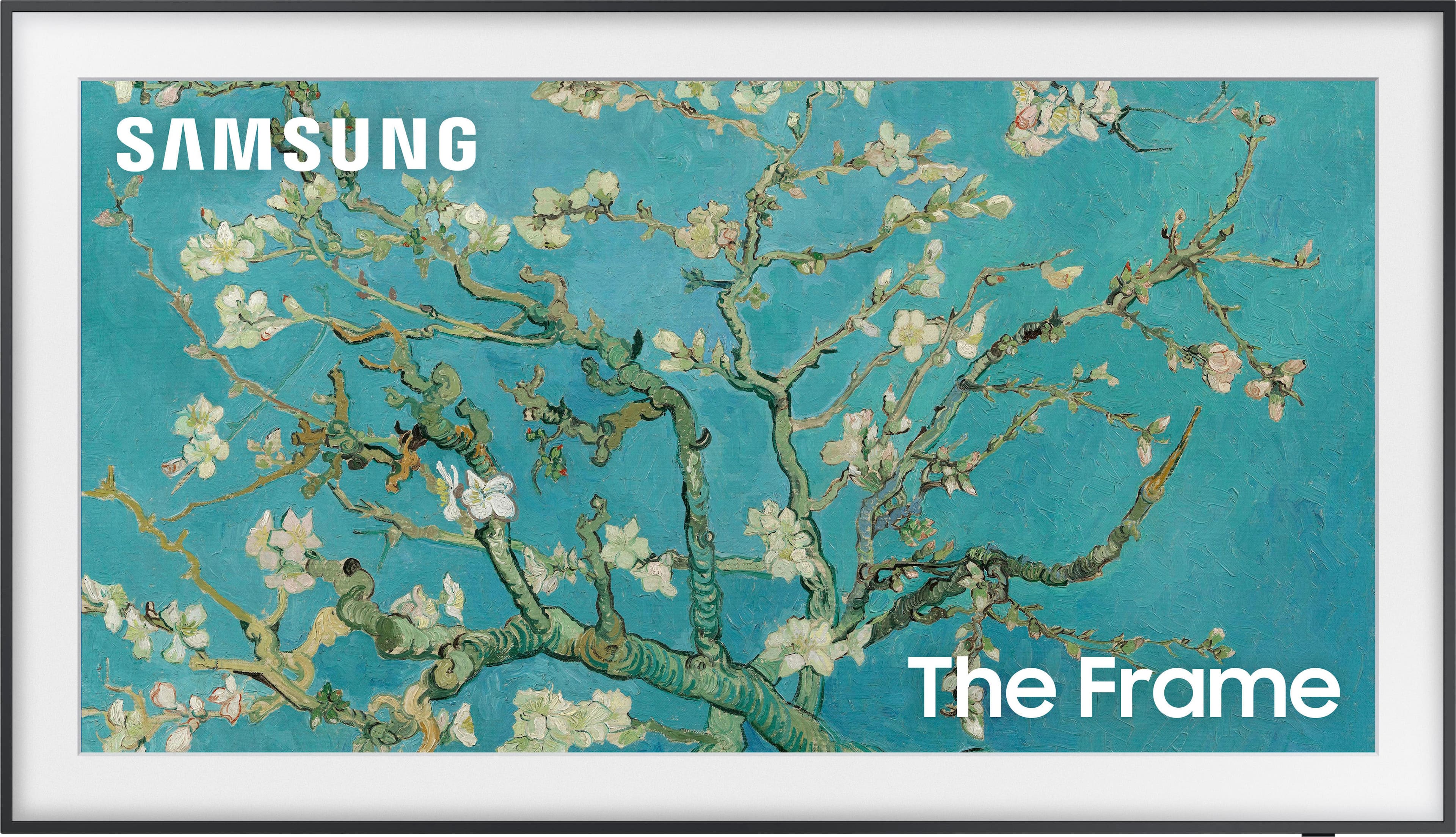
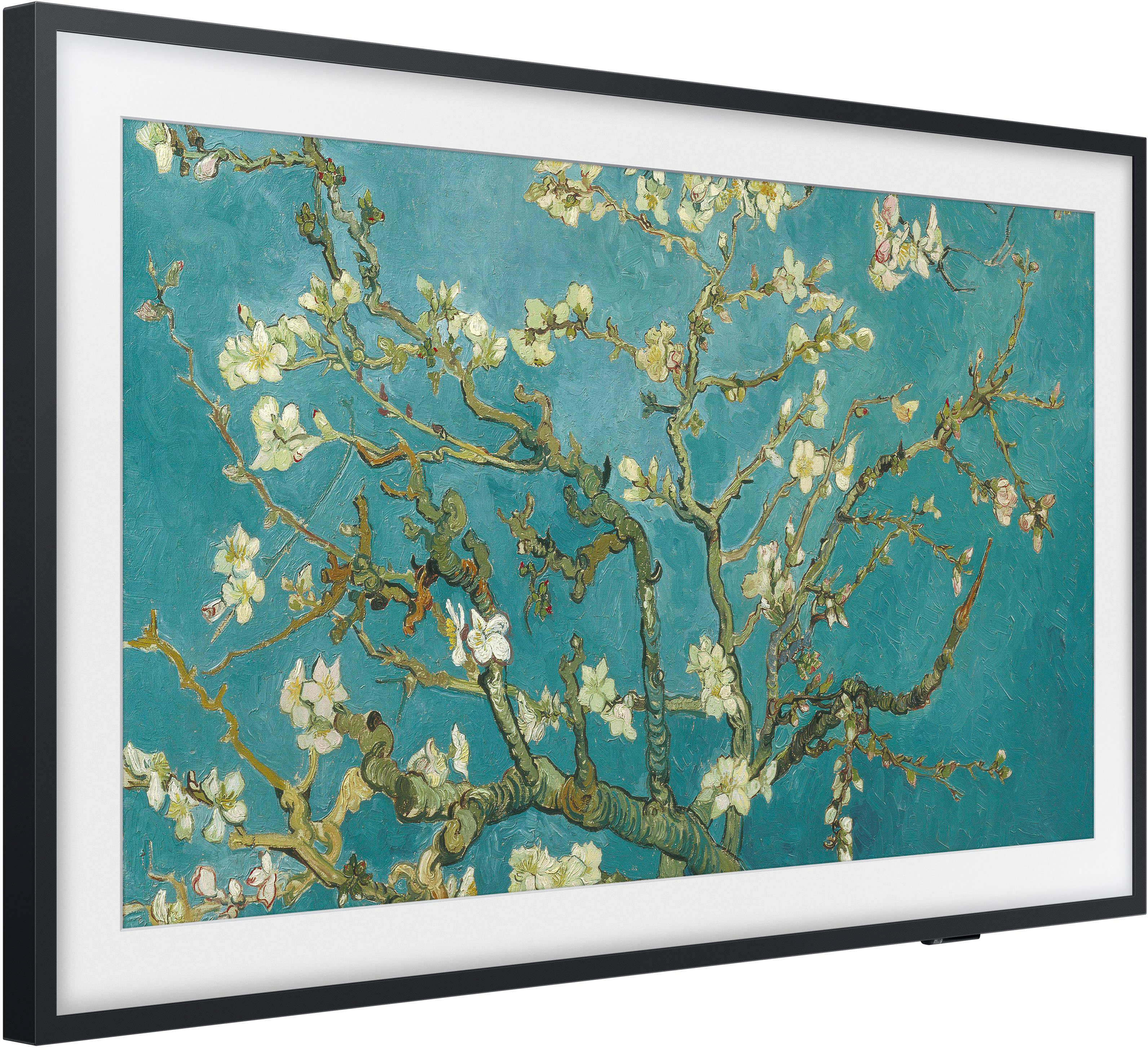
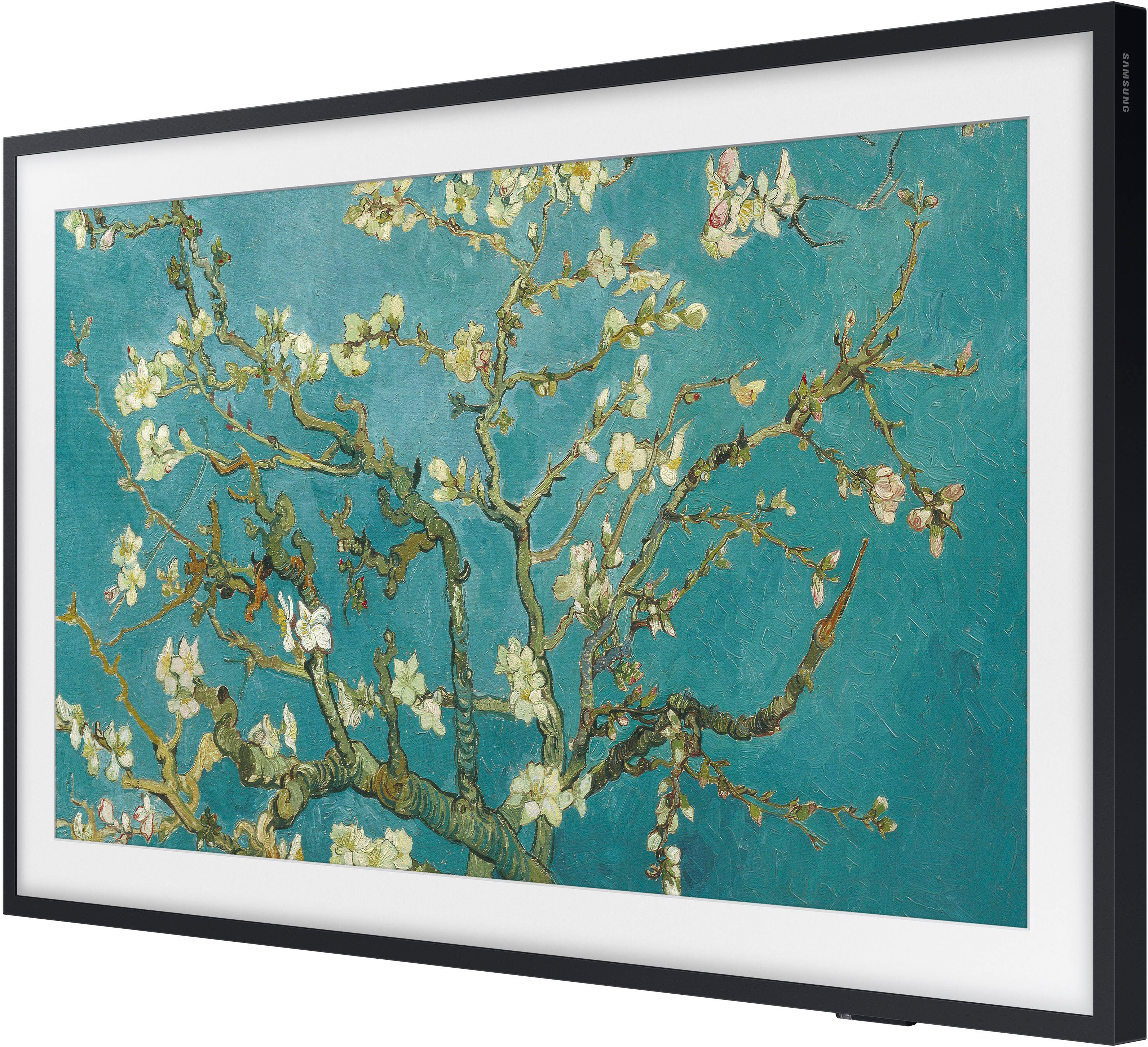

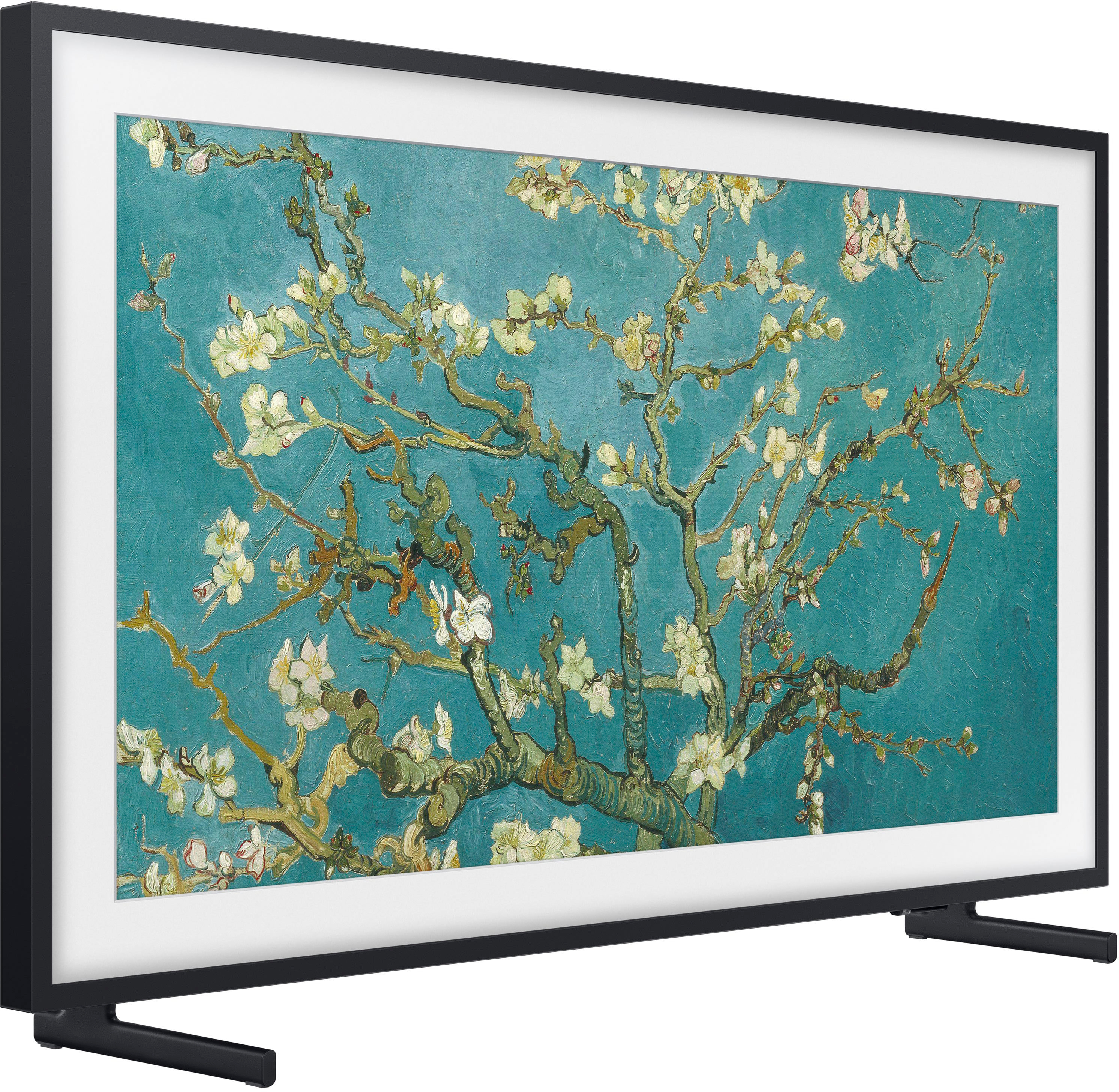
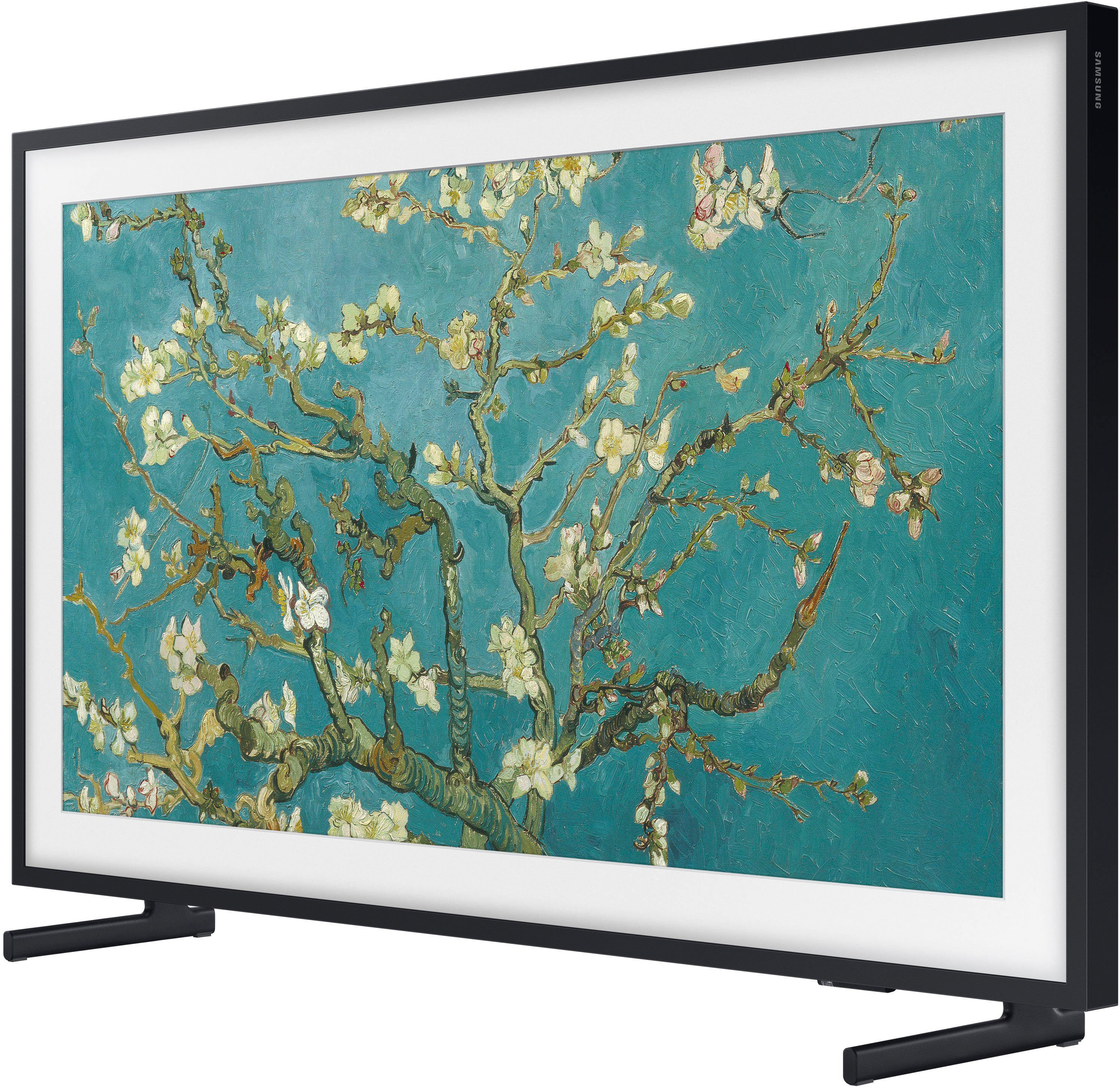
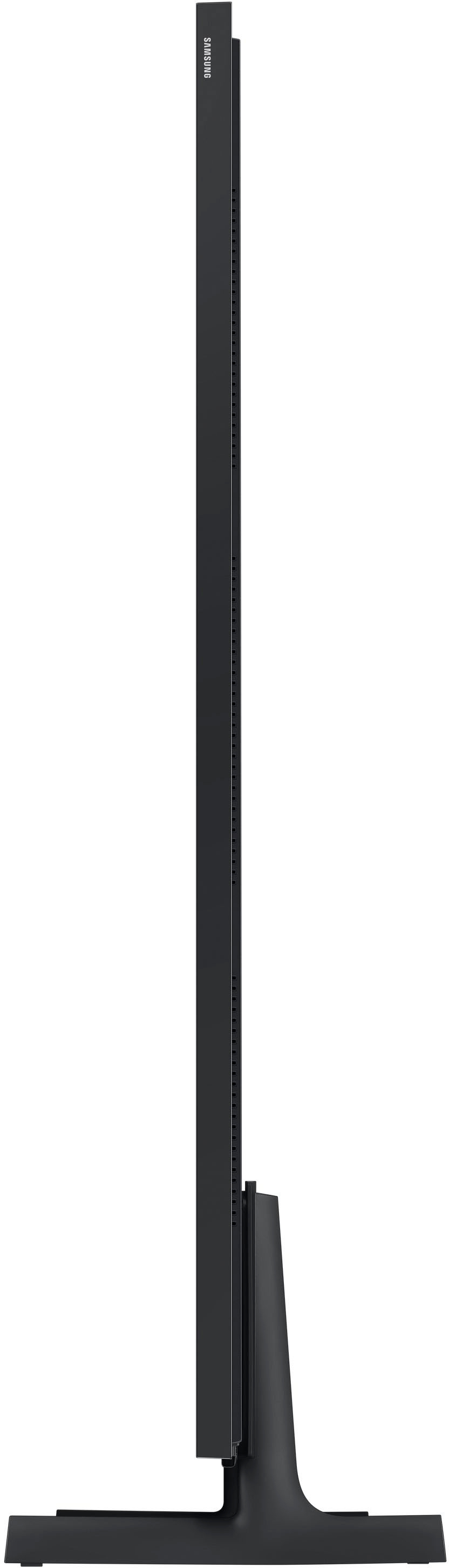
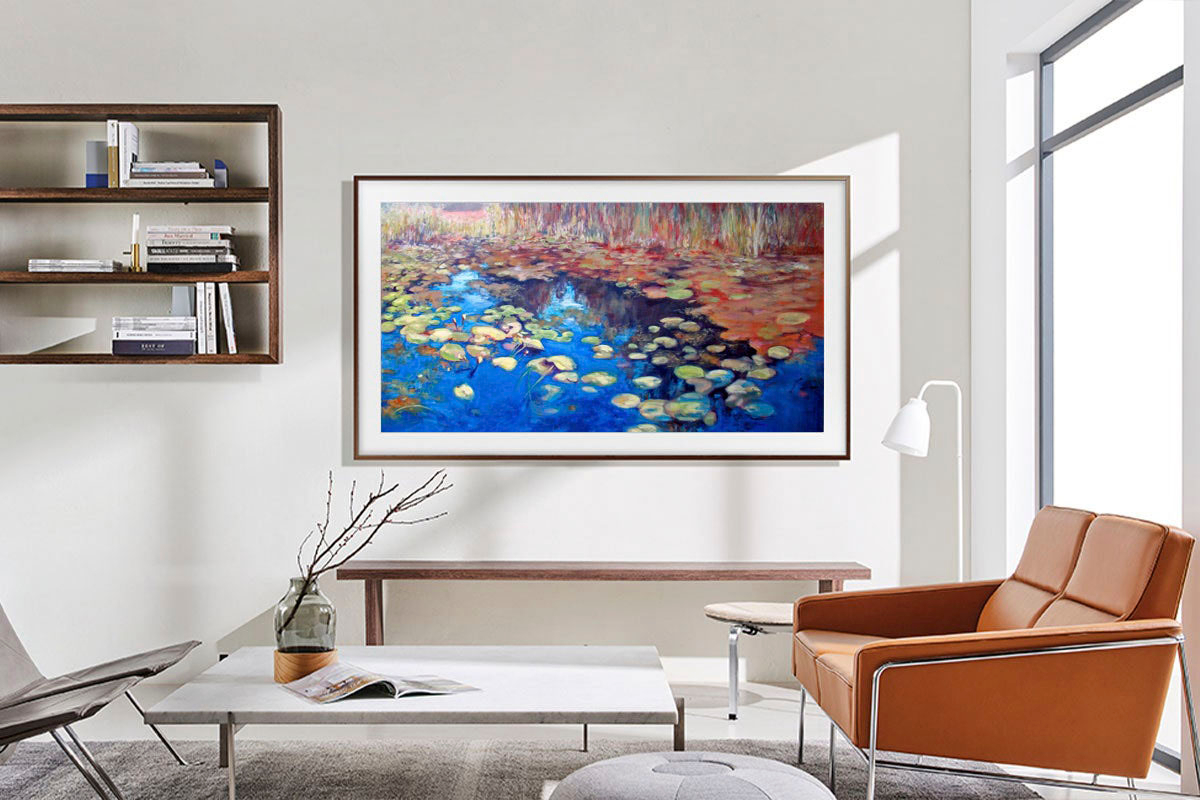




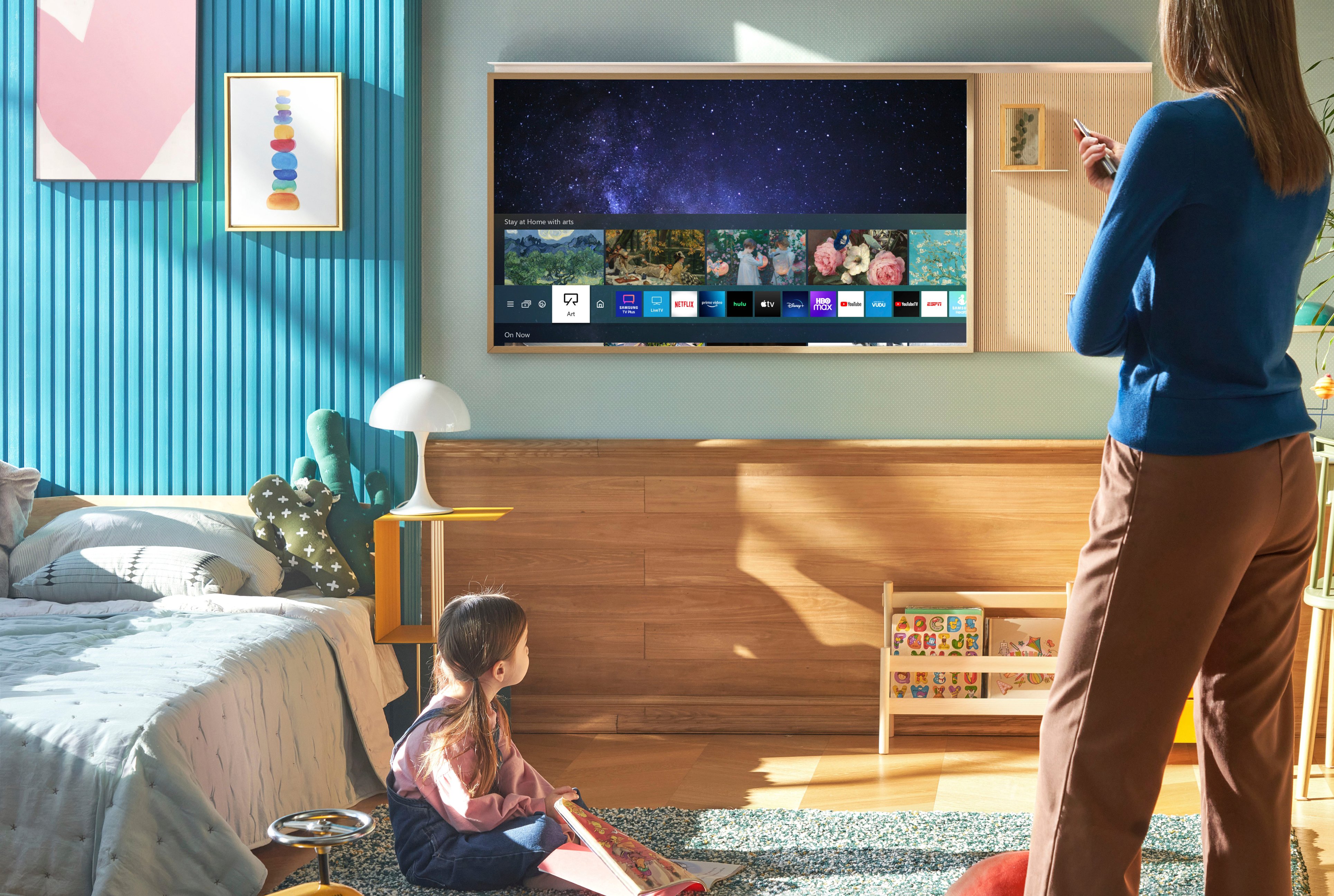
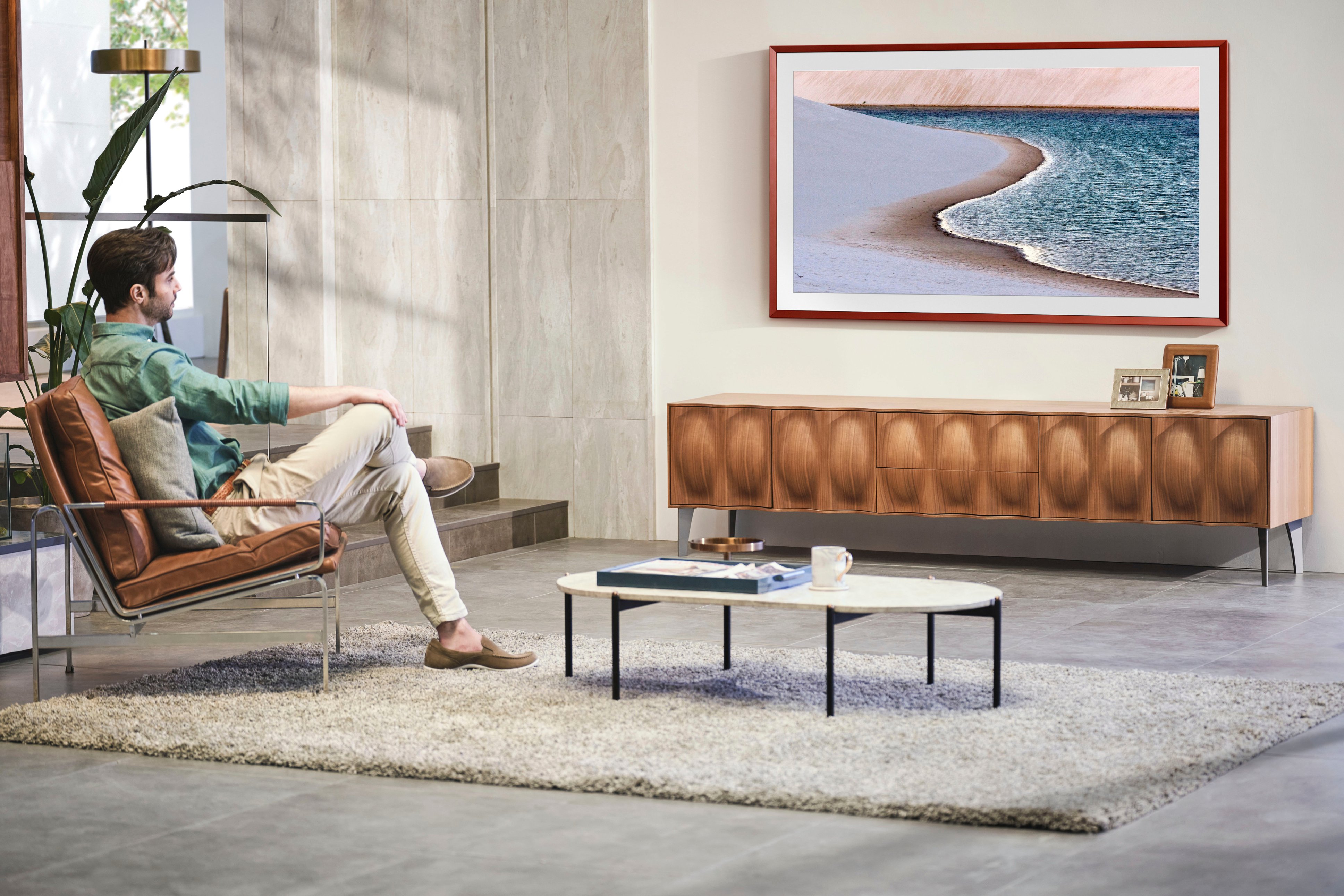






- Model:
- QN65LS03BAFXZA
- SKU:
- 6503087
Rating by feature
- Picture Quality
Rating 4.7 out of 5 stars
- Sound Quality
Rating 4.5 out of 5 stars
- Brightness
Rating 4.7 out of 5 stars
Customers are saying
Customers are pleased with the picture quality and Art Mode features of the 65" Class The Frame QLED 4K UHD Smart Tizen TV (2022). Many also appreciate the ease of installation and the sleek wall mount, resulting in a clean aesthetic. However, some users experienced issues with the remote control and software functionality. The price point was also a factor for some customers.
This summary was generated by AI based on customer reviews.
Great TV
Posted .This reviewer received promo considerations or sweepstakes entry for writing a review.The Frame looks great and elevates the look of the room. I find that the sound quality isn’t as consistent as other TVs, but external speakers solve that problem.
I would recommend this to a friend- Cons mentioned:Remote control
Not accurate out of box and poor follow up
Posted .This reviewer received promo considerations or sweepstakes entry for writing a review.I bought item out of box excellent with all original parts. But it was missing critical items such as power cable, remote control and the media connection behind the tv was loose and difficult to connect the one connect cable to. I raise a case with the store but never got a reply. There I purchase my own cable and knock off remote to operate my new expensive tv. One connection was a struggle.
I would recommend this to a friendBrand response from Samsung
Posted .user627037,
We appreciate your feedback regarding parts missing from your Frame TV. If purchased brand-new and unopened, please contact Samsung Customer Support and a representative will gladly help you. If purchased in open-box condition, we recommend contacting Best Buy directly for assistance. We hope your issue is resolved in a timely manner.
Should you have questions or concerns on usage or setup of your TV once your issue has been resolved, please call us at 1-800-SAMSUNG, 8AM - 12AM EST, 7 days a week. Or visit us on the Samsung website and click on the ‘Support’ link for:
• LiveChat
• Manuals, Software, & Warranty Info
~ Samsung Specialist
- Pros mentioned:Art mode
The Art is Better than the TV
Posted .This reviewer received promo considerations or sweepstakes entry for writing a review.Art work concept is very good. Picture quality average and the sound is awful. Definitely need a soundbar. Not worth the price
No, I would not recommend this to a friendBrand response from Samsung
Posted .GSL541,
Thank you for purchasing The Frame TV and for sharing your feedback regarding the sound quality. There are several sound settings you can adjust to suit your personal sound preferences.
Change the Sound Mode by going to: Settings > All Settings > Sound > Sound Mode
You can also customize sound by going to: Settings > All Settings > Sound > Expert Settings
To assist you with possible sound settings adjustments for a better audio experience, or choosing a Samsung Soundbar to complement your viewing enjoyment, please reach out to us at 1-800-SAMSUNG, 8AM - 12AM EST, 7 days a week. Or visit us on the Samsung website and click on the ‘Support’ link for:
• LiveChat
• Manuals, Software, & Warranty Info
~ Samsung Specialist
Awesome work
Posted .This reviewer received promo considerations or sweepstakes entry for writing a review.I love the way my tv looks and the professionalism of the two gentlemen that installed the tv
I would recommend this to a friendBy far the worst TV I’ve owned
Posted .This reviewer received promo considerations or sweepstakes entry for writing a review.I’ve had this tv for six months and it’s the worst TV I’ve ever owned. Is the artwork feature cool? Sure. Is it worth the constant hassle of dealing with this tv? No. The UI is horrible. I’ve never struggled to figure out how to use a TV in my 30 years of life and switching inputs incredibly frustrating. It wouldn’t be an issue if auto-switch worked but it doesn’t. I design digital user interfaces for a living and I cannot reliably navigate this TV. Samsung has loaded it with so much crap that it hardly runs. All I want is for the tv to have an art mode and switch between inputs. It also turns off randomly, won’t hold the audio input for my AV receiver so I have to constantly go in and switch the output from tv speaker to the receiver, and just recently it’s started warping the colors and changing brightness during tv shows. I wish I never bought it. Samsung almost all of these are software issues, please fix them with an update.
No, I would not recommend this to a friendBrand response from Samsung
Posted .Annoyed,
I’m sorry to hear your Frame TV is turning itself off. While this issue will be corrected with an upcoming firmware update, you can prevent this issue with the following:
Disable Night Mode
1. Navigate to the Art Home Screen, as Art Mode settings can only be accessed from here. If art is currently displayed on the screen, press Return on the remote to go to the Home screen or navigate to Art Mode from wherever you are on the TV.
2. Scroll all the way down to Art Mode Options, then highlight Night Mode. Press Enter on the remote to switch Night Mode from On to Off.
3. Extend the Sleep After time. This feature will turn off Art Mode after a set amount of time if no motion is detected around the TV. Sleep After is also located under Art Mode Options and can be set from 5 minutes to 4 hours. Select the Sleep After icon to select the desired time.
Check the Sleep Timer
The Sleep Timer automatically turns the TV off after a specific period of time. Go to: Menu > Settings > All Settings > General & Privacy > System Manager > Time > Sleep Timer
If the Sleep Timer has not been enabled, see if Auto Power Off or Off Timer have been enabled and disable it.
- Menu > Settings > All Settings > General & Privacy > Power and Energy Saving > Auto Power Off
- Menu > Settings > All Settings > General & Privacy > System Manager > Time > Off Timer
Update firmware
You can check to see what version your TV is using and if there's an update available by going to: Home > Menu > Settings > Support > Software Update > Update Now.
So that we can gather more information to assist with the input issue you're experiencing, please reach out to us and a Support agent will gladly help. Call us at 1-800-SAMSUNG, 8AM - 12AM EST, 7 days a week. Or visit us on the Samsung website and click on the ‘Support’ link for:
• LiveChat
• Manuals, Software, & Warranty Info
~ Samsung Specialist
Picture frame
Posted .This reviewer received promo considerations or sweepstakes entry for writing a review.No problems at all. The folks in the store were great!
I would recommend this to a friend- Cons mentioned:Remote control
Disappointing Experience
Posted .This reviewer received promo considerations or sweepstakes entry for writing a review.I was so excited about Samsung Frame and today I finally got the 65" 2022 But it is so disappointing in many ways: 1- Using the menu and navigating the apps is slow and laggy! 2- Fully charged Remote controller stops working frequently and the workaround I found is to plug & unplug the USB-C for 1 sec in order to make it work again! 3- In day light the colors are not sharp at all compare the 8 years old LG I have! I'm going to return it back and don't recommend it!
No, I would not recommend this to a friendBrand response from Samsung
Posted .Mahan,
I'm sorry to hear you're not fully satisfied with The Frame TV. To ensure your TV's performance is fully optimized, please be sure you’re running the latest firmware. You can check to see what software version your TV is using and if there is an update available by going to: Home > Menu > Settings > Support > Software Update > Update Now.
You may also want to further optimize performance with the self-diagnostic tool, which checks memory, frees up unused cached memory, and closes background apps. Go to: Home > Menu > Settings > Support > Device Care > Start Device Care
In regards to the remote connection issue, you may first want to reset your remote by pressing and holding Return and Enter (the center of the navigation pad) for more than 10 seconds. After performing this reset, you will need to pair the remote to the TV again. To pair, press the Return and Play/Pause buttons simultaneously for at least 5 seconds or until a message appears on your TV indicating that the remote is now connected.
If the image you’re seeing is not to your liking, try adjusting Picture Mode, Contrast, Brightness, or Sharpness settings.
Go to Home > Menu > Settings > All Settings > Picture > Picture Mode
...and select the mode that best fits your usage:
1) Standard: Is the default mode suitable for general viewing environments.
2) Movie: Is suitable for watching TV or movies in a dark room.
3) Dynamic: Makes the picture brighter and clearer in bright viewing environments.
4) Filmmaker Mode: You can watch the source content (e.g., movie) as it is. If the image is defined as Filmmaker Mode, it will automatically switch to Filmmaker Mode while watching.
You can also go to: Menu > Settings > Picture > Expert Settings and manually fine tune Sharpness, Contrast, Brightness, and more.
If we can further help with any other issues, please know we are here for you. Just call us at 1-800-SAMSUNG, 8AM - 12AM EST, 7 days a week. Or visit us on the Samsung website and click on the ‘Support’ link for:
• LiveChat with an agent
• Manuals, Software, & Warranty Info
~ Samsung Specialist
- Pros mentioned:Picture quality
Outstanding picture quality.
Posted .This reviewer received promo considerations or sweepstakes entry for writing a review.Phenomenal TV. Picture is perfect. Mounting it was very simple. And as a side bonus, you can connect an Xbox controller and play games through the Xbox app, without using an actual Xbox.
I would recommend this to a friend - Cons mentioned:Software
ANNOYING SCREEN ADS AND BLOATWARE
Posted .This reviewer received promo considerations or sweepstakes entry for writing a review.This TV has TONS of OS bugs. Constantly having to do full OS resets just to get it to work. Main screen displays VERY ANNOYING ads that you can NOT turn off (vs comp tv where you can easily turn them off). TV is loaded with Samsung bloatware that you can not delete. Picture quality is not as good as the competition. Extra hardware outside of TV is an eye sore. Competition does not have that either. Wish I had NOT purchased this.
No, I would not recommend this to a friendBrand response from Samsung
Posted .Soutine,
We appreciate your feedback on the performance and picture quality of The Frame TV. To ensure you have the latest enhancements and optimizations, please be sure your TV is running the most recent firmware version. You can check this by going to: Home > Menu > Settings > Support > Software Update.
You may also want to further optimize performance with the self-diagnostic tool, which checks memory, frees up unused cached memory, and closes background apps. Go to: Home > Menu > Settings > Support > Device Care > Start Device Care
If the picture you’re seeing is still not to your liking after updating firmware, there are several picture settings you may want to try adjusting.
Go to Home > Menu > Settings > All Settings > Picture > Picture Mode
...and select the mode that best fits your usage:
1) Standard: Is the default mode suitable for general viewing environments.
2) Movie: Is suitable for watching TV or movies in a dark room.
3) Dynamic: Makes the picture brighter and clearer in bright viewing environments.
4) Filmmaker Mode: You can watch the source content (e.g., movie) as it is. If the image is defined as Filmmaker Mode, it will automatically switch to Filmmaker Mode while watching.
You can also fine-tune your picture with expert settings such as brightness, contrast, sharpness and more (All Settings > Picture > Expert Settings).
For further assistance with settings adjustments, please contact Samsung Customer Support at 1-800-SAMSUNG, 8AM - 12AM EST, 7 days a week. Our LiveChat agents are also available by clicking on the ‘Support’ link on our website.
~ Samsung Specialist
- Cons mentioned:Price
Motherboard Issues
Posted .This reviewer received promo considerations or sweepstakes entry for writing a review.2020 to current have some sort of motherboard issue that when it goes bad youe tv will randomly turn off and power cycle. Samsung will force you to pay for a tech to come out and replace the board. Couple hundred dollars on an already pricy unit. No additional help. Ridiculous.
No, I would not recommend this to a friendBrand response from Samsung
Posted .Kael,
I'm sorry to hear of this. So we can better understand the problems you’re experiencing and provide you with troubleshooting assistance or warranty service, please reach out to Samsung Customer Support at 1-800-SAMSUNG, 8AM - 12AM EST, 7 days a week.
Our LiveChat agents are also available by clicking on the ‘Support’ link on our website.
~ Samsung Specialist
Great TV bad service
Posted .This reviewer received promo considerations or sweepstakes entry for writing a review.Missing all accessories from box. Local store ordered my a remote but could not get the proprietary wall mount. Spent 2 hours on the phone trying to fix my issue. TV is great customer service was a nightmare. I wish I bought somewhere else. The excellent condition open box did not meet my expectations. Ended up buying the bracket on Amazon.
I would recommend this to a friendBrand response from Samsung
Posted .MarcinJ,
We appreciate your feedback regarding parts missing from your Frame TV. If purchased brand-new and unopened, please contact Samsung Customer Support and a representative will gladly help you. If purchased in open-box condition, we recommend contacting Best Buy directly for assistance. We hope your issue is resolved in a timely manner.
Should you have questions or concerns on usage or setup of your TV once your issue has been resolved, please call us at 1-800-SAMSUNG, 8AM - 12AM EST, 7 days a week. Or visit us on the Samsung website and click on the ‘Support’ link for:
• LiveChat
• Manuals, Software, & Warranty Info
~ Samsung Specialist
Glitchy
Posted .This reviewer received promo considerations or sweepstakes entry for writing a review.Motherboard failed the 2nd day we had it, had to hire a Samsung tech immediately.
No, I would not recommend this to a friendBrand response from Samsung
Posted .user819897,
We appreciate you sharing the details of your power issue and for your patience while waiting for your service appointment.
Should you need further assistance after your service is complete, please contact Samsung Customer Support at 1-800-SAMSUNG, 8AM - 12AM EST, 7 days a week. Or visit us on the Samsung website and click on the ‘Support’ link for:
• LiveChat
• Manuals, Software, & Warranty Info
~ Samsung Specialist
Lasted less than 6 months…
Posted .This reviewer received promo considerations or sweepstakes entry for writing a review.Purchased this TV on 12/28/22 and it’s been amazing up until this past week (less than 6 months) when the screen developed a 6” wide yellow bar that runs down the screen. Ran diagnostic, picture test, etc. to no avail. We’re out of our return period with Best Buy so no we’re stuck with a $2k defective TV.
No, I would not recommend this to a friendBrand response from Samsung
Posted .Hi MattJ,
I'm sorry to hear about the issues you are experiencing on the Frame TV. Samsung stands behind the quality and performance of our TVs with a limited 1-year manufacturer’s warranty when purchased brand-new from an authorized dealer.
Please contact us so we can schedule a warranty appointment for you. You can call us at 1-800-SAMSUNG, 8 AM - 12 AM EST, 7 days a week. LiveChat with an agent as well as manuals, software, and warranty info, can be found at the ‘Support’ link on our Samsung website.
~ Samsung Specialist
Burn in ruined picture after spending $2k on frame
Posted .This reviewer received promo considerations or sweepstakes entry for writing a review.After 1 year got burn in of tv menu button images. Can’t fix, spent $2k on this tv and only option is to replace. I’ve bought 6 Samsung TVs but after this, never again. Save your money.
No, I would not recommend this to a friendBrand response from Samsung
Posted .ChristopherG,
We appreciate your feedback regarding the screen abnormalities you’re seeing on your Frame TV. Please run a Picture Test to determine if the problem is caused by the TV. Picture Test displays a high-definition picture you can examine for flaws or faults. Go to Settings > Support > Device Care > Self Diagnosis > Picture Test
If this occurs on all sources and the picture test, this may require service. For help with locating a service center area, please contact Samsung Support at 1-800-SAMSUNG, 8AM - 12AM EST, 7 days a week. Our LiveChat agents are also available by clicking on the ‘Support’ link on our website.
~ Samsung Specialist
Damaged plug
Posted .This reviewer received promo considerations or sweepstakes entry for writing a review.The plug from the TV was damaged. Could not be used. BestBut was great and sent folks to rebid it and pick up for the return. Save your box!!
No, I would not recommend this to a friendBrand response from Samsung
Posted .Hi user323284,
I'm sorry to hear about your experience with the Frame TV plug being damaged. We appreciate your patience in having to go through the hassle of an exchange.
Should you ever have questions or need help, Samsung is here for you. Just give us a call at 1-800-SAMSUNG, 8 AM - 12 AM EST, 7 days a week. Our LiveChat agents are also available by clicking on the ‘Support’ link on our website.
~ Samsung Advisor
Big pile of you know what
Posted .This reviewer received promo considerations or sweepstakes entry for writing a review.Worst TV ever Never works Wont connect Have to unplug it several times a day Waste of money
No, I would not recommend this to a friendBrand response from Samsung
Posted .JdC1,
We appreciate your review of Samsung’s Frame TV. So we can better understand the issues you’re experiencing and provide you with troubleshooting assistance, please reach out to Samsung Customer Support at 1-800-SAMSUNG, 8AM - 12AM EST, 7 days a week. Our LiveChat agents are also available by clicking on the ‘Support’ link on our website.
~ Samsung Specialist