Customer Ratings & Reviews

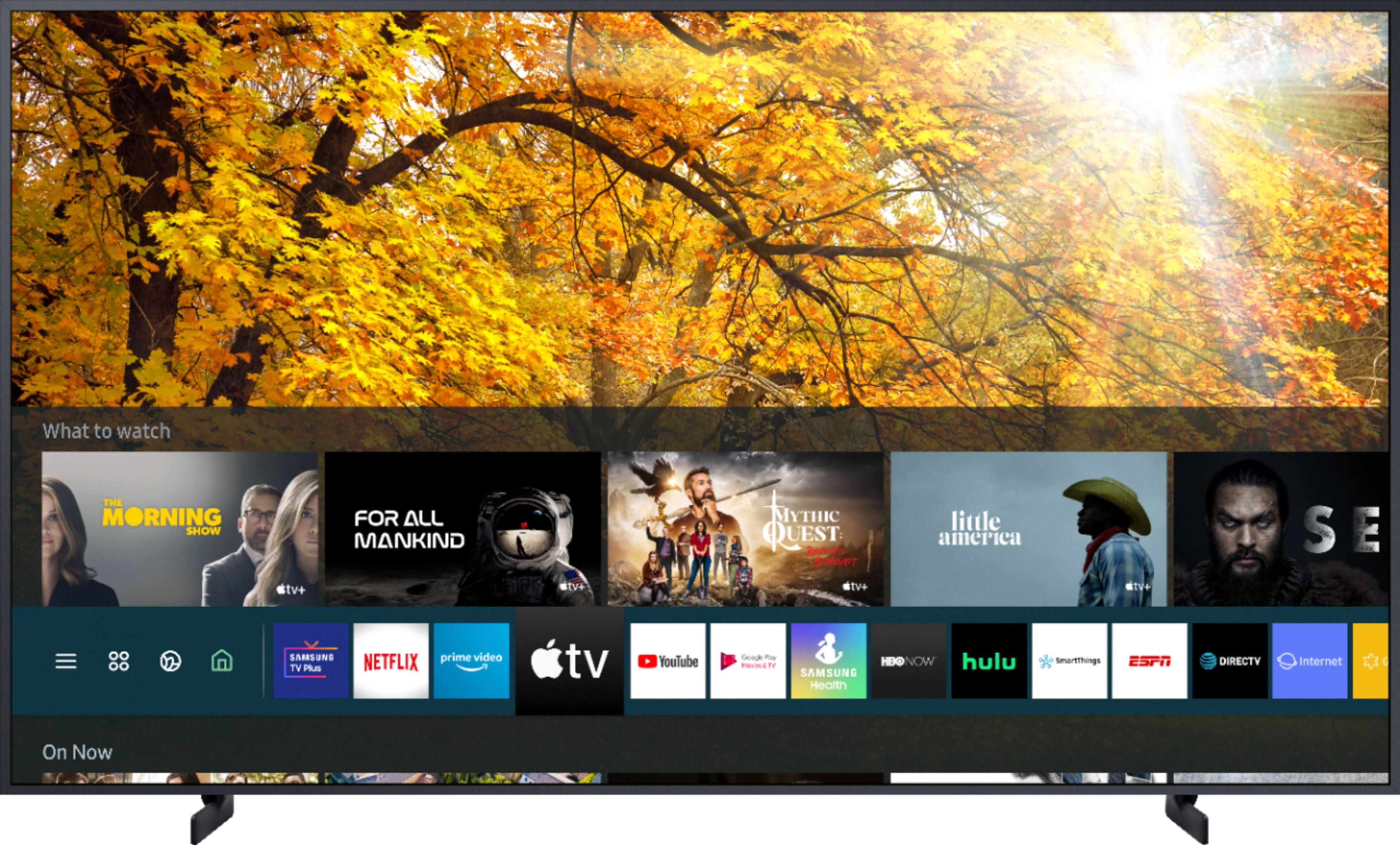

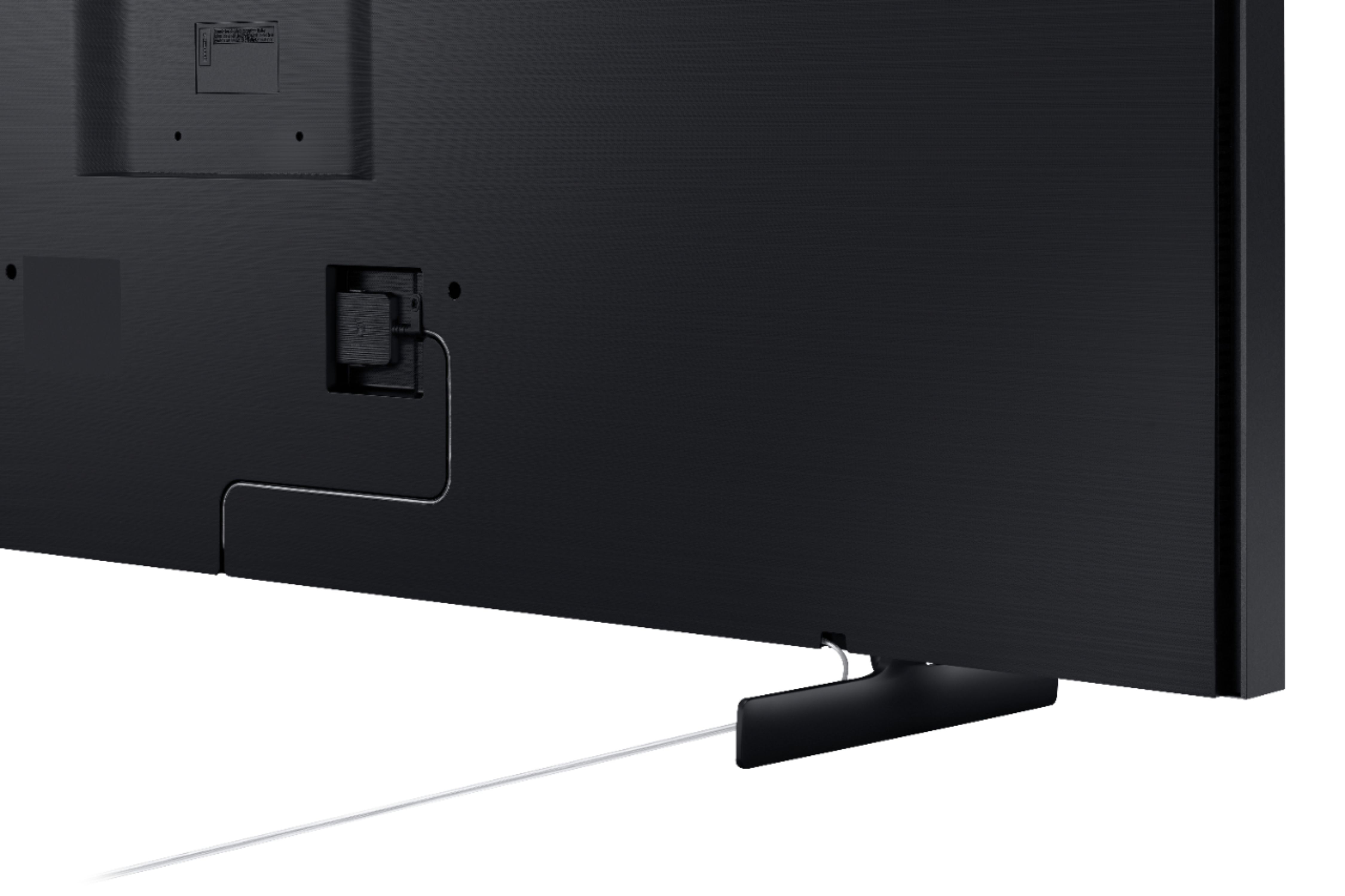
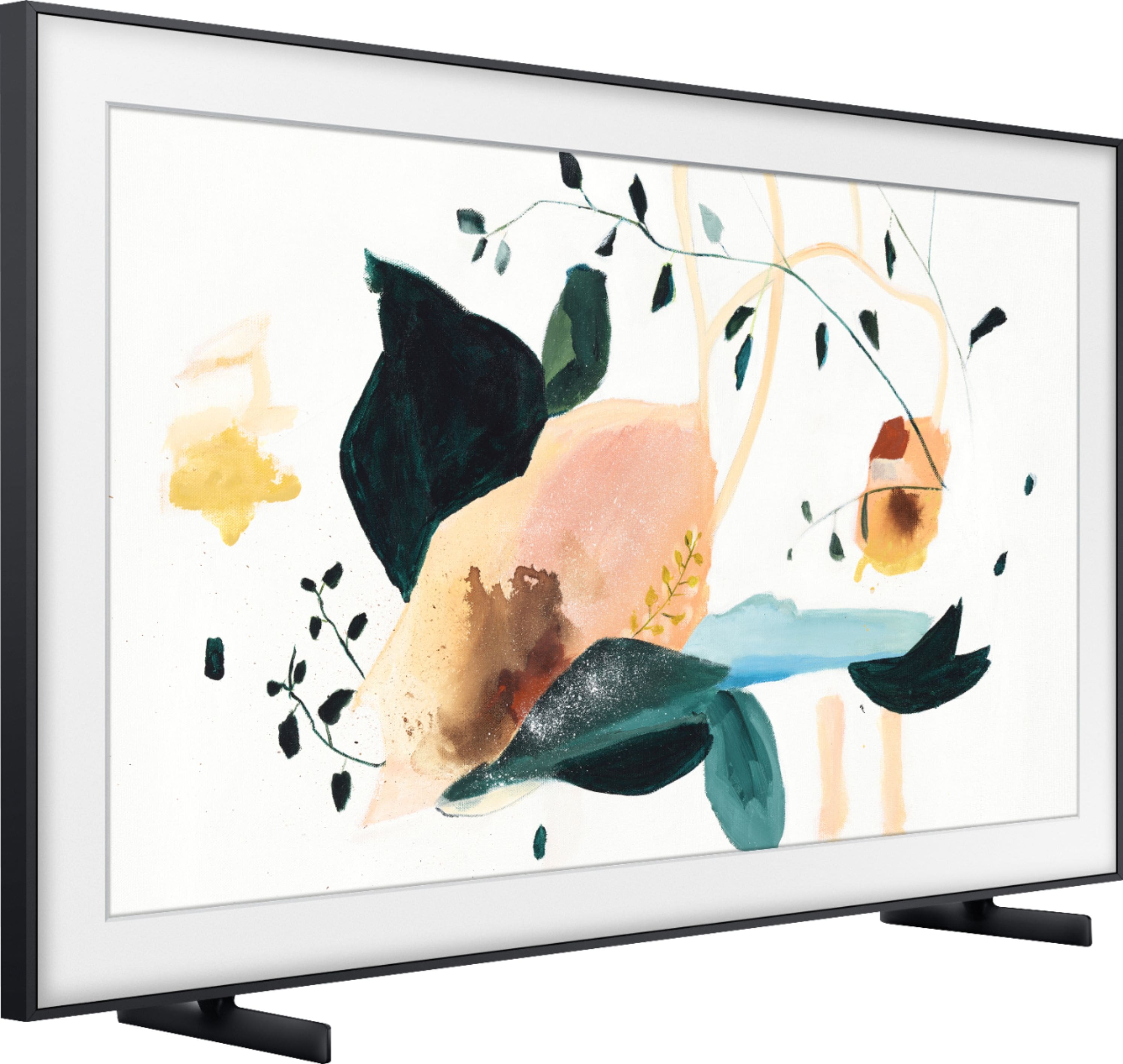
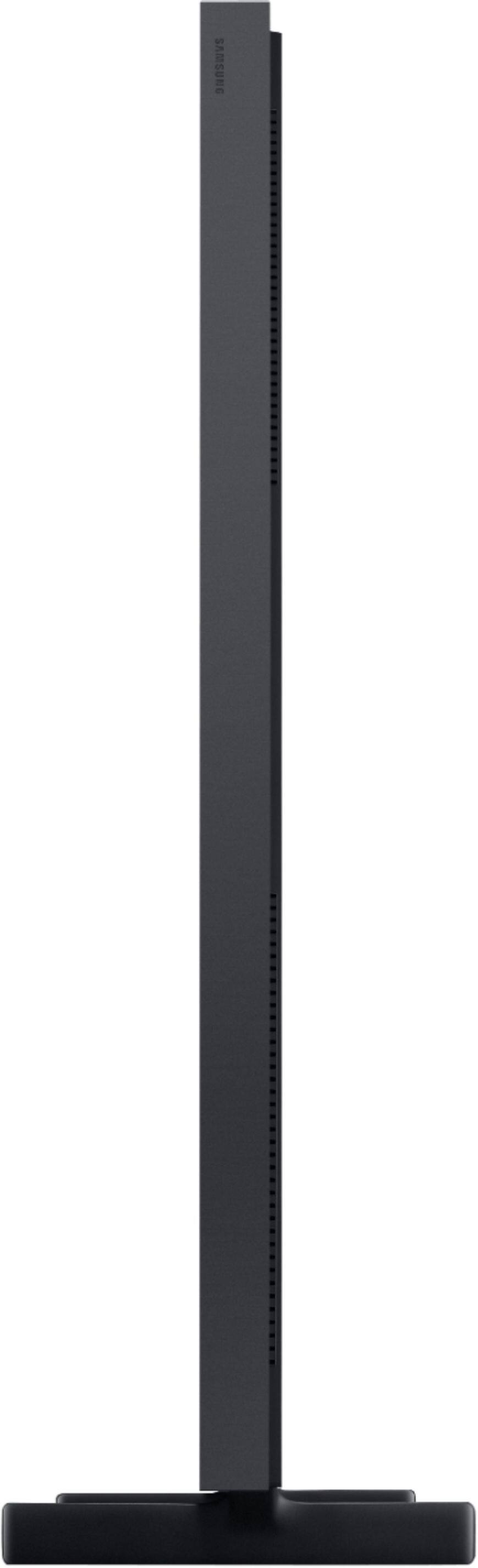









- Model:
- QN65LS03TAFXZA
- SKU:
- 6403062
Rating by feature
- Picture Quality
Rating 4.2 out of 5 stars
- Sound Quality
Rating 4.3 out of 5 stars
- Brightness
Rating 4.5 out of 5 stars
Customers are saying
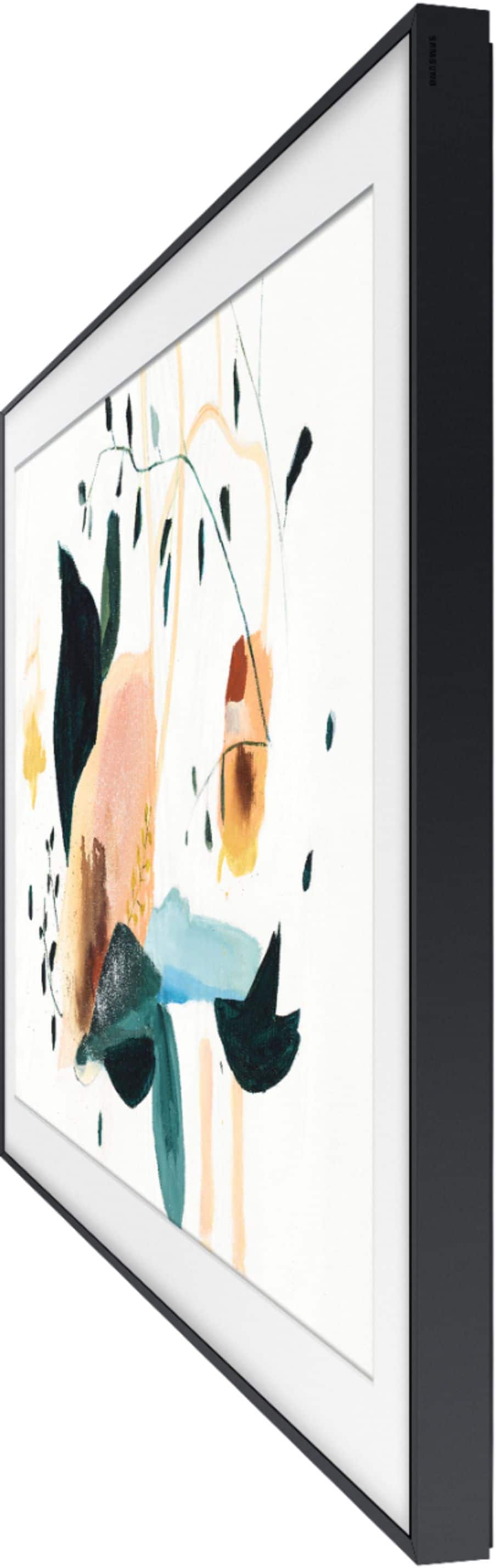
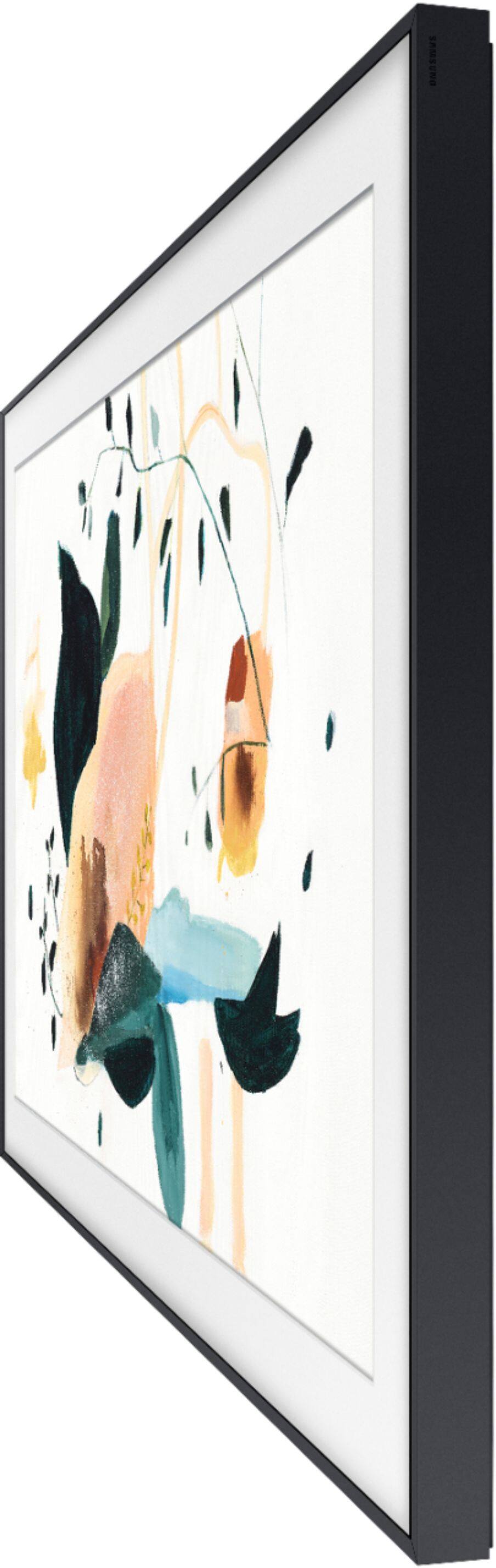
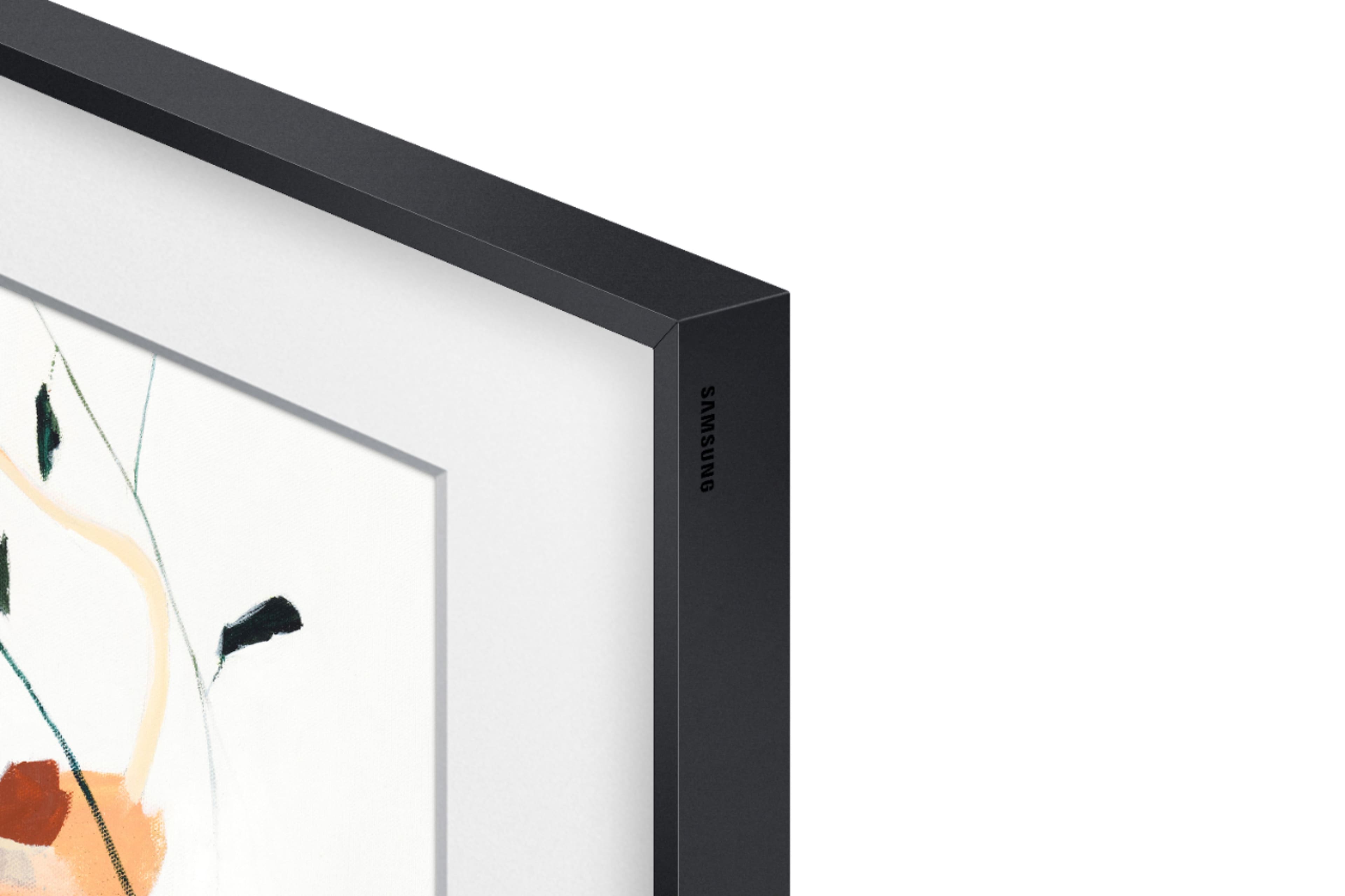
Customers recognize the 65" Class The Frame Series LED 4K UHD Smart Tizen TV for its exceptional picture quality and innovative art mode. Many are impressed with the ease of installation and the flush mount design. While some find the price to be a bit high, most agree that it is worth the investment.
This summary was generated by AI based on customer reviews.
Review for service, not TV
||Posted .This reviewer received promo considerations or sweepstakes entry for writing a review.This review is for the process of returning a defective television. Unfortunately, the Samsung Frame I purchased would not connect with external devices, so it had to be replaced. The TV itself is great, and I'll replace it with the same model. About the service, BestBuy completely failed in their return process as I have been without a television for 2 weeks. Why? Because BestBuy would not provide a replacement until the defective model I had was inventoried. BestBuy had to schedule a pickup (which they did), had to do some internal documentation, provide me with store credit, THEN I can get my television replaced. At the time I scheduled this process, My local BestBuy had a Samsung Frame unit available. Once My television was picked up and processed at their facility/store, the unit at my local store was no longer available. My only option was to get a unit shipped from a different location 50-70 miles away. Here is where their process was again inefficient - The TV unit has to go from store A --> distribution A --> distribution B --> store B (my local store) and finally shipped to me. I asked if they can simply ship to me directly using a carrier service, and they said no. Again, it's been 2 weeks and I'm still without a television. I'll add that I'm an Elite Plus member, and this status did not help in any way. The one good thing about all this was the store supervisor. Great guy, super helpful throughout the process. Sucks that he had to give me the bad news about the process. Still, great guy!
No, I would not recommend this to a friendTv
||Posted .This reviewer received promo considerations or sweepstakes entry for writing a review.Minimal explanation of how to use tv in its manual. Unless your tech savvy, it is complicated with cable. I Have tried to reach out to Geek Squad for help but unable to get response.
I would recommend this to a friendBrand response from Samsung
Posted .Samsung65frame:
Thank you for purchasing the Frame TV. In addition to the User Guide that came with your TV, the full e-Manual is available directly on your TV at: Settings > Support > Open e-Manual
It is also available online at: https://downloadcenter.samsung.com/content/UM/202008/20200831160618043/NIKATSCT-3.1.2_EM_NIKE_USA_ENG-US_200827.0.pdf
Should you need assistance with features or usage, please contact Samsung Customer Support via any of the below options:
1) Phone: 1-800-SAMSUNG (ask for TVs), available 8AM – 12AM EST 7 days a week
2) LiveChat: https://www.samsung.com/us/support/#contact_us_for_support
3) Facebook Messenger: https://www.facebook.com/samsungsupport
4) Twitter: https://twitter.com/SamsungSupport
5) The Samsung Members Community is also a great resource for getting help from Samsung moderators and customers: https://us.community.samsung.com
If you have not already done so, we invite you to register your new Samsung product at: https://www.samsung.com/us/account/signin/?redirect=https%3A%2F%2Fwww.samsung.com%2Fus%2Fsupport%2Fregister%2F
Registering your product gives you access to easy warranty support, convenient opt-in to special promos and offers, faster troubleshooting and service, and quick notification of system updates.
~ Samsung Solutions
- Pros mentioned:Art mode, Picture quality
Amazing picture, very stylish and modern
Posted .This reviewer received promo considerations or sweepstakes entry for writing a review.Samsung has finally answered my prayers! We built a home with a fireplace and pre-wired outlets and HDMI cords for cable. Since we knew this is where we wanted our focal point to be towards. But during the holidays, formal parties or get together's, the TV was there and always on, but no one would ever be watching it. I just couldn't stand to look at a black screen. Now I do not have to! We replaced our Samsung curved 65" TV for the Samsung Frame 65" and absolutely love it! The picture quality is amazing far superior than most I have ever seen. Very sleek and modern. We have used several different art work features so far and I love it. It truly looks like a piece of artwork over my fireplace. Since its stone in the background, we did the picture of the wall and placed it on the TV so I could even have it look like the matching stone behind it. So many ways to mix it up, and love how slim it truly is. My living room opened back up again. The TV is still the focal point but we can jazz it up with different art work to help hide it. The motion artwork is very quick with zero delay when I enter the room. The installation is very simple and comes with its own flush mount. The remote is voice control and very responsive with Bixby. The sound is great quality as well! We do have a Samsung sound bar that we hooked up to it later on, but honestly you do not need it. It has two sub woofers built in. I did want to point out how well the picture quality truly is. When you are displaying the art work, the mat in the picture has a shadow to it that looks like it has dimension. Perfect coloring and very realistic and vibrant. Huge library of artwork you could display so you will never get bored. Honestly the best TV I have ever owned I want to go around and replace all my TV's. No more blank black screens. So welcoming when you walk into a room and really brightens it up!
I would recommend this to a friend Bogus
||Posted . Owned for 1 month when reviewed.This reviewer received promo considerations or sweepstakes entry for writing a review.I received this product as a delivery, and it TV was actually bent broken physically and has color streaks. I tried calling Best Buy twice about it, and they've hung up on me twice. This was a poor internal quality delivery, and I'm still trying to get this refunded. This is a frustrating experience, and I am being cheated.
No, I would not recommend this to a friendthe worst tv I ever bought!
||Posted . Owned for 3 weeks when reviewed.This reviewer received promo considerations or sweepstakes entry for writing a review.Samsung makes a great TV, but this 65" frame series is so complicated to setup, I wish I never bought it.I still can't shrink the picture enough to fit the screen and don't say follow directions because I did every thing possible and and it says " this feature is not available" I don't understand half its terminology.I don't even know if its high defination
No, I would not recommend this to a friendBrand response from Samsung
Posted .dummy,
I am very sorry to see that you ran into difficulties with setup. We appreciate your review and will share your feedback with our internal teams.
You can find details of various features and usages of your FrameTV in the eManual.
To open the e-Manual, Go to Settings - Support, then Open e-Manual
Or refer to the online e-manual here for more details:
http://downloadcenter.samsung.com/content/UM/202004/20200403095308351/NIKATSCT-3.0.1_EM_NIKE_USA_ENG_200323.0.pdf
Many customers also find this Art Mode user guide helpful:
https://www.samsung.com/us/support/answer/ANS00076727/
You can also reach out to Samsung Support for step-by-step assistance with setup, features, and operation:
1) Phone: 1-800-SAMSUNG (ask for TVs) Available 8AM – 12AM EST (Mon-Fri)
2) LiveChat: https://www.samsung.com/us/support/#contact_us_for_support
3) Facebook Messenger: https://www.facebook.com/samsungsupport
4) Twitter: https://twitter.com/SamsungSupport
Have you registered your new Samsung TV with us? If not, we invite you to do so at: https://www.samsung.com/us/account/signin/?redirect=https%3A%2F%2Fwww.samsung.com%2Fus%2Fsupport%2Fregister%2F.
Registration gives you access to easy warranty support, convenient opt-in to special promos & offers, faster troubleshooting & service, and quick notification of system updates.
We look forward to hearing from you and helping you towards satisfactory solutions
-Samsung Ambassador
- Pros mentioned:Art mode, Picture quality
The Frame TV is Great!!
Posted .This reviewer received promo considerations or sweepstakes entry for writing a review.Our 65” Frame Tv is finally here and has not disappointed. Out of the box we found that we could not use the no gap wall mount because of the stone we have to mount it to. We were pleasantly surprised to find out that we could use our existing mount. Once we got that set up it was up on the wall in no time and looks great. Set up was super easy and we were watching tv on the crystal clear screen in minutes. The smart hub offers everything you will need and is very easy to access and offers great quality streaming. The all in one remote control was a huge plus. It controls the tv, our fire stick and our sound bar. We only have to keep track of one remote now. Even if we couldn’t find it they offer a great app that controls the tv. It has so many other options and fun things to try. Art mode is really awesome. Even without the no gap mount it still looks awesome on the wall and looks like a picture. We even set it up to where when we walk into the room the motion sensor turns on the art. This tv also offers an ambient mode which is a really cool feature. Overall this tv is great and has so many cool features. I would highly recommend this to anyone looking for a new tv with so really cool features.I received this product at a discounted price in exchange for my honest feedback
I would recommend this to a friend Vertical line and black shadow
||Posted . Owned for 1 month when reviewed.This reviewer received promo considerations or sweepstakes entry for writing a review.Vertical line and shadow apprearedvwithin two weeks. Tech had raptors come ou but refuse to fix since it was mounted to the wall
No, I would not recommend this to a friendBrand response from Samsung
Posted .Disappointed:
Thank you for purchasing The Frame TV and for your review. I am very sorry with your disappointment with our service policy. We do not support the wall mount, so you are responsible for dismounting and remounting your TV.
Please contact Samsung Customer Support if you should have any further questions or would like to reschedule service.
1) Phone: 1-800-SAMSUNG (ask for TVs), available 8AM – 12AM EST 7 days a week
2) LiveChat: https://www.samsung.com/us/support/#contact_us_for_support
3) Facebook Messenger: https://www.facebook.com/samsungsupport
4) Twitter: https://twitter.com/SamsungSupport
5) The Samsung Members Community is also a great resource for getting help from Samsung moderators and customers: https://us.community.samsung.com)
If you have not already done so, we invite you to register your new Samsung product at: https://www.samsung.com/us/account/signin/?redirect=https%3A%2F%2Fwww.samsung.com%2Fus%2Fsupport%2Fregister%2F
Registering your product gives you access to easy warranty support, convenient opt-in to special promos and offers, faster troubleshooting and service, and quick notification of system updates.
- Samsung Solutions
Dead in 13 months
||Posted . Owned for 8 months when reviewed.This reviewer received promo considerations or sweepstakes entry for writing a review.barely been 13 months since we installed the TV. it went black today suddenly. Have no idea why it won't turn on back. Pretty ridiculous!
No, I would not recommend this to a friendDoes not work as intended
||Posted . Owned for less than 1 week when reviewed.This reviewer received promo considerations or sweepstakes entry for writing a review.The tv looks great while watching it but I can buy a much cheaper tv that is equally as good. The "Art Mode" is far too bright and looks nothing like real hung art.
No, I would not recommend this to a friendBrand response from Samsung
Posted .Alex:
Thank you for purchasing the Samsung Frame TV. You can adjust Art Mode settings from your SmartThings app. Tap the Art Mode button located in the upper right corner, then tap settings. You can change the brightness, color tone, night mode, sleep after settings, and motion detector sensitivity.
For your reference, here is a quick tutorial of using Art Mode that may be of help:
https://www.samsung.com/us/support/answer/ANS00076727/
I hope this tip helps. For further assistance, please contact Samsung Customer Support.
1) Phone: 1-800-SAMSUNG (ask for TVs), available 8AM – 12AM EST 7 days a week
2) LiveChat: https://www.samsung.com/us/support/#contact_us_for_support
3) Facebook Messenger: https://www.facebook.com/samsungsupport
4) Twitter: https://twitter.com/SamsungSupport
5) The Samsung Members Community is also a great resource for getting help from Samsung moderators and customers: https://us.community.samsung.com
If you have not already done so, we invite you to register your new Samsung product at: https://www.samsung.com/us/account/signin/?redirect=https%3A%2F%2Fwww.samsung.com%2Fus%2Fsupport%2Fregister%2F
Registering your product gives you access to easy warranty support, convenient opt-in to special promos and offers, faster troubleshooting and service, and quick notification of system updates.
- Samsung Solutions
Mounting bracket furnished with TV was not usable.
||Posted .This reviewer received promo considerations or sweepstakes entry for writing a review.Returned TV as mounting bracket furnished with TV was had very limited adjustments and could not be used for the limited space we had to mount the TV.
No, I would not recommend this to a friendBrand response from Samsung
Posted .KWSVET,
I am sorry to hear that the mounting bracket did not work out for you.
Should you ever decide to give Samsung TVs another try and have questions or need assistance with settings, setup, or features, please know we are always here to help.
You can contact our Customer Support toll-free at 1-800-SAMSUNG (ask for TVs) Available 8AM – 12PM EST, 7 days a week
or visit us on the Samsung website and click on the ‘Support’ link in the upper right corner of the homepage for:
1) Contact Us Options (LiveChat, Remote Support, Facebook, Twitter)
2) Product Support
3) Manuals and Downloads
4) Warranty Info
5) Product Registration: Registering your product gives you access to easy warranty support, convenient opt-in to special promos and offers, faster troubleshooting and service, and quick notification of system updates
6) Samsung Community: A great resource for getting help from Samsung moderators and customers and more
7) …and more product, repair, order, and care options
Again, thank you for taking the time to share your thoughts. Your feedback helps us continuously deliver best-in-class products and service.
-Samsung Ambassador
- Pros mentioned:Ease of use, Picture quality
Beautiful and functional
Posted .This reviewer received promo considerations or sweepstakes entry for writing a review.This tv is amazing and also a work of art. It was easy to install, sits flat on my wall and when not in use looks as if it's just a beautiful piece of artwork. Sound quality is good, and projects forward without bothering the room behind my wall. The features and abilty to customize seem endless. Disclaimer: I received this product at a discounted price in exchange for my honest feedback.
I would recommend this to a friend - Pros mentioned:Picture quality
Great Piece of Art!
Posted .This reviewer received promo considerations or sweepstakes entry for writing a review.I love my new Samsung Frame TV. At first, I wasn’t that excited about getting a new TV but my husband has been eyeing this TV for a year or so now and now, I see why. First, the TV is such a great addition to my décor. I love that the TV actually turns into artwork. Instead of having the plain old black screen hanging on the wall, you now have a beautiful piece of artwork instead. I just love it! If I ever decide to change my décor, guess what, my artwork can be changed to match it. :0) I think that is so cool! My husband hired someone to hang it and it seemed to be a breeze. The set-up and connections was a breeze with the one connect box and the TV is so flat to the wall, which helps with the enhancement of wall art. The quality of the TV is crystal clear. The HDR10, HDR10+, and HLG HDR formatting helps you achieve those bright vibrant colors. I have also noticed when my husband is watching sports, that the 240 Motion Rate tech digitally enhances fast-moving objects to reduce any blurring. It also works with Bixby, Google, Alexa, and Apple devices, which is also helpful. There are also some cool features like, the TV updates automatically, Samsung has its own channel lineup, and when connected with my 5G, it’s blazing-fast and Free. Overall, I just love this TV and I could not be happier! Disclaimer: I received this product at a discounted price in exchange for my honest feedback.
I would recommend this to a friend Garbage TV for Premium Price
Posted .This reviewer received promo considerations or sweepstakes entry for writing a review.If quality and support is what you are looking for then continue looking towards LGTVs because this is not it. It looks good when turned off but when turned on features have been disabled, updates never happen and voice control completely doesn't work. It was even removed from the smart things app. Alot of halo effects with the picture, no deep blacks only dark greys, sometimes the picture is too dark to see anything and the sound comes off as more muffled than crystal clear. For this price point I would have liked to see some Dolby vision or Atmos but not on Samsung tvs. This is a regret I don't wish on my enemies. Stay Away from any Samsung TV. Buy quality LG OLED
No, I would not recommend this to a friend- Cons mentioned:Screen
Horrible experience
Posted .This reviewer received promo considerations or sweepstakes entry for writing a review.I really want this TV to work. The concept of art on the wall when the TV isn't on was the perfect compromise for us. Unfortunately our experience has been a disaster. Soon after the TV was mounted a white line appeared along the top border when in Art Mode. We contacted Samsung and they had us do resets numerous times and they also remotely accessed the TV and did some trouble-shooting without success. A tech was sent out and he determined we needed a new screen. That seemed odd to us since it only happened in Art Mode and never watching TV/Streaming. A different tech came out and I assisted him with removing the TV from the wall and placing it on a bed for the screen swap. When he powered it up there was no line but soon after he left the line was back. I also found a stray machine screw on the bed which I held on to knowing he would likely be back. We tried to suggest that perhaps it was a software issue and not a screen issue but they sent out the same guy to replace the screen again. I gave him the screw I found and he said it couldn't have come out of the TV. Once again soon after he left the line came back. Also there were now dark shadow lines emanating from the bottom edge of the TV in numerous places. We contacted Samsung again and requested they find another repair shop. The new tech went through menus and did considerable trouble-shooting and they decided to replace the box. The "new " box had a crack on the front and we still have the shadowing from the bottom edge but so far the white line along the top is gone. So after four service calls, countless hours on the phone and still a broken TV we were told we would receive a new one except they don't have any to send. I realize their supply chain has been interrupted due to the coronavirus, so I requested they contact me when one is in stock and was told they won't do that. I have to call them periodically, (wait on a lengthy hold) and hope I happen to call when they have one to send. So here I wait and will be calling weekly in hopes a replacement TV will soon be shipped.
No, I would not recommend this to a friendBrand response from Samsung
Posted .tomsquared,
I am very very sorry for the issues you have encountered and understand your frustration. Your user experience is very important to us and will be shared with our teams.
Have you received a replacement 65inch Frame TV?
If not, please do give us another opportunity to assist you with satisfactory solutions.
We can be reached via:
1) Phone: 1-800-SAMSUNG (ask for TVs) Available 8AM - 12AM EST (Mon-Fri) / 9AM - 11PM EST (Sat-Sun)
2) LiveChat: https://www.samsung.com/us/support/#contact_us_for_support
3) Facebook Messenger: https://www.facebook.com/samsungsupport
4) Twitter: https://twitter.com/SamsungSupport
Again, I am very sorry for the unfortunate experience and thank you for your patience as we work to provide a satisfactory solution.
- Samsung Ambassador
- Cons mentioned:Internet connectivity
Nothing but problems
Posted .This reviewer received promo considerations or sweepstakes entry for writing a review.This tv has been a problem since the day we brought it home. Super laggy, Tv freezes, home button on the clicker hardly works, frame of TV constantly makes a crackling sound, now the tv keeps disconnecting from our internet every time we turn it on or wake it up. Our internet is fine and all other devices work properly except the tv. I have to unplug the tv every time we turn it on for it to reconnect. I’ve lost count how many times we had to unplug the tv to restart since we bought it in June 2020. Customer service is a joke. I put in a request for support months ago but haven’t heard back. Save your money.
No, I would not recommend this to a friendBrand response from Samsung
Posted .SamsungTV:
Thank you for sharing your experience with the Frame TV. I am sorry that are experiencing issues with your TV.
To optimize the smart TV performance, please try Device Care option under the Support Menu. Go to Settings > Support> Device Care > Start Device Care
You may want to go through these steps to check your network connection:
1) Check the distance between the TV and your modem or access point. The distance should not exceed 50 ft. (15.2 m).
2) Minimize interference by not using or turning off wireless devices. Also, verify that there are no obstacles between the TV and the modem or access point. (WiFi strength can be decreased by appliances, cordless phones, stone walls/fireplaces, etc.)
3) Perform a network test to check if there is a network problem.
Press the Home button on your remote. Navigate to Settings > Support > Device Care > Self Diagnosis> Smart Hub Connection Test
4) Please be sure you have the latest firmware update which enhances network connectivity. Ver 1402.1 is now available. Instructions for how to update firmware are detailed here: samsung.com/us/support/answer/ANS00062224/
For further assistance or service, please contact us via any of the following options:
1) Phone: 1-800-SAMSUNG (ask for TVs), available 8AM – 12AM EST 7 days a week
2) LiveChat: https://www.samsung.com/us/support/#contact_us_for_support
3) Facebook Messenger: https://www.facebook.com/samsungsupport
4) Twitter: https://twitter.com/SamsungSupport
5) The Samsung Members Community is also a great resource for getting help from Samsung moderators and customers: https://us.community.samsung.com
If you have not already done so, we invite you to register your new Samsung product at: https://www.samsung.com/us/account/signin/?redirect=https%3A%2F%2Fwww.samsung.com%2Fus%2Fsupport%2Fregister%2F
Registering your product gives you access to easy warranty support, convenient opt-in to special promos and offers, faster troubleshooting and service, and quick notification of system updates.
~ Samsung Solutions