Customer Ratings & Reviews

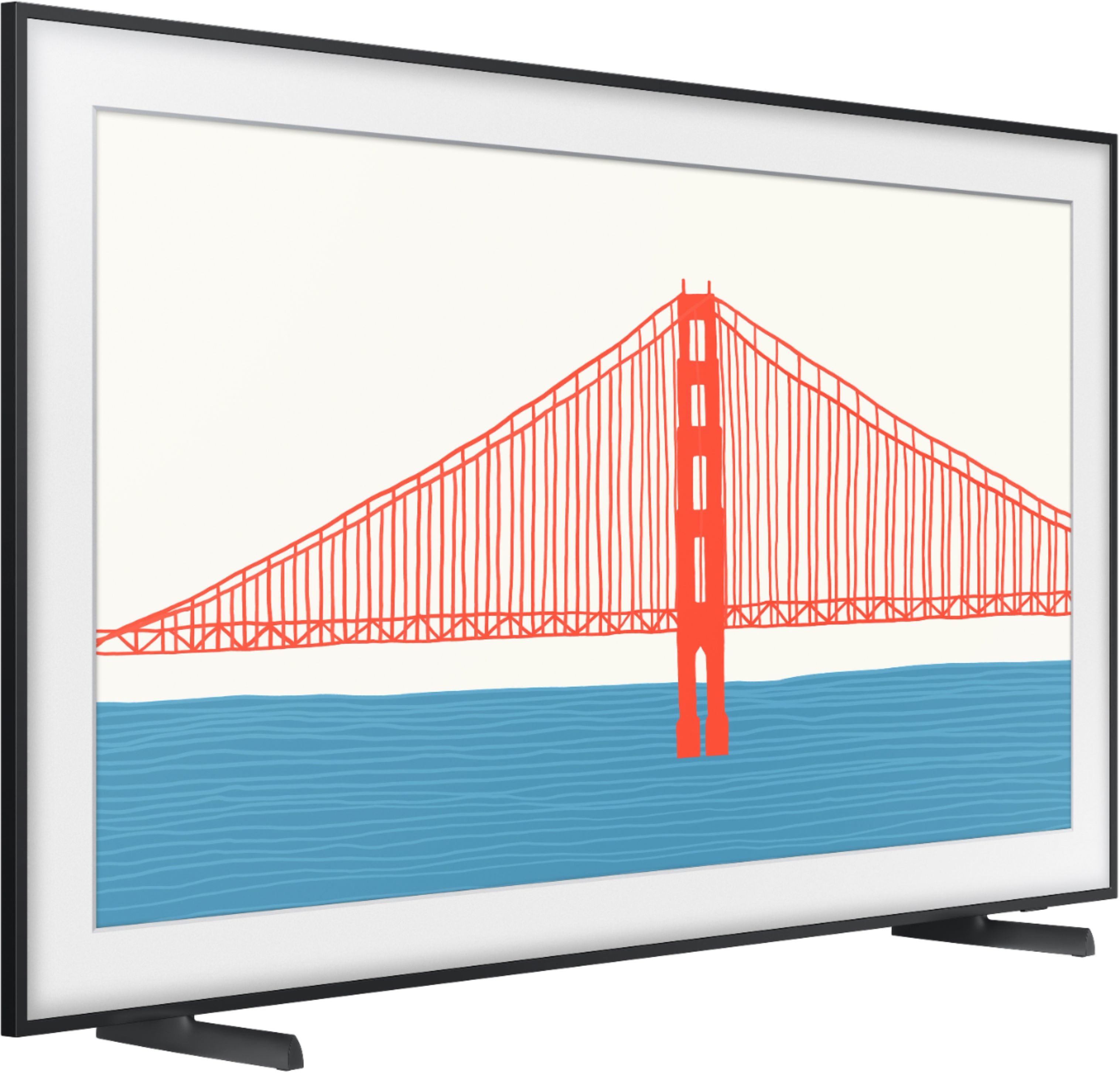
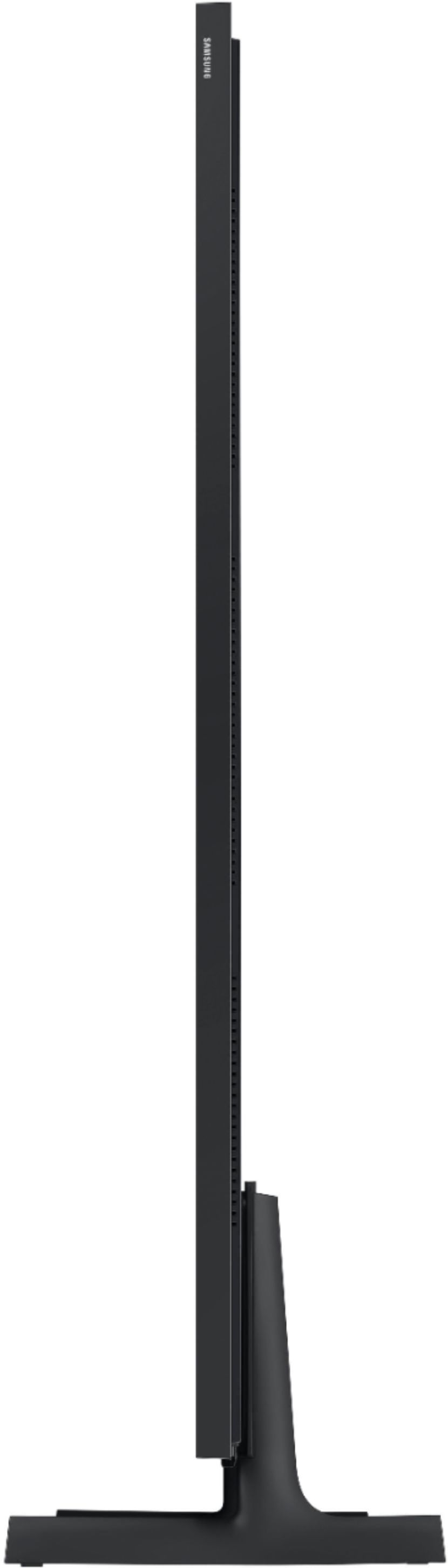
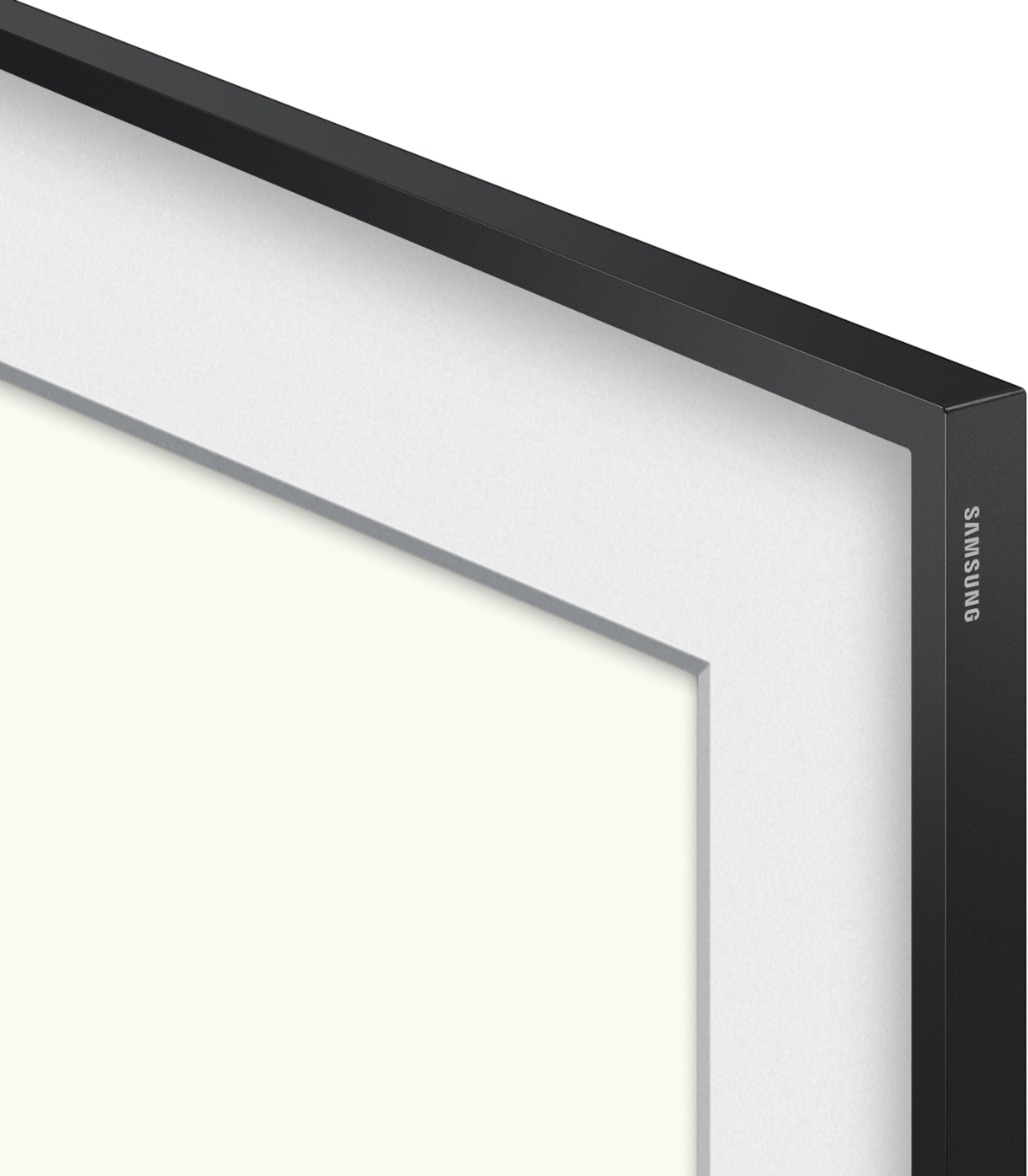
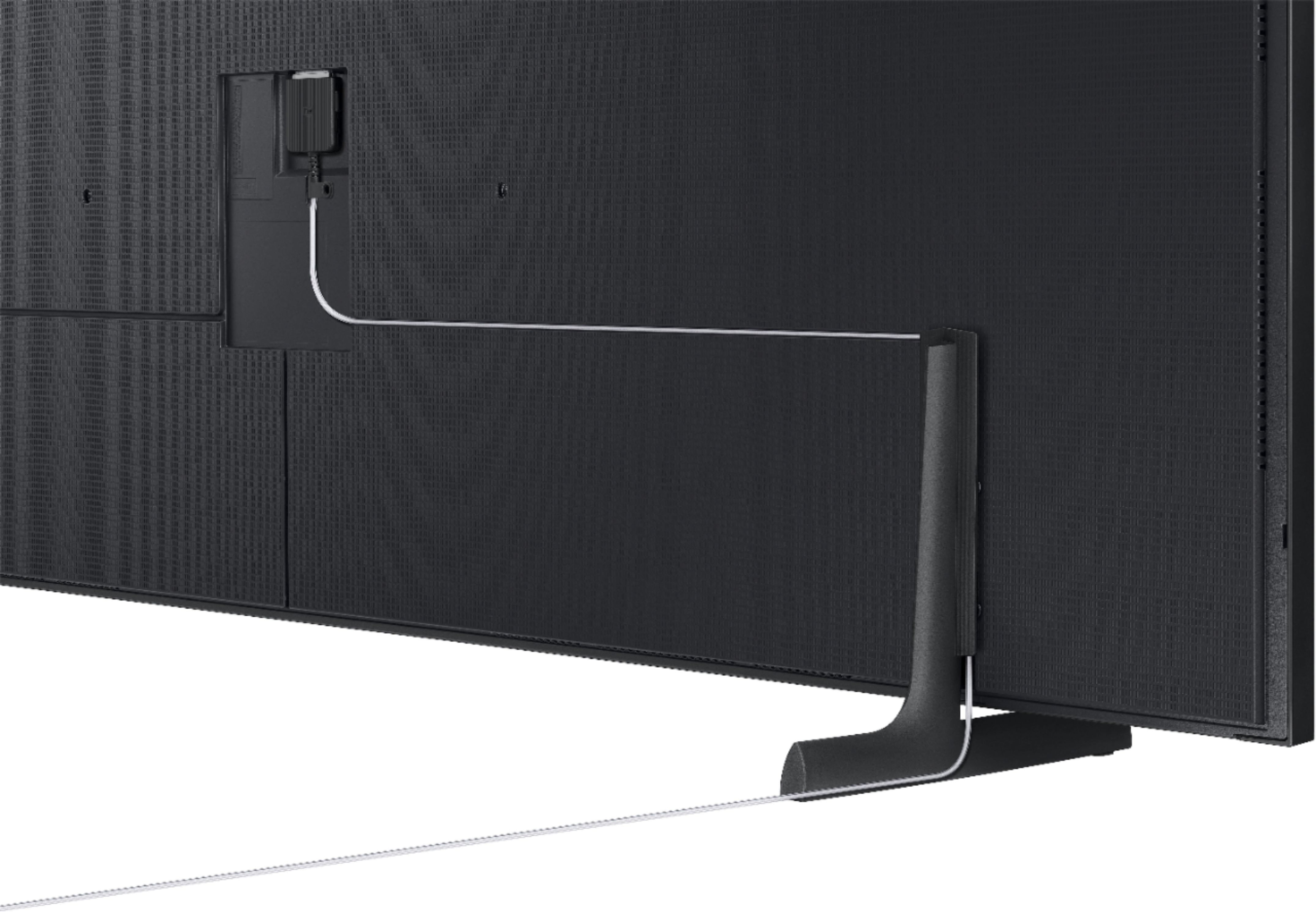



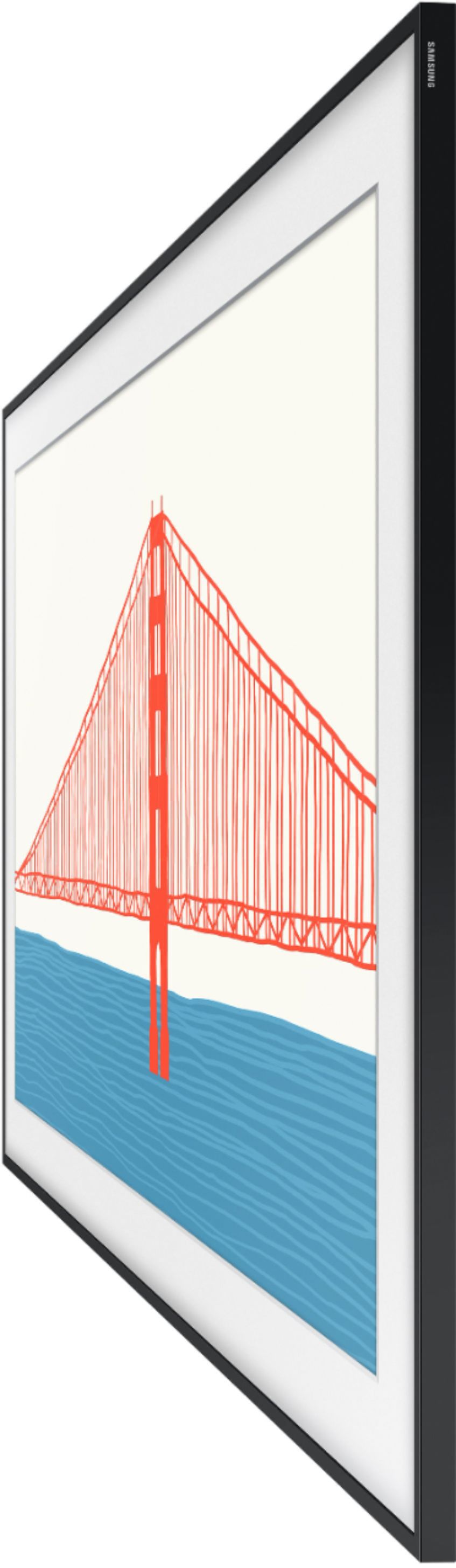
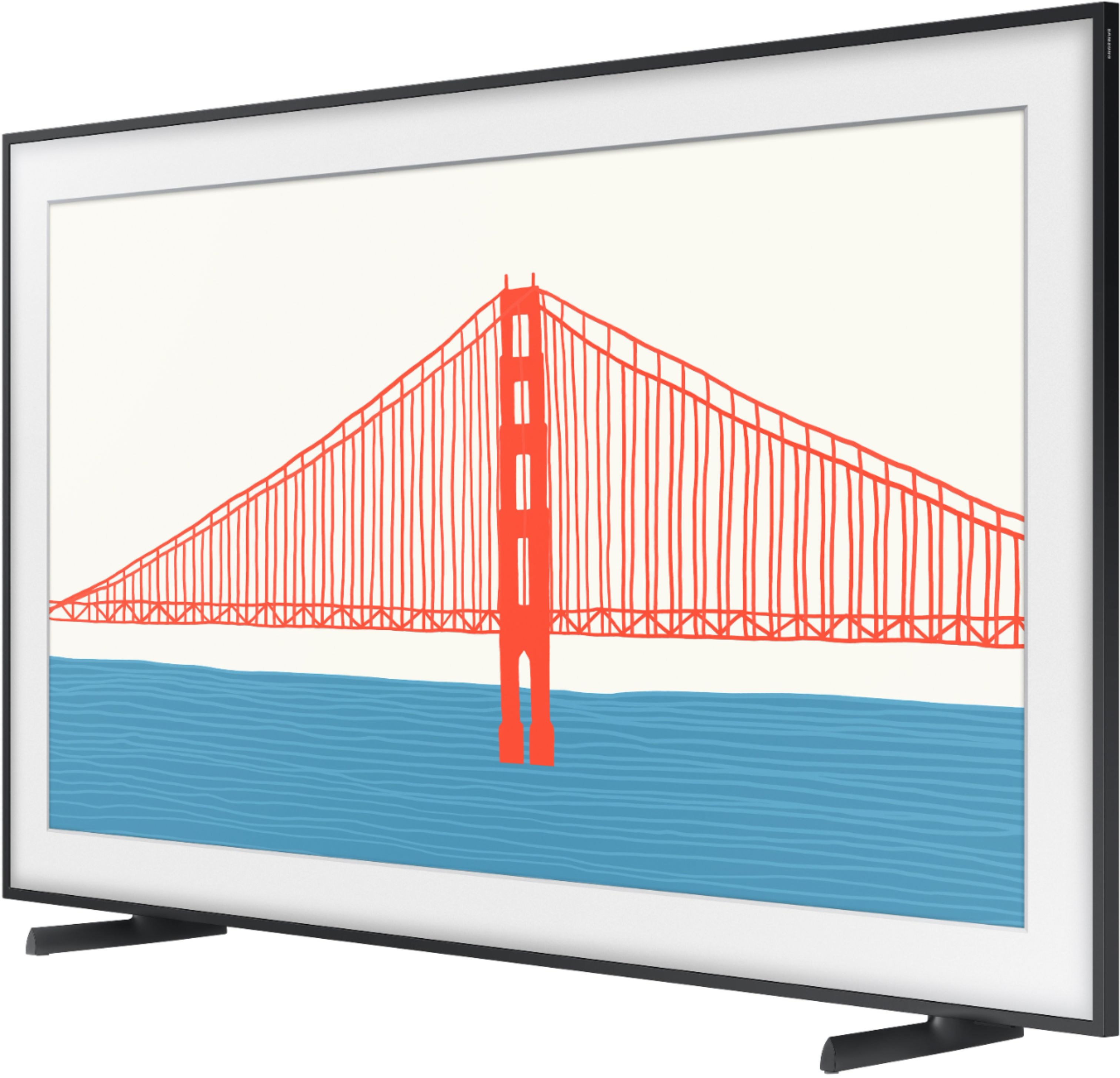

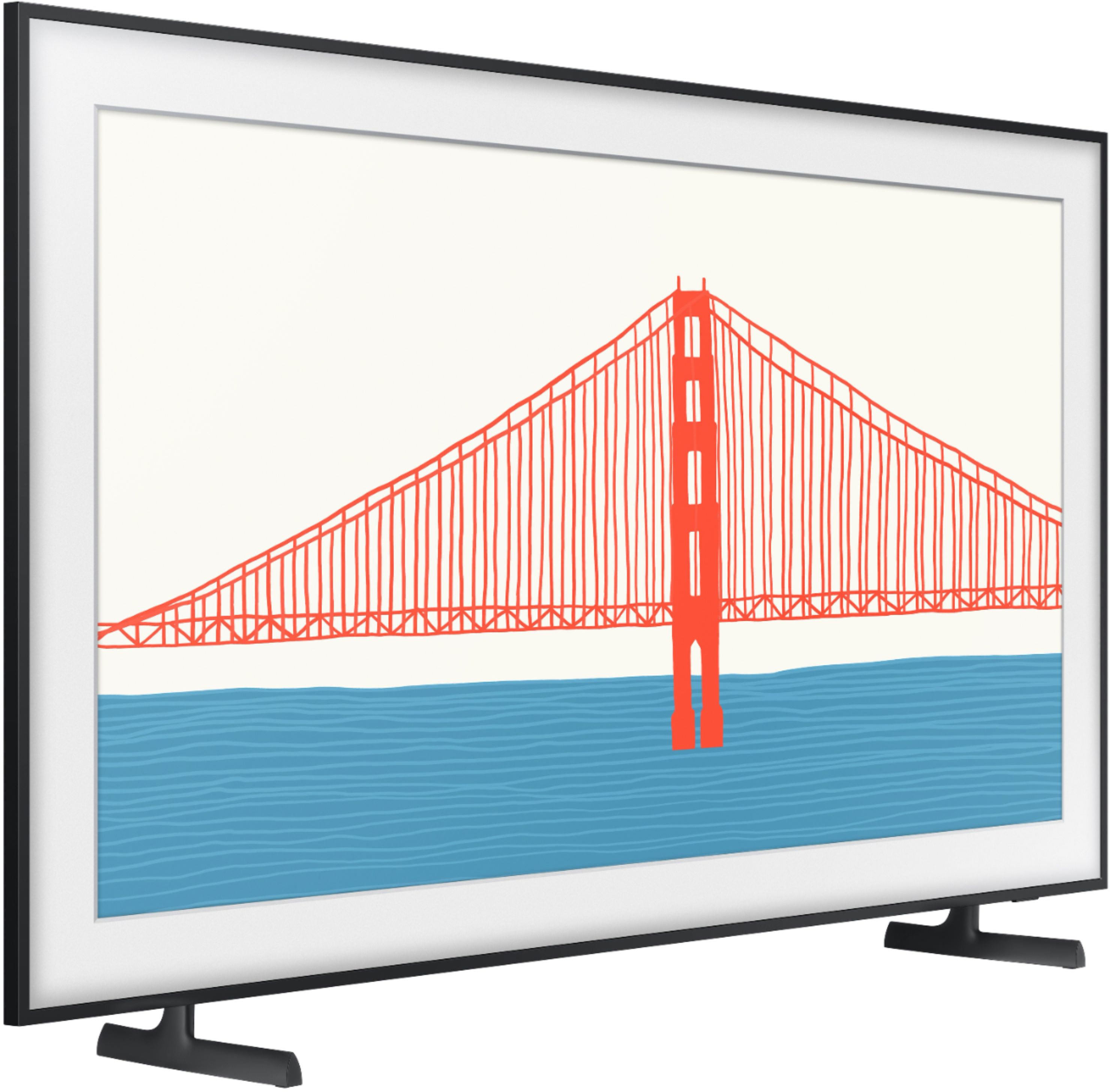

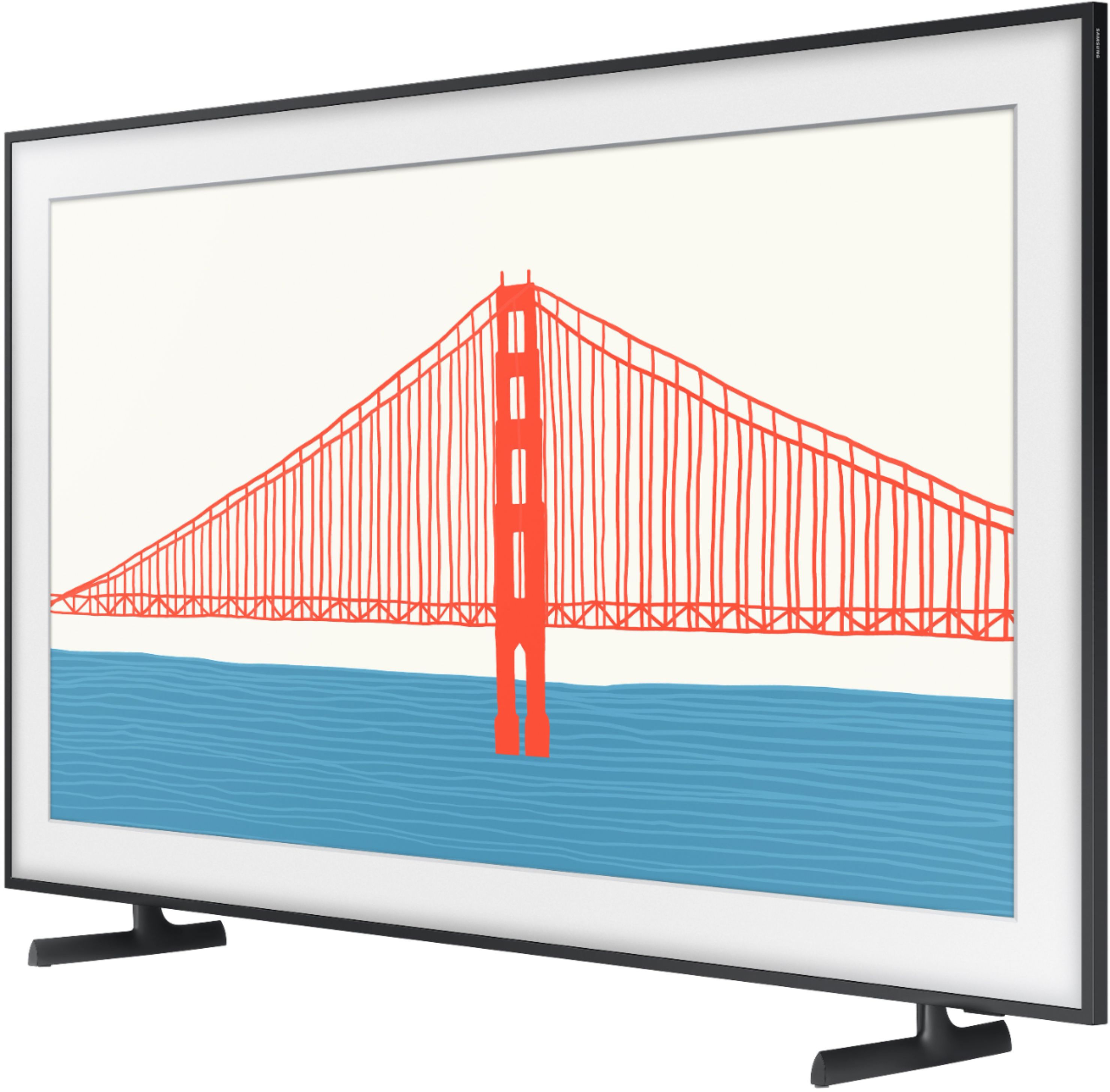
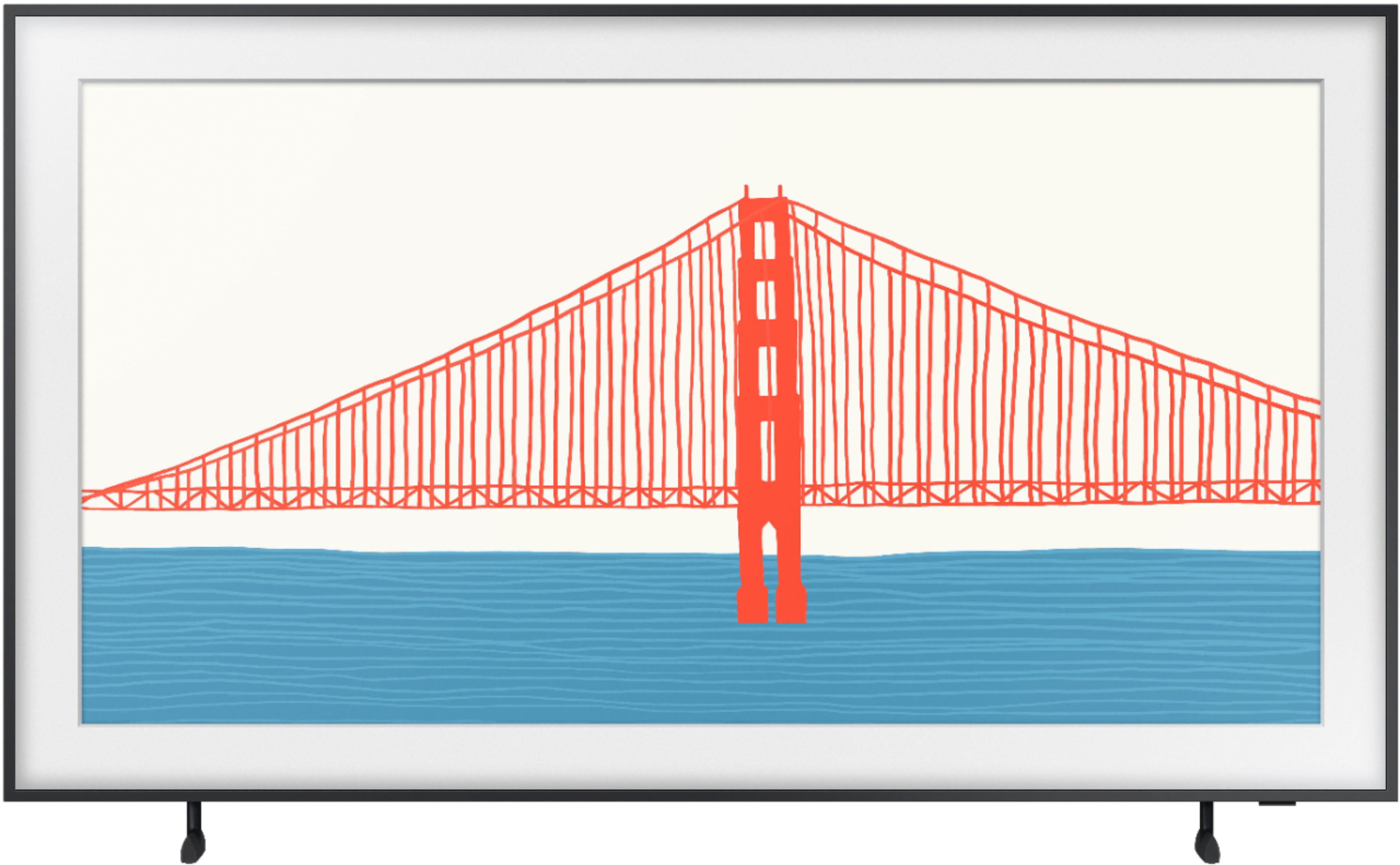
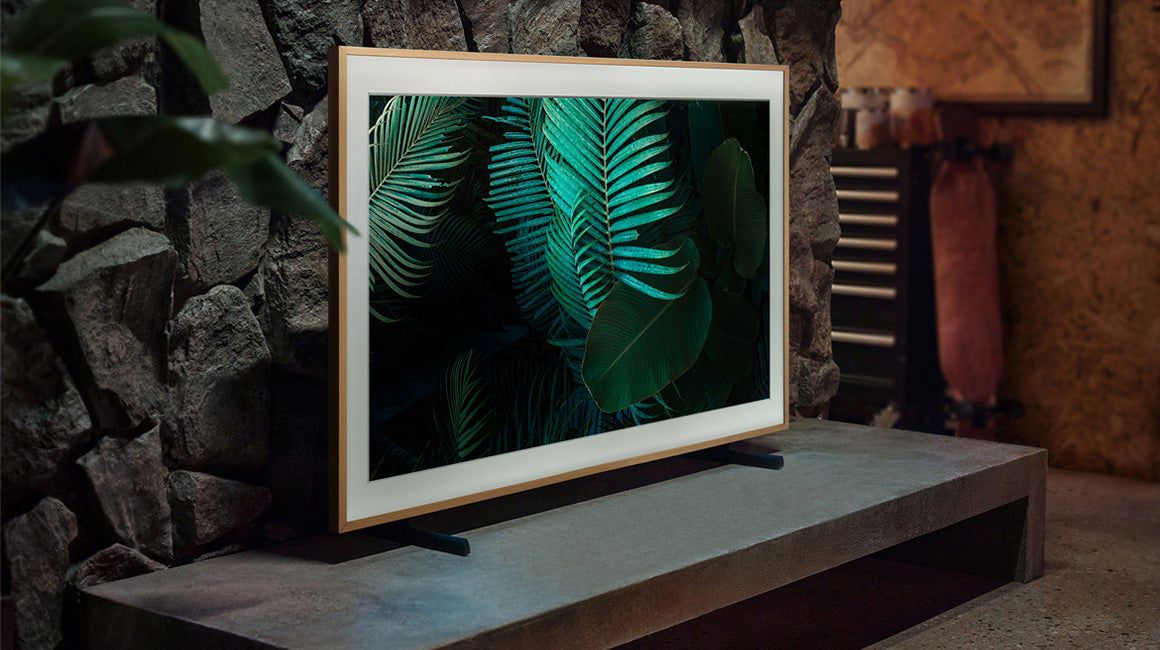
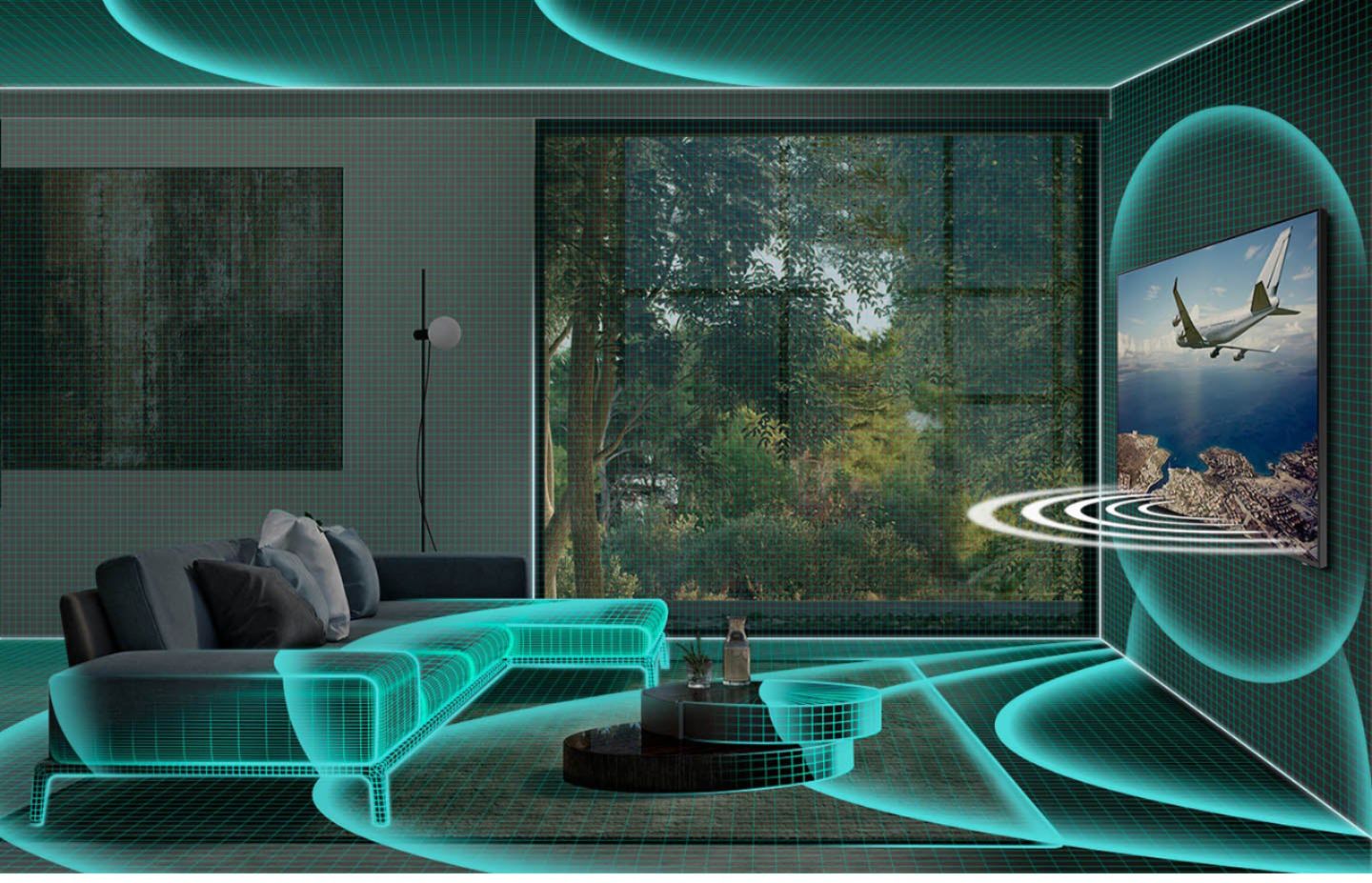
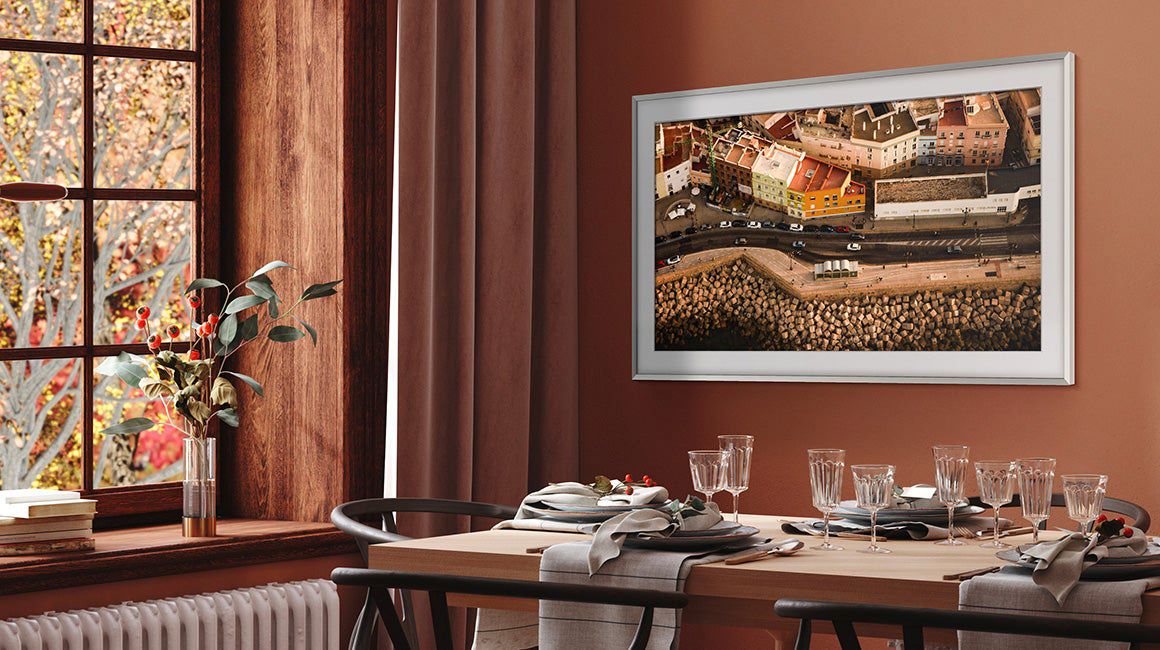


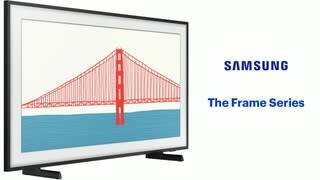
- Model:
- QN65LS03AAFXZA
- SKU:
- 6451479
Rating by feature
- Picture Quality
Rating 4.5 out of 5 stars
- Sound Quality
Rating 4.2 out of 5 stars
- Brightness
Rating 4.5 out of 5 stars
Customers are saying
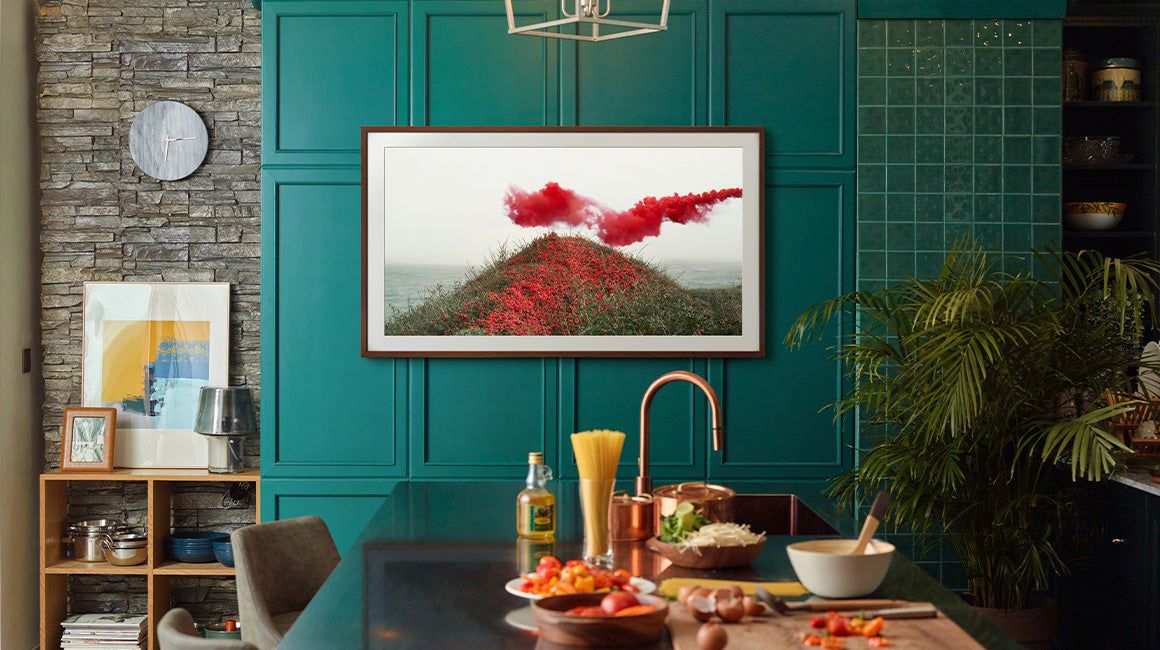
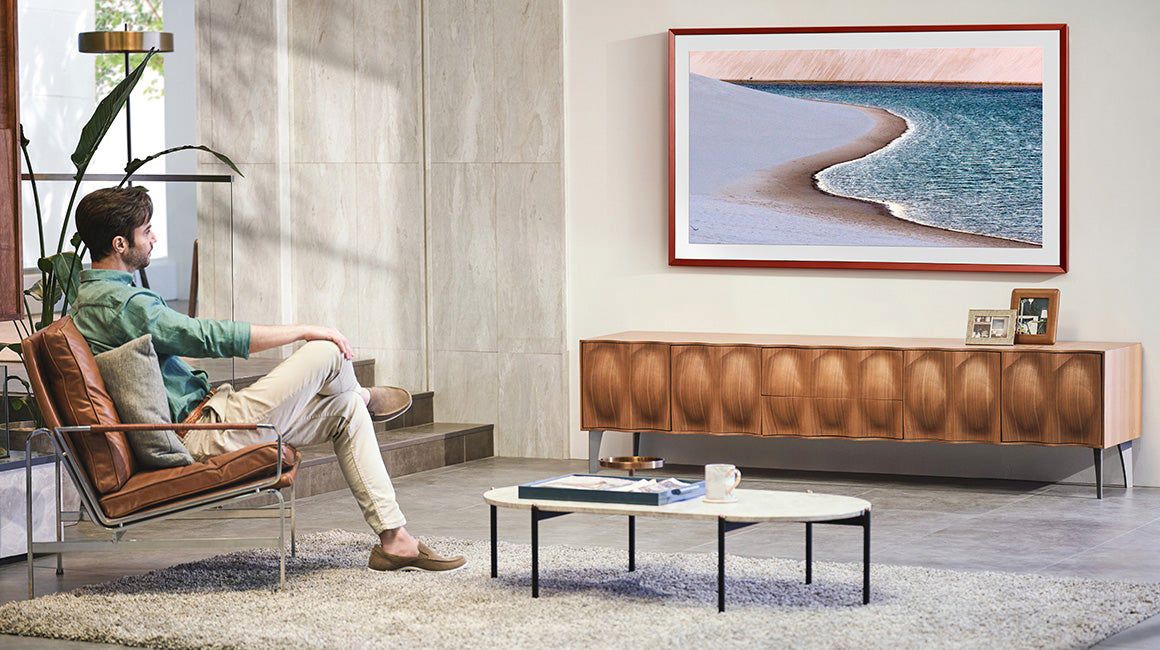
Customers consistently note the exceptional picture quality and sleek design of the 65" Class The Frame Series LED 4K UHD Smart Tizen TV. Many are impressed with the ease of use and installation, particularly the convenience of the One Connect feature. While some users find the subscription requirement for additional art limiting, others feel that the overall value is worth the investment.
This summary was generated by AI based on customer reviews.
Samsung 65" Frame Series
||Posted . Owned for less than 1 week when reviewed.This reviewer received promo considerations or sweepstakes entry for writing a review.Great picture, easy to use interface, looks great on my wall.
I would recommend this to a friendFrame
||Posted . Owned for 3 weeks when reviewed.This reviewer received promo considerations or sweepstakes entry for writing a review.Beautiful thin and looks as amazing on wall as in pictures
I would recommend this to a friendNew tv
||Posted . Owned for 1 month when reviewed.This reviewer received promo considerations or sweepstakes entry for writing a review.Love the tv im glad we purchased the tv it fits perfect
I would recommend this to a friendFrame TV
||Posted . Owned for 3 weeks when reviewed.This reviewer received promo considerations or sweepstakes entry for writing a review.Loved the TV! Just as advertised. It's the look we were going for.
I would recommend this to a friendGreat TVs and Installation Service!
||Posted . Owned for 1 month when reviewed.This reviewer received promo considerations or sweepstakes entry for writing a review.Products are great, and the installation team was awesome.
I would recommend this to a friendFrameTV
||Posted . Owned for 1 month when reviewed.This reviewer received promo considerations or sweepstakes entry for writing a review.Great product with the ability to use it for art pictures.
I would recommend this to a friendPicture FRAME
||Posted . Owned for 3 weeks when reviewed.This reviewer received promo considerations or sweepstakes entry for writing a review.Super cool tv and picture frame all in one system!!
I would recommend this to a friendSo pretty!
||Posted . Owned for 1 month when reviewed.This reviewer received promo considerations or sweepstakes entry for writing a review.Such a great piece! Tv comes with no gap mounting piece
I would recommend this to a friendframe
||Posted . Owned for 2 months when reviewed.This reviewer received promo considerations or sweepstakes entry for writing a review.this was a great buy, love the frame would recommend it
I would recommend this to a friendSamsung Frame Install
||Posted . Owned for 3 weeks when reviewed.This reviewer received promo considerations or sweepstakes entry for writing a review.They were great. Went beyond service I was expecting.
I would recommend this to a friendI love this piece of art
||Posted . Owned for 1 week when reviewed.This reviewer received promo considerations or sweepstakes entry for writing a review.This Samsung Frame is awesome. The delivery is very quick.
I would recommend this to a friendGives the Wife a Picture Frame
||Posted . Owned for 1 month when reviewed.This reviewer received promo considerations or sweepstakes entry for writing a review.Looks good and the functionality is great. Mounting was difficult but not impossible. Doesn't come with MLB.TV app which my other new Samsung does. YoutubeTV is very laggy on this TV. Samsung says they are working on it.
I would recommend this to a friendBrand response from Samsung
Posted .Hi Rone,
Thank you for choosing The Frame TV and for your review. The built-in App Store allows you to choose from and download hundreds of apps such as discovery+, fuboTV, HBO Max, and many more. If you cannot find the MLB.tv app at this time, rest assured that we are continuously working with our partners to make apps available in our 2021 lineup. Keep an eye on the App Store of your TV to see the latest apps available.
Your experience with the YouTube TV app has been shared with our product teams. Please make sure that Auto Update is turned on so that your apps can stay current with the latest updates and patches. Navigate to the Settings within the App Store and set Auto Update to: On.
Should you ever have questions or need help, please call us at 1-800-SAMSUNG (ask for TVs), available 8AM -12AM EST M-F (9AM – 6PM EST Sat). Or text HELP to 62913.
For additional support resources, visit us on the Samsung website and click on the ‘Support’ link in the upper right corner of the homepage for:
1) More ‘Contact Us’ options – LiveChat, Facebook, Twitter, Samsung Community, Samsung Members app
2) Manuals & Software
3) Warranty Info
4) Product Registration: For access to easy warranty support, convenient opt-in to special promos and offers, faster troubleshooting and service, and quick notification of system updates.
Thank you for choosing Samsung!
~ Samsung Specialist
Horrible
||Posted . Owned for 1 month when reviewed.This reviewer received promo considerations or sweepstakes entry for writing a review.This tv hasn’t worked since I got it and Samsung has taken over 2 months and it’s still not fixed!
No, I would not recommend this to a friendDumb Smart TV
||Posted .This reviewer received promo considerations or sweepstakes entry for writing a review.This TV is the dumbest smart TV ever. With so many apps, why tether the user to a bulky, connected box? Sure it’s cool that the one connect wire can limit the wires going in and out of the TV, but if your like a growing number of people that aren’t connecting devices to the TV then it just acts as a really inconvenient power cord. Why not just an option for a power cord for those that want to just use apps? We have to return this really cool item because it’s missing the first innovation any electronic device has: an option to plug into a wall outlet
No, I would not recommend this to a friendBrand response from Samsung
Posted .Hi Louie,
Thank you for your review of The Frame TV. With Samsung's One Invisible Connection cable, the One Connect box allows you to connect your cable or satellite box or video game system to your TV without having all the messy black wires dangling from the TV. This thin and clear cable is connected to the One Connect box, which can be hidden from view, making it feel like there is no cable at all. We appreciate your thoughts on this feature and will share your feedback with our teams.
Should you ever decide to give Samsung TVs another try and have questions or need assistance with settings, setup, or features, please know we are always here to help. Call us at 1-800-SAMSUNG (ask for TVs), available 8AM -12AM EST M-F (9AM – 6PM EST Sat). Or text HELP to 62913.
For additional support resources, visit us on the Samsung website and click on the ‘Support’ link in the upper right corner of the homepage for:
1) More ‘Contact Us’ options – LiveChat, Facebook, Twitter, Samsung Community, Samsung Members app
2) Manuals, Software, & Warranty Info
~ Samsung Specialist
Defective screen
||Posted . Owned for 2 months when reviewed.This reviewer received promo considerations or sweepstakes entry for writing a review.I've had this tv for less than three months. I ordered it online and had the Geek Squad install it for me--which went very well. The tv itself is beautiful but very shortly after it was installed, I noticed a tiny discoloration on the screen--which gradually expanded to a larger dot which then became a horizontal line and then a vertical line, which makes a cross on the screen. Turns out it is a very small crack in the screen. I had purchased extended warranty as well as the total tech protection plan, so I assumed the issue could be resolved so I am not stuck with an expensive and also now a defective tv. Well, after several hours, multiple phone calls and two home visits, I was told there is nothing that Best Buy can do-- that none of the protection plans will cover an exchange of this defective tv. Essentially, they said it was impact damage and there was nothing they could do to resolve the issue.
No, I would not recommend this to a friendBrand response from Samsung
Posted .marathonmom38,
We appreciate you sharing your situation with a crack having developed in your screen. Please know that a crack will not spontaneously develop; a physical impact – perhaps small but done at just a certain degree – would be the most likely cause.
Our warranty covers manufacturing defects in materials and workmanship encountered in normal, noncommercial use of this product, and does not apply to damage incurred during shipment, delivery and/or installation. You can read more about our warranty here: https://www.samsung.com/us/support/service/warranty/QN65LS03AAFXZA
Should you ever have questions or need help, please call us at 1-800-SAMSUNG (ask for TVs), available 8AM - 12AM EST, 7 days a week.
For additional support resources, visit us on the Samsung website and click on the ‘Support’ link in the upper right corner of the homepage for:
1) Chat with Us/Product Help: To begin a chat or find solutions, choose ‘TVs & Home Theater’ and select your model & topic.
2) Manuals, Software, & Warranty Info
~ Samsung Specialist
Issues working with Somos Arc Sound Bar
||Posted . Owned for 1 month when reviewed.This reviewer received promo considerations or sweepstakes entry for writing a review.Tv is ok, keep having issues with sound. Have a Sonos arc sound bar and the volume will consistently stop working. Most times if we close out of the app ( Disney plus, YouTube tv, Netflix) then reopen the sound will come back on. But other times we have to completely log out of Apple TV or unplug the hdmi cable and plug back in to get the sound working again. For $2,000 I shouldn’t have to be dealing with these frustrating issues surrounding the sound
No, I would not recommend this to a friendBrand response from Samsung
Posted .Chris,
Thank you for choosing The Frame TV and for your review. I am sorry to hear you are experiencing trouble connecting your TV to your Sonos Arc soundbar. Please be sure you are using a high-speed HDMI cable with Ethernet Channel sometimes called HDMI HEC cable. Also be sure to enable HDMI-eARC in the Expert Settings menu. Lastly, please also verify that you are running the latest firmware. You can check to see what software version your TV is using and if there is an available update through the settings on your TV. Go to: Settings > Support > Software Update.
If this does not help, we ask that you contact us for additional troubleshooting or assistance with setting up a service appointment. You can call us at 1-800-SAMSUNG (ask for TVs), available 8AM -12AM EST M-F (9AM – 6PM EST Sat). Or text HELP to 62913.
For additional support resources, visit us on the Samsung website and click on the ‘Support’ link in the upper right corner of the homepage for:
1) More ‘Contact Us’ options – LiveChat, Facebook, Twitter, Samsung Community, Samsung Members app
2) Manuals & Software
3) Warranty Info
4) Product Registration: For access to easy warranty support, convenient opt-in to special promos and offers, faster troubleshooting and service, and quick notification of system updates.
~ Samsung Specialist
Not impressed!
||Posted . Owned for 2 months when reviewed.This reviewer received promo considerations or sweepstakes entry for writing a review.It had some problems turning on and off on its own for a while but now it is working fine. Sometimes it will turn on on its own but other than that the tv is ok. I used to have an older model of the frame tv and it had a lot more free pictures. The 2021 model only had a few and if you want more you need to pay. Also, the picture color is yellowish.
No, I would not recommend this to a friendBrand response from Samsung
Posted .mombar,
Thank you for sharing your thoughts on the picture quality of The Frame TV. If the picture you are seeing out-of-the-box is not to your liking, there are several picture settings you may want to try adjusting.
You can select the Picture Mode that provides the best viewing experience. Go to Home > Settings > Picture > Picture Mode
1) Standard: Is the default mode suitable for general viewing environments.
2) Natural: Reduces eye strain for a comfortable viewing experience.
3) Movie: Is suitable for watching TV or movies in a dark room.
4) Dynamic: Makes the picture brighter and clearer in bright viewing environments.
5) Filmmaker Mode: You can watch the source content (e.g., movie) as it is. If the image is defined as Filmmaker Mode, it will automatically switch to Filmmaker Mode while watching.
You can also go to: Settings > Picture > Expert Settings > to manually fine tune your image.
For further assistance with settings adjustments, please contact Samsung Customer Support at 1-800-SAMSUNG (ask for TVs), available 8AM - 12AM EST, 7 days a week.
For additional support resources, visit us on the Samsung website and click on the ‘Support’ link in the upper right corner of the homepage for:
1) Chat with Us/Product Help: To begin a chat or find solutions, choose ‘TVs & Home Theater’ and select your model & topic.
2) Manuals, Software, & Warranty Info
~ Samsung Specialist
Frame TV
||Posted . Owned for less than 1 week when reviewed.This reviewer received promo considerations or sweepstakes entry for writing a review.Quit working less than two weeks after Geek Squad install. Turns on and off every 14 seconds. Best Buy replacing. I will give it one more try. Maybe just got a bad one.
I would recommend this to a friendWell so far the second one works
||Posted . Owned for 3 weeks when reviewed.This reviewer received promo considerations or sweepstakes entry for writing a review.We had to return the 65 inch 2021 Frame we received after All the trouble of installing. Had to take all the way down disconnect after Samsung connected remotely and found ours was defective. Best Buy was fine getting replacement but it was not fun installing and spending 3 days trying to get a defective hunk of junk working. Glad I bought ext, warranty.
No, I would not recommend this to a friendBrand response from Samsung
Posted .TheMacys,
Thank you for your review of Samsung's Frame TV and for sharing the issues that you have experienced with your unit. We appreciate your patience in having to deal with the inconvenience of an exchange.
Should you need assistance with your new unit, please contact Samsung Customer Support at 1-800-SAMSUNG (ask for TVs), available 8AM - 12AM EST, 7 days a week.
For additional support resources, visit us on the Samsung website and click on the ‘Support’ link in the upper right corner of the homepage for:
1) Chat with Us/Product Help: To begin a chat or find solutions, choose ‘TVs & Home Theater’ and select your model & topic.
2) Manuals, Software, & Warranty Info
~ Samsung Specialist
Dissatisfied
||Posted . Owned for 3 weeks when reviewed.This reviewer received promo considerations or sweepstakes entry for writing a review.Since we turned the television it turns itself on then off, changes channels and source, gives errors notifications about the sound. Used chat support , they had me download firmware on my laptop then transfer with usb. Still no change. Great looking black square on the wall. Sadly dissatisfied.
No, I would not recommend this to a friendBrand response from Samsung
Posted .FrameTv,
Thank you for your review of Samsung's Frame TV. We appreciate you sharing the issues you are experiencing with your TV and that initial troubleshooting with Samsung Support was unable to resolve your issue.
Please reach out to Samsung Customer Support again so we can provide further troubleshooting assistance or begin warranty service. Call us at 1-800-SAMSUNG (ask for TVs), available 8AM - 12AM EST, 7 days a week.
For additional support resources, visit us on the Samsung website and click on the ‘Support’ link in the upper right corner of the homepage for:
1) Chat with Us/Product Help: To begin a chat or find solutions, choose ‘TVs & Home Theater’ and select your model & topic.
2) Manuals, Software, & Warranty Info
We hope to hear from you.
~ Samsung Specialist