Customer Ratings & Reviews
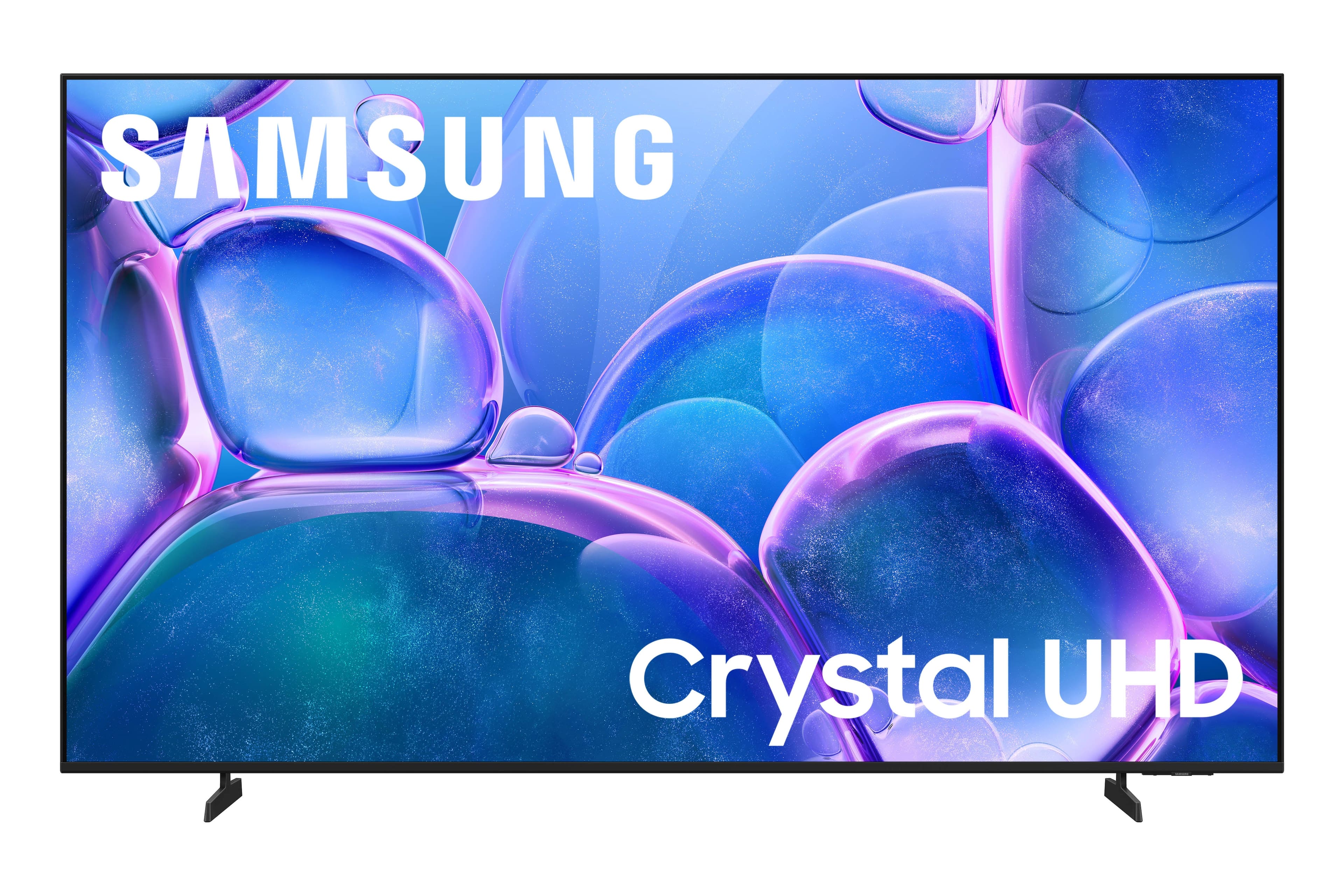



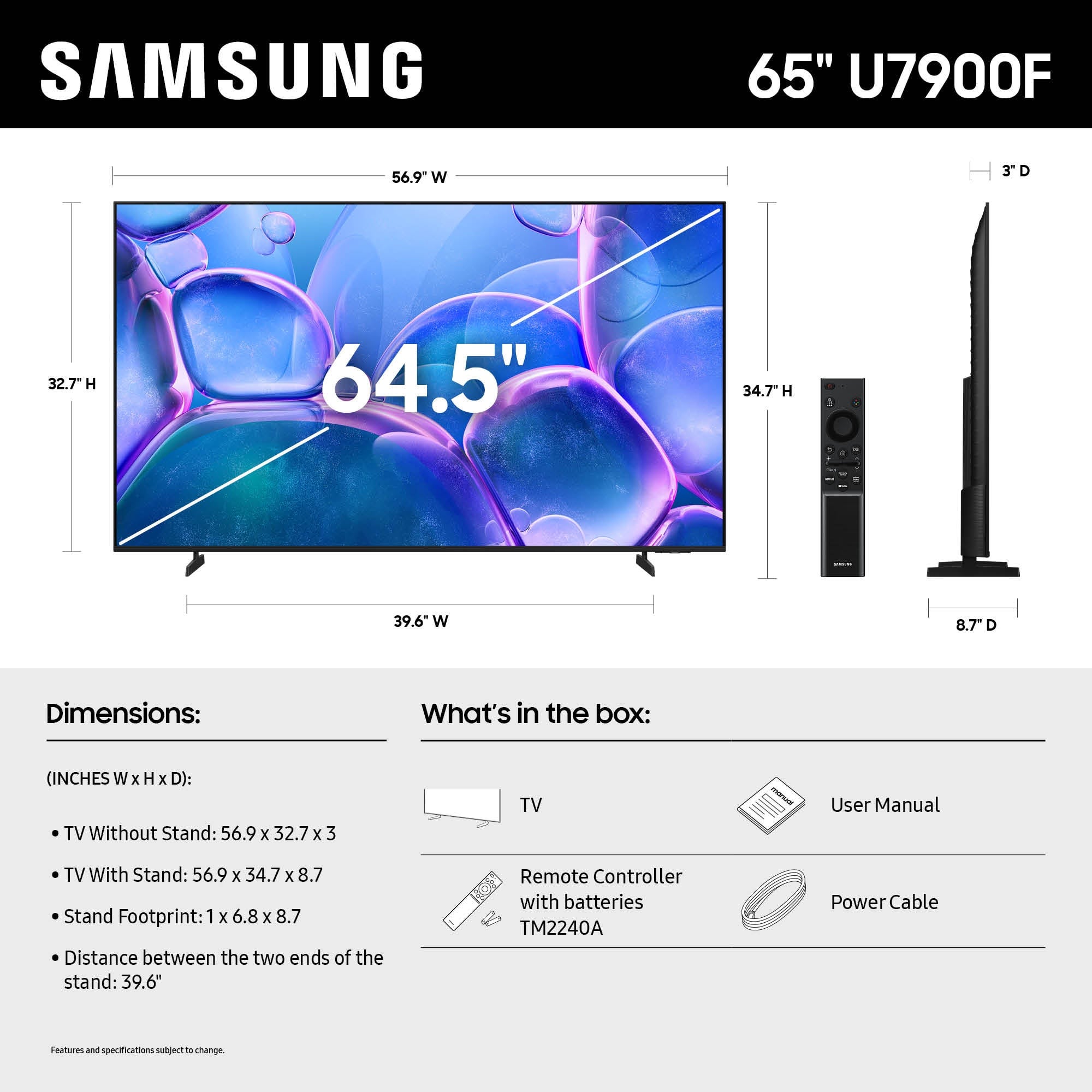




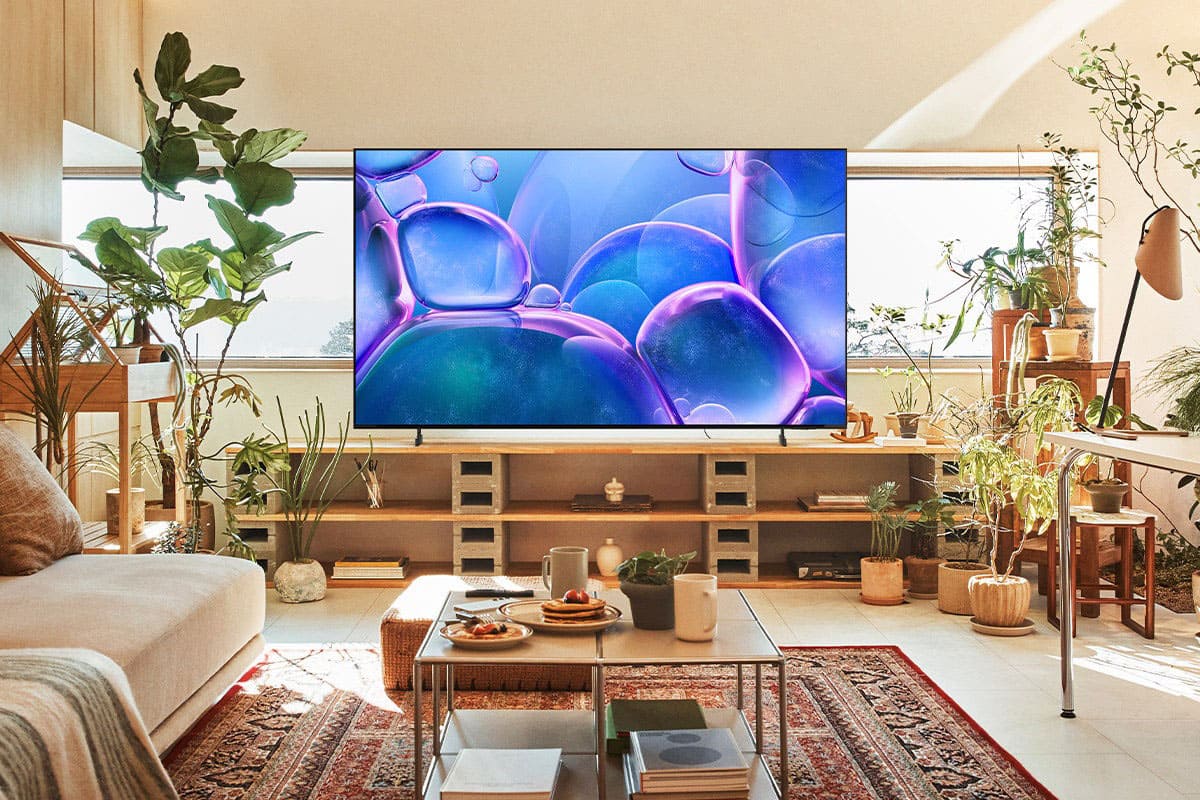


- Model:
- UN65U7900FFXZA
- SKU:
- 11981169
Rating by feature
- Picture Quality
Rating 4.8 out of 5 stars
- Sound Quality
Rating 4.6 out of 5 stars
- Brightness
Rating 4.8 out of 5 stars
Easy connectivity
Posted .This reviewer received promo considerations or sweepstakes entry for writing a review.Nice and clear tv super easy to connect laptop wirelessly.
I would recommend this to a friendSamsung
Posted .This reviewer received promo considerations or sweepstakes entry for writing a review.NICE! Delivery guys were awesome very professional
I would recommend this to a friendSamsung
Posted .This reviewer received promo considerations or sweepstakes entry for writing a review.This over all was a good tv and I couldn’t help to get it after the sale price
I would recommend this to a friendTV review
Posted .This reviewer received promo considerations or sweepstakes entry for writing a review.great TV for the price! the smart features are awesome.
I would recommend this to a friendSamsung tv
Posted .This reviewer received promo considerations or sweepstakes entry for writing a review.Nice tv for the price set up Is kind of difficult and tv doesn’t automatically cut off when no one is watching. You have to go on Settings and set it up. I’m assuming haven’t tried, overall tv is average
I would recommend this to a friendBrand response from Samsung
Posted .Hi NicoleW,
We appreciate your feedback. Please know we are always available and happy to help should you have any questions regarding setup or settings. You can call us at 1-800-SAMSUNG, available daily from 8AM - 12AM EST. You can also chat with a LiveChat agent by clicking the ‘Support’ link on our website.
~ Samsung Advisor
Samsung TV
Posted .This reviewer received promo considerations or sweepstakes entry for writing a review.Picture was just OK. I returned the TV and purchased another one.
No, I would not recommend this to a friendBrand response from Samsung
Posted .Hi WallaceR,
We're sorry to hear that you were not satisfied with the picture on the U7900 TV. Please know we are available and would have been happy to assist you with adjusting the settings on your TV to match your picture expectations.
If you choose to try another Samsung TV down the road, we’re ready to help with setup and support every step of the way. Call 1-800-SAMSUNG (8AM – 12AM EST, 7 days), or visit our website and click ‘Support’ to connect with a LiveChat agent.
~Samsung Advisor
Multiple replacements
Posted .This reviewer received promo considerations or sweepstakes entry for writing a review.After three attempts to get the right TV that actually work calling Best Buy’s is horrible. You can’t seem to get a straight answer from anyone it’s been multiple times calling people saying they can do things when they can’t just overall Best Buy is horrible
I would recommend this to a friendBrand response from Samsung
Posted .Hi TeriR,
We're very sorry to hear about your experience. If there’s anything we can assist with, please don’t hesitate to call us at 1-800-SAMSUNG, available daily from 8AM - 12AM EST. You can also visit the Samsung website and click on ‘Support’ for:
• Live Chat
• Manuals, Software, & Warranty Info
~ Samsung Advisor
Please unsubscribe me.
Posted .This reviewer received promo considerations or sweepstakes entry for writing a review.Despite multiple emails and unsubscribe attempts, Best Buy continues to spam me. The tv's fine, but I'm not buying from BB again.
No, I would not recommend this to a friendBrand response from Samsung
Posted .Hi user392142,
Thank you for your feedback. Please reach out to Best Buy directly to assist you. If there’s anything we can assist with, please don’t hesitate to call us at 1-800-SAMSUNG, available daily from 8AM – 9PM EST Mon – Fri, 8AM – 6PM Sat – Sun. You can also visit the Samsung website and click on ‘Support’ for:
• Live Chat
• Manuals, Software, & Warranty Info
~ Samsung Advisor
Damaged tv
Posted .This reviewer received promo considerations or sweepstakes entry for writing a review.Returned. Was delivered damaged. Picked up a couple of days later and new 55" tv delivered.
No, I would not recommend this to a friendBrand response from Samsung
Posted .Hi RobertF,
We appreciate your patience while dealing with the hassle of an exchange. If you ever have questions or need support, we’re here to help. Call us at 1-800-SAMSUNG, available from 8AM - 12AM EST, seven days a week. You can also connect with a LiveChat agent by clicking the ‘Support’ link on our website.
~ Samsung Advisor
YouTube not working
Posted .This reviewer received promo considerations or sweepstakes entry for writing a review.YouTube not working I m busy right now Monday going to Best Buy nd return led
No, I would not recommend this to a friendBrand response from Samsung
Posted .Hi HarvindarS,
Thank you for reaching out to us. If apps on your U7900 TV are crashing, freezing, or loading slowly:
1. Update firmware – Home > left directional key > Settings > Support > Software Update > Update Now
2. Delete and reinstall the app
3. Run Device Care – Home > left directional key > Settings > Support > Device Care > Start Device Care
Still need help? Call Samsung Support at 1-800-SAMSUNG, 8AM – 12AM EST, 7 days a week. LiveChat is also available under the ‘Support’ link on our website.
~Samsung Advisor