Customer Ratings & Reviews
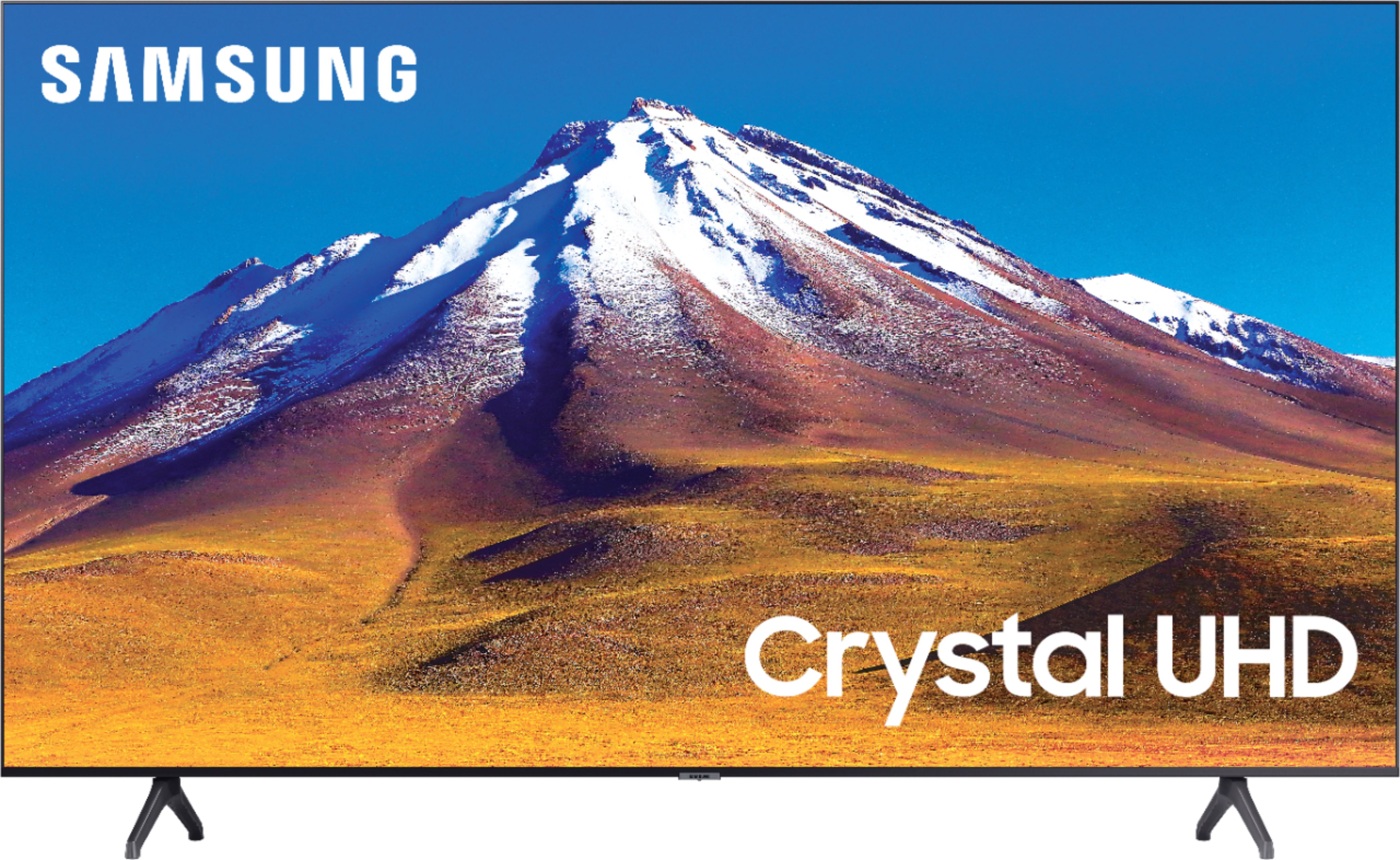
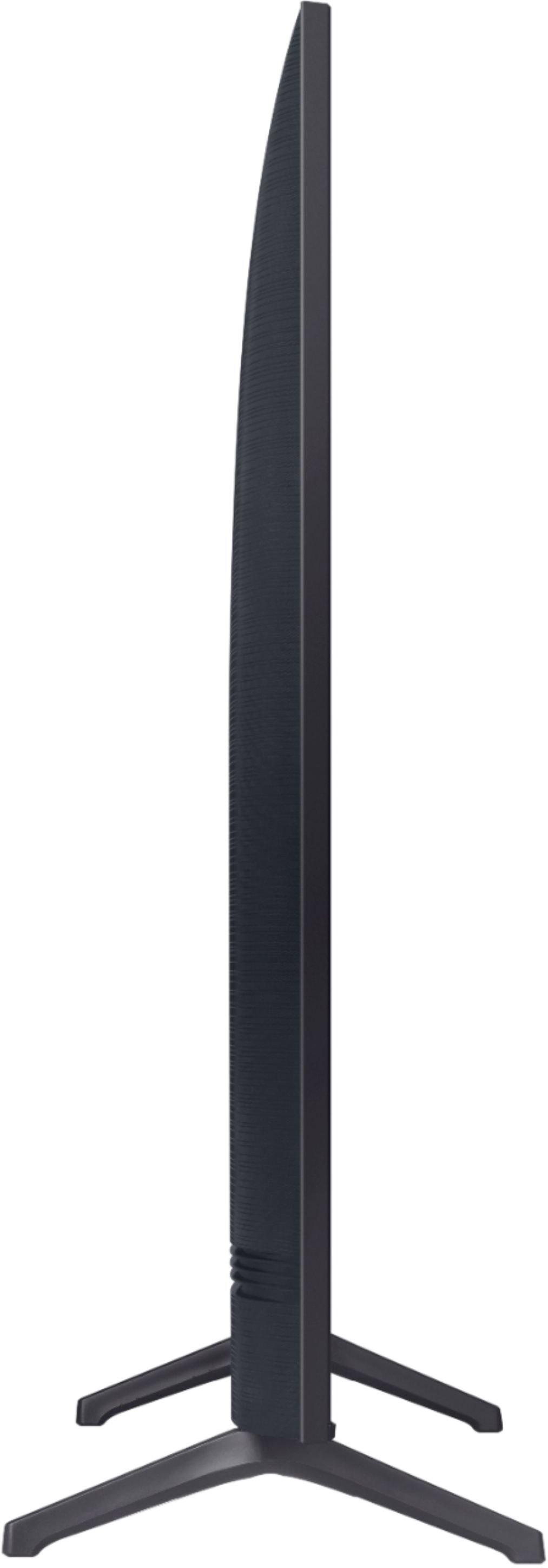
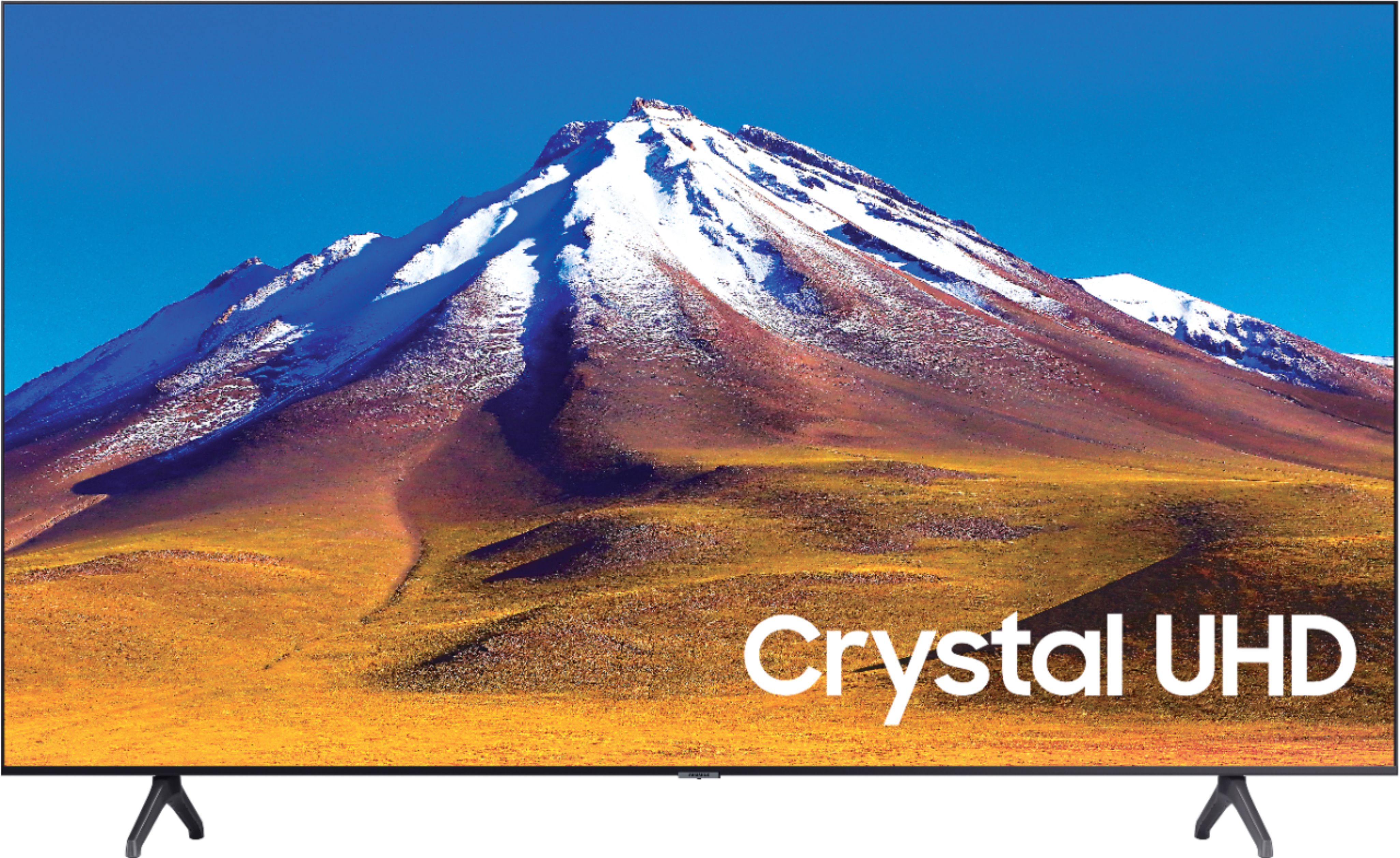
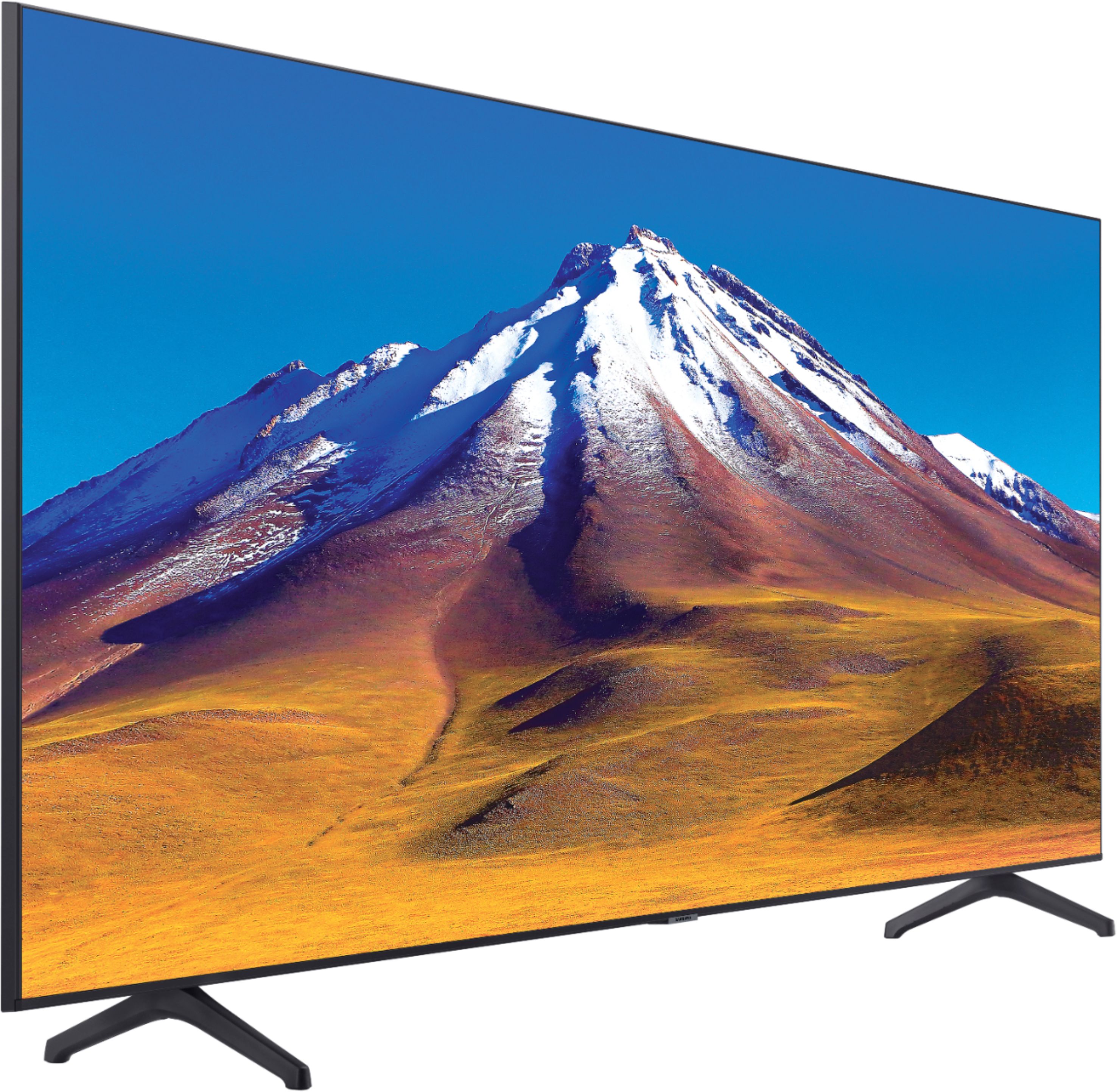
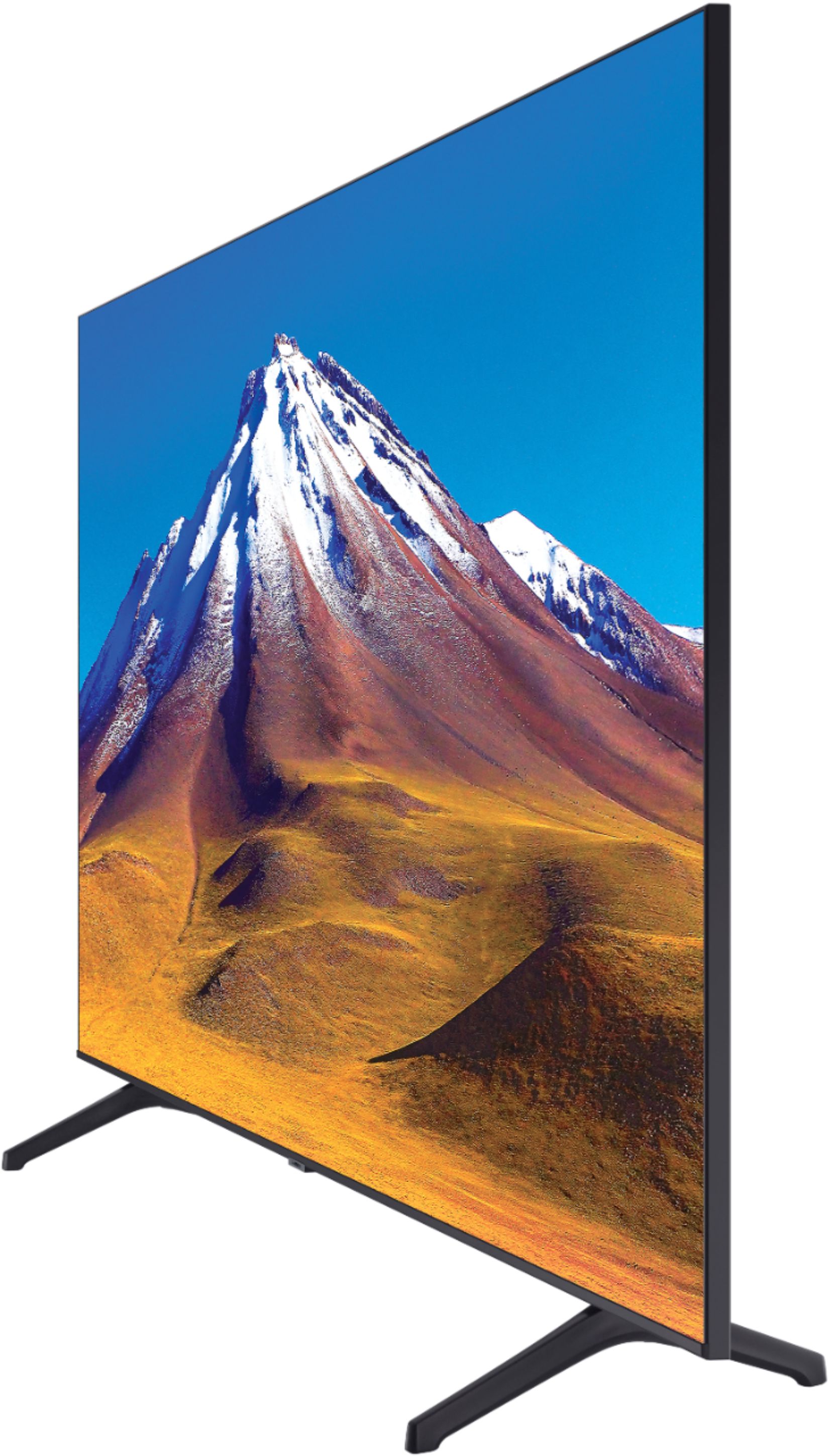



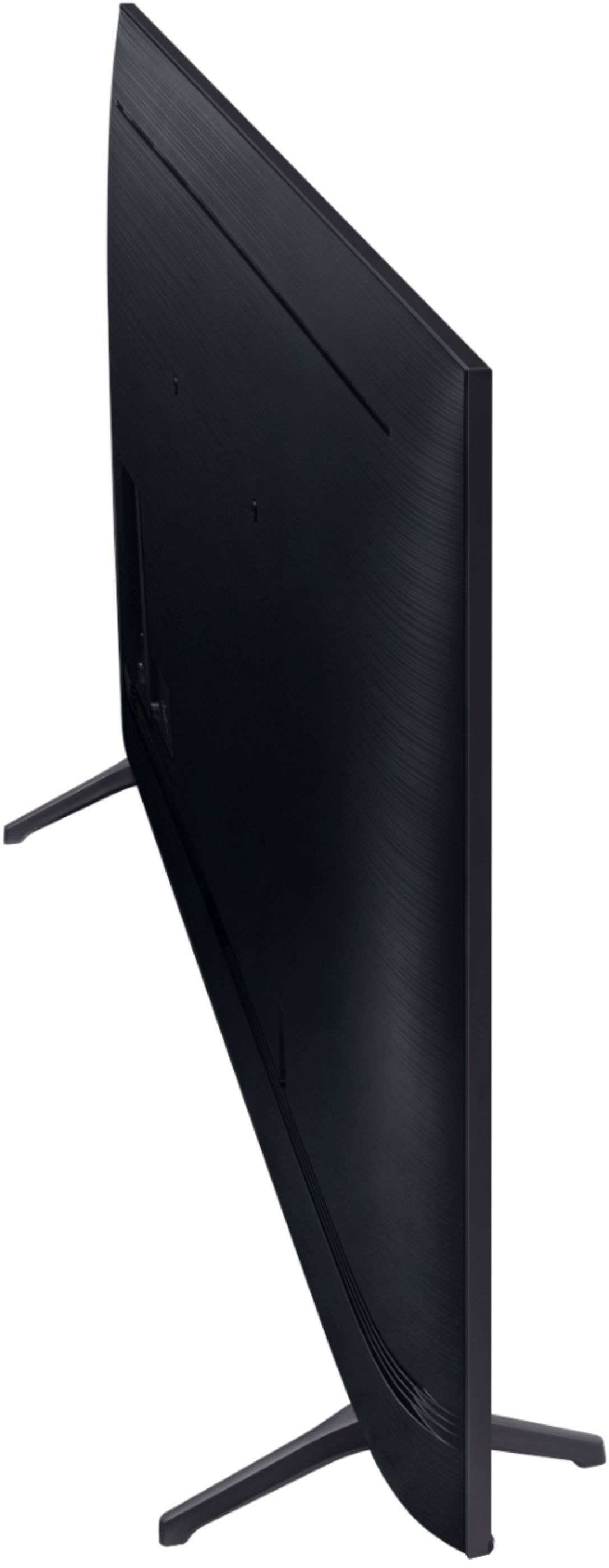
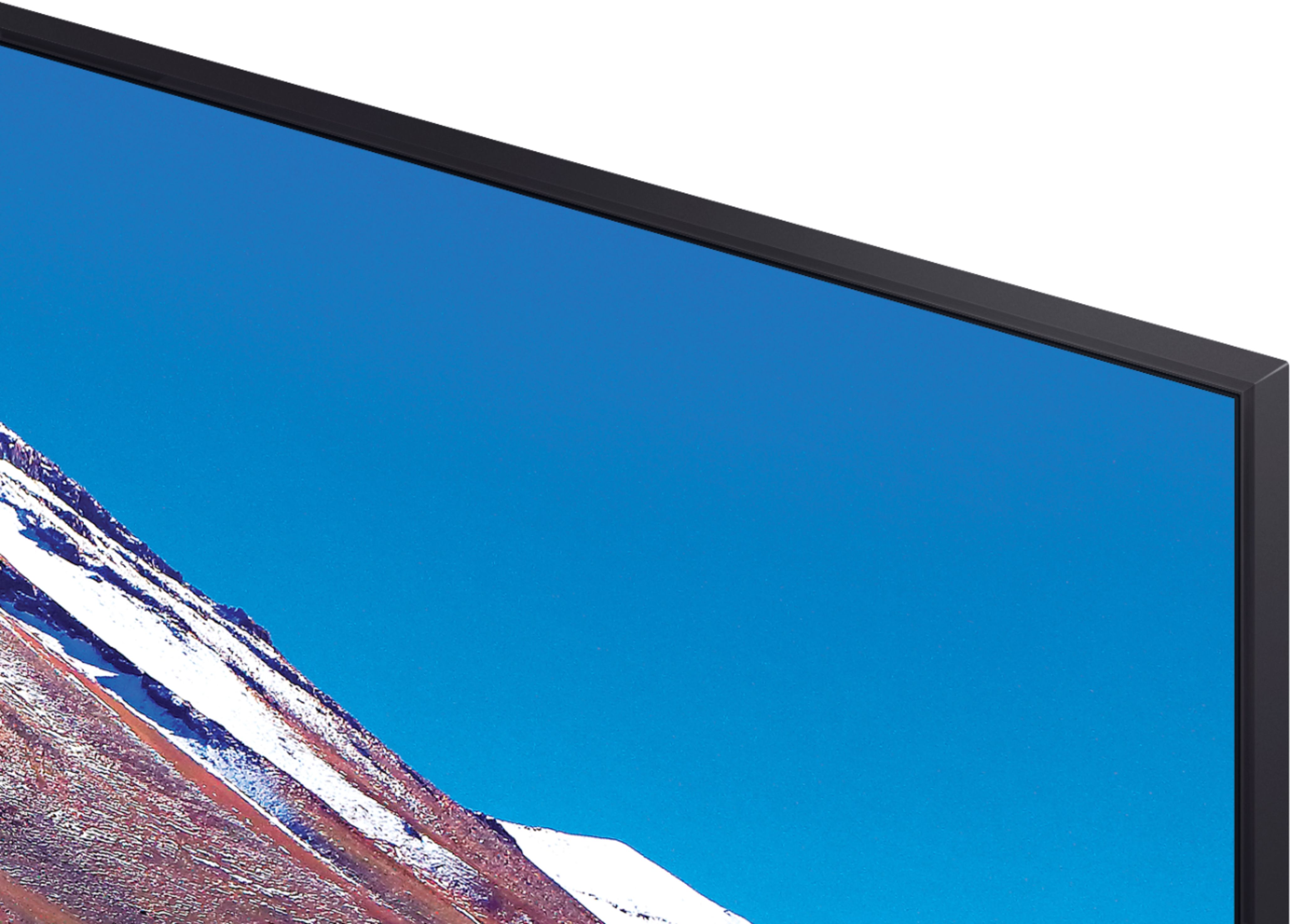
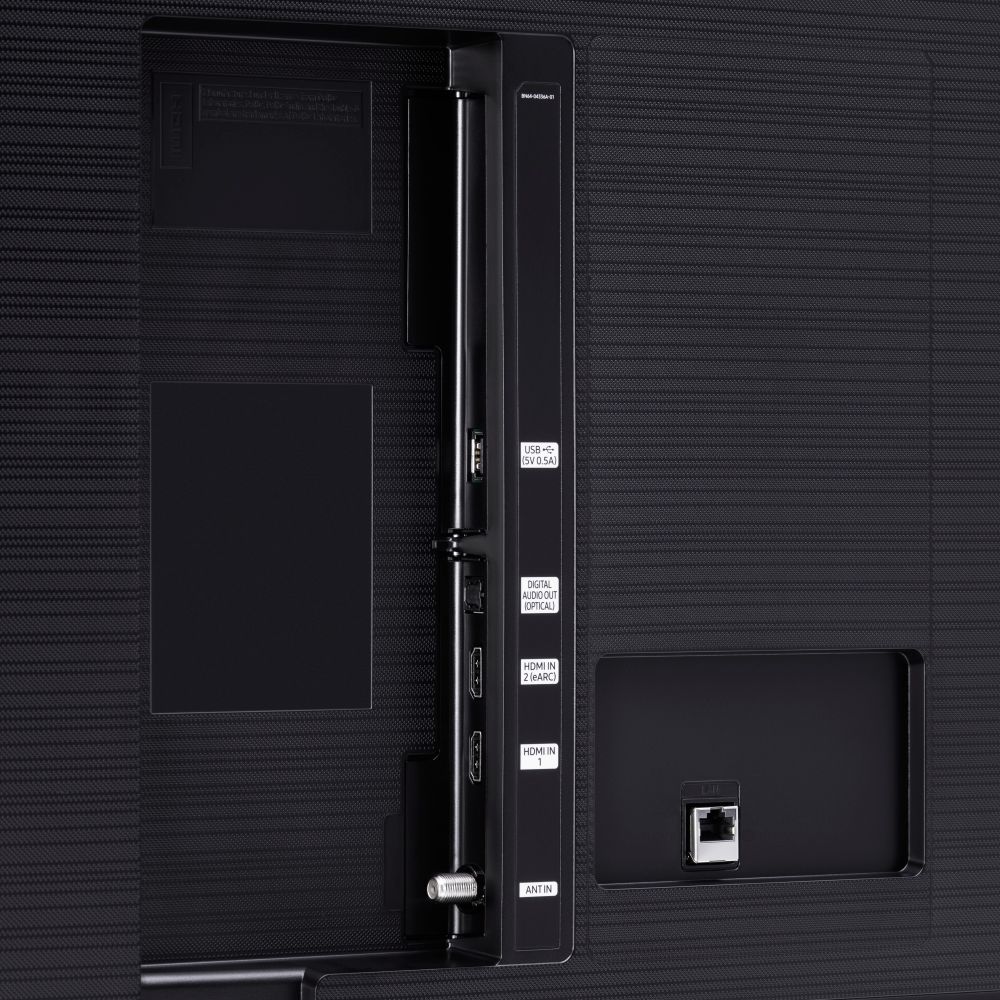





- Model:
- UN70TU6980FXZA
- SKU:
- 6428508
Rating by feature
- Picture Quality
Rating 4.5 out of 5 stars
- Sound Quality
Rating 4.4 out of 5 stars
- Brightness
Rating 4.5 out of 5 stars
Customers are saying
Customers regard the 70" Class 6 Series LED 4K UHD Smart Tizen TV's picture quality as great, with vibrant colors and deep contrasts. They also appreciate its large screen and affordable price. However, some customers have concerns about its limited HDMI ports, connectivity issues, and slow smart features.
This summary was generated by AI based on customer reviews.
Loving the size.70". Don't need glasses to watch
||Posted . Owned for 1 month when reviewed.This reviewer received promo considerations or sweepstakes entry for writing a review.Only wish remote buttons would light up when using at night.
I would recommend this to a friend- Pros mentioned:Picture quality
Great for the price
||Posted . Owned for 1 month when reviewed.This reviewer received promo considerations or sweepstakes entry for writing a review.Great tv for the price, love the picture and features. My only draw back is my lcd cover start to come off weeks after using it.
I would recommend this to a friendBrand response from Samsung
Posted .ShotByJuma:
Thank you for purchasing the Samsung TU6980 TV. An LCD cover coming off does not sound normal. So we can better understand the problems you are experiencing and provide you with troubleshooting assistance or warranty service, please contact Samsung Customer Support.
1) Phone: 1-800-SAMSUNG (ask for TVs), available 8AM – 12AM EST 7 days a week
2) LiveChat: https://www.samsung.com/us/support/#contact_us_for_support
3) Facebook Messenger: https://www.facebook.com/samsungsupport
4) Twitter: https://twitter.com/SamsungSupport
5) The Samsung Members Community is also a great resource for getting help from Samsung moderators and customers: https://us.community.samsung.com
If you have not already done so, we invite you to register your new Samsung product at: https://www.samsung.com/us/account/signin/?redirect=https%3A%2F%2Fwww.samsung.com%2Fus%2Fsupport%2Fregister%2F
Registering your product gives you access to easy warranty support, convenient opt-in to special promos and offers, faster troubleshooting and service, and quick notification of system updates.
~ Samsung Solutions
Okay for 5 months
||Posted . Owned for 4 months when reviewed.This reviewer received promo considerations or sweepstakes entry for writing a review.Not sure about BestBuy much anymore. This is the second >$500 item I have purchased that has failed or had issues within a few months of ownership. Samsung in general are fine. But I suspect BestBuy are buying manufacturer seconds or items that had "fallen off the truck." This television worked fine, and came at an unreasonably cheap price ($550 new in box) so I purchased it and it worked fine until this morning when I turned it on and the picture appeared "blown out." Spent the morning swapping cables and Apple TVs and resetting the picture in the controls to no avail. This appears to be a cheap TV with the usual cheap internal parts failing. One thing is for certain, this will be my LAST BestBuy purchase ever,
No, I would not recommend this to a friendIf we wasn’t on a budget
||Posted . Owned for 3 weeks when reviewed.This reviewer received promo considerations or sweepstakes entry for writing a review.Had to reset the whole tv to get the WiFi to work again on it. Only has 2 slots for hdmi hook ups. If we wasn’t on a budget and husband fighting cancer we would of gotten better.
No, I would not recommend this to a friendBrand response from Samsung
Posted .Picture:
Thank you for purchasing the Samsung TU6980 TV and for your review. We appreciate you feedback regarding the number of HDMI ports.
I am very sorry that you are experiencing WiFi connection issues. You may want to go through these steps to check your network connection:
1) Check the distance between the TV and your modem or access point. The distance should not exceed 50 ft. (15.2 m).
2) Minimize interference by not using or turning off wireless devices. Also, verify that there are no obstacles between the TV and the modem or access point. (WiFi strength can be decreased by appliances, cordless phones, stone walls/fireplaces, etc.)
3) Perform a network test to check if there is a network problem. Press the Home button on your remote. Navigate to Settings > Support > Device Care > Self Diagnosis> Smart Hub Connection Test
4) Try a cold reboot of your TV by pressing and holding the power button for 5+ seconds until the TV turns off and on again.
5) Please also be sure you have the latest firmware update. You may want to enable automatic updates for convenience. Select Settings > Support > Software Update, then select Auto Update.
For further assistance or service, please contact us via any of the following options:
1) Phone: 1-800-SAMSUNG (ask for TVs), available 8AM – 12AM EST 7 days a week
2) LiveChat: https://www.samsung.com/us/support/#contact_us_for_support
3) Facebook Messenger: https://www.facebook.com/samsungsupport
4) Twitter: https://twitter.com/SamsungSupport
5) The Samsung Members Community is also a great resource for getting help from Samsung moderators and customers: https://us.community.samsung.com
If you have not already done so, we invite you to register your new Samsung product at: https://www.samsung.com/us/account/signin/?redirect=https%3A%2F%2Fwww.samsung.com%2Fus%2Fsupport%2Fregister%2F
Registering your product gives you access to easy warranty support, convenient opt-in to special promos and offers, faster troubleshooting and service, and quick notification of system updates.
~ Samsung Solutions
Bad Quality
||Posted . Owned for 2 weeks when reviewed.This reviewer received promo considerations or sweepstakes entry for writing a review.I bought this TV when it went on sale during Prime week since it was a such a great deal. I had the TV for less than 3 weeks and then screen starting acting up and now it has lines running down the screen and bad pixelation. Very unhappy and will be returning ASAP.
No, I would not recommend this to a friendBrand response from Samsung
Posted .EddieEsco:
Thank you for purchasing the Samsung TU6980 TV. I am very sorry you are experiencing issues with your TV not displaying properly. Please try the following troubleshooting steps:
1) Check the antenna and input cable connections
2) Check the antenna and HDMI cable connections
3) If the issue persists, define exactly what is wrong with the display. For example, mosaics and blocks, multiple lines or white dots, fixed horizontal, or vertical lines
4) Try changing channels using the remote control. Is the issue the same on all channels?
5) Press the Home button (looks like a house), select Source, choose another input source. Is the issue the same on all sources?
6) If the same problem persists, run a diagnostic test. (Home > Settings > Support > Device Care > Self Diagnosis > Picture Test)
7) If the problem disappears during the test, check your TV signal
(Home > Settings > Support > Device Care > Self Diagnosis > Signal Information) to check the signal strength. Signal strength must be more than 20 dB (more than 4 bars on the icon) for stable signal reception
Should you need further assistance, please contact Samsung Customer Support.
1) Phone: 1-800-SAMSUNG (ask for TVs), available 8AM – 12AM EST 7 days a week
2) LiveChat: https://www.samsung.com/us/support/#contact_us_for_support
3) Facebook Messenger: https://www.facebook.com/samsungsupport
4) Twitter: https://twitter.com/SamsungSupport
5) The Samsung Members Community is also a great resource for getting help from Samsung moderators and customers: https://us.community.samsung.com
If you have not already done so, we invite you to register your new Samsung product at: https://www.samsung.com/us/account/signin/?redirect=https%3A%2F%2Fwww.samsung.com%2Fus%2Fsupport%2Fregister%2F
Registering your product gives you access to easy warranty support, convenient opt-in to special promos and offers, faster troubleshooting and service, and quick notification of system updates.
~ Samsung Solutions
Green screen
||Posted . Owned for 1 month when reviewed.This reviewer received promo considerations or sweepstakes entry for writing a review.Tv screen turns green occasionally. To fix this, I have to turn the tv off for a couple minutes and let it reset. Thought the issue would resolve itself with time but it hasn’t. Will contact geek squad for inspection/repair. I like the tv but dealing with the green tv screen on a daily, has become a pain.
No, I would not recommend this to a friendBrand response from Samsung
Posted .myissue:
Thank you for purchasing the TU6980 TV. I am very sorry for the color glitch issue you encountered. Please check that your TV has the latest firmware update.
To update directly from your TV, press the HOME button on your remote.
- Go to SETTINGS (gear icon) > Support > Software Update > Update Now
- Your TV will check for the update and should start downloading the update. After the update is installed the TV will shut down and restart. Once the TV restarts, press and hold the Power button until the TV turns off and back on.
If your issue persists after the firmware update, please contact Samsung Customer Support.
1) Phone: 1-800-SAMSUNG (ask for TVs), available 8AM – 12AM EST 7 days a week
2) LiveChat: https://www.samsung.com/us/support/#contact_us_for_support
3) Facebook Messenger: https://www.facebook.com/samsungsupport
4) Twitter: https://twitter.com/SamsungSupport
5) The Samsung Members Community is also a great resource for getting help from Samsung moderators and customers: https://us.community.samsung.com
If you have not already done so, we invite you to register your new Samsung product at: https://www.samsung.com/us/account/signin/?redirect=https%3A%2F%2Fwww.samsung.com%2Fus%2Fsupport%2Fregister%2F
Registering your product gives you access to easy warranty support, convenient opt-in to special promos and offers, faster troubleshooting and service, and quick notification of system updates.
~ Samsung Solutions
Under 600 bucks not bad!
||Posted . Owned for 3 weeks when reviewed.This reviewer received promo considerations or sweepstakes entry for writing a review.It’s good for the price. You get what ya pay for. The TV processor is slow. Hooking up a roku fixed that issue.
No, I would not recommend this to a friendBrand response from Samsung
Posted .Chrisrincon:
Thank you for sharing your review of the TU6890 TV. I am sorry that you are finding the processing of your unit to be slow.
To optimize the smart TV performance, please try Device Care option under the Support Menu. Go to Settings > Support> Device Care > Start Device Care
This service checks memory and frees up unused cached memory and closes background apps.
If you should ever have questions on setup, features or operation, Samsung is ready to help you with enjoying your new TV. You can reach Samsung Support at:
1) Phone: 1-800-SAMSUNG (ask for TVs), available 8AM – 12AM EST 7 days a week
2) LiveChat: https://www.samsung.com/us/support/#contact_us_for_support
3) Facebook Messenger: https://www.facebook.com/samsungsupport
4) Twitter: https://twitter.com/SamsungSupport
5) The Samsung Members Community is also a great resource for getting help from Samsung moderators and customers: https://us.community.samsung.com
If you have not already done so, we invite you to register your new Samsung product at: https://www.samsung.com/us/account/signin/?redirect=https%3A%2F%2Fwww.samsung.com%2Fus%2Fsupport%2Fregister%2F
Registering your product gives you access to easy warranty support, convenient opt-in to special promos and offers, faster troubleshooting and service, and quick notification of system updates.
~ Samsung Solutions
Pixel Patch
||Posted . Owned for 2 months when reviewed.This reviewer received promo considerations or sweepstakes entry for writing a review.About a week ago turned tv on and it had a yellow screen. Turned it off, and back on, the same. Checked YouTube for a trouble shoot. Unplugged and replugged all cables. Yellow screen went away, but a patch of horizontal & vertical lines remains in top left corner. Called Best Buy, product is no longer returnable by TWO DAYS. Called Samsung who is going to dispatch a repair man because manufacturer warranty only covers repairs, not replacement. Not sure how a repairman is going to repair bad pixels but if they do I will update my review. Before the yellow screen happened, I loved this TV.
No, I would not recommend this to a friendBrand response from Samsung
Posted .Machado:
I am very sorry that you are experiencing issues with your TU7000 TV and are currently waiting for a service appointment. We appreciate your patience. While you are waiting, you may want to try the following:
1) Check the antenna and input cable connections
2) Check the antenna and HDMI cable connections
3) If the issue persists, define exactly what is wrong with the display. For example, mosaics and blocks, multiple lines or white dots, fixed horizontal, or vertical lines
4) Try changing channels using the remote control. Is the issue the same on all channels?
5) Press the Home button (looks like a house), select Source, choose another input source. Is the issue the same on all sources?
6) If the same problem persists, run a diagnostic test. (Home > Settings > Support > Device Care > Self Diagnosis > Picture Test)
7) If the problem disappears during the test, check your TV signal (Home > Settings > Support > Device Care > Self Diagnosis > Signal Information) to check the signal strength. Signal strength must be more than 20 dB (more than 4 bars on the icon) for stable signal reception
Should you need further assistance even after your service appointment, please contact Samsung Customer Support:
1) Phone: 1-800-SAMSUNG (ask for TVs), available 8AM – 12AM EST 7 days a week
2) LiveChat: https://www.samsung.com/us/support/#contact_us_for_support
3) Facebook Messenger: https://www.facebook.com/samsungsupport
4) Twitter: https://twitter.com/SamsungSupport
5) The Samsung Members Community is also a great resource for getting help from Samsung moderators and customers: https://us.community.samsung.com
If you have not already done so, we invite you to register your new Samsung product at: https://www.samsung.com/us/account/signin/?redirect=https%3A%2F%2Fwww.samsung.com%2Fus%2Fsupport%2Fregister%2F
Registering your product gives you access to easy warranty support, convenient opt-in to special promos and offers, faster troubleshooting and service, and quick notification of system updates.
~ Samsung Solutions
- Pros mentioned:Picture quality
Disappointed
||Posted . Owned for 2 months when reviewed.This reviewer received promo considerations or sweepstakes entry for writing a review.I bought this tv on may 27 it’s July 26 and lines have appeared on the tv before then it was a beautiful tv/picture
No, I would not recommend this to a friend Bad Uniformity. Disappointed in Samsung
||Posted . Owned for 1 month when reviewed.This reviewer received promo considerations or sweepstakes entry for writing a review.I was always a fan of Samsung and heard good things about their TV’s. However, I am disappointed in their quality control. My first unit had a dead pixel so I requested a replacement. However, this second unit has bad black uniformity. My top right corner has these white marks that’s noticeable in a dark room when displaying a black/dark screen. I am debating whether this is the norm or I should try for another exchange..
No, I would not recommend this to a friendBrand response from Samsung
Posted .JonC:
I am sorry to hear that you are experiencing issues with your TU7000 TV.
Samsung is committed to providing the best possible product experience, quality, and value. We back this Samsung TV with a 1-year limited manufacturer's warranty, including authorized repair for manufacturer defect, if purchased brand-new directly from an authorized seller.
Please reach out to Samsung Customer Support so that we can provide troubleshooting or begin warranty service.
1) Phone: 1-800-SAMSUNG (ask for TVs), available 8AM – 12AM EST 7 days a week
2) LiveChat: https://www.samsung.com/us/support/#contact_us_for_support
3) Facebook Messenger: https://www.facebook.com/samsungsupport
4) Twitter: https://twitter.com/SamsungSupport
5) The Samsung Members Community is also a great resource for getting help from Samsung moderators and customers: https://us.community.samsung.com
If you have not already done so, we invite you to register your new Samsung product at: https://www.samsung.com/us/account/signin/?redirect=https%3A%2F%2Fwww.samsung.com%2Fus%2Fsupport%2Fregister%2F
Registering your product gives you access to easy warranty support, convenient opt-in to special promos and offers, faster troubleshooting and service, and quick notification of system updates.
~ Samsung Solutions
Not strong enough
||Posted . Owned for 2 months when reviewed.This reviewer received promo considerations or sweepstakes entry for writing a review.The glass came out from the TV. I was hopping to be super strong but it doesn’t seem the way I see
No, I would not recommend this to a friendBrand response from Samsung
Posted .David:
Thank you for purchasing the Samsung TU6980 TV. I am sorry to hear that you are experiencing issues with the glass on your TV. So we can better understand the problem you are experiencing and provide you with assistance, please contact Samsung Customer Support.
1) Phone: 1-800-SAMSUNG (ask for TVs), available 8AM – 12AM EST 7 days a week
2) LiveChat: https://www.samsung.com/us/support/#contact_us_for_support
3) Facebook Messenger: https://www.facebook.com/samsungsupport
4) Twitter: https://twitter.com/SamsungSupport
5) The Samsung Members Community is also a great resource for getting help from Samsung moderators and customers: https://us.community.samsung.com
If you have not already done so, we invite you to register your new Samsung product at: https://www.samsung.com/us/account/signin/?redirect=https%3A%2F%2Fwww.samsung.com%2Fus%2Fsupport%2Fregister%2F
Registering your product gives you access to easy warranty support, convenient opt-in to special promos and offers, faster troubleshooting and service, and quick notification of system updates.
~ Samsung Solutions
Defective product, screen detaches
||Posted . Owned for 1 year when reviewed.This reviewer received promo considerations or sweepstakes entry for writing a review.After about 8 months my screen started to detach from the bottom left corner, slowly detaching further around the TV. Upon further research turns out this product continually has this problem. Do not waste your money on this product, they will not refund it. Worst TV experience ever. Incredibly frustrated.
No, I would not recommend this to a friendHuge deformity in screen
||Posted . Owned for 3 weeks when reviewed.This reviewer received promo considerations or sweepstakes entry for writing a review.I would give zero stars if I could. The TV was delivered on November 9th. We unboxed it on Good Friday and it has a huge deformity on the screen. Now we have to take it apart, rent a truck, go to a Best Buy and hope they have a replacement. I am extremely disappointed.
No, I would not recommend this to a friendBrand response from Samsung
Posted .Michelle:
Thank you for your review of the TU6980 TV. I am sorry you had a poor delivery experience and received a damaged unit. We recommend you contact Best Buy directly for assistance in correcting this situation. We hope your issue is resolved in a timely manner.
Should you have questions or concerns regarding the usage or setup of your TV once your issue is resolved, please contact Samsung Customer Support.
1) Phone: 1-800-SAMSUNG (ask for TVs), available 8AM – 12AM EST 7 days a week
2) LiveChat: https://www.samsung.com/us/support/#contact_us_for_support
3) Facebook Messenger: https://www.facebook.com/samsungsupport
4) Twitter: https://twitter.com/SamsungSupport
5) The Samsung Members Community is also a great resource for getting help from Samsung moderators and customers: https://us.community.samsung.com
If you have not already done so, we invite you to register your new Samsung product at: https://www.samsung.com/us/account/signin/?redirect=https%3A%2F%2Fwww.samsung.com%2Fus%2Fsupport%2Fregister%2F
Registering your product gives you access to easy warranty support, convenient opt-in to special promos and offers, faster troubleshooting and service, and quick notification of system updates.
~ Samsung Solutions
Best Buy selling refurbished as new
||Posted . Owned for 1 month when reviewed.This reviewer received promo considerations or sweepstakes entry for writing a review.Bought it NEW on Black Friday. Panel coming off. Barely been a month. Found residue of glue. Also the panel isn’t aligned evenly around the four corners which makes me believe this was a refurbished product.
No, I would not recommend this to a friendBrand response from Samsung
Posted .Upset:
I am very sorry to see that you are experiencing issues with your TV and have concerns regarding your purchase.
I recommend you contact Best Buy directly for assistance. I hope your concerns are addressed quickly.
Should you ever need assistance or have questions about using this product, please know we are here to help. You can reach Samsung Support at:
1) Phone: 1-800-SAMSUNG (ask for TVs), available 8AM – 12AM EST 7 days a week
2) LiveChat: https://www.samsung.com/us/support/#contact_us_for_support
3) Facebook Messenger: https://www.facebook.com/samsungsupport
4) Twitter: https://twitter.com/SamsungSupport
5) The Samsung Members Community is also a great resource for getting help from Samsung moderators and customers: https://us.community.samsung.com
If you have not already done so, we invite you to register your new Samsung product at: https://www.samsung.com/us/account/signin/?redirect=https%3A%2F%2Fwww.samsung.com%2Fus%2Fsupport%2Fregister%2F
Registering your product gives you access to easy warranty support, convenient opt-in to special promos and offers, faster troubleshooting and service, and quick notification of system updates.
~ Samsung Solutions
Disappointed
||Posted . Owned for 9 months when reviewed.This reviewer received promo considerations or sweepstakes entry for writing a review.8 months & has a spot the size of a pencil lead that’s dead. Disappointed
No, I would not recommend this to a friend- Pros mentioned:Color
Great deal and a fantastic value!
Posted .This reviewer received promo considerations or sweepstakes entry for writing a review.This screen caught my eye for Black Friday 2020. I've had a Samsung NU6900 4K 50" TV for awhile and I figured it was time to go bigger. The thing is with 4K TVs is that the smaller they are, the less value you get from the 4K resolution- you just can't tell the difference at a distance between say, 4K and 3K (for test purposes). I figured 70" was the way to go, and I wasn't wrong. Initially I was concerned with this one. I read on RTINGS that it only had about a 3000:1 contrast ratio vs the 6000:1 on my smaller 50" I got for $328. However, these fears were unfounded once I set it up and played my favorite 4K reference video on YouTube: Costa Rica 4K video. Surprisingly right out of the box, the contrast, colors and saturation- it all worked. I just needed to set the color tone to "Warm1" and that was just about right. I'm sure the NU6900 models have better contrast especially black levels and gray uniformity, for example I noticed when the screen was fully black, the display was uneven with the light distribution but it's a $530 display so I'm not expecting it to be as even as my 27" $700 1440p IPS panel. However, for most people, you won't be able to tell the difference between the NU6900 and this one, unless they're probably side by side, which I didn't even bother to do. I'm using it only with my Sager NP9176 laptop with an Intel i9 9900k CPU, 64GB of RAM, and an Nvidia RTX 2080. I like watching movies/content on that and also gaming. I believe this screen is fantastic for casual gaming. When my laptop is connected to my other HP Omen 165hz 1440p G-Sync display, I just let it run and it's perfect, but with this display you need to set v-sync ON in the Nvidia Control Panel, otherwise you'll get screen tearing near 60 frames per second. But you're going to get input lag, so if you're really into games like Modern Warfare, CS Go, Apex Legends, competitive titles, I don't recommend you play on this. The input lag is actually not bad at all on this screen and most people won't even notice it, but that's what my 165hz monitor is for with G-Sync. I have attached some pictures of PC games running at 4K resolution, mix of ultra and high graphics settings at 60fps. Red Dead Redemption 2, Flight Simulator 2020, Call of Duty Modern Warfare, and some films off Amazon Prime, and the 4K Video Costa Rica reference. Casual gaming (sitting far back from the screen with an Xbox controller!) with a single player focus is the best for this screen! But really anything you put on it will instantly make it feel bigger than life! Cyberpunk 2077 in December, with an Xbox controller? You bet! I'm certain these would make a great pairing with the new PS5 and Xbox Series X consoles as well- or really anything you pair it up with. The value here is unbeatable. The quality for what you pay for is excellent. I don't use the smart features so I have no idea how well it runs or if it lags when you're loading and navigating apps, and I'll never likely have to find out, either. As long as this screen continues to perform normally, I won't need to update my review here. I'm very pleased with this.
I would recommend this to a friend DO NOT BUY
||Posted . Owned for 5 months when reviewed.This reviewer received promo considerations or sweepstakes entry for writing a review.Complete piece of garbage. I bought it in November and at least once a month the picture goes bad forcing a complete restart. DO NOT BUY
No, I would not recommend this to a friendvery frusterated
||Posted . Owned for 4 months when reviewed.This reviewer received promo considerations or sweepstakes entry for writing a review.garbage. had it 5 months, a much darker 33% at the bottom of the screen after moderate use for 5 months. half as bright as the top 2/3 do not waste your time.
No, I would not recommend this to a friendNo more Samsung for me
||Posted .This reviewer received promo considerations or sweepstakes entry for writing a review.After only using maybe 10 times the back light has gone up and tv won’t even cut on. Flashes grey light while off.
No, I would not recommend this to a friendVery poor quality
||Posted . Owned for 11 months when reviewed.This reviewer received promo considerations or sweepstakes entry for writing a review.It has failed. Dead pixels has red stripes coming down from the top of the screen and blue stripes coming up from the bottom.
No, I would not recommend this to a friend