Customer Ratings & Reviews
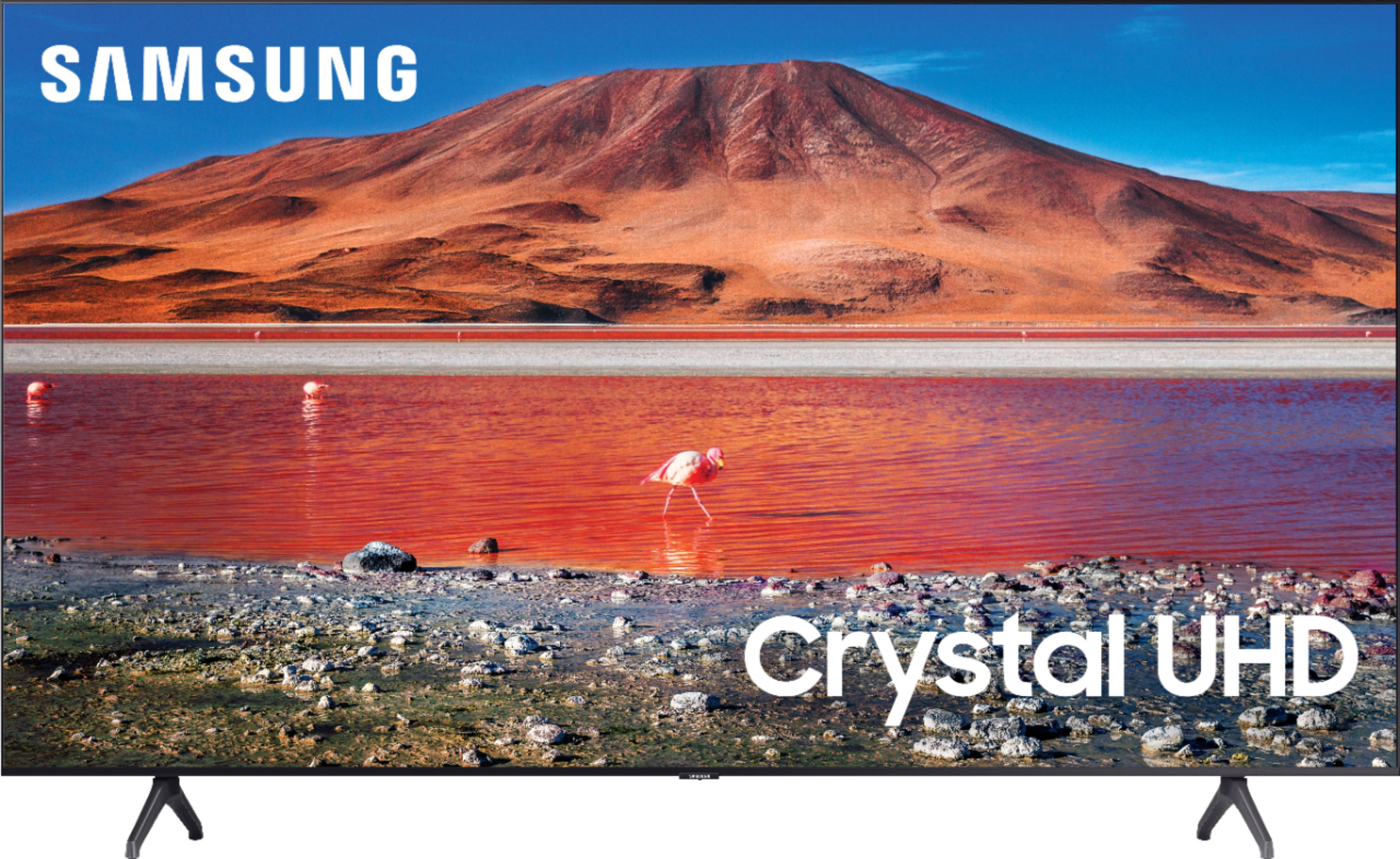
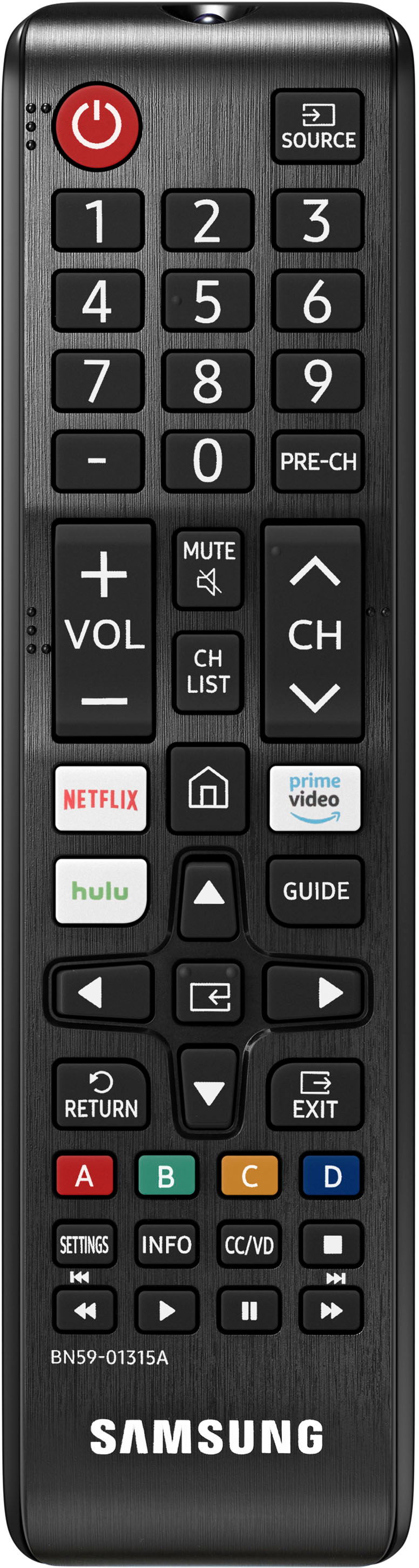







- Model:
- UN70TU7000BXZA
- SKU:
- 6429416
Rating by feature
- Picture Quality
Rating 4.7 out of 5 stars
- Sound Quality
Rating 4.5 out of 5 stars
- Brightness
Rating 4.7 out of 5 stars
Customers are saying
Customers are pleased with the picture quality, ease of use, and price of the 70” Class 7 Series LED 4K UHD Smart Tizen TV. Many also appreciate the TV's size and vibrant colors. However, some customers have expressed concerns regarding the remote control's usability and the TV's internet connectivity and volume. A few users also mentioned some challenges with the operating system and refresh rate.
This summary was generated by AI based on customer reviews.
- Pros mentioned:Picture quality
Samsung 70” TV
||Posted .This reviewer received promo considerations or sweepstakes entry for writing a review.Nice TV, good picture quality, buttons on remote can be awkward and confusing.
I would recommend this to a friend - Pros mentioned:Picture quality
So nice!
||Posted . Owned for 1 month when reviewed.This reviewer received promo considerations or sweepstakes entry for writing a review.Nice I was very happy with the quality of the picture as well as price
I would recommend this to a friend - Pros mentioned:Picture quality
Good Enough
||Posted . Owned for 3 weeks when reviewed.This reviewer received promo considerations or sweepstakes entry for writing a review.Is really good the problem is that are very nice newer models
I would recommend this to a friend - Pros mentioned:Picture quality
Good for bright rooms
||Posted . Owned for 2 months when reviewed.This reviewer received promo considerations or sweepstakes entry for writing a review.Very nice tv. Set up in living room with lots of windows and tv does not wash out
I would recommend this to a friend - Pros mentioned:Picture quality
New tv
||Posted . Owned for 3 weeks when reviewed.This reviewer received promo considerations or sweepstakes entry for writing a review.Nice tv looking good sounds good the installation was done fast.
I would recommend this to a friend - Pros mentioned:Price
You get what you paid for
||Posted . Owned for 1 month when reviewed.This reviewer received promo considerations or sweepstakes entry for writing a review.Price is great. sound and picture could be improved
I would recommend this to a friend - Pros mentioned:Picture quality
Good buy
||Posted . Owned for 1 month when reviewed.This reviewer received promo considerations or sweepstakes entry for writing a review.It’s nice screen is big many compliments. Samsung is a good brand.
I would recommend this to a friend - Pros mentioned:Picture quality
Good review
||Posted . Owned for 7 months when reviewed.This reviewer received promo considerations or sweepstakes entry for writing a review.The tv is clear with a perfect box. It’s bigger than my imagination.
I would recommend this to a friend - Pros mentioned:Picture quality
Great Choice
||Posted . Owned for 1 month when reviewed.This reviewer received promo considerations or sweepstakes entry for writing a review.Great price and good quality pictures rare occasions with minimal lag time.
I would recommend this to a friend - Pros mentioned:Picture quality
Samsung fan
||Posted . Owned for 3 weeks when reviewed.This reviewer received promo considerations or sweepstakes entry for writing a review.The sound is great but I liked the picture quality on my series 6 model better
I would recommend this to a friend TV
||Posted . Owned for 2 weeks when reviewed.This reviewer received promo considerations or sweepstakes entry for writing a review.I think the picture quality is a goos as my last LG tv.
No, I would not recommend this to a friend- Pros mentioned:Price
YUP.
||Posted . Owned for 6 months when reviewed.This reviewer received promo considerations or sweepstakes entry for writing a review.LOVED THE TV, THE REMOTE SUCKS BUT THE SCREEN AND PRICE ARE GOOD.
I would recommend this to a friend Not Bad
||Posted . Owned for 2 weeks when reviewed.This reviewer received promo considerations or sweepstakes entry for writing a review.Not a bad Television for the price and for the size.
I would recommend this to a friend- Pros mentioned:Picture quality
aaa plus
||Posted . Owned for 11 months when reviewed.This reviewer received promo considerations or sweepstakes entry for writing a review.best of three i bought recently daughter loves it .
I would recommend this to a friend - Pros mentioned:Price
awesome
||Posted .This reviewer received promo considerations or sweepstakes entry for writing a review.Great veiw wonderful price! Would recommend this Tv to all of my friends
I would recommend this to a friend Its ok
||Posted . Owned for 1 month when reviewed.This reviewer received promo considerations or sweepstakes entry for writing a review.The picture quality could be better but its an ok tv for the price.
I would recommend this to a friendBrand response from Samsung
Posted .Hi Mcva07,
Thank you for sharing your thoughts on the picture quality of your TU7000 TV. If the picture you are seeing out of the box is not to your liking, there are several picture settings you may want to try adjusting.
Go to Home > Settings > Picture > Picture Mode and select the mode that best fits your usage:
1) Standard: Default mode suitable for general viewing environments.
2) Natural: Reduces eye strain for a comfortable viewing experience.
3) Movie: Suitable for watching TV or movies in a dark room.
4) Dynamic: Makes the picture brighter and clearer in bright viewing environments.
5) Filmmaker Mode: You can watch the source content (e.g., movie) as it is. If the image is defined as Filmmaker Mode, it will automatically switch to Filmmaker Mode while watching.
You can also go to Settings > Picture > Expert Settings > to manually fine-tune your image.
If you need more help, Samsung is here for you. Call us at 1-800-SAMSUNG, 8 AM - 12 AM EST, seven days a week. Our LiveChat agents are also available by clicking on the ‘Support’ link on our website.
~ Samsung Advisor
- Pros mentioned:Ease of use
Good quality
||Posted . Owned for 1 month when reviewed.This reviewer received promo considerations or sweepstakes entry for writing a review.Easy to use. Graphics are great. No complaints and its been about 2 months.
I would recommend this to a friend - Pros mentioned:Picture quality
Picture is good
||Posted .This reviewer received promo considerations or sweepstakes entry for writing a review.Tv picture is good, sound isn't very clear. but it does the job
No, I would not recommend this to a friend - Pros mentioned:Price
Good Value
||Posted . Owned for 1 month when reviewed.This reviewer received promo considerations or sweepstakes entry for writing a review.Great TV for the money, and I can not complain at this price range.
I would recommend this to a friend - Cons mentioned:Volume
horrible set
||Posted . Owned for 7 months when reviewed.This reviewer received promo considerations or sweepstakes entry for writing a review.On of the worst TV's I've owned. But you get what you pay for. Processing is so slow I have spinning wheel constantly in the top left and center of picture. It's not a WIFI problem as I have a cheap TV in my bedroom that doesn't do this and has a much much better picture than this one. This TV is adjusts to go unusually dark to the point you can't hardly even see the picture in some movies with a little darker scenes. Volume is extremely low. I've turned it up all the way and it is about where most TV's would be on 50..Screen goes blurry every time it changes from a show to a commercial and then clears up.. Like I said, $699 for a 70" seemed to good to be true.. and it was
No, I would not recommend this to a friendBrand response from Samsung
Posted .Hi RobertR,
We are sorry to hear that the TU7000 TV has not been on par with your expectations. Please know we are here to help you and have a few recommendations that may help resolve your issues.
First, let's ensure you are running the latest Firmware. To do so, go to Settings> Support> Software Update. You may also want to further optimize performance with the self-diagnostic tool, which checks memory, frees up unused cached memory, and closes background apps. Go to: Settings > Support > Device Care > Start Device Care
Next, If the colors on your TV are correct but just a little too dark or bright, you can try adjusting Picture Modes, Contrast, Brightness, or Sharpness settings.
For darker scenes, I recommend Dynamic Picture Mode, which makes pictures brighter and clearer in bright viewing environments. Go to Settings > Picture > Picture Mode > Dynamic.
Or you can manually adjust the Brightness by pressing the HOME button on your remote, then navigating to Settings > Picture > Expert Settings.
You may also want to disable Power Saving Mode, which automatically adjusts the brightness to reduce the TV’s power consumption. Go to Settings > General > Eco Solution> Power Saving Mode.
I hope these tips help you enjoy your new product.
You can always contact us for further help at 1-800-SAMSUNG, 8 AM - 12 AM EST, seven days a week. Our LiveChat agents are also available by clicking on the ‘Support’ link on our website.
~ Samsung Advisor