Customer Ratings & Reviews







- Model:
- UN70TU7000BXZA
- SKU:
- 6429416
Rating by feature
- Picture Quality
Rating 4.7 out of 5 stars
- Sound Quality
Rating 4.5 out of 5 stars
- Brightness
Rating 4.7 out of 5 stars
Customers are saying
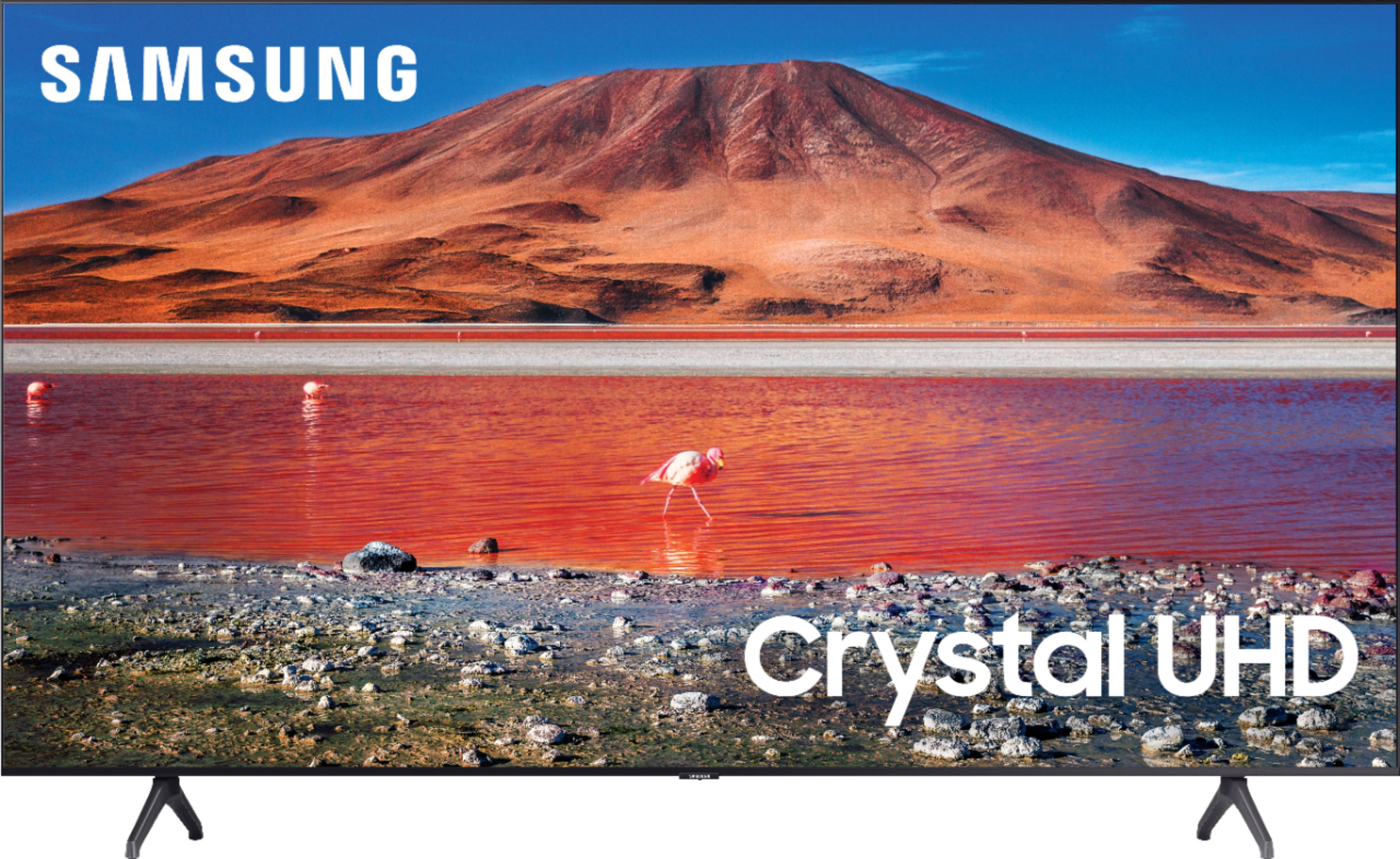
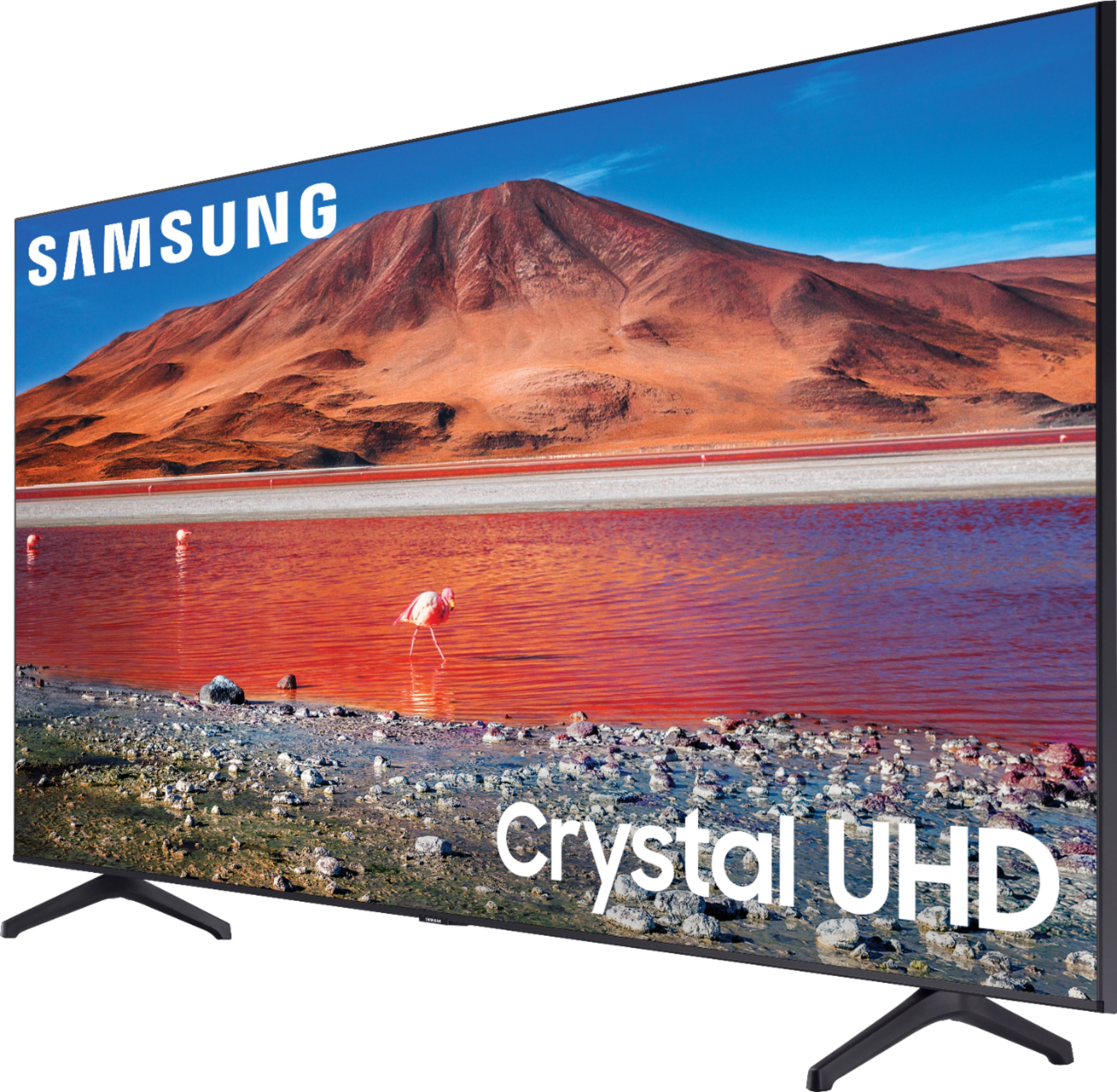
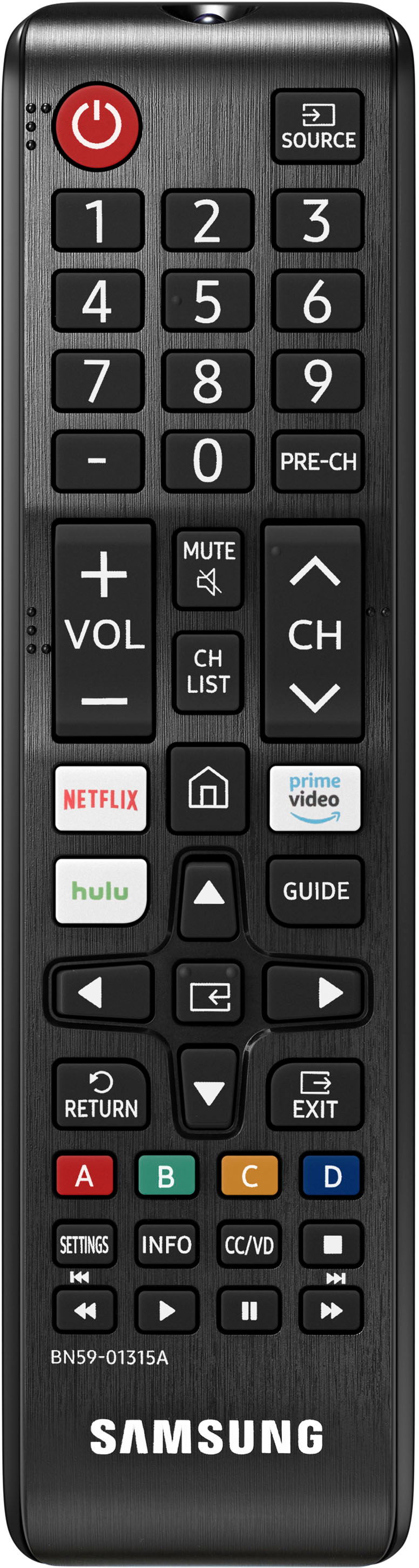
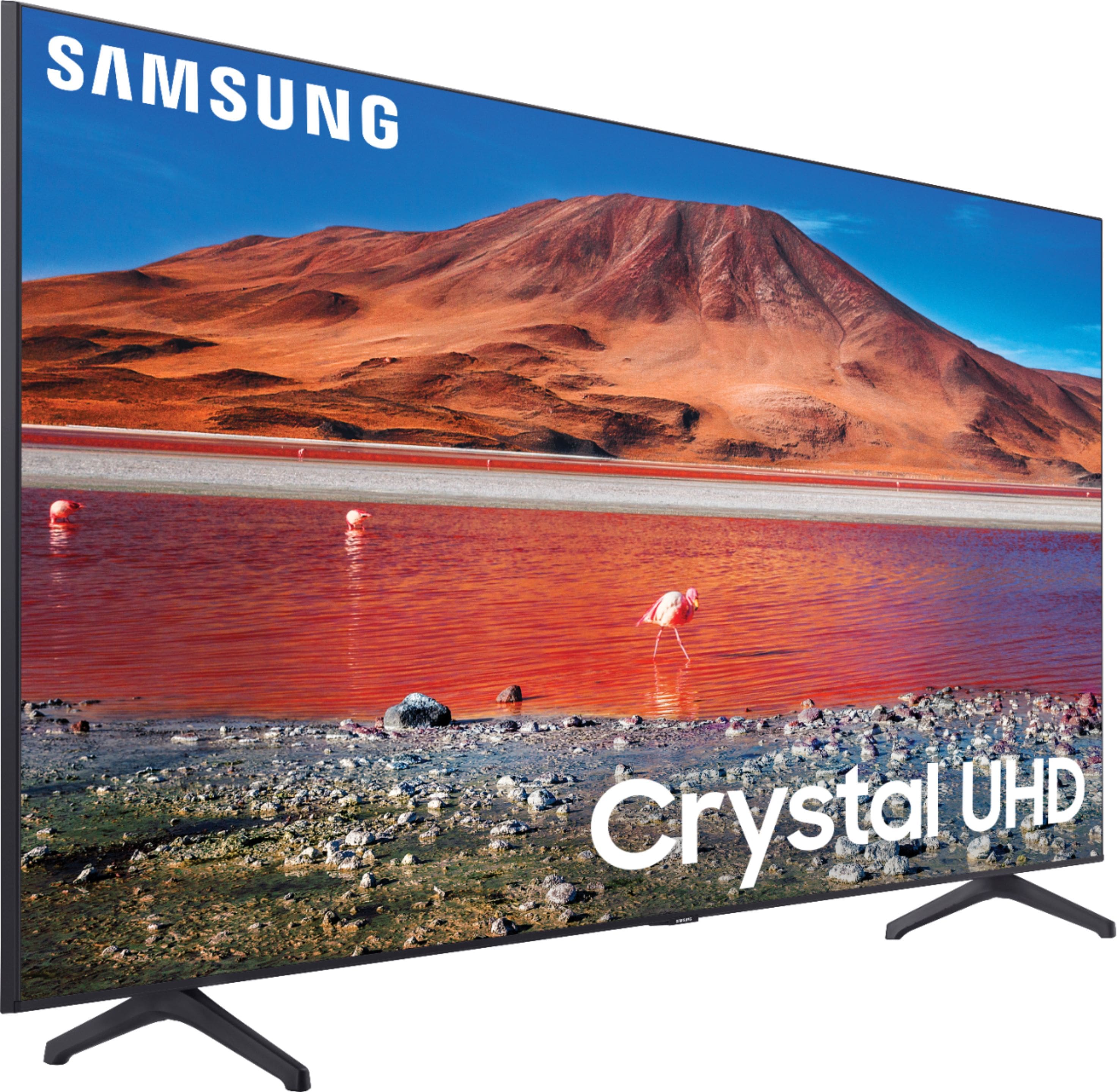
Customers are pleased with the picture quality, ease of use, and price of the 70” Class 7 Series LED 4K UHD Smart Tizen TV. Many also appreciate the TV's size and vibrant colors. However, some customers have expressed concerns regarding the remote control's usability and the TV's internet connectivity and volume. A few users also mentioned some challenges with the operating system and refresh rate.
This summary was generated by AI based on customer reviews.
- Pros mentioned:Picture quality
Tv
||Posted . Owned for 3 weeks when reviewed.This reviewer received promo considerations or sweepstakes entry for writing a review.Awesome TV high definition great! Feels like a movie theater in my bedroom.
I would recommend this to a friend Samsung 70in
||Posted . Owned for 6 months when reviewed.This reviewer received promo considerations or sweepstakes entry for writing a review.Love this tv, and it comes with the free channels which is awesome. Samsung makes some great products, only thing i dont like is sometimes it you have to reconnect the wifi but that takes 10 seconds, just wish it would reset
I would recommend this to a friend- Pros mentioned:Ease of use
Tv
||Posted . Owned for 1 month when reviewed.This reviewer received promo considerations or sweepstakes entry for writing a review.Has an okay quality on the tv Was easy to installed and mount on wall
I would recommend this to a friend - Pros mentioned:Picture quality
Tv
||Posted .This reviewer received promo considerations or sweepstakes entry for writing a review.Picture quality is great and perfect piece for my living room
I would recommend this to a friend - Pros mentioned:Picture quality
Decent TV for price
||Posted . Owned for 1 month when reviewed.This reviewer received promo considerations or sweepstakes entry for writing a review.Very good tv for the price. clear picture. Could have more HDI inputs.
I would recommend this to a friend - Pros mentioned:Picture quality
OK for the price
||Posted . Owned for 1 month when reviewed.This reviewer received promo considerations or sweepstakes entry for writing a review.Good picture, though not as bright as I’d hoped. Remote has no backlight!
I would recommend this to a friend - Pros mentioned:Picture quality
Samsung 70
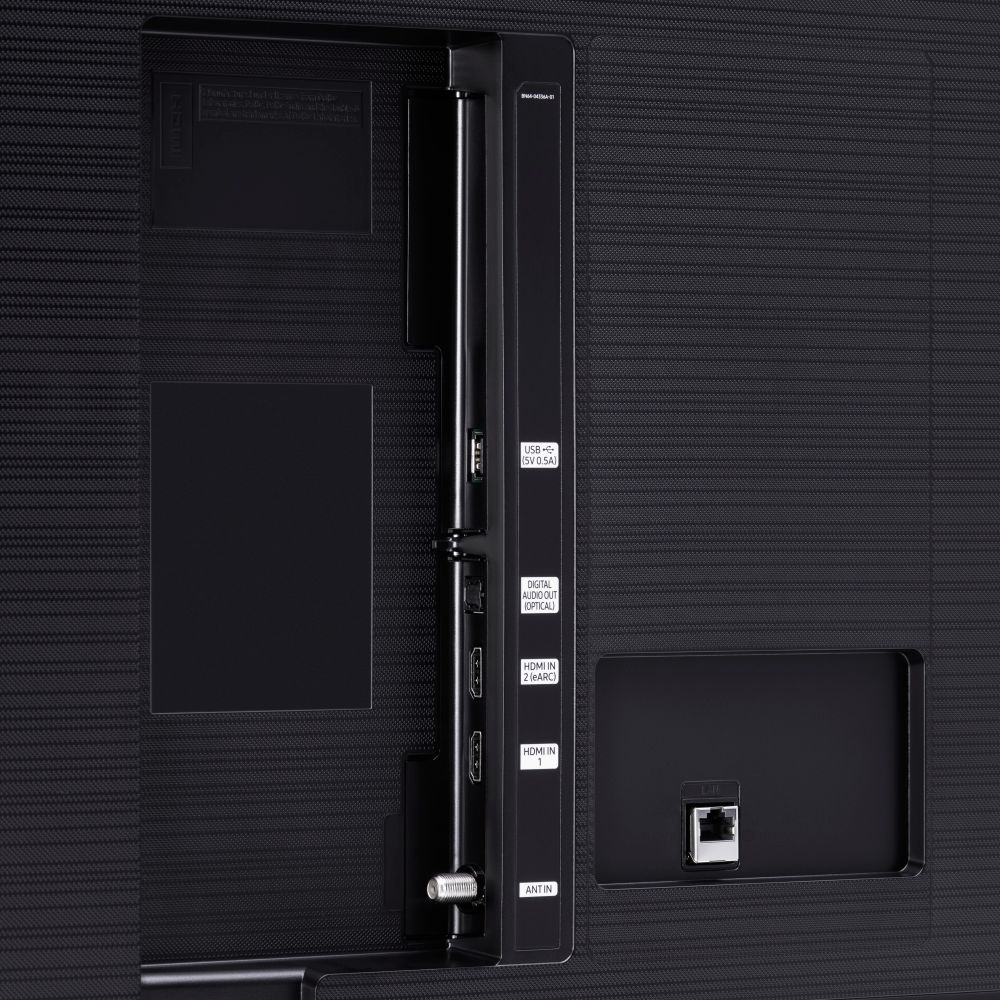
||Posted . Owned for 1 month when reviewed.This reviewer received promo considerations or sweepstakes entry for writing a review.Good picture everything works fine disappointed with only 2 HDMI ports
No, I would not recommend this to a friend - Cons mentioned:Remote control
Remote control is bad, smart tv not useable
||Posted .This reviewer received promo considerations or sweepstakes entry for writing a review.Nice size TV sound is ok. Cons: Remote control is almost not usable. Not user friendly. Samsung software is extremely slow and laggy. It’s terrible! You have to use amazon stick or any other products. I had an older Samsung tv and software was quicker. This might be the last product u buy from Samsung.
No, I would not recommend this to a friendBrand response from Samsung
Posted .Hi TommyE,
Thank you for purchasing the Samsung TU7000 and for your review. We appreciate your feedback regarding your TV's remote, as well as the slow response time of your TV.
The interface issue you are describing may be related to your network connection and quality.
We suggest you try the following:
1. Use 5G Wi-Fi if possible
2. Try wired LAN if available
3. Try repositioning the router so there are no obstacles between your TV and the router
To optimize the smart TV performance, please try Device Care option under the Support Menu.
Go to Settings > Support> Device Care > Start Device Care.
This improves your apps performance as it frees up unused cached memory and closes background apps.
We also recommend you check that your TV is running the latest firmware.
Using your TV's remote, navigate to Settings, and select Support. Select Software Update, and then select Update Now. New updates will be downloaded and installed on your TV. Updates usually take a few minutes; please do not turn off the TV until the update is complete. When the update is finished, the TV will restart automatically. If there aren't any new updates, select OK to exit.
You may want to enable automatic updates for conveniences.
Select Settings- Support- Software Update, then select Auto Update.
I hope these tips help. Should you ever have any questions or need help with settings or features, please call us at 1-800-SAMSUNG (ask for TVs), available 8AM -12AM EST, 7 days a week. Or text HELP to 62913.
For additional support resources, visit us on the Samsung website and click on the ‘Support’ link in the upper right corner of the homepage for:
1) More ‘Contact Us’ options – LiveChat, Facebook, Twitter, Samsung Community, Samsung Members app
2) Manuals & Software
3) Warranty Info
4) Product Registration: For access to easy warranty support, convenient opt-in to special promos and offers, faster troubleshooting and service, and quick notification of system updates.
We look forward to hearing from you.
~ Samsung Specialist
- Pros mentioned:Picture quality
Great purchase!!
||Posted . Owned for 1 month when reviewed.This reviewer received promo considerations or sweepstakes entry for writing a review.Perfect size for my living room! Great sound and picture! Love the price!
I would recommend this to a friend - Pros mentioned:Price
Great tv
||Posted .This reviewer received promo considerations or sweepstakes entry for writing a review.Amazing product incredibly well priced I like it a lot
I would recommend this to a friend - Pros mentioned:Picture quality
Good tv for the price
||Posted . Owned for 3 weeks when reviewed.This reviewer received promo considerations or sweepstakes entry for writing a review.Good tv for the price bright pic great color app are very nice
I would recommend this to a friend Awesome Smart TV
||Posted . Owned for less than 1 week when reviewed.This reviewer received promo considerations or sweepstakes entry for writing a review.So far so good. This is a phenomenal TV. I did have to play with the default brightness settings as it was too dark in a room with a lot of natural light. Other than that (which I consider minor setting tweaks part of the setup process) I have had no issues and am happy with my purchase.
I would recommend this to a friend- Pros mentioned:Ease of use
TV
||Posted . Owned for 1 month when reviewed.This reviewer received promo considerations or sweepstakes entry for writing a review.Good graphics Easy to use The remote is different from the other Samsung tv
I would recommend this to a friend - Pros mentioned:Picture quality
Great tv
||Posted . Owned for 1 month when reviewed.This reviewer received promo considerations or sweepstakes entry for writing a review.Love this tv picture is great and very real looking picture
I would recommend this to a friend - Pros mentioned:Picture quality
Good quality tv
||Posted .This reviewer received promo considerations or sweepstakes entry for writing a review.Good quality tv. We are really enjoying it. Picture relatively clear.
I would recommend this to a friend - Pros mentioned:Picture quality
Colorful and crisp
||Posted . Owned for 9 months when reviewed.This reviewer received promo considerations or sweepstakes entry for writing a review.Great picture sound not as good would suggest a sound bar.
I would recommend this to a friend - Cons mentioned:Remote control
Good product bad remote
||Posted . Owned for 10 months when reviewed.This reviewer received promo considerations or sweepstakes entry for writing a review.The tv is nice and big. What I don’t like about it is the remote feels a bit delayed sometimes when pressing a button like the volume. The menu part is a bit confusing for those that are not technically incline, not as simple to maneuver. But over all really good.
No, I would not recommend this to a friendBrand response from Samsung
Posted .LEPtech:
Thank you for your review of the TU7000 UHD TV and sharing your experience with slow remote response time.
To optimize the smart TV performance, please try Device Care option under the Support Menu. Go to Settings > Support > Device Care > Start Device Care
This service checks memory and frees up unused cached memory and closes background apps.
Please also be sure you are running the latest firmware. You can check to see what software version your TV is using and if there is an available update through the settings on your TV. Go to: Settings > Support > Software Update.
Should you need further assistance, please contact Samsung Customer Support.
Call us at 1-800-SAMSUNG (ask for TVs), available 8AM - 12AM EST, 7 days a week.
For additional support resources, visit us on the Samsung website and click on the ‘Support’ link in the upper right corner of the homepage for:
1) Chat with Us/Product Help: To begin a chat or find solutions, choose ‘TVs & Home Theater’ and select your model & topic.
2) Register a Product: For access to easy warranty support, convenient opt-in to special promos and offers, faster troubleshooting and service, and quick notification of system updates.
3) Manuals & Software
4) Warranty Info
5) Contact Us
Samsung is committed to providing the best possible product experience, quality, and value, and we are always here to help with any of your questions or concerns.
~ Samsung Advisor
Amazing TV
||Posted .This reviewer received promo considerations or sweepstakes entry for writing a review.This TV is hands down one of the best I've ever bought. 4k on Netflix plays flawlessly and looks absolutely stunning. The Samsung UI is very easy to navigate. The dedicated buttons on the remote make it very easy to switch from app to app.
I would recommend this to a friend- Pros mentioned:Price
Samsung
||Posted .This reviewer received promo considerations or sweepstakes entry for writing a review.Sweet TV awesome price all is nice. Samsung always makes a nice product.
I would recommend this to a friend - Cons mentioned:Volume
Not Bad
||Posted . Owned for 3 weeks when reviewed.This reviewer received promo considerations or sweepstakes entry for writing a review.Decent tv at a good price but as with Most tv's, the volume sucks
I would recommend this to a friend