Customer Ratings & Reviews
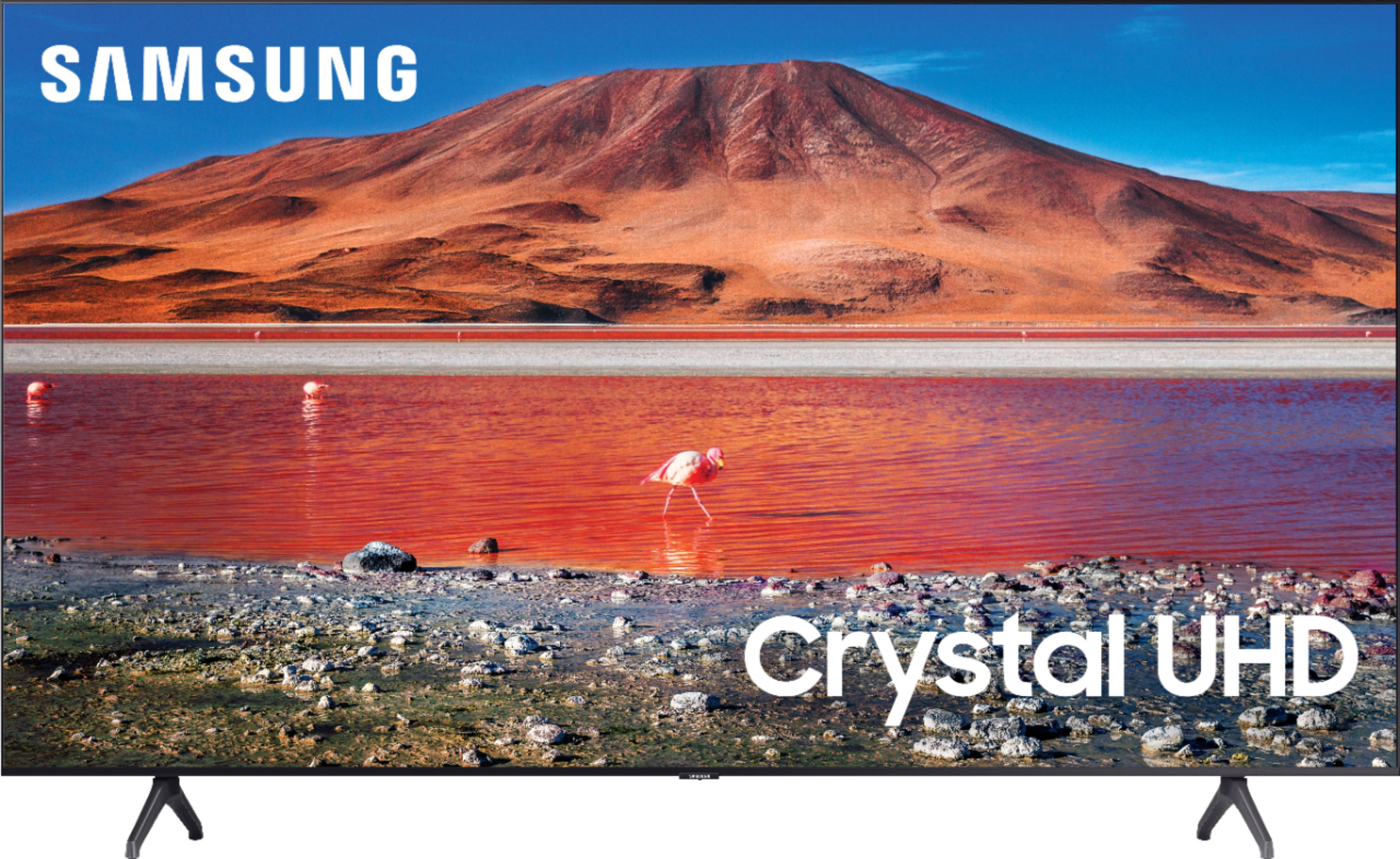
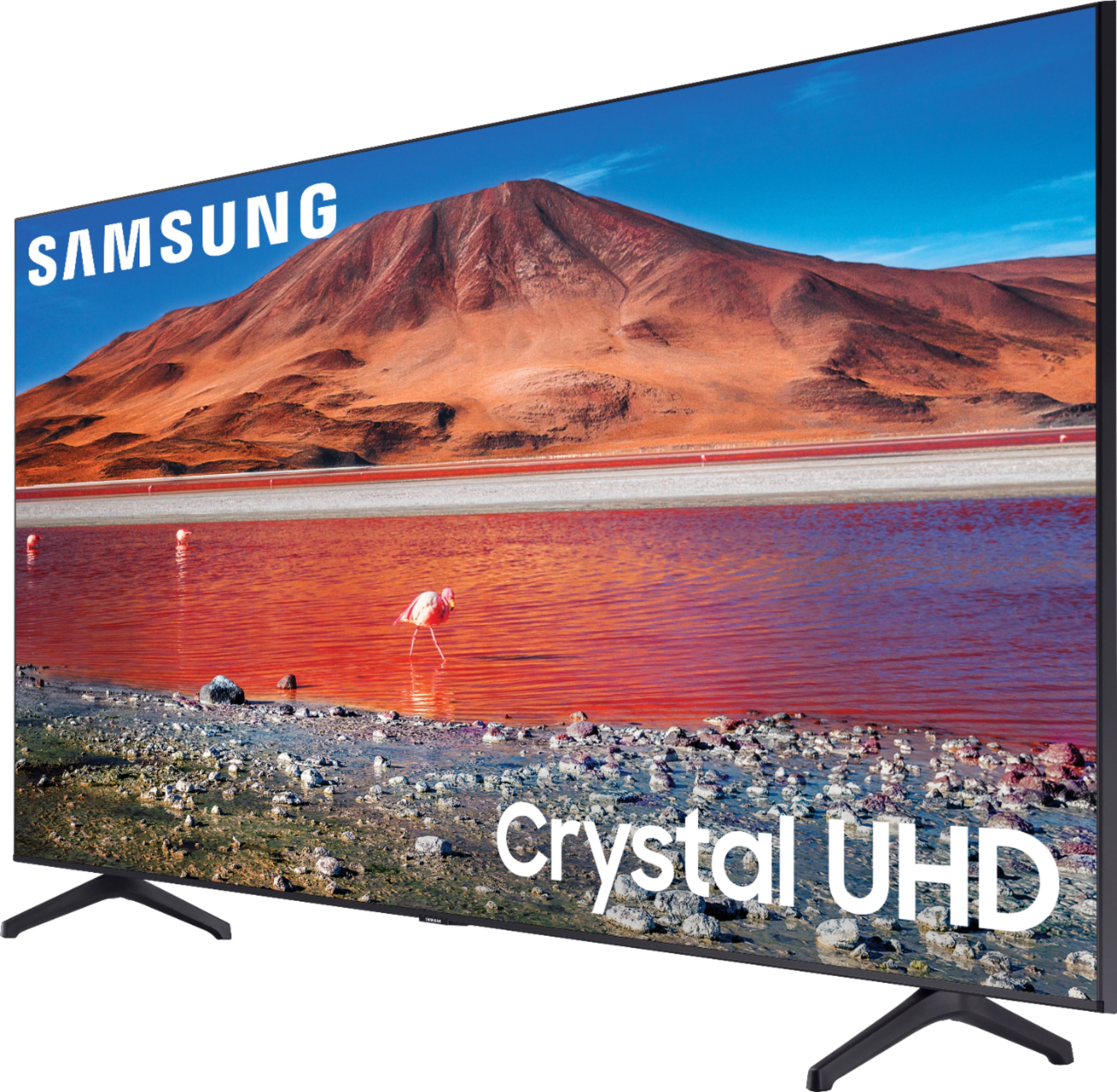
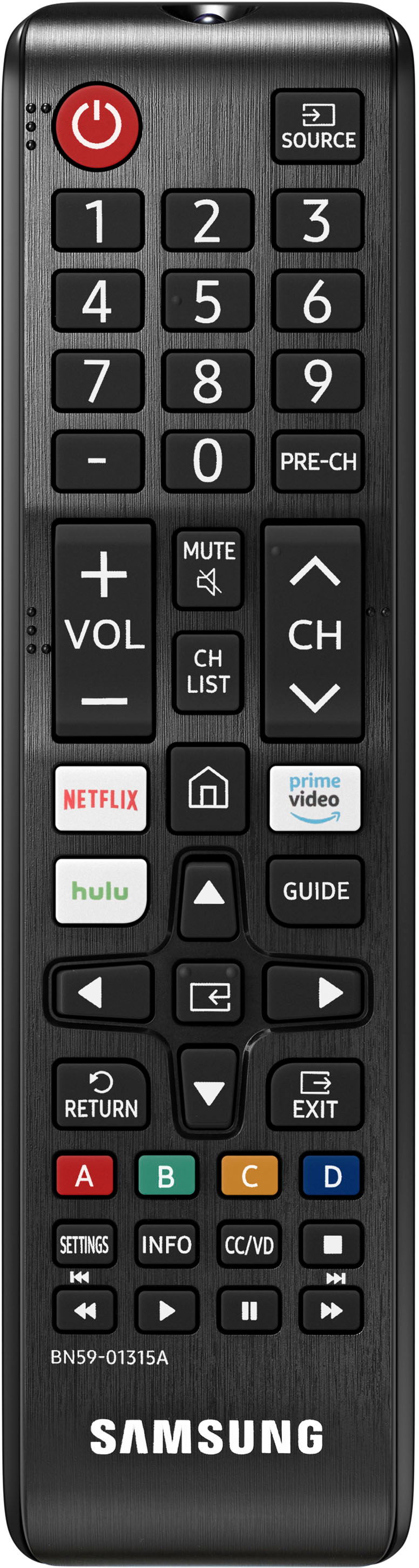
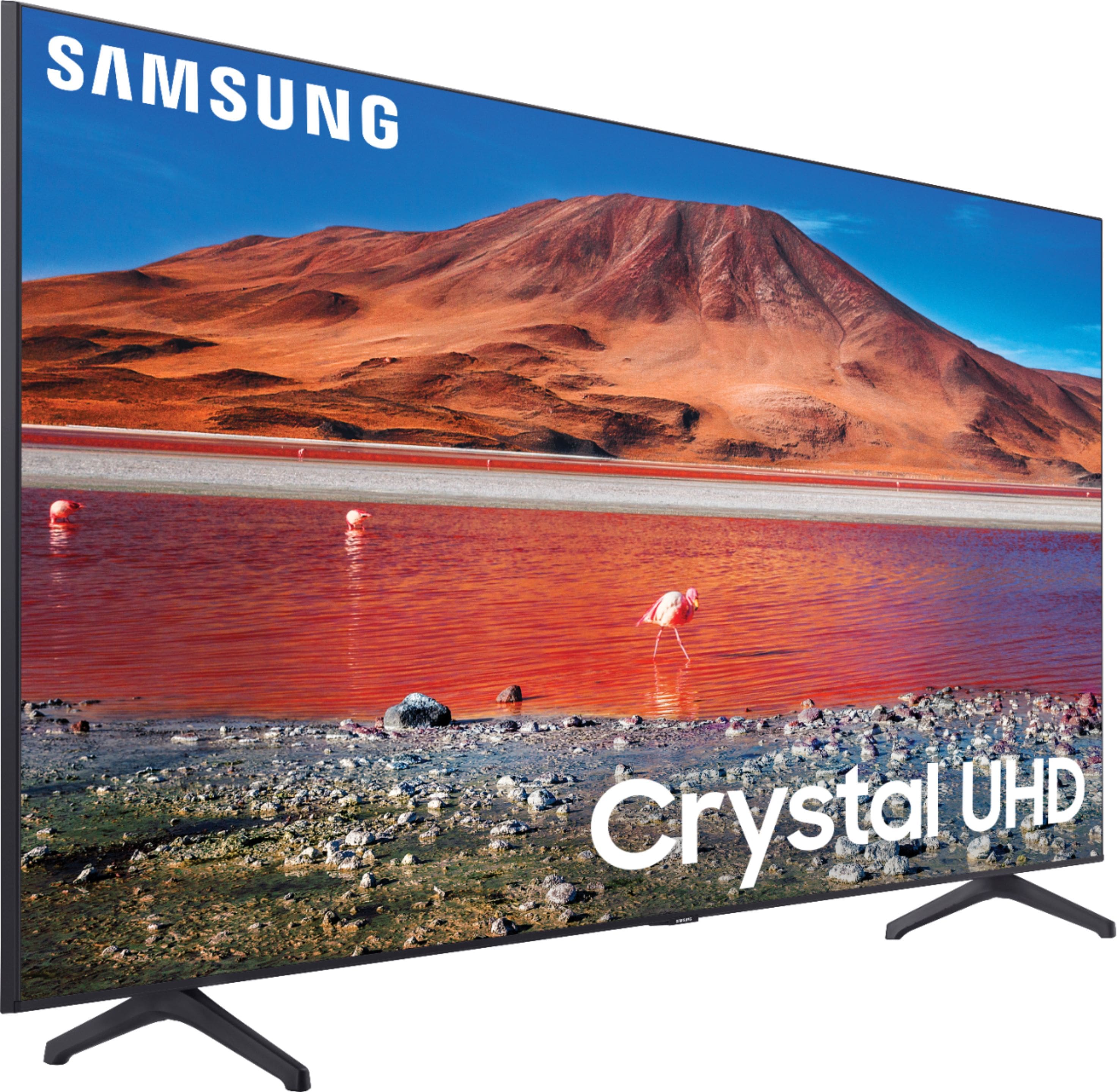

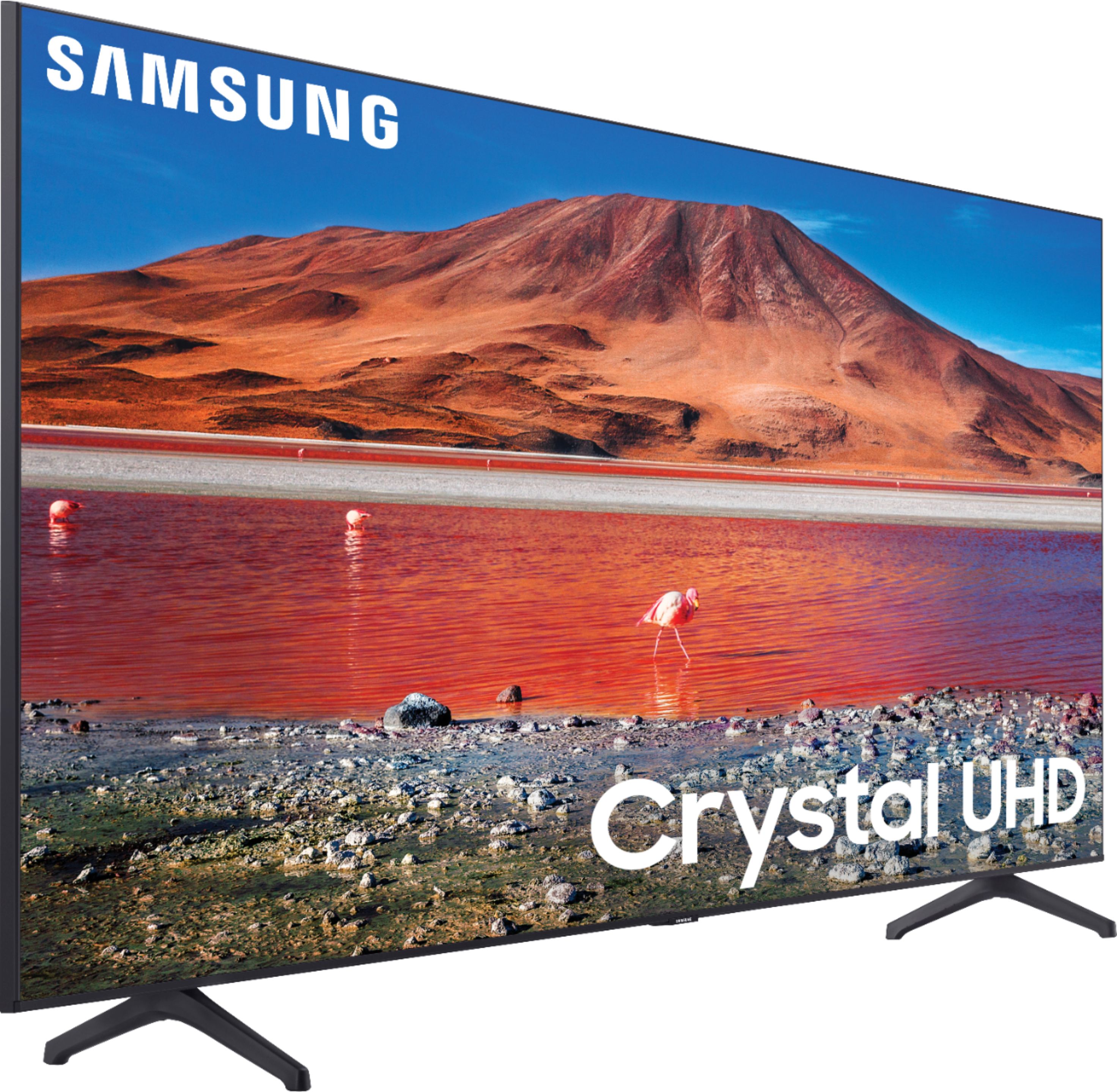
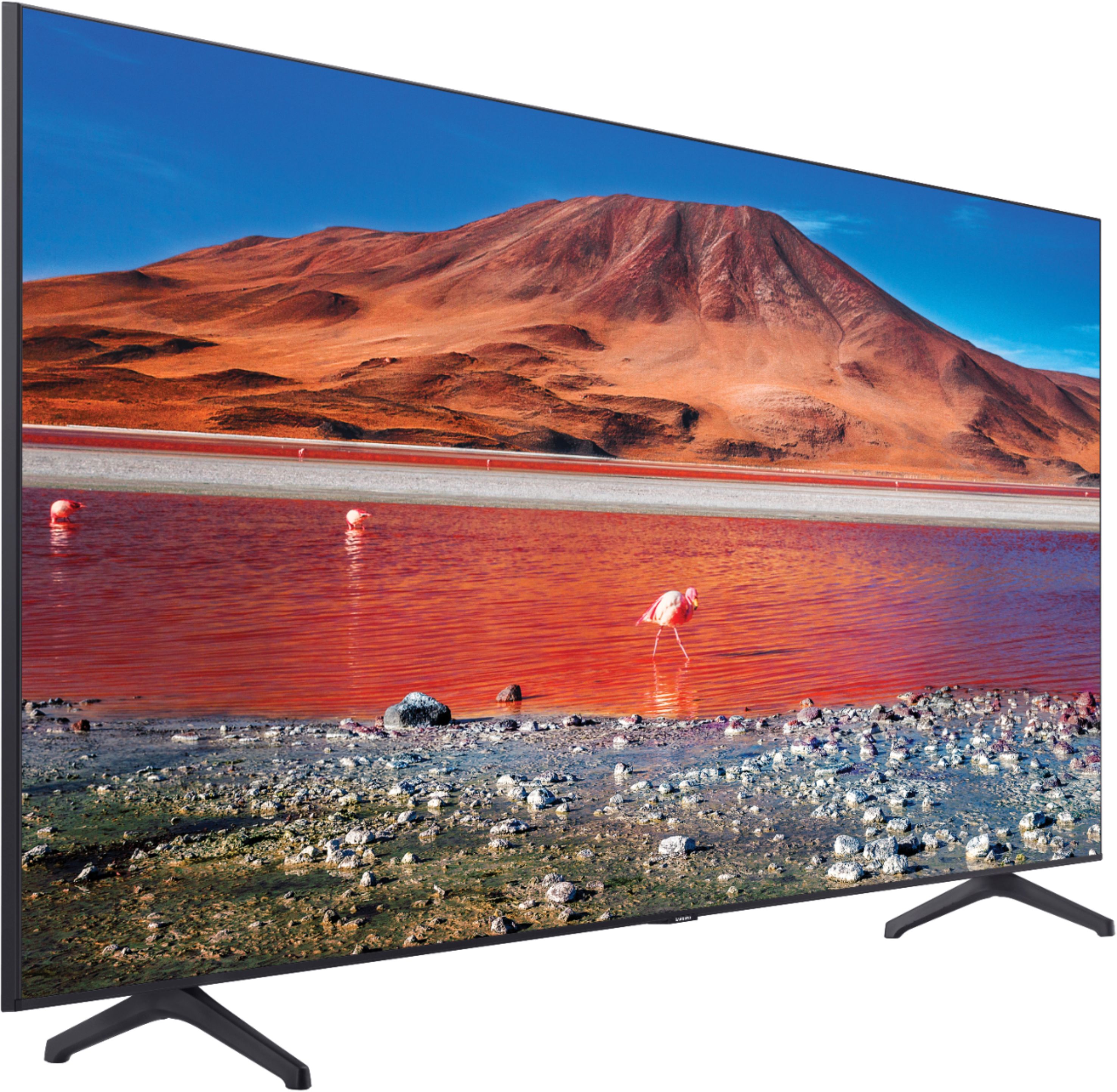
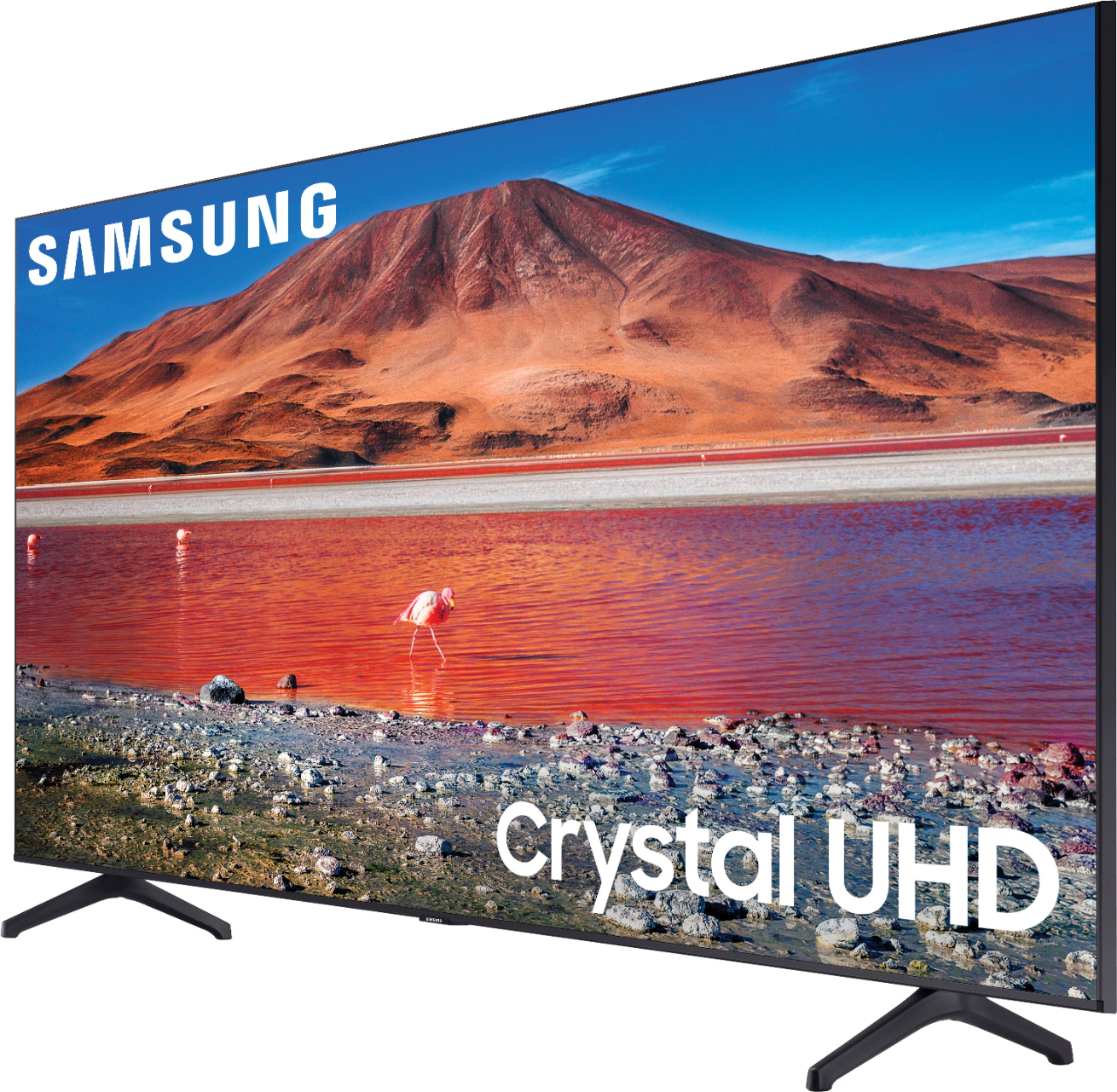

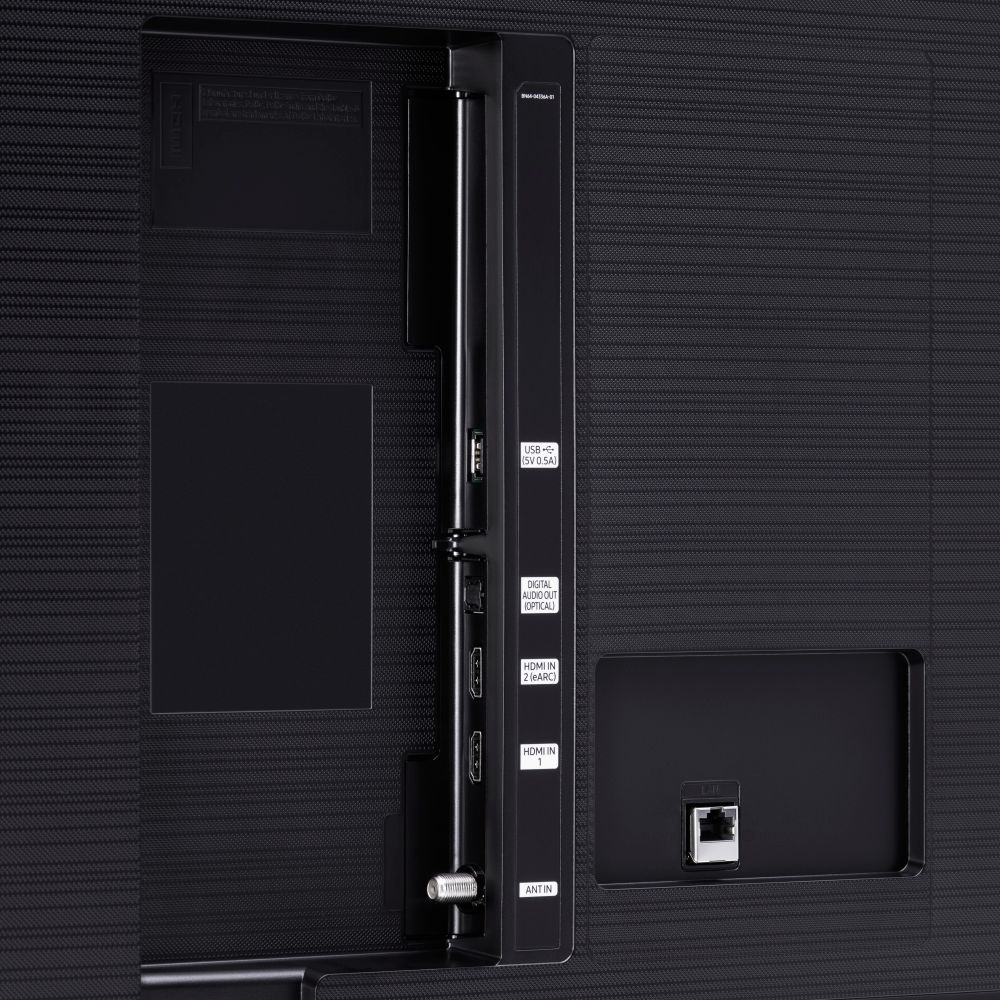





- Model:
- UN70TU7000BXZA
- SKU:
- 6429416
Rating by feature
- Picture Quality
Rating 4.7 out of 5 stars
- Sound Quality
Rating 4.5 out of 5 stars
- Brightness
Rating 4.7 out of 5 stars
Customers are saying
Customers are pleased with the picture quality, ease of use, and price of the 70” Class 7 Series LED 4K UHD Smart Tizen TV. Many also appreciate the TV's size and vibrant colors. However, some customers have expressed concerns regarding the remote control's usability and the TV's internet connectivity and volume. A few users also mentioned some challenges with the operating system and refresh rate.
This summary was generated by AI based on customer reviews.
Great Buy!
||Posted .This reviewer received promo considerations or sweepstakes entry for writing a review.Great television. The price is unbeatable, Best Buy delivers once again. Samsung continues to lead the way with the best TV’s in the industry.
I would recommend this to a friendThis IS "the one"!!!
||Posted .This reviewer received promo considerations or sweepstakes entry for writing a review.I have owned mine for exactly one year and it has performed flawlessly. And, importantly, the Samsung 800 help line is fantastically helpful! I'm on here now to buy Another one !
I would recommend this to a friendWarranty Used against My TV - Not my Fault
||Posted . Owned for 1 week when reviewed.This reviewer received promo considerations or sweepstakes entry for writing a review.Bought 70 " Samsung from Lexington SC location before Super Bowl , they loaded my TV on the back on my SUV flat , by the time i reached home screen was cracked, went next day to the Lexington Branch for an exchange they didn't have it, so they send me to Harbison Columbia location , there the exchange person told be they shouldn't lay it flat . He gave me the New TV but used my warranty against it, and its not even my fault. They Shouldn't use my warranty . Thanks Francis Good Long time Customer. Thanks Beware how they load and what is the right way to Load.
I would recommend this to a friendBrand response from Samsung
Posted .Hi SudhanshuF,
Thank you for sharing your experience with the TU7000 TV. I'm sorry to hear about the issues you had when getting a replacement. I recommend contacting your local Best Buy and giving them feedback on your specific situation.
If you have questions or need help, Samsung is here for you! Call us at 1-800-SAMSUNG, 8 AM - 12 AM EST, seven days a week. Our LiveChat agents are also available by clicking on the ‘Support’ link on our website.
~ Samsung Advisor
Love the 70 inch TV.
||Posted . Owned for 1 month when reviewed.This reviewer received promo considerations or sweepstakes entry for writing a review.Delivery was right on the time we were told it would be here. Delivery people were efficient, helpful, and informative. My son-in-law love the TV, and it is outside, undercover. Thank you so much.
I would recommend this to a friendSoured TV experience
||Posted . Owned for 1 month when reviewed.This reviewer received promo considerations or sweepstakes entry for writing a review.TV was suppose to be a 2021 model according to Best Buy, but when I registered the TV with Samsung, it said it was a 2020 model. That soured my whole experience with this TV. The TV sound is not as loud as everyone claimed on other reviews. I first need to buy a sound bar in order to get any decent sound. The Wi-Fi at times disconnects from the TV, so in order to get it back on, I have to unplug the TV and then plug it back in, and then the Wi-Fi reappears and works again. The picture is just OK. This is not my first Samsung as all my other TV's are Samsung's. Little disappointed, but when I get my next TV, it will be a Samsung again as my experiences with the other Samsung TV's were all great!
No, I would not recommend this to a friendSlight Delay
||Posted . Owned for less than 1 week when reviewed.This reviewer received promo considerations or sweepstakes entry for writing a review.Im a fan of this tv. Im a fan of samsung products in general. The only push i have for this tv is that there's a very slight delay in responsiveness to the remote control commands. It takes half a second to one second for the tv to respond to the remote control.
I would recommend this to a friendBest TV ever
||Posted . Owned for 1 month when reviewed.This reviewer received promo considerations or sweepstakes entry for writing a review.What are you waiting for, go get one! The only con is the cable for the TV is a bit short so if you’re trying to Mount it on a wall and the outlet is far away, it’s limits you in that aspect.
I would recommend this to a friendQuestions? Asked and answered
||Posted .This reviewer received promo considerations or sweepstakes entry for writing a review.With the knowledge of the staff on site, it was easy to get what we were looking for. The questions we asked were answered right away so it did not take long for us to find what we wanted.
I would recommend this to a friend- Pros mentioned:Picture quality
It's Ahight!
||Posted . Owned for 1 week when reviewed.This reviewer received promo considerations or sweepstakes entry for writing a review.It's ahight! The picture from the FIOS feed matches the picture from the Samsung plasma that the 7 series replaced. But, the Netflix feed is a great improvement. I got a great Black Friday price! So I'm not complaining
I would recommend this to a friendBrand response from Samsung
Posted .Israel:
Thank you for purchasing the Samsung TU7000 Crystal UHD TV. I am happy to hear that you are enjoying your new TV with High Dynamic Range (HDR) which lets you enjoy a wide spectrum of colors and detail, even in dark scenes.
You can contact Samsung Customer Support with any questions or concerns with usage, features, or how to best optimize your settings.
1) Phone: 1-800-SAMSUNG (ask for TVs), available 8AM – 12AM EST 7 days a week
2) LiveChat: https://www.samsung.com/us/support/#contact_us_for_support
3) Facebook Messenger: https://www.facebook.com/samsungsupport
4) Twitter: https://twitter.com/SamsungSupport
5) The Samsung Members Community is also a great resource for getting help from Samsung moderators and customers: https://us.community.samsung.com
If you have not already done so, we invite you to register your new Samsung product at: https://www.samsung.com/us/account/signin/?redirect=https%3A%2F%2Fwww.samsung.com%2Fus%2Fsupport%2Fregister%2F
Registering your product gives you access to easy warranty support, convenient opt-in to special promos and offers, faster troubleshooting and service, and quick notification of system updates.
~ Samsung Solutions
The Good, the Bad but no Ugly !
||Posted . Owned for 1 month when reviewed.This reviewer received promo considerations or sweepstakes entry for writing a review.I find my new 70" Samsung TV to be an amazing piece of electronics and I have yet to realize it's full potential. I really needed more time and info from the Geek Squad Team that installed it for me. I am disappointed that my requests to them have gone ignored.
I would recommend this to a friendIt is a good buy.
||Posted . Owned for 3 weeks when reviewed.This reviewer received promo considerations or sweepstakes entry for writing a review.It is great ;good bye to satellite or cable. You just need a good internet connection. I used to pay 70 bucks in Satellite, I am happy. In 10 months I get my money back. I have two tvs like this one.
I would recommend this to a friendYou get what you pay for.
||Posted . Owned for 1 week when reviewed.This reviewer received promo considerations or sweepstakes entry for writing a review.colors are great but as other HONEST and not promotional reviewers have stated, the picture has shadowing and is dark. Dark scenes lose all detail and dark images just look like a blob. We have 2 6 series Samsungs from 2017/2018 and they are a much clearer, brighter and cleaner picture. Also as others have stated forget the connectivity this is an issue we have with our older Samsungs and this new one is no exception. If you want to have a TV that stays connected or connects at all, you can either buy something else, hook it up to LAN or use a Fire/Roku type device. We were just surprised that the 7 series performed worse than our 6 series. I get that they are both low end/entry level TV's but my older is a keeper and this shiny new one is going back.
No, I would not recommend this to a friendBrand response from Samsung
Posted .jsprmax:
Thank you for purchasing the Samsung TU7000 TV and for your review. I am very sorry that you are experiencing network connection issues.
You may want to go through these steps to check your network connection:
1) Check the distance between the TV and your modem or access point. The distance should not exceed 50 ft. (15.2 m).
2) Minimize interference by not using or turning off wireless devices. Also, verify that there are no obstacles between the TV and the modem or access point. (WiFi strength can be decreased by appliances, cordless phones, stone walls/fireplaces, etc.)
3) Perform a network test to check if there is a network problem.
Press the Home button on your remote. Navigate to Settings > Support > Device Care > Self Diagnosis> Smart Hub Connection Test
4) Try a cold reboot of your TV by pressing and holding the power button for 5+ seconds until the TV turns off and on again.
5) Please also be sure you have the latest firmware update. You may want to enable automatic updates for convenience. Select Settings > Support > Software Update, then select Auto Update.
If the colors on your TV are correct but just a little too dark or bright you can try Dynamic Picture Mode, or manually adjust the Brightness settings to your liking.
Dynamic Picture Mode will make pictures brighter and clearer in bright viewing environments. Go to: Settings > Picture > Picture Mode > Dynamic
Or manually adjust the Brightness settings to your liking. Go to: Settings> Picture> Expert Settings> Brightness
For further assistance or service, please contact us via any of the following options:
1) Phone: 1-800-SAMSUNG (ask for TVs), available 8AM – 12AM EST 7 days a week
2) LiveChat: https://www.samsung.com/us/support/#contact_us_for_support
3) Facebook Messenger: https://www.facebook.com/samsungsupport
4) Twitter: https://twitter.com/SamsungSupport
5) The Samsung Members Community is also a great resource for getting help from Samsung moderators and customers: https://us.community.samsung.com
If you have not already done so, we invite you to register your new Samsung product at: https://www.samsung.com/us/account/signin/?redirect=https%3A%2F%2Fwww.samsung.com%2Fus%2Fsupport%2Fregister%2F
Registering your product gives you access to easy warranty support, convenient opt-in to special promos and offers, faster troubleshooting and service, and quick notification of system updates.
~ Samsung Solutions
- Pros mentioned:Picture quality
Replacement for one that picture blew out.
||Posted . Owned for 1 month when reviewed.This reviewer received promo considerations or sweepstakes entry for writing a review.This is a good television, my first one the picture blew out and they had to exchange it for this slightly newer model. Be sure to get the extended warranty.
I would recommend this to a friendBrand response from Samsung
Posted .Hi Phillypop1,
Thank you for your purchase and review of the TU7000 TV. I am happy that you were able to get a warranty replacement TV.
If you have questions or need help, Samsung is here for you! Just give us a call at 1-800-SAMSUNG, 8 AM - 12 AM EST, seven days a week. Our LiveChat agents are also available by clicking on the ‘Support’ link on our website.
Thanks for being a part of the Samsung family!
~ Samsung Advisor
No way jose
||Posted . Owned for 1 week when reviewed.This reviewer received promo considerations or sweepstakes entry for writing a review.This bad boy is a must get for the hoildays perfect to play some video games or watch some movies or watch your favorite show on netflix
I would recommend this to a friend- Pros mentioned:Picture quality
Taroni
||Posted . Owned for 1 month when reviewed.This reviewer received promo considerations or sweepstakes entry for writing a review.We use the Spectrum app, it is difficult to change channels and you can not dial them in directly. Also the “waiting “ signal comes on in the middle of a program.The picture quality is great.
I would recommend this to a friend Fantastic Job
||Posted .This reviewer received promo considerations or sweepstakes entry for writing a review.Sean he’s the greatest very professional he calls to let you know where he is and how long he’ll be before he get to your appointment he’s just the best I can’t say enough about him
I would recommend this to a friendVery nice TV better than most at this price point
||Posted . Owned for 1 month when reviewed.This reviewer received promo considerations or sweepstakes entry for writing a review.Very nice TV better than most at this price point, picture brightness are really good sound is average but that is most TVs I added a sound bar and rear speaker.
I would recommend this to a friendI do not recommend you purchase this unit
Posted .This reviewer received promo considerations or sweepstakes entry for writing a review.I purchased this along with a Sanus wall mount. the TV screen has begun to bow outward and separate from the tv after only 2 months. Samsung has told me the wall mount is third party and they cannot help with the tv issue based on that alone.
No, I would not recommend this to a friendBrand response from Samsung
Posted .Terry:
I am very sorry to hear that you are experiencing issues with your physical screen while mounted on your third party wall mount. Our warranty covers manufacturing defects in materials and workmanship encountered in normal, noncommercial use of this product, and does not apply to damage incurred during shipment, delivery and /or installation. You can read more about our warranty here: https://www.samsung.com/us/support/service/warranty/UN70TU7000BXZA
For further assistance, please contact Samsung Customer Support:
1) Phone: 1-800-SAMSUNG (ask for TVs), available 8AM – 12AM EST 7 days a week
2) LiveChat: https://www.samsung.com/us/support/#contact_us_for_support
3) Facebook Messenger: https://www.facebook.com/samsungsupport
4) Twitter: https://twitter.com/SamsungSupport
5) The Samsung Members Community is also a great resource for getting help from Samsung moderators and customers: https://us.community.samsung.com
If you have not already done so, we invite you to register your new Samsung product at: https://www.samsung.com/us/account/signin/?redirect=https%3A%2F%2Fwww.samsung.com%2Fus%2Fsupport%2Fregister%2F
Registering your product gives you access to easy warranty support, convenient opt-in to special promos and offers, faster troubleshooting and service, and quick notification of system updates.
~ Samsung Solutions
tv
||Posted .This reviewer received promo considerations or sweepstakes entry for writing a review.the associate that help me with my return and repurchase was explant everything was great the TV arrived on time and the delivery team did a great job thanks so much the wonderful experience,
I would recommend this to a friendVery nice
||Posted . Owned for 3 weeks when reviewed.This reviewer received promo considerations or sweepstakes entry for writing a review.The contrast is very gud considering it's not oled or qled. Really bright... Can easily see in room with windows during the day
I would recommend this to a friend