Customer Ratings & Reviews
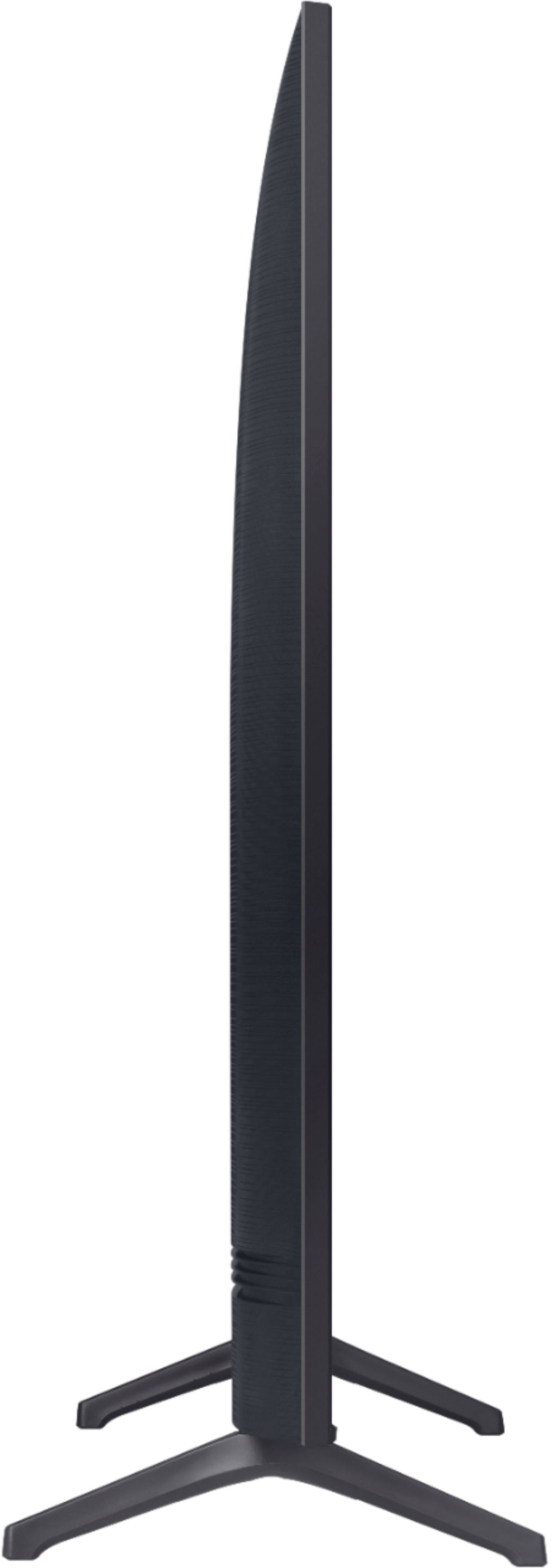
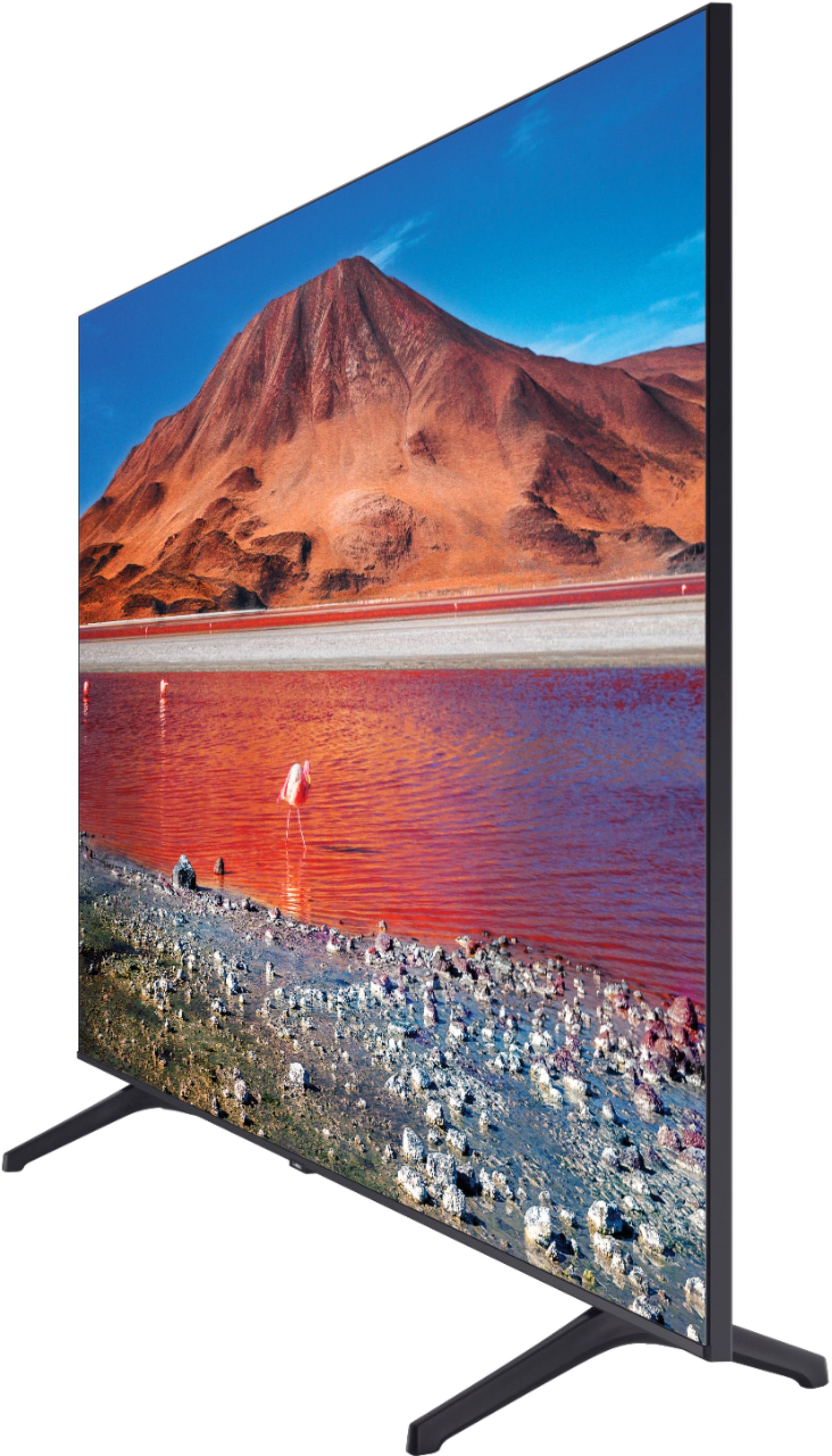

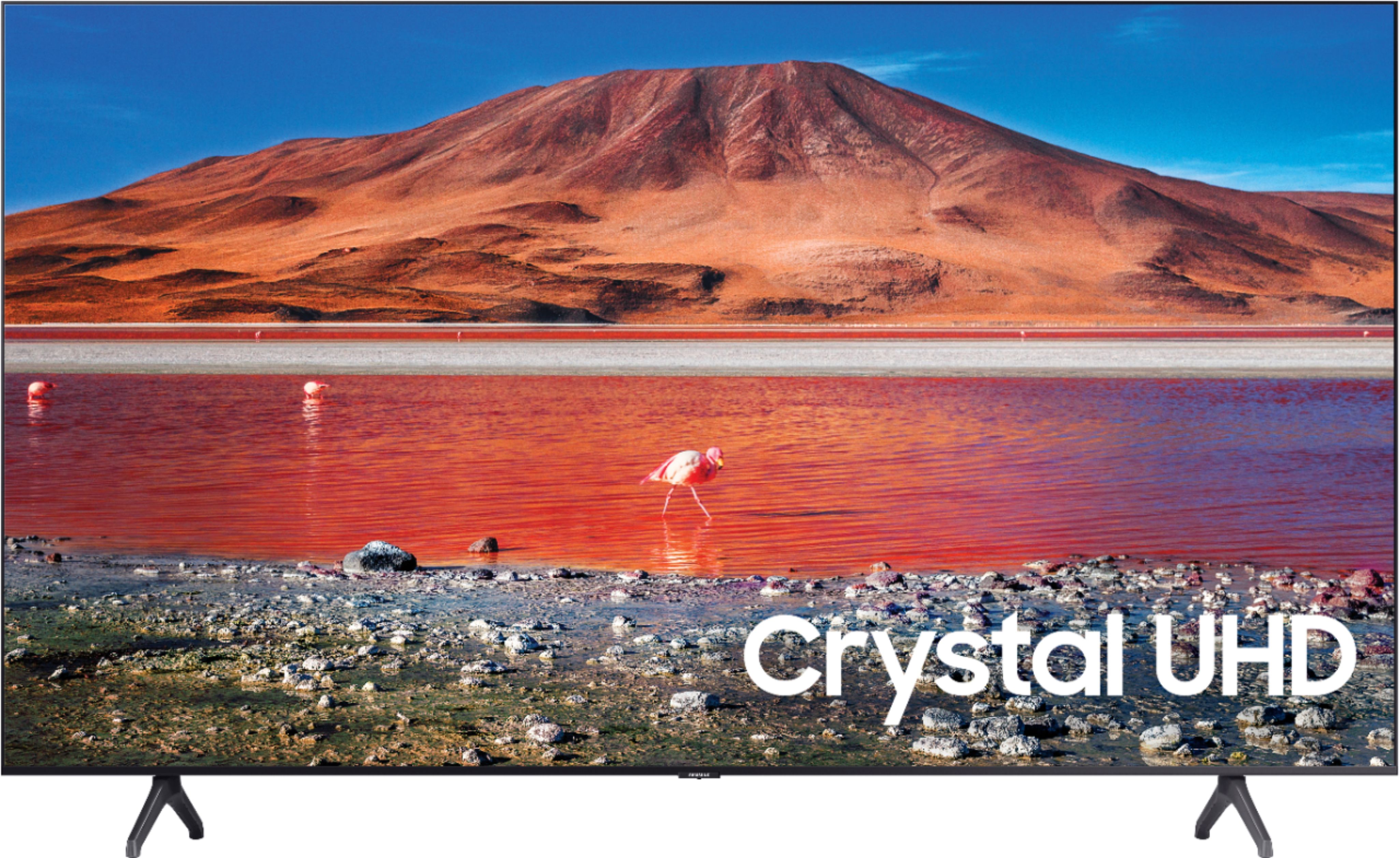






- Model:
- UN70TU7000BXZA
- SKU:
- 6429416
Rating by feature
- Picture Quality
Rating 4.7 out of 5 stars
- Sound Quality
Rating 4.5 out of 5 stars
- Brightness
Rating 4.7 out of 5 stars
Customers are saying
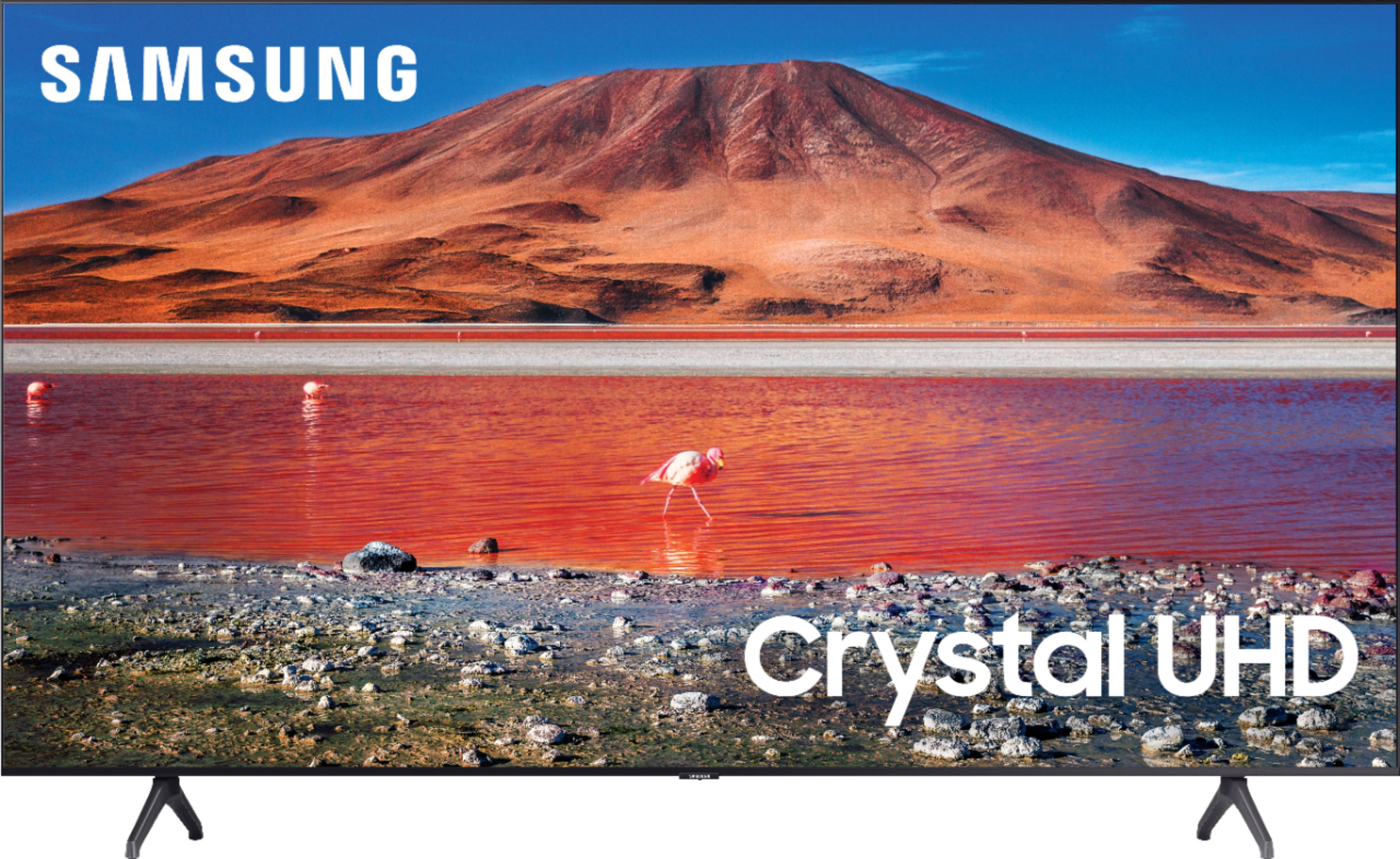
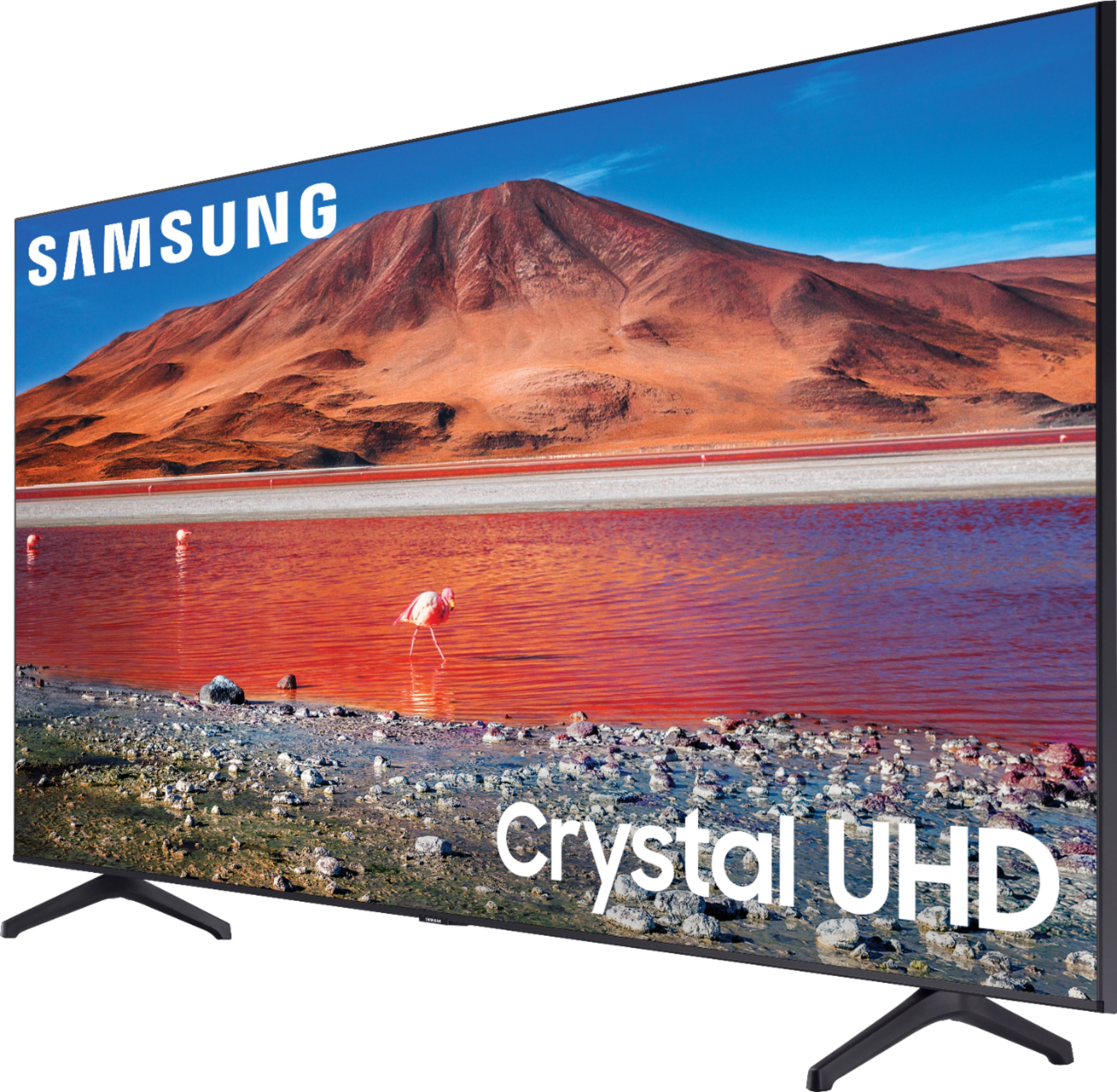
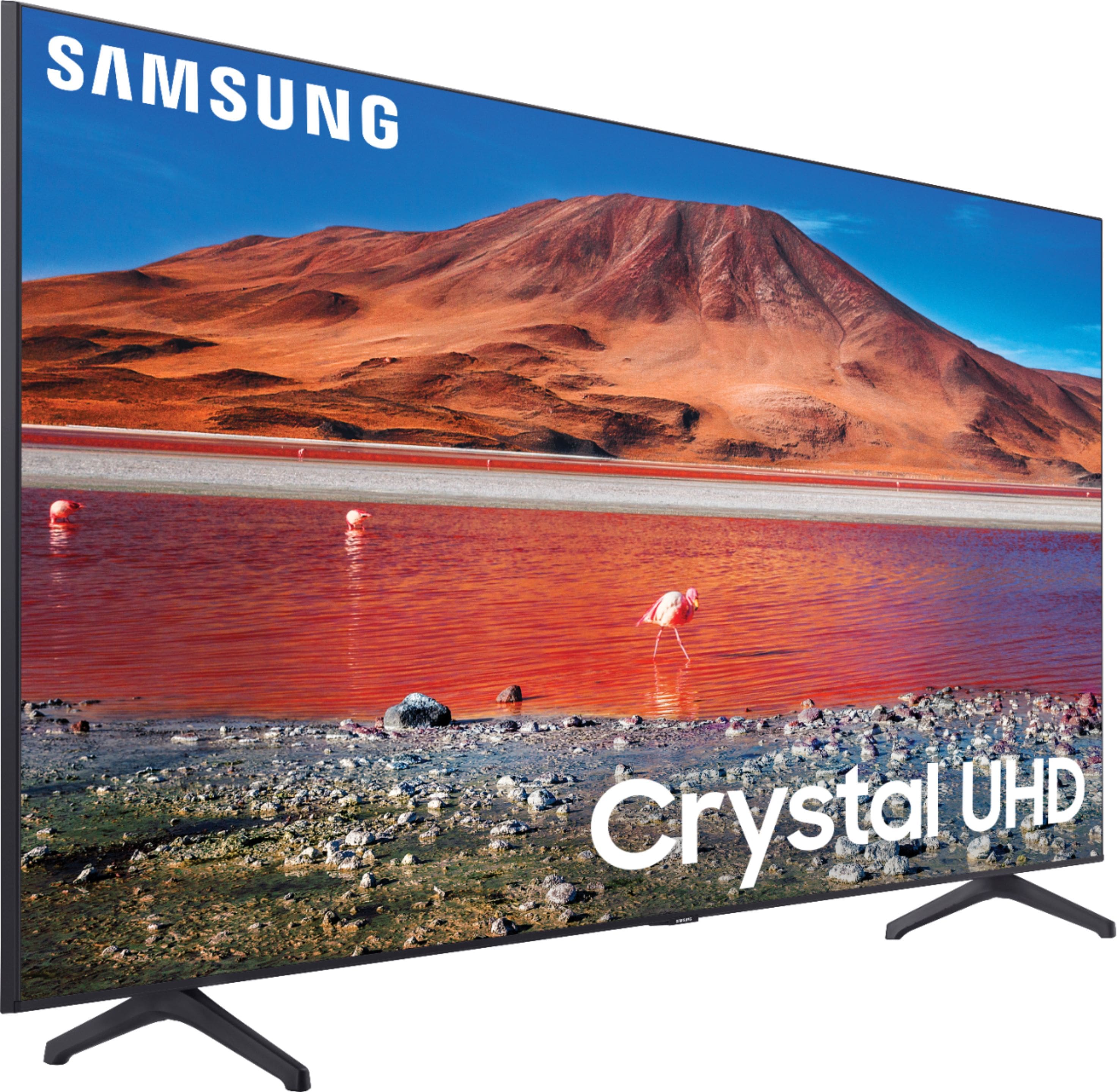
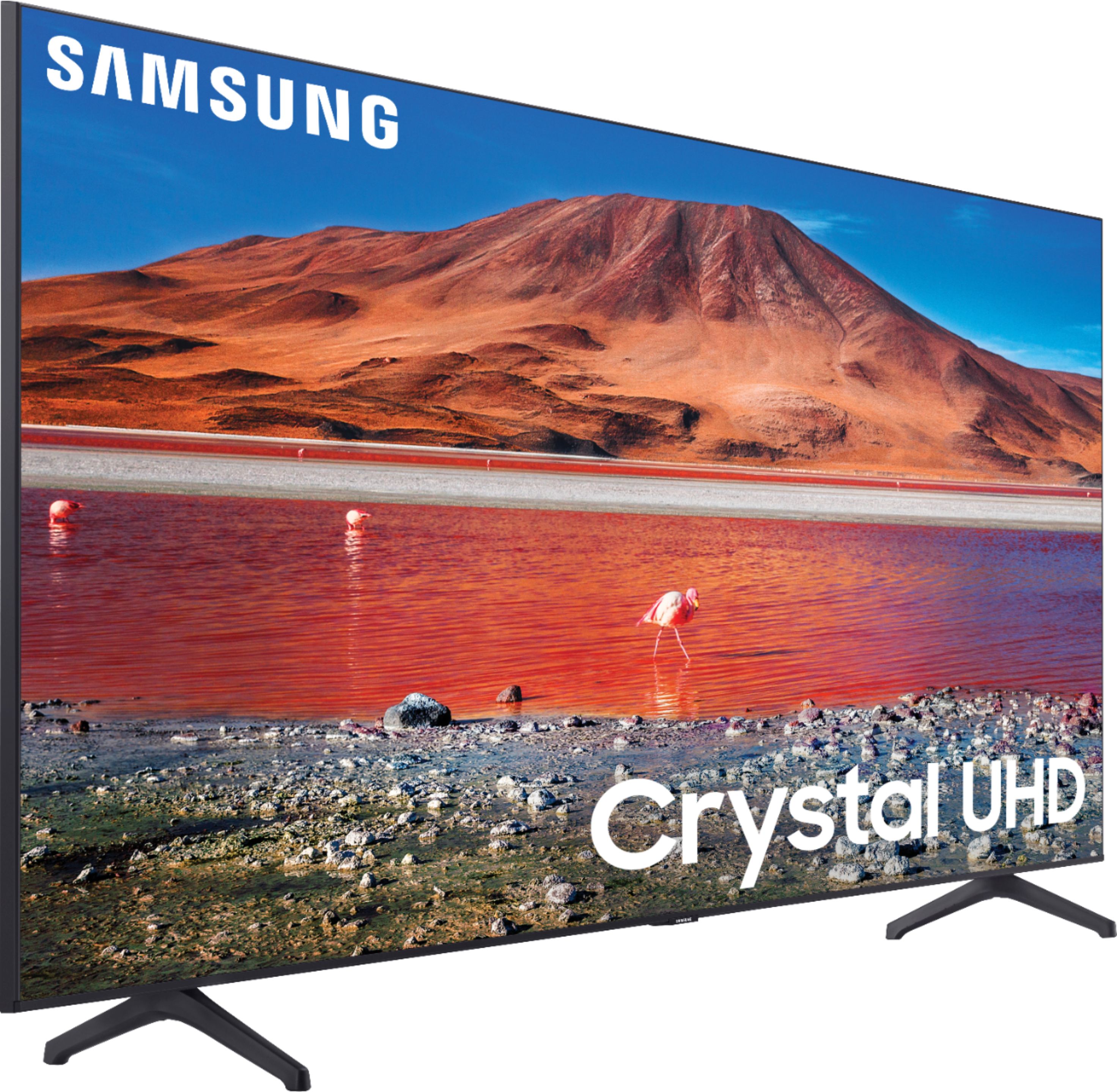
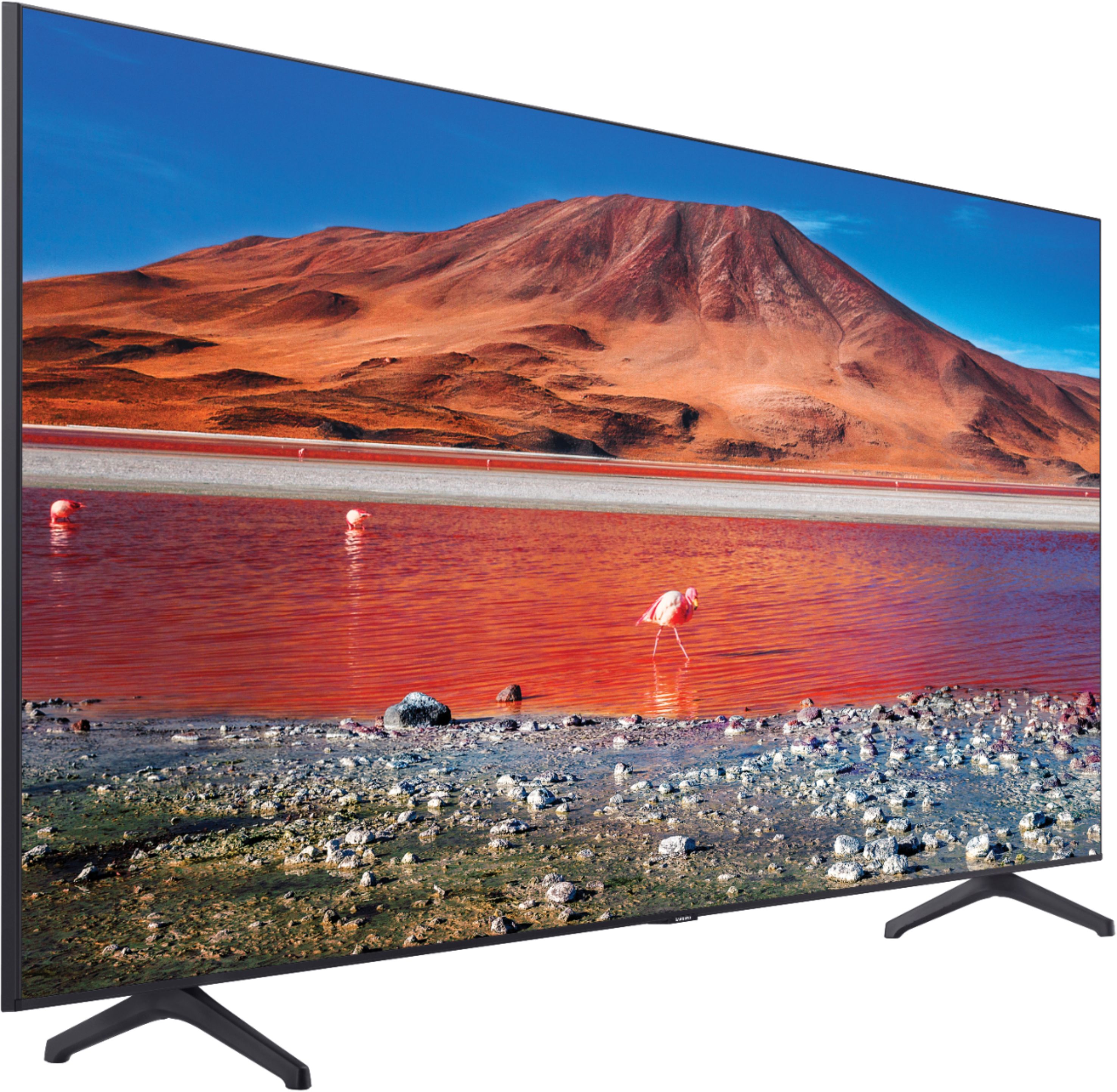
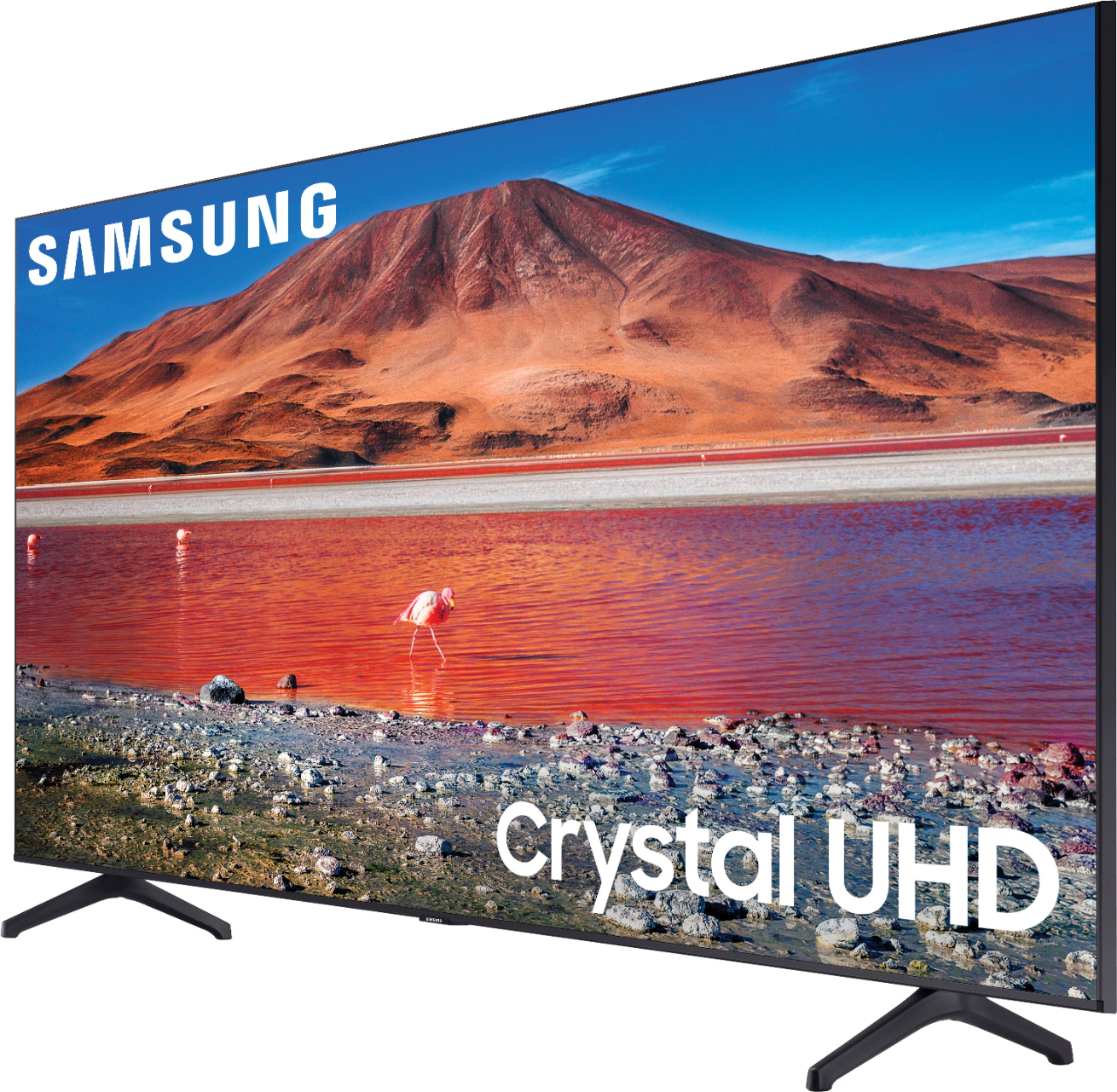
Customers are pleased with the picture quality, ease of use, and price of the 70” Class 7 Series LED 4K UHD Smart Tizen TV. Many also appreciate the TV's size and vibrant colors. However, some customers have expressed concerns regarding the remote control's usability and the TV's internet connectivity and volume. A few users also mentioned some challenges with the operating system and refresh rate.
This summary was generated by AI based on customer reviews.
Super Happy
||Posted . Owned for 3 weeks when reviewed.This reviewer received promo considerations or sweepstakes entry for writing a review.Great TV and the salesperson was one of the best I ever dealt with.
I would recommend this to a friendNice television
||Posted . Owned for 10 months when reviewed.This reviewer received promo considerations or sweepstakes entry for writing a review.Love my TV. Maybe I should have gotten a bigger one, but this one is just fine
I would recommend this to a friendGreat TV without breaking the bank on an OLED.
||Posted . Owned for 2 weeks when reviewed.This reviewer received promo considerations or sweepstakes entry for writing a review.The TV has worked great so far. I have noticed some ghosting and screen tearing on 4k, but is probably a function of streaming over wifi.
I would recommend this to a friendBudget friendly TV
||Posted . Owned for 1 month when reviewed.This reviewer received promo considerations or sweepstakes entry for writing a review.Very great TV for the price. Not 8k but 4k does just fine for standard uses. Would recommend a sound bar though
I would recommend this to a friendPay more. Get more
||Posted . Owned for 3 weeks when reviewed.This reviewer received promo considerations or sweepstakes entry for writing a review.The set is dark. And fuzzy. Not 4 k. I tried my 4k Apple TV. And Netflix 4k. No go
No, I would not recommend this to a friendGreat tv
||Posted .This reviewer received promo considerations or sweepstakes entry for writing a review.great i would buy this tv again and again especially the good price I got
I would recommend this to a friendSamsung tv
||Posted . Owned for 3 weeks when reviewed.This reviewer received promo considerations or sweepstakes entry for writing a review.Great product. I have 3 of these tvs, and I’ve had no problem
I would recommend this to a friendClean screen
||Posted . Owned for 5 months when reviewed.This reviewer received promo considerations or sweepstakes entry for writing a review.Great visual quality. Sound is ok. The aop system works well enough to be satisfying.
I would recommend this to a friendUpdated software
||Posted . Owned for 1 month when reviewed.This reviewer received promo considerations or sweepstakes entry for writing a review.As a Samsung owner of everything from TV to appliances this was just an upgrade. I love it.
I would recommend this to a friend- Cons mentioned:Internet connectivity
Internet Issues with TV
||Posted . Owned for 1 year when reviewed.This reviewer received promo considerations or sweepstakes entry for writing a review.Has problems staying connected to the internet. Have to keep unplugging it.
No, I would not recommend this to a friendBrand response from Samsung
Posted .Hi Gailforce,
Thank you for sharing your experience with Internet connectivity on the TU7000 TV. If you’re experiencing issues with the Wi-Fi connection, we suggest you try the following:
1. Use 5Ghz Wi-Fi if possible
2. Try wired LAN if available
3. Try repositioning the router, so there are no obstacles between your TV and the router
Please also be sure you are running the latest firmware. You can check to see what software version your TV is using and if there is an available update through the settings on your TV. Go to Settings > Support > Software Update.
You may want to enable automatic updates for convenience.
Go to Settings > Support > Software Update, then select Auto Update.
I hope these tips help resolve your concerns.
If you need more help, Samsung is here for you. Please call us at 1-800-SAMSUNG, 8 AM - 12 AM EST, seven days a week. Our LiveChat agents are also available by clicking on the ‘Support’ link on our website.
~ Samsung Advisor
Great Store Staff
||Posted . Owned for 3 weeks when reviewed.This reviewer received promo considerations or sweepstakes entry for writing a review.Tv is a Samsung so by far my favorite and staff at Best Buy in Silverdale were fantastic.
I would recommend this to a friendUpgrade d inputs to 4K
||Posted . Owned for less than 1 week when reviewed.This reviewer received promo considerations or sweepstakes entry for writing a review.Definitely worth the value as this was an upgrade from 1080p to 4K HDR. Be prepared to upgrade inputs to get the most out of the higher resolution.
I would recommend this to a friendPerfect tv
||Posted . Owned for 1 month when reviewed.This reviewer received promo considerations or sweepstakes entry for writing a review.Absolutely love this tv. Was the perfect size for the spot I had after my other tv went out.
I would recommend this to a friendGreat Service
||Posted . Owned for 1 month when reviewed.This reviewer received promo considerations or sweepstakes entry for writing a review.On time delivery on was helped load my TVs. I will definitely continue to shop with you.
I would recommend this to a friendSatisfied Customer
||Posted . Owned for 1 month when reviewed.This reviewer received promo considerations or sweepstakes entry for writing a review.They completed the job very fast, And they were very professional
I would recommend this to a friendliked this product
||Posted . Owned for 2 months when reviewed.This reviewer received promo considerations or sweepstakes entry for writing a review.came in perfect condition and ready to install. recommending to others to buy
I would recommend this to a friendLove my TV
||Posted . Owned for 3 weeks when reviewed.This reviewer received promo considerations or sweepstakes entry for writing a review.Samsung is definitely my favorite brand of tv . Plus my delivery was fast and professional!
I would recommend this to a friendBack to Samsung
||Posted . Owned for 1 month when reviewed.This reviewer received promo considerations or sweepstakes entry for writing a review.I stream everything and use the PS5 with it and even tho it’s not top of the line tv . For the sale price which I got it for it is a great tv.
I would recommend this to a friend- Cons mentioned:Remote control
Tv review
||Posted .This reviewer received promo considerations or sweepstakes entry for writing a review.Works great except for volume button on remote it works intermittently will call warranty service after holidays
I would recommend this to a friendBrand response from Samsung
Posted .Tvreview:
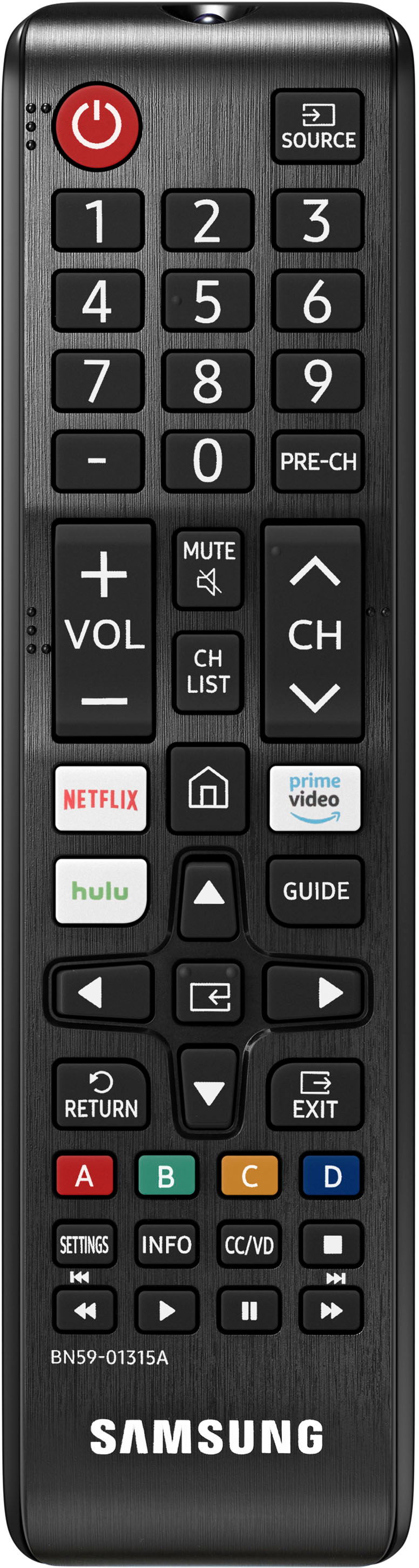
Thank you for purchasing the Samsung TU7000 TV. I am sorry to hear that you are experiencing issues with the volume button on your remote. The most common are physical damage, battery issues, or issues with the infrared sensor on the remote or TV. You may want to try the following troubleshooting steps.
1) Reset the remote by removing the batteries & pressing Power for 8 seconds. Then reinsert the batteries.
2) Check to see if the remote is sending/receiving an infrared signal. You can check whether the signal is being transmitted by pressing the power button and observing the front tip of the remote control through the camera on your smartphone. If you do not see the IR light, replace the batteries with fresh ones and try again. If you still do not see the IR light, then replace the remote. If you see the IR light, turn on your TV using the control on the TV directly. Then, try controlling the TV again by pointing the remote directly at the Samsung logo.
If the remote still will not work properly, contact Samsung Customer Support.
1) Phone: 1-800-SAMSUNG (ask for TVs), available 8AM – 12AM EST 7 days a week
2) LiveChat: https://www.samsung.com/us/support/#contact_us_for_support
3) Facebook Messenger: https://www.facebook.com/samsungsupport
4) Twitter: https://twitter.com/SamsungSupport
5) The Samsung Members Community is also a great resource for getting help from Samsung moderators and customers: https://us.community.samsung.com
If you have not already done so, we invite you to register your new Samsung product at: https://www.samsung.com/us/account/signin/?redirect=https%3A%2F%2Fwww.samsung.com%2Fus%2Fsupport%2Fregister%2F
Registering your product gives you access to easy warranty support, convenient opt-in to special promos and offers, faster troubleshooting and service, and quick notification of system updates.
~ Samsung Solutions
Great TV
||Posted .This reviewer received promo considerations or sweepstakes entry for writing a review.I love this TV, it is perfect for our living room.
I would recommend this to a friend