Customer Ratings & Reviews
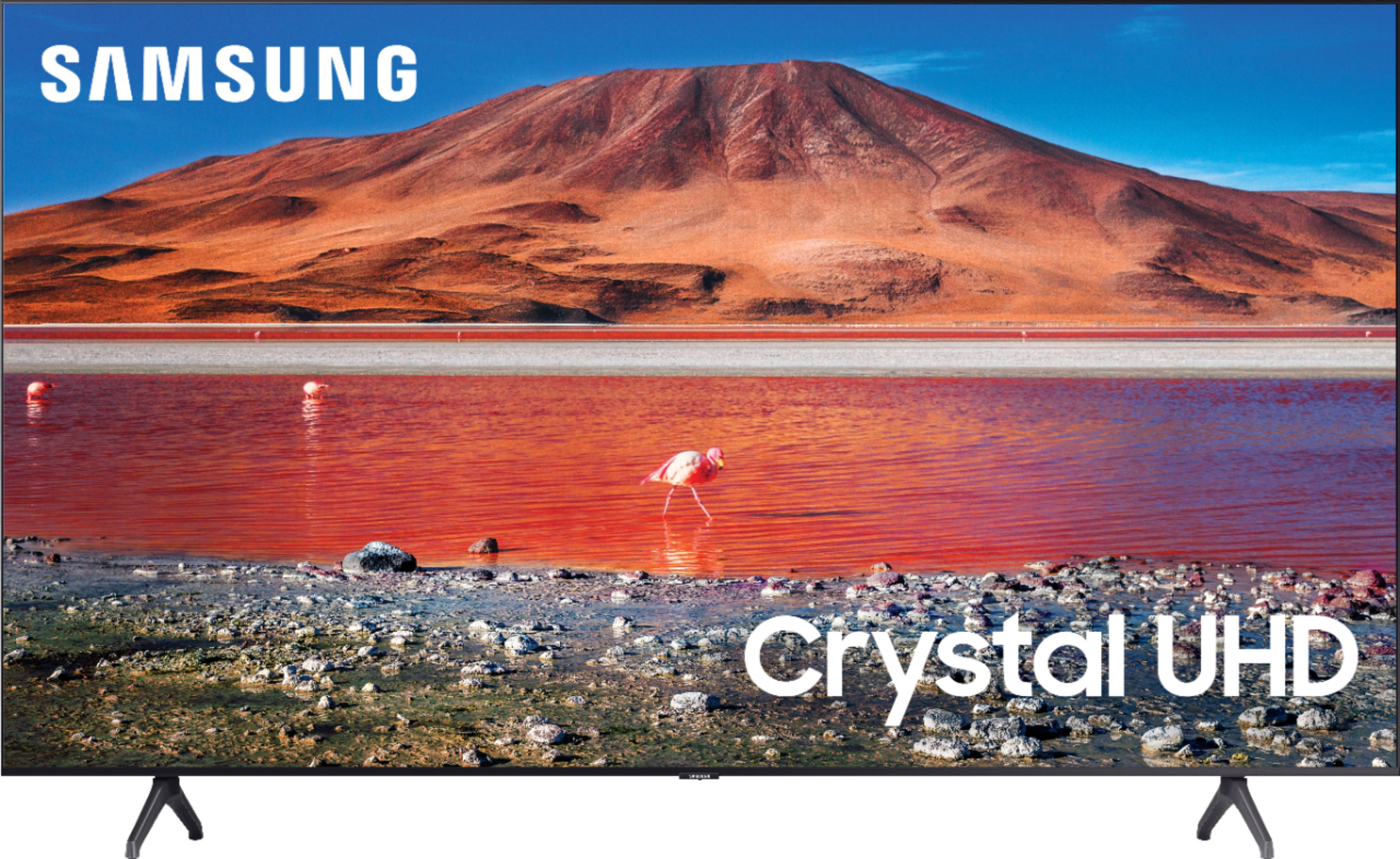
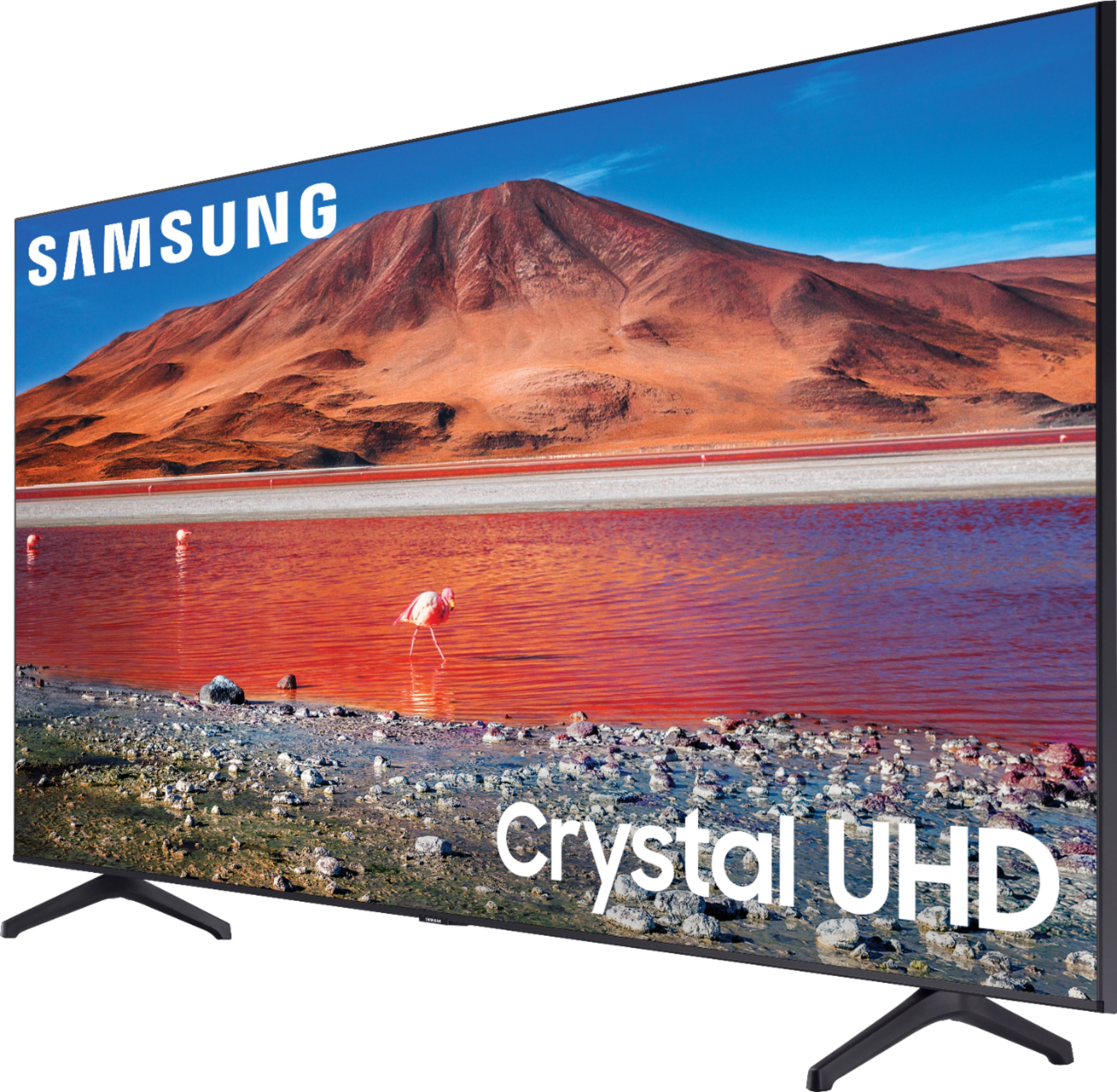
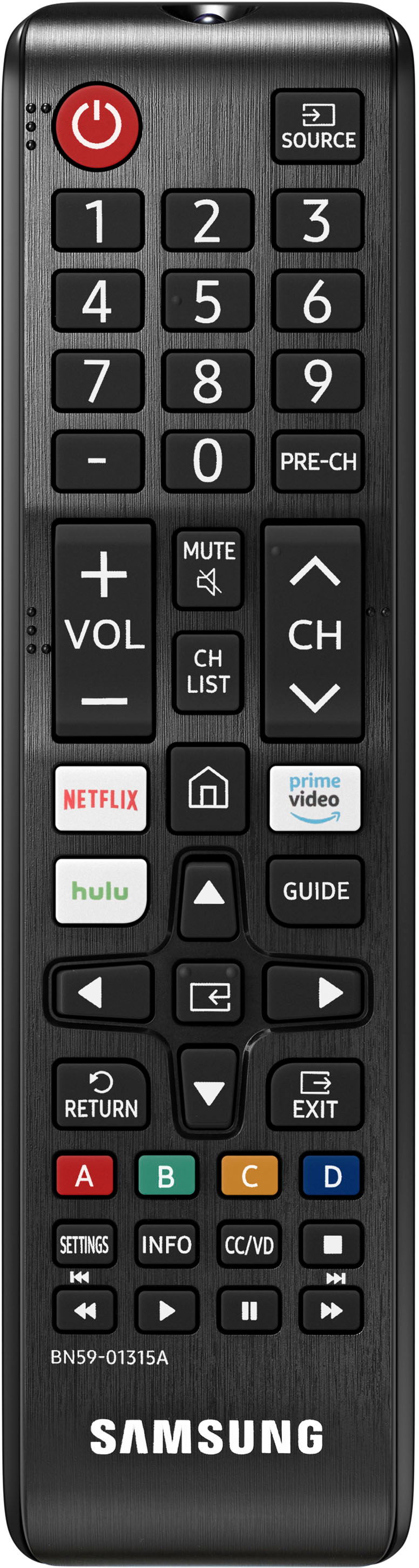
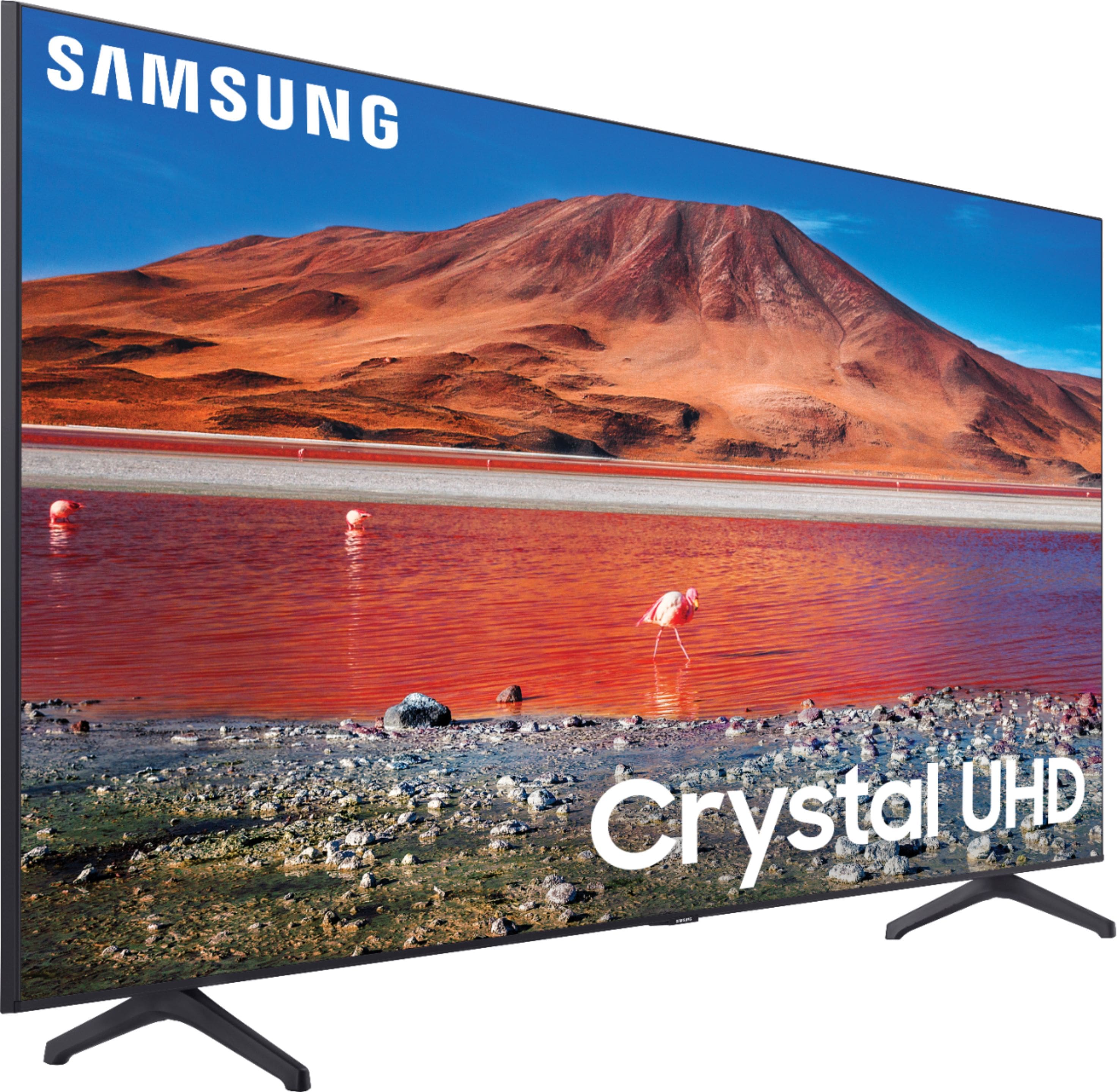

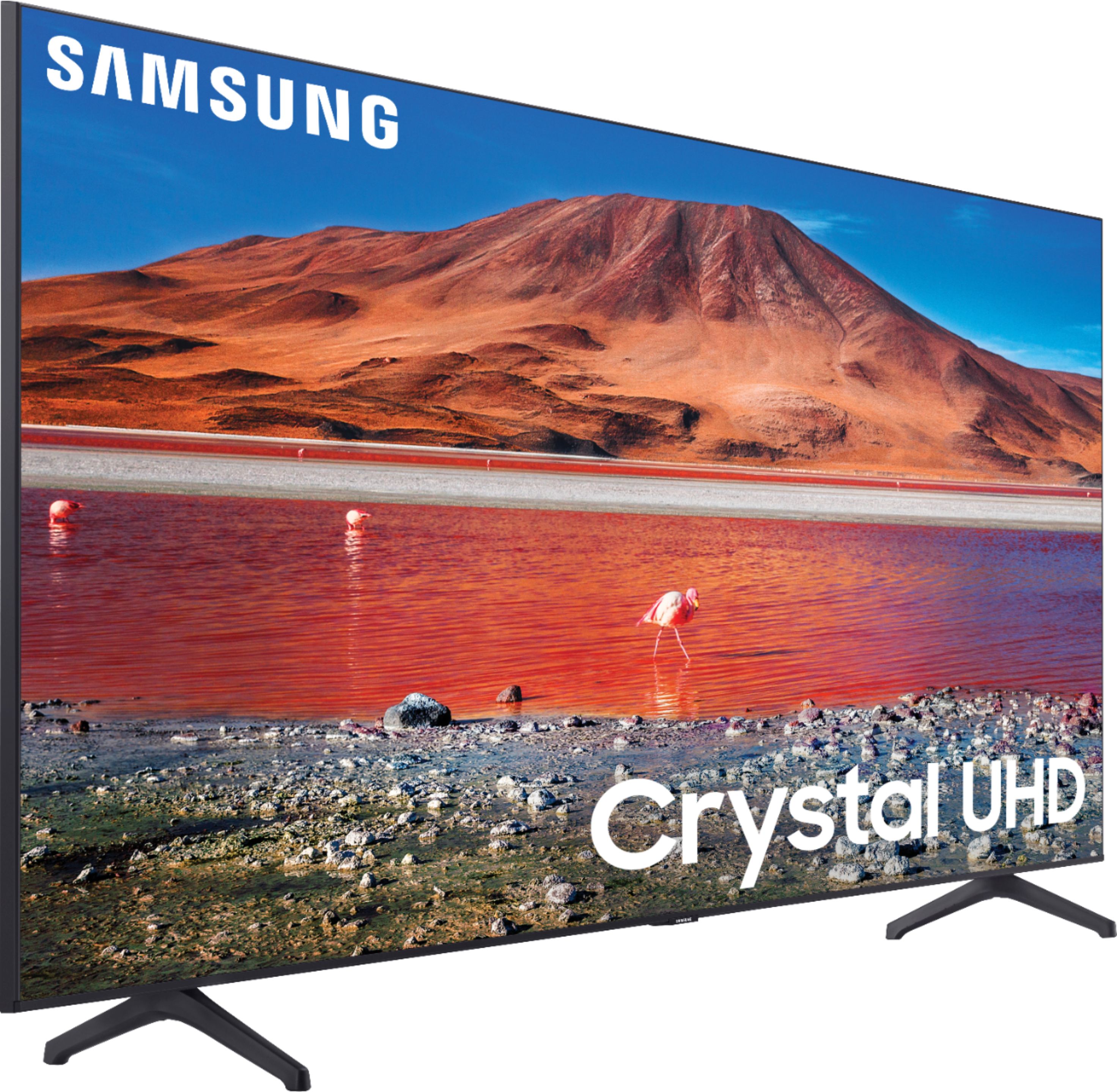
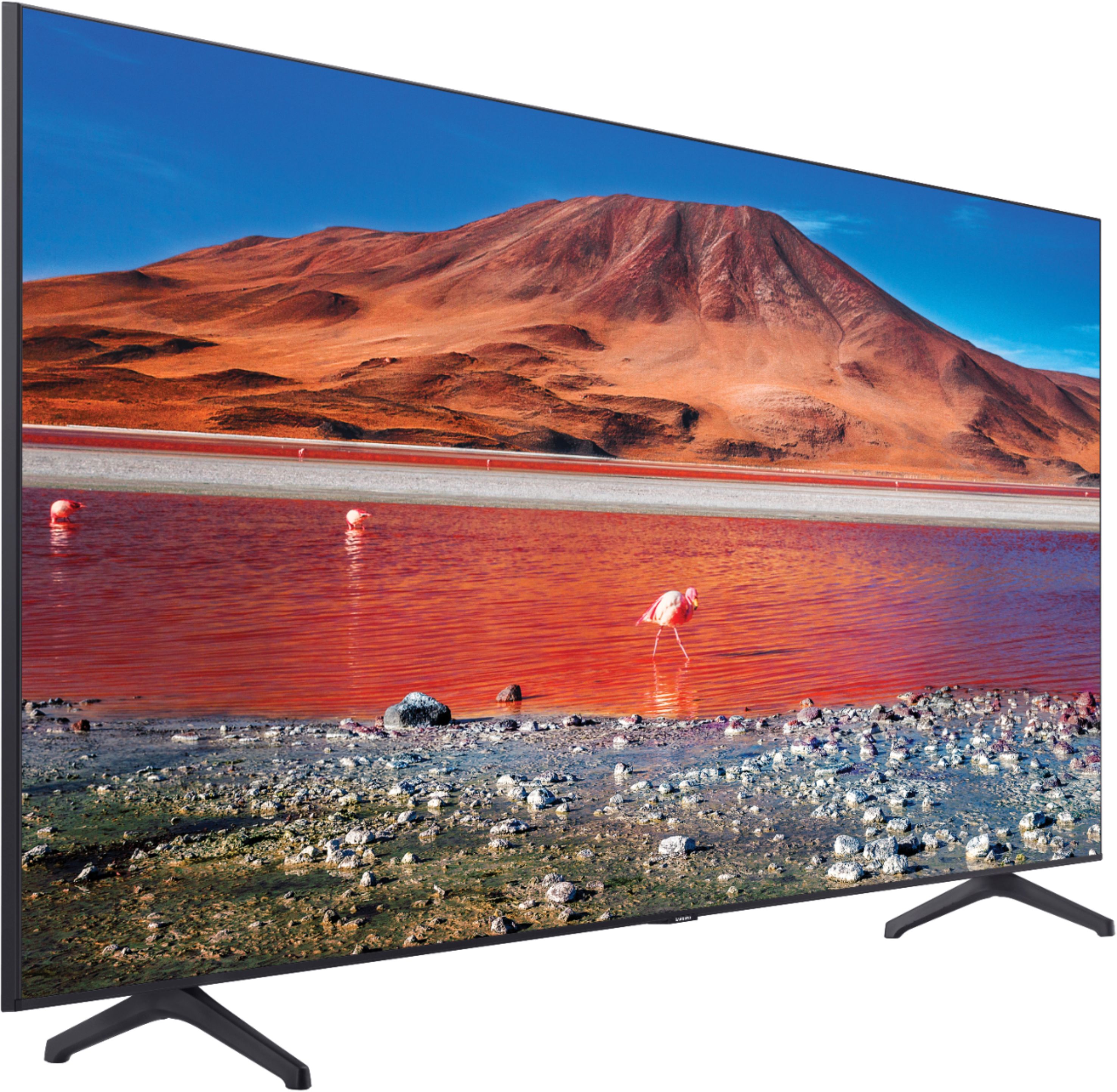
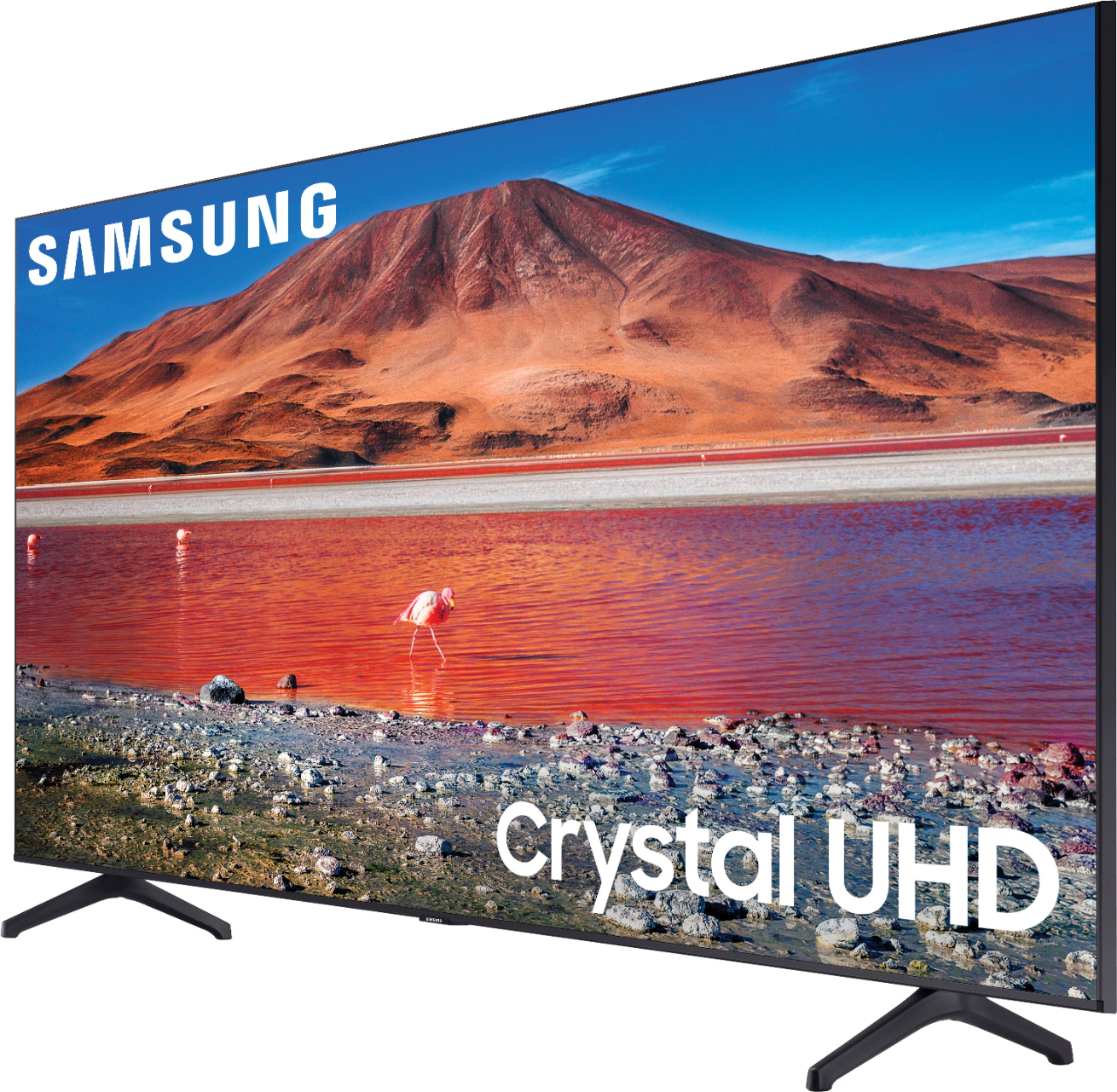






- Model:
- UN70TU7000BXZA
- SKU:
- 6429416
Rating by feature
- Picture Quality
Rating 4.7 out of 5 stars
- Sound Quality
Rating 4.5 out of 5 stars
- Brightness
Rating 4.7 out of 5 stars
Customers are saying
Customers are pleased with the picture quality, ease of use, and price of the 70” Class 7 Series LED 4K UHD Smart Tizen TV. Many also appreciate the TV's size and vibrant colors. However, some customers have expressed concerns regarding the remote control's usability and the TV's internet connectivity and volume. A few users also mentioned some challenges with the operating system and refresh rate.
This summary was generated by AI based on customer reviews.
Totally satisfied customer
||Posted . Owned for 2 months when reviewed.This reviewer received promo considerations or sweepstakes entry for writing a review.Great tv to have in my greatroom!! It works as expected.
I would recommend this to a friendGreat purchase
||Posted . Owned for 2 weeks when reviewed.This reviewer received promo considerations or sweepstakes entry for writing a review.Amazing tv no issues physically at all thank god..
I would recommend this to a friendNice tv
||Posted . Owned for 1 month when reviewed.This reviewer received promo considerations or sweepstakes entry for writing a review.The best TV I've ever had !!!!!!!!!!!!!!!!!!!!!!!!
I would recommend this to a friendBeautiful tv
||Posted . Owned for 2 weeks when reviewed.This reviewer received promo considerations or sweepstakes entry for writing a review.Gorgeous tv. Beautiful screen and tv looks amazing
I would recommend this to a friend- Pros mentioned:Picture quality
70"
||Posted . Owned for 3 weeks when reviewed.This reviewer received promo considerations or sweepstakes entry for writing a review.the picture is very sharp but the color could be bolder
I would recommend this to a friendBrand response from Samsung
Posted .Hi AverageJoe,
Thank you for purchasing the Samsung TU7000 and for your review. We appreciate your feedback regarding the picture quality of your TV. There are several image settings you can adjust to your liking such as Picture Mode and Expert Settings.
Choose a Picture Mode by going to Settings > Picture > Picture Mode and choose from Dynamic, Standard, Natural, Movie, or Filmmaker Mode.
1) Dynamic: Makes the picture brighter and clearer in bright viewing environments.
2) Standard: This is the default mode suitable for general viewing environments.
3) Natural: Reduces eye strain for a comfortable viewing experience.
4) Movie: Suitable for watching TV or movies in a dark room.
5) Filmmaker: Watch the source content (e.g., movie) as it is.
You can further adjust your sharpness, brightness, contrast, color, tint, contrast, white balance, and more by going to Settings > Picture > Expert Settings
Please also give us the opportunity to assist you with image quality adjustments tailored to your preferred viewing experience. You can reach us via any of the following options:
1-800-SAMSUNG (ask for TVs), available 8AM -12AM EST, 7 days a week. Or text HELP to 62913.
For additional support resources, visit us on the Samsung website and click on the ‘Support’ link in the upper right corner of the homepage for:
1) More ‘Contact Us’ options – LiveChat, Facebook, Twitter, Samsung Community, Samsung Members app
2) Manuals & Software
3) Warranty Info
4) Product Registration: For access to easy warranty support, convenient opt-in to special promos and offers, faster troubleshooting and service, and quick notification of system updates.
We look forward to hearing from you.
~ Samsung Specialist
- Pros mentioned:Ease of use
Picture fuzzy
||Posted . Owned for 3 weeks when reviewed.This reviewer received promo considerations or sweepstakes entry for writing a review.Not as sharp as I would have expected. Easy to use
No, I would not recommend this to a friend Great picture poor sound
||Posted . Owned for 3 weeks when reviewed.This reviewer received promo considerations or sweepstakes entry for writing a review.Love the HD and auto adjusting for connected devices. The speakers are not very loud. Need to turn up to at least a sound level of 30 to 45 to hear recordings from the DVR and is about the same level for streaming. Sound does cut over during streaming of select titles. Best to use a sound bar.
I would recommend this to a friendBrand response from Samsung
Posted .Charles:
Thank you for purchasing the Samsung TU7000 UHD TV and for your review. One possible cause for the low volume is the source. Some sources have their own volume control which might be set too low.
Please check the volume control of the external device (cable box or satellite box, DVD, Blu-ray, etc.) connected to your TV. Also, check the cable connection between an external device and the TV and then try cable connection again.
We recommend you try a Sound Test under Support > Self Diagnosis > Start Sound Test. Another way to check the source volume is to test an internal streaming source like Netflix or YouTube to compare.
You may also want to select from several Sound Modes and advanced settings to meet your personal preferences. Press the Home button on your remote, and then navigate to Settings > Sound > Sound Mode
I hope this helps improve your audio experience. Should you need further assistance or have any questions, please contact Samsung Customer Support at 1-800-SAMSUNG (ask for TVs), available 8AM - 12AM EST, 7 days a week.
For additional support resources, visit us on the Samsung website and click on the ‘Support’ link in the upper right corner of the homepage for:
1) Chat with Us/Product Help: To begin a chat or find solutions, choose ‘TVs & Home Theater’ and select your model & topic.
2) Manuals, Software, & Warranty Info
Samsung is committed to providing the best possible product experience, quality, and value, and we are always here to help with any of your questions or concerns.
- Samsung Advisor
Decent TV for the price
||Posted . Owned for 1 month when reviewed.This reviewer received promo considerations or sweepstakes entry for writing a review.Picture is not as bright as I expected but overall happy with the purchase
I would recommend this to a friendEntertainment
||Posted . Owned for 9 months when reviewed.This reviewer received promo considerations or sweepstakes entry for writing a review.Awesome product. Delivery was on time and the product was amazing.
I would recommend this to a friendGood quality Tv
||Posted . Owned for 4 months when reviewed.This reviewer received promo considerations or sweepstakes entry for writing a review.GREAT PRICE FOR A GREAT TV! Super easy to control, doesn’t weigh anything
I would recommend this to a friendNo NBA app
||Posted .This reviewer received promo considerations or sweepstakes entry for writing a review.Awesome tv but cannot install NBA app. Hope to get it soon in future app updates.
I would recommend this to a friendDisappointed in Product
||Posted . Owned for 1 month when reviewed.This reviewer received promo considerations or sweepstakes entry for writing a review.I expected the picture quality on this T.V. to be a lot better. But it disappointed me by being only average from my perspective. It isn't sharp, and sometimes there are lines that shouldn't be there. I am going to ask Best Buy for a trade-in because this T.V. left me disappointed.
No, I would not recommend this to a friendBrand response from Samsung
Posted .Samsungcritique:
I’m sorry to hear that you’re not fully satisfied with the image quality of your TU7000 TV.
Your feedback is very important to us and will be shared with our internal product team.
If there is anything we can do to improve your experience such as helping to optimize settings, please let us know. You can reach Samsung Customer Support at 1-800-SAMSUNG (ask for TVs), available 8AM - 12AM EST, 7 days a week.
For additional support resources, visit us on the Samsung website and click on the ‘Support’ link in the upper right corner of the homepage for:
1) Chat with Us/Product Help: To begin a chat or find solutions, choose ‘TVs & Home Theater’ and select your model & topic.
2) Manuals, Software, & Warranty Info
We look forward to hearing from you.
~ Samsung Advisor
Good besides the WiFi Disconnection Issues
||Posted . Owned for 1 month when reviewed.This reviewer received promo considerations or sweepstakes entry for writing a review.Good quality for the price and size. Only issue is the WiFi disconnects constantly.
I would recommend this to a friendOkay
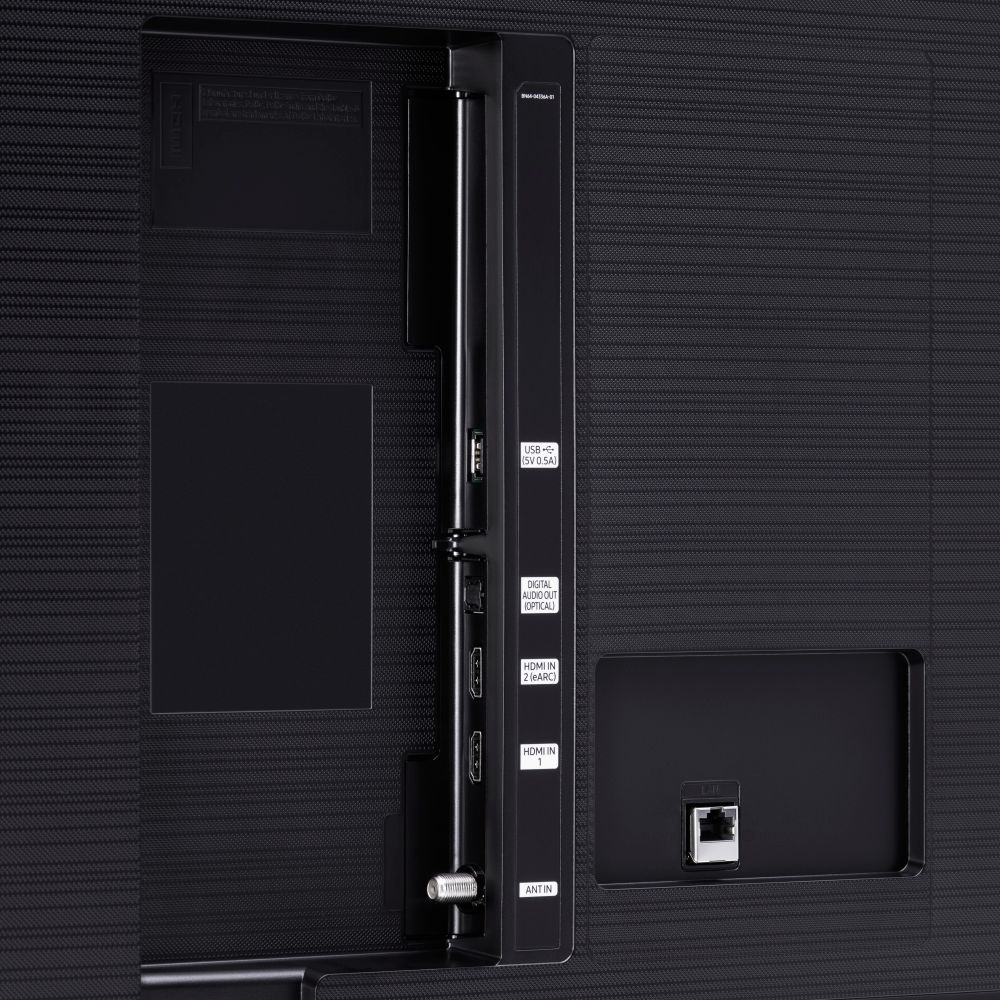
||Posted . Owned for 1 month when reviewed.This reviewer received promo considerations or sweepstakes entry for writing a review.Good for price but no auxiliary output and only two HDMI so felt very limited.
I would recommend this to a friendHard Pass
||Posted . Owned for 1 week when reviewed.This reviewer received promo considerations or sweepstakes entry for writing a review.I wouldn’t recommend. The TV is NOT sharp and does not capture motion in sports well at all. If you like football or basketball. Don’t buy this TV. Looks terrible. It’s too large of a screen to buy a mid range quality TV. This TV looks good at a 55” not at 70”. You’ll be disappointed.
No, I would not recommend this to a friendBrand response from Samsung
Posted .BestBuy607:
I’m sorry to hear that you’re dissatisfied with the image quality of your TU7000 TV.
For optimal motion image performance, you may want to adjust the picture clarity setting by going to: Settings > Picture > Expert Settings > Picture Clarity Settings
- Off: Picture Clarity Settings will always be off
- Auto: Picture Clarity Settings will automatically activate and deactivate based on the type of program being watched
- Custom: Allows custom adjustments and settings to be used. By selecting the Custom option, you can access these advanced settings for Judder Reduction, LED Clear Motion, and Noise Reduction.
If you would like further assistance with settings adjustments or have any questions, please contact Samsung Customer Support.
Call us at 1-800-SAMSUNG (ask for TVs), available 8AM - 12AM EST, 7 days a week.
For additional support resources, visit us on the Samsung website and click on the ‘Support’ link in the upper right corner of the homepage for:
1) Chat with Us/Product Help: To begin a chat or find solutions, choose ‘TVs & Home Theater’ and select your model & topic.
2) Manuals, Software, & Warranty Info
We look forward to hearing from you.
- Samsung Advisor
TV
||Posted . Owned for 1 month when reviewed.This reviewer received promo considerations or sweepstakes entry for writing a review.Picture is ok. A little choppy at times but overall for the price a great TV.
I would recommend this to a friendExternal sound
||Posted .This reviewer received promo considerations or sweepstakes entry for writing a review.I have difficulty setting the optical sound option with my Rockville stereo sound
I would recommend this to a friendsamsung
||Posted .This reviewer received promo considerations or sweepstakes entry for writing a review.very nice tv best buy put it on the wall for me also
I would recommend this to a friendSlow OS
||Posted . Owned for 5 months when reviewed.This reviewer received promo considerations or sweepstakes entry for writing a review.It’s ok, for the price. The Tizen OS on this is crap. It’s slow, and takes time pulling up the TV menus. I have 5 Samsung smart TVs, with this being the lowest model. My 2015 in my garage is two/three times as fast as this. It’s decent for what I use it for, but spend the extra cash if you don’t have patience.
No, I would not recommend this to a friendBrand response from Samsung
Posted .Hi Bennett,
Thank you for purchasing the Samsung TU7000 and for your review. We appreciate your feedback regarding the issues you are experiencing with your TV's response time.
The interface issue you are describing may be related to your network connection and quality.
We suggest you try the following:
1. Use 5G Wi-Fi if possible
2. Try wired LAN if available
3. Try repositioning the router so there are no obstacles between your TV and the router
To further optimize the Smart TV performance, please try Device Care option under the Support Menu.
Go to Settings > Support> Device Care > Start Device Care.
This improves your apps performance as it frees up unused cached memory and closes background apps.
We also recommend you check that your TV is running the latest firmware.
Using your TV's remote, navigate to Settings, and select Support. Select Software Update, and then select Update Now. New updates will be downloaded and installed on your TV. Updates usually take a few minutes; please do not turn off the TV until the update is complete. When the update is finished, the TV will restart automatically. If there aren't any new updates, select OK to exit.
You may want to enable automatic updates for conveniences.
Select Settings- Support- Software Update, then select Auto Update.
I hope this helps. Should you need further assistance, please contact Samsung Customer Support at 1-800-SAMSUNG (ask for TVs), available 8AM -12AM EST, 7 days a week. Or text HELP to 62913.
For additional support resources, visit us on the Samsung website and click on the ‘Support’ link in the upper right corner of the homepage for:
1) More ‘Contact Us’ options – LiveChat, Facebook, Twitter, Samsung Community, Samsung Members app
2) Manuals & Software
3) Warranty Info
4) Product Registration: For access to easy warranty support, convenient opt-in to special promos and offers, faster troubleshooting and service, and quick notification of system updates.
~ Samsung Specialist
Samsung
||Posted . Owned for 1 week when reviewed.This reviewer received promo considerations or sweepstakes entry for writing a review.Tv is the best I ever had. I love Bluetooth capabilities. Wish it had av audio ports.
I would recommend this to a friend