Customer Ratings & Reviews







- Model:
- UN70TU7000BXZA
- SKU:
- 6429416
Rating by feature
- Picture Quality
Rating 4.7 out of 5 stars
- Sound Quality
Rating 4.5 out of 5 stars
- Brightness
Rating 4.7 out of 5 stars
Customers are saying
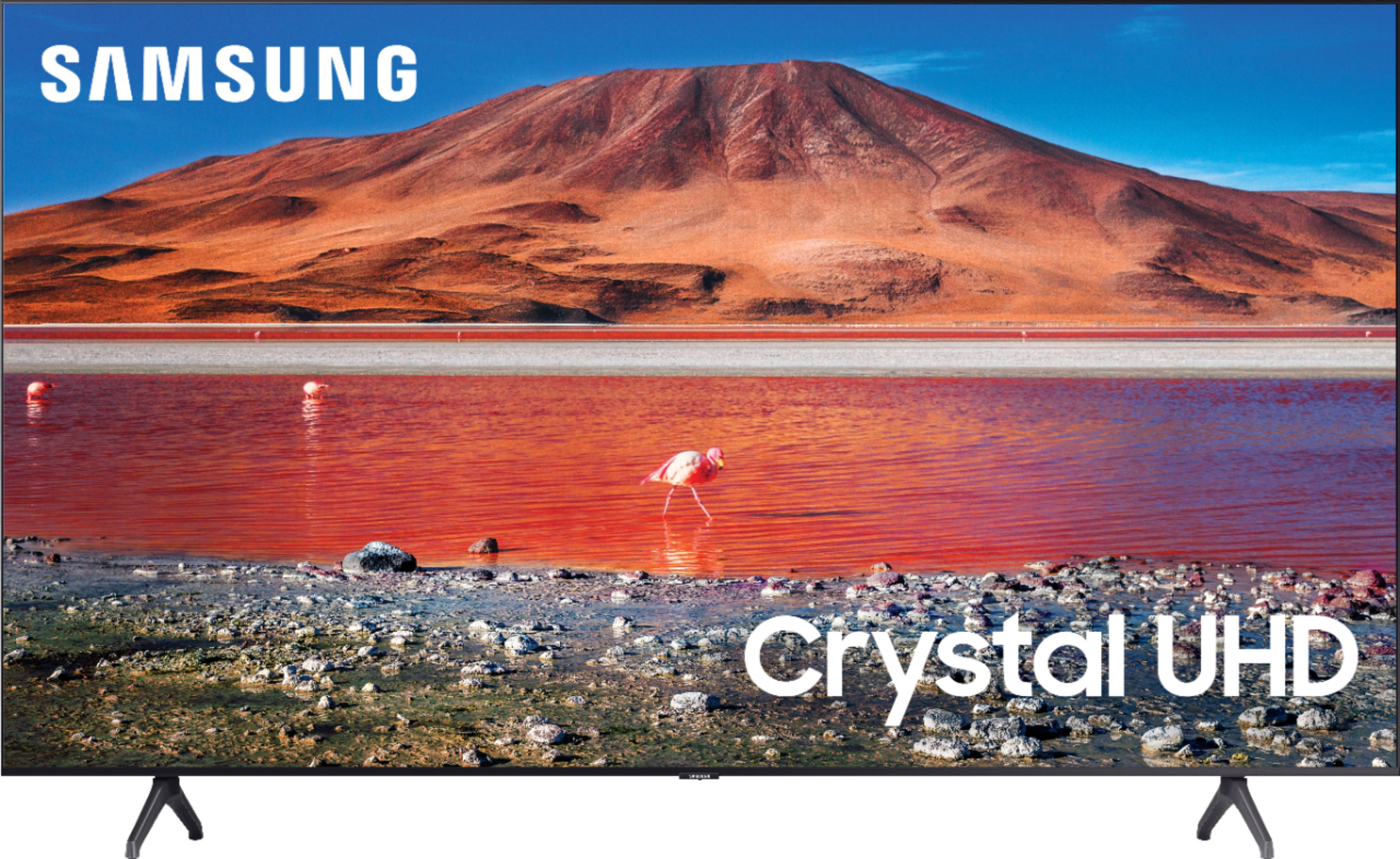
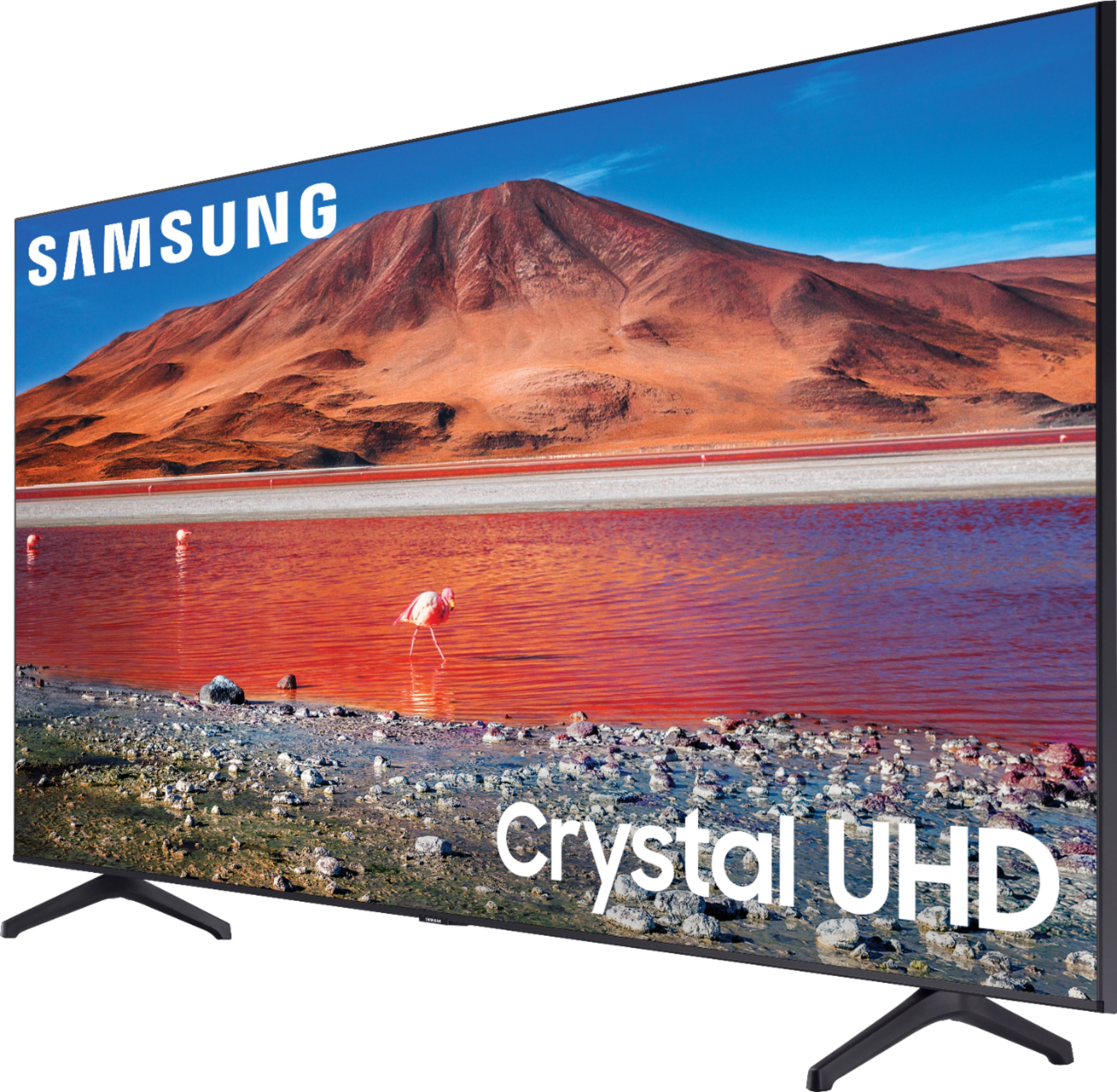
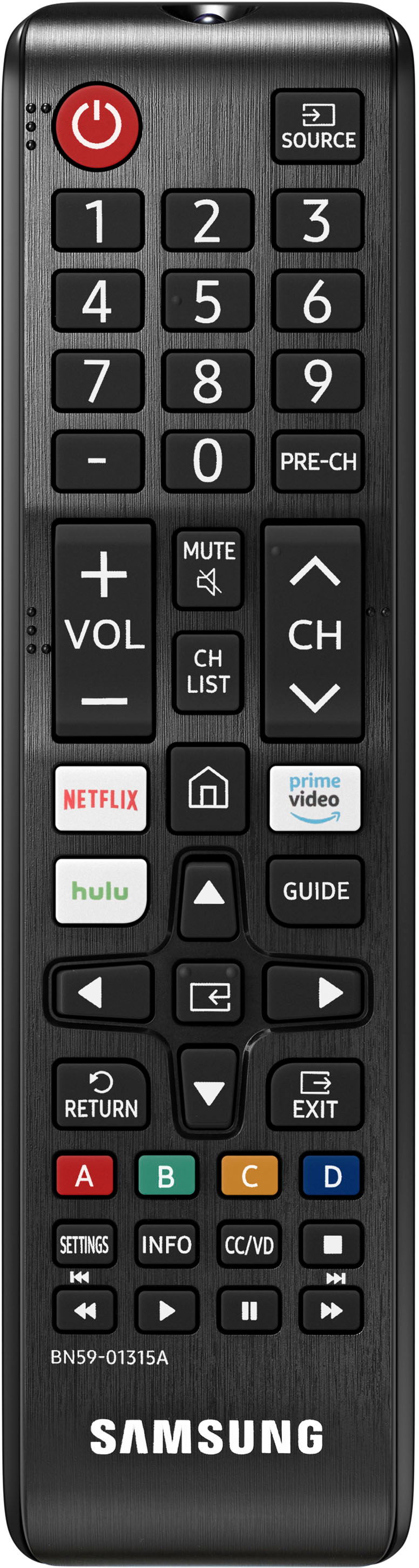
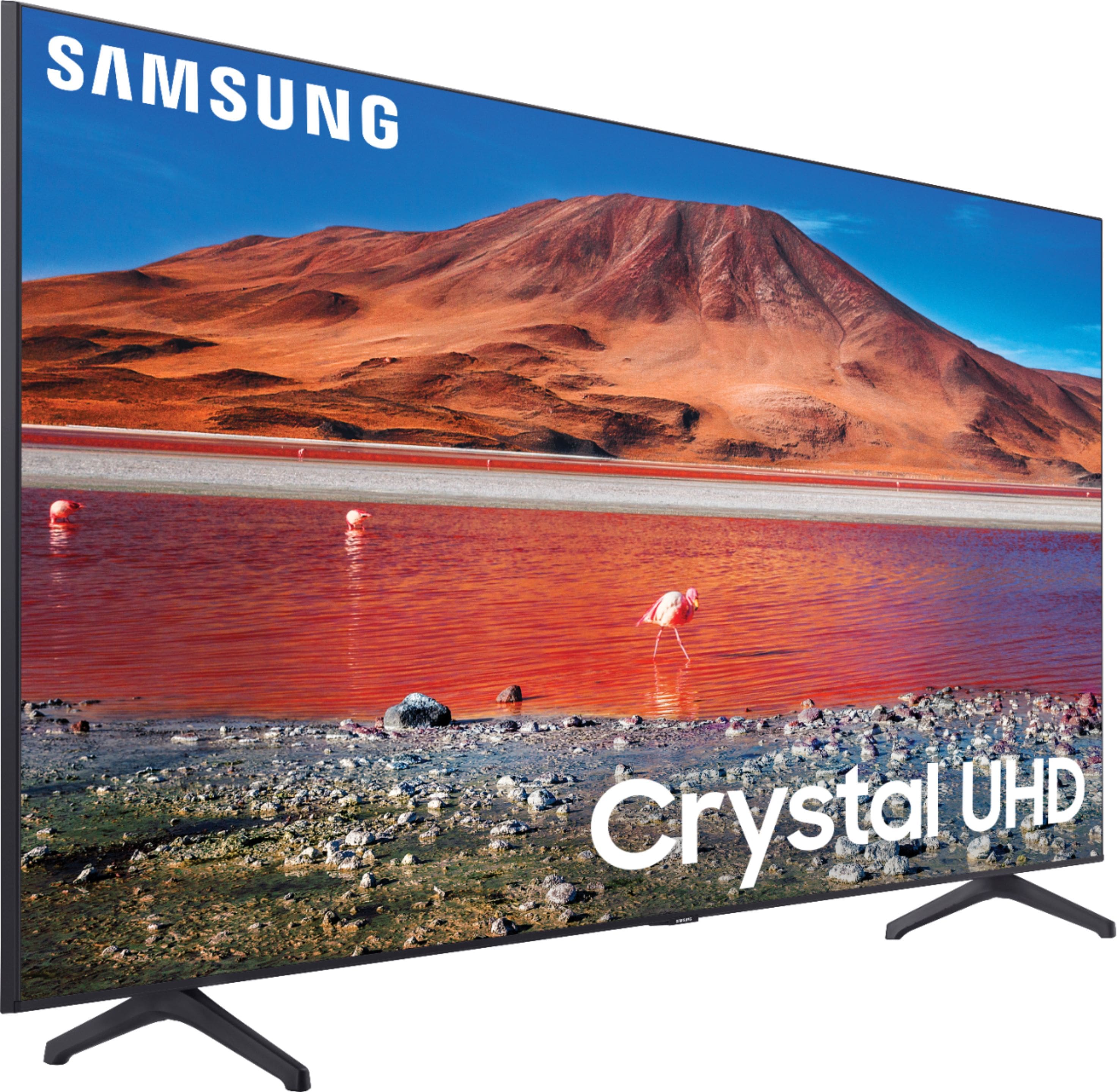
Customers are pleased with the picture quality, ease of use, and price of the 70” Class 7 Series LED 4K UHD Smart Tizen TV. Many also appreciate the TV's size and vibrant colors. However, some customers have expressed concerns regarding the remote control's usability and the TV's internet connectivity and volume. A few users also mentioned some challenges with the operating system and refresh rate.
This summary was generated by AI based on customer reviews.
70 inch
||Posted . Owned for 3 weeks when reviewed.This reviewer received promo considerations or sweepstakes entry for writing a review.it was kinda hard to figure out how to set it up at first
I would recommend this to a friendMike
||Posted . Owned for 3 weeks when reviewed.This reviewer received promo considerations or sweepstakes entry for writing a review.Im having trouble displaying streaming on disney plus, netflix and prive work fine.
I would recommend this to a friendSamsung makes great TVs
||Posted .This reviewer received promo considerations or sweepstakes entry for writing a review.Nice tv but has too many ads. Got this for Black Friday and loved the sale price.
I would recommend this to a friendSamsung TV 70 inch
||Posted . Owned for 3 weeks when reviewed.This reviewer received promo considerations or sweepstakes entry for writing a review.Nice size. Picture quality could be better though.
I would recommend this to a friendTV
||Posted .This reviewer received promo considerations or sweepstakes entry for writing a review.Good product to have. Will recommend if looking for this kind of product.
I would recommend this to a friendNice Buy
||Posted . Owned for 9 months when reviewed.This reviewer received promo considerations or sweepstakes entry for writing a review.Nice tv. On the sound may be 8 series is better compared to 7 series
I would recommend this to a friendBig
||Posted . Owned for 3 weeks when reviewed.This reviewer received promo considerations or sweepstakes entry for writing a review.Had now for over a week and has meet my expectations
I would recommend this to a friendTV 70
||Posted . Owned for 4 months when reviewed.This reviewer received promo considerations or sweepstakes entry for writing a review.Very good one. I am enjoying it and will recommend to people.
I would recommend this to a friendGood TV
||Posted . Owned for 1 month when reviewed.This reviewer received promo considerations or sweepstakes entry for writing a review.Good TV. Would prefer a different remote setup though.
I would recommend this to a friendBuy with deal price
||Posted .This reviewer received promo considerations or sweepstakes entry for writing a review.I will definitely recommend to buy this product. I am loving it.
I would recommend this to a friendGood
||Posted .This reviewer received promo considerations or sweepstakes entry for writing a review.This display is amazing and makes my viewing experience amazing
I would recommend this to a friendSamsung
||Posted . Owned for 1 month when reviewed.This reviewer received promo considerations or sweepstakes entry for writing a review.Nice tv. Came with Samsung tv for free so didn’t need to order cable.
I would recommend this to a friendInquiry
||Posted .This reviewer received promo considerations or sweepstakes entry for writing a review.What is the best speaker system to augment the sound of this TV unit?
I would recommend this to a friendCracked screen
||Posted . Owned for 8 months when reviewed.This reviewer received promo considerations or sweepstakes entry for writing a review.I bought the open box model and it was cracked along the top half of the screen. I know that there used for display but if its cracked they shouldnt try to resale it.
No, I would not recommend this to a friendDecent TV
||Posted . Owned for 3 weeks when reviewed.This reviewer received promo considerations or sweepstakes entry for writing a review.Picture is decent. Sounds could be better, but overall decent TV.
I would recommend this to a friendGood quality
||Posted . Owned for 3 weeks when reviewed.This reviewer received promo considerations or sweepstakes entry for writing a review.Great TV I’m not crazy about the TV interface though ..
I would recommend this to a friendBloatware such as Samsung TV Plus ruined it
||Posted . Owned for 3 months when reviewed.This reviewer received promo considerations or sweepstakes entry for writing a review.The TV comes with an annoying Samsung TV Plus bloatware app that cannot be removed. This app auto plays each time you start your TV and and will start to play some random channel and show. I figured out how to disable it but after an update, they've put one channel back and I can't even disable it anymore. Basically, every time I start the TV it starts playing the walking dead now. For the price you pay for a TV on this size, no one should have to deal with this kind of annoyance every time they use their TV. I'm giving them 2 stars and not 1 because the video quality of the screen is decent, but that is a pretty low bar for an expensive TV. Based on this experience, my recommendation is for you to avoid Samsung TVs in general.
No, I would not recommend this to a friendBrand response from Samsung
Posted .Hi potato,
Thank you for purchasing the Samsung TU7000 and for sharing your review. The feedback you have provided regarding the built in Samsung TV Plus is important to us and will be shared with our product teams.
Please know, Samsung TV Plus can be disabled, removing the channels from your default guide. Should you want to disable TV plus, follow the steps below:
1) Navigate to the Samsung TV Plus app and press the down button on the remote. This will bring up two options. ‘Move’ and ‘Remove’.
2) Navigate to ‘Remove’ and select. This option brings up the ability to remove the app icon or disable the service.
3) Navigate to ‘Disable’ and select. This will remove the service from the launcher bar and the channels from the TV Guide.
Alternatively, you can leave TV Plus enabled and utilize the Autorun Last App feature to automatically start the last app you used once the TV is turned on. To enable this feature, follow the steps below:
1) Navigate to Settings > General > Smart Features > Autorun Smart Hub
2) Enable the Autorun Smart Hub feature
3) Navigate to Settings > General > Smart Features > Autorun Last App
4) Enable the Autorun Last App feature
I hope these tips help. Should you ever have questions or need help, please call us at 1-800-SAMSUNG (ask for TVs), available 8AM - 12AM EST, 7 days a week.
For additional support resources, visit us on the Samsung website and click on the ‘Support’ link in the upper right corner of the homepage for:
1) Chat with Us/Product Help: To begin a chat or find solutions, choose ‘TVs & Home Theater’ and select your model & topic.
2) Register a Product: For access to easy warranty support, convenient opt-in to special promos and offers, faster troubleshooting and service, and quick notification of system updates.
3) Manuals & Software
4) Warranty Info
5) Contact Us
~ Samsung Solutions
Good
||Posted . Owned for less than 1 week when reviewed.This reviewer received promo considerations or sweepstakes entry for writing a review.I like it a lot it it’s good for watching movies at night
I would recommend this to a friendI love it
||Posted . Owned for 1 month when reviewed.This reviewer received promo considerations or sweepstakes entry for writing a review.I brought this TV in June at a great price so far it’s amazing.
I would recommend this to a friendTv
||Posted .This reviewer received promo considerations or sweepstakes entry for writing a review.Nice tv. It works great. I like it. Reaching minimum.
I would recommend this to a friend