Customer Ratings & Reviews







- Model:
- UN70TU7000BXZA
- SKU:
- 6429416
Rating by feature
- Picture Quality
Rating 4.7 out of 5 stars
- Sound Quality
Rating 4.5 out of 5 stars
- Brightness
Rating 4.7 out of 5 stars
Customers are saying
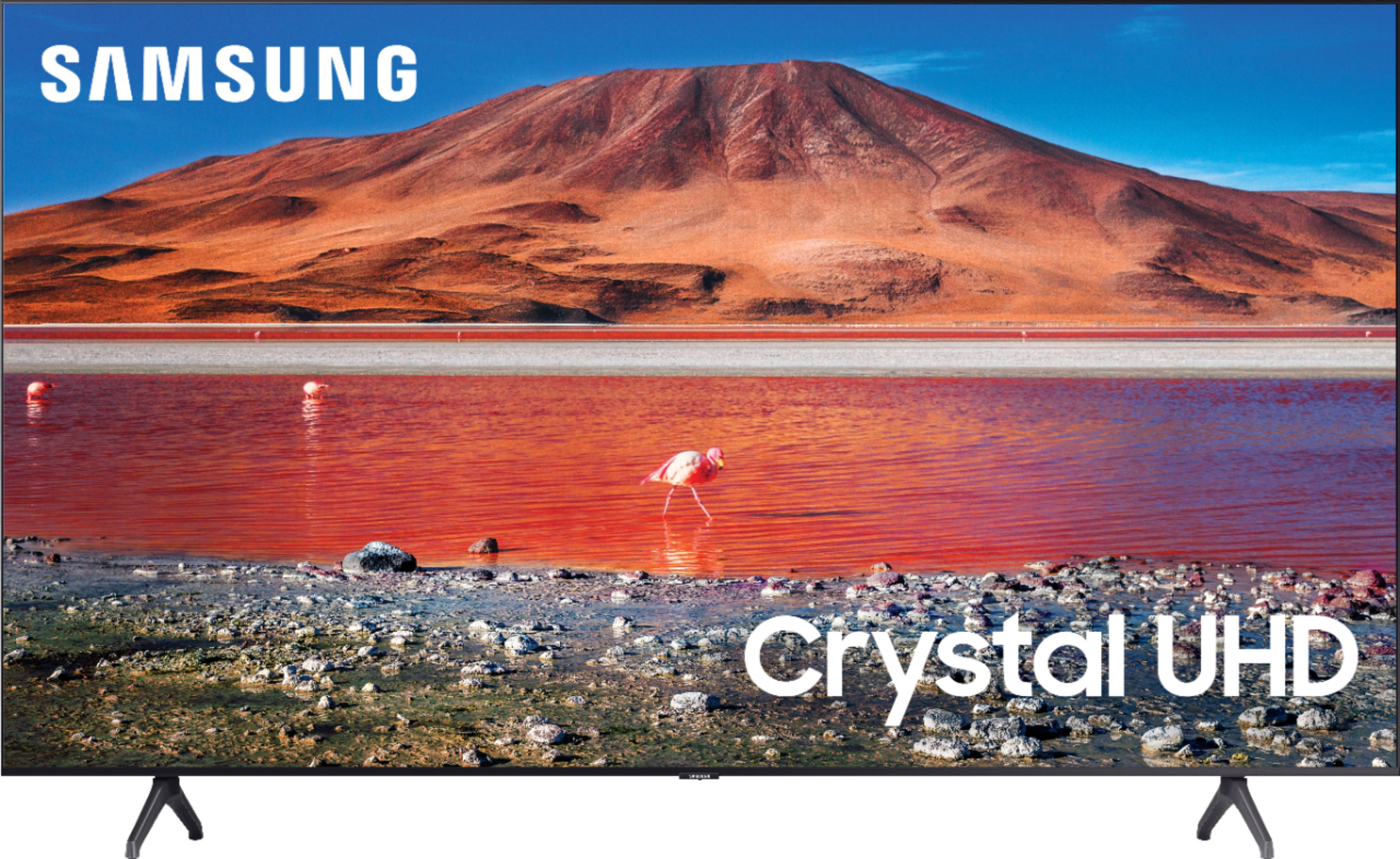
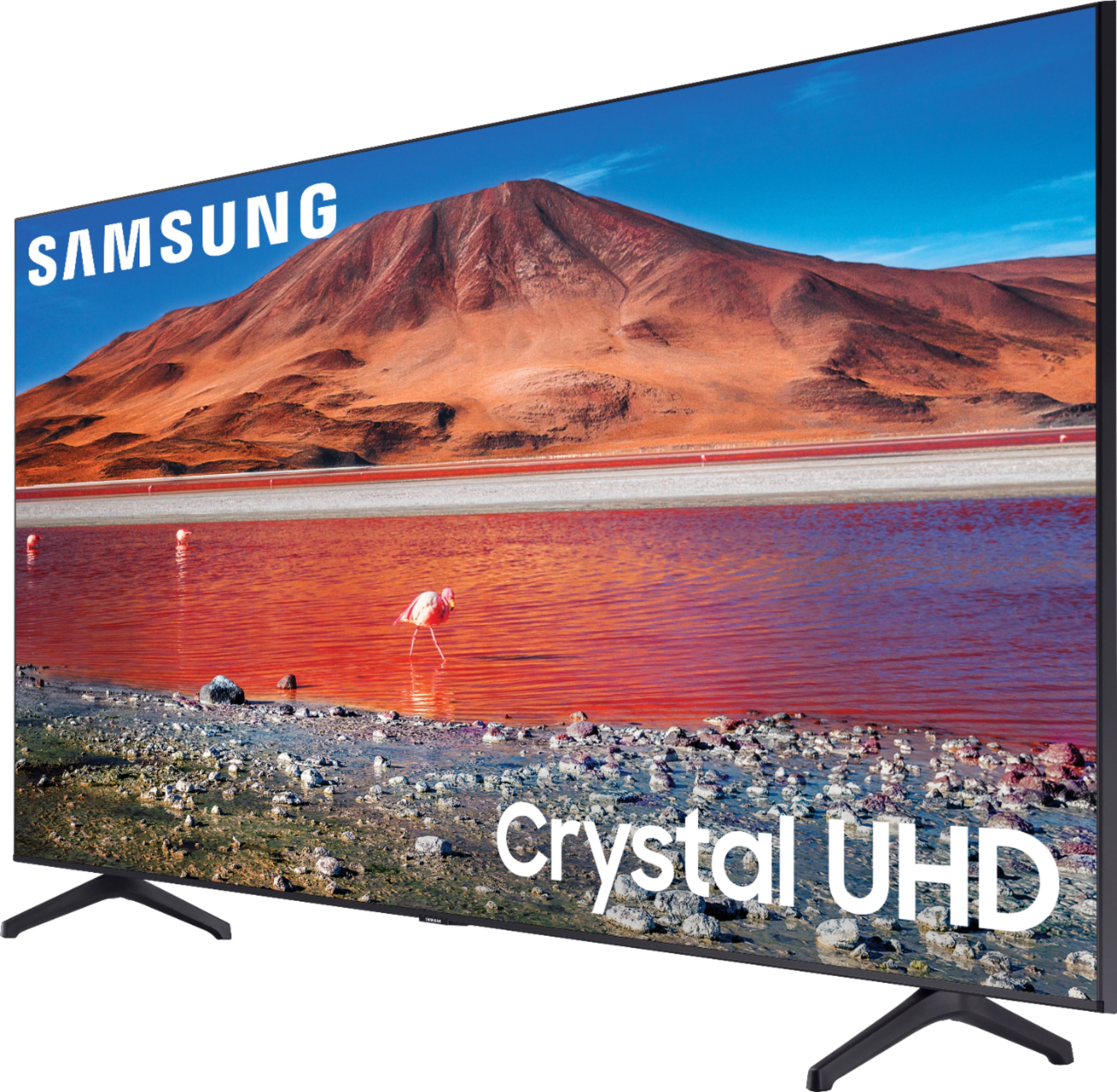
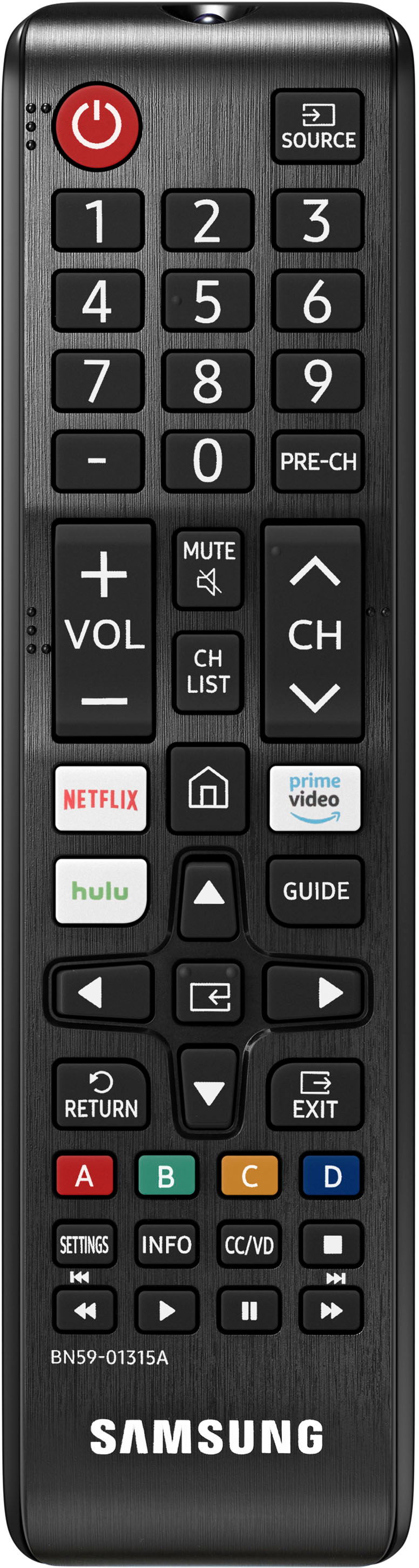
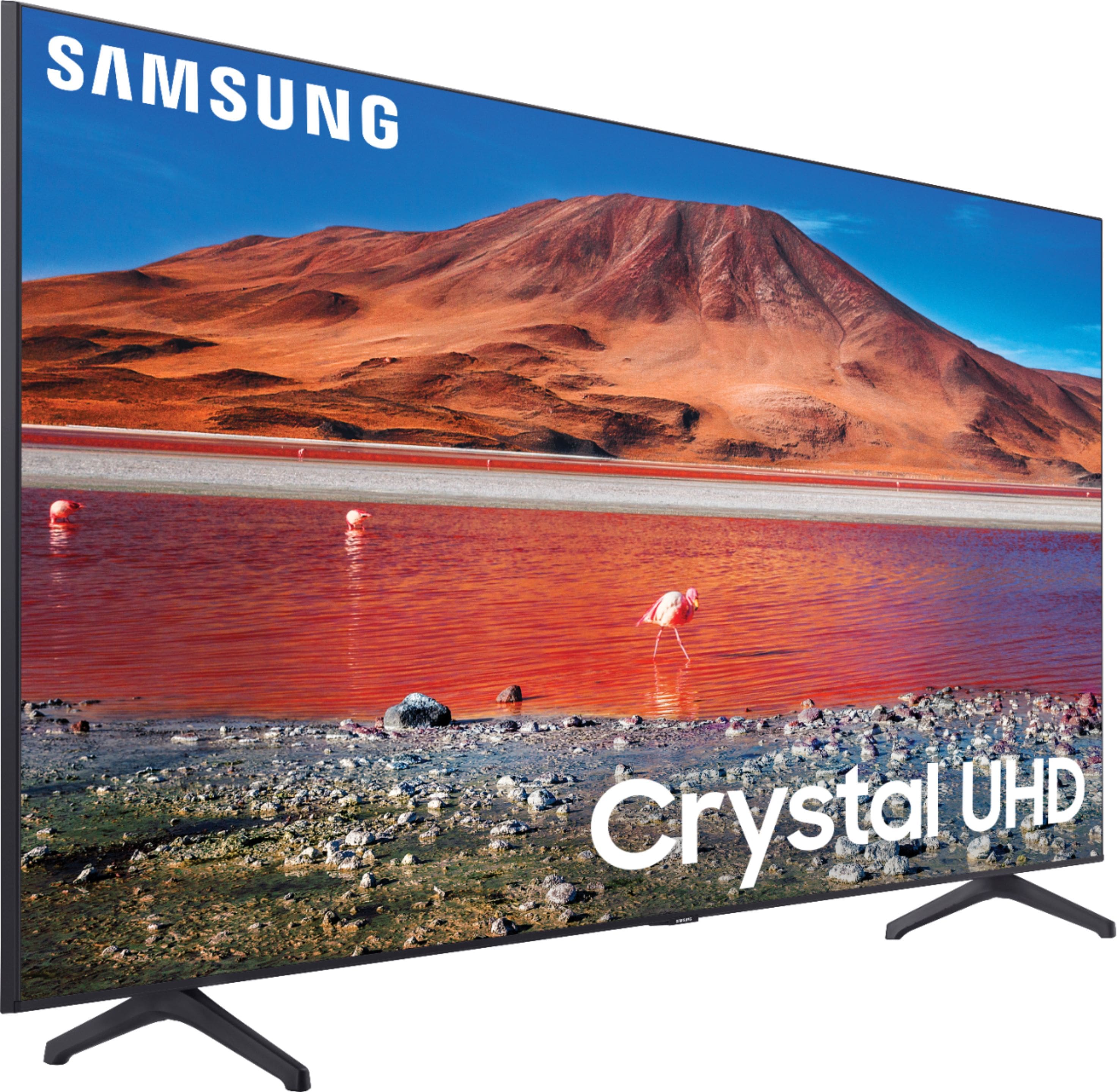
Customers are pleased with the picture quality, ease of use, and price of the 70” Class 7 Series LED 4K UHD Smart Tizen TV. Many also appreciate the TV's size and vibrant colors. However, some customers have expressed concerns regarding the remote control's usability and the TV's internet connectivity and volume. A few users also mentioned some challenges with the operating system and refresh rate.
This summary was generated by AI based on customer reviews.
Awesome TV
||Posted . Owned for 1 month when reviewed.This reviewer received promo considerations or sweepstakes entry for writing a review.Screen is crystal clear. Love this TV. Love all the features.
I would recommend this to a friend- Pros mentioned:Picture qualityCons mentioned:Volume
Poor Volume
||Posted . Owned for 3 weeks when reviewed.This reviewer received promo considerations or sweepstakes entry for writing a review.Picture quality is good Volume is HORRIBLE. My phone volume is louder than the TV full volume potential.
No, I would not recommend this to a friendBrand response from Samsung
Posted .Colin:
Thank you for sharing your user experience with this TV. I am sorry that you are not completely satisfied with its sound performance.
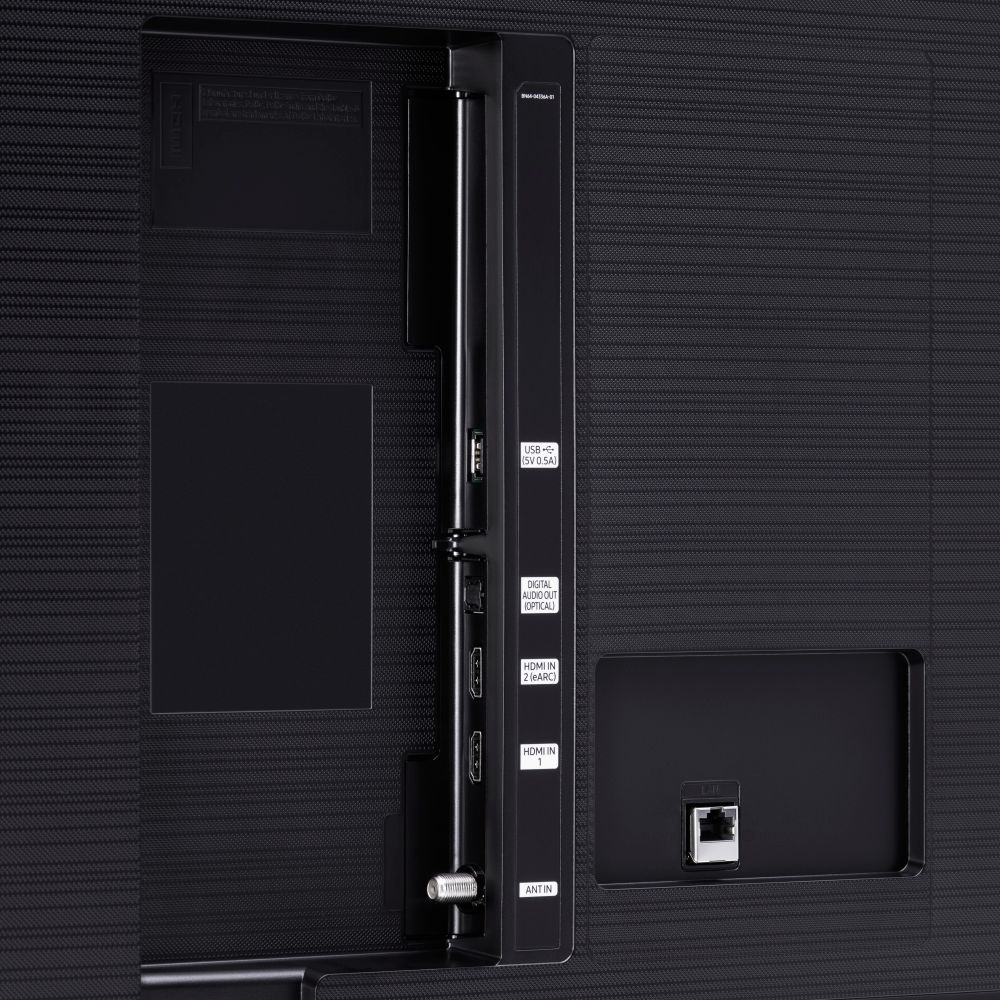
The TU7000 TV features 20 Watt 2 Channel integrated speakers. It also offers Enhanced Audio Return Channel (eARC) support, which allows TV's with ARC capabilities and capable devices to transfer audio back and forth using one HDMI cable.
To assist you with possible sound settings adjustments for a better audio experience, please reach out to us at:
1-800-SAMSUNG (ask for TVs), available 8AM - 12AM EST, 7 days a week.
For additional support resources, visit us on the Samsung website and click on the ‘Support’ link in the upper right corner of the homepage for:
1) Chat with Us/Product Help: To begin a chat or find solutions, choose ‘TVs & Home Theater’ and select your model & topic.
2) Manuals, Software, & Warranty Info
We hope to hear from you soon.
~ Samsung Advisor
Recommend
||Posted . Owned for 2 months when reviewed.This reviewer received promo considerations or sweepstakes entry for writing a review.Good quality screen compared to the amout that pay.
I would recommend this to a friendGreat buy
||Posted . Owned for 2 months when reviewed.This reviewer received promo considerations or sweepstakes entry for writing a review.Want to upgrade my tv. This bad boy was on sale!!!
I would recommend this to a friendSmart tv won’t stay connected to wifi
||Posted . Owned for 9 months when reviewed.This reviewer received promo considerations or sweepstakes entry for writing a review.The tv would not stay connected to the wifi. Had to constantly struggle with this. Had a technician come out and still didn’t work. I purchased a different brand and worked like a charm.
No, I would not recommend this to a friendT.v
||Posted . Owned for 3 weeks when reviewed.This reviewer received promo considerations or sweepstakes entry for writing a review.Great products and services, bought 2 Samsung t.v's.
I would recommend this to a friendSamsung tv
||Posted . Owned for 1 month when reviewed.This reviewer received promo considerations or sweepstakes entry for writing a review.Good so far only had it for a week but so far i recommend
I would recommend this to a friendSamsung
||Posted . Owned for 3 weeks when reviewed.This reviewer received promo considerations or sweepstakes entry for writing a review.This TV is pretty incredible but a little tough to get acquainted with!
I would recommend this to a friendGoood App Selection
||Posted . Owned for 1 month when reviewed.This reviewer received promo considerations or sweepstakes entry for writing a review.Positive for he apps, most every app I need. Picture is good but even with brightness at max picture at times seems darker than it should. Also, even though I knew ahead of time it is disappointing to only have 2 HDMI inputs.
No, I would not recommend this to a friendBrand response from Samsung
Posted .Hi JB200,
We are happy to hear that you are enjoying your TU7000 TV. There are a few Settings you can utilize that may improve your experience with the brightness of your TV image.
For darker scenes, I recommend Dynamic Picture Mode, which makes pictures brighter and clearer in bright viewing environments. Go to Settings > Picture > Picture Mode > Dynamic.
Or you can manually adjust the Brightness by pressing the HOME button on your remote, then navigating to Settings > Picture > Expert Settings.
You may also want to disable Power Saving Mode, which automatically adjusts the brightness to reduce the TV’s power consumption. Go to Settings > General > Eco Solution> Power Saving Mode.
Also, if you need more HDMI ports, there are adapters available: https://www.bestbuy.com/site/insignia-3-port-hdmi-switch-with-4k-and-hdr-pass-through-black/6319221.p?skuId=6319221
I hope this helps!
If you need more help, Samsung is here for you. Please call us at 1-800-SAMSUNG, 8 AM - 12 AM EST, seven days a week. Our LiveChat agents are also available by clicking on the ‘Support’ link on our website.
~ Samsung Advisor
Fine TV for the price
||Posted . Owned for 3 weeks when reviewed.This reviewer received promo considerations or sweepstakes entry for writing a review.Picture is fine for the price...it's not our main TV which is why I didnt want to spend a ton of money. You definitely need to tweak the settings, especially to reduce the Soap Opera feeling which it comes with right out of the box
I would recommend this to a friendBrand response from Samsung
Posted .Hi ERK647,
We appreciate you sharing your experience with the TU7000 TV. Your feedback regarding image quality is important to us and will be shared with our internal teams. Please try adjusting the below image settings to improve your picture.
First, let's ensure your firmware is up to date. Please go to Settings> Support > Software Update. You can easily update your firmware from here.
Next, go to Home > Settings > Picture > Picture Mode and select the mode that best fits your usage:
1) Standard: This is the default mode suitable for general viewing environments.
2) Natural: Reduces eye strain for a comfortable viewing experience.
3) Movie: Suitable for watching TV or movies in a dark room.
4) Dynamic: Makes the picture brighter and clearer in bright viewing environments.
5) Filmmaker Mode: You can watch the source content (e.g., movie) as it is. If the image is defined as Filmmaker Mode, it will automatically switch to Filmmaker Mode while watching.
You can also go to Settings > Picture > Expert Settings > to manually fine-tune your image.
If you need more help, Samsung is here for you. Call us at 1-800-SAMSUNG, 8 AM - 12 AM EST, seven days a week. Or visit us on the Samsung website and click on the ‘Support’ link for:
1) LiveChat with an agent
2) Manuals, Software, & Warranty Info
~ Samsung Advisor
Bad service
||Posted . Owned for 1.5 years when reviewed.This reviewer received promo considerations or sweepstakes entry for writing a review.Was defective damaged and in warranty but I had two unprofessional guys who did nothing and denied my claim i believe because of the color of my skin
I would recommend this to a friendGreat value
||Posted .This reviewer received promo considerations or sweepstakes entry for writing a review.This is a excellent tv. I upgraded from 50 inch to a 70 inch.
I would recommend this to a friendTv rating
||Posted . Owned for 1 month when reviewed.This reviewer received promo considerations or sweepstakes entry for writing a review.I really like the tv. At first it was dropping offline every day.
I would recommend this to a friendGreat
||Posted .This reviewer received promo considerations or sweepstakes entry for writing a review.Great television and easy to fix. I think it is the Best Buy ever
I would recommend this to a friendsamsung tv purchase
||Posted .This reviewer received promo considerations or sweepstakes entry for writing a review.online order was a breeze and curbside pick up went smooth
I would recommend this to a friend- Cons mentioned:Internet connectivity
Don’t buy!
||Posted . Owned for 2 weeks when reviewed.This reviewer received promo considerations or sweepstakes entry for writing a review.I have had to reset twice! First, because unable to connect to Hulu app and only way to program again was by resetting device. Second, unable to connect to internet and once again the only way to connect was by resetting. Very disappointed and frustrated especially because it’s brand new and already causing problems.
No, I would not recommend this to a friendBrand response from Samsung
Posted .Hi Jess,
Thank you for your review of the Samsung TU7000. Your feedback is greatly appreciated and will be shared with our internal teams.
If your apps are freezing, not loading, or crashing, you can try cold booting your TV by holding down the power button on your remote for 5+ sec until the TV turns off and on again, deleting and downloading the apps again, and completing full reset of Smart Hub to correct the issue.
Please also check that your TV is running the latest firmware version. Go to: Settings > Support > Software Update.
If you need further assistance, please know that Samsung Customer Support is here to help. You can reach us at 1-800-SAMSUNG (ask for TVs), available 8AM -12AM EST, 7 days a week. Or text HELP to 62913.
For additional support resources, visit us on the Samsung website and click on the ‘Support’ link in the upper right corner of the homepage for:
1) More ‘Contact Us’ options – LiveChat, Facebook, Twitter, Samsung Community, Samsung Members app
2) Manuals & Software
3) Warranty Info
4) Product Registration: For access to easy warranty support, convenient opt-in to special promos and offers, faster troubleshooting and service, and quick notification of system updates.
We look forward to hearing from you.
~ Samsung Specialist
Review
||Posted . Owned for 1 month when reviewed.This reviewer received promo considerations or sweepstakes entry for writing a review.Ok service love my Television, customer service needs work
I would recommend this to a friendN/A
||Posted . Owned for 3 weeks when reviewed.This reviewer received promo considerations or sweepstakes entry for writing a review.N/A Ni comment fr this......... . ...........
I would recommend this to a friendNice, but returned it.
||Posted .This reviewer received promo considerations or sweepstakes entry for writing a review.TV was returned. Did not have the voice control remote.
I would recommend this to a friendSamsung TV
||Posted . Owned for 1 month when reviewed.This reviewer received promo considerations or sweepstakes entry for writing a review.Only one comment. NOT enough HDMI ports. Only 2 ports.
No, I would not recommend this to a friend