Customer Ratings & Reviews
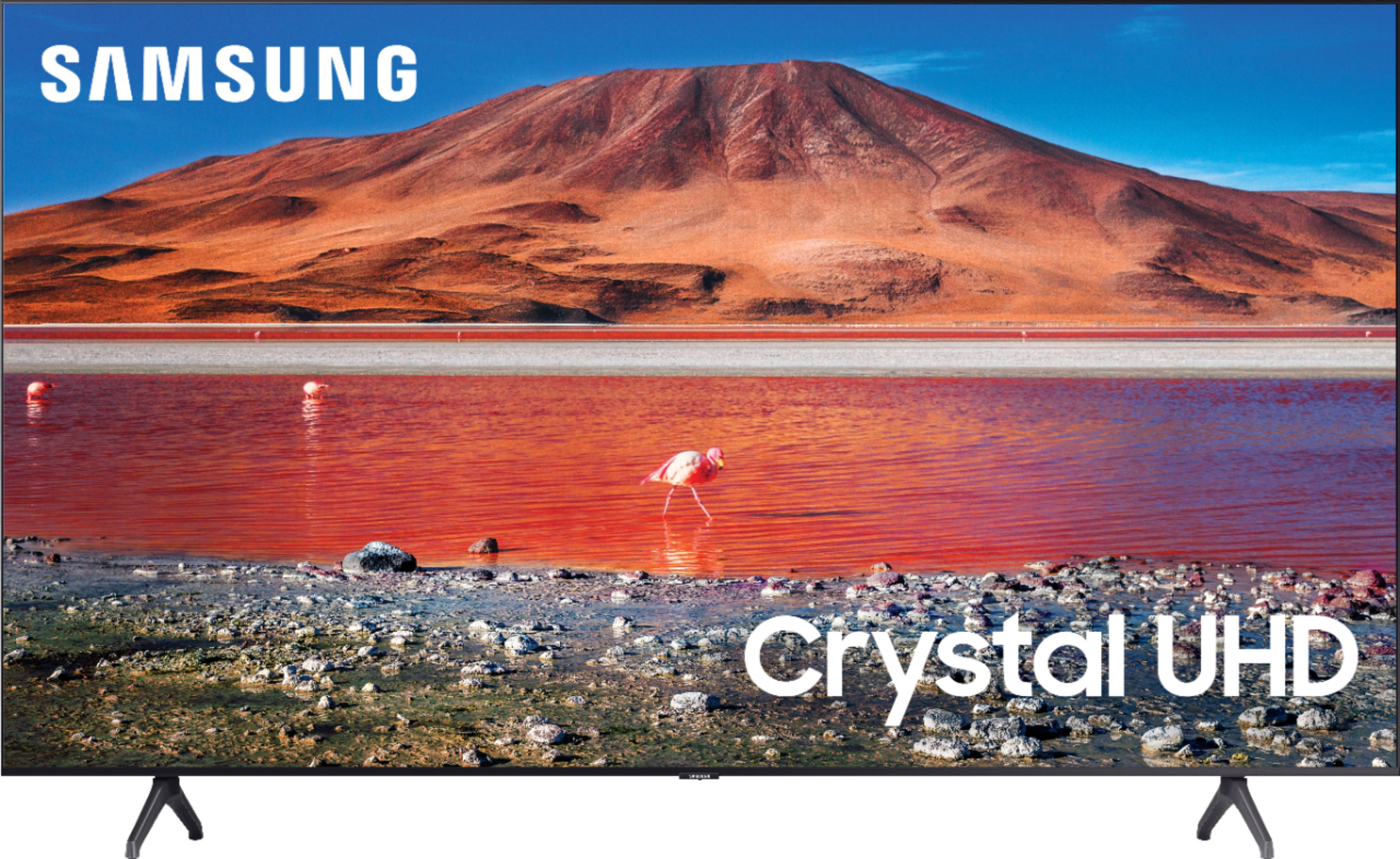







- Model:
- UN70TU7000BXZA
- SKU:
- 6429416
Rating by feature
- Picture Quality
Rating 4.7 out of 5 stars
- Sound Quality
Rating 4.5 out of 5 stars
- Brightness
Rating 4.7 out of 5 stars
Customers are saying
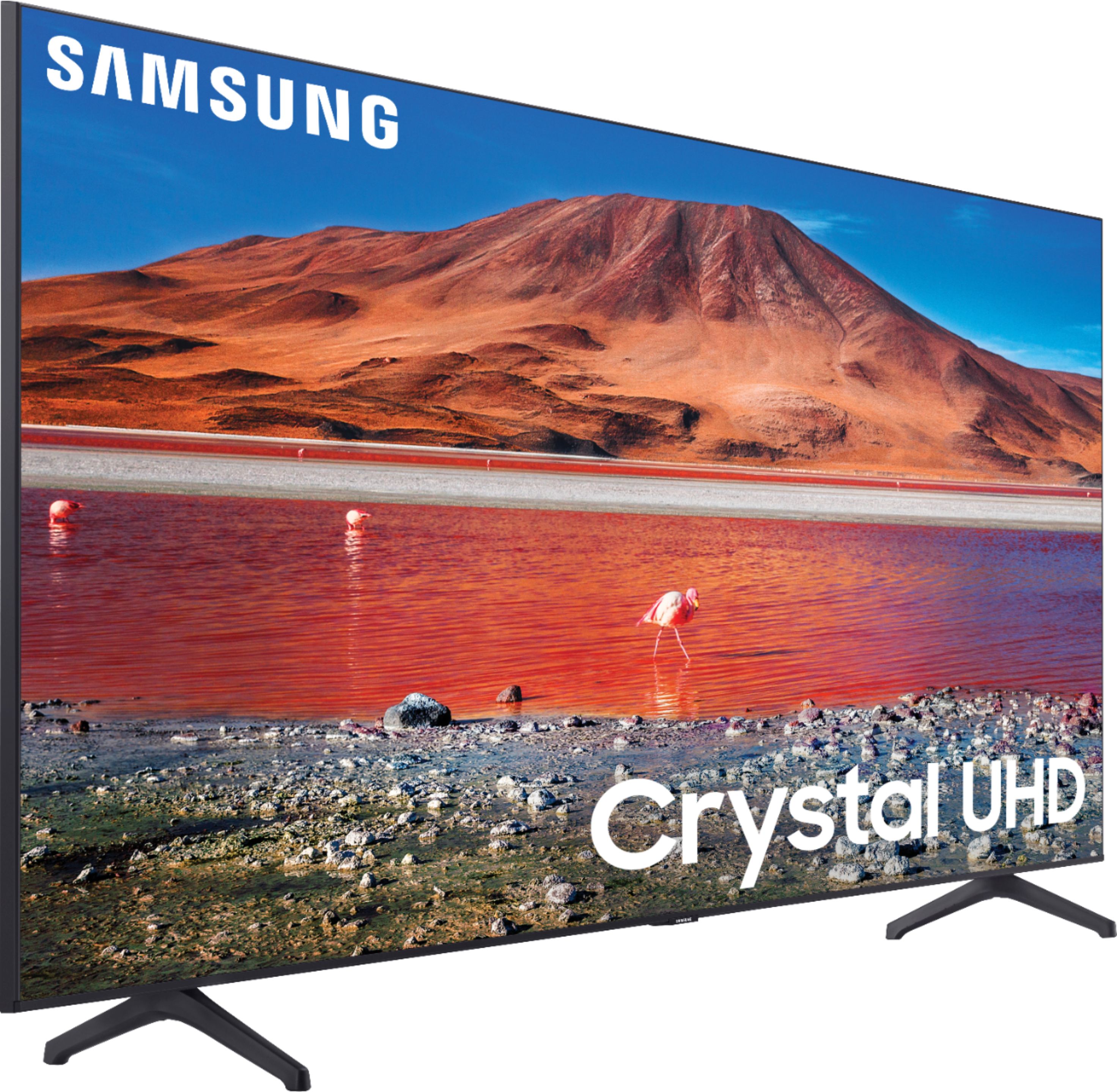
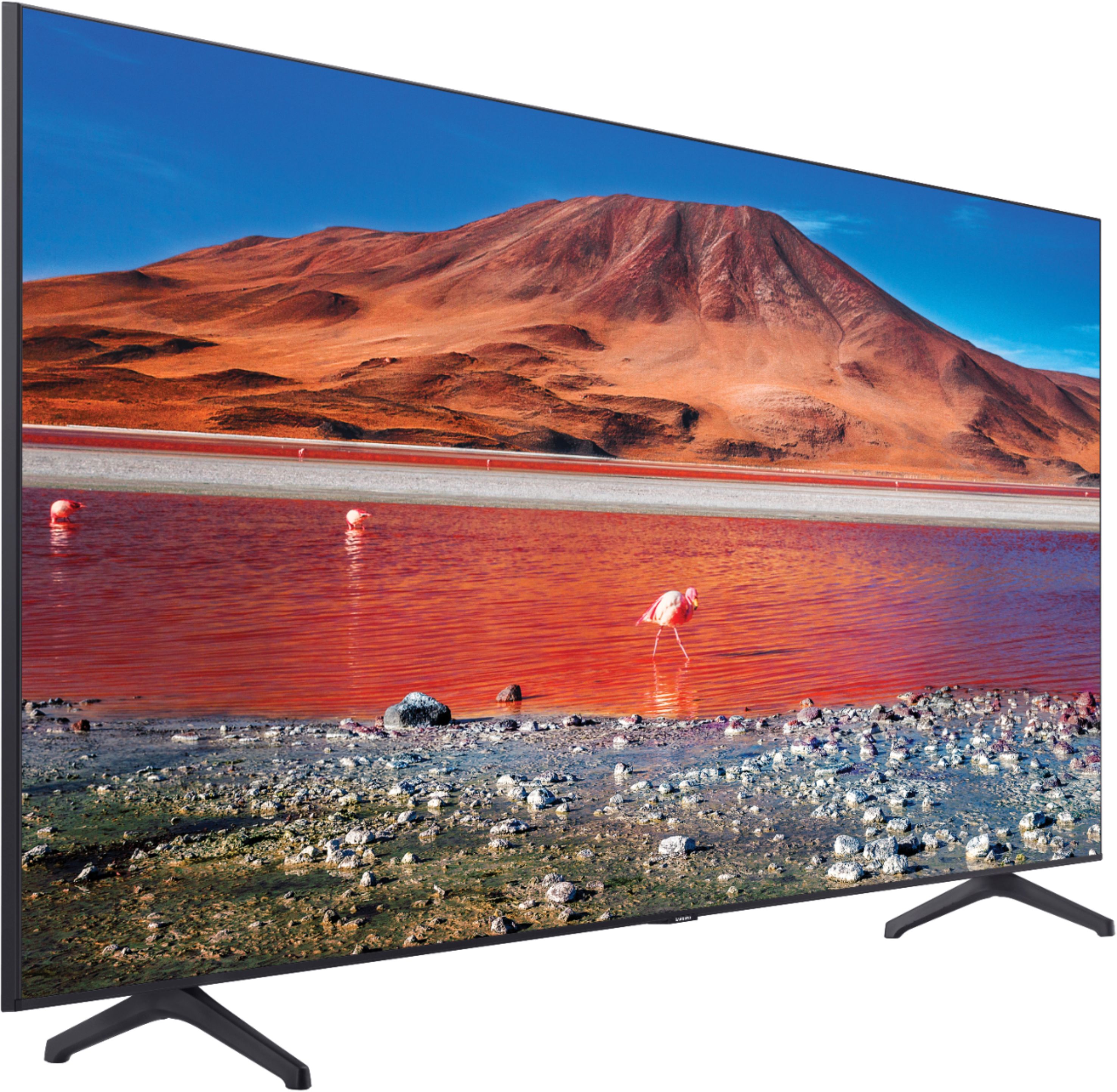
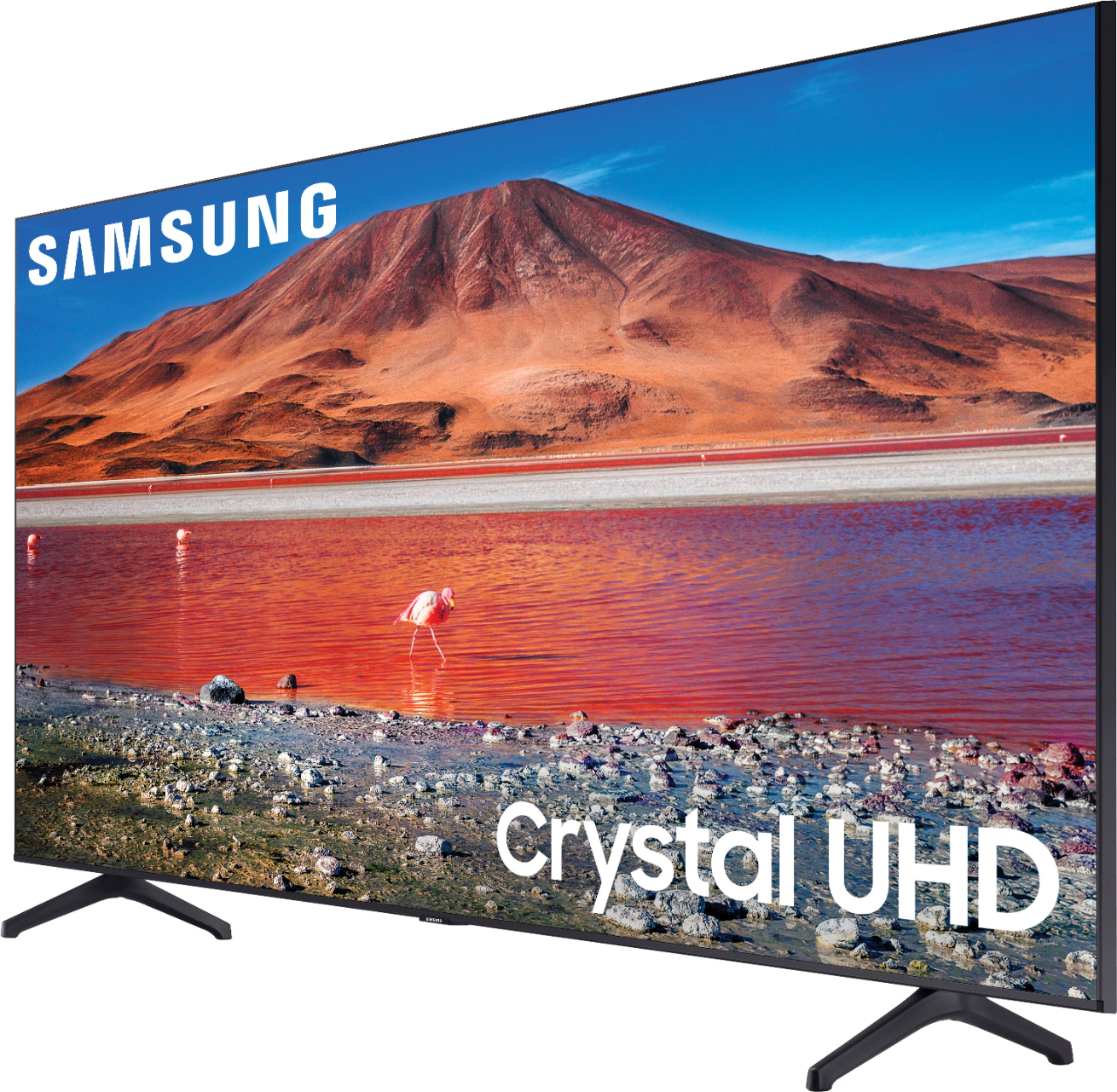
Customers are pleased with the picture quality, ease of use, and price of the 70” Class 7 Series LED 4K UHD Smart Tizen TV. Many also appreciate the TV's size and vibrant colors. However, some customers have expressed concerns regarding the remote control's usability and the TV's internet connectivity and volume. A few users also mentioned some challenges with the operating system and refresh rate.
This summary was generated by AI based on customer reviews.
Samsung TV
||Posted . Owned for 3 weeks when reviewed.This reviewer received promo considerations or sweepstakes entry for writing a review.Tv is kinda slow which is odd since it’s Samsung :(
No, I would not recommend this to a friend- Cons mentioned:Remote control
Expected more from Samsung
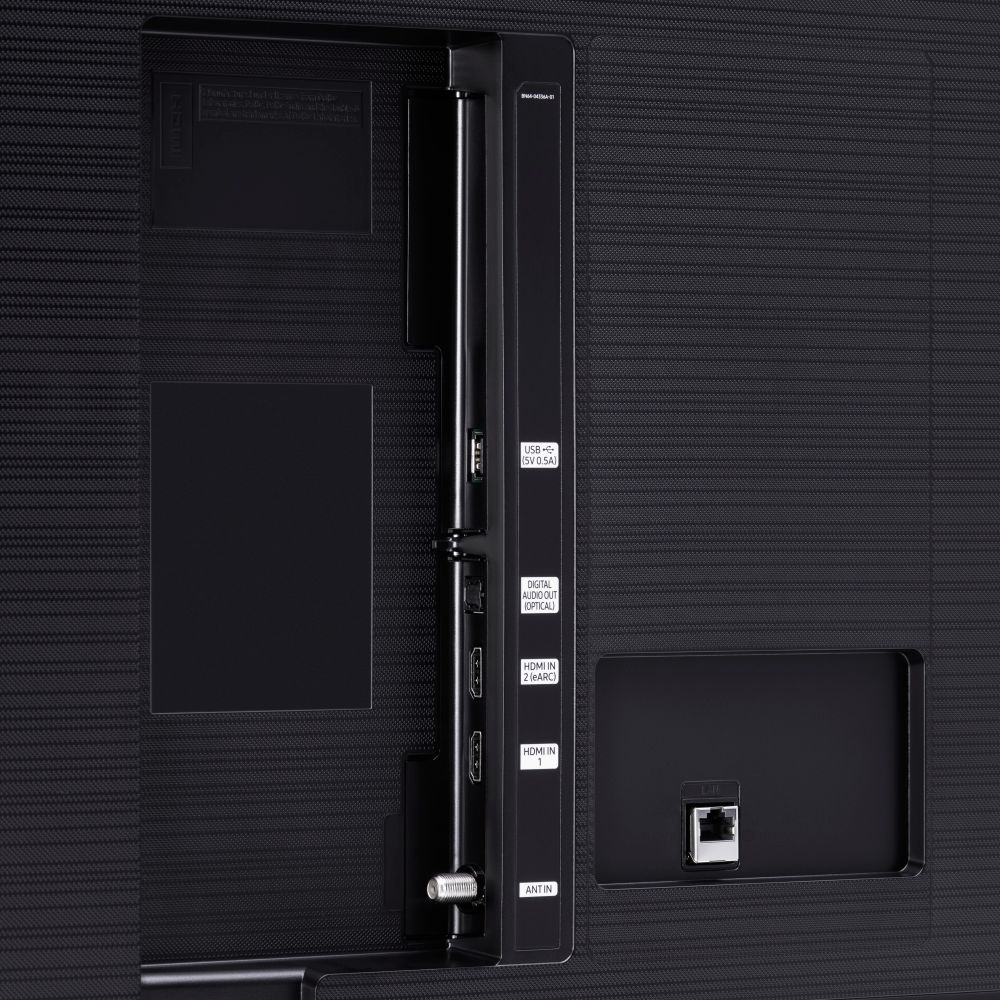
||Posted . Owned for 3 weeks when reviewed.This reviewer received promo considerations or sweepstakes entry for writing a review.Very poor quality, I expected more from Samsung. Too a few HDMI. Poor quality internal speakers Bulky, overloaded with buttons remote. The average Best Buy Clark has little or no knowledge of what they sell.
No, I would not recommend this to a friend Samsung stepped down a peg
||Posted . Owned for 3 weeks when reviewed.This reviewer received promo considerations or sweepstakes entry for writing a review.It’s good but it seems like it’s not as good as advertised
No, I would not recommend this to a friendOwner
||Posted . Owned for 3 weeks when reviewed.This reviewer received promo considerations or sweepstakes entry for writing a review.Purchase a Visio had to take it back. Got a Samsung
I would recommend this to a friend- Pros mentioned:Picture quality
Tizen Software Needs Improvement
||Posted . Owned for 2 months when reviewed.This reviewer received promo considerations or sweepstakes entry for writing a review.Picture and sound are good. The tizen software is slow, lags significantly, and constantly buffers despite running on a 1Gbps fiber system. Fewer apps available than on the Roku system.
No, I would not recommend this to a friendBrand response from Samsung
Posted .Hi,
Thank you for purchasing the Samsung TU7000 and for sharing your experience with the Tizen operating system.
To optimize the smart TV performance, please try Device Care option under the Support Menu.
Go to Settings > Support> Device Care > Start Device Care.
This improves your apps performance as it frees up unused cached memory and closes background apps.
We also recommend you check that your TV is running the latest firmware.
Using your TV's remote, navigate to Settings, and select Support. Select Software Update, and then select Update Now. New updates will be downloaded and installed on your TV. Updates usually take a few minutes; please do not turn off the TV until the update is complete. When the update is finished, the TV will restart automatically. If there aren't any new updates, select OK to exit. You may want to enable automatic updates for conveniences.
Select Settings- Support- Software Update, then select Auto Update.
Should you ever have questions or need help, please call us at 1-800-SAMSUNG (ask for TVs), available 8AM - 12AM EST, 7 days a week.
For additional support resources, visit us on the Samsung website and click on the ‘Support’ link in the upper right corner of the homepage for:
1) Chat with Us/Product Help: To begin a chat or find solutions, choose ‘TVs & Home Theater’ and select your model & topic.
2) Register a Product: For access to easy warranty support, convenient opt-in to special promos and offers, faster troubleshooting and service, and quick notification of system updates.
3) Manuals & Software
4) Warranty Info
5) Contact Us
~ Samsung Solutions
Nice Buy!
||Posted . Owned for 3 weeks when reviewed.This reviewer received promo considerations or sweepstakes entry for writing a review.Arrived on time! Great quality. Looks nice on our wall.
I would recommend this to a friend- Pros mentioned:Price
Too Slow
||Posted . Owned for 1 month when reviewed.This reviewer received promo considerations or sweepstakes entry for writing a review.Very disappointed with this tv. The OS is extremely slow. I have a 43” & 32” Roku tv and they are both much faster than this 70” Tizen. I paid about $100 for the 32” and it performs much better!
No, I would not recommend this to a friend Poor Quality
||Posted . Owned for 1 month when reviewed.This reviewer received promo considerations or sweepstakes entry for writing a review.This television is very sub par . From the menu’s to the app navigation. This is definitely the lowest grade Samsung tv I’ve seen . The picture is ok . I’m not that upset only because I have a better tv in my man cave which is a Sony .
No, I would not recommend this to a friendGood
||Posted . Owned for 1 month when reviewed.This reviewer received promo considerations or sweepstakes entry for writing a review.Good for the price .
I would recommend this to a friendPlasma
||Posted . Owned for 1 month when reviewed.This reviewer received promo considerations or sweepstakes entry for writing a review.It ok it’s all good great plasma tv to have at home
I would recommend this to a friendCould be better
||Posted . Owned for 1 month when reviewed.This reviewer received promo considerations or sweepstakes entry for writing a review.Could make it easier to use overall its a great tv
I would recommend this to a friendbroken tv out of the box
||Posted . Owned for 1 week when reviewed.This reviewer received promo considerations or sweepstakes entry for writing a review.TV was sold to me broken and now I have to wait 3 weeks to get a replace after already waiting 3 week for it to get to me very disappointed with BEST BUY service.
No, I would not recommend this to a friendAwesome !
||Posted .This reviewer received promo considerations or sweepstakes entry for writing a review.So far so good! Really happy with the purchase. ..
I would recommend this to a friendInternet connection
||Posted . Owned for less than 1 week when reviewed.This reviewer received promo considerations or sweepstakes entry for writing a review.The internet connection is very bad I just buy it yesterday and I have a problem, the tv say is connect to you wifibut I not unable to connect to the internet I gonna returned
No, I would not recommend this to a friendBrand response from Samsung
Posted .Hi Wilbert,
Thank you for reaching out to us regarding the Wi-Fi issues you are experiencing. If your TU7000 TV is having difficulties connecting to the internet, please try the following troubleshooting steps:
1) Check the network and the status of your access point.
2) On the remote control, press the button and move to Settings using the directional button.
3) Select Settings > General > Network > Network Status to check the network status.
4) If the network isn't connected, a network reset may be required.
5) Make sure that your access point is working correctly. Check the LED indicators on your access point to ensure it is operating normally.
6) Check the access point location if you use a wireless access point. If the access point is too far from the TV, move it closer.
7) Try rebooting the access point by disconnecting and reconnecting the power connector. It may take 1 to 2 minutes until the access point comes back online after a reboot.
8) If the same problem continues, select Settings > General > Network > Network Status > IP Settings to change to a different DNS server. If a test occurs, cancel it and select IP Settings.
9) Select DNS Setting Enter manually.
10) Select DNS Server, enter 8.8.8.8, then select OK.
11) If the same problem continues, a software update or factory reset may be required.
I hope this helps. Should you need further assistance, Samsung is here for you. You can call us at 1-800-SAMSUNG, 8 AM - 12 AM EST, seven days a week. Our LiveChat agents are also available by clicking on the ‘Support’ link on our website.
~ Samsung Advisor
So dissatisfied
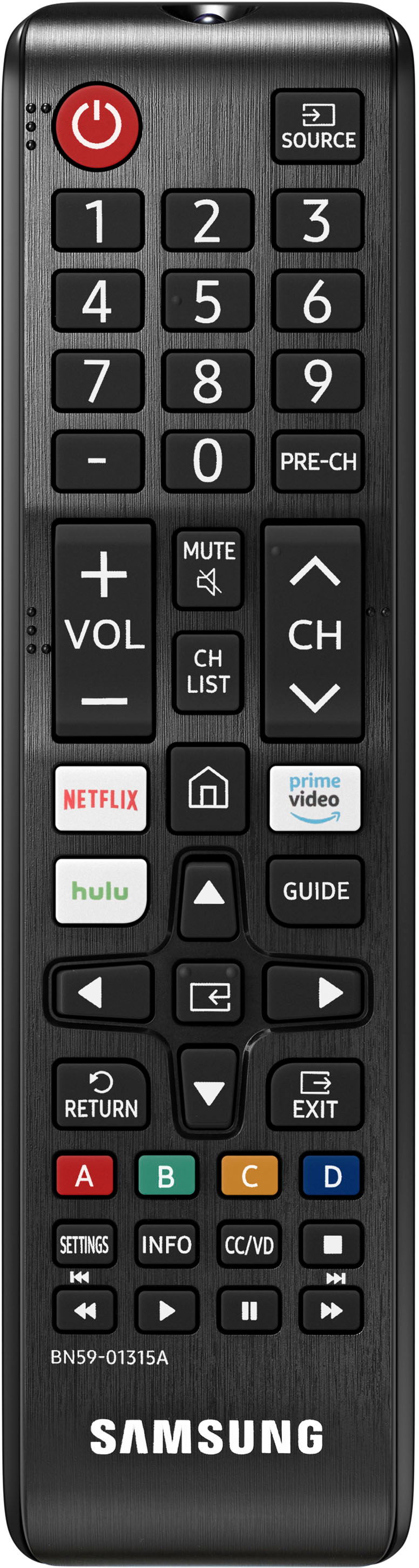
||Posted . Owned for 3 weeks when reviewed.This reviewer received promo considerations or sweepstakes entry for writing a review.I am disappointed with this purchase, because Best Buy has sold this model under false pretenses: this television doesn’t come with a smart remote; it also doesn’t have voice assistance available. I have never been so upset with a large purchase before. I would have bought another model if I would have known this was the case, or better yet I would have taken my business elsewhere, because I feel this was very deceptive on Best Buy’s behalf. Samsung won’t make this right, because this model isn’t sold like it was advertised. I feel that I will be more careful before I just trust a listing without further research ever again.
No, I would not recommend this to a friendGood, but a bit strange.
||Posted .This reviewer received promo considerations or sweepstakes entry for writing a review.It’s pretty good, but the picture sometimes seems a little dim. Also, there was some plastic wrap stuck to the TV because it’s caught inside of the crease. The stand also isn’t the sturdiest. It’s a good TV for the value though.
I would recommend this to a friend- Pros mentioned:Picture quality
Defective TV
||Posted . Owned for 1 month when reviewed.This reviewer received promo considerations or sweepstakes entry for writing a review.Great vivid picture, but the screen goes blank periodically. According to Geek Squad, this is a known issue with the latest TV’s from Samsung. Very time consuming and frustrating experience doing problem determination- checking the cable service provider; adjusting the TV settings, etc. Currently working with Best Buy on returning this TV
No, I would not recommend this to a friend Don’t buy this poor internet & buffering!
||Posted . Owned for 1 week when reviewed.This reviewer received promo considerations or sweepstakes entry for writing a review.I currently have four Samsung televisions. Bought this for a size upgrade in the living room. Internet buffering is unacceptable, happens EVERY SINGLE TIME. Remote responds very slowly, despite fresh batteries and no blockage in front of tv. The buffering is the worst part. Almost unbearable to watch tv. And yes, the tv is close to the router, I have gigabit speed internet , ran diagnostics, etc. thinking about a return if they’ll let me.
No, I would not recommend this to a friendBrand response from Samsung
Posted .JCjupiter:
Thank you for sharing your review of the TU7000 TV. I am sorry that you are experiencing some delayed response when using your remote and buffering.
To optimize the smart TV performance, please try Device Care option under the Support Menu. Go to Settings > Support> Device Care > Start Device Care
This service checks memory and frees up unused cached memory and closes background apps.
Please also be sure you are running the latest firmware. You can check to see what software version your TV is using and if there is an available update through the settings on your TV. Go to: Settings>Support>Software Update.
Both the current version and new version number will be displayed. The current version is what your TV is using, and the new version is the latest update.
New updates will be downloaded and installed on your TV. Updates usually take a few minutes; please do not turn off the TV until the update is complete. When the update is finished, the TV will restart automatically. If there aren't any new updates, select OK to exit.
You may want to enable automatic updates for convenience by selecting > Auto Update.
Should you need further assistance, please contact Samsung Customer Support.
1) Phone: 1-800-SAMSUNG (ask for TVs), available 8AM – 12AM EST 7 days a week
2) LiveChat: https://www.samsung.com/us/support/#contact_us_for_support
3) Facebook Messenger: https://www.facebook.com/samsungsupport
4) Twitter: https://twitter.com/SamsungSupport
5) The Samsung Members Community is also a great resource for getting help from Samsung moderators and customers: https://us.community.samsung.com
If you have not already done so, we invite you to register your new Samsung product at: https://www.samsung.com/us/account/signin/?redirect=https%3A%2F%2Fwww.samsung.com%2Fus%2Fsupport%2Fregister%2F
Registering your product gives you access to easy warranty support, convenient opt-in to special promos and offers, faster troubleshooting and service, and quick notification of system updates.
~ Samsung Solutions
Samsung 70inch
||Posted . Owned for 2 months when reviewed.This reviewer received promo considerations or sweepstakes entry for writing a review.Bought for Christmas and already broken, black screen with a little flash of light every once in a while after just 2 months. It was great, until it wasn’t
No, I would not recommend this to a friendBrand response from Samsung
Posted .Hi ToniJ,
We appreciate your purchase and feedback on the TU7000 TV. Please know we are here to help you.
If you've switched on your TV and the sound comes through fine, but you're not seeing any picture, there are 3 potential issues.
1) A connection issue; is the most common problem. Where there is a bad connection, faulty cables, or improper installation.
2) An issue with the device connected to the TV. There may be a video output setting on the device that you must set properly before it will output to the TV.
3) There is something wrong with the TV, which will require a technician to assess the TV and find a solution.
Please give us the opportunity to assist you by contacting Samsung Customer Support via any of the following options:
Call us at 1-800-SAMSUNG, 8 AM - 12 AM EST, seven days a week. Or visit us on the Samsung website and click on the ‘Support’ link for:
1) LiveChat
2) Manuals, Software, & Warranty Info
~ Samsung Advisor
Fast to break
||Posted . Owned for 11 months when reviewed.This reviewer received promo considerations or sweepstakes entry for writing a review.Bought this less than a year ago and already doesn’t work- worked well until today - yes I’ve tried everything
No, I would not recommend this to a friend