Customer Ratings & Reviews
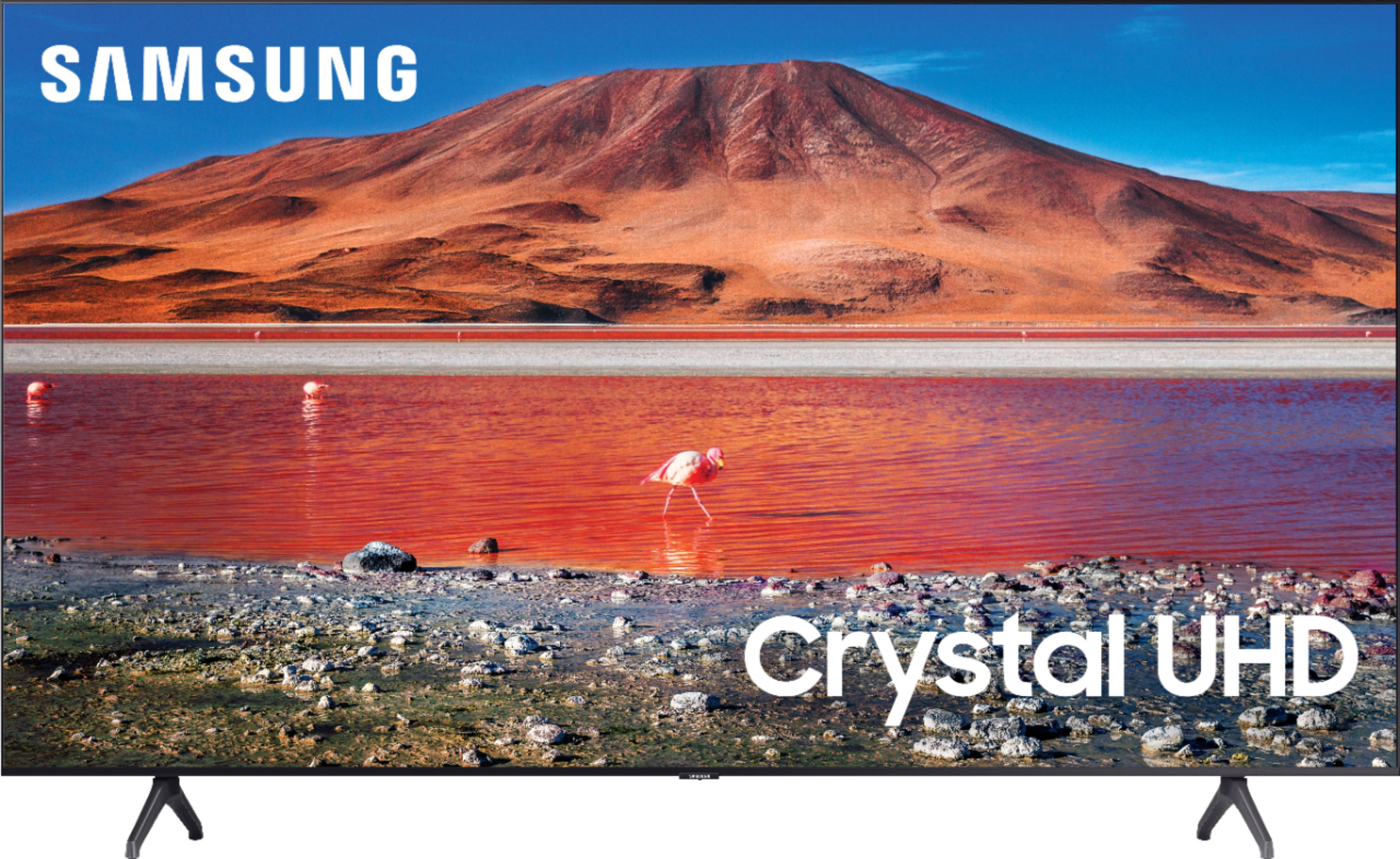
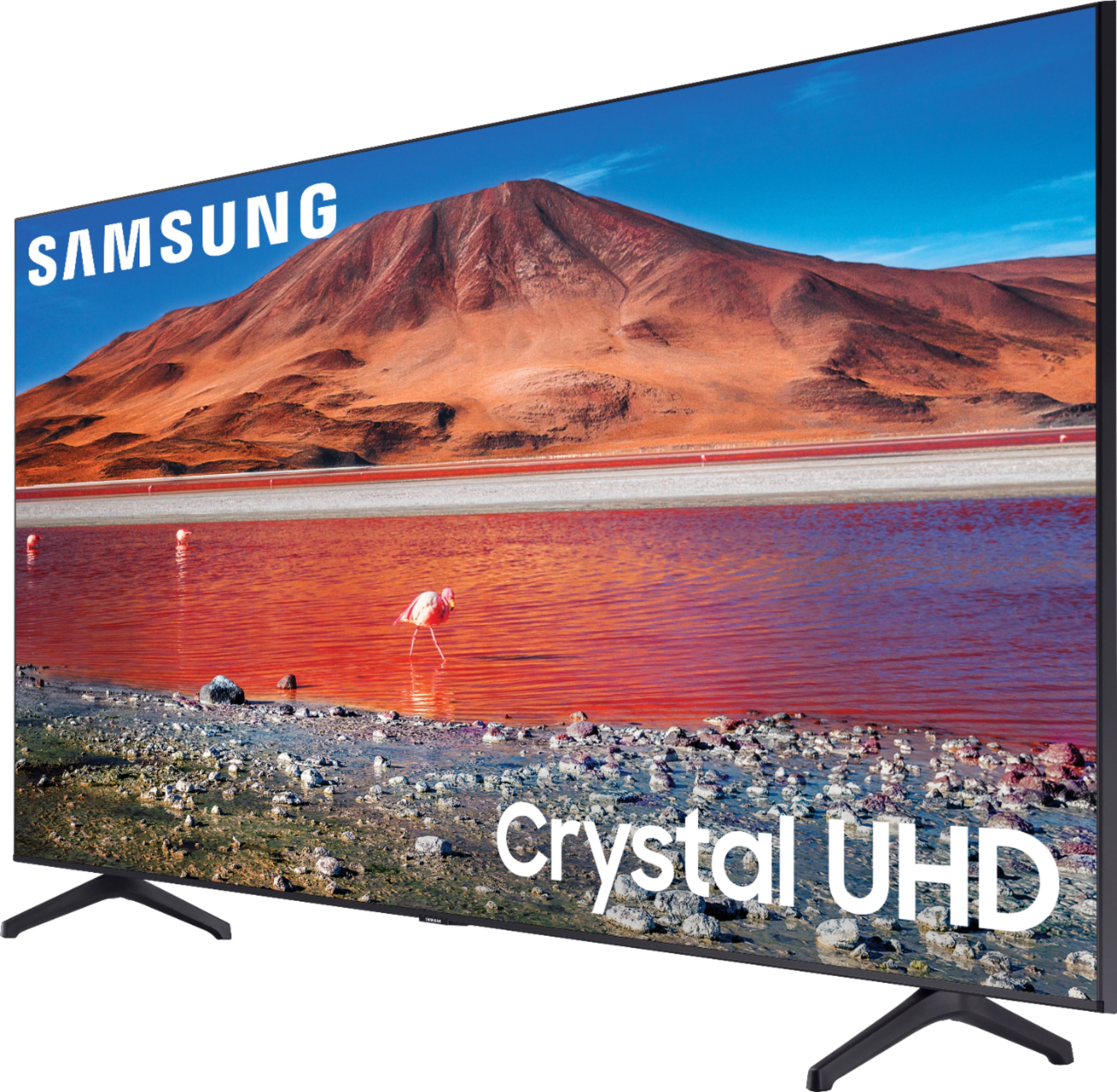
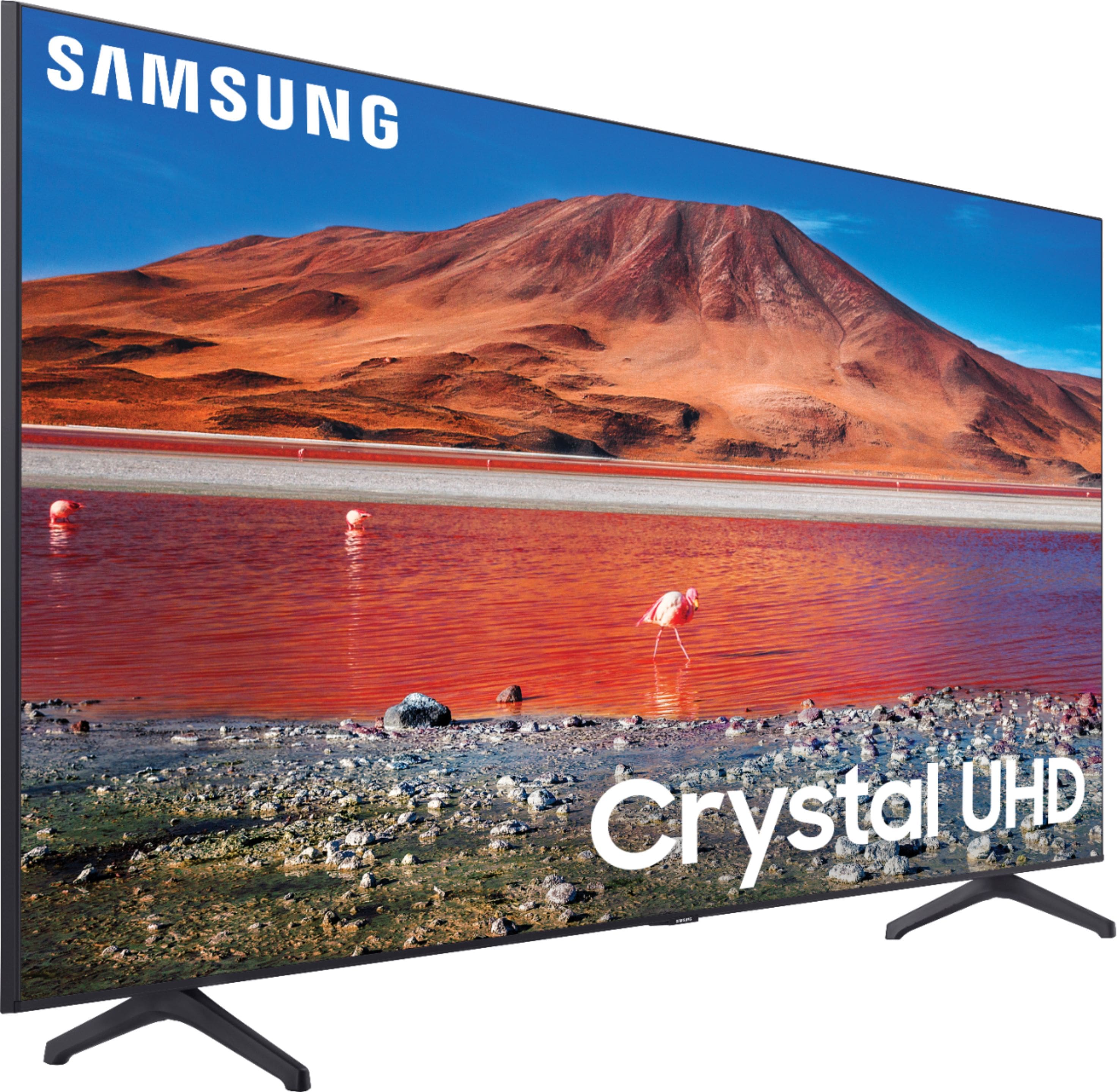







- Model:
- UN70TU7000BXZA
- SKU:
- 6429416
Rating by feature
- Picture Quality
Rating 4.7 out of 5 stars
- Sound Quality
Rating 4.5 out of 5 stars
- Brightness
Rating 4.7 out of 5 stars
Customers are saying
Customers are pleased with the picture quality, ease of use, and price of the 70” Class 7 Series LED 4K UHD Smart Tizen TV. Many also appreciate the TV's size and vibrant colors. However, some customers have expressed concerns regarding the remote control's usability and the TV's internet connectivity and volume. A few users also mentioned some challenges with the operating system and refresh rate.
This summary was generated by AI based on customer reviews.
False Advertisement
||Posted . Owned for 1 week when reviewed.This reviewer received promo considerations or sweepstakes entry for writing a review.This TV does not have Voice control built-in even when the specification according to BestBuy shows that it does.
I would recommend this to a friendDon’t abut it
||Posted . Owned for 8 months when reviewed.This reviewer received promo considerations or sweepstakes entry for writing a review.Not even 9 months later and the screen is out… When this tv arrived the screen was also broke and they had to replace it… Now-its out again
No, I would not recommend this to a friend- Pros mentioned:Picture quality
Samsung Tv’s suck.
||Posted .This reviewer received promo considerations or sweepstakes entry for writing a review.This is such a beautiful tv but the interface and everything else about it is the WORST! Airplay and the apps barely work half the time and the controller response is so laggy. Wish I could replace this stupid tv.
No, I would not recommend this to a friend Decent TV
||Posted . Owned for 1 week when reviewed.This reviewer received promo considerations or sweepstakes entry for writing a review.It’s a cheap, large tv that does the job. As far as having a great picture? No.. it’s basic and ur gonna have to spend more to get a good one. The apps r slow and a lil annoying to navigate but it will work.
I would recommend this to a friendBrand response from Samsung
Posted .Hello Heather,
Thank you for purchasing the Samsung TU7000 TV and for your review. We appreciate your feedback regarding the image quality and response time of your TV.
There are several image settings you can adjust to your liking such as Picture Mode and Expert Settings.
Choose a Picture Mode by going to Settings > Picture > Picture Mode and choose from Dynamic, Standard, Natural, Movie, or Filmmaker Mode.
1) Dynamic: Makes the picture brighter and clearer in bright viewing environments.
2) Standard: This is the default mode suitable for general viewing environments.
3) Natural: Reduces eye strain for a comfortable viewing experience.
4) Movie: Suitable for watching TV or movies in a dark room.
5) Filmmaker: Watch the source content (e.g., movie) as it is.
You can further adjust your sharpness, brightness, contrast, color, tint, contrast, white balance, and more by going to Settings > Picture > Expert Settings
To optimize the smart TV performance and improve apps performance, please try Device Care option under the Support Menu.
Go to Settings > Support> Device Care > Start Device Care.
We also recommend you check that your TV is running the latest firmware.
Using your TV's remote, navigate to Settings, and select Support. Select Software Update, and then select Update Now. New updates will be downloaded and installed on your TV. Updates usually take a few minutes; please do not turn off the TV until the update is complete. When the update is finished, the TV will restart automatically. If there aren't any new updates, select OK to exit.
I hope this helps to solve your concerns. If the issues persist, please reach out to Samsung Customer Support at:
1-800-SAMSUNG (ask for TVs), available 8AM -12AM EST, 7 days a week. Or text HELP to 62913.
For additional support resources, visit us on the Samsung website and click on the ‘Support’ link in the upper right corner of the homepage for:
1) More ‘Contact Us’ options – LiveChat, Facebook, Twitter, Samsung Community, Samsung Members app
2) Manuals & Software
3) Warranty Info
4) Product Registration: For access to easy warranty support, convenient opt-in to special promos and offers, faster troubleshooting and service, and quick notification of system updates.
We look forward to hearing from you.
~ Samsung Specialist
Confusing
||Posted . Owned for 1 month when reviewed.This reviewer received promo considerations or sweepstakes entry for writing a review.Cameras look great but honestly very confusing setup process, not much instructions. Thinking I may need to purchase a smarthub and hope that helps with our issues. Hard to connect to internet
I would recommend this to a friendBrand response from Samsung
Posted .Hi Anon,
Thank you for your review of the Samsung TU7000. We appreciate your feedback regarding the connectivity issues you are experiencing. A firmware update is available which may help improve your connection. (1420.0 released on 2/19/21)
Using your TV's remote, navigate to Settings, and select Support. Select Software Update, and then select Update Now. New updates will be downloaded and installed on your TV. Updates usually take a few minutes; please do not turn off the TV until the update is complete. When the update is finished, the TV will restart automatically.
You may also want to enable automatic updates for future convenience.
Select Settings > Support > Software Update, then select Auto Update.
To help familiarize yourself with your new TV, you can refer to the online e-manual via the link below for details of various features and usages of your TV: https://downloadcenter.samsung.com/content/UM/202011/20201116112136302/KT2ATSCT-2.1.5_EM_KANTS_USA_ENG-US_201020.0.pdf
Your E-Manual is also available directly on your TV: Settings > Support > Open e-Manual
Should you need step-by-step troubleshooting assistance with setup, features, functions, or have any other questions, please contact Samsung Customer Support at 1-800-SAMSUNG (ask for TVs), available 8AM -12AM EST, 7 days a week. Or text HELP to 62913.
For additional support resources, visit us on the Samsung website and click on the ‘Support’ link in the upper right corner of the homepage for:
1) More ‘Contact Us’ options – LiveChat, Facebook, Twitter, Samsung Community, Samsung Members app
2) Manuals & Software
3) Warranty Info
4) Product Registration: For access to easy warranty support, convenient opt-in to special promos and offers, faster troubleshooting and service, and quick notification of system updates.
We look forward to hearing from you.
~ Samsung Specialist
not worth it, get the AU8000 (2021) instead
Posted .This reviewer received promo considerations or sweepstakes entry for writing a review.Dont get this TU8000 (2020) breaks after 1 year cant repare goes to garbage or for parts, get the AU8000 (2021) updated smart solar remote and Tizen 6.0 processor!
No, I would not recommend this to a friendBrand response from Samsung
Posted .GordonsGoods:
Thank you for your review of the Samsung TU7000 UHD TV. Your feedback is very important to us and will be shared with our internal product team.
If there is anything we can do to improve your experience such as helping to optimize settings, please let us know. You can reach Samsung Customer Support at:
1-800-SAMSUNG (ask for TVs), available 8AM - 12AM EST, 7 days a week.
For additional support resources, visit us on the Samsung website and click on the ‘Support’ link in the upper right corner of the homepage for:
1) Chat with Us/Product Help: To begin a chat or find solutions, choose ‘TVs & Home Theater’ and select your model & topic.
2) Register a Product: For access to easy warranty support, convenient opt-in to special promos and offers, faster troubleshooting and service, and quick notification of system updates.
3) Manuals & Software
4) Warranty Info
5) Contact Us
Samsung is committed to providing the best possible product experience, quality, and value, and we are always here to help with any of your questions or concerns.
~ Samsung Advisor
- Cons mentioned:Remote control
TV is OK, but the Remote Sucks!
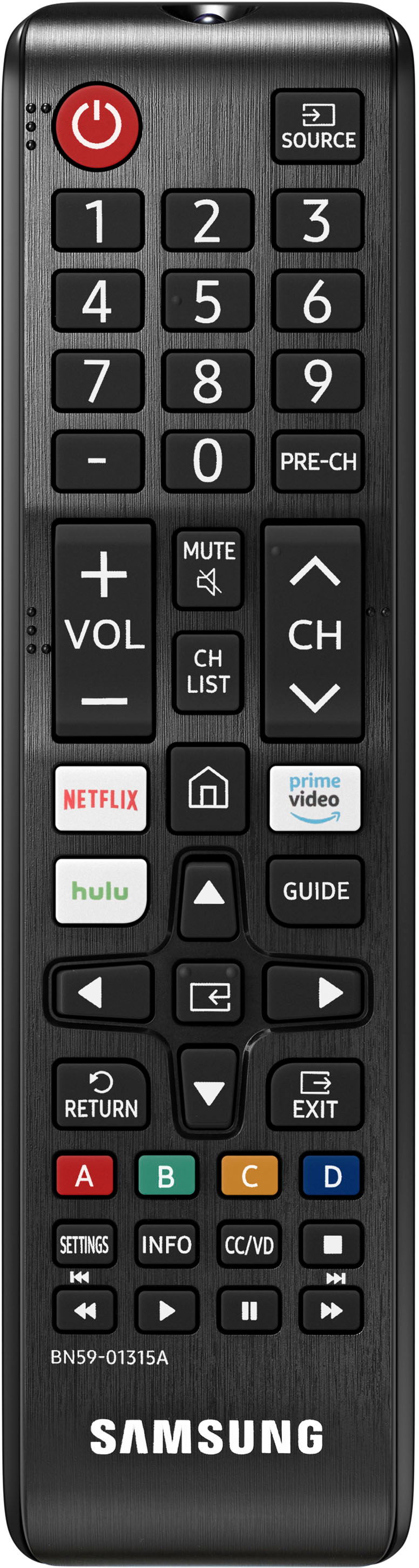
||Posted . Owned for less than 1 week when reviewed.This reviewer received promo considerations or sweepstakes entry for writing a review.June 2021 - Tampa Bay, Florida. Online purchase, free home delivery was superb. The TV itself is OK in its 4K picture quality, but the included remote control and its layout sucks to high heaven. So it is like buying a $150 laptop. I got what I paid for. Dear Samsung - please charge me $20 more and include your Smart Remote with this TV. Thank you.
No, I would not recommend this to a friend - Pros mentioned:Picture quality
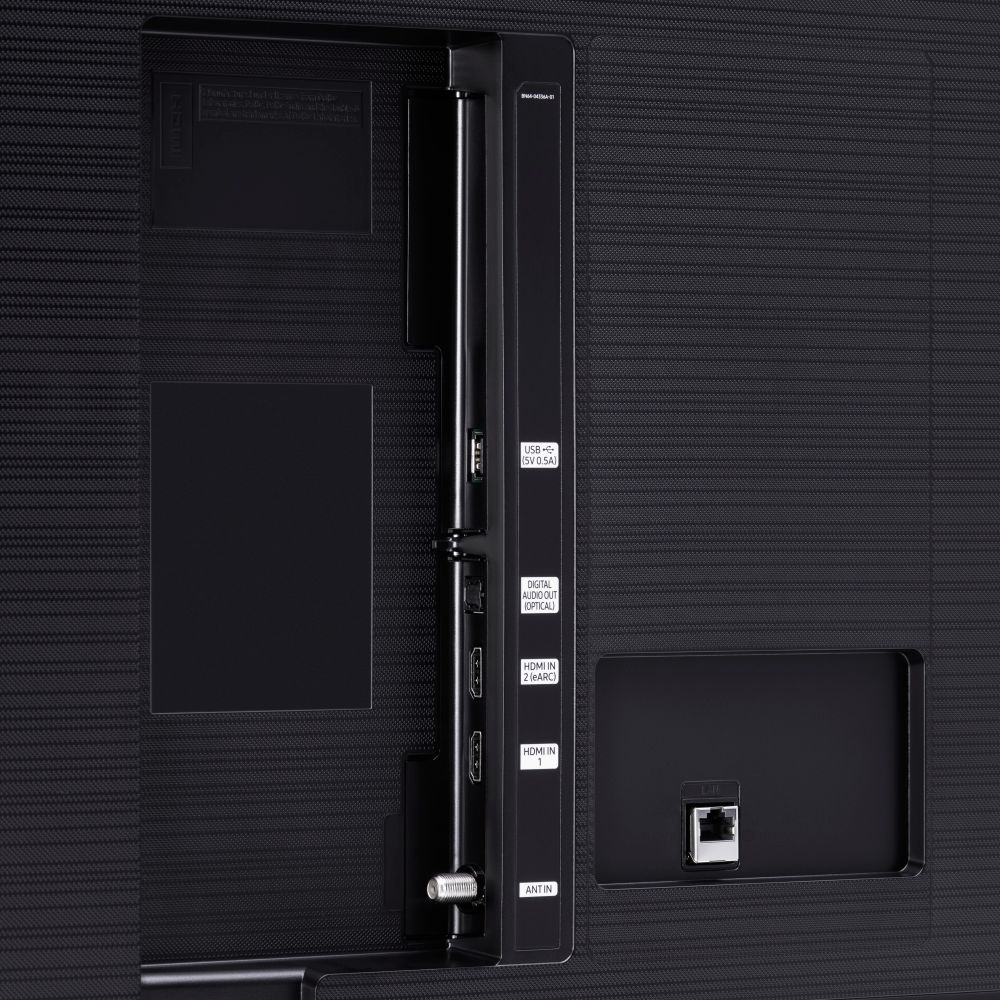
only one hdmi
||Posted . Owned for 1 month when reviewed.This reviewer received promo considerations or sweepstakes entry for writing a review.picture quality is good. and is poor. so I bought a sound bar, only one hdmi port so cant hook up to tv to use dish remote.
No, I would not recommend this to a friend My recent TV purchase
||Posted . Owned for 1 month when reviewed.This reviewer received promo considerations or sweepstakes entry for writing a review.Picture quality not what I had hoped. Dialogue is sometimes hard to understand. Overall, it's probably a good buy, but I wouldn't purchase it again after having it for a couple of weeksm
No, I would not recommend this to a friendBrand response from Samsung
Posted .Newtv:
Thank you for purchasing the Samsung TU7000 4K Smart TV and for your review. You can adjust the settings for picture and sound according to your preferences.
Choose a Picture Mode by going to Settings > Picture > Picture Mode and choose from Dynamic, Standard, Natural, Movie, or Filmmaker Mode.
You can further adjust your brightness, contrast, color, and more by going to Settings > Picture > Expert Settings
To adjust your sound preferences, go to Settings > Sound > Sound Mode and Settings > Sound > Expert Settings
Please also give us the opportunity to assist you with quality adjustments tailored to your preferred viewing and listening experience. You can reach us via any of the following options:
1) Phone: 1-800-SAMSUNG (ask for TVs), available 8AM – 12AM EST 7 days a week
2) LiveChat: https://www.samsung.com/us/support/#contact_us_for_support
3) Facebook Messenger: https://www.facebook.com/samsungsupport
4) Twitter: https://twitter.com/SamsungSupport
5) The Samsung Members Community is also a great resource for getting help from Samsung moderators and customers: https://us.community.samsung.com
If you have not already done so, we invite you to register your new Samsung product at: https://www.samsung.com/us/account/signin/?redirect=https%3A%2F%2Fwww.samsung.com%2Fus%2Fsupport%2Fregister%2F
Registering your product gives you access to easy warranty support, convenient opt-in to special promos and offers, faster troubleshooting and service, and quick notification of system updates.
~ Samsung Solutions
not preforming tv .
||Posted . Owned for 3 weeks when reviewed.This reviewer received promo considerations or sweepstakes entry for writing a review.cant get local channels that I could get on my old Samsung tv . Would not recommend buying one if want a good preforming tv .
No, I would not recommend this to a friendBrand response from Samsung
Posted .Hi GeraldW,
Thank you for your feedback on the Samsung TV's Tuner. I am sorry to hear that you are experiencing issues with your TU690T TV tuner. Samsung prides itself on high-quality products and a great customer experience; please know that we are here to help you.
Your issues may not be with the TU7000 TV but with the connection, cable, or several other variables. Please give us the opportunity to look into this for you so we can provide additional settings adjustments or troubleshooting assistance. You can call us at 1-800-SAMSUNG, 8 AM - 12 AM EST, seven days a week. Our LiveChat agents are also available by clicking on the ‘Support’ link on our website.
~ Samsung Advisor
Good
||Posted . Owned for 1 year when reviewed.This reviewer received promo considerations or sweepstakes entry for writing a review.Good tv for its price. I want something better in terms of picture but its expensive. This will do. 3 star because of the price
I would recommend this to a friendBrand response from Samsung
Posted .Hi Good,
Thank you for reviewing the TU7000 TV and for feedback on the picture quality. Please know there are adjustments that you can make that may improve the picture.
First, let's ensure your firmware is up to date. Please go to Settings> Support > Software Update. You can easily update your firmware from here.
Next, go to Home > Settings > Picture > Picture Mode and select the mode that best fits your usage:
1) Standard: Default mode suitable for general viewing environments.
2) Natural: Reduces eye strain for a comfortable viewing experience.
3) Movie: Suitable for watching TV or movies in a dark room.
4) Dynamic: Makes the picture brighter and clearer in bright viewing environments.
5) Filmmaker Mode: You can watch the source content (e.g., movie) as it is. If the image is defined as Filmmaker Mode, it will automatically switch to Filmmaker Mode while watching.
You can also go to Settings > Picture > Expert Settings > to manually fine-tune your image.
If you need more help, Samsung is here for you. Call us at 1-800-SAMSUNG, 8 AM - 12 AM EST, seven days a week. Or visit us on the Samsung website and click on the ‘Support’ link for:
1) LiveChat with an agent
2) Manuals, Software, & Warranty Info
~ Samsung Advisor
False advertisement
||Posted . Owned for 1 month when reviewed.This reviewer received promo considerations or sweepstakes entry for writing a review.Really just made cause advertisement said guaranteed lowest price black friday prices and 2 weeks later its was 100 cheaper and they wouldnt price match
I would recommend this to a friendShowed up busted
||Posted .This reviewer received promo considerations or sweepstakes entry for writing a review.TV was delivered with a fried motherboard, which caused intermittent freezing, slow menus, and sometimes just a blank screen. After numerous phone calls, Samsung finally sent a tech to replace the internal components. The TV now works as it should, but based on this experience, I wish I'd bought a Sony. Time will tell if it will hold up. Best Buy's delivery was expedient, but they need better quality control.
No, I would not recommend this to a friendBrand response from Samsung
Posted .HarryPalmer:
Thank you for purchasing the Samsung TU7000 TV and for sharing your experience with us.
I apologize for the unfortunate experience you had with your first unit, but I am glad that service was able to assist you.
Please know that Samsung is committed to providing the best possible product experience, quality, and value, and your feedback will be shared with our product and customer care teams.
If there is anything we can do to further assist and improve your user experience, please let us know by contacting Samsung Customer Support.
1) Phone: 1-800-SAMSUNG (ask for TVs), available 8AM – 12AM EST 7 days a week
2) LiveChat: https://www.samsung.com/us/support/#contact_us_for_support
3) Facebook Messenger: https://www.facebook.com/samsungsupport
4) Twitter: https://twitter.com/SamsungSupport
5) The Samsung Members Community is also a great resource for getting help from Samsung moderators and customers: https://us.community.samsung.com
If you have not already done so, we invite you to register your new Samsung product at: https://www.samsung.com/us/account/signin/?redirect=https%3A%2F%2Fwww.samsung.com%2Fus%2Fsupport%2Fregister%2F
Registering your product gives you access to easy warranty support, convenient opt-in to special promos and offers, faster troubleshooting and service, and quick notification of system updates.
~ Samsung Solutions
Tv shutdown
||Posted . Owned for 3 months when reviewed.This reviewer received promo considerations or sweepstakes entry for writing a review.Tv stopped working and did not turn on anymore, it was a gift so I could not validate the warranty.
No, I would not recommend this to a friendsamsung
||Posted . Owned for 1 month when reviewed.This reviewer received promo considerations or sweepstakes entry for writing a review.not very smart colors are just ok, sound is very basic you must use an outside source in order to get a good sound
No, I would not recommend this to a friendBrand response from Samsung
Posted .Hi 70tvsamsung,
Thank you for your review of the Samsung TU7000 TV. Please know we are here to help you.
I have a few recommendations that may help resolve your sound and image quality issues.
First, let's ensure you are running the latest Firmware. Go to Settings> Support> Software Update and update if necessary.
Next, go to Home > Settings > Picture > Picture Mode and select the mode that best fits your usage:
1) Standard: Default mode suitable for general viewing environments.
2) Natural: Reduces eye strain for a comfortable viewing experience.
3) Movie: Most suitable for watching TV or movies in a dark room.
4) Dynamic: Makes the picture brighter and clearer in bright viewing environments.
5) Filmmaker Mode: You can watch the source content (e.g., movie) as it is. If the image is defined as Filmmaker Mode, it will automatically switch to Filmmaker Mode while watching.
You can also go to Settings > Picture > Expert Settings and configure the image settings to your taste with additional functions.
Additionally, there are several sound settings you can adjust to suit your personal sound preferences. Change the Sound Mode by going to Settings > Sound > Sound Mode.
You can customize the sound with Expert Settings by going to Settings > Sound > Expert Settings.
I hope this helps you enjoy your experience.
If you’d like more help with settings, please know we’re here to help! Call us at 1-800-SAMSUNG, 8 AM - 12 AM EST, seven days a week. Or visit us on the Samsung website and click on the ‘Support’ link for:
1) LiveChat
2) Manuals, Software, & Warranty Info
~ Samsung Advisor
Tv
||Posted . Owned for 1 month when reviewed.This reviewer received promo considerations or sweepstakes entry for writing a review.Was more expensive than i could afford to pay so ended up getting a cheaper model that i could afford.
I would recommend this to a friendBrand response from Samsung
Posted .Hi Lovemovies,
We appreciate your feedback on the TU7000 TV. Should you ever decide to give Samsung TVs another try and have questions or need help with settings, setup, or features, please know we’re here to help. Call us at 1-800-SAMSUNG, 8 AM - 12 AM EST, seven days a week.
LiveChat with an agent, as well as manuals, software, and warranty info, can be found at the ‘Support’ link on our Samsung website.
We hope to regain you as a customer in the future.
~ Samsung Advisor
Only 2 HDMI ports
||Posted . Owned for 3 weeks when reviewed.This reviewer received promo considerations or sweepstakes entry for writing a review.I was shocked to find out after opening the box that the TV only had 2 HDMI ports. I do Roku, Frontier TV, and a DVD player.
I would recommend this to a friendBrand response from Samsung
Posted .Jiffy:
We’re sorry your experience didn’t match your expectations. Your feedback is very important to us as we continuously strive for best-in-class product and service.
If you should have any questions or concerns with your TV, please know that Samsung Customer Support is here to help.
Call us at 1-800-SAMSUNG (ask for TVs), available 8AM - 12AM EST, 7 days a week.
For additional support resources, visit us on the Samsung website and click on the ‘Support’ link in the upper right corner of the homepage for:
1) Chat with Us/Product Help: To begin a chat or find solutions, choose ‘TVs & Home Theater’ and select your model & topic.
2) Register a Product: For access to easy warranty support, convenient opt-in to special promos and offers, faster troubleshooting and service, and quick notification of system updates.
3) Manuals & Software
4) Warranty Info
5) Contact Us
Samsung is committed to providing the best possible product experience, quality, and value, and we are always here to help with any of your questions or concerns.
~ Samsung Advisor
Need more hdmi
||Posted . Owned for 2 weeks when reviewed.This reviewer received promo considerations or sweepstakes entry for writing a review.I have the tv but upon reading the specs, it has only 2 hdmi and I need 3 or 4 to have ally components works. It ended up returning to buy.
No, I would not recommend this to a friendBrand response from Samsung
Posted .Hi Bogie,
Thank you for your review of the Samsung TU7000 TV. Your feedback is very important to us and will be shared with our product team.
Should you ever decide to give Samsung TVs another try and have questions or need assistance with settings, setup, or features, please know we are always here to help. You can reach us at 1-800-SAMSUNG (ask for TVs), available 8AM -12AM EST, 7 days a week. Or text HELP to 62913.
For additional support resources, visit us on the Samsung website and click on the ‘Support’ link in the upper right corner of the homepage for:
1) More ‘Contact Us’ options – LiveChat, Facebook, Twitter, Samsung Community, Samsung Members app
2) Manuals & Software
3) Warranty Info
4) Product Registration: For access to easy warranty support, convenient opt-in to special promos and offers, faster troubleshooting and service, and quick notification of system updates.
~ Samsung Specialist
Nice TV, difficult to set up.
||Posted . Owned for 1 month when reviewed.This reviewer received promo considerations or sweepstakes entry for writing a review.User interface is difficult to figure out and the e-manual is hard to find what you are looking for. Once you find what you need, the instructions don’t work. We googled how to navigate many features and those were not helpful either. We got more help in 10 minutes with a best buy salesperson than we did with hours on the computer and talking to tech support.
No, I would not recommend this to a friendBrand response from Samsung
Posted .SteveJ:
Thank you for purchasing the Samsung TU7000 TV and for your review. Your thoughts regarding the interface and e-Manual are important to us and will be shared with our internal teams.
In addition to the e-Manual available directly on your TV at: Settings > Support > Open e-Manual
is also available online at: https://www.samsung.com/us/support/owners/product/crystal-uhd-tvs-tu7000-2020
Should you ever have questions or need help with TV features, specs, or operation, please contact Samsung Customer Support for help.
1) Phone: 1-800-SAMSUNG (ask for TVs), available 8AM – 12AM EST 7 days a week
2) LiveChat: https://www.samsung.com/us/support/#contact_us_for_support
3) Facebook Messenger: https://www.facebook.com/samsungsupport
4) Twitter: https://twitter.com/SamsungSupport
5) The Samsung Members Community is also a great resource for getting help from Samsung moderators and customers: https://us.community.samsung.com
If you have not already done so, we invite you to register your new Samsung product at: https://www.samsung.com/us/account/signin/?redirect=https%3A%2F%2Fwww.samsung.com%2Fus%2Fsupport%2Fregister%2F
Registering your product gives you access to easy warranty support, convenient opt-in to special promos and offers, faster troubleshooting and service, and quick notification of system updates.
~ Samsung Solutions
Trash
||Posted . Owned for 1 month when reviewed.This reviewer received promo considerations or sweepstakes entry for writing a review.I only had this tv for 1 month and already black screen no picture.
No, I would not recommend this to a friend