Customer Ratings & Reviews
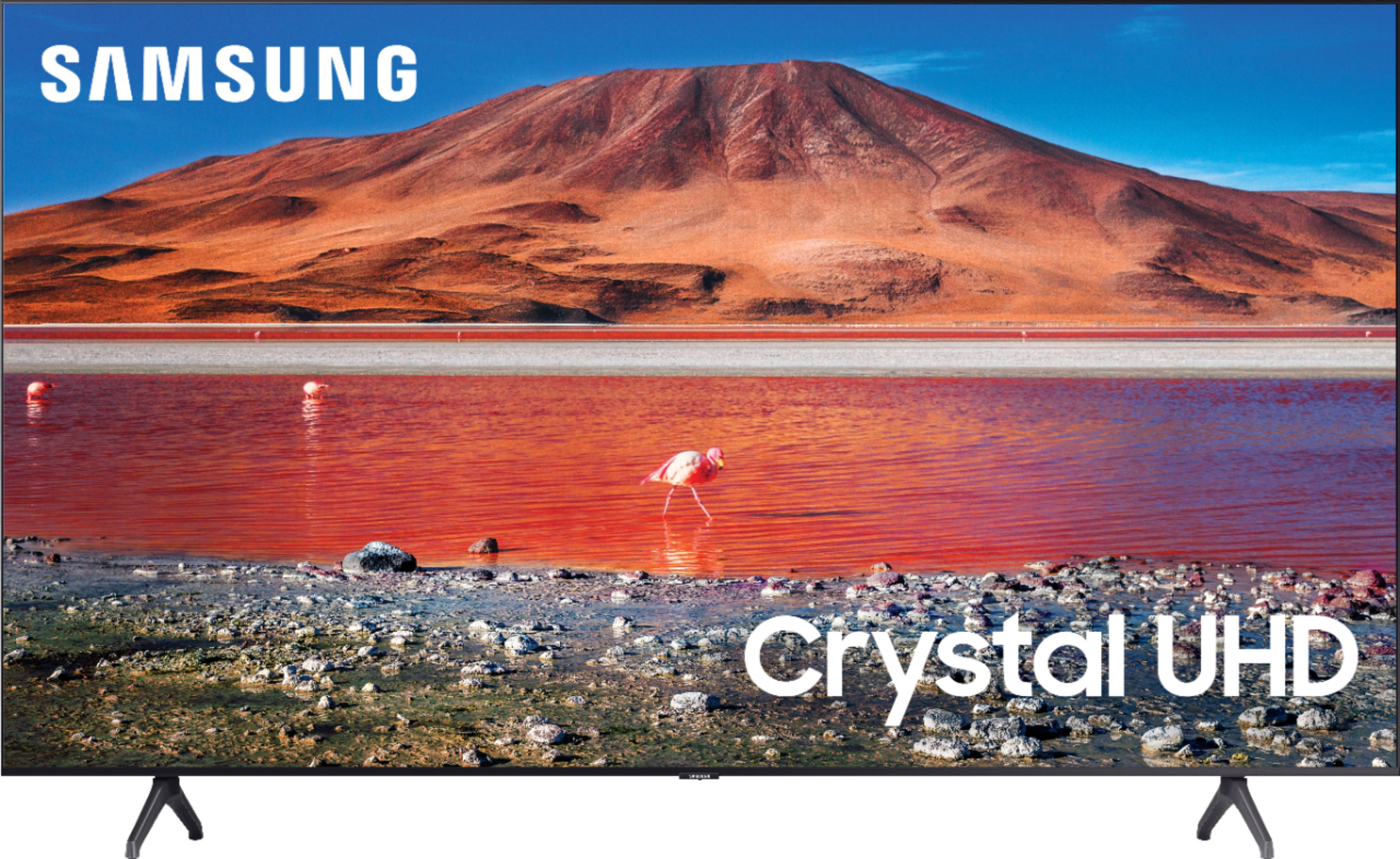

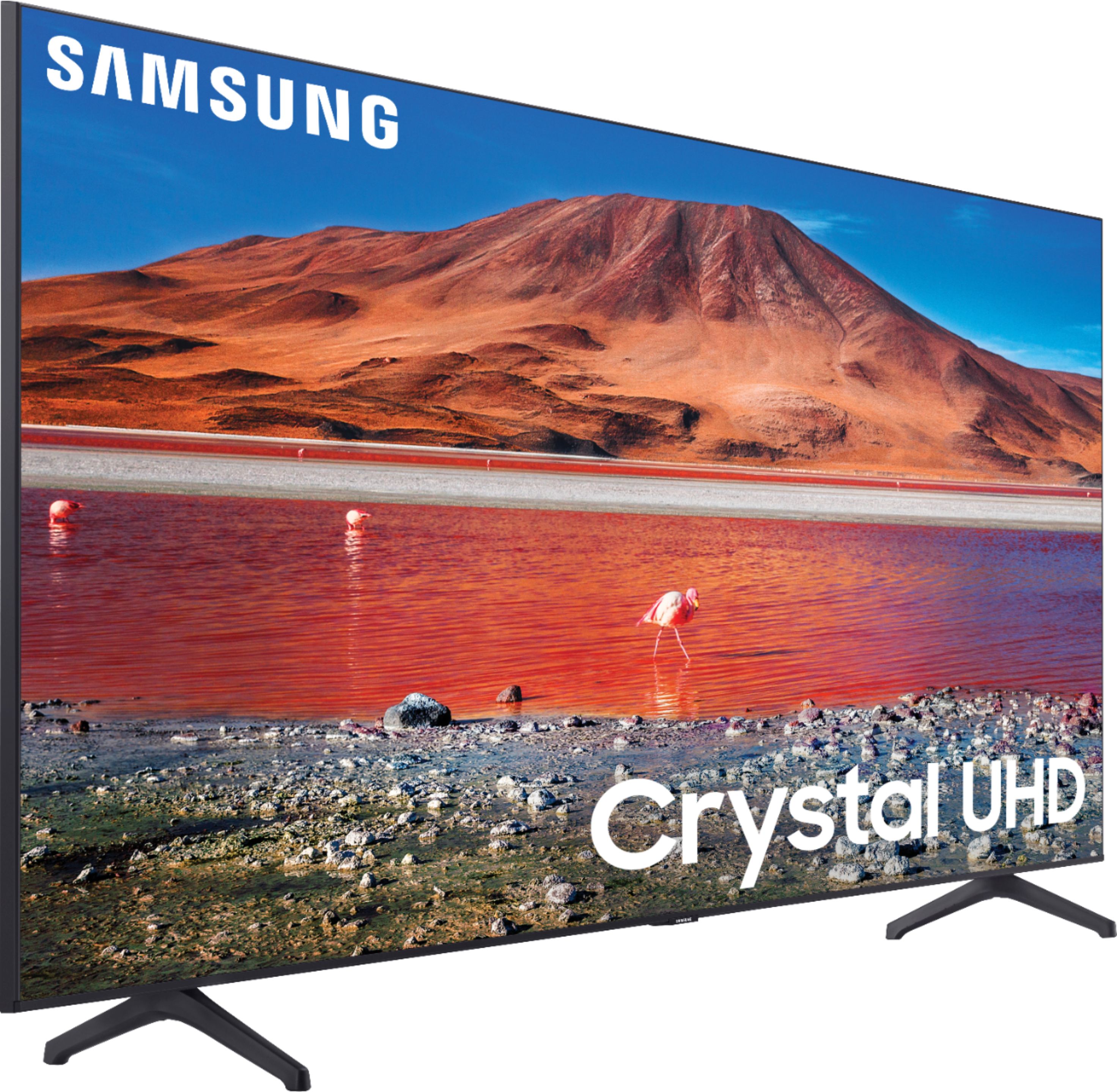
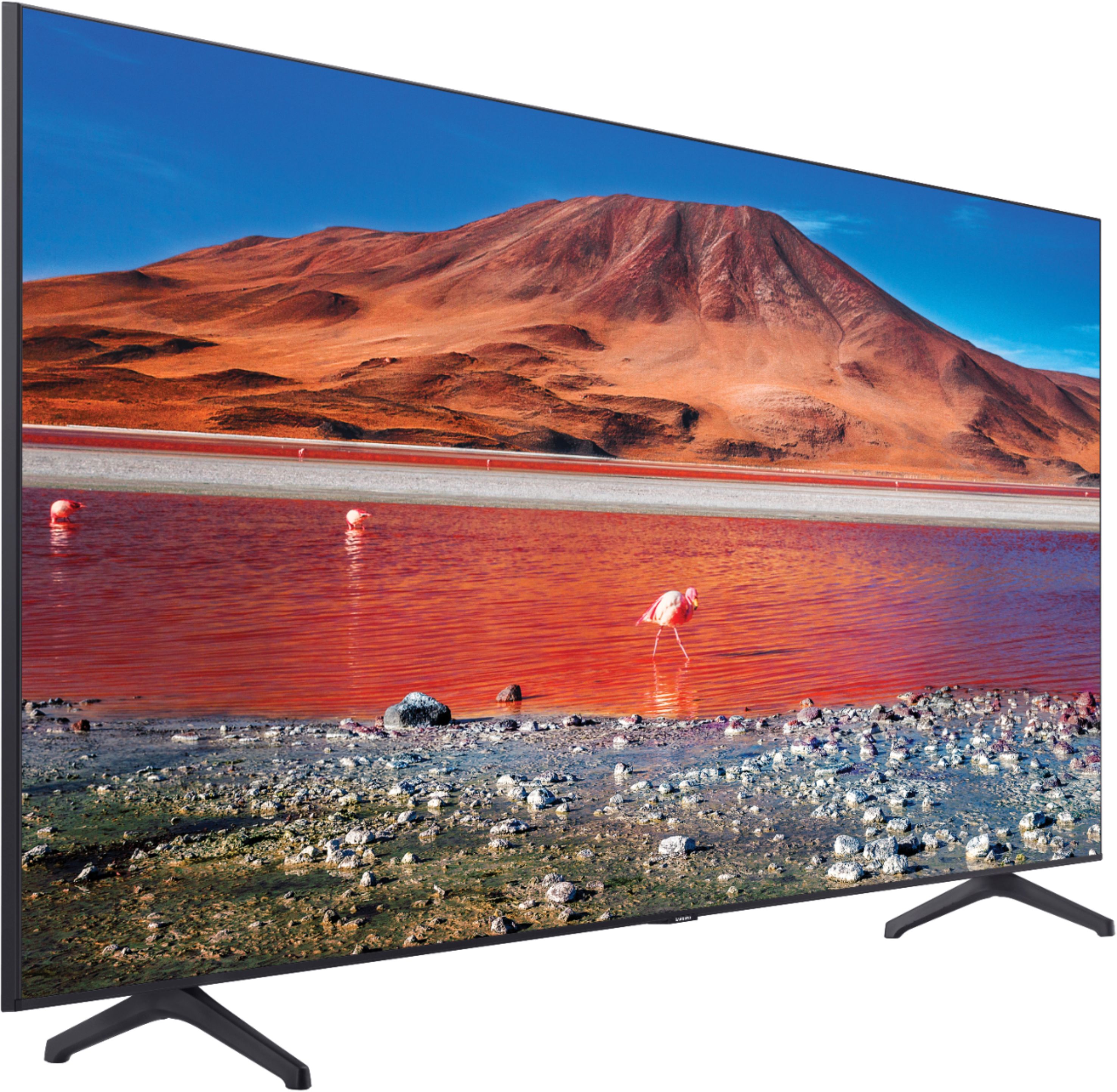
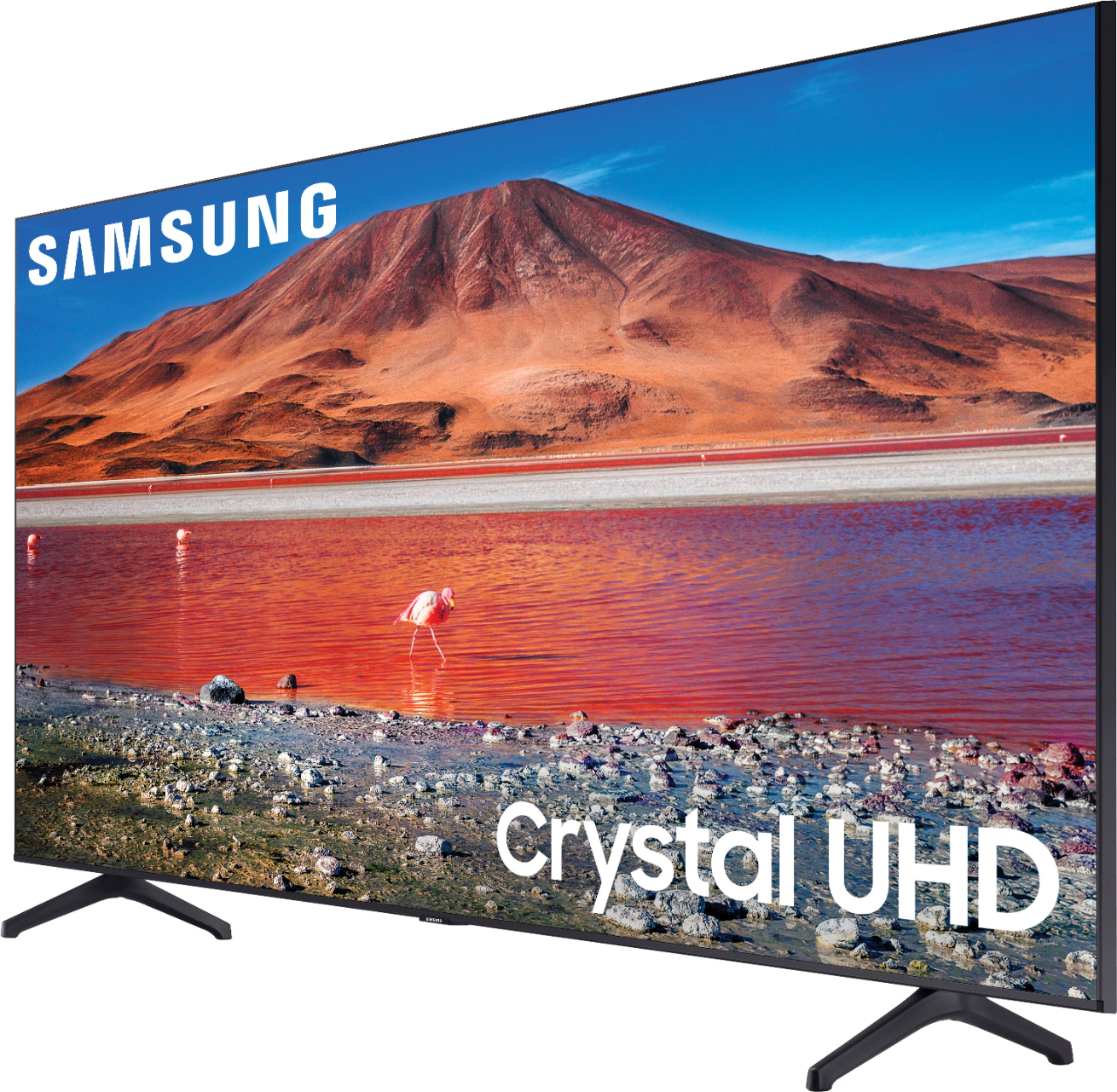

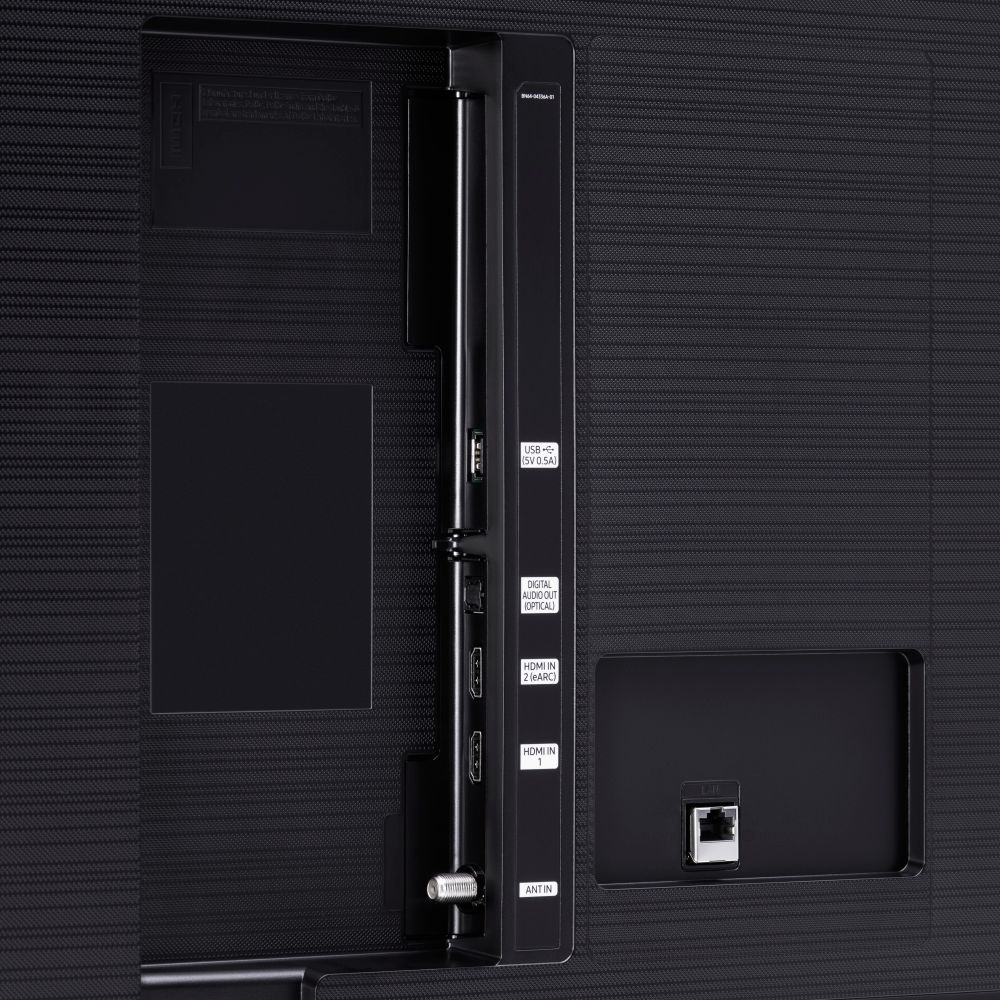





- Model:
- UN70TU7000BXZA
- SKU:
- 6429416
Rating by feature
- Picture Quality
Rating 4.7 out of 5 stars
- Sound Quality
Rating 4.5 out of 5 stars
- Brightness
Rating 4.7 out of 5 stars
Customers are saying
Customers are pleased with the picture quality, ease of use, and price of the 70” Class 7 Series LED 4K UHD Smart Tizen TV. Many also appreciate the TV's size and vibrant colors. However, some customers have expressed concerns regarding the remote control's usability and the TV's internet connectivity and volume. A few users also mentioned some challenges with the operating system and refresh rate.
This summary was generated by AI based on customer reviews.
- Pros mentioned:Picture quality
70" Samsung TV review
||Posted .This reviewer received promo considerations or sweepstakes entry for writing a review.Quality of the picture is great. The sound isn't loud at all. My 55 toshiba is lounder than this tv.
I would recommend this to a friendBrand response from Samsung
Posted .Teal:
Thank you for purchasing the Samsung TU7000 TV and for your review. I am sorry to hear that you are experiencing issues with low volume. One possible cause for the low volume is the source. Some sources have their own volume control which might be set too low.
We recommend you try a Sound Test under Support > Self Diagnosis > Start Sound Test.
Another way to check the source volume is to test an internal streaming source like Netflix or YouTube to compare.
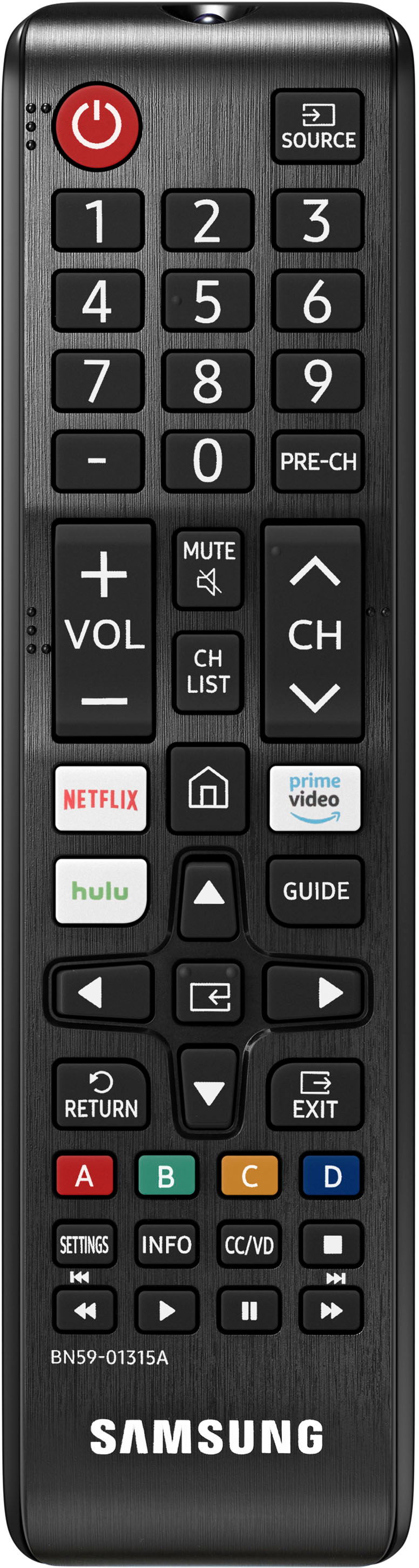
You may also want to select from several Sound Modes and advanced settings to meet your personal preferences. Press the Home button on your remote, and then navigate to Settings > Sound > Sound Mode
I hope this helps improve your audio experience. Should you need further assistance or have any questions, please contact Samsung Customer Support.
1) Phone: 1-800-SAMSUNG (ask for TVs), available 8AM – 12AM EST 7 days a week
2) LiveChat: https://www.samsung.com/us/support/#contact_us_for_support
3) Facebook Messenger: https://www.facebook.com/samsungsupport
4) Twitter: https://twitter.com/SamsungSupport
5) The Samsung Members Community is also a great resource for getting help from Samsung moderators and customers: https://us.community.samsung.com
If you have not already done so, we invite you to register your new Samsung product at: https://www.samsung.com/us/account/signin/?redirect=https%3A%2F%2Fwww.samsung.com%2Fus%2Fsupport%2Fregister%2F
Registering your product gives you access to easy warranty support, convenient opt-in to special promos and offers, faster troubleshooting and service, and quick notification of system updates.
~ Samsung Solutions
Not happy
||Posted . Owned for 1 month when reviewed.This reviewer received promo considerations or sweepstakes entry for writing a review.Im not fond of the television. We are having issues with this tv already.
No, I would not recommend this to a friendBad tv, even for the price
||Posted . Owned for 1 month when reviewed.This reviewer received promo considerations or sweepstakes entry for writing a review.Very low quality tv. Overall was not impressed at all with this tv.
No, I would not recommend this to a friendPicture poor
||Posted . Owned for 1 month when reviewed.This reviewer received promo considerations or sweepstakes entry for writing a review.i am very disappointed in the quality of the picture, It is not at all sharp.. I t reminds me of a tv I bought 20 years ago
No, I would not recommend this to a friendStill need a sound bar!!
||Posted . Owned for 1 month when reviewed.This reviewer received promo considerations or sweepstakes entry for writing a review.I bought this tv for a wall mount effect but you still need the sound bar for the full effect!!
No, I would not recommend this to a friendBrand response from Samsung
Posted .MamaDukes:
Thank you for purchasing the Samsung TU7000 UHD TV and for your review. One possible cause for the low volume is the source. Some sources have their own volume control which might be set too low.
Please check the volume control of the external device (cable box or satellite box, DVD, Blu-ray, etc.) connected to your TV. Also, check the cable connection between an external device and the TV and then try cable connection again.
We recommend you try a Sound Test under Support > Self Diagnosis > Start Sound Test. Another way to check the source volume is to test an internal streaming source like Netflix or YouTube to compare.
You may also want to select from several Sound Modes and advanced settings to meet your personal preferences. Press the Home button on your remote, and then navigate to Settings > Sound > Sound Mode
I hope this helps improve your audio experience. Should you need further assistance or have any questions, please contact Samsung Customer Support at 1-800-SAMSUNG (ask for TVs), available 8AM - 12AM EST, 7 days a week.
For additional support resources, visit us on the Samsung website and click on the ‘Support’ link in the upper right corner of the homepage for:
1) Chat with Us/Product Help: To begin a chat or find solutions, choose ‘TVs & Home Theater’ and select your model & topic.
2) Manuals, Software, & Warranty Info
Samsung is committed to providing the best possible product experience, quality, and value, and we are always here to help with any of your questions or concerns.
~ Samsung Advisor
Love Samsung TVs but this ones sound is awful!
||Posted . Owned for 1 month when reviewed.This reviewer received promo considerations or sweepstakes entry for writing a review.Sound is awful! I’ve owned or own a Samsung TV for the last 15 years and I love them all...but this ones sound is terrible!
I would recommend this to a friendBrand response from Samsung
Posted .Hi artee,
Thank you for purchasing the Samsung TU7000 and for your review. We appreciate your feedback regarding the sound quality of your TV.
There are several sound settings you can adjust to suit your personal sound preferences.
Change the Sound Mode by going to: Settings > Sound > Sound Mode
You can also customize the sound with Expert Settings by going to: Settings > Sound > Expert Settings
To assist you with possible sound settings adjustments for a better audio experience, or choosing a Samsung Soundbar to complement your viewing enjoyment, please reach out to us at:
1) Phone: 1-800-SAMSUNG / Available 8 AM - 12 AM EST 7 days a week
2) LiveChat: https://www.samsung.com/us/support/contact/
3) Text HELP to 62913
4) Samsung Members App
5) Facebook Messenger: https://www.facebook.com/samsungsupport
6) Twitter: https://twitter.com/SamsungSupport
7) The Samsung TV Community is also a great resource for getting help from Samsung moderators and customers: https://us.community.samsung.com/
If you have not already done so, we invite you to register your new Samsung product at: https://www.samsung.com/us/account/signin/?redirect=https%3A%2F%2Fwww.samsung.com%2Fus%2Fsupport%2Fregister%2F
Registering your product gives you access to easy warranty support, convenient opt-in to special promos and offers, faster troubleshooting and service, and quick notification of system updates.
We look forward to hearing from you.
~ Samsung Specialist
Disappointed
||Posted . Owned for 1 month when reviewed.This reviewer received promo considerations or sweepstakes entry for writing a review.One month and it damage. No recomended to buy. Its not s good product.
No, I would not recommend this to a friendBrand response from Samsung
Posted .Hi RositaA,
I'm sorry to hear that your TV is having issues. Samsung is committed to providing the best possible product experience, quality, and value. We back this Samsung TV with a 1-year limited manufacturer's warranty, including authorized repair for manufacturer defect, if purchased brand-new directly from an authorized seller.
Please give us a chance to make this right by calling us at 1-800-SAMSUNG, 8 AM - 12 AM EST, seven days a week. Our LiveChat agents are also available by clicking on the ‘Support’ link on our website.
~ Samsung Advisor
Pass on this unless you just want a "cheap" tv
||Posted . Owned for 7 months when reviewed.This reviewer received promo considerations or sweepstakes entry for writing a review.This tv is mediocre. The sound quality is terrible too. It's like 20 is the same as 40.
No, I would not recommend this to a friendBrand response from Samsung
Posted .Hi CynWhit,
It's unfortunate to hear that you have not had the same experience of excellence the bulk of our customers mentions having with the Samsung TU7000 TV. Samsung prides itself on our great products and we are here to help you.
Please try the following troubleshooting steps to help resolve your issue with low volume. First, let's ensure that your firmware is up to date. To do so, please head to Settings>Support>Software Update and easily update from there.
There are also several volume features you can adjust.
1) Auto Volume automatically adjusts the sound to a certain level when changing channels or switching to another external input.
2) Adaptive Volume automatically adjusts to a specific volume level while you are watching TV. The TV analyzes your volume usage history by time period to automatically adjust the volume when you use an app or switch to an external input source.
3) Several Sound Modes are likewise available to meet your personal preferences: Home > Settings > Sound > Sound Mode.
Also, some sources have their own volume control which might be set too low. Please check the volume control of the external device (cable box or satellite box, DVD, Blu-ray, etc.) connected to your TV. Also, check the cable connection between an external device and the TV and then try the cable connection again.
If you’d like more help with settings, please know we’re here to help! Call us at 1-800-SAMSUNG, 8 AM - 12 AM EST, 7 days a week. Or visit us on the Samsung website and click on the ‘Support’ link for:
1) LiveChat
2) Manuals, Software, & Warranty Info
~ Samsung Advisor
Samsung TV
||Posted .This reviewer received promo considerations or sweepstakes entry for writing a review.Had TV for 8 days display went out took 12 days to get a replacement part! Not real happy with the Samsung warranty service people I had to deal with seems like they didn’t care but the guy that came out to do the warranty work was great! Over all not happy with the purchase of this TV and we have 3 other Samsung’s we own!
No, I would not recommend this to a friendBrand response from Samsung
Posted .Mysamaungtv:
I am very sorry for the issues you have encountered and apologize for the let-down. Your user experience is very important to us and will be shared with our teams.
If there is anything we can do to further assist and improve your user experience, please let us know by contacting Samsung Customer Support.
1) Phone: 1-800-SAMSUNG (ask for TVs), available 8AM – 12AM EST 7 days a week
2) LiveChat: https://www.samsung.com/us/support/#contact_us_for_support
3) Facebook Messenger: https://www.facebook.com/samsungsupport
4) Twitter: https://twitter.com/SamsungSupport
5) The Samsung Members Community is also a great resource for getting help from Samsung moderators and customers: https://us.community.samsung.com
If you have not already done so, we invite you to register your new Samsung product at: https://www.samsung.com/us/account/signin/?redirect=https%3A%2F%2Fwww.samsung.com%2Fus%2Fsupport%2Fregister%2F
Registering your product gives you access to easy warranty support, convenient opt-in to special promos and offers, faster troubleshooting and service, and quick notification of system updates.
~ Samsung Solutions
Nice tv
||Posted . Owned for 2 weeks when reviewed.This reviewer received promo considerations or sweepstakes entry for writing a review.Tv came with a damage but bestbuy gave me a new tv. Thank you bestbuy
I would recommend this to a friendBrand response from Samsung
Posted .Hi AGAPELOVE,
Thank you for your feedback on the TU7000 TV. We appreciate your patience in having to deal with an exchange and are happy it went smoothly.
If there’s anything we can help with, please call us at 1-800-SAMSUNG, 8 AM - 12 AM EST, seven days a week. LiveChat with an agent, as well as manuals, software, and warranty info, can be found at the ‘Support’ link on our Samsung website.
~ Samsung Advisor
Not good for Xbox series x
||Posted . Owned for 3 weeks when reviewed.This reviewer received promo considerations or sweepstakes entry for writing a review.Very Dark picture all of the settings are dark color qualities when playing games with the Xbox series x
No, I would not recommend this to a friendBeware of panel gaps
||Posted . Owned for 3 weeks when reviewed.This reviewer received promo considerations or sweepstakes entry for writing a review.TV had a massive panel gap across top, I could see the backlight. exchanged for an LG which had no issue.
No, I would not recommend this to a friendNot a bad mid level tv for someone on a budget
||Posted . Owned for 11 months when reviewed.This reviewer received promo considerations or sweepstakes entry for writing a review.Should have went with a QLED or OLED again. These UHD and 4K tv's are a little bit laggy
I would recommend this to a friendBrand response from Samsung
Posted .RyanL:
Thank you for your review of the TU7000 UHD TV and sharing your experience with slow remote response time.
To optimize the smart TV performance, please try Device Care option under the Support Menu. Go to Settings > Support > Device Care > Start Device Care
This service checks memory and frees up unused cached memory and closes background apps. Please also be sure you are running the latest firmware.
You can check to see what software version your TV is using and if there is an available update through the settings on your TV. Go to: Settings > Support > Software Update.
Should you need further assistance, please contact Samsung Customer Support. Call us at 1-800-SAMSUNG (ask for TVs), available 8AM - 12AM EST, 7 days a week.
For additional support resources, visit us on the Samsung website and click on the ‘Support’ link in the upper right corner of the homepage for:
1) Chat with Us/Product Help: To begin a chat or find solutions, choose ‘TVs & Home Theater’ and select your model & topic.
2) Register a Product: For access to easy warranty support, convenient opt-in to special promos and offers, faster troubleshooting and service, and quick notification of system updates.
3) Manuals & Software
4) Warranty Info
5) Contact Us
~ Samsung Advisor
It is old
||Posted . Owned for 3 weeks when reviewed.This reviewer received promo considerations or sweepstakes entry for writing a review.It is an old model Samsung... should have spent a little more and get a better quality TV.
No, I would not recommend this to a friendBrand response from Samsung
Posted .asdf:
I’m sorry to hear that you’re not fully satisfied with your TU7000 TV.
So we can better understand the problems you are experiencing and provide you with troubleshooting assistance or warranty service, please contact Samsung Customer Support.
Call us at 1-800-SAMSUNG (ask for TVs), available 8AM - 12AM EST, 7 days a week.
For additional support resources, visit us on the Samsung website and click on the ‘Support’ link in the upper right corner of the homepage for:
1) Chat with Us/Product Help: To begin a chat or find solutions, choose ‘TVs & Home Theater’ and select your model & topic.
2) Manuals, Software, & Warranty Info
We look forward to hearing from you soon.
- Samsung Advisor
Not satisfied so far hopefully Samsung can fix
||Posted . Owned for 1 month when reviewed.This reviewer received promo considerations or sweepstakes entry for writing a review.Tv turned in once now it won’t turn on keeps blinking on and off.! I’m not too satisfied with my purchase
No, I would not recommend this to a friendVery disappointed
||Posted . Owned for less than 1 week when reviewed.This reviewer received promo considerations or sweepstakes entry for writing a review.our but experience. we bought this television and with only 1 day of use it no longer wants to turn on. We disconnected it from the power several times and plugged it into a different connector and nothing yet, it just died, really very disappointing. we are going to return it.
No, I would not recommend this to a friendSamsung tv
||Posted . Owned for 3 weeks when reviewed.This reviewer received promo considerations or sweepstakes entry for writing a review.Definitely lower end tv,since it’s a gift and I gave away my other tv I’m stuck with it
No, I would not recommend this to a friendBrand response from Samsung
Posted .John:
Thank you for your review of the TU7000 TV. The Crystal Processor 4K transforms everything you watch to 4K. Its crisp, clear picture is 4x the resolution of Full HD.
If you should ever have concerns or questions regarding function, features, or settings, please know that Samsung Customer Support is here to help.
Call us at 1-800-SAMSUNG (ask for TVs), available 8AM - 12AM EST, 7 days a week.
For additional support resources, visit us on the Samsung website and click on the ‘Support’ link in the upper right corner of the homepage for:
1) Chat with Us/Product Help: To begin a chat or find solutions, choose ‘TVs & Home Theater’ and select your model & topic.
2) Register a Product: For access to easy warranty support, convenient opt-in to special promos and offers, faster troubleshooting and service, and quick notification of system updates.
3) Manuals & Software
4) Warranty Info
5) Contact Us
~ Samsung Advisor
Avoid
||Posted . Owned for 3 months when reviewed.This reviewer received promo considerations or sweepstakes entry for writing a review.Samsung dropped the ball on this one. So not happy with software. They constantly want you to sign up/sign in to Samsung. The TV OS is just plain BAD! Not intuitive,logs you out of apps, I can go on. Wish I never got this TV ..so many other options. Now I know why it was so cheap. I have other Samsung tvs and this one doesn't compare, mainly due to the tv is.
No, I would not recommend this to a friendPoor picture
||Posted . Owned for 1 month when reviewed.This reviewer received promo considerations or sweepstakes entry for writing a review.Not a very good picture. Too dark. Can not be viewed clearly from sides
No, I would not recommend this to a friendBrand response from Samsung
Posted .Hi Florida,
I’m sorry to hear you’re not fully satisfied with the TU7000 TV’s picture quality. If the image is too dim, try adjusting Picture Mode, Contrast, Brightness, or Sharpness settings.
Please review the following modes and adjust as needed to improve your Picture.
Dynamic Picture Mode will make pictures brighter and clearer in bright viewing environments. Go to Settings > Picture > Picture Mode > Dynamic
Manually adjust the Brightness, Contrast, and more by pressing the HOME button on your remote, then navigate to Settings > Picture > Expert Settings.
You may also want to disable Power Saving Mode, which automatically adjusts the brightness to reduce the TV’s power consumption. Go to Settings > General > Eco Solution> Power Saving Mode.
Ambient Light Detection will also automatically adjust the brightness level of the TV according to the ambient light level to reduce power consumption. If Ambient Light Detection has adjusted the screen brightness to a too bright or dark level, you can manually select Minimum Brightness to adjust the minimum screen brightness. Go to Settings > General > Eco Solution > Ambient Light Detection
Please also be sure you are running the latest firmware. You can check to see what software version your TV is using and if there is an available update through the settings on your TV: Settings > Support > Software Update.
I hope this helps to improve your Picture.
Should you need further assistance, please get in touch with us at 1-800-SAMSUNG, 8 AM - 12 AM EST, seven days a week. Or visit us on the Samsung website and click on the ‘Support’ link for:
1) LiveChat with an agent
2) Manuals, Software, & Warranty Info
~ Samsung Advisor
Ñeh
||Posted . Owned for 3 weeks when reviewed.This reviewer received promo considerations or sweepstakes entry for writing a review.Good TV, came defective though. But aside from that, costumer servuce helped me get a new one
I would recommend this to a friend