Customer Ratings & Reviews
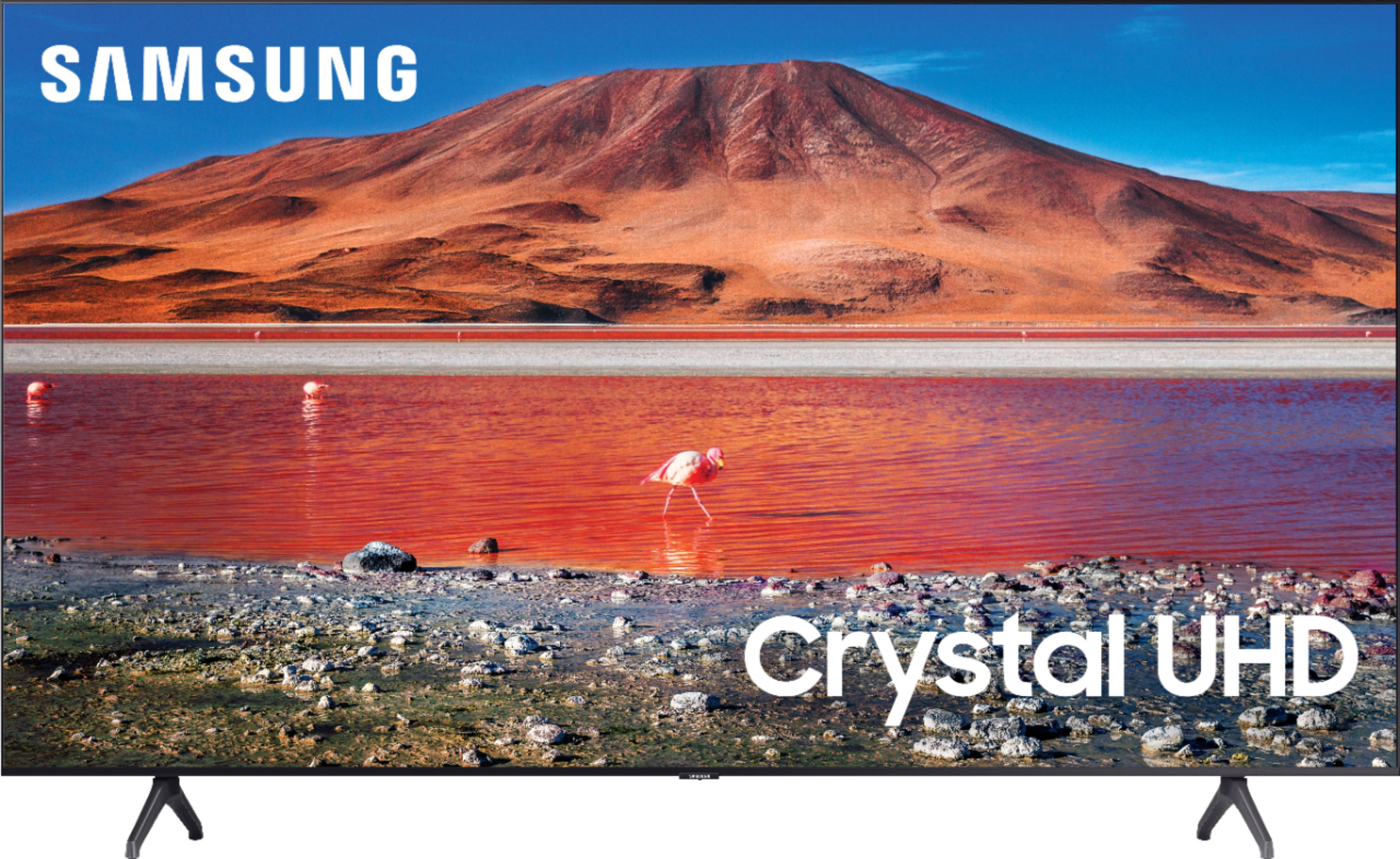
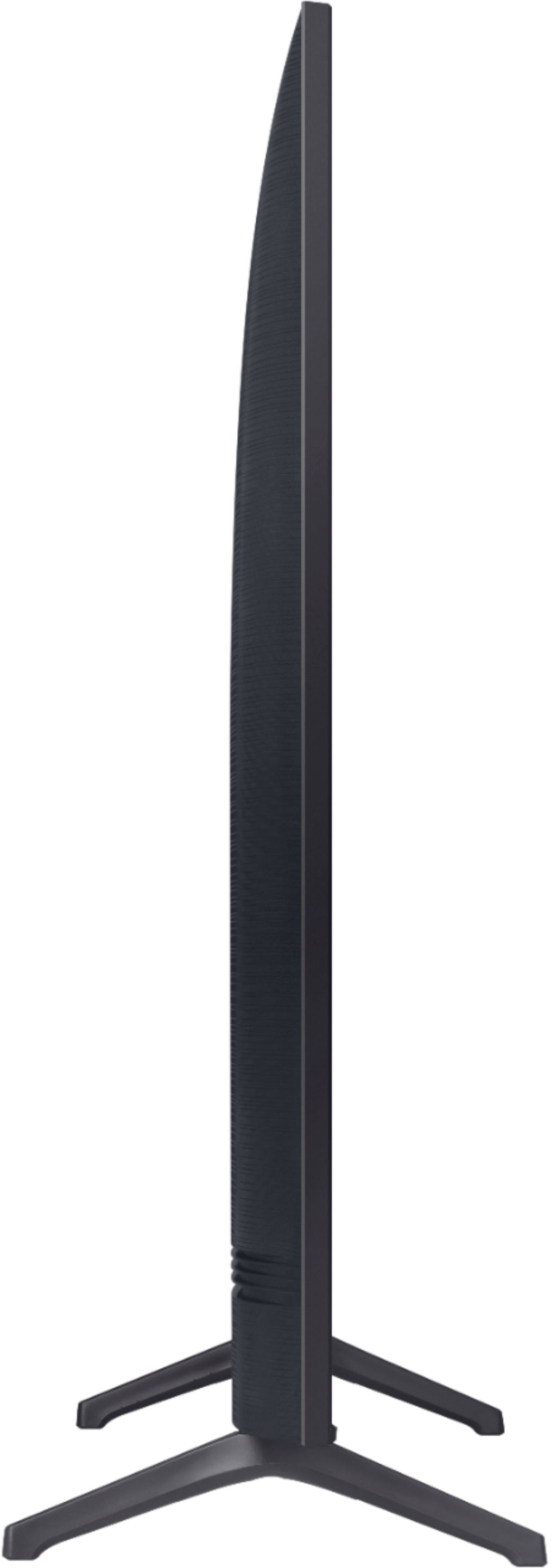









- Model:
- UN70TU7000BXZA
- SKU:
- 6429416
Rating by feature
- Picture Quality
Rating 4.7 out of 5 stars
- Sound Quality
Rating 4.5 out of 5 stars
- Brightness
Rating 4.7 out of 5 stars
Customers are saying
Customers are pleased with the picture quality, ease of use, and price of the 70” Class 7 Series LED 4K UHD Smart Tizen TV. Many also appreciate the TV's size and vibrant colors. However, some customers have expressed concerns regarding the remote control's usability and the TV's internet connectivity and volume. A few users also mentioned some challenges with the operating system and refresh rate.
This summary was generated by AI based on customer reviews.
Samesung-70”UHD smart TV
||Posted . Owned for 3 weeks when reviewed.This reviewer received promo considerations or sweepstakes entry for writing a review.Excellent result. Easy to pay by installments without interest.
I would recommend this to a friendTv
||Posted .This reviewer received promo considerations or sweepstakes entry for writing a review.We love it has great view and resolution. Perfect for my family
I would recommend this to a friendAmazing
||Posted . Owned for 3 weeks when reviewed.This reviewer received promo considerations or sweepstakes entry for writing a review.I loved the tv and even more value for money!!!!!!!
I would recommend this to a friendGreat
||Posted . Owned for 3 weeks when reviewed.This reviewer received promo considerations or sweepstakes entry for writing a review.Great product!!! It’s working perfect, good purchase...
I would recommend this to a friend2 smart tvs
||Posted . Owned for 1 month when reviewed.This reviewer received promo considerations or sweepstakes entry for writing a review.Love the smart TVs but the delivery left a lot to be desired!
I would recommend this to a friend70in Samsung Tv
||Posted . Owned for 3 weeks when reviewed.This reviewer received promo considerations or sweepstakes entry for writing a review.Really Nice Tv But It Seems To Take A Minute To Focus
I would recommend this to a friendAwesome
||Posted .This reviewer received promo considerations or sweepstakes entry for writing a review.It’s beautiful And looks awesome in my theater room
I would recommend this to a friendAwesome buy
||Posted .This reviewer received promo considerations or sweepstakes entry for writing a review.TV works perfectly fine and the display is amazing. Overall, good quality!
I would recommend this to a friend???
||Posted . Owned for 3 weeks when reviewed.This reviewer received promo considerations or sweepstakes entry for writing a review.Very happy with geek squad and merchandise I bought
I would recommend this to a friendBlack Dot ruined my Happiness
||Posted . Owned for 2 weeks when reviewed.This reviewer received promo considerations or sweepstakes entry for writing a review.I loved everything about this TV, until a black dot with a tail that leaked thru the screen appeared after a few days of purchase/watching. I'm sure it was the opposite, that the tail led to the dot, but nonetheless it appeared and was an eyesore, even as small as it was, when the screen showed lighter colors. Imagine a beautiful crystal clear picture watching your favorite actors on screen and there's a black spot on their cheek, that isn't suppose to be there. :/ From my experience, the black dot only gets bigger. Sadly, and disappointingly, had to return. On top of that, this model is no longer available. Purchased a VIZIO for the replacement.
No, I would not recommend this to a friendBrand response from Samsung
Posted .Angel4lyfe:
Thank you for sharing your review of the Samsung TU7000. I am very sorry that issues with your TV have caused you to return it. I completely understand your disappointment.
Should you ever decide to give Samsung TVs another try and have questions or need assistance with settings, setup, or features, please know we are always here to help.
1) Phone: 1-800-SAMSUNG (ask for TVs), available 8AM – 12AM EST 7 days a week
2) LiveChat: https://www.samsung.com/us/support/#contact_us_for_support
3) Facebook Messenger: https://www.facebook.com/samsungsupport
4) Twitter: https://twitter.com/SamsungSupport
5) The Samsung Members Community is also a great resource for getting help from Samsung moderators and customers: https://us.community.samsung.com
If you have not already done so, we invite you to register your new Samsung product at: https://www.samsung.com/us/account/signin/?redirect=https%3A%2F%2Fwww.samsung.com%2Fus%2Fsupport%2Fregister%2F
Registering your product gives you access to easy warranty support, convenient opt-in to special promos and offers, faster troubleshooting and service, and quick notification of system updates.
~ Samsung Solutions
Subpar Samsung product
||Posted . Owned for less than 1 week when reviewed.This reviewer received promo considerations or sweepstakes entry for writing a review.2yr service coverage: Bought brand new tv. Geek Squad did all they could... I feel quality control from Samsung is subpar and looks like they do not car about their products. I have a Samsung phone and the TV manual stated that it is an easy setup using Samsung phone app to control the TV. THAT DID NOT WORK. Samsung TV advertised unique gaming experience setting up video game console to TV. That did not work either. Basically, their product was subpar. I bought a subpar/ partially working tv. I expected more from Samsung. Quality control was very/ extremely dissatisfied. Subpar product. I'm returning product and exchanging for a Vizio TV. Vizio TV are good and fully functioning TV. Very exciting photo a TV that doesn't do what it's advertised. Best Buy is great but Samsung product El cheapo parts.
I would recommend this to a friendBrand response from Samsung
Posted .PlayStationHawaiiPS4PS5:
Thank you for purchasing the TU7000 TV and for your review. I am sorry you are having trouble connecting your phone and game console to your TV.
To connect your console to your Samsung TV:
1) Using the HDMI cable that is included with your console, plug one end into the HDMI Out port on your console.
2) Plug the other end of the same HDMI cable into HDMI 1 (or the next available) on your TV.
3) Turn on your TV. It should start to recognize the console and automatically switch to the source. If it doesn't, press the Home button on your TV's remote to open the Home screen menu.
4) Use the Samsung TV remote to select Source, and select your PS4 Pro. You can use these steps to also switch between sources if you have more than one device connected.
Next, turn on Input Signal Plus (HDMI UHD Color) on your Samsung TV.
Important: The console may say the TV does not support HDR unless Input Signal Plus is turned on.
To connect your phone:
1) Please make sure both devices are connected to the same local network. The phone and TV must be connected to the same network as your router to be discovered by the app.
2) Refresh the device using the SmartThings app. From the Devices tab, swipe down to refresh the device list.
3) Delete and re-add the device on the SmartThings app.
Should you need further assistance with connection your devices, features or other product usage, please reach out to Samsung Support via any of the below options:
1) Phone: 1-800-SAMSUNG (ask for TVs), available 8AM – 12AM EST 7 days a week
2) LiveChat: https://www.samsung.com/us/support/#contact_us_for_support
3) Facebook Messenger: https://www.facebook.com/samsungsupport
4) Twitter: https://twitter.com/SamsungSupport
5) The Samsung Members Community is also a great resource for getting help from Samsung moderators and customers: https://us.community.samsung.com
If you have not already done so, we invite you to register your new Samsung product at: https://www.samsung.com/us/account/signin/?redirect=https%3A%2F%2Fwww.samsung.com%2Fus%2Fsupport%2Fregister%2F
Registering your product gives you access to easy warranty support, convenient opt-in to special promos and offers, faster troubleshooting and service, and quick notification of system updates.
~ Samsung Solutions
Selling with incorrect information
||Posted .This reviewer received promo considerations or sweepstakes entry for writing a review.Bought this tv as the specifications said that it has voice control remote and built in Alexa. After opening and setting it up, found that the remote is a standard remote and does not have built in Alexa. Called Best buy to help with the issue. Was informed that i need to contact samsung for this issue. Samsung mentioned that this tv does not have built in alexa and does not have a voice control remote.
No, I would not recommend this to a friendTrash after 30 days
||Posted . Owned for 1 month when reviewed.This reviewer received promo considerations or sweepstakes entry for writing a review.This tv was so crystal clear, I was amazed....BUT...after 30 days, my tv could not be watched. It looked like cartoon figures. The pixels were insanely HORRIBLE. BEST BUY said they will not return or let me exchange it ! I am also an Elite Plus card member at Best Buy. See attached screenshots of a video (won't let me upload the video I took)
No, I would not recommend this to a friendDisappointed, just purchased a couple months ago.
||Posted .This reviewer received promo considerations or sweepstakes entry for writing a review.Have owned 8 Samsung’s in the past, never had an issue with any of them. We have two large dead pixels in two months of owning this tv, we were trying to look past the bad reviews on it because of Samsung’s name and history. But regretting it now. Believe the reviews, good luck in your search.
No, I would not recommend this to a friendBrand response from Samsung
Posted .Hi Alicia: Thank you for your feedback regarding screen abnormalities on your new TU7000 TV. Please run a Picture Test to determine if the problem is caused by the TV. Picture Test displays a high-definition picture you can examine for flaws or faults. Go to Settings > Support > Device Care > Self Diagnosis > Picture Test
If this occurs on all sources and the picture test, this will require service.
- If your device was recently purchased, you can check with your retailer on their return/exchange processes.
- If you have an extended warranty you can reach out to them to have service processed.
- If you're within the one-year warranty, please contact Samsung Customer Support to initiate service.
- If you are past the time of warranty, please contact us for out-of-warranty service.
Should you need further assistance, please contact Samsung TV Support at:
1) Phone: 1-800-SAMSUNG (ask for TVs), available 8AM – 12AM EST 7 days a week
2) LiveChat: https://www.samsung.com/us/support/#contact_us_for_support
3) Facebook Messenger: https://www.facebook.com/samsungsupport
4) Twitter: https://twitter.com/SamsungSupport
5) The Samsung Members Community is also a great resource for getting help from Samsung moderators and customers: https://us.community.samsung.com
~ Samsung Specialist
Worst disappointment
||Posted . Owned for 7 months when reviewed.This reviewer received promo considerations or sweepstakes entry for writing a review.This TV absolutely sucks and I’m done with Samsung in general. Research random error icons displaying on the TV completely disabling use. I just bought this TV and haven’t been able to use it for weeks. This has happened to lots of people and they do nothing to fix it. They say it happens when you plug in a usb drive during an update and remove it, yet none of us put USB drives in to begin with… they don’t help you at all. I just wasted $750 on this useless huge TV.
No, I would not recommend this to a friendBrand response from Samsung
Posted .Hi Sydney,
We are sorry to hear about your experience with the Samsung TU7000. Please know we are here to help you.
Samsung is committed to providing the best possible product experience, quality, and value. this Samsung TV with a 1-year limited manufacturer's warranty, including authorized repair for manufacturer defects, if purchased brand-new directly from an authorized seller.
So we can better understand your issue or set up warranty service, please give us a call at 1-800-SAMSUNG, 8 AM - 12 AM EST, 7 days a week. LiveChat with an agent, as well as manuals, software, and warranty info, can be found at the ‘Support’ link on our Samsung website.
~ Samsung Advisor
Samsung TV
||Posted . Owned for 1 month when reviewed.This reviewer received promo considerations or sweepstakes entry for writing a review.Not a good quality and expensive for the quality provided ,
No, I would not recommend this to a friendNo built in Voice Assistant- specs are incorrect
||Posted . Owned for 4 months when reviewed.This reviewer received promo considerations or sweepstakes entry for writing a review.There is no built in Voice Assistant. It is advertised incorrectly. I'm past my return window, so i called Samsung. Best Buy did my delivery and install. So, not only is Samsung exchanging my TV, they are doing the install as well.
No, I would not recommend this to a friendBrand response from Samsung
Posted .Hi Jess,
We appreciate your feedback and patience as you wait for your new TV. If there is anything we can do for you in the meantime, please know we’re here to help!
Call us at 1-800-SAMSUNG, 8 AM - 12 AM EST, seven days a week. Or visit us on the Samsung website and click on the ‘Support’ link for:
1) LiveChat
2) Manuals, Software, & Warranty Info
~ Samsung Advisor
Samsung tv
||Posted . Owned for 3 weeks when reviewed.This reviewer received promo considerations or sweepstakes entry for writing a review.Has some issues with the apps which need to be reinstalled before working
No, I would not recommend this to a friendBrand response from Samsung
Posted .Charrison135:
Thank you for choosing the TU7000 Smart 4K TV and taking the time to share your experience.
I am very sorry to hear that your apps are not working properly. Please check your network connection. When the network speed is slow, the app may not work, or its image quality may be poor.
If your apps are freezing, not loading, or crashing, you can try cold booting your TV by holding down the power button on your remote for 5+ sec until the TV turns off and on again, deleting and downloading the apps again, and completing full reset of Smart Hub to correct the issue.
Please also check that your TV is running the latest firmware version.
If you need further assistance, please know that Samsung Customer Support is here to help.
1) Phone: 1-800-SAMSUNG (ask for TVs), available 8AM – 12AM EST 7 days a week
2) LiveChat: https://www.samsung.com/us/support/#contact_us_for_support
3) Facebook Messenger: https://www.facebook.com/samsungsupport
4) Twitter: https://twitter.com/SamsungSupport
5) The Samsung Members Community is also a great resource for getting help from Samsung moderators and customers: https://us.community.samsung.com
If you have not already done so, we invite you to register your new Samsung product at: https://www.samsung.com/us/account/signin/?redirect=https%3A%2F%2Fwww.samsung.com%2Fus%2Fsupport%2Fregister%2F
Registering your product gives you access to easy warranty support, convenient opt-in to special promos and offers, faster troubleshooting and service, and quick notification of system updates.
~ Samsung Solutions
No warranty for physical damage
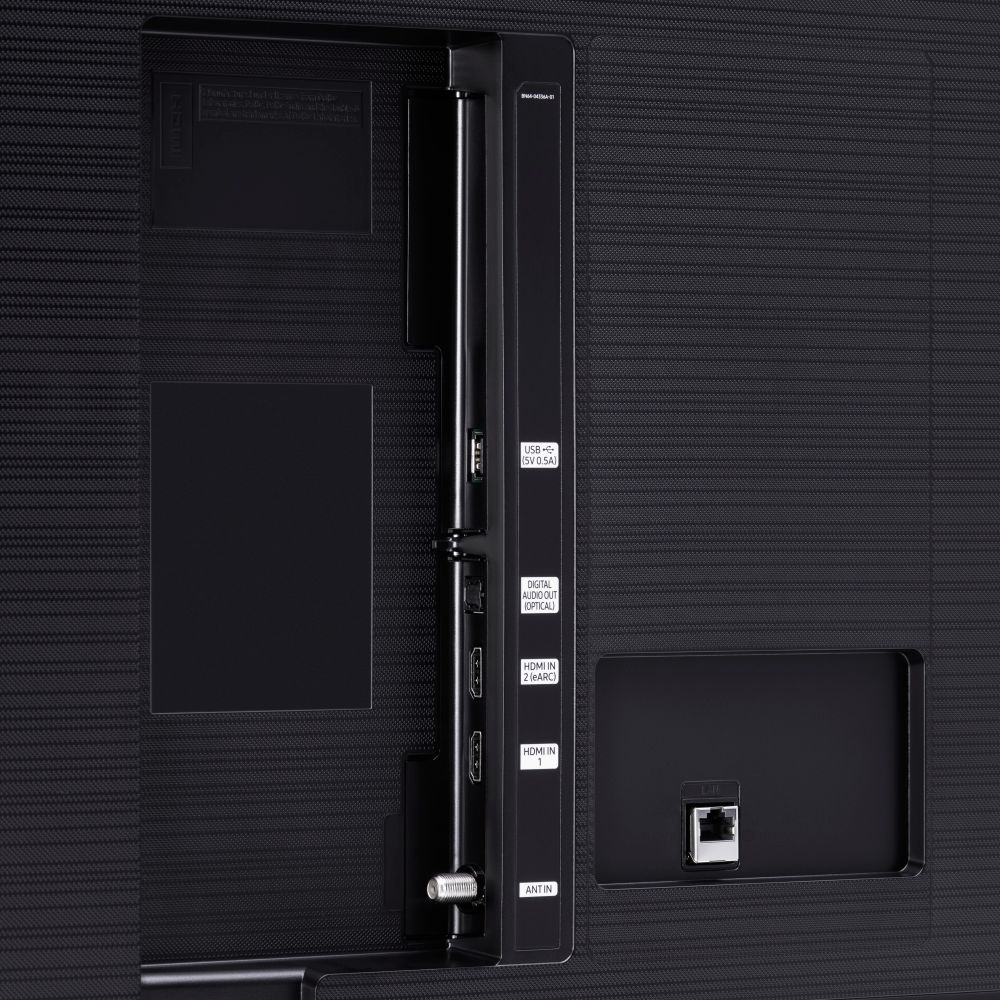
||Posted . Owned for 7 months when reviewed.This reviewer received promo considerations or sweepstakes entry for writing a review.Cheap tv. Optical audio connection was damaged. I didn’t notice for several months as never used it as I was connecting soundbar via Bluetooth. Called Samsung and they said physical damage was not covered.
No, I would not recommend this to a friendBrand response from Samsung
Posted .Hi RonP,
It’s unfortunate to hear about your experience with Samsung’s TU7000 TV. Samsung is committed to providing the best possible product experience, quality, and value. We back this Samsung TV with a 1-year limited manufacturer's warranty, including authorized repair for manufacturer defects, if purchased brand-new directly from an authorized seller.
You can see the full details of your warranty on Samsung's website. Go to Support (upper right corner) and select Warranty information. This will allow you to search for your product and view the full warranty details.
Please give us another call so we can troubleshoot this issue with you. Contact us at 1-800-SAMSUNG, 8 AM - 12 AM EST, seven days a week. Our LiveChat agents are also available by clicking on the ‘Support’ link on our website.
~ Samsung Advisor
Tv
||Posted . Owned for 2 weeks when reviewed.This reviewer received promo considerations or sweepstakes entry for writing a review.Unfortunately we ended up returning. We bought an open box tv and we’re told that nothing was wrong with it, just that it was too big for the mount for the people who had originally bought it. Once we turned it on, there was a huge black line down the middle of the tv. We ended up buying a different tv at Walmart.
No, I would not recommend this to a friend