Customer Ratings & Reviews
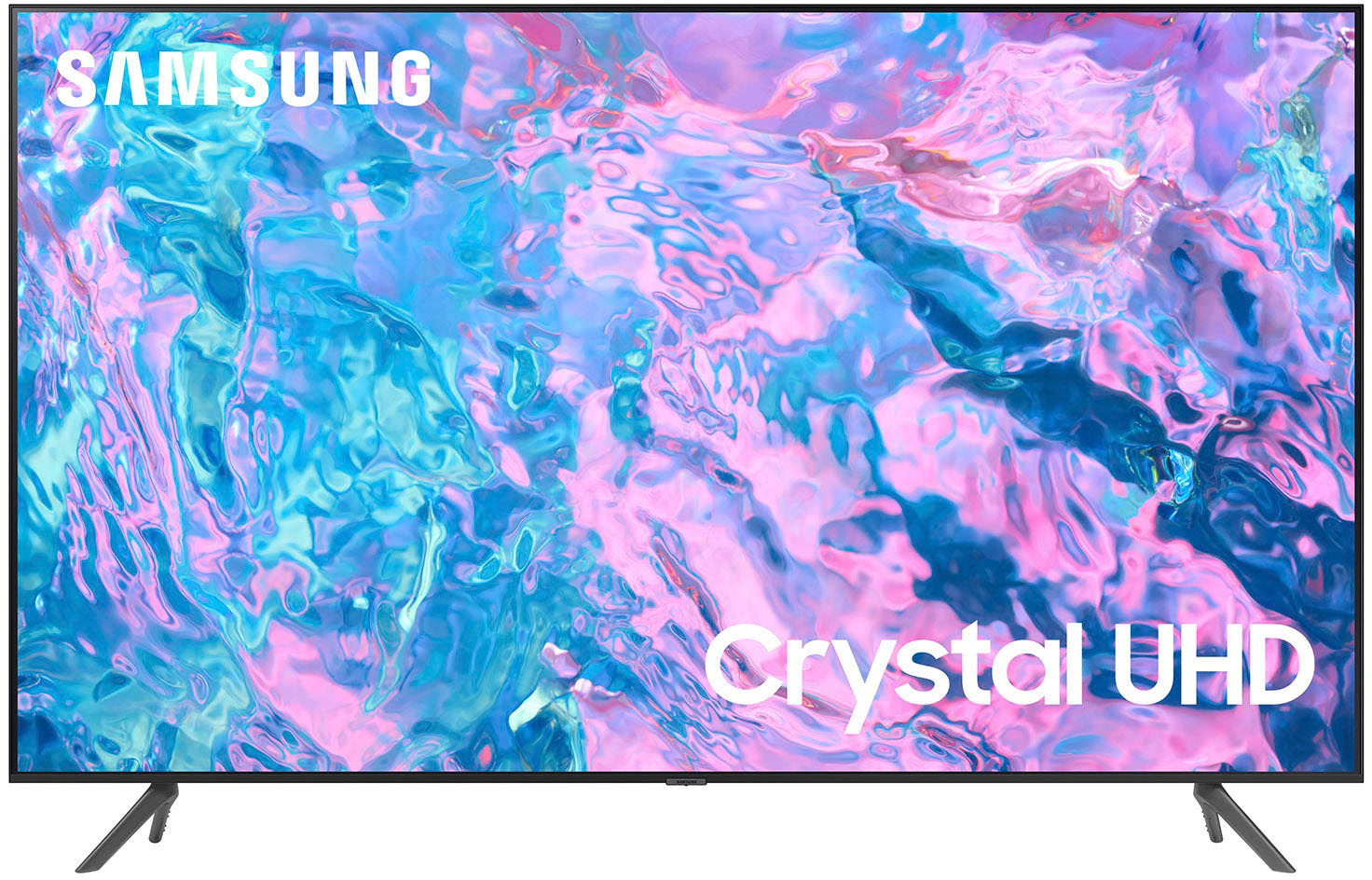
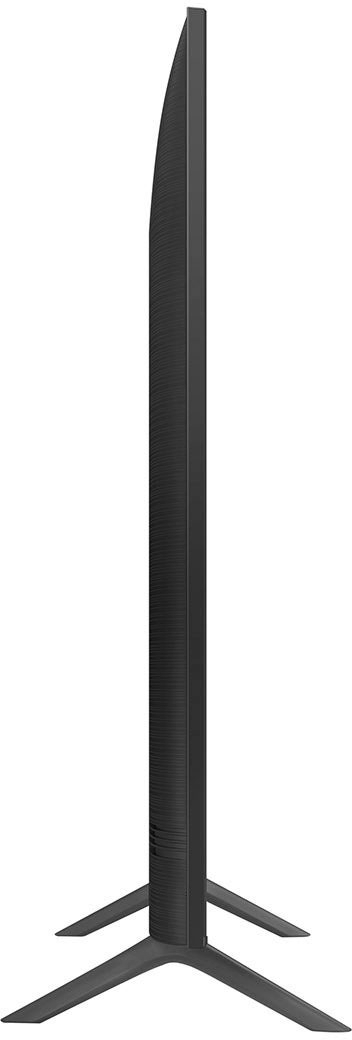



- Model:
- UN70CU7000FXZA
- SKU:
- 10362567
Rating by feature
- Picture Quality
Rating 4.8 out of 5 stars
- Sound Quality
Rating 4.5 out of 5 stars
- Brightness
Rating 4.8 out of 5 stars
to a friend
70in samsung
||Posted . Owned for 3 weeks when reviewed.This reviewer received promo considerations or sweepstakes entry for writing a review.Good 70 in TV. Like most, sound is not the best but easily connects to soundbar.
I would recommend this to a friendMr JMA
||Posted . Owned for 1 month when reviewed.This reviewer received promo considerations or sweepstakes entry for writing a review.What I expected, have owned Samsung for several years
I would recommend this to a friendGreat Tv.
||Posted . Owned for 3 months when reviewed.This reviewer received promo considerations or sweepstakes entry for writing a review.Samsung tv was worth the penny and I love it. It’s a smart tv, what more can you ask for.
I would recommend this to a friendMounting is an issue
||Posted . Owned for 3 weeks when reviewed.This reviewer received promo considerations or sweepstakes entry for writing a review.This TV has been a bear to mount on the wall. My mount came with 8mm bolts, but they were too small. I called Samsung customer service and after a 30 minute wait while they did their research, the technical support representative said, “Yes, this unit needs 8mm bolts. Knowing that was wrong info, I then went to Lowe’s to buy a larger size, and the next size available was 10mm. Too large. So back to Lowe’s to return those bolts. Since then I have ordered 9mm bolts which are coming from China, at which point I HOPE to be able to mount the TV, at which point I will know how it works. It seems at least to me, since the unit takes an irregular sized bolt, Samsung would have included ithem in the package. Well, fogetaboutit! Samsung could have done much better in this case.
No, I would not recommend this to a friendBrand response from Samsung
Posted .Hi CyberNut1,
Thank you for purchasing the Samsung CU7000 TV. We appreciate you sharing your experience with your TV installation.
Please know that we do not include wall mount screws because not every wall will require the same type of screw. Each customer’s mounting situation can be very different, requiring specific screws to ensure the best, most secure fit. A generic screw type included in the box might be inappropriate for a customer’s wall; the result could be the customer inadvertently mounting his TV insecurely.
For the CU7000 TV, you will need you will need 4 x M8 screws, 20-22mm length, and 1.25mm pitch. The 20-22mm listed is not the screw length. It’s the wall mount thread depth in the TV chassis.
Make sure to add the wall mount bracket thickness to the thread depth for minimum screw length. If you cannot find the fitting screws, you could use washers (supplied with the wall mount) to adjust the length.
If you need more help, Samsung is here for you. Please call us at 1-800-SAMSUNG, 8 AM - 12 AM EST, seven days a week. Our LiveChat agents are also available by clicking on the ‘Support’ link on our website.
~ Samsung Advisor
Not disappointed
||Posted . Owned for 3 weeks when reviewed.This reviewer received promo considerations or sweepstakes entry for writing a review.The TV is okay the software is not as fast as the better ones. Worth the money spent
I would recommend this to a friendNot enough hdmi ports
||Posted . Owned for less than 1 week when reviewed.This reviewer received promo considerations or sweepstakes entry for writing a review.Not enough hdmi ports. Very disappointing for this reason.
I would recommend this to a friendDamaged product
||Posted . Owned for 1 month when reviewed.This reviewer received promo considerations or sweepstakes entry for writing a review.I purchased open box with excellent condition. But it has sound and flickering issue and when I switch on for the first time. So multiple times need to off and on to work it properly. So I’m returning this product.
No, I would not recommend this to a friendNew Samsung 70" TV
||Posted . Owned for 1 month when reviewed.This reviewer received promo considerations or sweepstakes entry for writing a review.We love our new T.V. We have not experienced any issues with it.
I would recommend this to a friendSize and dimensions are more or less a 65 inch
||Posted . Owned for 1 month when reviewed.This reviewer received promo considerations or sweepstakes entry for writing a review.I would have purchased something else for sure , it’s so tiny on my wall for a 70inch. Always research before buying online, that’s my fault. The sound is mediocre and very low regardless of what settings you select. You will need a sound bar to make up for the sound quality.
No, I would not recommend this to a friendBrand response from Samsung
Posted .Hi PS5Digital,
We appreciate your feedback on the CU7000 TV. Please know it is industry standard to measure the TV diagonally when getting TV screen size.
Next, there are several volume features you can adjust, which may improve your audio experience.
1) Auto Volume automatically adjusts the sound to a certain level when changing channels or switching to another external input. Go to Settings > All Settings> Sound > Expert Settings > Auto Volume.
2) Adaptive Sound automatically adjusts to a specific volume level while watching TV. The TV analyzes your volume usage history by time period to automatically adjust the volume when you use an app or switch to an external input source. Go to Settings> All Settings> Sound> Sound Mode> Adaptive Sound.
3) Several Sound Modes are likewise available to meet your personal preferences: Home > Settings > All Settings> Sound > Sound Mode
Also, some sources have their own volume control, which might need to be set higher. Please check the volume control of the external device (cable box or satellite box, DVD, Blu-ray, etc.) connected to your TV. Also, check the cable connection between an external device and the TV and then try the cable connection again.
If you need more help, Samsung is here for you. Please call us at 1-800-SAMSUNG, 8 AM - 12 AM EST, seven days a week. Our LiveChat agents are also available by clicking on the ‘Support’ link on our website.
~ Samsung Advisor
Worth the money
||Posted . Owned for 1 month when reviewed.This reviewer received promo considerations or sweepstakes entry for writing a review.Decent tv but the system glitches out a bit from time to time. I like my few years older model a lot better as it always worked as it should, but my dog decided it looked yummy and chewed the corner of it.
I would recommend this to a friendBrand response from Samsung
Posted .Hi Jamesb5s4,
Thank you for sharing with us the issues you are experiencing with system glitches on your CU7000 TV. To ensure performance is fully optimized, please make sure your TV is running the latest firmware. To do so, go to Settings> Support> Software Update. You can easily update from there if necessary.
Next, I recommend utilizing the self-diagnostic tool, which checks memory, frees unused cached memory, and closes background apps. Go to Settings > Support > Device Care > Start Device Care.
If you continue to have issues, please call us at 1-800-SAMSUNG, 8 AM - 12 AM EST, seven days a week. LiveChat with an agent, as well as manuals, software, and warranty info, can be found at the ‘Support’ link on our Samsung website.
~ Samsung Advisor
TV screen
||Posted . Owned for 11 months when reviewed.This reviewer received promo considerations or sweepstakes entry for writing a review.After almost a year of having it we noticed white lines started to appear on screen when using it.
No, I would not recommend this to a friendOk ok tv
||Posted . Owned for 2 weeks when reviewed.This reviewer received promo considerations or sweepstakes entry for writing a review.Tv is good and good display. After 2 weeks its keep on disconnecting to Bluetooth and wifi. If this issue is not there then its a good item
I would recommend this to a friendBrand response from Samsung
Posted .Hi GR01,
Thank you for reaching out and letting us know about the issues you are experiencing with your Bluetooth and Wi-Fi disconnecting. Please ensure you are running the latest Firmware for the latest updates. Go to Settings> Support> Software Update.
Next, let's try running a cold boot on your TV. To do so, hold down the Power button on the Samsung TV remote until the TV turns off and then on again. This should take about 5 seconds.
I hope these tips help resolve your concerns. If you need more help, Samsung is here for you. Please call us at 1-800-SAMSUNG, 8 AM - 12 AM EST, seven days a week. Our LiveChat agents are also available by clicking on the ‘Support’ link on our website.
~ Samsung Advisor
Samsung 70
||Posted . Owned for 1 year when reviewed.This reviewer received promo considerations or sweepstakes entry for writing a review.Tv has great sound and color but it Stopped working after months. I was watching tv then went to use the bathroom, when I came back the tv was off. It was connected to a surge protector and my PlayStation was connected to the same power source and is still working.
No, I would not recommend this to a friendSAMSUNG70
||Posted . Owned for 7 months when reviewed.This reviewer received promo considerations or sweepstakes entry for writing a review.TV IS OK, HARD TO SEE IN DAY TIME, IT SHOWS DARK, TUBING WENT OUT WITHIN THE 1ST 2 WEEKS HAD TO CALL SAMSUNG TO COME OUT AND REPAIR, BUT IT HAS BEEN WORKING FINE SINCE.
I would recommend this to a friendBrand response from Samsung
Posted .Hi Tabbycat1,
Thank you for your purchase and feedback on the CU7000 TV. We appreciate your patience in having to deal with the hassle of having your TV serviced. If there’s anything we can ever help with, please call us at 1-800-SAMSUNG, 8 AM - 12 AM EST, seven days a week. Or visit us on the Samsung website and click on the ‘Support’ link for:
1) LiveChat
2) Manuals, Software, & Warranty Info
~ Samsung Advisor
Samsung tv 70”
||Posted . Owned for 7 months when reviewed.This reviewer received promo considerations or sweepstakes entry for writing a review.This TV picture quality is not as good as I had expected. But if you go into advanced settings you can at least get a decent picture. And the sound is poor. Definitely need a soundbar
No, I would not recommend this to a friendBrand response from Samsung
Posted .Hi Edmo,
We appreciate your feedback on the picture and sound quality of your CU7000 TV. Please know your review will be shared with our internal product teams.
You mentioned already adjusting the picture settings, but I wanted to ensure you knew about the settings available for audio.
You can change the Sound Mode by going to Settings > All Settings> Sound > Sound Mode.
You can also customize the sound with Expert Settings by going to Settings > All Settings> Sound > Expert Settings.
To assist you with possible sound settings adjustments for a better audio experience or choosing a Samsung Soundbar to complement your viewing enjoyment, please reach out to us at 1-800-SAMSUNG, 8 AM - 12 AM EST, seven days a week. Our LiveChat agents are also available by clicking on the ‘Support’ link on our website.
~ Samsung Advisor
Not Good
||Posted . Owned for 1.5 years when reviewed.This reviewer received promo considerations or sweepstakes entry for writing a review.This TV is a Piece of s&$t! Wasn’t in high use and didn’t last a year and half. The picture went out, and this thing was only use once or twice a week for a couple hours.
No, I would not recommend this to a friendI
Posted .This reviewer received promo considerations or sweepstakes entry for writing a review.I had high hopes for this product as Ive read great reviews. Unfortunately it was delivered damaged. Called customer service but thw rep told me to call back within the next 24 hours.
No, I would not recommend this to a friendBrand response from Samsung
Posted .Hi Michelle,
I'm very sorry to hear that your CU7000 TV arrived damaged. I recommend reaching out to the local Best Buy where you made your purchase. If you need help with a replacement TV, please reach out to Samsung Customer Support at 1-800-SAMSUNG, 8 AM - 12 AM EST, seven days a week. Our LiveChat agents are also available by clicking on the ‘Support’ link on our website.
~ Samsung Advisor
Poor picture quality
||Posted . Owned for 2 weeks when reviewed.This reviewer received promo considerations or sweepstakes entry for writing a review.The picture quality is very poor. I really thought I would have sharper pictures returned and got something else.
No, I would not recommend this to a friendBrand response from Samsung
Posted .Hi ZainabaliyuU,
I’m sorry to hear the picture quality of Samsung’s CU7000 TV did not meet your expectations. Your feedback is appreciated and will be shared with our internal teams. Please know that the CU8000 has multiple picture settings, such as Expert Settings and various Picture Modes, which could have been adjusted to your personal preferences.
Should you ever decide to give Samsung TVs another try and have questions or need help with settings, setup, or features, we would be glad to help. Call us at 1-800-SAMSUNG, 8 AM – 12 AM EST, seven days a week. LiveChat with an agent, as well as manuals, software, and warranty info, can be found at the ‘Support’ link on our Samsung website.
We hope to regain you as a customer in the future.
~ Samsung Advisor
Samnsung TV
||Posted . Owned for 1 month when reviewed.This reviewer received promo considerations or sweepstakes entry for writing a review.Excellent smart tv for a good price, but doesn’t have the correct stand legs I got two from the same side.
I would recommend this to a friendBad product, bad store.
||Posted . Owned for 3 months when reviewed.This reviewer received promo considerations or sweepstakes entry for writing a review.TV won't play Hulu and Netflix much of the time. Samsung says unplug it or hold the power button until it cycles. No help. Best Buy says since it's beyond 15 days they do nothing. I'd buy a Sony elsewhere.
No, I would not recommend this to a friend